
Ever feel like you're on a content treadmill that just keeps speeding up? The pressure to churn out high-quality, SEO-optimized content is relentless. It’s the key to driving organic traffic, but it’s also exhausting. Staring at a blank page, trying to come up with yet another brilliant angle, is enough to give anyone a headache.
AI writing tools showed up promising to be the solution, helping us beat writer's block and scale content production. The challenge is that many early AI writers produced generic content that lacked a human touch and struggled to rank. It fails to connect with human readers, and search engines are getting smarter about spotting it.

What is an SEO blog writing AI tool?
An SEO blog writing AI is a specialized tool that uses artificial intelligence to generate blog content designed to rank well in search engines. Think of it as a writing assistant that’s also an SEO expert.
These tools are built to understand search intent, structure content with proper headings and lists, and generate relevant text. Some even automatically add assets like images, videos, and data tables. The goal isn't just to write words, but to create a complete piece of content that's optimized for both traditional search engines (SEO) and the new wave of AI Answer Engines (AEO) like Google's AI Overview.
How we picked the best free tools
To cut through the noise, we set some ground rules for what made it onto this list. We wanted to make sure every tool we recommend is genuinely helpful, not just a gimmick with a "free" label.
- Output quality: The top priority was tools that produce well-researched, coherent content that sounds like a human wrote it. The less editing required, the better.
- Generous free plan: This was non-negotiable. The tool had to offer a functional free plan or trial that provides real, ongoing value, not just a five-minute demo that’s too limited to be useful.
- SEO feature set: We looked for AI with built-in features to help you optimize for search, whether that's keyword analysis, media integration, or proper content structuring.
- Ease of use: No one has time for a steep learning curve. The interface had to be intuitive, letting you go from a single idea to a full draft without pulling your hair out.
A comparison of the top free tools
Here’s a quick side-by-side look at the tools that made the cut.
| Tool | Best for | Key free features | Limitations of free plan |
|---|---|---|---|
| eesel AI blog writer | Generating publish-ready, SEO-optimized content | Complete blog posts with assets, Reddit/YouTube embeds, AEO optimization | Free to try, requires a paid plan for ongoing high-volume generation |
| HubSpot AI blog writer | Marketers in the HubSpot ecosystem | Blog outlines, drafts, and tone adjustment within Content Hub | Advanced generation features are in paid tiers |
| Copy.ai | All-around marketing copy and first drafts | 2,000 words in chat per month, access to all its tools | Word limits and fewer workflow credits on the free plan |
| RightBlogger | Quick drafts and testing blog topics | 2,000 words per month, access to 70+ AI tools | Advanced features like Autoblogging and unlimited words are paid |
| GravityWrite | All-in-one content and marketing tasks | 1,000 words per month, 1 free blog, 50+ templates | Limited words and credits; advanced features require upgrading |
| Narrato | Teams needing an end-to-end content workflow | AI topic ideas, first drafts, SEO content briefs | A 7-day free trial, not a permanently free plan |
| QuillBot | Simple paragraph and short content generation | Paragraph generation, paraphrasing, grammar checks | Word limits (e.g., 125 words for Paraphraser); not for full blog posts |
The 7 best SEO blog writing AI free tools
Now, let's dive into the details of each tool and what makes them stand out.
1. eesel AI blog writer
The eesel AI blog writer is built to do one thing and do it incredibly well: turn a single keyword into a complete, publish-ready blog post that’s ready to rank. It doesn’t just give you a wall of text. It produces a fully structured article complete with AI-generated images, relevant YouTube videos, real Reddit quotes, and both internal and external links. It's the perfect tool for content marketers who live and breathe organic traffic.
- Pros: It excels at creating content that feels genuinely human and is optimized for both traditional search engines (SEO) and modern AI Answer Engines (AEO). The automatic inclusion of assets and social proof from Reddit is a significant time-saver. Its context-aware research is another key advantage, automatically pulling things like pricing data for comparison posts or technical specs for product reviews.
- Cons: While you can try it for free, you'll need a paid plan for consistent, high-volume content production. Since it's a specialized blogging tool, it doesn't have hundreds of templates for other marketing formats like ad copy or social media captions.
- Pricing:
- Free Trial: Generate your first blog completely free and see the quality for yourself.
- Paid: Starts at $99 for 50 blog generations.
2. HubSpot AI blog writer
HubSpot’s AI blog writer is a handy feature baked right into its Content Hub. It's designed for marketers who already live in the HubSpot world. The "Breeze Copilot" feature helps you generate blog outlines and drafts, letting you edit and refine everything without ever leaving your HubSpot dashboard.
- Pros: Its primary advantage is the seamless integration with the HubSpot ecosystem. You can generate your content and immediately tap into HubSpot's in-depth analytics and marketing tools. The copilot makes it easy to rewrite sections and tweak the tone, keeping everything consistent with your brand voice.
- Cons: The free tools are great for getting a first draft down, but the more advanced content generation features are locked behind specialized tiers as your needs grow.
- Pricing:
- Free Tools: Basic AI blog drafting is available for free.
- Paid Plans: Premium features are part of paid plans like Starter, which begins at $15/seat/month.
3. Copy.ai
Copy.ai is a versatile GTM AI platform with a huge toolkit for almost any marketing task you can think of. For blogging, its free plan has a helpful guided workflow that walks you through generating a title, outline, and talking points before producing a solid first draft.
- Pros: Its flexibility is the main attraction. You can jump from writing a blog post to generating social media content, ad copy, or sales emails all in one place. The step-by-step blog post creator is a nice touch for anyone new to AI writers.
- Cons: The output is a good starting point, but it requires editing, formatting, and manual SEO optimization to get it ready for publishing. The free plan is limited to 2,000 words per month and doesn't automatically add or embed any media.
- Pricing:
- Free Plan: Includes 2,000 words in chat per month.
- Paid Plans: Start at $49/month for more words and features.
4. RightBlogger
Created by veteran blogger Ryan Robinson, RightBlogger is a suite of over 90 AI tools built specifically with bloggers in mind. Its free plan gives you a decent word count to play with, letting you generate article drafts and do some initial keyword research.
- Pros: The platform is easy to get the hang of and is all about blogging. It has a clean, easy-to-navigate interface and offers integrations with major platforms like WordPress, Webflow, and Ghost, which is a nice bonus.
- Cons: The free version stops you at 2,000 words per month. For unlimited words, long-form content generation, and features like Autoblogging, you’ll need a paid plan.
- Pricing:
- Free Plan: Includes 2,000 free words monthly.
- Lite Plan: Starts at $9.99/month (billed annually) for 10,000 words per month.
5. GravityWrite
GravityWrite offers a library of over 250 writing tools, with its AI Blog Writer as a key feature. It can generate long-form, SEO-friendly content and gives you options to customize keywords, tone, and even include AI-generated images.
- Pros: This platform is packed with features. You can create everything from blog posts to YouTube scripts. The ability to publish directly to WordPress is a handy feature that can save you a few clicks.
- Cons: With so many tools, the interface can be complex for new users. While it can add images, the media integration isn't as smooth as more specialized tools. The free plan is also quite restrictive.
- Pricing:
- Free Plan: Offers 1,000 words per month and 1 free blog.
- Plus Plan: Begins at $8/month (billed annually) for higher limits.
6. Narrato
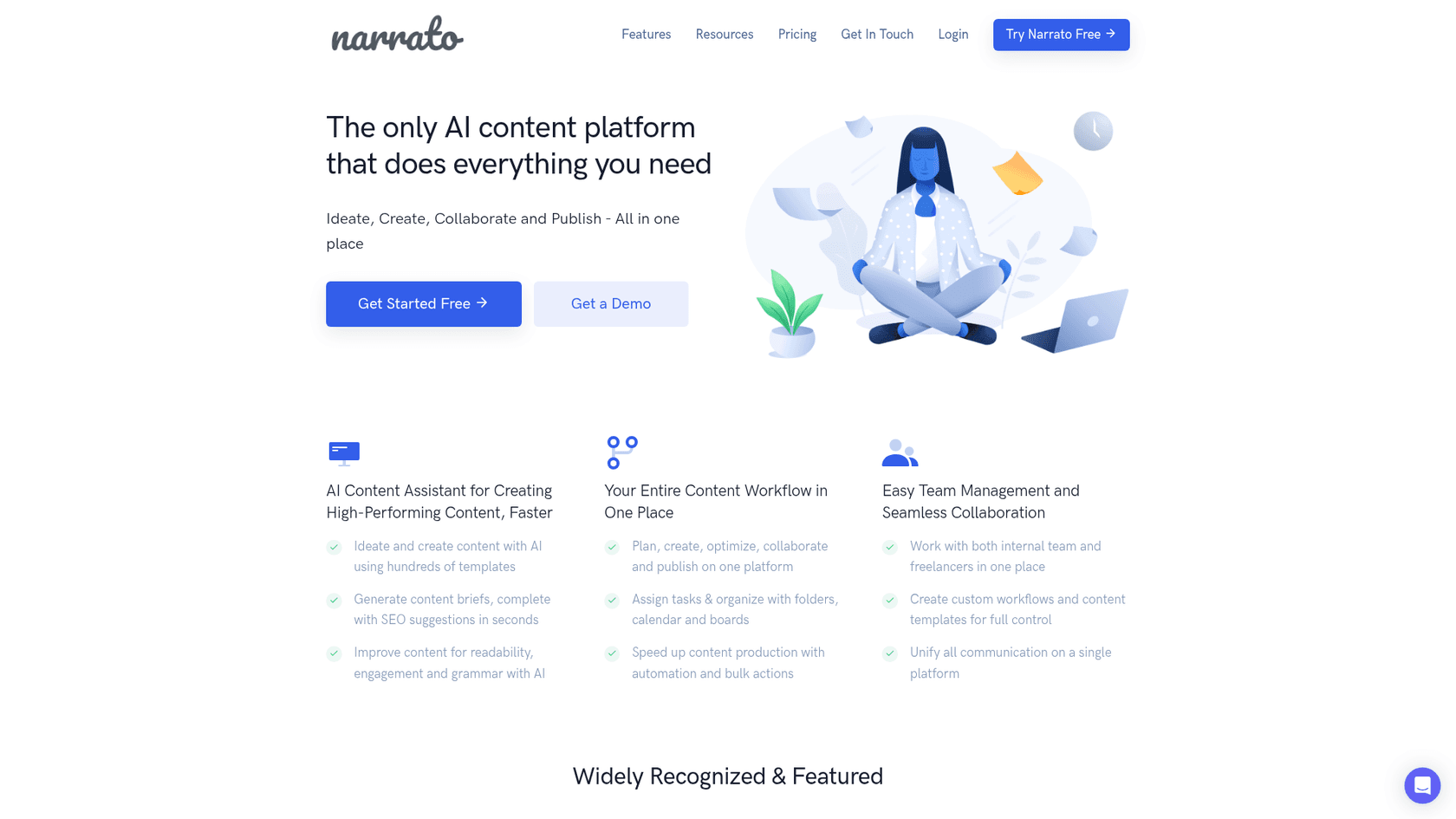
Narrato positions itself as a content workflow platform that uses AI to streamline the whole process, from brainstorming ideas to hitting publish. It has a strong emphasis on SEO, with built-in tools for keyword suggestions and creating content briefs.
- Pros: Narrato’s main strength is its focus on SEO. The AI-powered SEO content briefs are genuinely useful, providing data on keywords, common questions, and references to help you build an optimized article from the ground up.
- Cons: It's important to note that Narrato offers a 7-day trial, not a permanently free plan. It's also designed more for teams with structured workflows, which might be overkill if you're a solo blogger just looking to write faster.
- Pricing:
- Free Trial: A full-featured 7-day trial is available.
- Pro Plan: Starts at $36/month for the workspace, which includes 4 user seats.
7. QuillBot
QuillBot is mostly known for its paraphrasing and grammar-checking tools, but it also includes a free AI Writer. It works through a simple chat-style interface where you give it a prompt and it generates text, making it best for drafting shorter bits of content like paragraphs or introductions.
- Pros: The tool is very simple to use and is great for brainstorming or knocking out individual paragraphs when you're stuck. It plugs right into QuillBot's other free tools, like the Paraphraser and Summarizer, which creates a nice little writing ecosystem.
- Cons: It's not built to generate a complete, long-form blog post in one shot. The free plan also has a pretty strict 125-word limit for the Paraphraser, which can limit its usefulness for full articles.
- Pricing:
- Free Plan: Includes basic AI writing tools with word limits.
- Premium Plan: Starts at around $8.33/month (when billed annually) for unlimited words.
How to get the most from your free AI tool
Just having the tool isn't enough; you have to know how to use it right. Here are a few tips to get high-quality content without the frustration.
- Give it specific prompts: The more context you give the AI, the better the result will be. Don't just type "write about cats." Give it details about your topic, audience, and the specific angle you want to take. Tools that let you add your website URL or brand context, like the eesel AI blog writer, are even better because they pull that context automatically to produce more relevant content.
- You're still the editor: Treat the AI's output as a strong first draft. Your job is to be the final quality check. Fact-check everything, inject your brand's unique personality, and add personal stories or insights that an AI could never replicate.
This is what I do. I outline, have it do a first draft, edit it for a good period, and then add the 'me' to it.
- Use AI for the heavy lifting, not the thinking: Let the AI handle the foundational work: the initial research, outlining, structuring the post, and finding assets. This frees up your brainpower to focus on the high-level strategy, the creative angle, and the final polish that makes your content truly shine.

For those looking to see how these free tools can be integrated into a larger content strategy, the video above offers some practical tips on how to blog faster and more efficiently with AI assistance.
Choosing the right tool for your needs
At the end of the day, free AI blog writers are fantastic for getting ideas out of your head and onto the page. But as we've seen, the best tools do more than just write. They help you create content that's properly structured for readers and well-optimized for search engines from the start.
While many of the free options on this list produce decent first drafts, they often leave you with a lot of manual work to get them publish-ready. You still have to find images, embed videos, add links, and spend time formatting everything.
This is where you can evaluate the trade-off between manual effort and the features of different tools. If you're ready to skip the manual work and go straight from a keyword to a complete, media-rich article designed to rank, it might be time to try a tool that handles the whole process for you.
Ready to go from keyword to publish-ready blog post in minutes? Try the eesel AI blog writer for free.





