A complete guide to the page speed impact on SEO

Katelin Teen
Katelin Teen
Last edited February 1, 2026
We’ve all been there. You click a link, and you wait. And wait. And then you probably give up and hit the back button. That frustrating little delay isn't just an annoyance for you; it's a huge red flag for search engines.
Page speed is a massive piece of the modern SEO puzzle. It has a huge say in your user experience, conversion rates, and, most importantly, your Google rankings. This guide will break down exactly what page speed is, how Google actually measures it, the direct and indirect ways it affects your SEO, and what you can do about it.

Understanding the fundamentals of page speed and SEO
Let's clear something up first. Page speed is simply the time it takes for all the content on a specific URL to show up for a user. It often gets confused with "site speed," which is more of an average across your whole website.
Why does this difference matter? Because Google ranks pages, not just sites. You could have a blazing-fast homepage, but if a key product page takes forever to load, that single page's ranking will suffer.
Largest Contentful Paint (LCP)
Largest Contentful Paint (LCP) measures how long it takes for the biggest piece of content on the page, like a hero image or the main heading, to become visible. It's that moment when a user feels like the page is actually loading something useful.
According to Google, a good LCP score is 2.5 seconds or less from when the page first starts loading. Anything faster tells your visitors that the good stuff is coming right up.
Interaction to Next Paint (INP)
Interaction to Next Paint (INP) is all about responsiveness. It measures the delay between a user's action (like a click, tap, or keypress) and the moment they see a visual response on the screen. This metric officially replaced First Input Delay (FID) in March 2024 because it gives a much better picture of a page's overall interactivity.
A low INP makes your page feel snappy and alive. To keep users happy, Google says pages should have an INP of 200 milliseconds or less (as recommended by Google).
Cumulative Layout Shift (CLS)
Ever tried to click a button, only for it to jump out of the way at the last second because an ad loaded above it? That’s layout shift, and it’s incredibly annoying. Cumulative Layout Shift (CLS) measures the visual stability of a page, quantifying how much the content unexpectedly moves around as it loads.
To ensure a smooth, predictable experience, Google advises keeping your CLS score less than 0.1 (source).
The direct impact of page speed on SEO rankings
So, does Google actually care about these numbers? You bet it does.
Page experience, which is heavily influenced by Core Web Vitals, has been a direct ranking factor since Google's Page Experience update started rolling out back in May 2021.
Of course, having relevant, high-quality content is still the most important thing. But when two pages offer similar content, Google's systems will give the edge to the one with a better page experience. The faster page with solid Core Web Vitals is more likely to rank higher. It's as simple as that.
And don't forget about mobile-first indexing. Google primarily uses the mobile version of your site to determine its rankings. This means a slow, clunky mobile experience will directly torpedo your visibility across all devices, even desktop.
Passing the Core Web Vitals assessment isn't just a vanity metric; it’s a real competitive advantage, especially when you're fighting for space in a crowded search results page.
Indirect ways page speed affects your site
Beyond the direct ranking signal, page speed has a ripple effect that influences user behavior. And guess what? Google pays very close attention to those behavioral signals to figure out if your page is any good.
User experience and engagement signals
When users bounce quickly, spend less time on your page (low dwell time), and visit fewer pages per session, it sends a strong message to search engines: this page isn't helpful. Over time, these poor engagement metrics can drag your rankings down because Google will assume your content isn't satisfying what searchers are looking for.
Crawl budget and indexing
Ever heard of "crawl budget"? It’s basically the number of pages Googlebot is willing and able to crawl on your site in a certain amount of time.
If your server is slow to respond (a high Time to First Byte), Google's crawlers are left waiting around. This wastes your crawl budget. For large sites with thousands of pages, this is a huge problem. It can mean that your new blog posts or updated product pages get indexed much more slowly, or sometimes not at all. A faster site allows Googlebot to crawl more efficiently, ensuring your fresh content gets seen and ranked sooner.
Conversion rates and revenue
At the end of the day, SEO is about driving business goals. A slow site doesn't just hurt your rankings; it hits your wallet.
Think about it from a user's perspective. A slow, glitchy checkout process doesn't exactly inspire confidence. This isn't just theory, either. Vodafone saw an 8% increase in sales after improving its LCP score by 31%, proving a direct link between page speed and revenue. Faster pages lead to happier customers, and happier customers are more likely to convert.
How to diagnose and improve page speed
Alright, enough with the doom and gloom. Let's talk about how you can actually figure out what's slowing your site down and what to do about it.
Tools for checking page speed
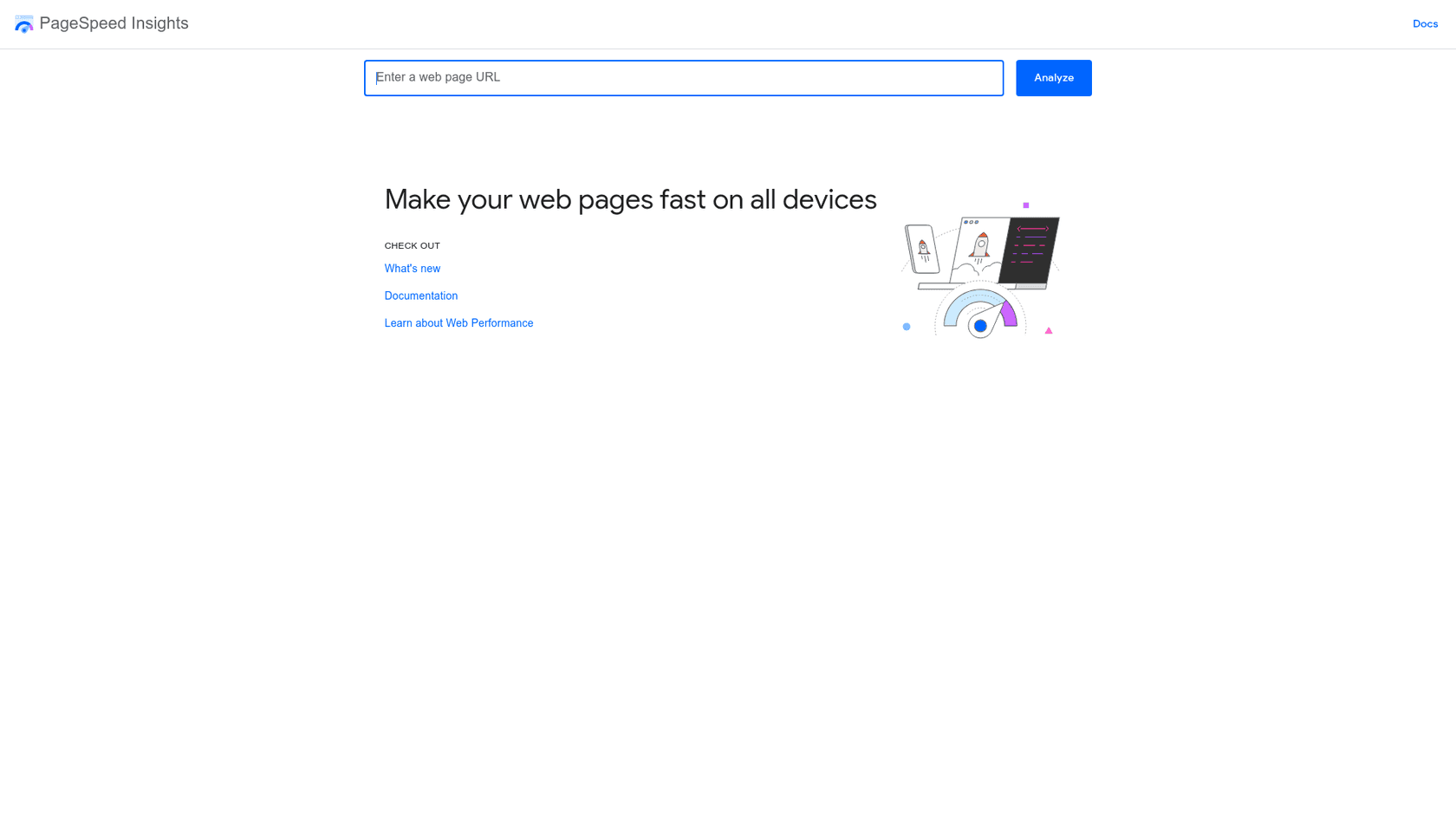
When you get your report, you’ll see two types of data, and it's important to know the difference:
- Field Data: This is real-world performance data collected from actual users through the Chrome User Experience Report (CrUX). This is the gold standard because it reflects what your audience truly experiences.
- Lab Data: This is a simulated test run in a controlled environment using a tool called Lighthouse. It’s fantastic for debugging and seeing the immediate impact of your changes, but it can sometimes differ from your field data.
For a deeper dive, you can also check out tools like GTmetrix and WebPageTest, which offer more granular technical analysis.
Common culprits of slow page speed
While every site is different, poor performance usually boils down to a few usual suspects:
- Unoptimized images: Huge image files are one of the biggest and most common reasons for a slow LCP.
- Render-blocking resources: This is just a fancy way of saying you have too much JavaScript and CSS that needs to load before anything else can be shown on the screen.
- Slow server response time: Your web hosting might be the problem. A cheap, shared hosting plan can lead to a high Time to First Byte (TTFB).
- Too many third-party scripts: Every analytics tool, ad network, chatbot, or social media widget you add to your site can add bloat and slow things down.
- Large DOM size: A super complex HTML structure forces the browser to work harder to render the page, which can impact rendering time and responsiveness.
Key strategies for optimizing page speed
Fixing these issues can get technical, but here are the key strategies you'll want to look into:
- Compress your images and use modern, efficient formats like WebP.
- Minify your HTML, CSS, and JavaScript files to strip out unnecessary characters and reduce their size.
- Use browser caching so repeat visitors don't have to re-download everything on your site.
- Set up a Content Delivery Network (CDN) to serve your files from servers located closer to your users.
- Defer the loading of non-critical CSS and JavaScript so the important stuff can load first.
For a more detailed breakdown, it can be helpful to see how experts in the field approach the topic. The video below from Brian Dean offers a data-driven perspective on how page speed actually influences rankings based on real-world experiments.
A proactive approach to managing page speed
Constantly fixing speed issues can feel like a never-ending game of whack-a-mole. The most efficient strategy is to prevent them from happening in the first place by creating well-structured, optimized content from the get-go.
This is where a tool like the eesel AI blog writer comes in. It's designed to generate complete, publish-ready blog posts that are built with SEO and performance in mind from the very first draft.
Here’s how it helps you sidestep those common speed traps:
- Optimized Assets: It automatically generates and embeds web-ready images and infographics. This saves you the hassle of manually compressing and formatting visuals, a step that's easy to forget but critical for speed.
- Clean Structure: The AI builds your content with a proper heading hierarchy (H2s, H3s). This isn't just good for SEO; it also helps browsers render your pages more efficiently.
- Streamlined Workflow: By producing a complete article with text and visuals ready to go, it slashes the technical overhead of publishing content. This is the exact approach that helped us at eesel AI grow our own blog from 700 to 750,000 daily impressions in just three months.
Balancing speed and substance for SEO
The undeniable impact on SEO is undeniable. It affects your direct rankings through Core Web Vitals and sends powerful indirect signals through user engagement and conversions.
Essentially they say its more like a tie breaker than anything else, it doesn't make sense to rank fast websites above slow ones if the slow one has more relevant content to the search query. If the content is equally as good then speed can come into play.

But remember, speed isn't a silver bullet. A lightning-fast website with thin, unhelpful content isn't going to rank. The real goal is a holistic approach: create valuable, relevant content that also loads in the blink of an eye. Nail that combination, and you'll create a page experience that both users and search engines will love.
Ready to scale your content creation without the technical overhead? Try the eesel AI blog writer for free and generate your first SEO-optimized article in minutes.

Frequently Asked Questions
Share this article

Article by
Katelin Teen
Katelin is an operations specialist at eesel where she uses her psychology training and education experience to optimize B2B SaaS processes. Outside of work, she unwinds with story-driven games, writing, and keeping up with latest tech innovations.