How to use AI to write blog posts: A practical guide

Stevia Putri

Katelin Teen
Last edited January 9, 2026

Let's face it, AI has completely shaken up content creation. The conversation isn't about if you should use AI anymore, but how you can use it to create good content that people actually want to read.
Too many people hit "generate" and get a wall of generic text that just doesn't rank. It's what some call "AI slop", content that is technically correct but lacks a human touch and can risk violating Google's spam policies.
This guide gives you a straightforward, human-first way to use AI as a partner. The goal is to create great content at scale, not just more content. We'll walk through a process that lets AI do the heavy lifting so you can focus on creativity, using tools like the eesel AI blog writer that are designed for exactly this.

What AI-assisted writing really means
AI-assisted writing is about helping you, not replacing you. It's not about pushing a button and getting a perfect article. It’s about having a tool that helps you get the job done better and faster.
Remember the old way? Staring at a blank page, digging through research for hours, and slowly building a first draft. With AI, that process changes. You get a brainstorming buddy, an outline creator, and a first-draft assistant all in one.
This lets you skip the most tedious parts of writing. Instead of getting bogged down in structure, you can spend your time on things only a human can do: crafting a smart content strategy, adding your brand's voice, sharing real stories, and getting creative. This is exactly what Google wants to see: high-quality, people-first content, regardless of the tools used to create it.
A step-by-step process for writing blog posts with AI
A structured process is the secret to creating high-quality content at scale. It’s how you avoid the common pitfalls of AI writing and ensure every piece you publish is valuable, engaging, and optimized to rank.
Step 1: Start with a human strategy
AI is a great tool, but it can't read your mind or figure out your business goals. That's on you. Every solid piece of content begins with a human strategy.
Keyword research For keyword research, it's best to rely on dedicated SEO tools. While LLMs can be helpful for brainstorming, they typically aren't connected to live search data, as noted by SEO professionals on forums like Reddit. This means they might provide estimated search volumes or difficulty scores rather than precise data.
An 'AI' writers will simply take a search query you specify. Download the text of the top 10 results. Text mine the results and find common words. Use the most popular semantic linking profile. Write the first iteration of text and then paraphrase.

Use the right tools To get accurate numbers, you need a proper SEO tool. Something like the Semrush Keyword Research toolkit will give you keywords with real search volume and a clear idea of how competitive they are. After you've picked your keyword, then you can use AI to brainstorm some angles or topic ideas.
Define your audience and their intent Before you write anything, figure out who you're talking to and what they want. Are they just looking for information? Trying to buy something? This context is what you'll feed the AI to make sure it generates something relevant.
Step 2: Generate outlines and a first draft
Here’s where AI really starts to save you time. Once you have your keyword, audience, and intent figured out, you can ask an AI to whip up a detailed outline.
The quality of what you get out depends on what you put in. A lazy prompt like "write a blog about AI" will get you a boring, generic outline. But a specific prompt with your target keyword, audience details, and a preferred structure will give you a much better starting point.
After you have the outline, just ask the AI to expand on each section. This gets you past the "blank page" hurdle and gives you a decent first draft in minutes. You've just cut out hours of structuring and initial writing.
Step 3: Add the human touch
Please, don't skip this step. Publishing raw AI text is a huge mistake. It leads to low-quality content that nobody wants to read and that won't rank.
Fact-check everything AI models can sometimes generate incorrect information, including facts, stats, or sources. You have to check every claim to make sure it's accurate. Your brand's credibility is on the line.
Add your brand voice By default, AI text is bland. It's designed to be average. Your job is to go in and rewrite it to sound like your brand. This is how you make your content stand out from all the other robotic-sounding articles out there.
Show your E-E-A-T This is about following Google's E-E-A-T guidelines, which stands for Experience, Expertise, Authoritativeness, and Trust. You do this by adding things an AI can't. Tell a personal story, quote an expert, or share data from your own research. This is what gives your reader real value.
Step 4: Add rich media
Nobody wants to read a giant wall of text. Your blog post needs visuals to be engaging and easy to digest.
A common challenge with many AI writers is that they primarily generate text. This means the user still needs to manually find or create images, build tables, and find relevant videos, which can slow down the publishing process.
From keyword to publish-ready post with the eesel AI blog writer
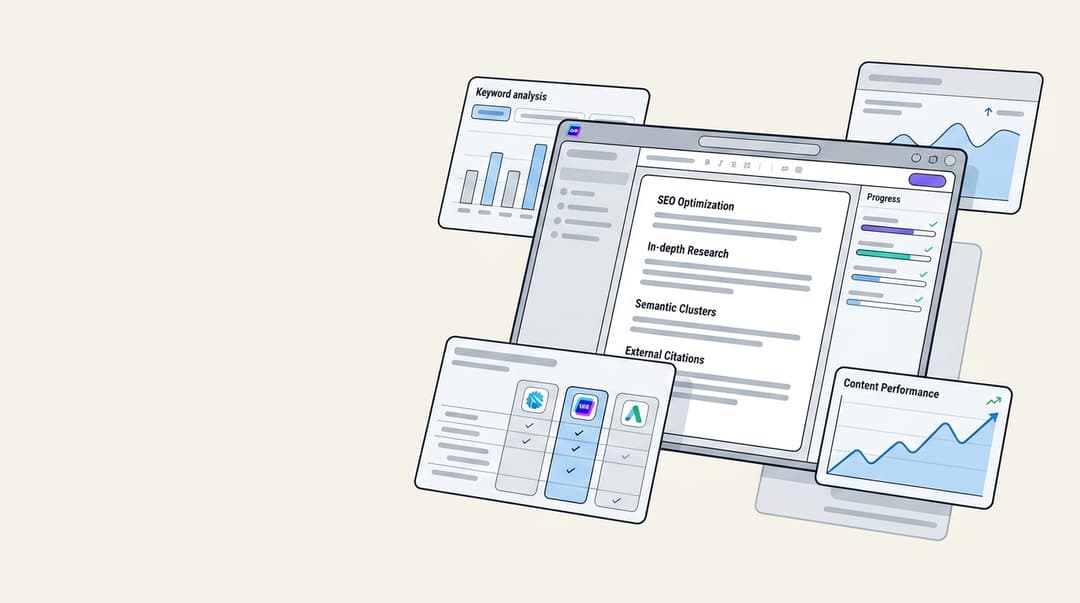
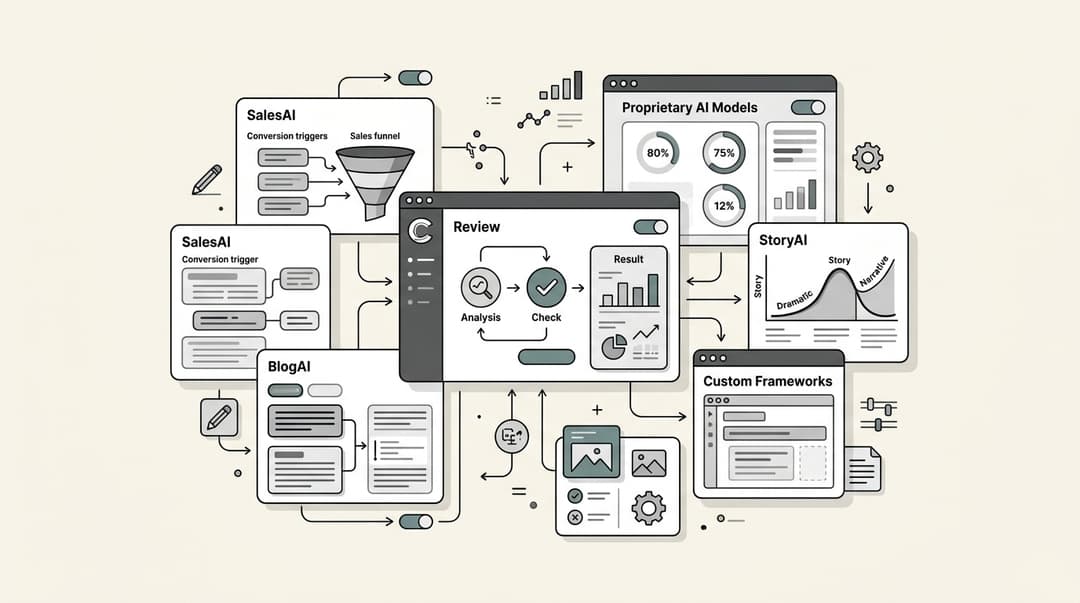
This is where a specialized tool can make a significant difference. The eesel AI blog writer is designed to handle this entire process, addressing the challenges that can come with more general AI tools. It doesn't just give you a text draft; it generates a complete, SEO-friendly blog post with all the parts you need.
We built it for ourselves and used it to grow our daily search impressions at eesel AI from 700 to over 750,000 in just three months by publishing over 1,000 blogs.
A few things that make it work so well:
- It does the research for you: The eesel AI blog writer automatically finds relevant, up-to-date info. If you're writing a comparison, it pulls pricing. For a product review, it finds the specs.
- It creates assets automatically: It fixes the rich media problem by making images, infographics, and tables for you, right inside the post. You get a finished article, not a text file.
- It pulls in social proof: To make your content more trustworthy, it embeds relevant YouTube videos and finds real quotes from Reddit threads. This grounds your article in actual conversations.
I work at eesel AI, and our whole approach with our AI blog writer is to avoid that exact problem. Instead of just scraping the SERPs, it can pull context from a specific URL you give it. This means it can learn a company's actual brand voice, product details, and unique perspective, rather than just regurgitating what's already out there.
You can generate your first blog for free to check out the quality. The paid plan is just $99 for 50 blog posts, so it's an affordable way to scale up your content.
The dos and don'ts of AI blog writing
Here’s a quick rundown of what to keep in mind as you start using AI in your workflow.
| Do | Don't |
|---|---|
| Use AI to brainstorm ideas and get a first draft going. | Publish raw, unedited AI text. Ever. |
| Fact-check every stat, claim, and source. | Trust AI with sensitive topics that need real expertise. |
| Edit heavily to add your brand's voice and unique insights. | Use AI to pump out low-quality, scaled content to try and cheat the system. |
| Let AI handle boring tasks like writing meta descriptions. | Assume what the AI writes is factually correct or original. |
| Work with AI like it's a helpful assistant. | Treat AI as a replacement for human writers. |
The main thing to remember is Google's guiding principle: make "content for people first." If your AI-assisted content is genuinely helpful, original, and trustworthy, you're on the right track.
For a visual walkthrough of these concepts, check out this video which breaks down how to use AI effectively for SEO-driven content.
Collaboration, not automation
AI is a powerful assistant, but it’s not an autopilot. You can't just set it and forget it.
The best results come from a partnership where a human strategy directs the AI's work. The idea is to give your team a boost, helping them create better content faster, not to replace them. The right tool can change your entire workflow, letting you scale content that actually ranks, engages readers, and provides real value.
Ready to see what a purpose-built AI blog writer can do for you? Generate your first post for free with the eesel AI blog writer and see how quickly you can go from a keyword to a finished article.

Frequently Asked Questions
Share this article

Article by
Stevia Putri
Stevia Putri is a marketing generalist at eesel AI, where she helps turn powerful AI tools into stories that resonate. She’s driven by curiosity, clarity, and the human side of technology.