Copy.ai vs Grammarly: Which AI writing tool is right for you?

Katelin Teen
Katelin Teen
Last edited January 18, 2026
Trying to pick the right AI writing tool can feel overwhelming, with many options available. Two of the biggest names you’ll come across are Copy.ai and Grammarly, but they’re built for completely different jobs.
Here’s a simple way to think about it: Copy.ai helps you generate new ideas and drafts from a blank page. Grammarly is the editor that comes in after to polish your words. This often means writers find themselves using both tools, jumping from one app to the other. You write something in one place, then copy and paste it into another to check for mistakes. It's a multi-step process that can be time-consuming and risks losing the original context.
I'm thinking Grammarly, copy. ai, Jasper, Ryter, Rword, Quillbot etc ALL IN ONE. If you had an application with all of the best features of each in one, it would be mind blowing.

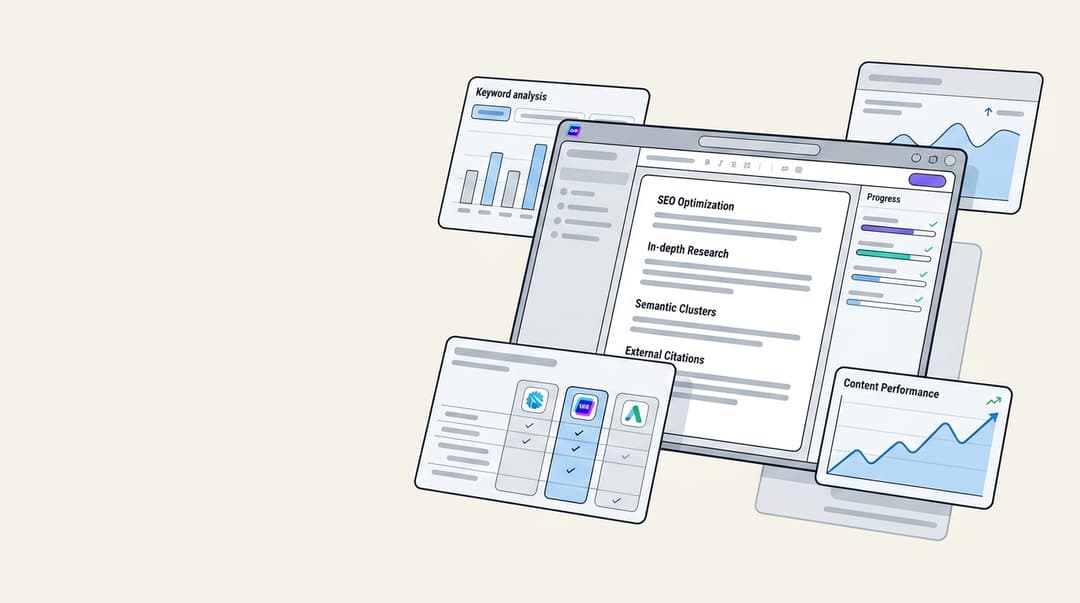
A single platform that takes you from a simple keyword to a finished, polished article can make a real difference. An AI content generation platform like the eesel AI blog writer is designed to solve this exact problem by rolling research, writing, and editing into one smooth workflow.
What is Copy.ai?
Copy.ai is a generative AI platform built for creating content. It’s a useful tool when you’re looking at a blank page and need a creative spark. You give it a prompt, and it can generate all sorts of marketing copy, such as social media posts, Google ads, email newsletters, product descriptions, and even the first draft of a blog post.
It's a great tool for getting past writer's block. With a large library of templates, you can quickly generate a bunch of different angles or ideas for a topic. Its primary focus is on getting those initial words on the page quickly.
What is Grammarly?
Grammarly is an AI-powered writing assistant. It’s not designed to create content for you; it’s there to make the content you’ve already written much better. It functions as an advanced proofreader that checks your work as you type.
Its main job is catching everything from simple spelling and grammar mistakes to more complex issues with clarity, style, and tone. You might think your sentence is perfectly fine, but Grammarly will provide suggestions for a more concise or confident way to say it. It’s the tool that polishes your writing and helps you sound professional and clear.
Feature breakdown: Copy.ai vs Grammarly
Content generation
This is Copy.ai's core strength. Its main purpose is to generate new content. You can feed it a simple idea like "write a blog post about the benefits of remote work," and it will produce a full-length draft. It is well-suited for marketers who need to create a high volume of content and just need a solid starting point.
Grammarly, on the other hand, has a feature called GrammarlyGO that can generate short bits of text, rewrite sentences, or brainstorm ideas. But it's not designed to create entire articles from a single prompt. Its generative features are more for helping with the text you're already working on, not for creating it from scratch.
Editing and style
This is where Grammarly's features are more comprehensive. It offers deep, context-aware checks that go way beyond a basic spell-checker. It analyzes your tone, suggests stylistic improvements, and makes sure your writing is clear and consistent.
Copy.ai has some basic editing features, but it's not its specialty. Its editing capabilities are not as robust for final proofreading of important documents compared to specialized tools.
Workflow
The typical workflow for many writers involves using these two tools one after the other. You start in Copy.ai to generate a draft, then you copy that text and paste it into Google Docs or another editor where the Grammarly extension can do its thing. This can be a multi-step process.
Here’s a quick table to sum things up:
| Feature | Copy.ai | Grammarly |
|---|---|---|
| Primary Function | Content Generation | Content Editing & Polishing |
| Long-Form Content | Yes, core feature | Limited (via GrammarlyGO) |
| Grammar & Spelling | Basic checks | Advanced, context-aware |
| Tone & Style Analysis | Tone of voice inputs | Real-time tone detector |
| Plagiarism Checker | Yes (paid plans) | Yes (paid plans) |
| Integrations | API access | Browser extensions, desktop apps |
Who should use Copy.ai vs Grammarly?
The best tool for you really comes down to what you spend most of your day doing. Are you mainly a creator or a polisher?
Who should use Copy.ai?
- Target Audience: Content marketers, social media managers, copywriters, and entrepreneurs who need to produce a lot of content quickly.
- Use Cases: Perfect for generating initial blog post drafts, creating a dozen different versions of ad copy to test, writing catchy product descriptions, or just brainstorming marketing ideas when you feel stuck.
ChatGPT. I only do specific things with it — meta descriptions, socials/LinkedIn ballast, rough article outlines. ... It cannot do heads and subs, plays-on-words or any kind of linguistic sleight of hand. Ie the actually creative stuff. It sometimes has a good go but it’s never very smart or original (obviously).
Who should use Grammarly?
- Target Audience: Students, academics, business professionals, authors, and pretty much anyone who writes and needs to make sure their work is error-free and professional.
- Use Cases: Ideal for proofreading important emails and reports, editing academic papers to meet strict standards, maintaining a consistent brand voice across a team, and generally improving the clarity of your writing.
Moving beyond the Copy.ai vs Grammarly workflow
Using one tool to create and another to edit reveals a common challenge in modern content workflows. This disconnected process can impact efficiency. Every time you switch apps, you lose a bit of momentum and context. Content generated by AI tools sometimes requires additional editing to align with a specific brand's voice and personality.
This fragmentation is why so many teams are looking for a single platform that can handle the entire content lifecycle, from the initial idea all the way to the final, publish-ready piece.
eesel AI blog writer: A unified alternative

Here’s what makes it different:
- Context-Aware Research: It doesn't just write based on a prompt; it does research for you. The tool automatically pulls in relevant data, finds real quotes from Reddit forums to add social proof, and even embeds relevant YouTube videos.
- Complete Assets Included: It goes way beyond just text. You get a fully structured blog post complete with tables, infographics, and AI-generated images, so you have a complete content package ready to go.
- Genuinely Human Tone: It’s been engineered to avoid a robotic AI sound. By learning from your website's existing content, it generates articles that actually sound like they came from your brand.
- SEO & AEO Optimized: The content is structured to rank in traditional search engines and is also optimized for AI answer engines like Google AI Overview and Perplexity, which is becoming more important every day.
We used this exact platform to grow our own organic impressions from 700 to 750,000 per day in just three months. It’s built for teams that want to scale high-quality content efficiently.
Pricing comparison: Copy.ai vs Grammarly
Pricing can change, so it’s always a good idea to check the official websites for the most current info. But here’s a general breakdown of what to expect.
Copy.ai pricing
Copy.ai usually offers a few tiers:
- Free: A limited plan for you to test out the features, often with a cap on words per month.
- Pro: Aimed at individuals, this plan typically offers unlimited words and access to all the latest features for a monthly fee.
- Team: For multiple users, this plan adds collaboration features and is priced per seat.
- Enterprise: Custom pricing for larger organizations needing advanced features and security.
Grammarly pricing
Grammarly's pricing is structured in a similar way:
- Free: Offers basic grammar, spelling, and punctuation checks. It's great for catching common errors.
- Premium: For individuals, this plan unlocks advanced features like style and tone suggestions, clarity improvements, and a plagiarism checker.
- Business: Designed for teams, this plan includes everything in Premium plus features like a style guide, analytics, and centralized billing.
Making the right choice
So, which tool is better? It’s not about one being better than the other; it’s about what you need.
Choose Copy.ai if your biggest challenge is generating ideas and first drafts at scale. It’s a creation engine. Choose Grammarly if your main priority is ensuring that your existing writing is flawless, professional, and clear. It’s a polishing tool.
However, if you're looking to consolidate tools and streamline your entire content process, a unified platform can be a more efficient path forward. For those who prefer a visual breakdown, this video offers a helpful comparison of how Grammarly stacks up against other AI tools in the market.
For teams looking to scale high-quality, SEO-optimized content efficiently, a single solution can be a productive path forward.
Streamlining content creation with eesel AI
Why not move beyond the fragmented writer-editor workflow? You can experience a seamless, all-in-one solution by trying the eesel AI blog writer for free. See for yourself how it can turn a single keyword into a complete, polished article that’s ready to publish in minutes.

Frequently Asked Questions
Share this article

Article by
Katelin Teen
Katelin is an operations specialist at eesel where she uses her psychology training and education experience to optimize B2B SaaS processes. Outside of work, she unwinds with story-driven games, writing, and keeping up with latest tech innovations.