CloudTalk real-time assist: A complete guide for 2026

Stevia Putri
Last edited March 12, 2026
Sales and support teams live and die by their ability to have productive conversations. But keeping track of what was said, how the customer felt, and what needs to happen next is exhausting work. CloudTalk offers one solution to this problem.
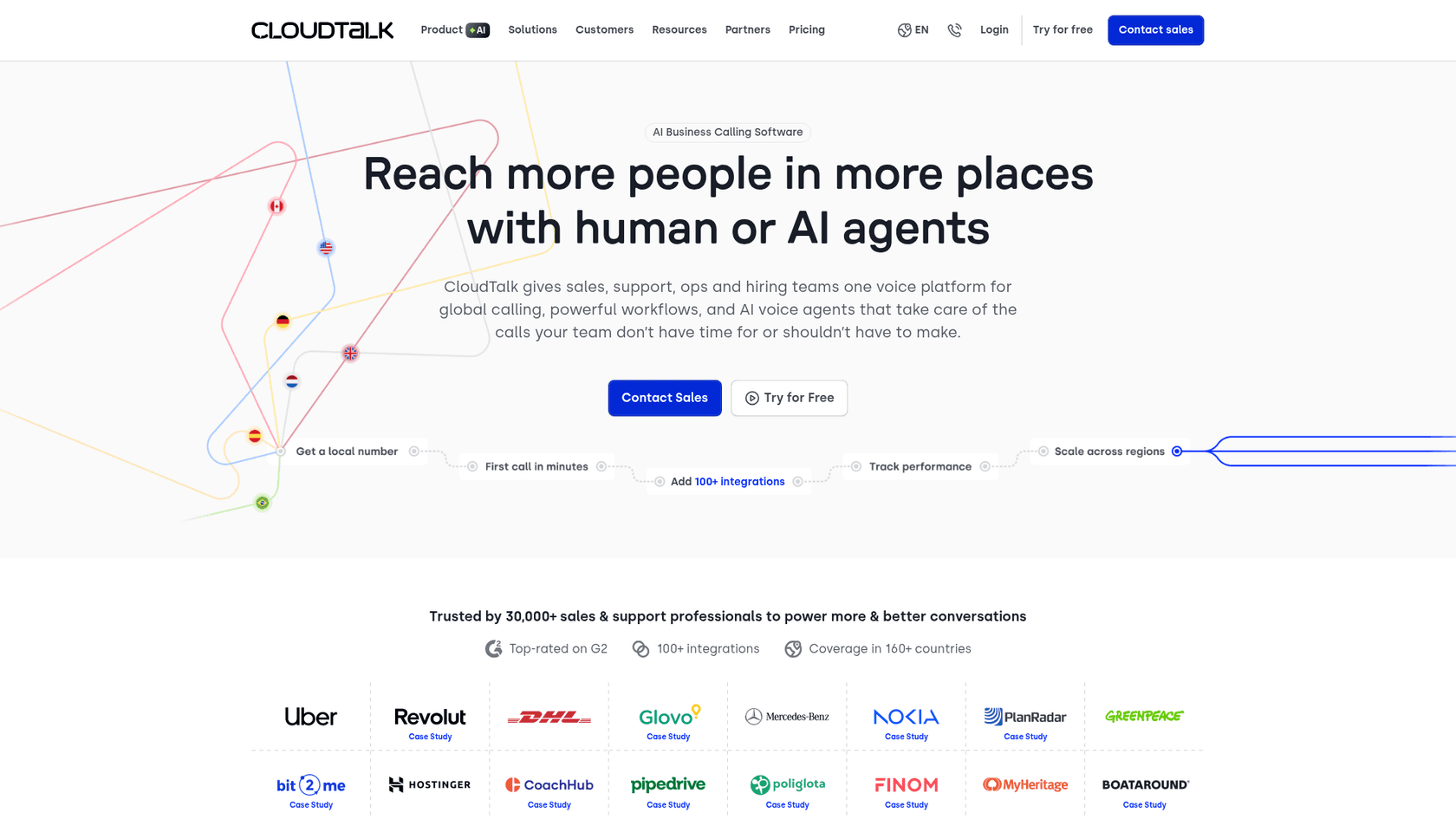
CloudTalk is an AI-powered business calling platform used by 30,000+ sales and support professionals. Its real-time assist features help teams monitor live calls, analyze conversations automatically, and surface customer information exactly when it's needed. Think of it as having a smart assistant that listens to every call, takes notes, and tells you what matters without interrupting the conversation.
But here's the thing: CloudTalk's built for voice-first teams. If your support operation spans email, chat, and tickets alongside phone calls, you might need a different approach. We'll get to that later. For now, let's break down what CloudTalk's real-time assist actually does.
What is CloudTalk real-time assist?
CloudTalk's real-time assist isn't a single feature. It's an ecosystem of tools designed to help agents perform better during calls and help managers stay on top of operations.
The three core components are:
- AI Agent Assist analyzes conversations after they end to provide insights, summaries, and coaching recommendations
- Real-Time Dashboard gives supervisors a live view of call center activity, queue lengths, and agent status
- Customer Information Cards displays caller history and context before an agent even picks up
Together, these tools aim to reduce the manual work that bogs down phone support: taking notes, logging outcomes, searching for customer history, and figuring out what went wrong on a bad call.
The platform serves teams ranging from small sales operations to enterprise call centers at companies like Revolut, Nokia, and Glovo. With coverage in 160+ countries, it's particularly popular with global teams that need local phone numbers and international calling capabilities.
For teams exploring AI tools for customer support, CloudTalk represents one approach: voice-centric assistance that augments human agents rather than replacing them.
How CloudTalk's AI Agent Assist works
Most people expect "AI assist" to mean real-time pop-ups during calls. CloudTalk takes a different approach. Its AI Agent Assist analyzes conversations after they complete, which has some interesting trade-offs.
Here's what happens: every call gets transcribed automatically using speech recognition and NLP. The system then analyzes the transcript for sentiment shifts, key topics, talk-to-listen ratios, and overall conversation quality. Finally, it generates a summary, assigns a call score, and tags the conversation with relevant topics.
The post-call approach means agents aren't distracted by pop-ups while trying to listen to customers. That can be a good thing. But it also means agents won't get real-time guidance when a conversation starts going poorly.
Key capabilities
| Feature | What it does |
|---|---|
| Sentiment analysis | Detects mood shifts during the conversation |
| Topic extraction | Identifies what the call was actually about |
| Talk/listen ratio | Shows whether the agent dominated or listened |
| Automatic summaries | Generates CRM-ready notes after each call |
| AI Smart Notes | Takes notes during the call so agents don't have to |
| Call scoring | Rates conversation quality for coaching |
CloudTalk claims this saves agents 2-3 hours per week on manual note-taking and improves customer satisfaction by 20%. The sentiment analysis feature in particular helps managers spot calls that went poorly without having to listen to hours of recordings.
The AI Conversation Intelligence add-on costs €9 per user per month on top of your base plan. So factor that in when comparing options.
Real-Time Dashboard: Live call center monitoring
While AI Agent Assist works after the fact, the Real-Time Dashboard gives supervisors visibility into what's happening right now.
The dashboard displays a constantly updating view of call center activity. Stat cards refresh every 15 seconds, while tables update instantly as calls connect, queue, or end.
What you can track
| Metric | Why it matters |
|---|---|
| Total calls | Volume of incoming and outgoing activity |
| Waiting queue | How many customers are on hold right now |
| Answered/missed calls | Connection success rate |
| Average/max waiting time | Whether customers are waiting too long |
| Agents online | Staffing levels in real time |
| Service level | Percentage of calls answered within target time |
| Abandon rate | How many callers hang up before reaching an agent |
For managers, this eliminates the need to walk the floor or constantly ping agents for status updates. You can see at a glance whether you need to pull people from other tasks to handle a spike, or if certain agents are struggling with unusual call volumes.

The dashboard also feeds into CloudTalk's wallboard feature (available on Expert plans), which can display these metrics on office screens for the whole team to see. Some teams use this for gamification, others just for transparency.
Real-time customer information cards
The third pillar of CloudTalk's real-time assist is what they call Customer Details or real-time customer information cards.
Here's how it works: when a call comes in, CloudTalk looks up the phone number and displays a card showing everything your team knows about that customer. Previous interactions, purchase history, open tickets, notes from past agents, and any custom fields you've configured.
This appears on the agent's screen before they even answer the call. So instead of starting with "Can I have your name and account number?", the agent can open with "Hi Sarah, I see you called last week about your order. Are you still having issues with delivery?"
The cards are editable during calls, so agents can update information in real time. Changes sync back to your CRM or helpdesk automatically if you've set up integrations.
The impact on call wrap-up time is significant. When the AI's already taking notes and the customer record updates automatically, agents spend less time on post-call admin and more time talking to people.
CloudTalk pricing and plans
CloudTalk's pricing follows a per-user, per-month model with roughly 30% savings if you pay annually. Here's the breakdown:
| Plan | Monthly Price | Annual Price | Key Features |
|---|---|---|---|
| Lite | €27/user | €19/user | Basic calling, 1 ring group, 1-month recording retention |
| Starter | €34/user | €25/user | 500 EU outbound minutes, unlimited ring groups, unlimited retention |
| Essential | €39/user | €29/user | Smart dialer, unlimited EU calls, 95+ integrations |
| Expert | €69/user | €49/user | Power dialer included, wallboards, real-time analytics, 3-user minimum |
A few things to note:
- The AI Conversation Intelligence features (sentiment analysis, summaries, scoring) cost an additional €9/user/month on every plan
- Power dialer is €15/user/month as an add-on, or included with Expert
- Parallel dialer (dial up to 10 lines at once) is €39/user/month
- AI Voice Agents for fully automated calling start at €350/month for 1,000 minutes
- 14-day free trial available, no credit card required
The pricing is competitive for voice-first operations, but costs add up quickly if you need AI features across a large team. A 10-person team on the Expert plan with AI add-ons would run about €580/month annually.
When to consider alternatives
CloudTalk's excellent at what it does: voice calling with AI assistance. But it's not the right fit for every team.
The platform is voice-first. While it offers WhatsApp and SMS integration, the core experience is built around phone calls. If your support team handles significant volume through email, chat, or tickets, you'll need additional tools or a different approach entirely.
There's also the question of where your conversations live. CloudTalk integrates with help desks like Zendesk and Freshdesk, but the AI analysis happens in CloudTalk's system. If you want AI assistance that works natively inside your existing help desk, that's a different category of tool.
At eesel AI, we take a different approach to AI-powered customer support. Instead of adding a voice layer on top of your existing stack, we plug directly into the help desk you already use: Zendesk, Freshdesk, Intercom, and others.
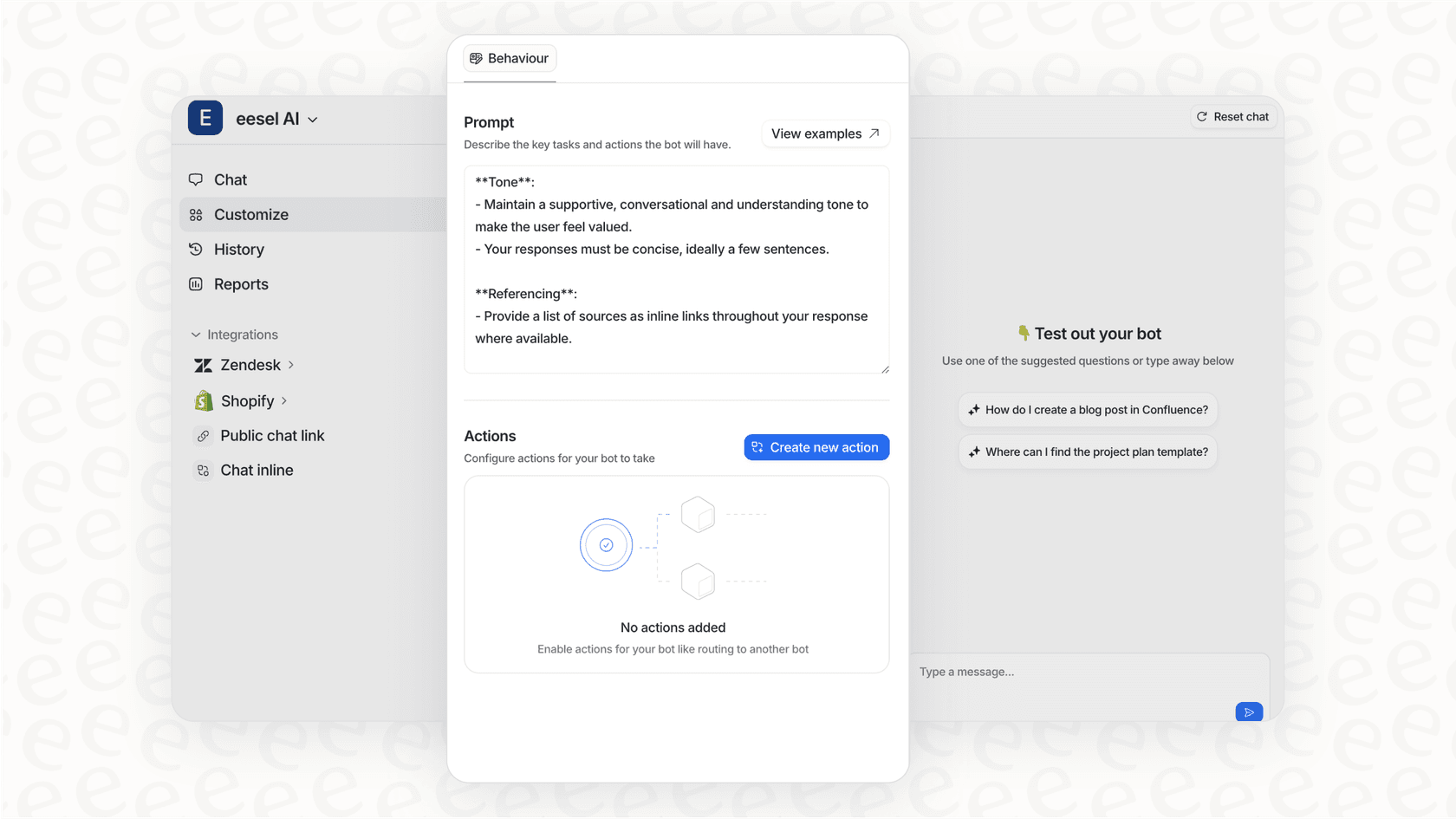
Our AI Agent learns from your past tickets, help center articles, and macros to draft responses or handle conversations autonomously. It works across channels: email, chat, tickets, and even internal Slack questions. You can start with AI Copilot mode (drafting replies for human review) and level up to full autonomy as the AI proves itself.

The key difference is scope. CloudTalk optimizes voice conversations. eesel AI optimizes your entire support operation, wherever those conversations happen.
Getting started with AI-powered customer support
If your team lives on the phone and needs better visibility into call performance, CloudTalk's worth a serious look. The real-time dashboard alone solves a major pain point for call center managers. The AI analysis features, while not cheap, can meaningfully reduce the administrative burden on agents.
Just go in with clear eyes about the limitations. Voice-only focus, add-on pricing for AI features, and a 3-user minimum for the Expert plan that unlocks the best functionality.
For teams that need AI assistance across multiple channels, or want to work within their existing help desk rather than adding a new system, eesel AI offers an alternative. The right choice depends on where your conversations happen and what you're trying to improve.
Either way, the direction's clear: AI's becoming standard in customer support. The question isn't whether to adopt it, but which implementation fits your workflow.

Frequently Asked Questions
Share this article

Article by
Stevia Putri
Stevia Putri is a marketing generalist at eesel AI, where she helps turn powerful AI tools into stories that resonate. She’s driven by curiosity, clarity, and the human side of technology.