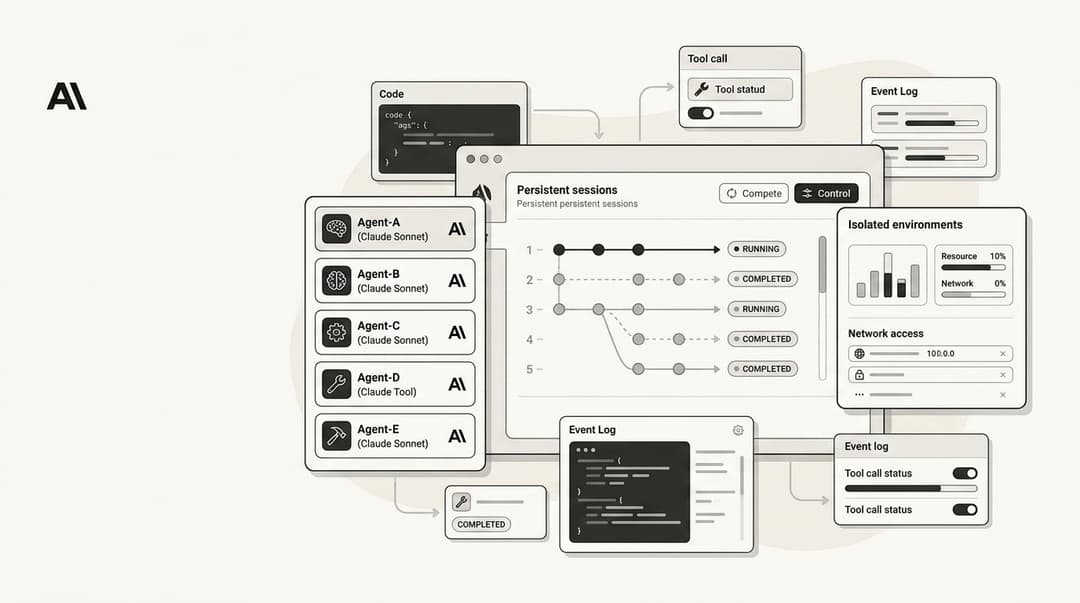
Claude Code alternatives: 7 best AI coding agents in 2026

Stevia Putri
Last edited April 21, 2026
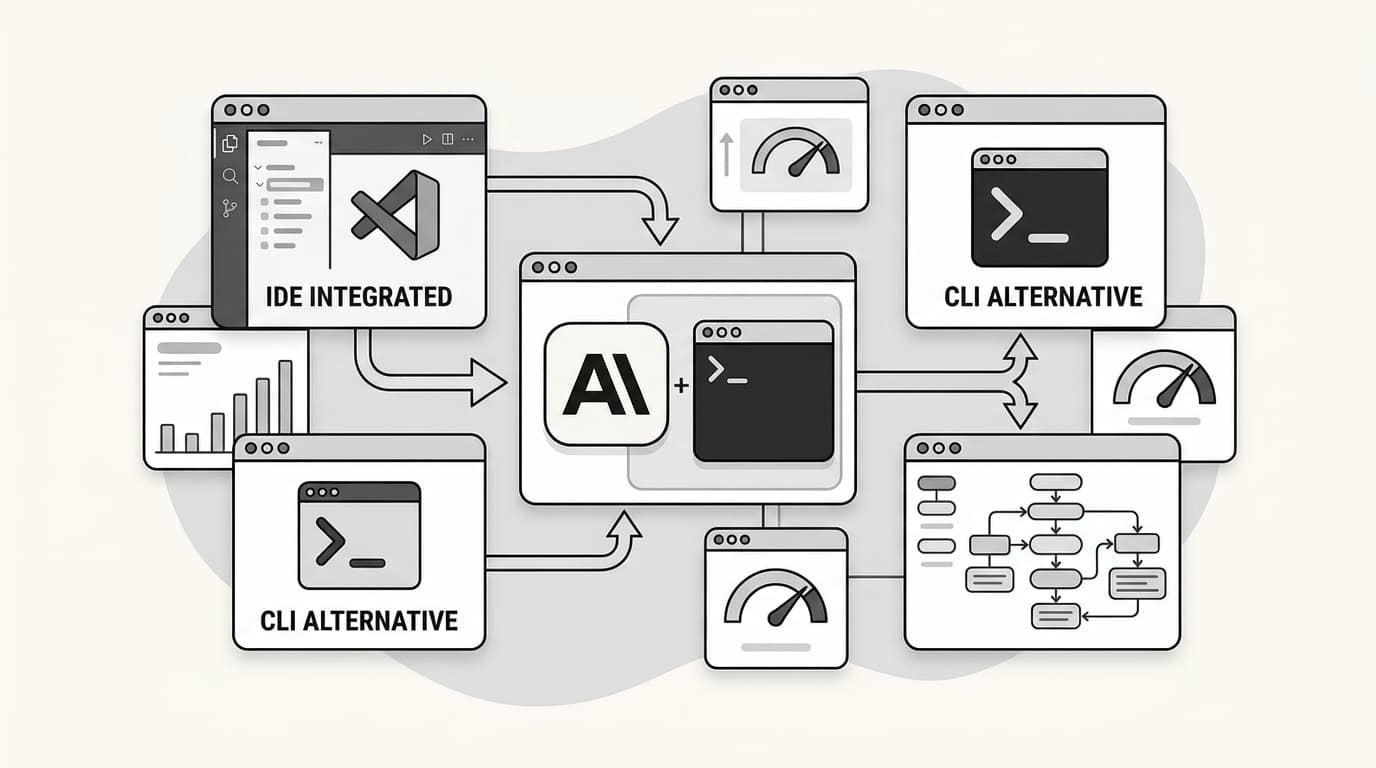
Claude Code has quickly become the benchmark for what a terminal-native AI coding agent should look like. It scores an impressive 80.8% on the SWE-bench Verified leaderboard, manages complex multi-file refactors with ease, and even supports "Agent Teams" for coordinated automation. But for many developers, the initial excitement has been met with some practical frustrations.
Whether it is the strict usage limits on the $20 Pro tier, the lock-in to Anthropic's model family, or the high token overhead caused by the agent "thinking out loud," there are plenty of reasons to look for Claude Code alternatives. The AI coding tool space is more diverse than ever.
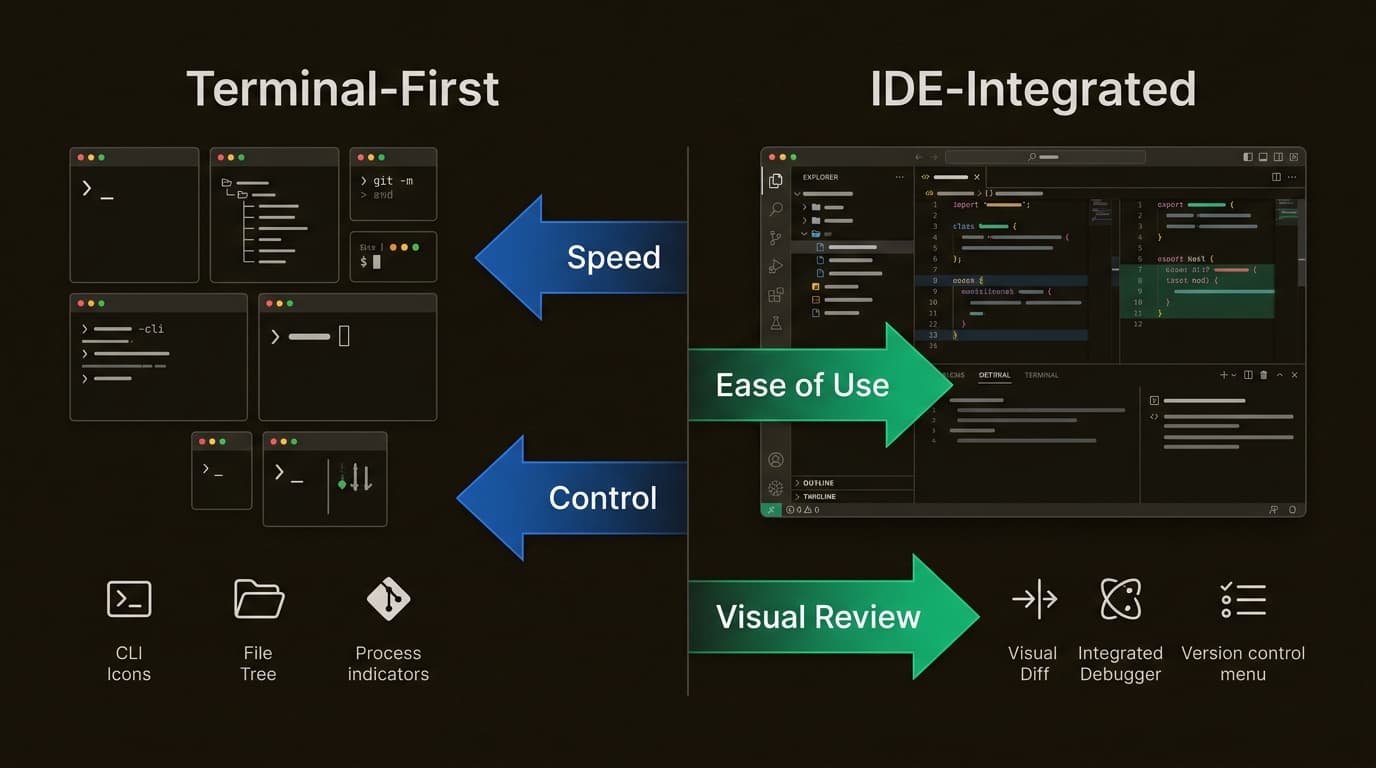
In this guide, we will break down the 7 best options available today, ranging from open-source CLI veterans to the latest IDE-native powerhouses. We will look at pricing, model flexibility, and workflow fit to help you pick the right tool for your stack.
1. What is Claude Code and why look for alternatives?
Claude Code is a terminal-based coding assistant that lives where many developers do: the command line. It is not just an autocomplete tool; it is a full agent that can research your codebase, run terminal commands, and execute complex workflow automation.
However, power users often find themselves hitting a wall. The $20 per month Pro tier provides most developers with roughly 10 to 20 meaningful coding sessions per week. Heavy users report hitting these limits by midweek, forcing them to upgrade to the $100 or $200 tiers which do not always deliver proportionally more capacity.
Then there is the issue of model lock-in. Claude Code runs Anthropic models exclusively. While Sonnet and Opus are world-class, you cannot swap in GPT-5 or DeepSeek when a specific task might be better suited for them. This lack of flexibility, combined with high token consumption, has many teams searching for command vs sub-agent alternatives that offer more control.
2. Choosing the right AI coding agent in 2026
Before looking at the top options, it is helpful to understand the shift toward "agentic coding." Unlike simple AI assistants that wait for you to write code, an AI coding agent plans its actions, uses tools like the terminal or browser, and iterates until the job is done.
When evaluating Claude Code alternatives in 2026, you should keep four criteria in mind:
- Workflow fit: Do you want to stay in your terminal like Claude Code, or would you prefer a visual interface in your editor?
- Model flexibility: Can you "Bring Your Own Key" (BYOK) to use any LLM, or are you locked into one provider?
- Cost control: Is it a flat subscription, or can you pay per token to optimize your spend?
- Privacy: Does the tool support local execution (via Ollama or LM Studio) to keep your code off the cloud?
Which one you need depends on your specific daily tasks. Some developers use 2 or 3 tools simultaneously: one for heavy refactoring and another for routine UI tweaks.
3. Top 7 Claude Code alternatives compared
To help you decide, we have compared the top Claude Code alternatives across the most important categories.
| Tool | Interface | Model Support | Starting Price | Best For |
|---|---|---|---|---|
| eesel AI | Web/Dashboard | 100+ integrations | Custom | Knowledge-backed automation |
| Cursor | IDE (VS Code Fork) | Claude, GPT, Gemini | $20/mo | IDE-native power users |
| Aider | Terminal | Any model (BYOK) | Free (Tool) | Git-native CLI workflows |
| Cline | VS Code Extension | Any model (BYOK) | Free (Tool) | Open-source agentic coding |
| Gemini CLI | Terminal | Google models | Free (1k req/day) | Budget-conscious devs |
| OpenCode | Terminal | 75+ providers | Free (Tool) | Extreme model flexibility |
| GitHub Copilot | IDE + CLI | Claude, GPT, Gemini | $10/mo | Enterprise teams |
4. Best IDE-based alternatives: Cursor, Cline, and GitHub Copilot
If you find the terminal-only approach of Claude Code a bit restrictive, moving to an IDE-based agent can be a significant upgrade. These tools offer visual diffs, autocomplete, and a more intuitive way to manage multi-file changes.
1. Cursor
Cursor is widely considered the industry standard for AI-native code editors. Built as a fork of VS Code, it adds deep, editor-level features that traditional extensions cannot reach. Its flagship feature, Composer, allows you to generate entire features or refactors across multiple files in a single view.
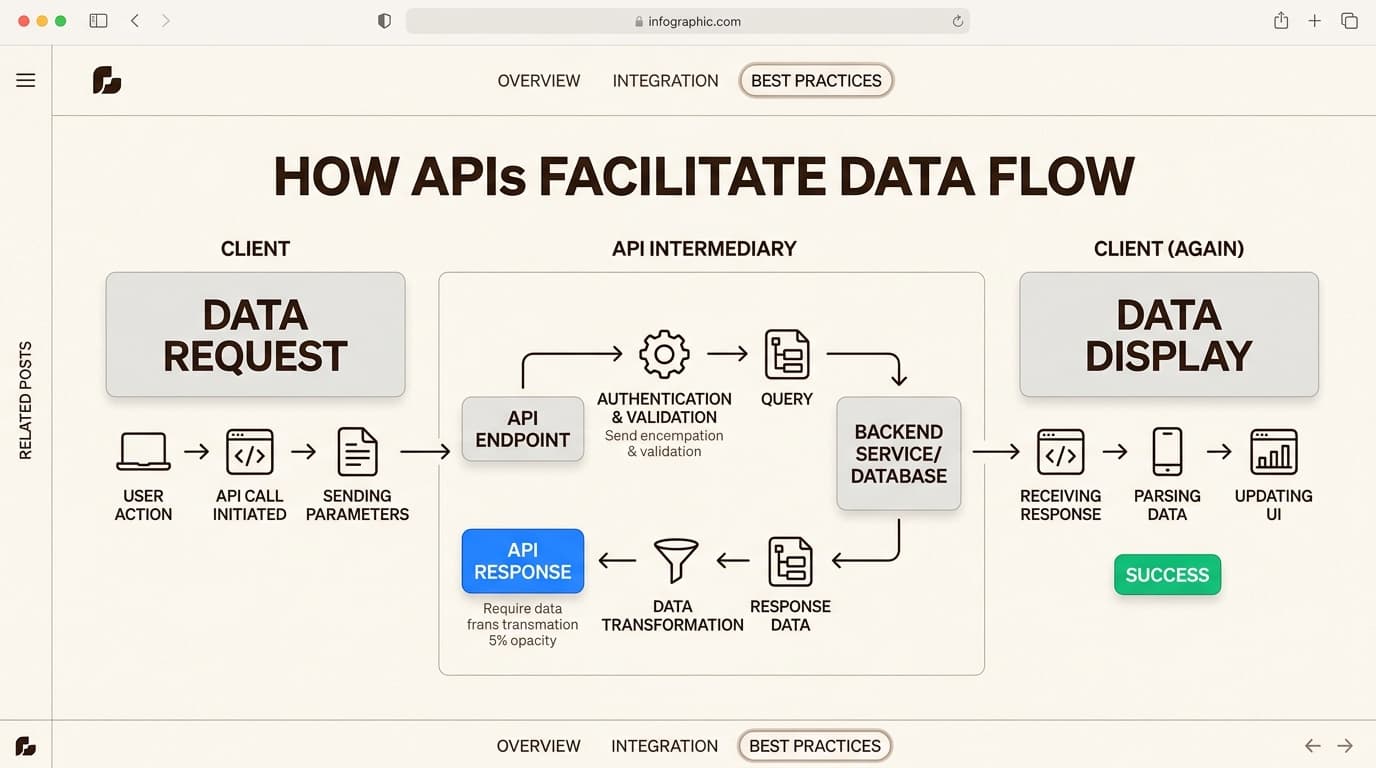
The pricing for Cursor is similar to Claude Pro, but many users find the IDE integration makes them more productive.
| Plan | Price | Key Features |
|---|---|---|
| Hobby | Free | Limited Agent requests, limited Tab completions |
| Pro | $20/mo | Extended Agent limits, Cloud agents, MCP support |
| Pro+ | $60/mo | 3x usage on all OpenAI, Claude, and Gemini models |
| Ultra | $200/mo | 20x usage on all models, priority access to new features |
Pros: Visual inline diffs, sub-second autocomplete, and the ability to run "Cloud Agents" for tasks that take hours to complete. Cons: Credit-based billing can lead to overages, and heavy users often report credits running out before the end of the month.
2. Cline
Cline is a powerful open-source VS Code extension that brings a "Plan and Act" workflow to your existing editor. Unlike Cursor, which is a standalone application, Cline lives inside your current setup. It is a fantastic Claude Code alternative because it gives the AI permission to run terminal commands and edit files, but only after you approve each step.
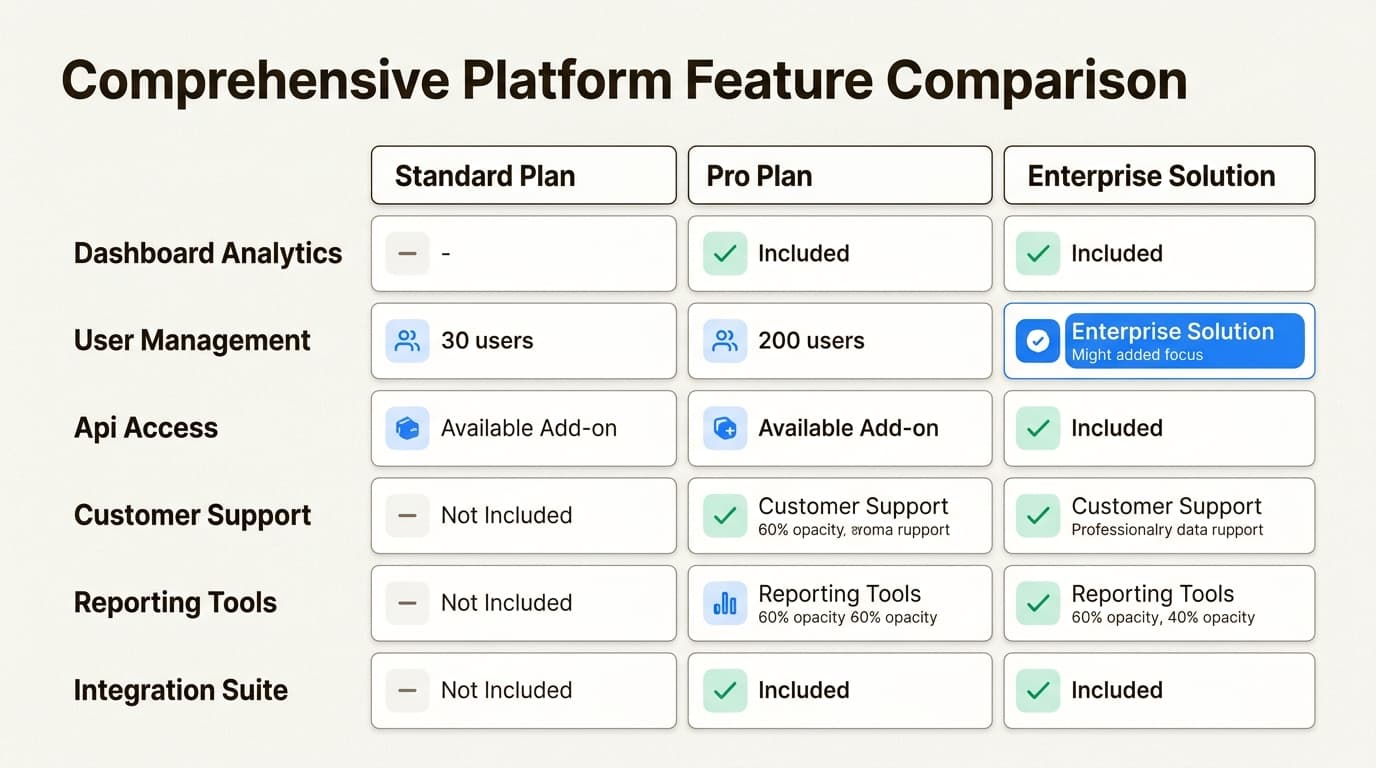
One of its biggest advantages is support for the Model Context Protocol (MCP), which lets you connect the agent to external tools like CI/CD pipelines or project management apps.
Pros: Free tool cost, total control over model selection (BYOK), and a transparent "step-by-step" approval process that prevents surprise edits. Cons: Managing your own API keys requires more awareness of token usage to keep costs in check.
3. GitHub Copilot
GitHub Copilot moved beyond a simple snippet generator to become a full agent platform. It is often the most affordable alternative for individuals, starting at just $10 per month.
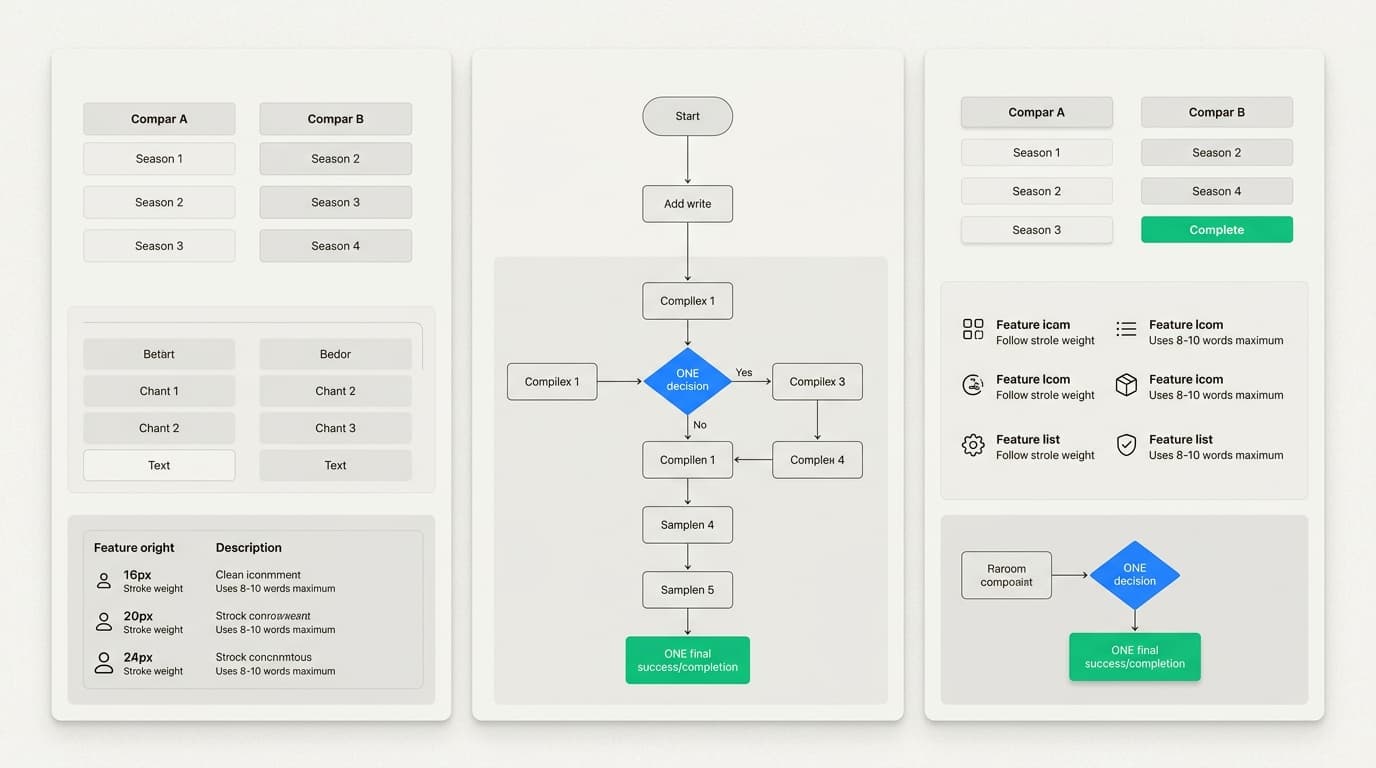
Copilot now supports multiple models, including Claude 3.7 and GPT-5, giving you the best of both worlds under one subscription. It is the best choice for enterprise teams that need SSO, audit logs, and IP indemnity.
Pros: Cheapest paid subscription, native integration with the GitHub ecosystem, and excellent enterprise security controls. Cons: It can feel less "autonomous" than tools like Aider or Cline for complex, multi-step refactoring tasks.
5. Best terminal-native agents: Aider, Gemini CLI, and OpenCode
If you prefer the "CLI-first" philosophy of Claude Code but want to escape its limits, these terminal-native tools are your best bet.
4. Aider
Aider is the veteran of the AI coding space, with over 42k GitHub stars and a highly dedicated community. It is a pure terminal tool that works alongside any editor. Aider is unique because of its Architect mode, which uses a high-reasoning model (like Claude Opus) to plan the changes and a faster, cheaper model to actually write the code.
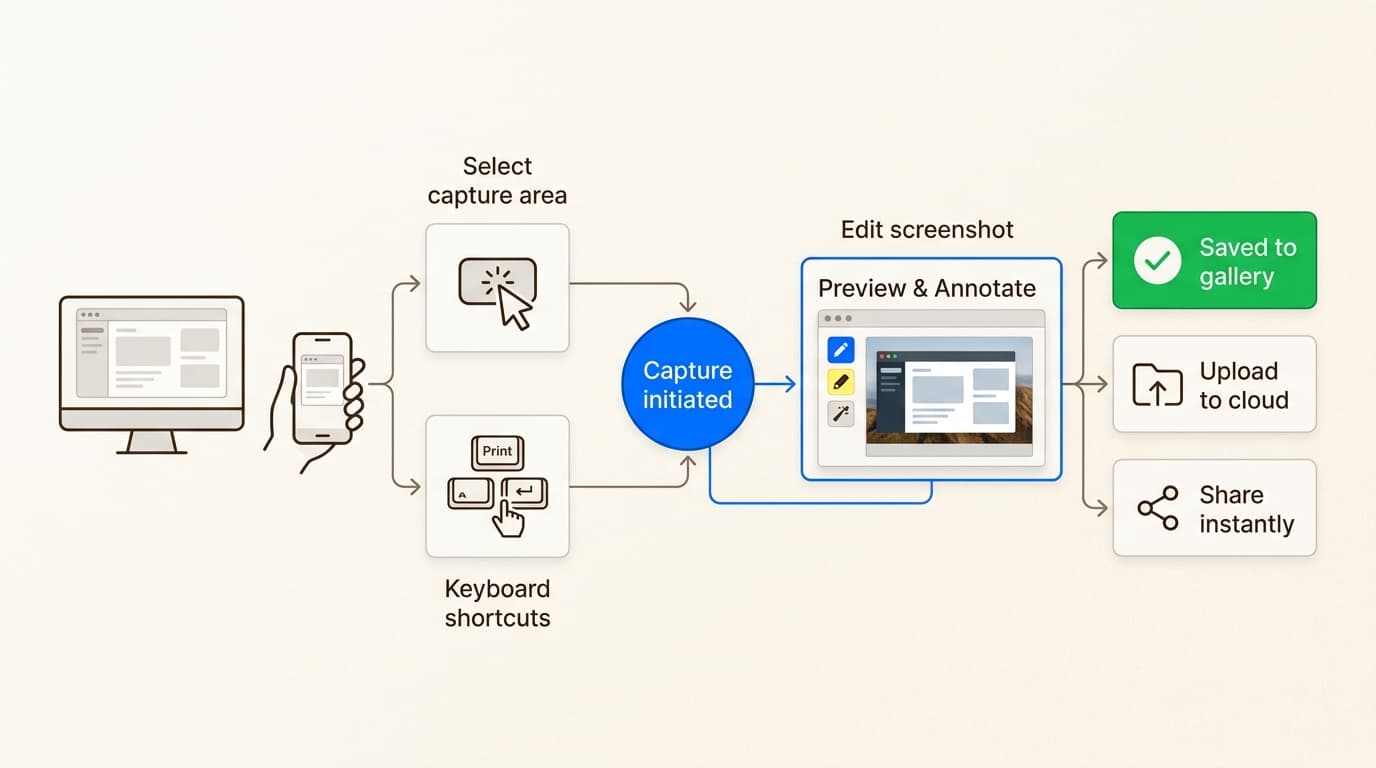
Pros: Git-native workflow that automatically commits changes with descriptive messages. It also works perfectly with local models via Ollama, allowing for 100% private, zero-cost coding. Cons: The terminal-only interface has a steeper learning curve than IDE extensions.
Hands down, this is the best AI coding assistant tool so far.

5. Gemini CLI
Gemini CLI is Google's answer to Claude Code, and it is arguably the best choice for budget-conscious developers. It offers a massive 1 million token context window and gives you 1,000 requests per day for free with a personal Google account.
It also includes "Google Search grounding," which allows the agent to fact-check its reasoning against the live web. This is something Claude Code cannot do natively.
Pros: Most generous free tier in 2026, huge context window for large monorepos, and built-in web search for up-to-date documentation. Cons: You are limited to the Gemini model family, so you cannot use Claude or GPT models within the tool.
6. OpenCode
OpenCode is the closest feature match to Claude Code among the open-source community. It is a highly customizable terminal agent that supports over 75 different model providers.
Built with a native TUI (Text User Interface), it features syntax-highlighted inline diffs and LSP integration for fast navigation. It is designed for developers who want the Claude Code experience but need the freedom to use any model, including local ones.
Pros: Extreme model flexibility, open-source transparency, and a fast, responsive interface that handles large codebases efficiently. Cons: It lacks the "Agent Teams" feature that makes Claude Code so effective for multi-agent coordination.
6. eesel AI: The knowledge-powered alternative
While the tools listed above are excellent for writing and refactoring code, they often operate in a vacuum. Your coding agent might understand your src folder, but it has no idea what is written in your company's Notion wiki, your Zendesk help center, or your Slack channels.
That is where eesel AI fits in. We position eesel as the "Knowledge Layer" for your AI teammates. While other Claude Code alternatives focus purely on the terminal, we connect your AI to your entire company ecosystem.

Our AI Blog Writer is a perfect example of this. Instead of just generating "AI slop" based on a prompt, it does real research by reading your existing documentation, industry reports, and primary sources. Every claim it makes is cited, and it matches your company's unique voice with 94% accuracy from day one.
| Feature | What you get |
|---|---|
| Integrations | 100+ (Zendesk, Notion, Confluence, etc.) |
| Accuracy | 94% voice match based on your past content |
| Research | Reads Reddit, primary sources, and industry data |
| Pricing | $2 per blog post (pay-per-use) |
If you need an AI agent that has context beyond just the code, eesel AI is the logical choice. We help you hire "AI teammates" that can handle support, content creation, and operations by unifying knowledge that is usually scattered across dozens of different apps.
7. Start building with the best AI coding agent for your team
Choosing between these Claude Code alternatives usually comes down to your workflow preference. If you want the most polished, standalone experience, Cursor is hard to beat. If you are a terminal purist who values privacy and local models, Aider is the gold standard. For those who need a generous free tier, Gemini CLI is the clear winner.
But remember that you do not have to pick just one. Many developers use Claude Code for complex logic, a visual IDE like Cursor for daily UI work, and our AI Blog Writer to handle their content strategy.
Bottom line? The era of being locked into a single model or a single usage limit is over. By using a mix of these tools, you can optimize your costs, protect your privacy, and build faster than ever before.
Are you ready to build a more capable team? Hire your first AI teammate today and see how eesel AI can change how you work.

Frequently Asked Questions
Share this article

Article by
Stevia Putri
Stevia Putri is a marketing generalist at eesel AI, where she helps turn powerful AI tools into stories that resonate. She’s driven by curiosity, clarity, and the human side of technology.