Claude design review 2026: The end of the blank artboard?

Stevia Putri
Written by

Stevia Putri

Last edited April 20, 2026

Expert Verified
Banner image for Claude design review 2026: The end of the blank artboard?

Two days ago, Anthropic dropped the latest version of its most powerful model, Claude Opus 4.7. While the benchmarks were impressive, the real headline came yesterday. It's called Claude Design, and it's a new standalone product that might just change how you think about "visual work" forever.

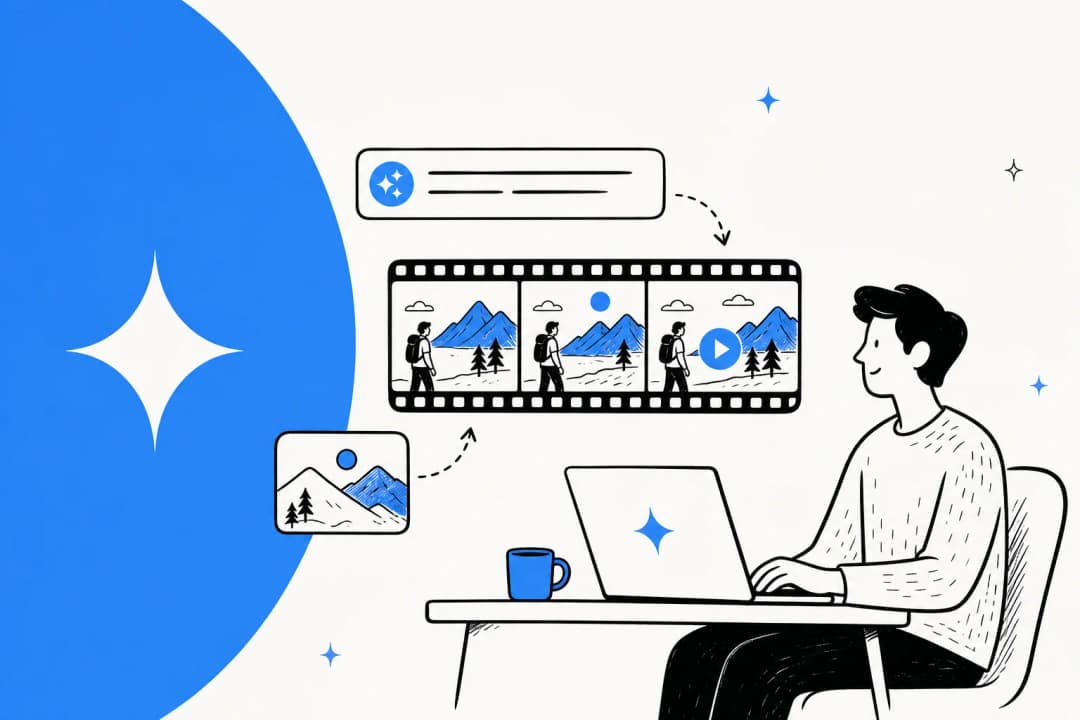
If you've ever stared at a blank Figma artboard or a white PowerPoint slide and felt that specific kind of "creative block" dread, you're the target audience. Claude Design isn't just another AI image generator that spits out a flattened PNG and calls it a day. It's a collaborative surface where you talk, nudge, and refine your way to a polished prototype, a pitch deck, or a marketing page.

The 2026 design workflow collapses exploration and execution into a single, AI-guided conversation.

The market noticed, too. Figma's stock took a 7% dip on the news, which tells you everything you need to know about how seriously the industry is taking this shift. We've spent the last 24 hours putting it through its paces to see where the hype ends and the utility begins.

What is Claude Design?

A screenshot of Anthropic's landing page.

At its core, Claude Design is a dedicated environment where you can collaborate with AI to build visual assets. Think of it as a bridge between your rough idea and a shareable product. Whether you need a high-fidelity prototype, a multi-page slide deck, or a set of marketing posters, Claude builds the first version based on your description.

It's powered by the brand-new Claude Opus 4.7 vision model, which Anthropic says is their most capable yet. In our testing, the "vision" part of that claim holds up. It doesn't just "see" an image; it understands the hierarchy, the spacing, and the intent behind a UI.

This tool is positioned for two groups of people. For designers, it's a way to explore five different directions in 15 minutes instead of spending a whole day on one. For founders, product managers, and marketers, it's a way to create credible visual work without needing a design degree or a Figma login.

Core features of Anthropic’s design platform

What makes this different from "ChatGPT with a preview window"? A few specific features that make it feel like a real design tool.

Text-to-design and interactive prototyping

You start with a text prompt, an uploaded image, or even a link to your live website. Claude Design doesn't just give you a static mockup. It builds interactive prototypes that you can actually click through. Product managers are already using it to turn static wireframes into shareable flows that they can hand off to their teams for feedback.

Brand-aware design systems

This is where the tool gets "professional." During the onboarding phase, Claude reads your existing codebase or design files to construct a design system specifically for you. It learns your brand's colors, typography, and component styles.

Every project you start after that automatically uses your brand. You aren't fighting a generic AI "vibe" anymore. You're working with your own rules. Teams can even maintain multiple design systems, which is a lifesaver for agencies working across different clients.

Adjustment knobs and inline commenting

One of the most innovative parts of the interface is the "adjustment knobs." Instead of typing "make the header bigger" five times, Claude generates contextual sliders for things like spacing, color, and layout on the fly. You just slide the knob until it looks right.

If something specific is bothering you, you can leave an inline comment directly on the element. Claude Design reads the comment, understands the context, and applies the change. It feels like pairing with a very fast, very obedient junior designer.

The design process in 2026: From brief to handoff

The "vibe" of designing in 2026 is moving away from pixel-pushing and toward high-level orchestration. Claude Design is built to support that full loop.

Collaborative prompt sessions

Designing is usually a solo sport until the "review" phase. Claude Design turns it into a multiplayer experience. You can share a design link with your team, and everyone can join the same conversation. You're "prompting together" in real time, watching the design evolve as the team discusses it.

The Canva partnership

Anthropic didn't try to build every design feature from scratch. They partnered with Canva to power the underlying design engine. What this means for you is a "Send to Canva" button that actually works.

A screenshot of Canva's landing page.

When you export a project to Canva, it doesn't arrive as a flattened image. It's a fully editable Canva file with preserved layers and text. You can move things around, swap out images, and use all of Canva's traditional drag-and-drop tools to add that final 10% of polish.

Handoff to Claude Code

The most powerful feature for engineering teams is the handoff bundle. Once you're happy with a prototype, Claude packages everything (design tokens, assets, and design intent) into a single bundle.

You can then pass this bundle to Claude Code, Anthropic's agentic coding tool, with one instruction. Claude Code reads the design and starts building the production-ready React or Vue components. It closes the loop between "I want a dashboard" and "here is the working dashboard code."

Claude Design pricing and subscription plans

The good news is that Claude Design isn't a separate subscription. It's included in the plans you're probably already paying for.

PlanMonthly PriceDesign Access
Pro$20Included, uses subscription limits
MaxFrom $100Included, with significantly higher limits
TeamCustomIncluded
EnterpriseCustomIncluded (off by default)

Access uses your existing subscription limits, but there's a new "extra usage" option if you're a heavy user and hit your cap. For Enterprise teams, keep in mind that an admin has to manually enable the feature in the organization settings before anyone can use it.

Is Claude Design the Figma killer?

A screenshot of Figma's landing page.

The short answer? Not yet. But it's changing the game.

Figma is still the king of professional design systems and complex, multi-layered production files. If you need pixel-perfect control over every single vector, you're staying in Figma. However, Claude Design is going to eat a massive chunk of the "exploration" phase.

The Pros:

  • Incredible speed. You can go from zero to a branded prototype in minutes.
  • It understands your brand naturally after onboarding.
  • The vertical stack (Design -> Canva -> Claude Code) is a powerful workflow.

The Cons:

  • It's a "token hog." High-resolution vision tasks eat through subscription limits quickly.
  • It's still in research preview, so you'll hit occasional rough edges or generic-looking layouts.
  • It doesn't replace the "taste" of a senior designer yet.

At eesel AI, we think about this "vertical stack" a lot. Our mission is to provide you with autonomous AI teammates that fill every gap in your team. Just as Claude Design handles the visual exploration, our AI Blog Writer handles the research, drafting, and publishing of your content.

The eesel AI blog writer dashboard, an AI-powered content creation tool for social media marketing.

When you pair a tool like Claude Design for your visuals with our AI teammates for your operations and content, you're building a team that's productive from day one. We believe the future of work isn't about learning new tools, but about briefing the right AI teammates to do the work for you.

Getting started with AI-assisted design

If you're a Claude Pro or Team subscriber, you likely already have access. Look for the palette icon on the left-hand rail of your Claude.ai dashboard.

Bottom line? Don't overthink your first project. Upload a screenshot of your current landing page and ask Claude to "reimagine it as a high-converting editorial site." Watch how it handles your brand, play with the adjustment knobs, and see if it saves you those first two hours of staring at a blank screen.

The blank artboard is officially a thing of the past. It's time to start nudging.

Frequently Asked Questions

Claude Design is included with Claude Pro, Max, Team, and Enterprise subscriptions at no extra cost, using your existing subscription limits.
Claude Design's native integration with brand design systems and its focus on the end-to-end process (from brief to code handoff) offers a more specialized experience for designers than ChatGPT.
The partnership allows you to export projects directly from Claude Design to Canva as fully editable files, preserving layers and text for final polish.

Share this article

Stevia Putri

Article by

Stevia Putri

Stevia Putri is a marketing generalist at eesel AI, where she helps turn powerful AI tools into stories that resonate. She’s driven by curiosity, clarity, and the human side of technology.

Ready to hire your AI teammate?

Set up in minutes. No credit card required.

Get started free