The five things people mean by "chatbot"
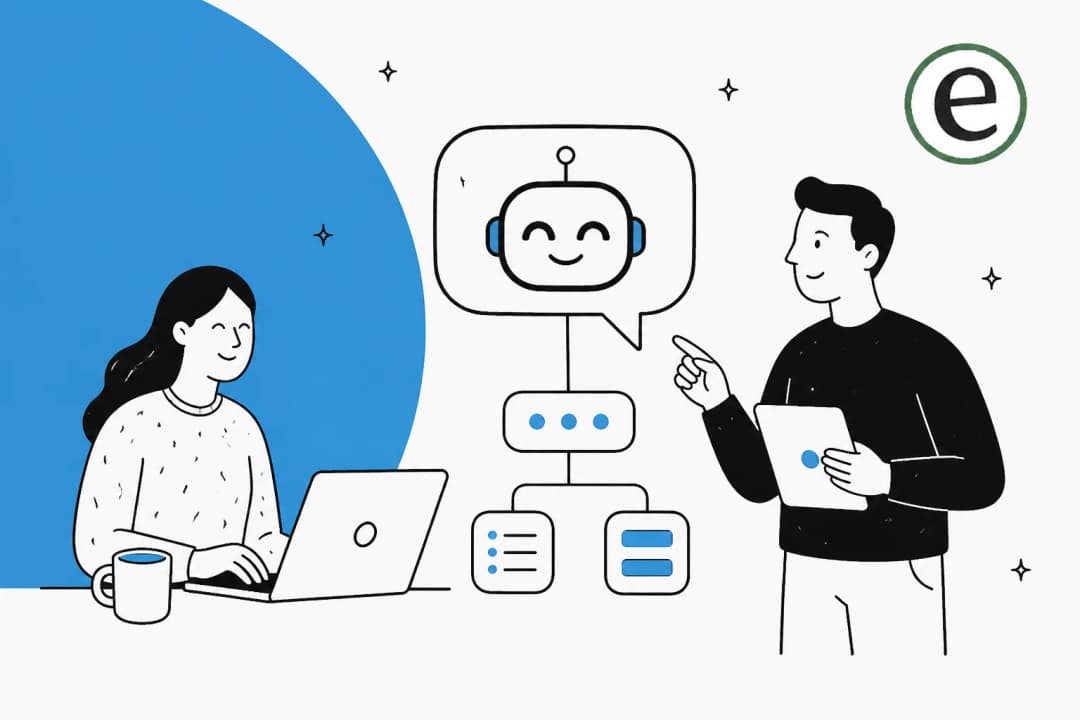
Before you can price a chatbot, you have to know which one you're pricing. "Chatbot development cost" hides at least five different products, and they don't cost remotely the same:
- A rule-based widget (if-this-then-that flows) is the cheapest and least useful, and the source of most chatbot problems. Most no-code chatbot builders start here.
- A configured AI chatbot on an off-the-shelf chatbot platform, where you point it at your docs and go live. This is where most AI chatbot builders sit.
- A custom-built bot commissioned from an agency or freelancer, wired into your own stack.
- An in-house build on the raw LLM API, owned and maintained by your engineers.
- An AI helpdesk agent that installs into your existing helpdesk, learns from past tickets, and is billed on usage.
The keyword "chatbot development" nudges you toward option three or four (the build path). Half the point of this post is that for most support teams, the build path is the expensive way to get the same outcome. Let's price all of them.
What actually drives chatbot development cost
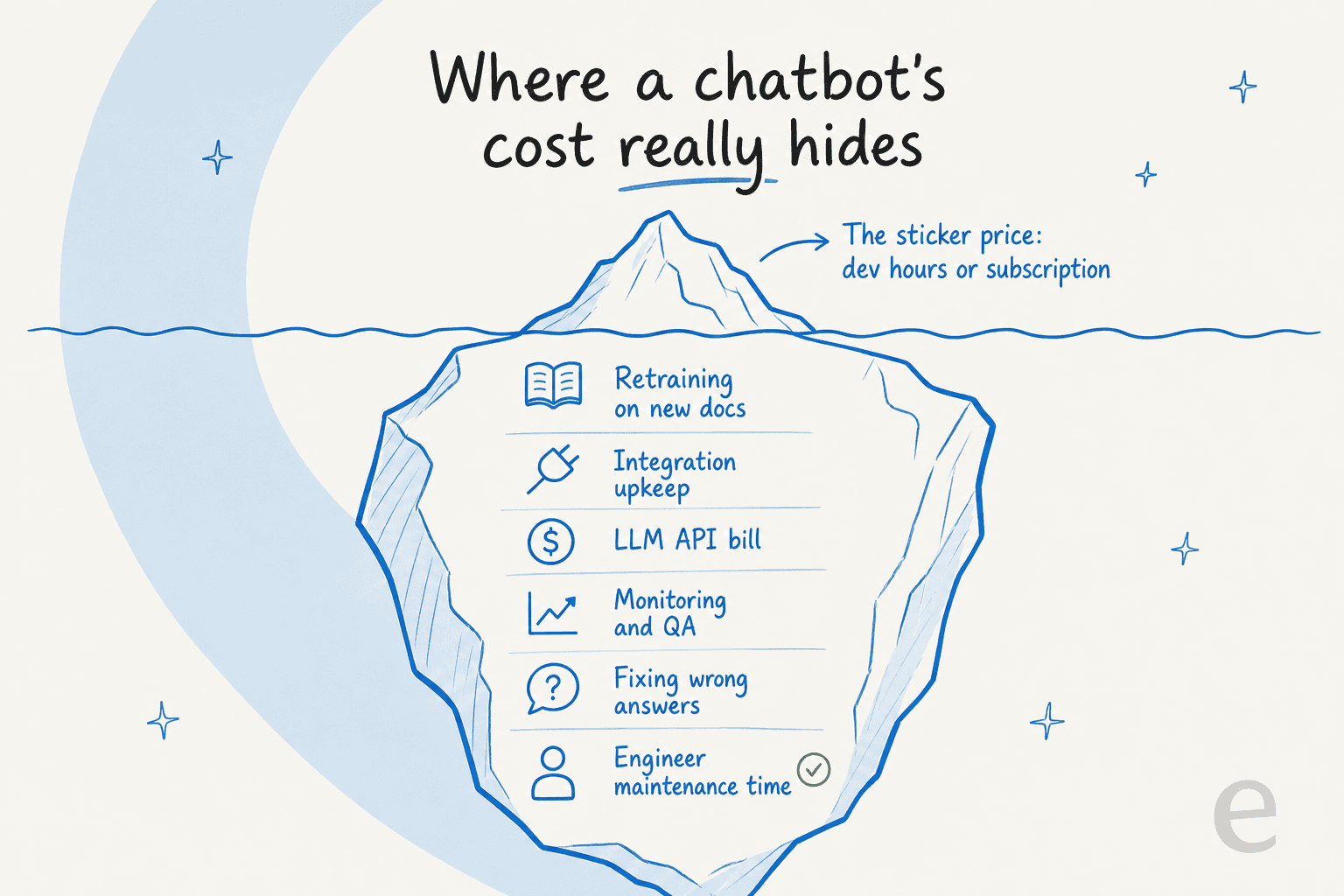
Whatever path you pick, the same cost levers show up. Knowing them lets you read any quote and spot what's missing.
- Scope and channels. A single web-widget FAQ bot is cheap. The same bot that also handles WhatsApp, email, and Slack, authenticates users, and takes actions (refunds, order lookups) is a different project entirely.
- Integrations. Every system the bot has to read from or write to (your helpdesk, Shopify, an order database, a CRM) is engineering time to build and, more importantly, to keep working when those APIs change.
- Knowledge and training. Someone has to feed the bot your help docs and past tickets, then keep that knowledge base current. This never ends; your product changes, so the bot's answers have to.
- The underlying model. If you build your own, you pay the LLM API bill directly, and it scales with every message. One eesel prospect, an email-security company scaling toward ~9,000 interactions a month, burned through 200 API calls in a single test day and immediately started worrying about the bill at real volume.
- Monitoring and QA. A support bot that answers wrong is worse than no bot. Catching and fixing those answers is a standing cost, not a one-time setup.
That last cluster is the one that sinks build budgets, so it's worth showing what the quote leaves out.
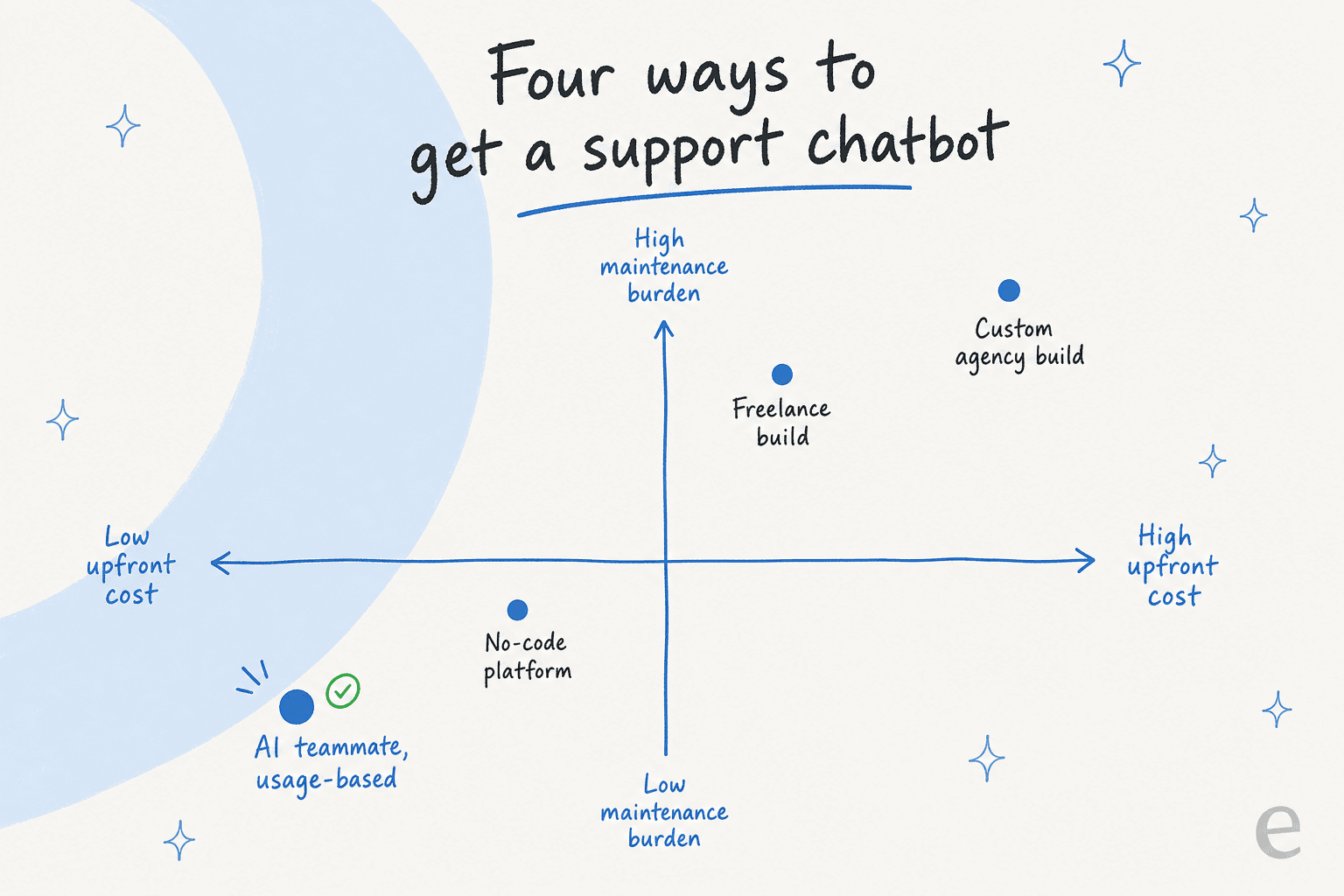
The four ways to get a support chatbot, priced
Here's the honest cost picture for each buying path, with the concrete anchors I could actually verify from primary sources.
| Path | Typical cost | What you're really paying for | Best for |
|---|---|---|---|
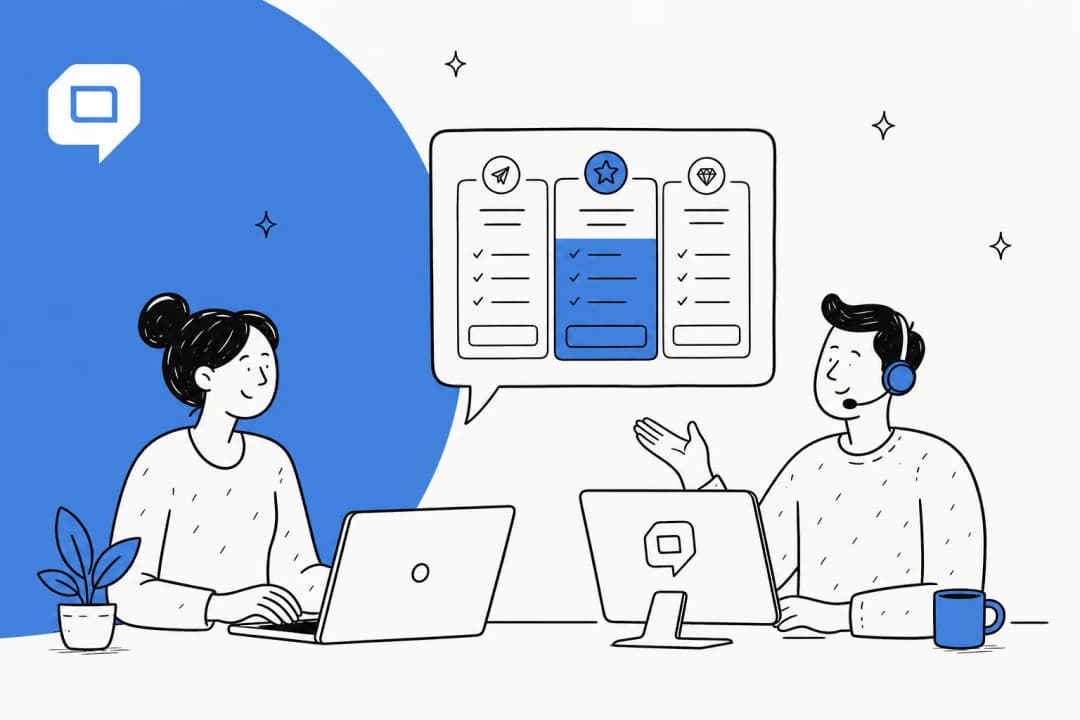
| No-code AI platform | From ~$24–49/month | A configured bot on someone else's platform, billed by conversation or seat | Small teams, simple FAQ deflection |
| Freelancer build | $15–35/hour | Bespoke code you own; you also own the maintenance | One-off custom flows, tight budgets |
| Custom agency build | Quote-gated, usually five figures+ | Full design, build, and a project team; Master of Code pitches a 30-day validation pilot before a full build | Enterprises needing a bespoke experience |
| AI helpdesk agent | $0.40 per ticket, no platform fee | A pre-built teammate that learns your tickets and is billed on usage | Support teams that want tier-1 deflection without a build |
A few things worth calling out. Freelance rates look cheap per hour, but a real support bot is rarely a 20-hour job once integrations and testing are counted. Agencies almost never publish a rate card; the pattern across the chatbot development services market is a budget-input contact form and a custom quote, which is itself a buyer friction worth naming. And the usage-based option is the only one where your cost tracks the value delivered rather than a fixed bet you place before you know if the thing works.
Build vs buy: the maintenance wall nobody quotes you
This is the decision most "chatbot development cost" searches are really circling, so let me be direct about it, because I've watched it play out dozens of times.
Building your own bot on the Claude or OpenAI API is a real temptation for a technical team. The API is cheap per call, you keep full control, and you're not paying a vendor's margin. On paper it's the cheapest option. In eesel's own churn analysis, "we'll just build it ourselves" is one of the most common reasons technical customers leave, and several named accounts did exactly that, one going straight to the Claude API.
Here's the thing: the build is never the expensive part. One customer, an engineering lead at a crypto-hardware company running a 300+ article knowledge base, put it plainly when they chose to buy instead:
"We could try to write our own LLM application but we didn't want to invest our time into that. We wanted something that we would not have to maintain."
Engineering lead at a Bitcoin-ATM/crypto-hardware company, via eesel
That word, maintain, is the whole ballgame. A build gets you to a working demo fast. Then your product changes, your docs go stale, an API you integrated with ships a breaking change, the model gives a confidently wrong answer to a customer, and suddenly a "cheap" bot is a standing line item on an engineer's calendar. Some of the teams that left eesel to build in-house came back once that wall showed up. The API bill was the least of it; the engineering time was the real cost.
The counterintuitive move for most teams: if your goal is a support chatbot rather than a machine-learning product, buying and configuring is almost always cheaper over a year than building and maintaining. You skip both the build bill and the upkeep. That's the whole pitch of a managed AI chatbot for customer service.
Watch the billing unit, not the sticker price
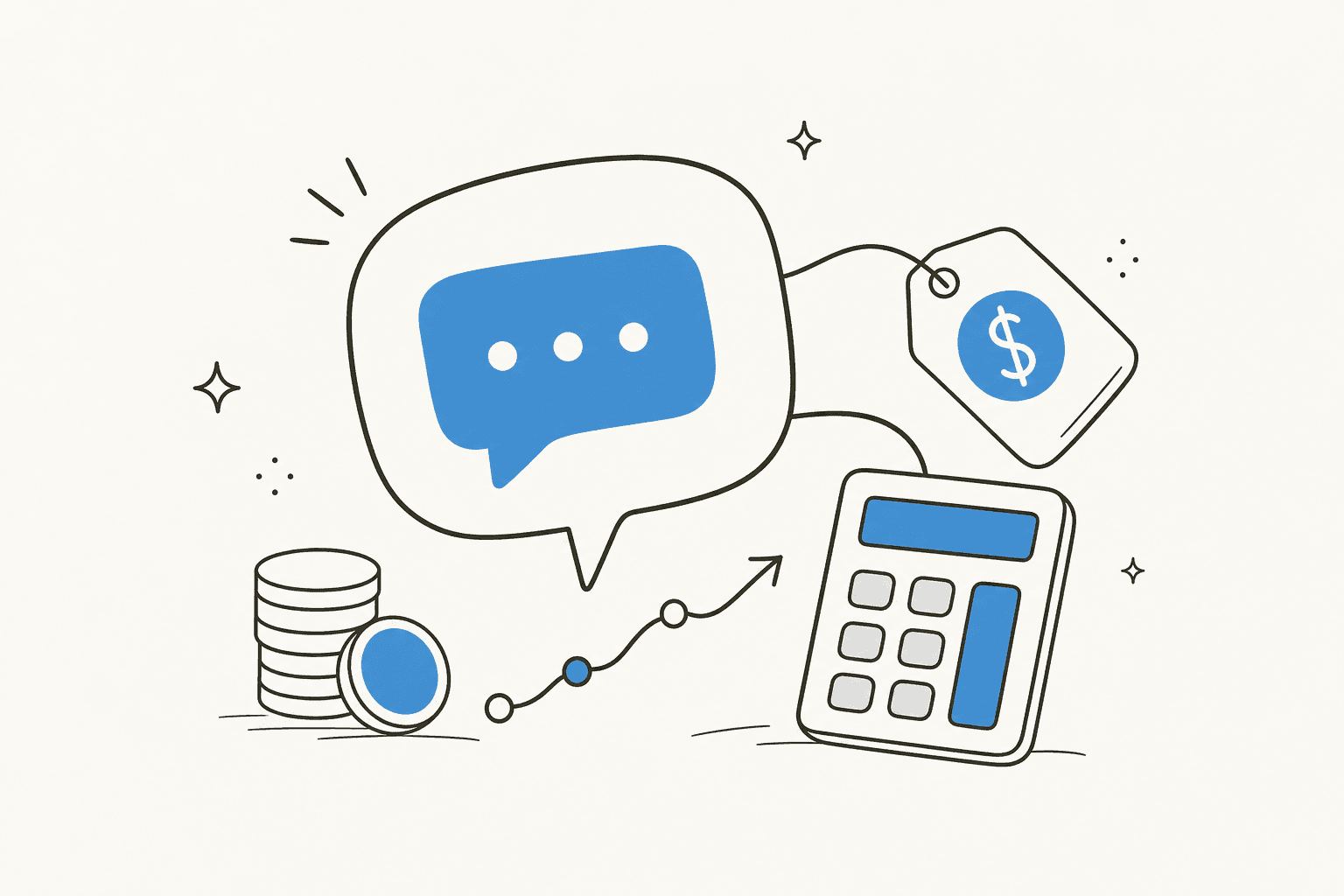
Even on the buy side, the headline price lies, because vendors bill on completely different units and you often can't tell which until you're deep in a quote.
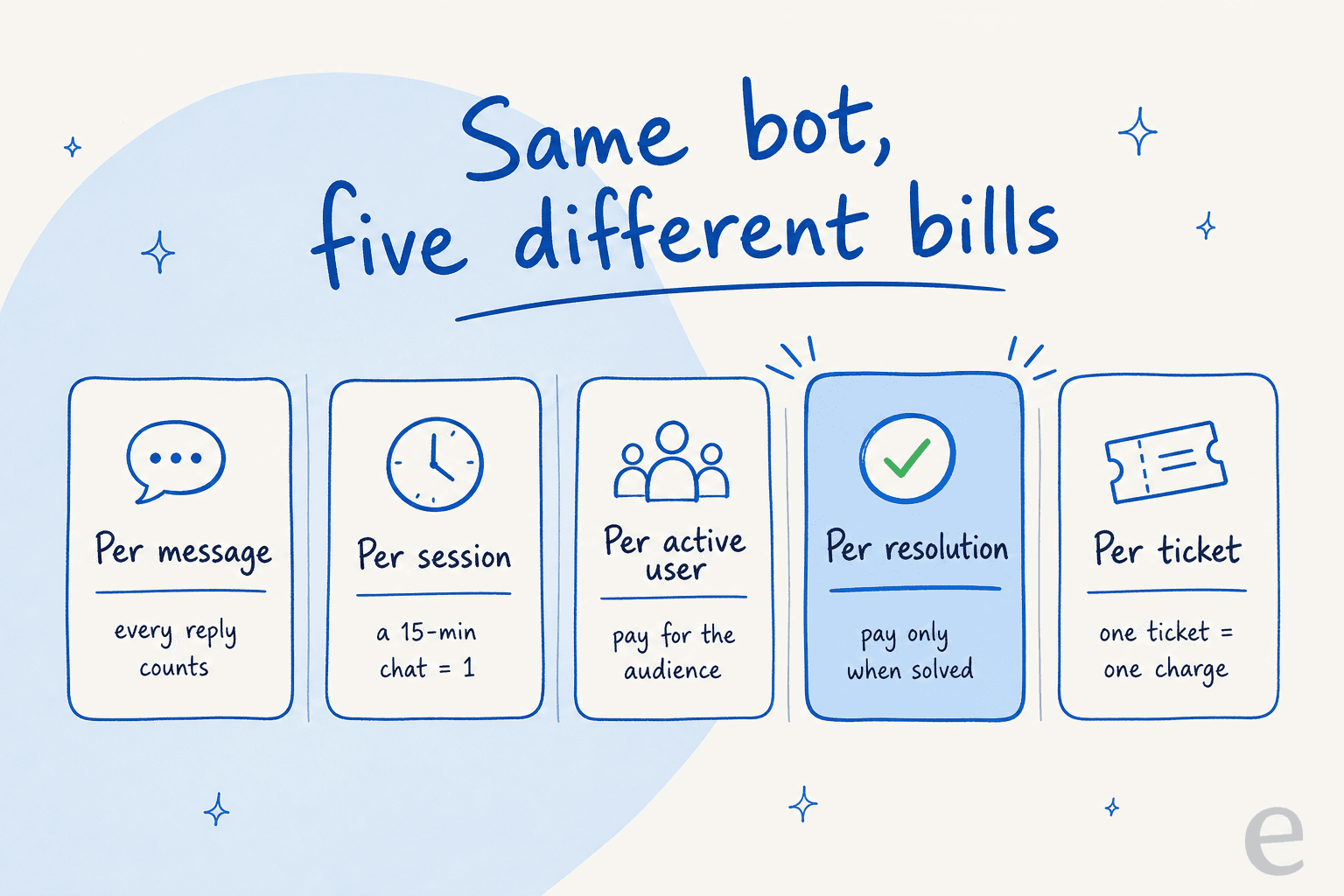
The five units you'll run into:
- Per message. Every reply is metered. Great-looking rate, ugly at scale on chatty conversations.
- Per session. Tidio bills by chat session, where every 15 minutes of one interaction counts as a fresh session.
- Per active user (MAU). You pay for the size of your audience, whether or not they chat.
- Per resolution. You pay only when the bot actually solves something, so cost tracks value. It's the same logic behind an AI resolution rate metric.
- Per ticket. One ticket is one charge no matter how many messages it takes. This is how eesel prices, at $0.40 a ticket.
Why does the unit matter more than the rate? Because the wrong unit at your volume can be a disaster. One multi-company e-commerce operator scaling toward ~150,000 tickets a month projected roughly $30,000/month at about 20 cents per interaction, and got confused mid-call about whether he was being billed per interaction or per ticket, a difference of thousands of dollars. Another high-volume team doing 17,000 tickets a month found per-interaction pricing simply didn't pencil out at all. The rate was fine; the unit was the problem.
If you take one thing from this section: before you sign anything, ask "what exactly is one billable unit, and how many of them will my real volume produce?" A per-resolution or per-ticket model is usually the safest for support, because your cost rises only when the bot is actually doing work, the same principle behind first-contact resolution.
Play with the trade-off yourself:
The maintenance slider is the honest part. Set engineer hours to zero and a build looks unbeatable; set it to a realistic 15–25 hours a month and the picture flips fast. That's exactly the number teams forget to put on the quote.
A worked example: what a real support team pays
Abstract pricing is useless, so here's a concrete one. Say you handle 1,000 support tickets a month and want AI to take the repetitive tier-1 slice, the same volume a good AI customer service tool is built to absorb.
- On a usage-based agent at $0.40/ticket, handling all 1,000 is $400/month. Route only the 300 easiest and you pay $120; you're never billed for tickets your humans handle.
- On a flat subscription, you commit to a tier whether or not you use it. That's fine at steady volume and painful when it's lumpy. One customer generated all her content in three weeks, then had no reason to keep paying the flat monthly fee, so she cancelled. Usage-based billing would have kept her.
- On a build, $400/month of API cost sounds comparable, until you add the 20 engineer-hours a month keeping it alive. At a fully-loaded $90/hour that's $1,800/month in maintenance alone, dwarfing the model bill.
Here's the scaling table for the usage-based path, straight from eesel's pricing page:
| Tickets per month | Monthly cost |
|---|---|
| 100 | $40 |
| 500 | $200 |
| 1,000 | $400 |
| 2,500 | $1,000 |
One more real-world note on predictability: a buyer I'll describe as a budget-conscious hardware support team had watched a previous vendor's price more than double, and wanted contractual price locks before committing. That instinct is right. Usage-based pricing with a spend cap gives you the same protection without a contract, since you set a monthly ceiling and the agent pauses when it hits it.
How to keep chatbot costs predictable
The cheapest chatbot is the one you can forecast. Three things keep the bill boring, in a good way:
Configure, don't code. The single biggest cost of a build is engineering time, so the biggest saving is removing it. A modern AI helpdesk agent is set up in natural language, not a codebase, which means the person who owns support can change the bot's behaviour without filing an engineering ticket.

Simulate before you spend. The most expensive chatbot is one you pay to build and then discover doesn't work. Running a bot against your past tickets before go-live tells you the real resolution rate and, by extension, the real monthly cost, before a dollar of live traffic. It's the closest thing to pricing the outcome in advance.
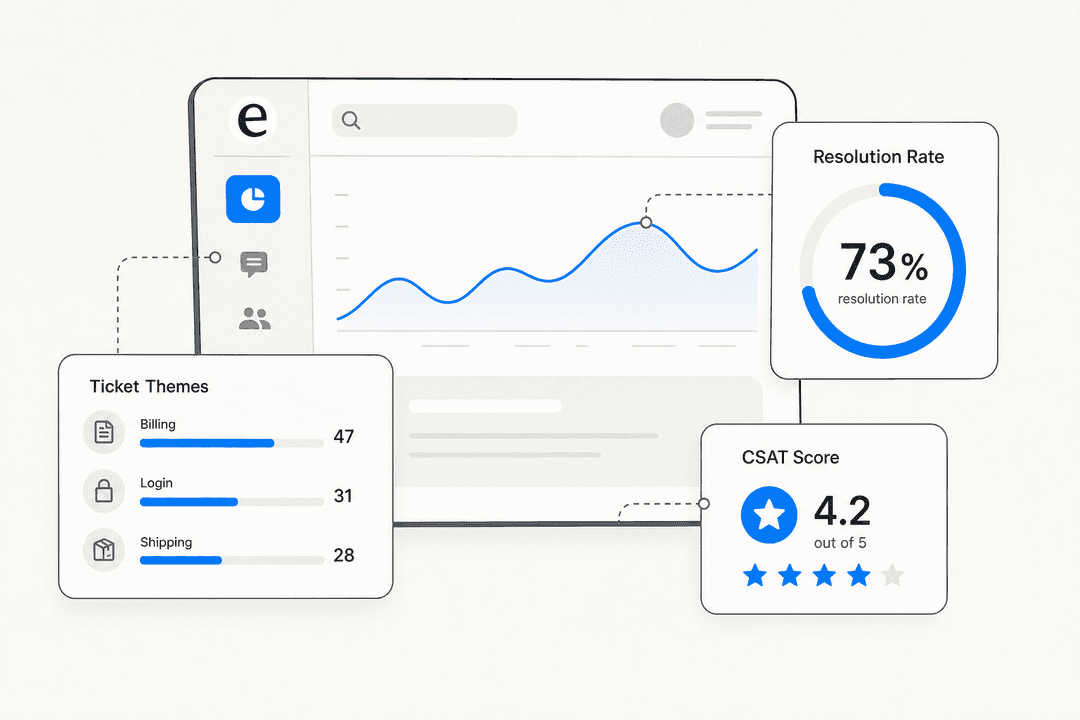
Meter on tasks, and cap the spend. When you're billed per resolved task rather than per seat or per message, the reporting tells you exactly what each dollar bought, which also makes your customer service KPIs easier to tie to spend. Pair that with a spend cap and email alerts, and a runaway bill becomes structurally impossible. The same logic applies whether you're running an IT help desk bot or a customer-facing one.

Try eesel
If the honest answer to "what should a chatbot cost" is "as little as possible for a working outcome," that's the exact bet eesel is built to win. It's an AI helpdesk agent that installs into Zendesk, Freshdesk, HubSpot, Gorgias, or Front, learns from your past tickets and help docs on day one, and is billed at $0.40 per ticket with no platform fee, no per-seat fee, and no minimum. You skip the build bill and the maintenance wall, and a spend cap keeps the monthly number where you set it.
Better still, you can simulate it on your own historical tickets and see the resolution rate and projected cost before you commit, which is more than any agency quote will ever give you.
Frequently Asked Questions
How much does chatbot development cost in 2026?
Is it cheaper to build a chatbot or buy one?
How does chatbot pricing per conversation or per resolution work?
What is the cheapest way to get a support chatbot?


Article by
Kurnia Kharisma
Kurnia is a software engineer and writer at eesel AI with two years of SEO experience, writing about AI tools, helpdesk software, and customer support. He pairs a developer's understanding of how these products are built with search-driven research into what actually ranks and resonates with the people searching for them.