


Writing a bio is one of those things that sounds easy until you actually have to do it. You're just staring at a blinking cursor, trying to distill your entire being into 150 characters. It's surprisingly hard. You want to sound smart, charming, and professional all at once, but you often end up with writer's block or something that sounds a bit stiff.
This is where AI bio generators come in handy. They're a great way to get past that writer's block and create a solid first draft in seconds. They can help you whip up polished, platform-specific bios without the headache.
To help you find the right one, I've spent some time trying out the 5 best AI bio generator tools available today. And if you need to go beyond a short bio to create a full "About Me" page or professional story, I’ll also cover how a tool like the eesel AI blog writer can help you build a more complete narrative.
What is an AI bio generator?
You can use them for pretty much anything, including:
- Social media profiles: Getting that bio just right for Instagram, X (formerly Twitter), LinkedIn, or TikTok.
- Professional websites: Writing a quick summary for your personal portfolio or a company "About Us" page.
- Speaker bios: Drafting a professional intro for a conference or webinar in a pinch.
- Dating profiles: Adding a bit of personality to your dating app bio without all the stress.
Anywhere you need to introduce yourself online, an AI bio generator can be a huge help.
How I picked the best bio generator tools
I didn't just google "best bio tools" and call it a day. I actually tried each of these out and judged them on a few things that really matter.
- Quality of output: Did the bios actually sound good? I looked for tools that created engaging and relevant text that didn't sound like a generic, keyword-stuffed robot wrote it.
- Customization options: A good bio isn't one-size-fits-all. I favored tools that let you control the tone of voice, style, target platform, and length. A LinkedIn bio should sound different from a TikTok one, after all.
- Ease of use: You're using a tool to save time, so it shouldn't feel like a chore. I focused on generators with clean interfaces that get you a polished bio in just a few clicks.
- Value: Not everyone has a budget for a bio generator. I looked at both free and paid options, weighing the features and quality against the cost to make sure they were worth it.
The best bio generator tools: A quick comparison
Here’s a quick look at the top contenders.
| Tool | Best For | Key Feature | Pricing |
|---|---|---|---|
| eesel AI blog writer | Comprehensive professional bios | Generates publish-ready content with automatic assets | Free to try; $99 for 50 blog posts |
| Hootsuite | Highly specific social media bios | Customization for 15+ networks and tones | Free |
| Fibr.ai | Quick, platform-specific options | Generates 4 variations for major social platforms | Free |
| QuillBot | Polished professional and academic bios | Part of a comprehensive AI writing suite | Free |
| ContentStudio | Creative bios with tonal variety | Extensive list of tone options and generates 5 variations | Free to use without signup |
A closer look at the 5 best bio generator tools
Now, let's get into the details of what makes each of these tools a solid choice.
1. eesel AI blog writer

Calling the eesel AI blog writer just a "bio generator" doesn't fully capture its capabilities. This tool is for professionals who need more than a 150-character blurb. While it's mainly designed to generate full-length, SEO-optimized articles from a keyword, it is also effective for creating detailed "About Me" pages, in-depth LinkedIn summaries, or speaker profiles that shorter tools may not handle. You just give it your website, and it automatically learns your brand context to create content that sounds like you.
Pros: The main advantage here is its ability to create in-depth, structured content. It doesn't just give you a paragraph; it builds a complete, publish-ready narrative. It has features like automatic asset generation (AI-created images and charts) and can pull in social proof with real quotes from Reddit forums. It's the same tool we used here at eesel to grow our blog's impressions from around 70,000 to over 750,000 in just three months.
Cons: If you just need a quick bio for your personal Instagram, this is probably overkill. It's built for creating rich, long-form content, so it's not the fastest choice for a two-sentence social media bio.
Pricing: It's completely free to try, so you can check out the quality for yourself. The paid plan is a simple $99 for 50 blog posts.
2. Hootsuite
Hootsuite is a well-known name in social media management, and its free bio generator is a popular tool. It is one of the more customizable options available, built specifically for social media. You can tell it which network you're writing for, your account type, industry, tone, important keywords, and even a call to action.
Pros: A key feature of the Hootsuite generator is its specificity. You can generate bios for over 15 different networks. It's not just the big ones like Instagram and LinkedIn; it also covers forums like Reddit and even gaming platforms like Twitch and Steam. This level of platform-specific detail is a notable feature.
Cons: The quality of the bio really depends on what you put in. If you give it vague keywords, you might get some generic suggestions. It can take a little trial and error to find the right combination of inputs to get a result you're happy with.
Pricing: It's completely free to use.
3. Fibr.ai
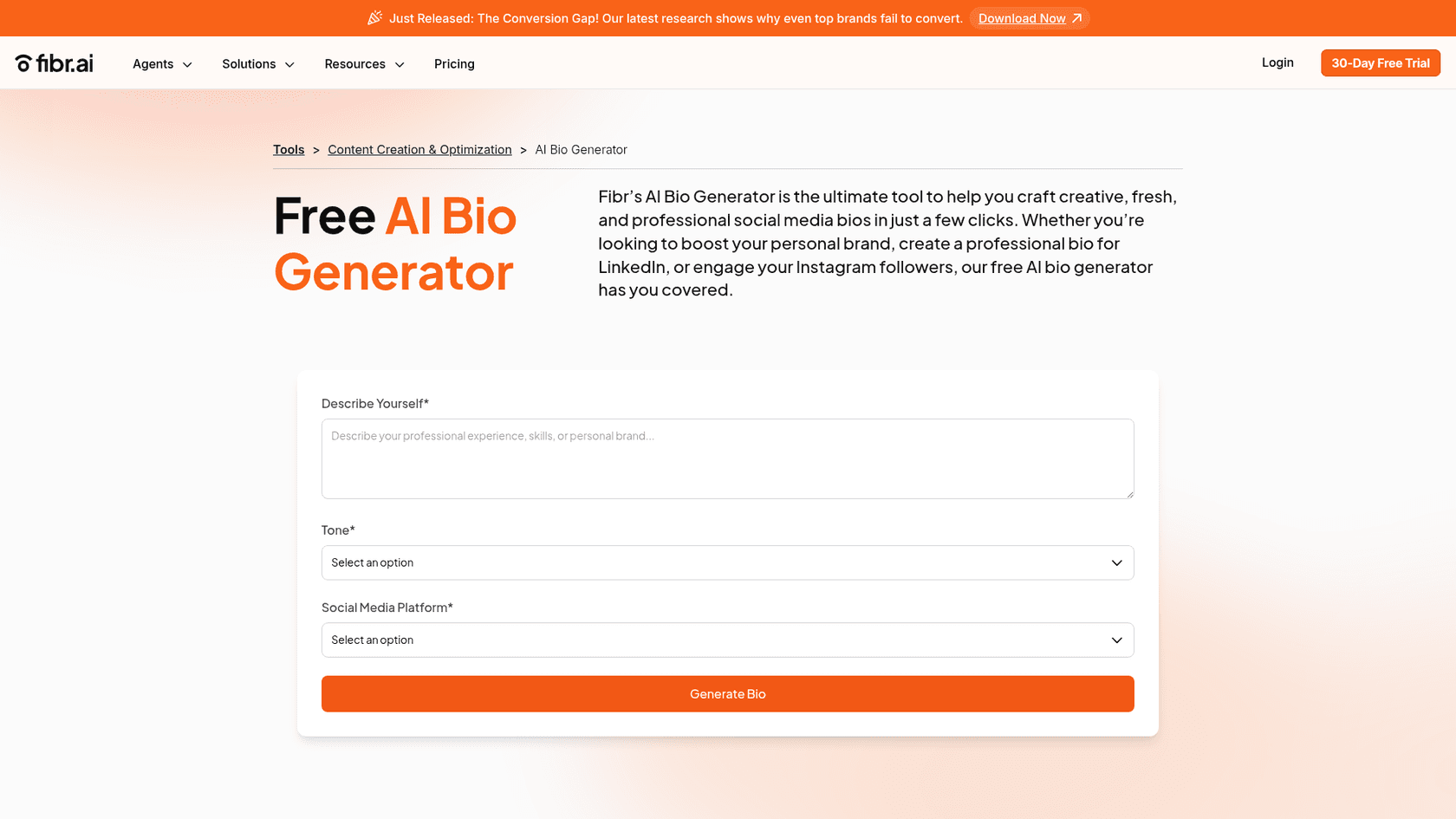
Fibr.ai's bio generator is a solid pick for users who want a clean, fast, and simple tool. It gets straight to the point with a three-step process: describe yourself, pick a tone, and choose your platform. It’s designed for the big four: LinkedIn, X, Instagram, and Facebook.
Pros: The tool's main strength is its simplicity. The interface is clean and super easy to use, making it one of the fastest ways to get a decent bio. For every request, it gives you four different variations, which is nice for getting a few ideas you can mix and match.
Cons: The main downside is the limited selection of platforms. It only focuses on the four main social networks, so it won't help if you need a bio for a niche platform or a general professional profile. If you need something for your portfolio site or a speaker bio, you'll have to try another tool.
Pricing: Totally free.
4. QuillBot
QuillBot's AI Bio Generator is a solid choice if you need something for a professional or academic setting. It's part of a larger suite of popular AI writing tools known for producing clear, grammatically correct text, and its bio generator follows that same standard.
Pros: This tool is at its best when you need a polished bio for something like a LinkedIn profile, a company website, or a formal application. A helpful feature is the sample prompts it provides. If you're stuck, these examples can give you the inspiration you need to get started.
Cons: The output can sometimes feel a bit formal. While that's perfect for a professional setting, it might not be the right fit if you're going for a more creative or humorous tone for a platform like TikTok or your personal Instagram.
Pricing: The bio generator is free to use.
5. ContentStudio
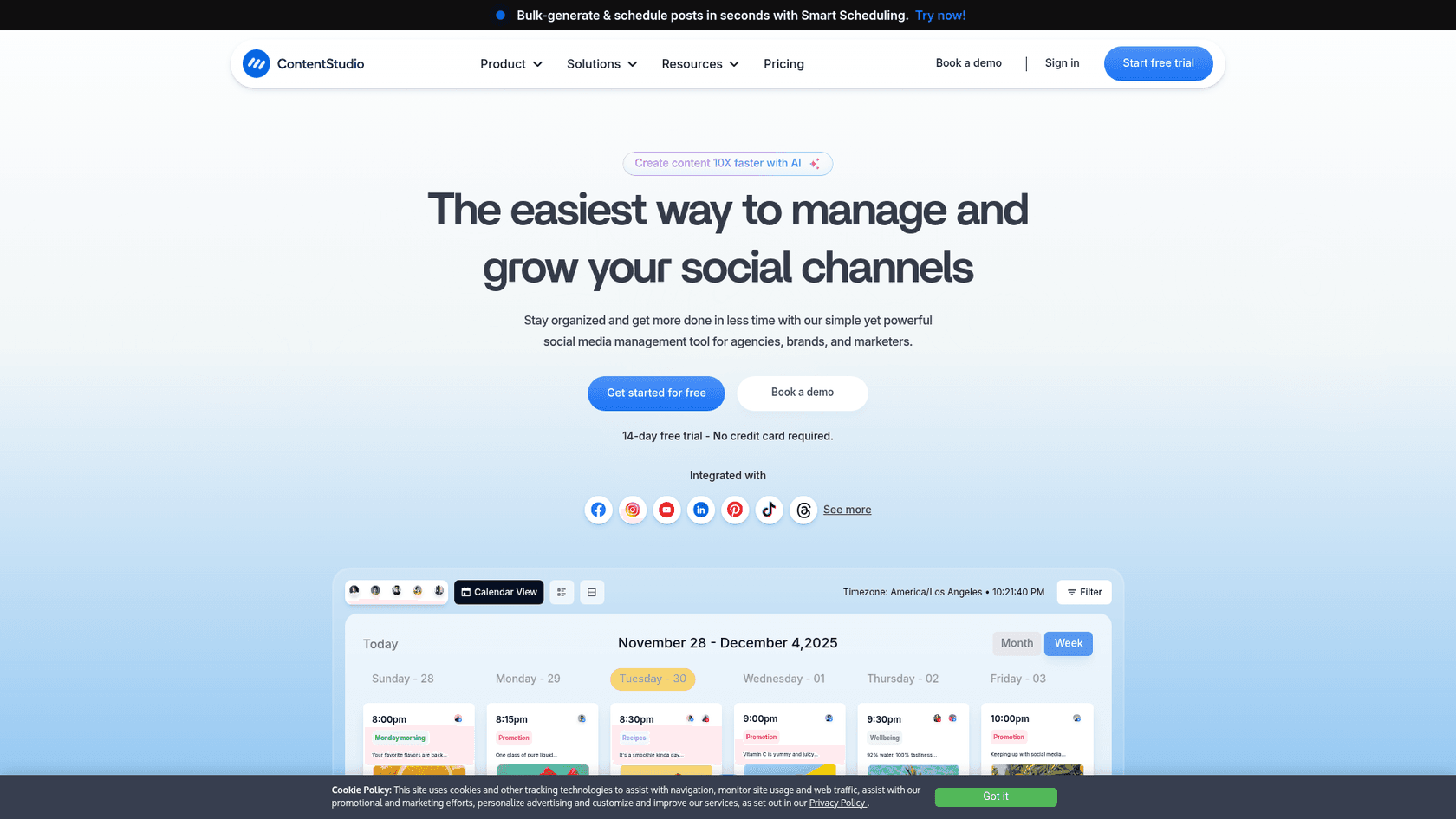
ContentStudio's bio generator is a suitable choice for creating a bio that shows off your personality. Its key feature is the extensive list of tones you can choose from. It goes way beyond the standard "professional" or "friendly" with options like "Witty," "Sarcastic," and "Fun."
Pros: The variety of tones allows you to craft a bio that closely matches your desired voice. It's perfect for creators, artists, or anyone who wants their profile to stand out. It also generates up to five different variations for each prompt, giving you plenty of creative options. Plus, you can use it right away without signing up.
Cons: While the variety of tones is great, the quality can sometimes be a mixed bag. Some of the results might need a little editing to sound completely natural. It also doesn't have the platform-specific options that tools like Hootsuite or Fibr.ai offer, so it's more of a general creative tool.
Pricing: It's free to use without any signup.
For a visual walkthrough of how some of these tools work, check out this video on creating the perfect social media bio in seconds.
Tips for getting the most out of your bio generator
Whether you're using an AI tool as a starting point or writing from scratch, here are a few tips to make sure your bio is effective.
- Keep it short and sweet: Most platforms have tight character limits. Get straight to the point and make every word count.
- Know your audience: Who are you trying to reach? A formal tone works for LinkedIn, but a fun, casual voice is probably better for TikTok.
- Add a call to action (CTA): Tell people what to do next. It could be as simple as "Visit my shop," "Read my latest blog," or "Follow for daily tips."
- Show your personality: Don't be afraid to let your personality shine through. Use emojis, humor, or a unique voice to make your profile memorable. Think of the AI-generated text as a foundation, then add your own personal touch to make it perfect.
Most ai content will not work for good writing. The trick is not let Ai write to replace us. I am using an ai tool called inkwise now to write my novel. I still do most of the writing (it has an online editor) and only pull in ai whenever I want. They have an ai window conveniently embedded within my writing that I can open anytime or just ignore it.

Choosing the right bio generator
The "best" AI bio generator really depends on what you need it for.
For quick, simple, and platform-specific bios, free tools like Hootsuite and Fibr.ai are great options. If you want to inject some creativity and personality, ContentStudio's wide range of tones is a good choice. And for a polished, professional bio, QuillBot is a reliable option.
If your goal is to tell a complete professional story, the eesel AI blog writer is a useful tool. It’s designed for creating rich, SEO-optimized content like "About Me" pages, detailed personal narratives, and expert profiles.
Ready to build a narrative that goes deeper than 150 characters? Try the eesel AI blog writer for free and generate your first high-quality piece of content in minutes.