
Choosing project management software feels like picking a car. You have options that range from simple and reliable to fully loaded with every feature imaginable. Two platforms that sit at opposite ends of this spectrum are Basecamp and monday.com.
Basecamp champions simplicity. It has been around since 2004 and built a reputation on doing a few things exceptionally well. Monday.com, launched in 2012 as "daPulse," takes a different approach. It gives you building blocks to construct virtually any workflow you can imagine.
Both are popular. Both have loyal users. But they serve fundamentally different needs. Let's break down what each offers so you can decide which fits your team.
What is Basecamp?
Basecamp is project management software developed by 37signals, a company that has been profitable for 25 straight years with zero debt. The product launched in 2004 after the team built it for their own use as a web design firm. They needed a better way to manage client projects and stop embarrassing themselves with missed deadlines and scattered communication.
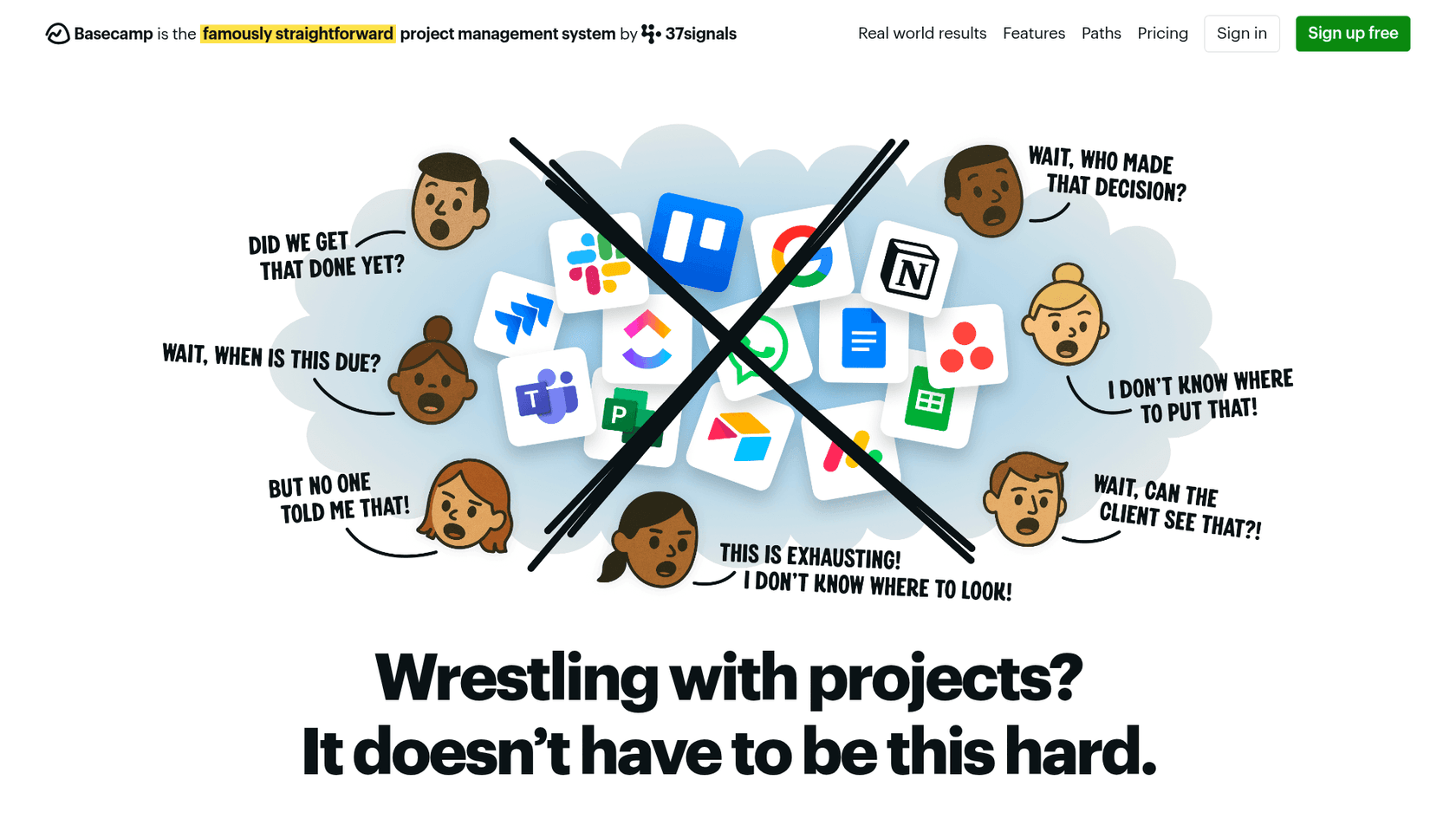
The philosophy behind Basecamp is intentional minimalism. The team believes most projects fail because of bad communication, not missing features. So they stripped away complexity until only the essentials remained.
Basecamp organizes work into projects. Each project contains message boards, to-do lists, schedules, documents, and files. You get Campfire for real-time group chat and Pings for direct messages. Unique features like Hill Charts show project progress visually, categorizing work as "uphill" (figuring things out) or "downhill" (execution mode).
The interface is clean and immediately understandable. New team members can start contributing within minutes, not hours. Basecamp serves over 75,000 organizations across 166 countries, primarily small to medium-sized businesses with fewer than 100 employees.
What is monday.com?
Monday.com positions itself as a "Work OS" rather than simple project management software. Founded in 2012 and rebranded from "daPulse" in 2014, the platform has grown to serve over 250,000 customers worldwide, including more than 60% of the Fortune 500.
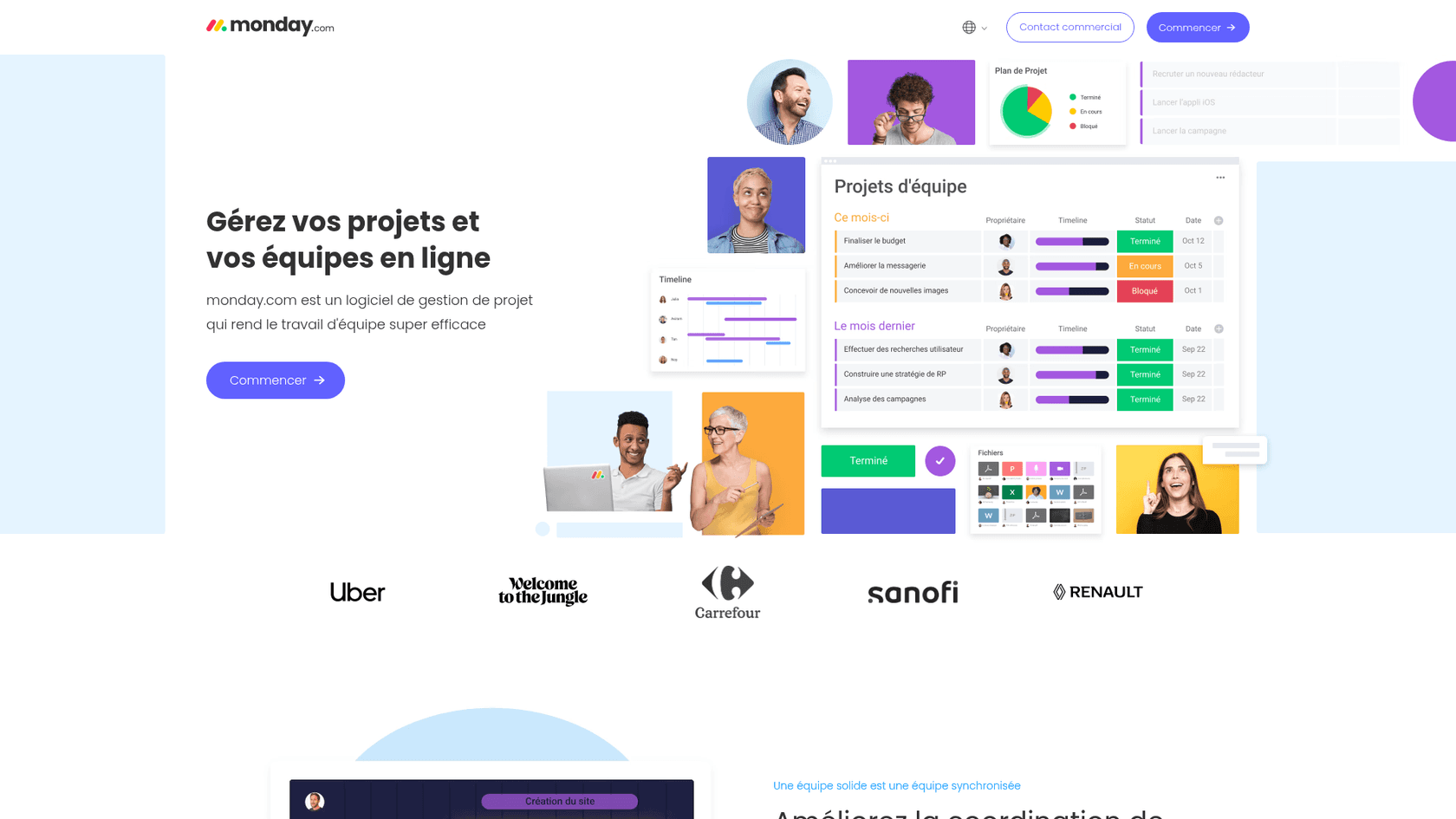
Where Basecamp gives you a predefined structure, monday.com gives you building blocks. You create boards with customizable columns that can represent anything: tasks, leads, inventory, campaigns, or strategic objectives. The platform offers 15+ views including Gantt charts, Kanban boards, calendars, workloads, and charts.
Monday.com has heavily invested in AI capabilities. The platform includes monday Sidekick, an AI assistant that helps draft content, analyze data, and automate tasks. You can deploy AI agents for specific functions like sales, marketing, or engineering. The recent addition of monday Vibe lets you build custom business software without writing code.
This flexibility comes with complexity. Setting up monday.com requires more upfront investment. You need to design your workflows, configure automations, and train your team. But for organizations with complex needs, this customization is the whole point.
Feature comparison
Let's look at how these platforms stack up across key project management capabilities.
Task management
Basecamp keeps tasks simple. You create to-do lists, assign items to people, set due dates, and check them off. You can group related to-dos and add notes, but that's about it. No subtasks, no dependencies, no custom fields.
Monday.com approaches tasks as database entries. Each item can have 40+ column types including status, priority, assignee, due date, dropdowns, numbers, formulas, and links to other items. You can create dependencies between tasks, set up recurring items, and build complex workflows where completing one task triggers actions elsewhere.
Views and visualization
Basecamp offers a fixed set of views: lists for to-dos, schedules for deadlines, and Hill Charts for progress tracking. The Lineup shows all projects on a timeline. Mission Control gives you a dashboard view of project health. These views are thoughtfully designed but not customizable.
Monday.com gives you options. The same data can be viewed as a table, Kanban board, Gantt chart, calendar, workload view, or chart. You can create dashboards that pull data from up to 50 boards (depending on your plan). This flexibility lets different teams view the same project in the way that makes sense for them.
Automation and workflows
Basecamp deliberately limits automation. You get automatic check-ins that prompt team members for status updates. Notifications arrive in the Hey! menu. But you won't find rule-based automation or triggered actions. The philosophy is that human judgment should drive project management.
Monday.com embraces automation. Even the Standard plan includes 250 automation actions per month. The Pro plan bumps this to 25,000 actions. You can create multi-step workflows that trigger when status changes, due dates arrive, or conditions are met. The platform also offers AI-powered workflows that can run autonomously.
Integrations
Basecamp integrates with approximately 30 tools natively, plus offers a full API for custom integrations. Third-party solutions exist for time tracking, invoicing, accounting, and reporting. The platform can replace Slack, Asana, Dropbox, and Google Docs for many teams.
Monday.com connects with 200+ integrations spanning CRM, development tools, communication platforms, and more. The open API and app marketplace let you extend functionality further. For teams using multiple tools, monday.com can serve as a central hub.
| Feature | Basecamp | monday.com |
|---|---|---|
| Task structure | Simple to-do lists | Database-style with 40+ column types |
| Views | Fixed set (lists, schedules, Hill Charts) | 15+ customizable views |
| Automation | Minimal by design | Extensive, up to 250K actions on Enterprise |
| Integrations | ~30 native | 200+ native |
| AI capabilities | None | Sidekick assistant, AI agents, workflow automation |
| Customization | Low | Very high |
Pricing breakdown
Pricing is where these platforms diverge dramatically. Your team size and growth plans will heavily influence which model makes sense.
Basecamp pricing
| Plan | Price | Key features |
|---|---|---|
| Free | $0 | 1 project, 20 users, all core features |
| Plus | $15/user/month | Unlimited projects, all features, guests free |
| Pro Unlimited | $299/month flat | Unlimited users, unlimited projects, all features |
Basecamp's Pro Unlimited plan is unusual in the industry. For $299 per month billed annually, you can add 10 users or 1,000 users. The price stays the same. This makes Basecamp extremely cost-effective for larger teams.
Optional add-ons include Timesheet (time tracking) for $50/month, Admin Pro Pack for $50/month, and additional storage for $50/month per terabyte.
Source: Basecamp pricing
monday.com pricing
| Plan | Annual price | Monthly price | Key features |
|---|---|---|---|
| Free | $0 | $0 | Up to 2 seats, 3 boards, 3 docs |
| Basic | $9/seat/month | ~$11/seat/month | Unlimited items, 5GB storage, 1-board dashboards |
| Standard | $12/seat/month | ~$15/seat/month | + Gantt/timeline, 250 automations/month, 5-board dashboards |
| Pro | $19/seat/month | ~$24/seat/month | + Private boards, time tracking, 25K automations/month, 20-board dashboards |
| Enterprise | Custom | Custom | Portfolio management, 250K automations/month, 50-board dashboards, 24/7 support |
Monday.com requires a minimum of 3 seats for paid plans. Annual billing saves 18% compared to monthly. Costs scale linearly with your team size.
Source: monday.com pricing
Cost comparison at different team sizes
Here's what you would actually pay per month (annual billing):
| Team size | Basecamp Plus | Basecamp Pro Unlimited | monday.com Basic | monday.com Standard | monday.com Pro |
|---|---|---|---|---|---|
| 10 users | $150 | $299 | $90 | $120 | $190 |
| 20 users | $300 | $299 | $180 | $240 | $380 |
| 50 users | $750 | $299 | $450 | $600 | $950 |
| 100 users | $1,500 | $299 | $900 | $1,200 | $1,900 |
The break-even point is clear. At around 20 users, Basecamp Pro Unlimited becomes cheaper than monday.com Basic. At 50 users, Basecamp saves you thousands per year compared to monday.com's higher tiers.
Ease of use and setup
Basecamp lives up to its reputation for simplicity. You can create your first project in minutes. The interface is intuitive enough that most users need minimal training. The company offers free live classes and extensive documentation, but many teams never need them.
This simplicity is by design. Basecamp replaces multiple tools (Slack, Asana, Dropbox, Google Docs) with one straightforward platform. You won't spend time configuring workflows or building custom views. You just start working.
Monday.com requires more upfront investment. The "build anything" approach means you need to design your structure before you can use it effectively. Setting up boards, configuring columns, creating automations, and training your team takes hours or days, not minutes.
Once configured, monday.com is powerful. But it requires ongoing maintenance. As your needs evolve, you'll need to adjust your boards and workflows. Some teams love this flexibility. Others find it becomes a burden.
Who should choose Basecamp?
Basecamp fits teams that value clarity over complexity. Consider it if:
- You have 1-50 employees and want to stay organized without overhead
- You prioritize communication and collaboration over detailed tracking
- You work with clients and need a simple way to share progress
- You want predictable pricing that won't spike as you grow
- You prefer opinionated software that guides you toward best practices
Creative agencies, consulting firms, and remote-first startups often thrive with Basecamp. The flat-rate Pro Unlimited plan makes it particularly attractive for growing teams that want to avoid per-seat pricing surprises.
Who should choose monday.com?
Monday.com suits teams with complex workflows and scaling ambitions. Consider it if:
- You have 50+ employees or plan to grow significantly
- You need detailed reporting and portfolio visibility across departments
- Your workflows involve dependencies, approvals, and cross-functional handoffs
- You want AI-powered automation to reduce manual work
- You need extensive customization to match your specific processes
Enterprise teams, data-driven organizations, and companies with complex operational needs often find monday.com worth the investment. The platform scales from small teams to thousands of users.
Making the right choice for your team
There is no universal winner in the Basecamp vs monday debate. The right choice depends on your team's size, workflow complexity, and philosophical preference.
Basecamp is the choice for teams that want to get organized quickly and stay organized without constant tool management. It is opinionated software that believes simpler is better. If you find yourself fighting against complex project management tools, Basecamp might be the relief you need.
Monday.com is the choice for teams that have outgrown simple tools and need a platform that can grow with them. It requires more setup and maintenance, but rewards that investment with deep customization and powerful automation.
Before deciding, ask yourself: Do you want a tool that gets out of your way so you can focus on work? Or do you want a tool that actively helps you optimize and automate that work? Your answer points to the right platform.
If you're evaluating project management tools for customer support workflows specifically, you might also consider how an AI teammate could complement your setup. At eesel AI, we help teams automate support by learning from their existing help center and past tickets. Rather than replacing your project management tool, we act as an AI agent that handles frontline support directly in platforms like Zendesk, Freshdesk, and Gorgias. You can see how it works or explore our pricing to understand how AI automation fits into your support stack.




