
Internal linking can be a time-consuming process. Manually sifting through hundreds of old blog posts to find the perfect place to link to a new article is tedious but also one of the most important things you can do for your site's SEO.
Luckily, AI can help turn this chore into a much smarter process. The right tool can reduce hours of manual work to just a few clicks. We tested the top options to see which tools live up to their promises. This is a hands-on review of what works, what doesn't, and who each tool is for.
A key finding is the benefit of building links from the start, rather than fixing them after publishing. Tools like the eesel AI blog writer are designed for this proactive approach, which we will explore in more detail.
What is an AI internal linking tool?
At its core, an AI internal linking tool is software that uses artificial intelligence, specifically natural language processing (NLP), to read and understand all the content on your website. Think of it as an incredibly fast assistant that knows every single article you've ever published.
Its main job is to automatically find relevant pages on your site and suggest contextual internal links, often with smart, optimized anchor text. Instead of you having to remember that you wrote a post about "customer retention strategies" three years ago, the AI finds it for you and suggests linking to it from your new article on "reducing churn."
This has some massive SEO benefits for both search engines and your visitors:
- Improved Crawlability: It helps search engine bots like Googlebot discover and index all of your content more efficiently. No more "orphan" pages left floating in the void.
- Link Equity Distribution: It spreads authority (what SEO folks sometimes call "PageRank" or "link juice") throughout your site. This helps lift the rankings of your most important pages.
- Topical Authority: By creating logical clusters of content that are all linked together, you signal your expertise on a topic to search engines. It shows you've covered a subject from multiple angles, which can be a huge ranking factor. You can dive deeper into this in this guide on internal linking strategy.
- Enhanced User Experience: It guides your visitors to other relevant articles, keeping them on your site longer and giving them more value. It's a win-win.
Our criteria for the best AI internal linking tool
Not all AI is created equal, so I used a clear set of criteria to judge these tools to make sure it was a fair comparison. Here’s what I looked for:
- Accuracy and Relevance: This is the big one. How good are the link suggestions? Does the AI actually understand the context of the sentence, or is it just matching keywords? The best tools feel like they have a human touch.
- Automation and Control: Does the tool offer a "set it and forget it" mode, or does it let you approve everything manually? I think the sweet spot is a mix of both. You want the AI to do the heavy lifting, but you should always have the final say.
- Ease of Use: How quickly can you get up and running? A clunky interface or a steep learning curve can kill the time-saving benefits. The best tools are intuitive from the get-go.
- Platform Compatibility: Does it only work with WordPress? Or can you use it on Shopify, Webflow, Ghost, or a custom-built site? Versatility is a huge plus.
- Value for Money: Is the price fair for the features you get? The goal is to save time and boost SEO, so the return on investment should be clear.
Comparison of the top AI internal linking tools
Here’s a quick-glance table to see how the top contenders stack up against each other.
| Feature | eesel AI blog writer | Link Whisper | Junia AI | AIOSEO Link Assistant | LinkStorm |
|---|---|---|---|---|---|
| Best For | Proactive linking during content generation | WordPress & Shopify users | Semantic analysis & multi-CMS support | Existing AIOSEO Pro/Elite users | Technical SEO & JS-heavy sites |
| Platform | Any | WordPress, Shopify | Any (with integrations) | WordPress | Any |
| Key Feature | Generates new blog posts with links built-in | In-editor suggestions & auto-linking | Learns from user feedback to improve suggestions | Bulk link management & cornerstone content | GSC integration for data-driven suggestions |
| Pricing From | Free to try / $99 for 50 blog credits | $97/year | Free to try / Paid plans from $19/month | Included in Pro/Elite plans (from $199.50/year) | $30/month |
The 5 best AI internal linking tools in 2026
Alright, let's get into the details. Each of these tools has its own strengths and is built for a slightly different user, so the "best" one really depends on your specific workflow and needs.
1. eesel AI blog writer

The eesel AI blog writer takes a completely different approach from every other tool on this list. Instead of being a reactive tool that helps you add links to existing content, it's a proactive solution that addresses the task at the source: during content creation.
It works by generating a complete, publish-ready blog post from a single keyword. You just give it your website URL, and it learns your brand, tone, and existing content. From there, it writes a fully optimized article that already includes relevant internal links to your other posts and external links to authoritative sources. This means every new piece of content you create is perfectly structured and woven into your site's architecture from day one.
Pros: The main advantage here is efficiency. You’re not just getting a linking tool; you're getting an entire content engine. It generates a full article in minutes, complete with headings, AI-generated images, Reddit quotes, and FAQs. The links it suggests are incredibly relevant because its research is context-aware. Plus, it optimizes for AI Answer Engines (AEO), which is important for staying visible in search as Google's AI Overviews become more common in 2026.
Cons: Because its strength is in generating new content, it's not designed to go back and audit a library of 500 old blog posts. It's built for teams who want to scale their content production and get the linking right from the start, not for those focused on retrofitting an existing site.
Pricing:
- You can try it completely free to see the quality for yourself.
- Paid plans start at $99 for 50 blog credits, which you can use as needed.
2. Link Whisper
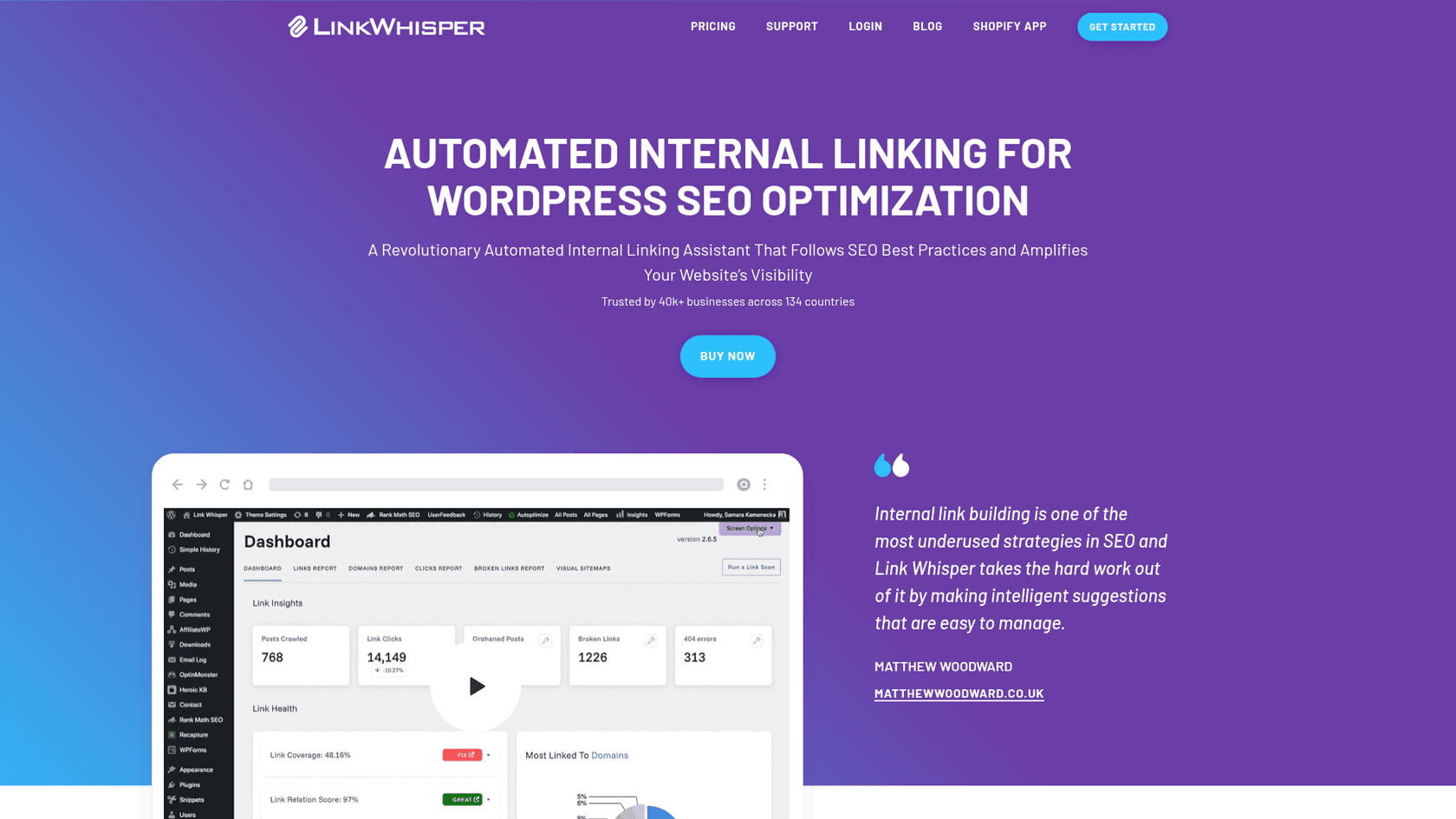
Link Whisper is probably the most well-known name in the internal linking space. It's a powerhouse plugin for WordPress and Shopify, trusted by over 40,000 businesses. It works by scanning your content as you write and suggesting relevant internal links right inside your editor.
Its dashboard is very useful for getting a bird's-eye view of your site's link health. You can quickly spot "orphan" pages that have zero inbound links, find and fix broken links, and use the auto-linking feature to automatically create links for specific keywords across your entire site.
Pros: If you're on WordPress or Shopify, the integration is seamless. It feels like a native part of the platform. The reporting features are fantastic for identifying pages that need more love, and the ability to easily add inbound links to a new post from your older articles is a huge time-saver.
Cons: The biggest drawback is that it's limited to WordPress and Shopify. If your site is on Webflow, Ghost, or any other platform, you're out of luck. Also, while the AI is good, it can sometimes focus a bit too much on exact-match keywords rather than true contextual relevance, so you'll still want to give the suggestions a quick manual review.
I had the same issues with Linkwhisper - irrelevant suggestions and poor anchor text were frustrating.

Pricing:
- Pricing starts at $97 per year for a single site license.
3. Junia AI
Junia AI focuses on quality over quantity. It positions itself as a tool that understands content more like a human editor than a simple keyword-matcher. It uses advanced NLP to identify entities, themes, and the underlying search intent of a page, which allows it to make highly relevant, natural-sounding link suggestions.
It offers integrations for major platforms like WordPress, Shopify, and Webflow. One of its standout features is that it learns from your decisions. When you approve or reject a suggested link, the AI takes that feedback and uses it to improve its recommendations over time, becoming a smarter partner the more you use it.
Pros: The focus on semantic understanding really pays off. The link placements it suggests feel very natural and are genuinely helpful for the reader. The fact that the AI adapts to your preferences and your site's unique structure is a massive plus, making it more tailored to you over time.
Cons: The workflow can feel a bit disconnected compared to an in-editor plugin. You typically have to sync your content and review the suggestions within the Junia AI interface, which adds an extra step for users who prefer to do everything inside their CMS.
Pricing:
- You can try it for free, and paid plans with more advanced features start at $19 per month.
4. AIOSEO Link Assistant
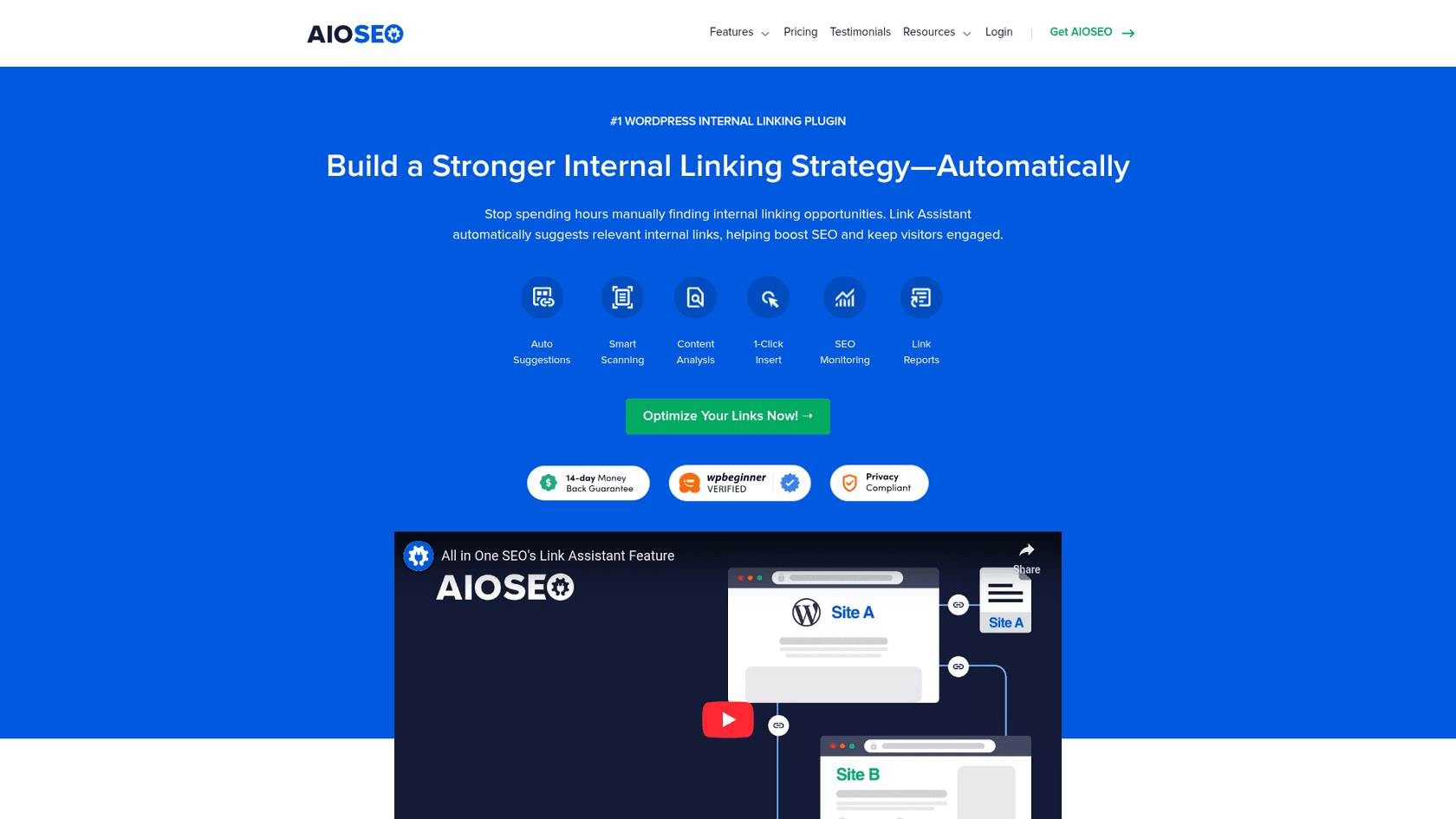
If you're one of the 3 million+ professionals already using the All in One SEO (AIOSEO) plugin for WordPress, then the Link Assistant is a logical choice. It's a feature baked directly into the AIOSEO suite that scans your entire site and provides contextual link suggestions.
The dashboard gives you a really clean overview of your entire linking structure, showing both internal and external links for every post. You can manage links in bulk, insert them with a single click, and designate certain articles as "cornerstone content" to ensure they get prioritized with internal links.
Pros: The convenience factor is a significant advantage. If you're already in the AIOSEO ecosystem, you don't need to install another plugin or learn a new interface. The reports are clear and make it easy to spot opportunities and fix orphaned pages.
Cons: This isn't a standalone tool; it's only available in the Pro and Elite plans of AIOSEO. So, if you're using the free version or another SEO plugin, this isn't an option. It's also exclusive to WordPress and is optimized for the Block Editor (Gutenberg) and English-language sites for now.
Pricing:
- It's included in AIOSEO Pro plans, which start at $199.50 per year.
5. LinkStorm
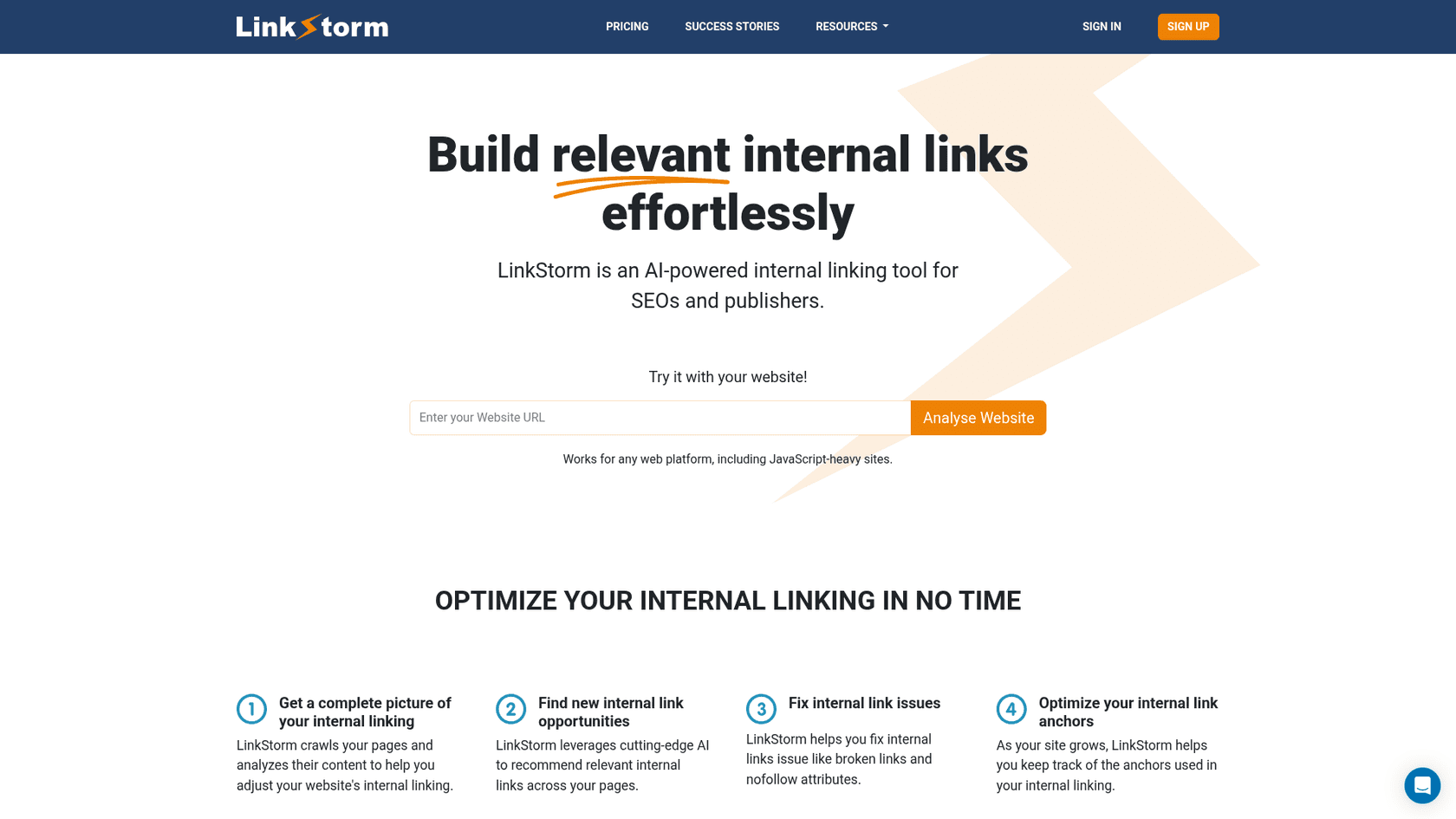
LinkStorm is a platform-agnostic tool built for SEOs, agencies, and publishers who are managing larger, more complex websites. It crawls your entire site and gives you a deep-dive report on your linking structure.
Its standout feature is its integration with Google Search Console. It doesn't just look at your content in a vacuum; it pulls in your actual ranking and traffic data to deliver smarter, data-driven link suggestions. This helps you prioritize the links that are most likely to actually move the needle. It's also particularly good at handling JavaScript-heavy sites, which can be a real headache for other crawlers.
Pros: Because it works with any web platform, it's incredibly versatile. The GSC integration is a huge advantage, adding a strategic layer that helps you focus your efforts where they'll have the most impact. It's also great for technical SEO hygiene, helping you find and fix broken links and redirects.
Cons: Unlike the plugins that work directly inside your editor, LinkStorm is a separate dashboard. It will tell you what to link, but it doesn't automatically insert the links for you. This means there's a more manual process to get the links live, which might be a deal-breaker for those looking for maximum automation.
Pricing:
- Plans start at $30 per month for up to 1,000 pages.
Pro tips for maximizing your AI internal linking tool strategy
Whichever tool you choose, remember that AI is an assistant. Here are a few tips to get the most out of your new setup:
- Always Review AI Suggestions: Take a few seconds to review the suggestions before you hit "approve." The AI is smart, but you're smarter. Make sure the link is genuinely helpful to the reader and makes sense in the context of the sentence.
- Prioritize Context Over Keywords: A great internal link guides a user on a journey to learn more. Don't just jam in a link because the anchor text matches a keyword. Does it flow naturally? Does it add value?
- Update Old Content: Use these tools to find your older, high-authority posts and add links from them to your shiny new content. This is a classic SEO trick that helps new pages get indexed faster and gives them a ranking boost.
- Focus on Your "Money" Pages: Be strategic. Make sure you're building a solid base of internal links pointing to your most important pages—the ones that drive conversions, like product pages, service pages, or pillar content.
For a practical look at how these concepts work, this video from ClickMinded provides a step-by-step tutorial on using AI to find and implement internal linking opportunities to boost your rankings.
Automating your way to better SEO
In 2026, an AI internal linking tool isn't a luxury; it's a necessity for anyone serious about growing their site's traffic efficiently. These tools save hundreds of hours and help you build a stronger, more logical site structure that both users and search engines will love.
The "best" tool really boils down to your workflow. If your main goal is to add links to a large library of existing content, a dedicated tool like Link Whisper or AIOSEO Link Assistant is a great choice.
Alternatively, for those who want to build internal links directly into the content creation process, an integrated solution is an effective approach. This ensures every article you publish is optimized from the start.
Ready to streamline your workflow by publishing structured content with internal links built-in? Generate your first blog post for free with the eesel AI blog writer and see how a proactive approach can benefit your content strategy.