Insurance has always been a relationship business. When a customer needs to file a claim after an accident, check if a procedure is covered, or understand why their premium went up, they want to talk to someone who understands their situation. But here's the problem: call volumes keep rising, support teams aren't growing at the same pace, and customers expect instant responses at any hour.
This is where AI customer support for insurance comes in. It's not about replacing human agents. It's about handling the repetitive, high-volume work so your team can focus on the cases that actually need empathy and expertise. Let's break down what this looks like in practice.
What is AI customer support for insurance?
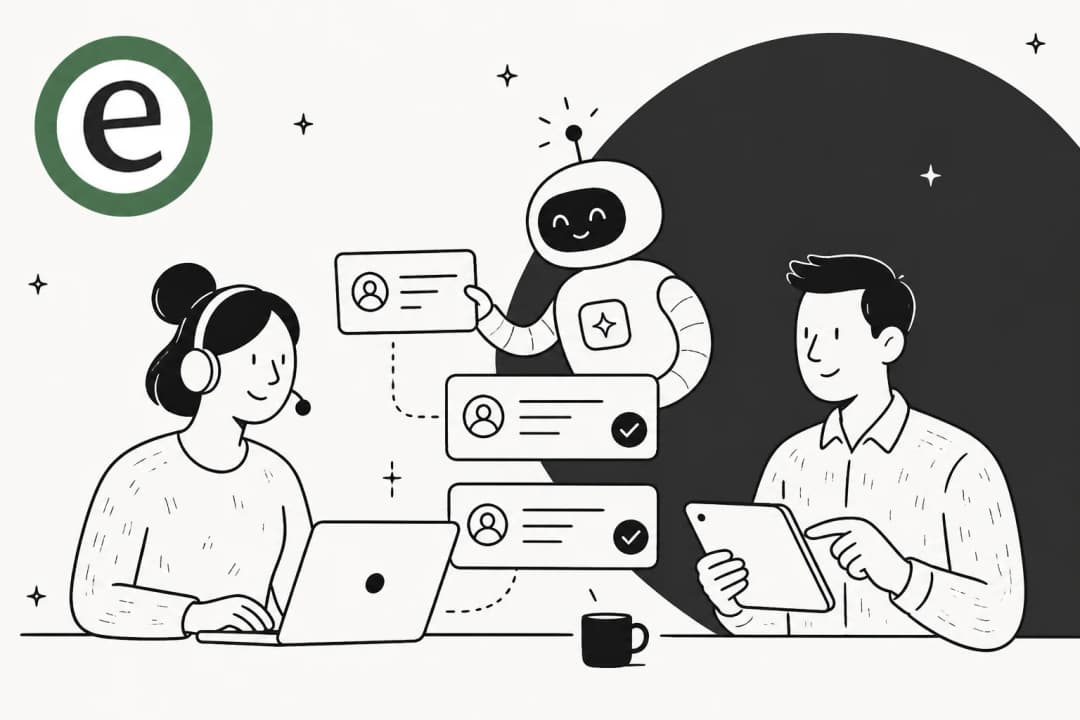
AI customer support for insurance refers to using artificial intelligence technologies to automate interactions, streamline processes, and deliver personalized service to policyholders. Think of it as a digital team member that can handle routine inquiries around the clock while your human agents tackle complex claims and sensitive conversations.
The key technologies powering this include:
- Natural Language Processing (NLP) allows AI to understand customer queries in plain English, whether written or spoken
- Machine Learning (ML) enables the system to improve over time by learning from past interactions
- Voice AI handles phone conversations that sound natural, not like the rigid IVR systems everyone hates
- Chatbots provide instant text-based support across websites, apps, and messaging platforms
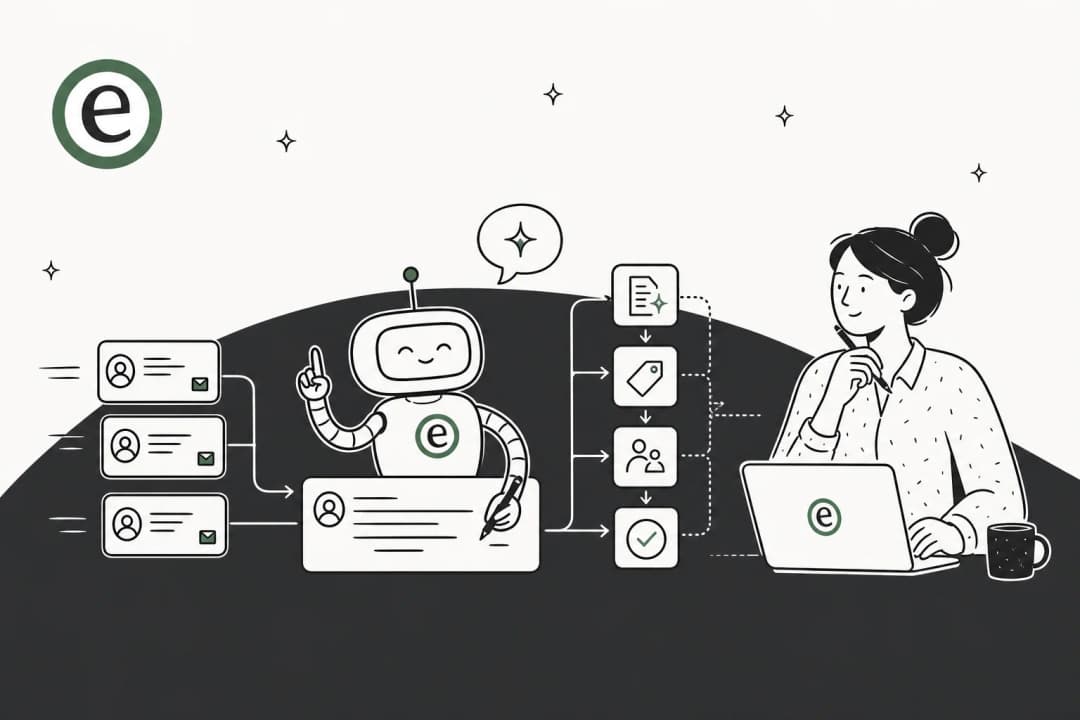
Unlike traditional automation that follows rigid scripts, modern AI for insurance can understand context, handle exceptions, and escalate to humans when appropriate. For example, when a customer calls about a claim, AI can pull up their policy, verify coverage, collect incident details, and even initiate the claim filing process without a human agent ever touching it.

If you're looking for an approach where the AI learns your business like a new team member rather than requiring months of configuration, our AI agent connects to your existing help desk and starts learning from your past tickets and documentation immediately.
Key use cases for AI customer support in insurance
The most successful AI implementations in insurance focus on specific, high-volume workflows. Here are the areas where AI delivers the most value.
Claims processing and FNOL
First Notice of Loss (FNOL) is often the moment of truth in the customer relationship. When someone calls after a car accident or water damage to their home, they are stressed and want immediate help. AI can:
- Collect incident details, photos, and documentation through conversational interfaces
- Verify coverage in real time by checking policy details
- Create the claim file automatically in your claims management system
- Assign the right adjuster based on claim type, location, and complexity
- Provide instant status updates so customers aren't left wondering
Platforms like Inaza report reducing call center workload by up to 80% within three weeks of deployment by automating these FNOL workflows. Response times drop from days to seconds.

Policy servicing and inquiries
Most service calls aren't complex. They're customers asking about coverage details, requesting policy documents, or making simple updates. AI handles these seamlessly:
- Coverage verification and explanation
- Policy document delivery
- Address changes and beneficiary updates
- ID card requests
- Renewal reminders and processing
The key advantage is consistency. Every customer gets the same accurate information, pulled directly from your policy administration system.
Billing and payment support
Payment issues are a major source of customer frustration and churn. AI can proactively manage:
- Premium explanations and breakdowns
- Payment processing and confirmation
- Missed payment reminders
- Payment plan adjustments
- Refund status inquiries
By handling these routine financial interactions, AI reduces the load on your billing team while keeping customers informed.
Fraud detection and risk assessment
AI doesn't just respond to customers. It can also identify patterns humans might miss:
- Flagging unusual claim descriptions or inconsistencies
- Detecting suspicious calling patterns
- Running fraud-detection algorithms before payouts
- Standardizing subjective assessments across all interactions
This helps protect both your bottom line and legitimate policyholders from fraudulent claims.
Benefits of AI customer support for insurance companies
The business case for AI in insurance customer service is straightforward. Here's what the numbers look like.
Cost reduction
Capacity reports 66% operational cost savings for insurance clients. When you compare the cost per interaction, the difference is stark:
| Channel | Cost per ticket |
|---|---|
| Phone (human agent) | $17 |
| Email (human agent) | $15 |
| Chat (human agent) | $12 |
| AI automation | $4 |
24/7 availability without staffing costs
Insurance doesn't follow business hours. Accidents happen at 2 AM. Customers want to check their coverage on weekends. AI provides consistent service around the clock without overtime pay or shift scheduling.
Faster response times
According to Inaza, AI reduces response times from days to seconds. For policy queries specifically, they report under 3 seconds to answer any question. This directly impacts customer satisfaction and retention.
Scalability during peak periods
Insurance has natural volume spikes: renewal seasons, catastrophic weather events, open enrollment periods. AI absorbs these surges without degrading service quality or requiring temporary staffing.
Consistent service quality
Every AI interaction follows your guidelines. There's no variation based on which agent answers, time of day, or how busy the queue is. Customers get the same accurate information every time.
If you're interested in how AI automation can transform your support operations, we've covered the broader landscape in our guide to the best AI-driven customer support automation platforms.
Top AI platforms for insurance customer support
Choosing the right platform depends on your size, existing systems, and specific needs. Here's how the leading options compare.
eesel AI
We built eesel AI to work like a teammate you hire, not a tool you configure. Instead of spending weeks uploading documentation and building decision trees, you connect eesel to your help desk and it learns from your existing data: past tickets, help center articles, macros, and connected documents.

What makes eesel different:
- Progressive rollout: Start with eesel drafting replies for your agents to review. Once you see the quality, expand to full autonomy.
- Plain-English control: Define escalation rules in natural language. "Always escalate billing disputes to a human" or "For VIP customers, CC the account manager."
- Pre-go-live testing: Run simulations on thousands of past tickets to see exactly how eesel would respond before going live.
- Works with your existing stack: Integrates with Zendesk, Freshdesk, Intercom, Gorgias, Jira, ServiceNow, and more.
Our customers see up to 81% autonomous resolution rates with typical payback periods under two months. See our pricing or explore our AI agent capabilities.
NICE CXone
NICE offers an enterprise-grade unified AI platform for customer service automation. Their CXone platform converges channels, data, workflows, and enterprise knowledge to deliver consistent CX at scale.

Key strengths:
- Domain-specific AI trained on the industry's largest CX dataset (Enlighten AI)
- Comprehensive workforce management and quality tools
- Strong omnichannel capabilities (voice, chat, email, social)
- Deep analytics and performance management
NICE is best suited for large carriers with complex contact center environments and established telephony infrastructure.
Capacity
Capacity positions itself as an AI support platform purpose-built for insurance. They emphasize measurable ROI with specific benchmarks.

Claimed results:
- 66% operational cost savings
- 22% reduction in average handle time
- 9% increase in sales
- 4.5/5 customer satisfaction scores
Their Legal & General case study is notable: the company grew to over 1.3 million customers without adding headcount to their contact center after deploying Capacity.
Insurity AI Assistant
Insurity focuses specifically on P&C insurance with a cloud-native AI assistant.
Key features:
- Pre-built intents designed for insurance workflows
- 24/7 availability across voice, text, and web
- Real-time analytics for continuous improvement
- RESTful API for integration with any system
Insurity is a strong choice for P&C carriers looking for insurance-specific functionality out of the box.
Inaza
Inaza specializes in AI voice and chat agents for insurance with an emphasis on fast deployment.

Claimed performance:
- 80% workload reduction in 3 weeks
- Under 3 seconds to answer policy queries
- Response times from days to seconds
They offer both voice agents for phone interactions and chat agents for digital channels, with omni-channel support across web, app, WhatsApp, and SMS.
| Platform | Best For | Starting Price | Key Strength |
|---|---|---|---|
| eesel AI | Teams wanting progressive AI adoption | $299/mo | Teammate model, plain-English control |
| NICE CXone | Large enterprise carriers | Contact sales | Unified platform, workforce tools |
| Capacity | Cost-focused insurers | Contact sales | Proven ROI, case studies |
| Insurity | P&C insurance specialists | Contact sales | Insurance-specific pre-built intents |
| Inaza | Fast deployment needs | Contact sales | 3-week implementation |
How to implement AI customer support in your insurance company
Rolling out AI doesn't have to be a massive IT project. Here's a practical approach that minimizes risk while delivering quick wins.
Step 1: Identify high-volume, repetitive workflows
Look for interactions that happen frequently and follow predictable patterns. Good candidates include:
- FNOL intake for common claim types
- Policy coverage questions
- Status update requests
- Payment inquiries
Ask your team: "Where do we waste time repeating the same questions?" That's your first automation target.
Step 2: Choose your deployment model
You have two main approaches:
Guided (Copilot mode): AI drafts replies that human agents review and send. This lets you verify accuracy before anything reaches customers.
Autonomous (Agent mode): AI handles complete interactions end-to-end, escalating only what you define.
Most teams start guided and expand to autonomous as confidence builds.
Step 3: Integrate with existing systems
AI works best when it can actually do things, not just talk. Connect to your:
- CRM or policy administration system
- Claims management platform
- Billing and payment systems
- Knowledge bases and document repositories
This lets AI pull real data, update records, and trigger workflows rather than just providing information.
Step 4: Run simulations before going live
Before customers see the AI, test it on historical data. Run it against thousands of past tickets to see how it would have responded. Measure accuracy, identify gaps, and refine your setup.
This is a capability we emphasize at eesel. You can simulate on past tickets to verify quality before touching real customers.
Step 5: Monitor and optimize
After launch, track the metrics that matter:
- Containment rate (queries solved without human involvement)
- Average handle time
- Customer satisfaction scores
- Escalation reasons
Use these insights to continuously improve. Update responses based on corrections, add new workflows as you identify opportunities, and expand AI's scope as it proves itself.
For a deeper dive into implementation strategies, check out our practical guide to mastering AI and automation in customer support.
Challenges and considerations
AI in insurance isn't without hurdles. Here are the main ones to plan for.
Data privacy and compliance
Insurance handles sensitive personal and financial information. Your AI solution needs to meet regulatory requirements:
- HIPAA compliance for health-related policies
- GDPR and CCPA for data privacy
- State-specific insurance regulations
- SOC 2 Type II for security controls
Make sure your vendor can demonstrate compliance, not just claim it.
Integration with legacy systems
Many insurers run on older policy administration and claims systems. Modern AI platforms use APIs to connect, but not every legacy system has modern APIs. You may need middleware or phased integration approaches.
Customer trust and transparency
Some customers are skeptical of AI. Be transparent about when they're talking to AI versus a human. Give them easy ways to escalate to a person. And make sure the AI experience is actually better than waiting on hold, not just cheaper for you.
When to escalate to human agents
Not everything should be automated. Define clear escalation rules:
- Complex claims with disputed liability
- Customers expressing frustration or distress
- VIP or high-value policyholders
- Regulatory or legal inquiries
The goal is AI handling routine work so humans can focus on what requires judgment and empathy.
Maintaining the human touch
Insurance is fundamentally about trust. Customers need to feel heard and understood, especially during difficult times. AI should enhance human capabilities, not eliminate human connection.
The best implementations use AI for volume and consistency while preserving human agents for the moments that matter most.
For tips on using AI to improve ticket management without losing the personal touch, see our post on how to use AI to classify or tag support tickets.
Getting started with AI customer support for insurance
If you're considering AI for your insurance customer service, start small and scale based on results.
Week 1-2: Pick one use case. FNOL for auto claims is often a good starting point because it's high-volume and follows a predictable pattern.
Week 3-4: Map the conversation flow. What questions do customers ask? What information do you need to collect? What happens at the end?
Week 5-6: Connect your systems and configure the AI. Test internally with your team.
Week 7-8: Run simulations on historical data. Refine responses and escalation rules.
Week 9: Soft launch with a subset of customers or during off-peak hours.
Week 10+: Monitor metrics, gather feedback, and expand to additional use cases.
The key is measuring ROI from day one. Track cost per interaction, resolution times, and customer satisfaction. Use these numbers to build the case for expanding AI across more workflows.
At eesel, we've designed our platform to make this process as smooth as possible. You don't need a dedicated AI team or months of implementation. Connect your help desk, define your workflows in plain English, and start with guided mode while you build confidence.
If you're ready to see how AI customer support for insurance can work for your team, explore our customer support automation solutions or try eesel free. Think of it as inviting a new teammate to your team: one that learns your business in minutes, works 24/7, and helps your human agents focus on what they do best.
Frequently Asked Questions
Share this post

Article by
Stevia Putri
Stevia Putri is a marketing generalist at eesel AI, where she helps turn powerful AI tools into stories that resonate. She’s driven by curiosity, clarity, and the human side of technology.