When you're evaluating AI for customer support, accuracy isn't just a nice-to-have. It's the difference between resolving tickets automatically and frustrating your customers with wrong answers. Zoho Desk has built its AI assistant, Zia, into the platform to help teams automate responses, analyze sentiment, and route tickets more efficiently. But how accurate is it really?
Here's what Zia can do, where it hits the mark, and where it falls short. We'll also look at what affects its accuracy and whether there's a better option for teams that need reliable AI.
What is Zoho Desk AI (Zia)?
Zia is Zoho Desk's built-in AI assistant. It's designed to work across the Zoho ecosystem, pulling context from Zoho CRM and other Zoho apps to help support agents work faster.
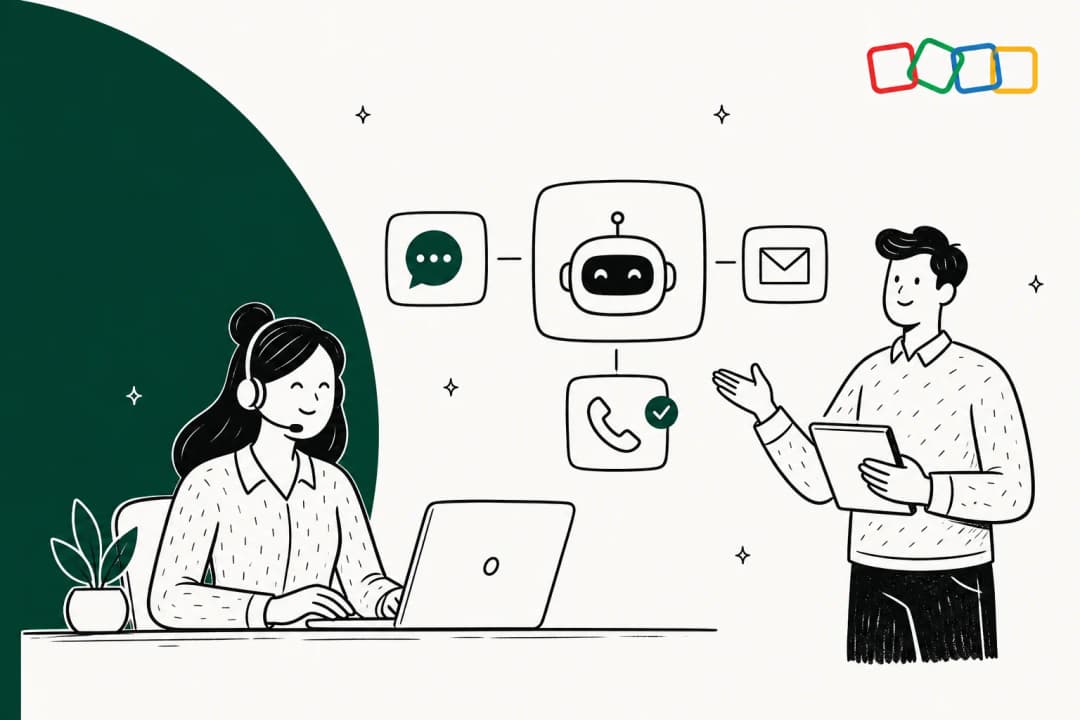
Here's what Zia is supposed to do:
- Analyze customer sentiment in tickets (positive, negative, or neutral)
- Auto-tag and categorize incoming requests
- Suggest relevant knowledge base articles to agents
- Draft replies for agents to review and send
- Summarize long ticket threads
- Detect unusual spikes in ticket volume
- Power the Answer Bot for customer self-service
The pitch is that Zia is "context-aware" because it's hooked into the broader Zoho ecosystem. In theory, this means it can pull a customer's sales history or past interactions to give agents better context. But there's a catch we'll get into shortly.
For teams already using Zoho Desk, Zia promises to reduce manual work and speed up response times. The question is whether it delivers on that promise accurately enough to trust with your customer relationships.
How accurate is Zoho Desk AI?
Let's look at each of Zia's core features and examine how well they actually perform.
Sentiment analysis accuracy
Zia scans incoming tickets and classifies customer mood as positive, negative, or neutral. The goal is to help teams prioritize angry customers and get a quick read on queue health.
In practice, user feedback suggests the accuracy is inconsistent. Multiple Zoho Desk AI reviews describe sentiment analysis as "hit-or-miss" and "a bit of a coin toss." The problem is that sentiment analysis depends heavily on understanding context and nuance in how customers write, something AI still struggles with.
Here's the bigger issue: Zia's sentiment analysis is trapped inside the Zoho ecosystem. If your most important customer context lives in a shared Google Doc, a Confluence page, or a critical Slack thread, Zia has no visibility into it. This creates blind spots that can lead to misclassified sentiment and poor prioritization.
Reply assistance and knowledge base suggestions
When an agent is typing a response, Zia pops up with suggested replies or links to relevant knowledge base articles. This is meant to cut down response times and help agents find answers without digging.
The accuracy of these suggestions depends entirely on your knowledge base quality within Zoho. If your team's best, most current information is scattered across Google Docs, Notion, or recent Slack messages, Zia can't find it. The perfect answer might exist, but to Zia, it's invisible.
This is a fundamental limitation of platform-specific AI. Modern tools solve this by connecting to all your company's knowledge, wherever it lives. This gives them a much richer understanding of your business and lets them serve up more accurate, genuinely helpful suggestions.
Answer Bot performance
The Answer Bot is Zoho's customer-facing AI. It sits on your help center and tries to head off common questions by suggesting articles before someone creates a ticket. The objective is simple: reduce ticket volume.
But like the agent-facing features, the Answer Bot is limited to your Zoho knowledge base. If the solution to a customer's problem is in a detailed guide your product team wrote in Confluence, or in a resolved ticket from last month, the customer hits a dead end. They'll create a ticket anyway, which defeats the whole purpose.
Zoho requires a minimum of 30 knowledge base articles to enable the Answer Bot. Even then, its effectiveness depends entirely on how comprehensive and well-organized those articles are.
Auto-tagging and field prediction
Zia automatically tags tickets and predicts fields like category, priority, and issue type based on past ticket data. This is supposed to streamline routing and organization.
The accuracy here improves over time as Zia trains on your historical data. However, it requires a significant volume of past tickets to learn from, and the predictions are only as good as the patterns in your existing data. If your ticket categorization has been inconsistent, Zia will learn those inconsistencies. You can learn more about Zia's field prediction capabilities on their website.
What affects Zoho Desk AI accuracy?
Several factors determine how accurate Zia will be for your specific use case.
The "walled garden" problem
Zoho's greatest strength can also be its greatest weakness: it's a closed ecosystem. While all Zoho apps play nicely together, getting them to connect with external tools can be clunky or impossible.
This creates huge blind spots for the AI. If your best troubleshooting guides are in Confluence, your product specs are in Google Docs, and your team actually solves problems in Slack, Zia is completely in the dark. It can't learn from any of it, which means its suggestions will be incomplete or just plain wrong. Zoho's generative AI features are also limited to the Enterprise tier, further restricting access to advanced capabilities.
A truly helpful AI needs to learn from everywhere your knowledge lives. Without that unified context, you're getting partial answers based on incomplete information.
Knowledge base quality
AI is only as good as the data it's trained on. Zia's accuracy depends entirely on the quality, completeness, and freshness of your Zoho knowledge base.
- Minimum requirements: You need at least 30 articles to enable the Answer Bot
- Content freshness: Outdated articles lead to wrong answers
- Coverage gaps: If your knowledge base doesn't cover common issues, Zia can't help
- Organization: Poorly structured content is harder for AI to navigate
Teams that don't have a well-maintained knowledge base will see significantly worse accuracy from Zia's suggestions.
Integration limitations
Zia's inability to access external knowledge sources isn't just a minor inconvenience. It's a fundamental limitation that affects every AI feature:
- Can't learn from past tickets in other help desks
- Can't access documentation in Confluence, Notion, or Google Docs
- Can't see conversations happening in Slack or Teams
- Can't pull context from your CRM if it's not Zoho CRM
For teams using a mix of tools (which is most teams), this creates a significant accuracy gap.
Zoho Desk AI pricing and value
Here's the full pricing breakdown:
| Plan | Price (per agent/month, billed annually) | AI Features Included |
|---|---|---|
| Free | $0 | None |
| Express | $7 | None |
| Standard | $14 | Generative AI (requires OpenAI API key) |
| Professional | $23 | Same as Standard |
| Enterprise | $40 | Zia AI Assistant, Answer Bot, sentiment analysis, field predictions, anomaly detection, AI Agents |
The critical point: all of Zia's meaningful AI capabilities are locked behind the Enterprise plan at $40 per agent, per month. The Standard and Professional plans only offer generative AI if you bring your own OpenAI API key.
This pricing puts Zoho Desk AI out of reach for many small and medium businesses. You're looking at $480 per agent per year just to access basic AI features like sentiment analysis and the Answer Bot.
When you factor in the accuracy limitations we've discussed, the value proposition becomes questionable. You're paying a premium for AI that can't access large portions of your company's knowledge and delivers inconsistent results on sentiment analysis.
User experience and learning curve
Even if the AI were perfectly accurate, there's another hurdle to clear: the platform itself.
Multiple user reviews describe the Zoho Desk interface as "overwhelming," "cluttered," and having a "steep learning curve." Setting up AI features and automations, particularly with their "Blueprint" visual workflow designer, can feel like a major IT project.
This complexity isn't just about aesthetics. It takes significant time and technical skill to configure Zia properly. For busy teams that want to get up and running quickly, this can be a dealbreaker.
The irony is that you're paying Enterprise prices for AI that requires substantial technical resources to implement effectively. Teams without dedicated IT support may struggle to get Zia working at the accuracy levels they need.
A more accurate alternative: eesel AI
The good news is you don't have to switch your help desk or pay a huge premium to get accurate AI. The modern approach is to add a smart AI layer that works with the tools you already have.
This is where eesel AI comes in. We solve the exact accuracy problems that plague Zoho Desk AI:

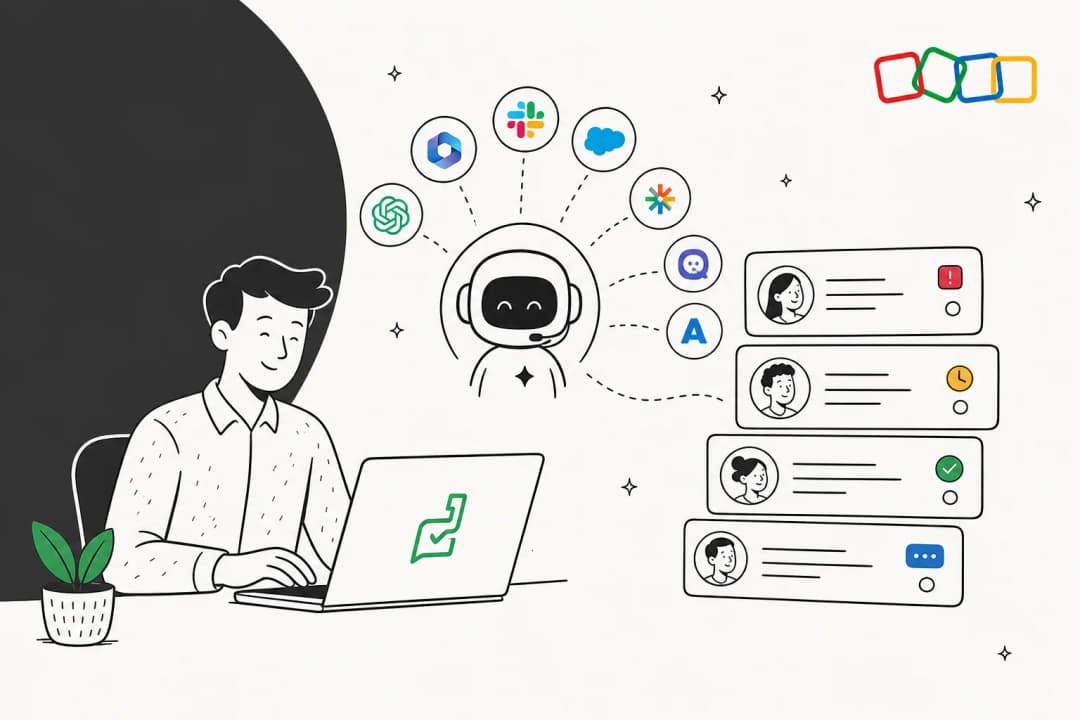
Unified knowledge access: We connect to all your knowledge sources, not just one platform. That means Google Docs, Confluence, Slack, past tickets from any help desk, and more. Your AI actually knows what your team knows.
Test before you buy: Our simulation mode lets you test the AI on thousands of your real past tickets. You can see your exact resolution rate and ROI before you ever turn it on for customers. No guessing about accuracy.
Fast setup: Go live in minutes, not months. Connect your help desk, point us to your knowledge sources, and you're running. No complex Blueprint workflows or IT projects required.
Transparent pricing: All our features, including AI Agent, AI Copilot, and AI Triage, are included in every plan. You pay based on usage (AI interactions), not which features you're allowed to use.
Up to 81% autonomous resolution: Mature deployments achieve significantly higher resolution rates because the AI has access to complete context, not just a slice of it.
If you're looking for AI that actually understands your business and delivers accurate responses, check out what eesel AI can do for your support team.
Is Zoho Desk AI accurate enough for your team?
Let's summarize what we've covered.
Zoho Desk AI works best for:
- Teams already deep in the Zoho ecosystem (using Zoho CRM, Books, etc.)
- Companies with the budget for Enterprise plans and technical resources to handle complex setup
- Organizations whose knowledge is primarily stored within Zoho applications
Where Zoho Desk AI falls short on accuracy:
- Knowledge gaps: Can't learn from external sources, leading to incomplete or wrong answers
- Inconsistent sentiment analysis: Described as "hit-or-miss" by actual users
- Gated features: Meaningful AI requires expensive Enterprise plan
- Complex setup: Steep learning curve and technical requirements
- No pre-deployment testing: Can't verify accuracy before committing to Enterprise
Bottom line: If your knowledge lives outside Zoho, if you need reliable sentiment analysis, or if you want to test AI accuracy before buying, Zoho Desk AI is likely not the right choice.
For teams that want accurate, affordable AI that works with their existing tools and learns from all their company knowledge, there are better alternatives available. You don't have to compromise on accuracy or break your budget to get AI that actually helps your customers.