If you've ever wondered how a single platform like Zendesk can serve over 100,000 companies simultaneously without those companies ever seeing each other's data, you're asking about multi-tenancy. This architectural pattern is the backbone of modern SaaS, and understanding it helps you make better decisions about the software you choose for your business.
Let's break down how Zendesk's multi-tenant architecture works, why it matters, and what it means for your customer support operations.
What is multi-tenant SaaS architecture?
Multi-tenancy is an architectural approach where a single instance of software serves multiple customers, called "tenants." Think of it like an apartment building: everyone lives in the same structure, but each apartment is private and secure. The landlord maintains the building once, and all residents benefit from improvements.
In a multi-tenant SaaS environment:
- One codebase runs for everyone updates happen once and reach all customers simultaneously
- Data is logically isolated each tenant's data is separate and inaccessible to others
- Resources are shared computing power, storage, and network capacity serve all tenants
- Costs are distributed infrastructure expenses spread across the entire customer base
This contrasts with single-tenant architecture, where each customer gets their own dedicated instance of the software running on separate infrastructure. Single-tenant setups offer maximum isolation but at significantly higher cost and complexity.
Multi-tenancy matters because it enables the SaaS business model. Without it, cloud software would be prohibitively expensive for most businesses. The shared infrastructure keeps costs down while continuous deployment means customers get improvements as soon as they're ready.
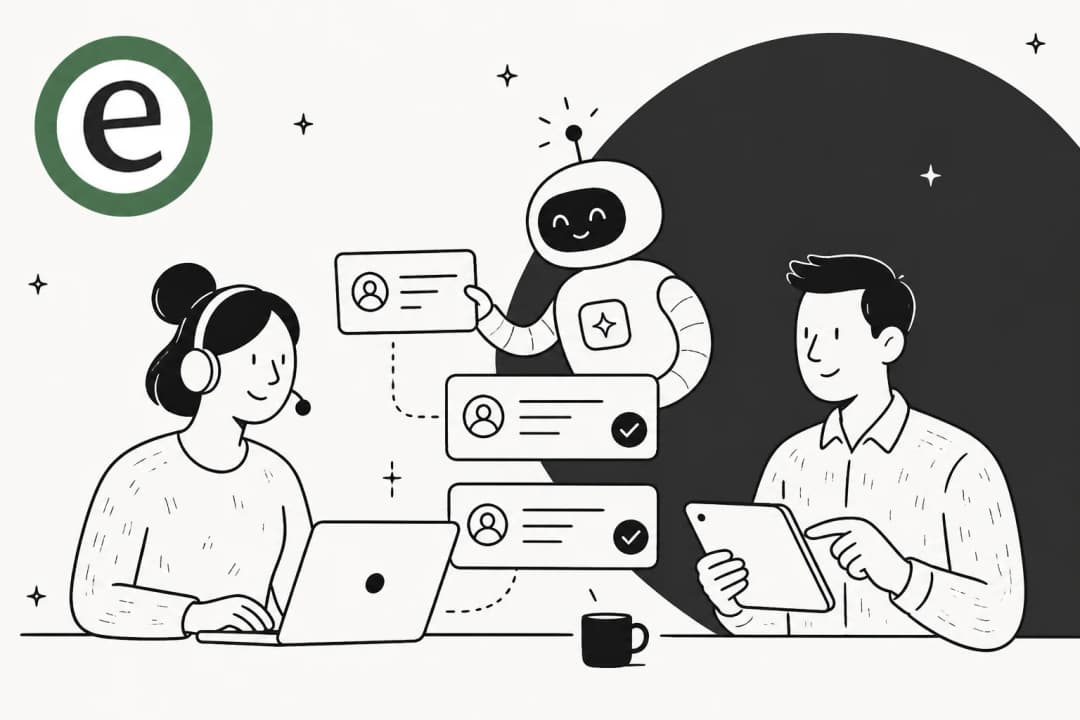
At eesel AI, we integrate with multi-tenant platforms like Zendesk to help teams get more from their existing infrastructure. Our AI teammate learns from your help desk data while respecting the same isolation principles that keep your information secure.

How Zendesk implements multi-tenancy
Zendesk operates at massive scale. The platform handles 250,000 requests per second at daily peak and serves over 100,000 companies worldwide. Building and maintaining this infrastructure required solving some hard engineering problems.
The technical foundation
Zendesk is built on Ruby on Rails, but the architecture has evolved significantly since the early days. The engineering team describes their infrastructure as "partitioned and heavily sharded." This means data and traffic are distributed across many servers to prevent any single point from becoming a bottleneck.
The company learned these lessons the hard way. In their early days at a Rackspace data center, a DDoS attack against one customer affected everyone. That experience shaped their "fail small" philosophy: if something breaks, it should impact the smallest possible number of customers.
Reliability by design
Zendesk measures "Trouble Free Availability" at 99.95%, a metric that includes third-party service failures. They achieve this through several core principles:
Core features get special treatment. Zendesk defines certain capabilities as so critical that breaking them is equivalent to the entire product being down. Ticket creation is the canonical example. When customers can't create tickets, the Support product is effectively unavailable regardless of what else works.
Partitioning at every level. The infrastructure uses partitioning similar to AWS availability zones. Failures in one partition don't leak into others. This applies to databases, application servers, and network segments.
Chaos engineering. The team runs monthly "game days" where they deliberately introduce failures to test their systems. They verify that automatic remediation works and that paging happens when it should.

AI and machine learning at scale
One of the most interesting aspects of Zendesk's multi-tenancy is how they handle personalized machine learning models. Different customers have different support ticket semantics. A retail company's tickets look nothing like a healthcare provider's.
Zendesk solved this using AWS SageMaker Multi-Model Endpoints (MME). Instead of running a separate endpoint for each customer's AI model, they load thousands of models into a single endpoint. When a request comes in, the system routes it to the appropriate model.
This approach reduced costs by 90% compared to dedicated endpoints. The trade-off is less control over individual model management, but for their use case (Suggested Macros, intent detection), the savings are worth it.
Multi-tenant architecture patterns
Not all multi-tenant architectures are the same. The approach you choose depends on your requirements for isolation, customization, and cost. Here are the three main patterns:
Single application, single database
This is the simplest approach. All tenants share the same application codebase and database instance. Data isolation happens at the row level using a tenant ID column.
Pros:
- Simplest to build and maintain
- Lowest infrastructure costs
- Fastest deployment of updates
- Easiest to monitor and debug
Cons:
- Limited customization per tenant
- "Noisy neighbor" risk (one tenant's heavy usage affects others)
- Harder to meet strict compliance requirements
- Database schema changes affect everyone
Most SaaS startups begin here because it lets them move fast. Zendesk likely started with a variation of this approach before evolving to more sophisticated patterns.
Multiple databases, one application
In this pattern, tenants share the application layer but get their own database. Each database contains only that tenant's data.
Pros:
- Better data isolation
- Easier to meet compliance requirements (GDPR, HIPAA)
- Can optimize databases for specific tenant needs
- Easier to migrate a single tenant if needed
Cons:
- More complex database management
- Schema migrations must run across many databases
- Resource utilization is less efficient
- Harder to maintain consistent performance
This approach works well when you have enterprise customers with strict data requirements, but it adds operational complexity.
Hybrid and virtual models
Modern architectures often mix these approaches. Containerization and virtualization let you create dedicated environments for specific tenants while still sharing underlying infrastructure.
Pros:
- Flexible isolation levels per tenant
- Can offer "premium" tiers with dedicated resources
- Good balance of cost and customization
- Easier to meet diverse compliance needs
Cons:
- Most complex to build and operate
- Requires sophisticated orchestration
- Can become expensive if over-provisioned
Zendesk's current architecture likely incorporates elements of all three patterns. Their partitioning strategy suggests they use logical separation for most customers while potentially offering dedicated resources for their largest enterprise accounts.
Benefits of multi-tenancy for customer support
Why does any of this matter if you're choosing a support platform? Multi-tenant architecture delivers tangible benefits:
Cost efficiency. Shared infrastructure means lower per-customer costs. Zendesk's pricing starts at $19 per agent per month for the Support Team plan. That price point is only possible because infrastructure costs are distributed across their entire customer base.
Scalability. Multi-tenant systems can add new customers without proportional infrastructure growth. Each new tenant uses the same shared resources. This is why SaaS platforms can grow so quickly.
Faster innovation. With a single codebase, every customer gets new features immediately. There's no waiting for "version upgrades" or coordinating migrations. When Zendesk releases an improvement to their AI agents, all customers benefit.
Built-in reliability. Multi-tenant architectures require redundancy and failover by design. The same partitioning that keeps tenants isolated also prevents single points of failure from taking down the entire service.
AI/ML enablement. Modern AI features like retrieval-augmented generation (RAG) work better with multi-tenant architectures. The system can learn patterns across all tenants while keeping each tenant's data private. This is how eesel AI can provide personalized assistance while respecting data boundaries.

Challenges and how Zendesk addresses them
Multi-tenancy isn't without challenges. Here's how Zendesk handles the common issues:
The "noisy neighbor" problem
When one tenant generates unusual load (say, a flash sale causing a spike in support tickets), it can impact performance for others on the same infrastructure.
Zendesk addresses this through:
- Rate limiting prevents any single tenant from overwhelming the system
- Resource quotas caps on CPU, memory, and database connections per tenant
- Partitioning isolates heavy workloads to specific infrastructure segments
- Auto-scaling adds capacity automatically when needed
Data isolation and security
The biggest concern with multi-tenancy is ensuring tenants can't access each other's data. A bug that leaks data between tenants is catastrophic.
Zendesk's security measures include:
- Row-level security database-level enforcement of tenant boundaries
- Strict access controls authentication and authorization at every layer
- Encryption AES-256 encryption at rest, TLS 1.2+ in transit
- Regular audits SOC 2 Type II, ISO 27001, and other certifications
- Bug bounty program external security researchers test their systems
Their Trust Center details these measures, including FedRAMP authorization for government customers and HIPAA compliance for healthcare.
Customization vs. standardization
Every tenant wants their support experience to match their brand. But allowing unlimited customization makes the codebase unmaintainable.
Zendesk's approach is extensive configuration rather than code customization:
- Custom ticket fields and forms
- Configurable workflows and automations
- Themeable help centers
- App marketplace for integrations
- API access for custom development
This gives customers flexibility without the complexity of maintaining thousands of unique code branches.
Compliance requirements
Different industries have different data handling requirements. Healthcare needs HIPAA. European companies need GDPR compliance. Financial services have their own regulations.
Zendesk offers:
- Data residency options choose where your data is stored (US, EU, Australia, Japan)
- HIPAA compliance available with Business Associate Agreement and Advanced Compliance add-on
- GDPR support data processing agreements, right to deletion, data portability
- Audit logs track all account changes (Enterprise plans)
Choosing between multi-tenant and single-tenant support solutions
Most businesses should choose multi-tenant SaaS for customer support. Here's when each approach makes sense:
Choose multi-tenant when:
- You want lower costs and faster deployment
- Standard features meet your needs
- You value continuous updates and improvements
- You don't have dedicated DevOps resources
- You need to scale quickly
Consider single-tenant when:
- You have strict data residency requirements that SaaS can't meet
- You need deep code-level customization
- You have the resources to manage dedicated infrastructure
- Regulatory requirements prohibit shared environments
For the vast majority of businesses, multi-tenant platforms like Zendesk offer the best balance of features, cost, and reliability. The 100,000+ companies using Zendesk include enterprises with stringent security requirements, suggesting that modern multi-tenant architectures can meet most compliance needs.
If you're looking to enhance your multi-tenant support platform with AI, eesel AI integrates with Zendesk to provide autonomous ticket resolution while respecting the same security and isolation principles.
Getting started with multi-tenant customer support
If you're evaluating support platforms or considering a move to multi-tenant SaaS, here's a practical approach:
Evaluate your requirements. Start with an honest assessment of your scale, compliance needs, and customization requirements. Most teams overestimate how much customization they actually need.
Consider proven platforms. Zendesk's multi-tenant architecture has been battle-tested at massive scale. Their 99.95% availability target and comprehensive compliance certifications make them a safe choice for most businesses.
Explore AI teammates. Modern AI tools like eesel AI work within multi-tenant environments to automate routine support tasks. Our AI learns from your existing tickets and help center, then drafts responses or resolves tickets autonomously.

Plan your migration. If you're moving from single-tenant or on-premise software, plan a phased migration. Start with a pilot team, measure results, and expand gradually.
Start small and iterate. You don't need to implement every feature on day one. Begin with core ticketing, then add channels (chat, voice), then layer on AI and automation as your team gets comfortable.
Multi-tenant SaaS has become the default choice for customer support software because it delivers better value, reliability, and innovation than self-hosted alternatives. Understanding how it works helps you make informed decisions and get the most from your investment.
Frequently Asked Questions
Share this post

Article by
Stevia Putri
Stevia Putri is a marketing generalist at eesel AI, where she helps turn powerful AI tools into stories that resonate. She’s driven by curiosity, clarity, and the human side of technology.