
Anyone who's spent time with a WordPress site has probably run into Yoast SEO. It's a popular plugin for over 13 million users looking to get their content noticed on Google. For a long time, it was known for its traffic light system for on-page SEO.
As search engines have evolved with AI, simply adding keywords into text is no longer sufficient. The approach to content optimization has changed. Yoast's response is a set of AI features built into its plugin, designed to assist with this process.
This guide will walk you through Yoast's AI capabilities, covering the features, how they work, their benefits, and their limitations. We will also cover pricing and where these tools fit into a modern content workflow, while also touching on alternatives focused on content creation.
What is Yoast SEO AI?
It is important to note that "Yoast SEO AI" is not a standalone product. It is a bundle of AI tools included in the Yoast SEO Premium plugin and its higher-tier plans. These features are not available in the free version.
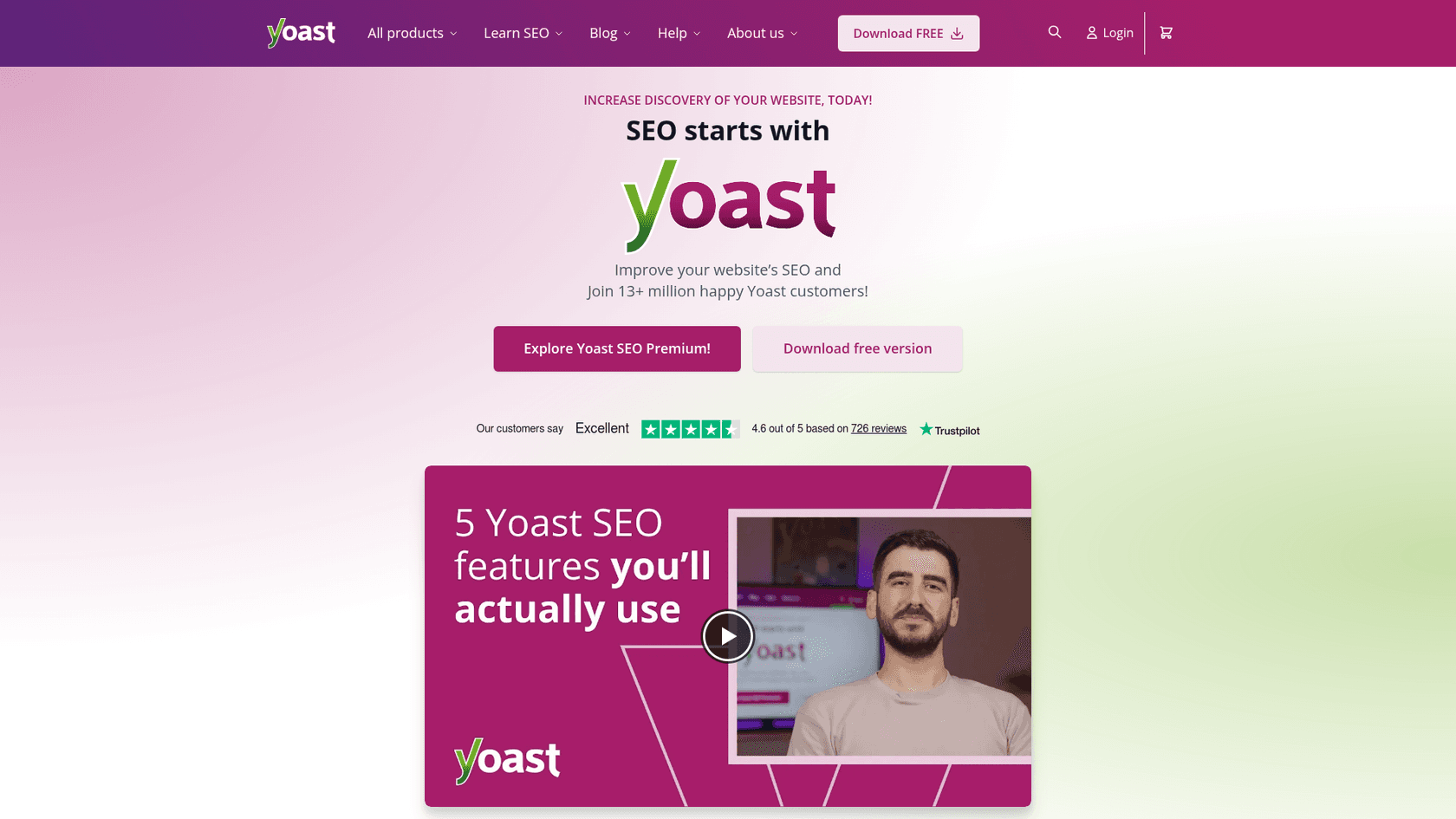
The main idea is to help you apply SEO best practices more quickly. Instead of focusing on the perfect meta description or rephrasing sentences to fit a keyword, Yoast's AI offers suggestions inside the WordPress editor. It's an assistant that helps polish and summarize content you've already created.
Yoast SEO AI is designed to help you refine your writing, not to write a blog post from scratch. It functions more as an editor than an author. Additionally, these features are currently in beta, so the Yoast team is continuing to refine them based on user feedback.
Yoast AI is not intended to replace whatever you're happy and comfortable with if you're already using Claude or OpenAI externally and happy doing so. The 'specialness' is that it's embedded right there in the post creation workflow and you don't need to write a prompt, you just push the button and voila! I think it's more for people who don't want to have to deal with an external/second tool and transfer the output from that into WordPress, and probably also for people who aren't comfortable or confident writing their own prompts.

Core features of Yoast SEO AI
Yoast's AI toolkit is built to speed up different parts of on-page optimization. Let's look at the main tools you get with a premium subscription.
Generating titles and meta descriptions
This feature creates SEO-friendly titles and meta descriptions for your posts, pages, categories, and tags. If you have an online store, it also works for product pages if you're using the Yoast WooCommerce SEO add-on or the Yoast SEO for Shopify app.
To use it, you click the "Use AI" button in the Yoast sidebar. The tool scans your page's introduction and provides five different options. According to Yoast, a well-written intro is key to receiving high-quality suggestions.
This can be a helpful way to overcome writer's block, as it provides several options for search results and social media previews.
Optimizing existing content
This is where things get a little more hands-on. The AI Optimize tool goes through text you've already written and suggests changes to help you pass your Yoast SEO checks. It looks for things like making sure your keyphrase is in the right spots, isn't overused or underused, and is spread out nicely in the text.
The process is straightforward. The tool highlights suggestions directly in your content. You can review each suggestion and decide whether to accept or reject it with a click. This keeps you in control, as the AI provides suggestions and you make the final decision.
There are some specific limitations to be aware of. Since Yoast AI Optimize is in beta, it has a few constraints:
- It only works on texts up to 1,000 words.
- It is currently only available for the WordPress Block editor (specifically for Paragraph, Heading, List, and Table blocks).
- It only provides suggestions for keyphrases that are underused. It will not flag instances where a keyphrase has been used too frequently.
Creating key takeaways
To cater to readers who often skim articles, Yoast's AI Summarize feature automatically creates a bullet-point summary of an article's main points. It is available as a simple WordPress block.
Yoast also mentions this feature is designed with Google's AI Overviews in mind, where clear, scannable content is crucial for helping both people and AI systems understand your page quickly.
You can put this "Key Takeaways" block anywhere in your post, but it probably works best near the top. The title and the bullet points can all be edited, so you can tweak the summary to make sure it's just right.
Monitoring brand reputation with brand insights
This tool is only available in the top-tier Yoast SEO AI+ plan. The Brand Insights tool is designed to monitor how your brand is discussed on major AI platforms like ChatGPT, Perplexity, and Google's Gemini.
It's a browser-based tool, so you don't have to be logged into WordPress to use it. It tracks some interesting things, like your brand's "AI Visibility Index" the general sentiment of mentions (positive, negative, neutral), and who your competitors are in the AI world. It even shows you the sources and citations the AI platforms use when they talk about you.
This is for businesses that are serious about managing their online reputation and want to ensure the information AI chatbots are sharing about them is on the mark.
Limitations of Yoast SEO AI
While Yoast's AI tools can speed up optimization, it's important to understand their limitations to know where they fit into your content strategy.
It is an optimizer, not a generator
This is the most important thing to remember: Yoast SEO AI is built to tweak, refine, and summarize content that you've already created. It does not, and is not meant to, write complete, long-form blog posts from scratch based on a keyword. This core difference is illustrated in the graphic below.
The proof is in the features. The 1,000-word limit on the Yoast AI Optimize feature shows its focus is on polishing smaller bits of text, not creating whole articles. It’s a useful sidekick for a human writer, but it's not a replacement.
The content workflow still starts with you
Because Yoast’s AI is used at the end of the process, the initial stages of content creation remain your responsibility. These tasks include:
- Doing keyword research.
- Figuring out search intent.
- Outlining the article.
- Writing the first draft.
The AI assists with the final optimization. This means it doesn't address the initial stage of producing first drafts, which can be a primary challenge for content teams.
The "spark" credit system
Yoast uses a credit system called "sparks." Each time an AI feature is used, it costs one spark. For example, generating five meta descriptions costs one spark.
During the beta period, the monthly spark allowance is generous and not strictly enforced. However, the credit system suggests that there could be different limits or additional costs in the future. This could be a consideration for agencies or teams publishing a high volume of content.
Eh, take it all with a big grain of salt. It offers a decent checklist to run through to keep you kind of on track. Is your content readable to your audience? Does it answer the search query you’re targeting? Do you have links? That’s generally good enough for the content side of SEO
For a more in-depth look at how these features work in practice, check out this hands-on review of Yoast's AI tools.
An alternative approach: Dedicated AI blog writers
If the main challenge is creating complete, publish-ready blog posts rather than optimizing existing ones, a tool built for content generation may be more suitable. An example of this is the eesel AI blog writer.

From optimization to full-scale creation
The primary difference lies in their core function. While Yoast helps polish a post you've already written, a tool like eesel AI can build an entire article from a single keyword.
You provide a topic and brand context, and it generates a complete, SEO-optimized blog post with a logical structure, introduction, conclusion, FAQs, and media. It is designed to address the content creation process from the beginning, a task that optimizers like Yoast are not built for. For example, eesel AI used this tool to grow its blog from 700 to 750,000 daily impressions in three months by publishing over 1,000 blogs.
Features of a dedicated AI blog writer
A dedicated AI blog writer offers several features beyond text generation. Here are some capabilities found in tools like eesel AI:
- Complete Assets: It doesn't just give you a block of text. It automatically includes AI-generated images, infographics, tables, and charts to make your content visually interesting right away.
- Context-Aware Research: To make content more trustworthy, it pulls in real, relevant quotes from Reddit threads and embeds YouTube videos. This adds a layer of social proof and depth that generic AI content just can't match.
- AEO Optimization: The content isn't just optimized for traditional search engines (SEO). It's also structured for AI Answer Engines like Google AI Overviews and Perplexity, so you're visible in the next wave of search.
- Natural Product Integration: You can add your website URL and brand info, and it will subtly weave your product or service into the content without it sounding like a sales pitch.
The best part? It’s completely free to try. You can generate a full-length, publish-ready blog post for yourself and see the quality firsthand.
Yoast SEO AI pricing and plans
Access to Yoast's AI features is tied to its premium subscriptions. You can't get them with the free plugin. Here’s a quick look at the main plans and which AI tools come with each.
Plan comparison
The main AI features for content optimization are in the standard Yoast SEO Premium plan. But if you want the advanced AI Brand Insights tool, you'll need to pay for the top-tier Yoast SEO AI+ plan.
| Feature | Yoast SEO Premium | Yoast WooCommerce SEO | Yoast SEO AI+ | Yoast SEO for Shopify |
|---|---|---|---|---|
| Price | $118.80/year | $178.80/year | $358.80/year | $19/30 days |
| AI Generate | ✅ | ✅ | ✅ | ✅ |
| AI Optimize | ✅ | ✅ | ✅ | ❌ |
| AI Summarize | ✅ | ✅ | ✅ | ❌ |
| AI Brand Insights | ❌ | ❌ | ✅ | ❌ |
Is Yoast SEO AI right for you?
Yoast SEO AI is a helpful tool for existing Yoast users who want to speed up their final on-page optimization. Features like AI Generate and AI Optimize are convenient and integrated directly into the WordPress workflow. It functions as a useful assistant for writers and SEOs.
If you have already written your content and need help polishing it for search engines, it’s a solid option that can save time. However, if the primary challenge is creating new content consistently, a different type of tool may be needed. An optimizer can assist with existing content but does not address the "blank page" problem. For users whose goal is to generate a complete, asset-rich, and SEO-optimized blog post from a single keyword, a dedicated content creation tool could be a better fit. You can explore how these tools work by trying the eesel AI blog writer for free.