


Let's be real: for most IT and dev teams, the Jira queue is a constant stream of interruptions. You’re trying to focus on a big project, and suddenly you’re swamped with a dozen repetitive tickets for password resets, status checks, and software access. Jumping between deep work and these minor tasks is a massive productivity killer.
What if you could just… automate the noise? That’s what a Jira chatbot is for. It can handle all those common questions right inside tools your team already uses, like Slack or Microsoft Teams, so you can get back to what actually matters.
This guide will walk you through everything you need to know. We’ll cover what a Jira chatbot is, take a look at how to get the most out of Jira’s own built-in options, and give you a step-by-step process for choosing and setting up a complementary solution.
What is a Jira chatbot and why do you need one?
A Jira chatbot is basically an AI assistant that hooks into your Jira setup, especially Jira Service Management, to automate conversations and tasks.
Think of it as a smart layer on top of Jira. It uses Natural Language Processing (NLP) to figure out what people are asking for in plain English. Then, it talks to Jira’s API to do things like create a ticket, add a comment, or check an issue's status, all without anyone having to log into Jira.
The benefits become obvious pretty quickly:
-
It frees up your agents. A chatbot can deflect and resolve a huge chunk of common requests. Atlassian's own IT team found their virtual agent resolved over 10% of all incoming requests without human intervention, saving them hundreds of hours.
-
It offers instant, 24/7 support. The bot is always on, which is a huge help for global teams or when issues pop up after hours.
-
It streamlines your workflows. It acts like a smart gatekeeper, making sure to gather all the important details upfront. If a ticket does need to be passed to a human, it arrives with all the context your agent needs to solve it fast.
Evaluating your options: The native agent vs. third-party platforms
When you're ready to get a Jira chatbot, you've got two main paths. You can use the excellent one Atlassian built, or you can go with a flexible third-party platform to extend its capabilities. Let's look at the key features of each.
The native option: Understanding Jira's virtual agent
Atlassian has its own robust solution, the virtual agent, which is part of Jira Service Management (JSM). It’s powered by Atlassian Intelligence and works by using a mix of structured "Intent Flows" for specific tasks and generative "AI Answers" for more general questions.
Jira offers tiered plans to match different team sizes. It’s part of the JSM Cloud Premium or Enterprise plans, which come with a monthly limit of 1,000 "assisted conversations." An assisted conversation is counted anytime the bot provides value, like answering a question or starting a workflow.
If you go over that limit, Jira provides a clear path to scale with additional conversations at $0.30 each. This allows teams to pay for exactly what they use as they grow.
| Plan Tier | Price (per agent/month, annually) | Key Features & Limits |
|---|---|---|
| Premium | From ~$47.50 USD (tiered) | Includes the virtual agent, limited to 1,000 assisted conversations/month. |
| Enterprise | Contact Sales | Everything in Premium, still limited to 1,000 assisted conversations/month by default. |
To get the most out of Jira's native agent, there are a few key considerations to keep in mind:
-
Focused knowledge sources: The "AI Answers" feature is designed to pull information from your connected Confluence spaces or the native JSM knowledge base. This ensures high-quality answers from your primary Atlassian documentation.
-
Specific content processing: The AI currently focuses on text-based knowledge base articles. This ensures it delivers reliable information that is easy for the system to index and retrieve.
-
Straightforward live deployment: The virtual agent is built for quick implementation, allowing you to set it live and monitor performance in a real-world environment.
-
Native Atlassian optimization: The virtual agent is built to work seamlessly inside the Atlassian world. For custom external integrations, Jira offers flexible web requests to connect with other systems.
How third-party Jira chatbots complement your setup
The native agent is a powerful start, and many teams choose to enhance it further with a third-party solution.
Most companies use a variety of tools, and a flexible third-party chatbot can help bridge these systems. For example, a platform like eesel AI can work alongside Jira by learning from Jira, Confluence, Google Docs, and other sources all at once. This adds an extra layer of context to help your team.
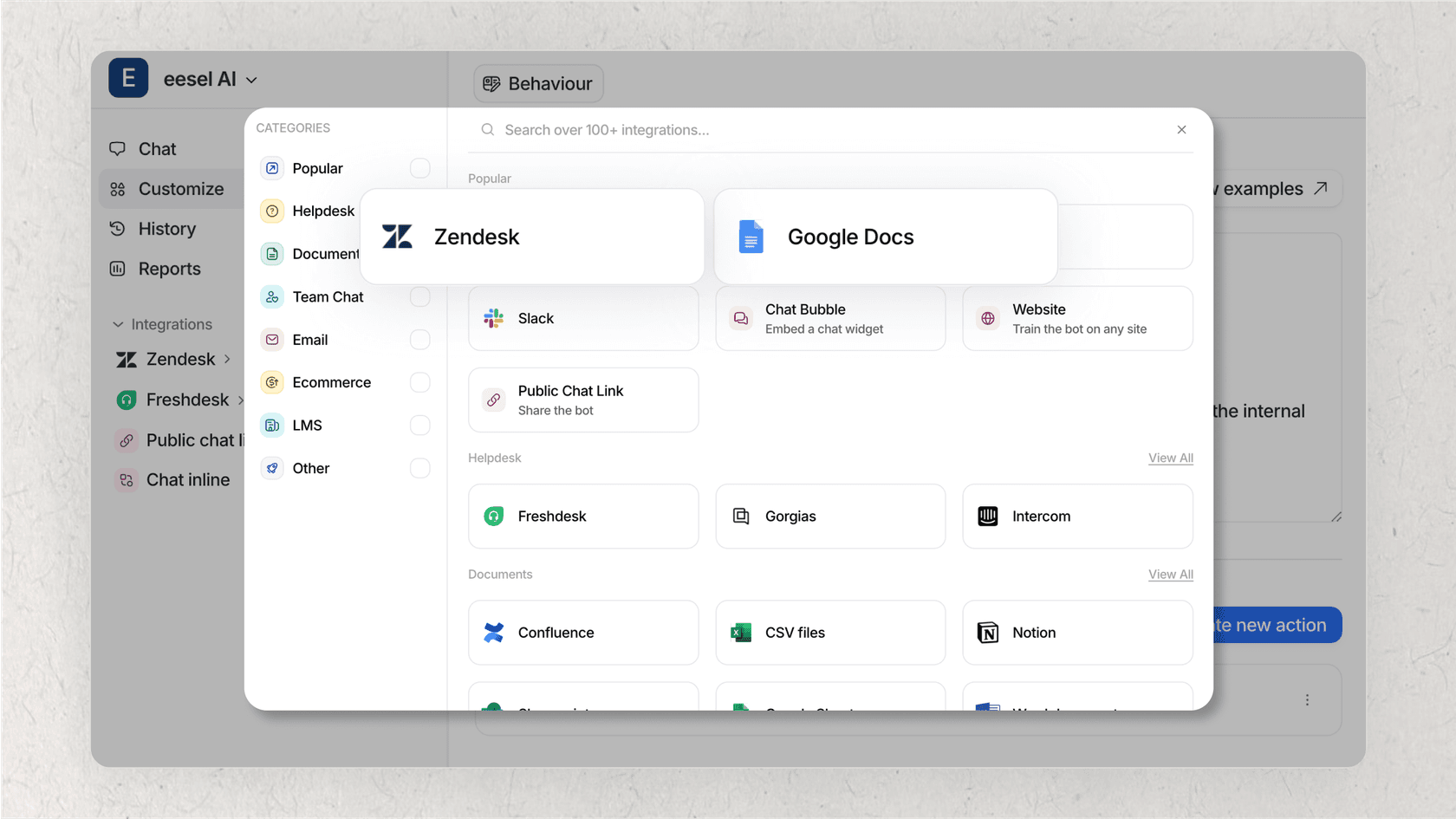
Third-party platforms are built to work within the Jira ecosystem, offering features like pre-deployment simulation and setup processes that complement your existing Jira workflows.
How to choose and set up your bot: A 5-step guide
Ready to get started? Here’s a simple, five-step framework for implementing a Jira chatbot, showing how a modern platform makes each stage much easier.
Step 1: Connect all your knowledge sources instantly
Your team's knowledge might be sitting in Confluence or across various other internal docs. For a chatbot to be truly useful, it needs access to all your trusted information.
You should look for a platform that offers broad, one-click integrations with all the tools you already use. Modern AI is smart enough to learn automatically from your team's past conversations and tickets.
With eesel AI, you can connect Jira, Confluence, Google Docs, PDFs, and past conversations in just a few clicks. Our AI instantly learns from all your trusted sources, including your historical tickets, to help you get more value out of your Jira data.
Step 2: Define and customize your automation workflows
Your business is unique, and Jira's flexibility allows your automations to be unique too.
Look for a platform that allows you to decide which tickets the AI handles, when it escalates to a human, and what custom actions it can take.
Our platform includes a fully customizable workflow engine. You can use our simple prompt editor to define the AI's tone of voice and build custom actions that connect to any other tool you use. This lets you start with simple automations and scale up as you get more confident with your Jira setup.
Step 3: Test your setup with a risk-free simulation
Launching a new chatbot can be a big step. Having a way to see how it will perform helps ensure a great experience for your team and customers.
A modern platform can let you test everything in a safe environment before it ever talks to a user.
Our powerful simulation mode is a great way to verify your setup. Before you activate your bot, you can run it against thousands of your past Jira tickets to get an exact forecast of how it will perform. You'll see precisely which questions it can handle and where you have gaps in your knowledge base.
Step 4: Deploy your chatbot where your team works
For a chatbot to actually get used, it has to be available in the tools your team already uses every day.
This means you need seamless integration with Slack, Microsoft Teams, and the Jira customer portal.
eesel AI plugs directly into your existing help desk and chat tools. You can roll it out gradually, maybe starting with just one channel or team, and watch its performance in real-time as you expand your Jira automation.
Step 5: Monitor and improve continuously
A chatbot is a tool that grows and evolves with your business. Jira's mature platform provides a solid foundation for this growth.
Look for analytics that give you clear, actionable information for improvement.
Our reporting dashboard doesn't just show you what the AI did; it highlights areas where you can add more documentation. This gives you a clear roadmap for continuously making your support operations better within the Jira ecosystem.
Your next steps for Jira automation
A Jira chatbot is an incredible tool for cutting down on manual work. Jira's native virtual agent provides a strong and reliable foundation for many teams, especially those who want a deeply integrated experience.
To further extend your automation, you can also look into flexible third-party platforms that connect to all your tools and offer simulation features to complement your existing Jira data.
eesel AI offers a complementary automation layer for your service desk, working alongside Jira to enhance your workflows.
-
AI Agent: Supports your team by handling repetitive requests from start to finish.
-
AI Triage: Automatically tags, routes, or closes new Jira tickets to keep your queue clean.
-
AI Internal Chat: Deploys a dedicated bot in Slack or Teams for your employees, trained on all your internal docs.
Get started with a smarter Jira chatbot today
Don't let your team keep drowning in repetitive tickets. Choosing the right platform is the key to turning automation from a goal into a reality.
Try eesel AI for free and see how you can enhance your Jira workflows in minutes. Run a simulation on your own data and discover your team’s true automation potential today.