If you’ve ever done keyword research, you know the drill. You end up with a huge spreadsheet of terms and no clear idea of what to do next. This is where a keyword grouping tool helps. It takes that chaos and organizes it into a structured content plan by sorting related keywords into tight, thematic clusters. This process helps you build topical authority, stop your own pages from competing with each other, and create content that actually matches what people are searching for.
The goal isn't just to group keywords, though; it's to create content that ranks. While many tools help with grouping, platforms like the eesel AI blog writer take it a step further by turning those topic clusters directly into blog posts that are ready to publish. In this guide, we'll look at the best tools for organizing your keywords and making your content process smoother.
What is a keyword grouping tool and why does it matter?
A keyword grouping tool, sometimes called a keyword clustering tool, automates the job of sorting a big list of keywords into smaller, topically related groups. Instead of you having to manually sift through a spreadsheet, the tool does the work for you.
These tools generally work in one of two ways:
- Semantic Clustering: This method groups keywords that share common words or phrases. For example, "best running shoes for men" and "best running shoes for flat feet" would be grouped because they both contain "best running shoes." It’s a fast method, but it can sometimes miss the actual intent behind a search. Tools like PEMAVOR use this approach.
- SERP-Based Clustering: This is a more advanced and accurate method. The tool looks at the top 10 search engine results pages (SERPs) for every single keyword. If two keywords have a lot of the same URLs ranking, the tool puts them in the same group. The logic is straightforward: if Google ranks the same pages for different searches, it probably thinks those searches have the same intent. Most paid tools, including LowFruits and SE Ranking, use this method because it’s more accurate.
Using a keyword grouping tool is a key part of any modern SEO strategy. It helps you build topical authority by creating content hubs (pillar pages with related articles), prevents your own pages from competing against each other for rankings, and makes your content planning much more efficient.
How we chose the best keyword grouping tool options
To give you a useful list, we looked at each tool based on a few criteria that actually matter when you're doing the work. We didn't just read the marketing copy; we focused on how they perform in a real workflow.
personally use a mix of AI based clustering and SERP based tools. Tools like Surfer SEO and Keyword Cupid work well for clustering based on SERP data, which gives a clear view of intent behind the keywords. For more advanced clustering, I use AI powered tools like Frase or NeuralText, which analyze keyword relationships semantically. The biggest frustration I have had is with the accuracy of some SERP tools when it comes to closely related keywords they dont always group keywords in a way that reflects user intent accurately

Here’s what we looked for:
- Accuracy and Method: We leaned towards tools that use SERP-based analysis, since it’s a much better indicator of search intent than just grouping by similar words.
- Ease of Use: A tool is only helpful if you can actually use it without spending weeks learning how. We looked for simple interfaces and clear processes.
- Speed: Time is money. We tested how quickly each tool could process a decent-sized list of keywords (around 1,000) and give us something we could work with.
- Value for Money: We looked at the pricing (subscription vs. pay-as-you-go) and whether the features were worth the cost for different types of users.
- Actionable Results: Getting a list of clusters isn't enough. We looked for tools that also provide data like search volume and competitor info to help figure out which clusters to focus on first.
Keyword grouping tool comparison
| Tool | Clustering Method | Best For | Pricing Model |
|---|---|---|---|
| eesel AI blog writer | N/A (Content Generation) | Turning topic clusters directly into full blog posts | Subscription |
| LowFruits | SERP-Based & Semantic | Finding low-competition topic clusters | Subscription & PAYG |
| SE Ranking | SERP-Based | All-in-one SEO teams needing a reliable grouper | Subscription |
| Keyword Cupid | SERP-Based | SEOs with large, pre-existing keyword lists | Subscription |
| PEMAVOR | Semantic (TF-IDF) | Beginners and those needing a free, basic solution | Free |
The 5 best keyword grouping tools in 2026
After testing, here are the top five keyword grouping tools that we found offered the best combination of accuracy, usability, and value.
1. eesel AI blog writer
While not a traditional keyword grouping tool, the eesel AI blog writer focuses on the next step: content creation. Instead of just giving you a list of grouped keywords, it takes a core topic (the main idea of a cluster) and generates a complete blog post in minutes. It lets you skip the manual work between grouping and writing.

By giving it your website URL, it learns your brand voice and can add natural product mentions. It also automatically adds assets like images, infographics, relevant Reddit quotes, and YouTube videos, creating a rich article that's built to rank.
Pros and Cons
The biggest plus is efficiency. It closes the gap between strategy and execution, which is where most of the time gets lost. We used it to grow our own organic impressions from 700 to over 750,000 per day in just three months. However, if your only goal is to cluster a giant, pre-existing list of 50,000 keywords for data analysis without actually creating content, a dedicated clustering tool might be a better fit for that one task.
Pricing
- Free Trial: You can generate your first few blogs for free to see the quality for yourself.
- Early Bird Plan: Starts at $99 per month for 50 blog generations.
2. LowFruits
LowFruits is a great tool for finding "low-hanging fruit" keywords, and its clustering feature makes those finds easy to act on. Its main strength is analyzing the SERPs to find weak spots, such as pages with low Domain Authority, forum threads, or old articles that are still ranking on page one. It then groups these easy-to-rank keywords into topic clusters, giving you a clear plan for creating content that can get traction fast.
The platform offers both SERP and semantic clustering. For SERP clustering, it groups keywords that share at least 40% of their ranking URLs. The dashboard is very useful, showing the total search volume for a cluster and how many "low-fruit" opportunities are in it. This helps you prioritize the clusters that will give you the quickest SEO wins. It’s a great choice for new websites or anyone looking to get into new niches without having to compete with the big players right away.
Pros and Cons
LowFruits is excellent for finding high-potential, low-competition clusters and saves a ton of time during the brainstorming phase. The interface is simple and easy to use. The downside is that while you can import your own keywords, it’s really built for discovering and analyzing new opportunities, not just for processing bulk lists you already have.
Pricing
- Subscription: Plans start at $20.75 per month (billed yearly) and include 3,000 credits.
- Pay-as-you-go: Starts at $25 for 2,000 credits for SERP analysis.
3. SE Ranking
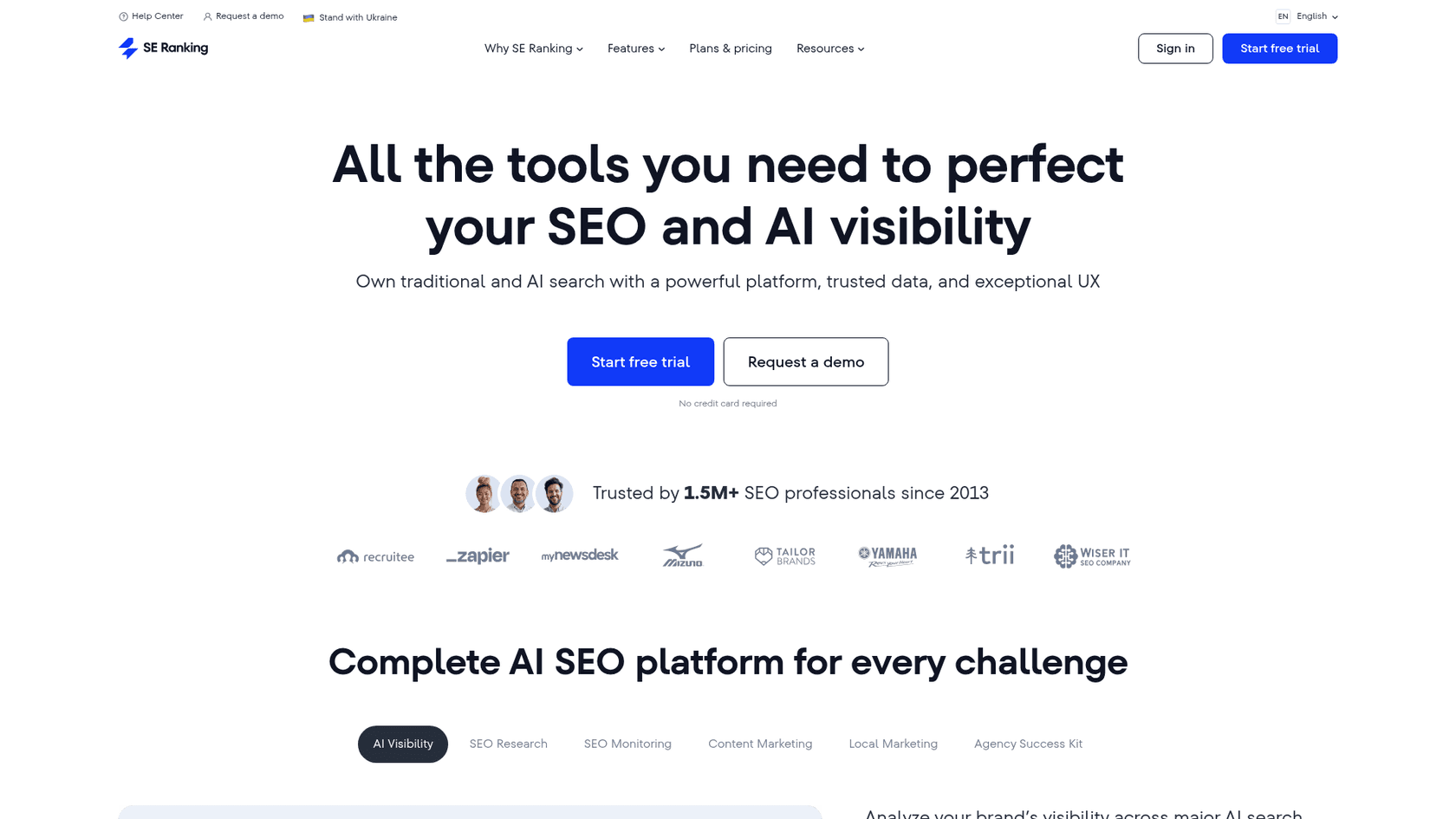
SE Ranking is a full SEO platform with a lot of tools, and its Keyword Grouper is one of its best features. It uses SERP-based analysis, looking at Google's top 10 results to make sure its clusters are accurate. What makes SE Ranking a solid choice is that it's part of a larger SEO ecosystem. You can do your keyword research, group keywords, track your rankings, and audit your site all in one place.
The tool gives you a lot of control. You can set the search engine, country, and language, and you can also adjust the "clustering accuracy." This setting lets you decide how many URLs need to overlap for keywords to be grouped, so you can choose between very tight or broader topic groups. Once the clusters are ready, the tool pulls in search volume and keyword difficulty data, which is handy for planning your content.
Pros and Cons
The main advantage of SE Ranking is that it offers a good balance of features and price. The Keyword Grouper is easy to use and gives you reliable, SERP-based results. However, the pricing is based on a per-query system, which can be a bit unpredictable if you're processing very large lists all the time.
Pricing
- Subscription: Core plans start at $52 per month (billed annually).
- Keyword Grouper: Costs $0.004 per query, with an optional $0.005 extra per query to check search volume.
4. Keyword Cupid
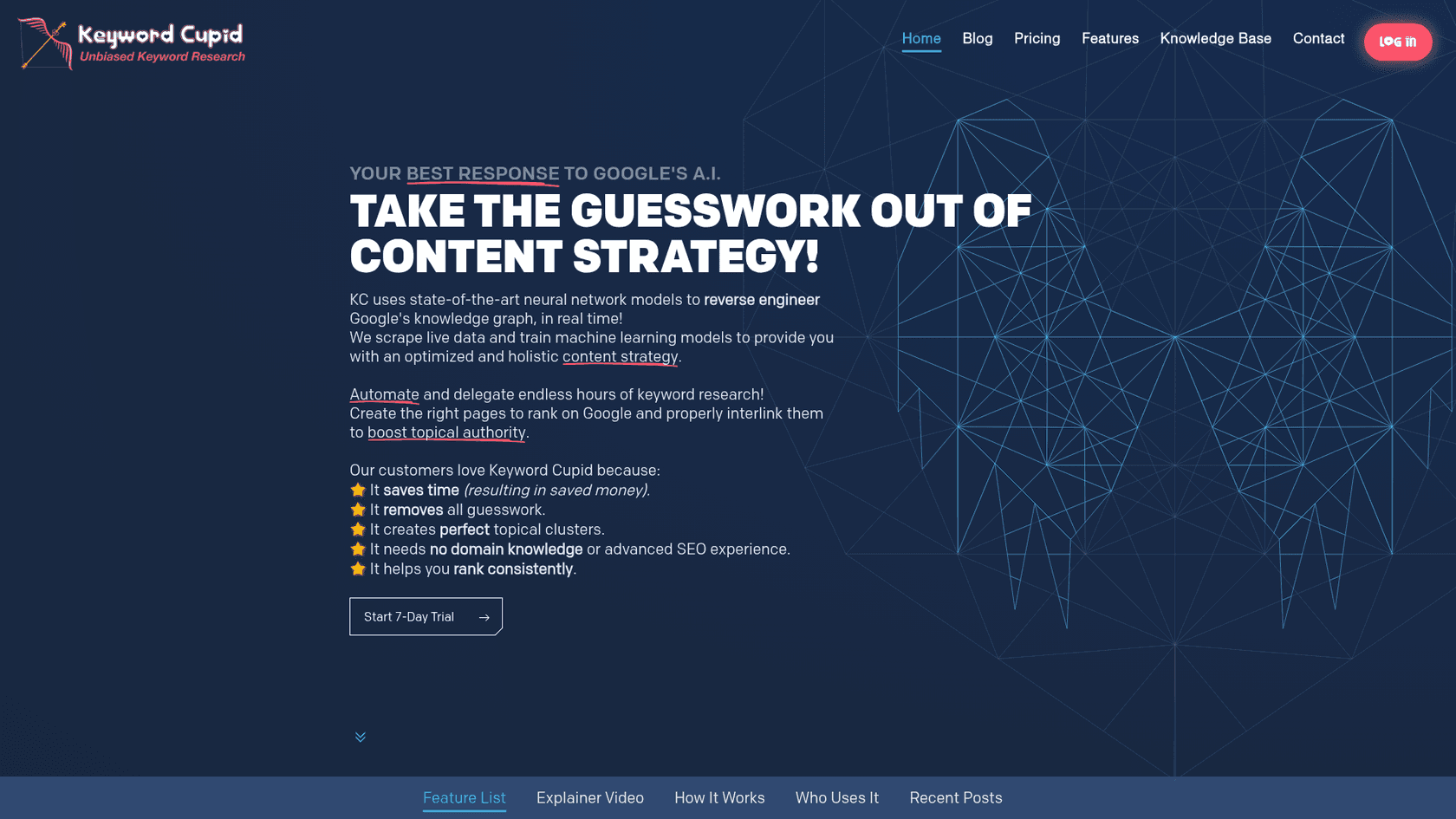
Unlike the all-in-one platforms, Keyword Cupid does one thing: keyword clustering based on SERP overlap. If you already have a massive list of keywords from a tool like Ahrefs or Semrush, Keyword Cupid is built to make sense of it. You upload your list, and the tool checks the live SERPs for every keyword to create very accurate clusters.
One of its unique features is an interactive mind map that helps you see how different topic silos are related. The tool also gives you a "cluster confidence" score, color-coding clusters as green (high confidence), orange, or red (loosely related) to help you decide where to start. This is great for planning your site structure and building out content hubs.
Pros and Cons
Keyword Cupid is extremely accurate for large sets of data and is made for SEOs who are serious about data-driven content. The main drawback is that it's a specialist tool; it doesn't help you find new keywords. You have to bring your own list. The credit-based subscription can also get expensive if you do a lot of high-volume analysis.
Pricing
- Subscription: Plans start at $9.99 per month for 500 keyword credits.
5. PEMAVOR
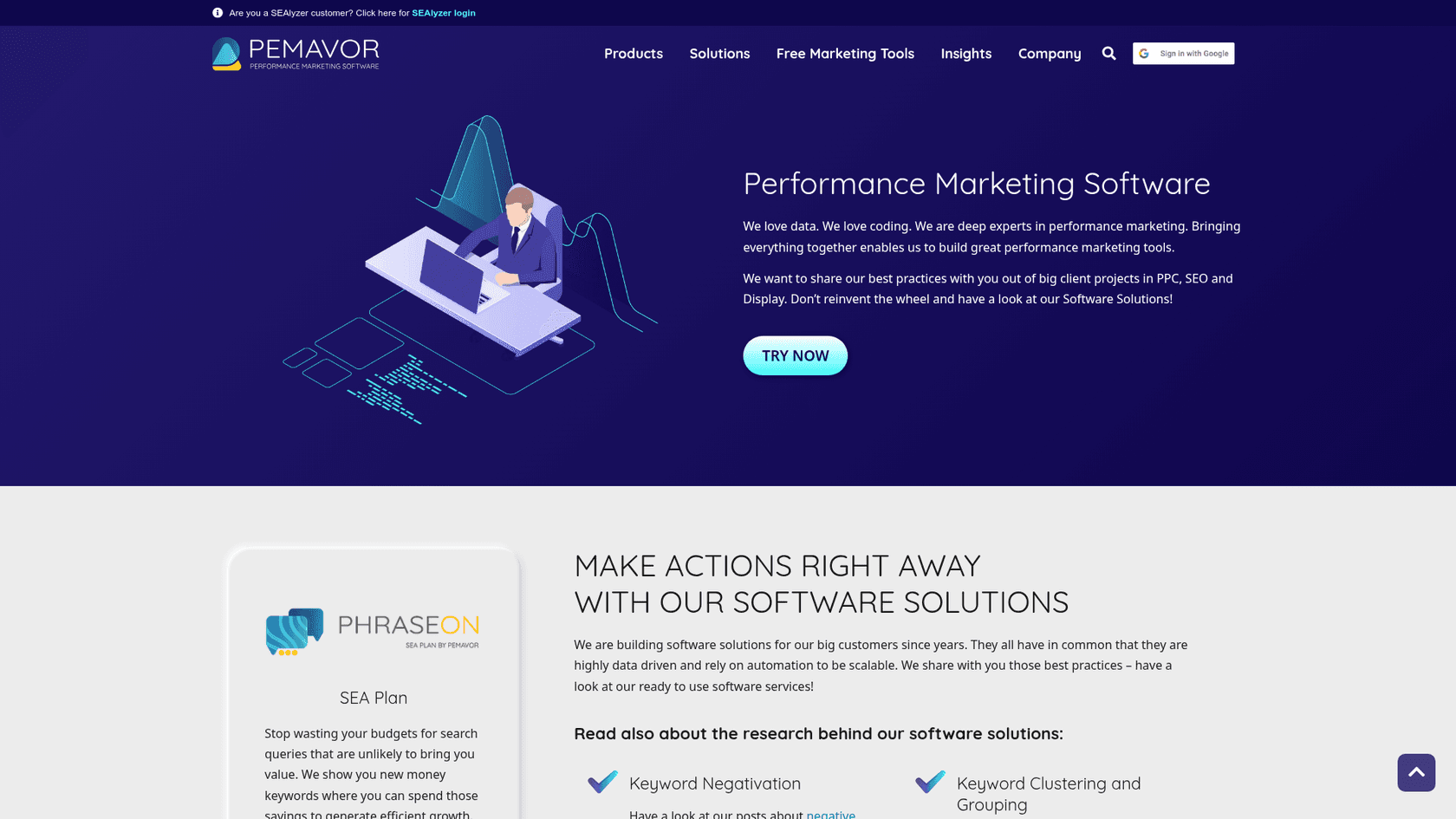
If you're not ready to pay for a tool, PEMAVOR offers a free online tool that's surprisingly good. It uses a TF-IDF algorithm, which is a type of semantic clustering, to group keywords. While it's not as accurate as SERP-based analysis for figuring out search intent, it's a decent place to start for structuring your keyword data.
One of its best features is that you can paste data directly from Google Search Console, including metrics like impressions and clicks. The tool will then group your keywords and add up the KPIs for each cluster, which helps you see which of your existing topics are doing well. You can also adjust the grouping level with a simple slider. For a free tool that doesn't require a sign-up, it’s pretty useful.
Pros and Cons
The tool is free, simple, and can handle up to 10,000 keywords, which is a lot. The ability to combine performance metrics is a nice touch for a free tool. The main downside is that it relies on semantic clustering, which can lead to less accurate groups compared to SERP-based tools because it doesn't always capture the real search intent.
Pricing
- Free: The tool is completely free to use.
Pro tips for making the most of your keyword grouping tool results
Getting a list of keyword groups is just the first step. The real payoff comes from how you use them. Here are a few tips to turn those clusters into actual SEO results.
- Use the Pillar-Spoke Model: Find the broadest, highest-volume keyword in a cluster and make that the target for your "pillar" page. The more specific, long-tail keywords in that same cluster can become your "spoke" pages or supporting articles. Each spoke should link back to the pillar page, creating a content hub that shows Google you're an expert on the topic.
A diagram showing how to use results from a keyword grouping tool to create a pillar-spoke content model. - Do a "SERP Sanity Check": Before you decide to create content for a cluster, manually Google the top 2-3 keywords in that group in an incognito window. Do the results look similar? Are they blog posts, product pages, or videos? This quick check confirms that the tool correctly identified the search intent and helps you understand what kind of content you need to make.
- Map Clusters to Your Content Funnel: Not all clusters are the same. Some will target top-of-funnel informational searches (like "what is content marketing"), while others will target bottom-of-funnel transactional searches (like "best content marketing agency"). Map your clusters to different stages of the buyer's journey to build a complete content strategy.
Using a keyword grouping tool to create a clear content plan
Dealing with a huge keyword list doesn't have to be a painful, manual process. A good keyword grouping tool can quickly turn that raw data into a strategic content plan, giving you the clarity you need to build topical authority and get more organic traffic. Whether you need a free tool for a quick look or a more advanced platform to find new opportunities, there's an option that will fit your needs.
To see how AI can streamline this process, here's a helpful overview of an AI-powered tool that organizes keyword lists in seconds.
Ultimately, the goal is to create content without wasting time. If you want to shorten the path from keyword strategy to a published article, think about a tool that handles the whole process. The eesel AI blog writer is designed for exactly this, turning a single topic into a complete, SEO-optimized post in minutes. You can try it for free and see for yourself how quickly you can turn your ideas into reality.
Frequently Asked Questions
What is the main benefit of using a keyword grouping tool for SEO?
How does a SERP-based keyword grouping tool work?
Can a free keyword grouping tool be effective?
How does a keyword grouping tool help with content strategy?
What's the difference between a standalone keyword grouping tool and an all-in-one SEO platform?


Article by
Rama Adi
Rama is a software engineer at eesel AI with two years of experience writing about B2B SaaS, AI tools, and customer support technology. Based in Bali, Indonesia, he brings a developer's perspective to product comparisons — cutting through marketing copy to what the integrations and APIs actually do.