ITSM workflow automation in 2026: The complete guide to AI teammates
Stevia Putri
Last edited April 27, 2026

Roughly 70% of "AI ticket triage" deployments get rolled back within six months, and the reason is almost never model quality. It is that the routing rules were never documented to begin with. Here is how ITSM workflow automation actually works end-to-end in 2026, and where most implementations quietly break.
The complexity of modern IT environments has made manual service management a liability. As organizations scale, the volume of service requests, incidents, and change approvals grows exponentially, often far outpacing the capacity of human service desks. In 2026, ITSM workflow automation has shifted from a "nice to have" efficiency boost to a core requirement for operational survival.

But the way we automate has changed. We are moving away from rigid decision trees and toward autonomous AI teammates that reason through problems instead of just following scripts. This guide explores how to build a future-proof ITSM workflow automation strategy that scales with your business.
What is ITSM workflow automation?
At its core, ITSM workflow automation is the use of technology to autonomously manage the flow of IT service tasks and data. While traditional automation relied on hard-coded "if-then" rules, the 2026 definition centers on intelligent systems that can interpret employee intent and execute multi-step resolutions.
The industry is currently undergoing a massive shift. For decades, automation meant building complex workflows that required constant maintenance. If a user requested a software license, a human had to approve it, another had to provision it, and a third had to close the ticket. Today, intelligent AI agents handle these sequences end-to-end without human intervention.
This is necessary because manual ITSM is no longer sustainable. When a single enterprise manages thousands of devices, cloud permissions, and SaaS accounts, a human-only service desk becomes a bottleneck that slows down the entire company. Automation removes these friction points, allowing IT teams to focus on high-impact projects rather than repetitive password resets.
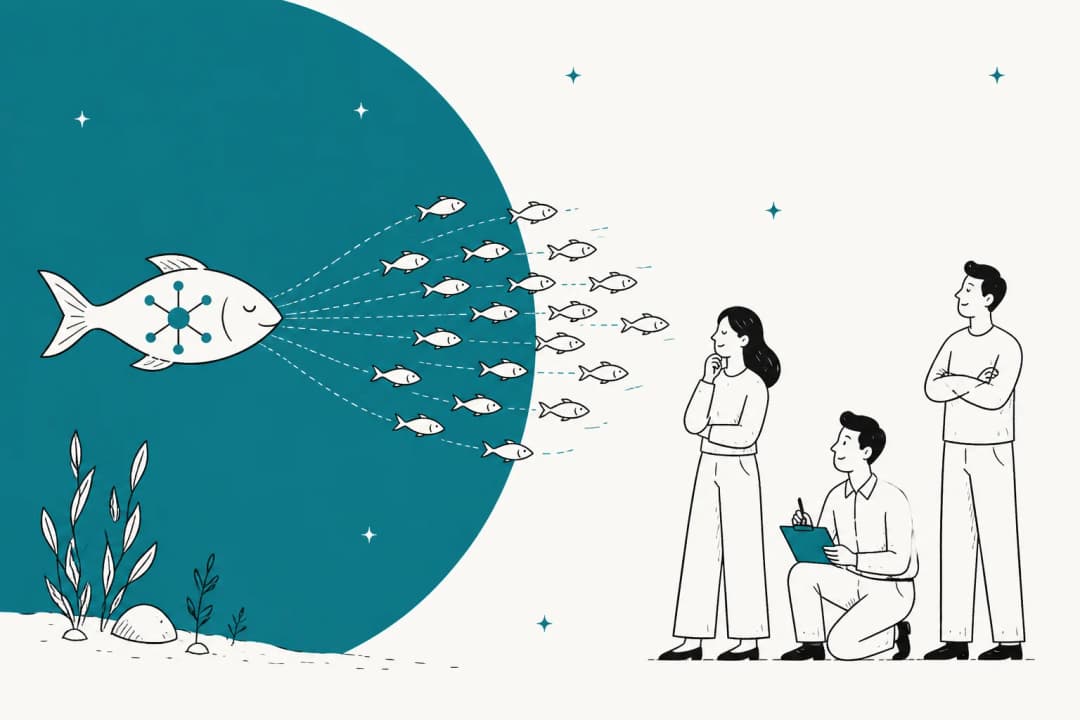
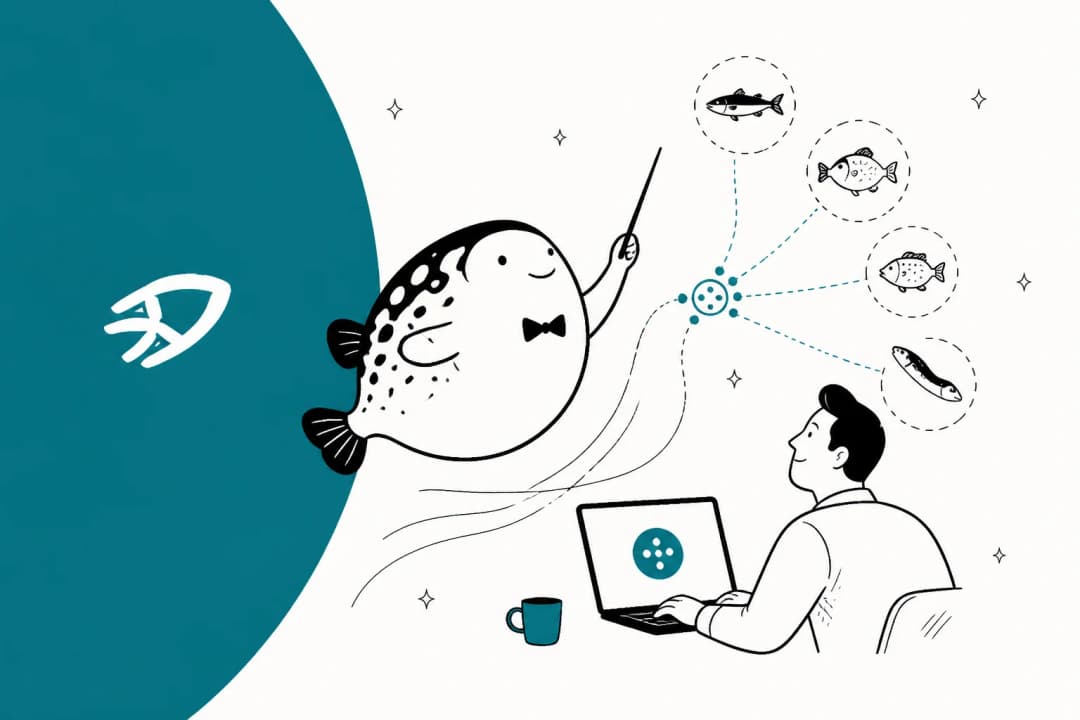
We believe the best way to think about this is the AI teammate mental model. Instead of seeing automation as a set of features to configure, we view it as hiring an autonomous colleague. This teammate joins your existing workspace, learns from your past tickets, and handles the frontline noise so your human experts can do their best work.
The 7 core ITSM processes you should automate first
Not every process is a candidate for full automation on day one. To see immediate ROI, you should focus on the high-volume, low-complexity tasks that typically drain your service desk's resources. Here are the core ITSM workflow automation use cases for 2026.

1. Incident management and alert automation
When a system goes down, your inbox shouldn't be the first place you hear about it. Automation can ingest alerts from monitoring tools, auto-categorize the incident, and route it to the correct on-call engineer. Intelligent AI monitoring and alerting systems can even group related alerts into a single incident to prevent "alert fatigue" and provide context on the root cause.
2. Service request fulfillment
L1 tasks like software access and hardware requests are the lowest-hanging fruit for automation. By connecting your service desk to your identity provider (like Okta or Azure AD), an AI teammate can verify permissions and provision access in seconds. This eliminates the "wait for Monday" lag that plagues manual fulfillment and makes it one of the best workflow apps for internal IT teams.
3. Change management workflows
Change management is often where ITSM workflow automation hits a wall of bureaucracy. Automated workflows can streamline approval routing based on risk assessment. Low-risk, standard changes (like routine server patches) can be pre-approved and executed by the system, while high-risk changes are automatically flagged for a CAB (Change Advisory Board) review.
4. Problem management
While incident management fixes the "what," problem management investigates the "why." Automation excels at pattern recognition, identifying recurring incidents that point to an underlying problem. By analyzing months of ticket data, an AI teammate can surface these trends before they lead to a major outage.
5. Knowledge management
The best ticket is the one that is never created. Automation can power self-service portals that suggest relevant articles to users as they type their query. Furthermore, 2026 tools (often ranked among the best knowledge management software) can now auto-draft knowledge base articles based on successfully resolved tickets, ensuring your documentation is always up to date.
6. Asset tracking
Managing the lifecycle of hardware and software is a logistical nightmare when done manually. Automated asset tracking integrates with your MDM (Mobile Device Management) and procurement tools to maintain an accurate CMDB. This ensures you aren't paying for unused licenses and that every laptop is accounted for from procurement to retirement.
7. Employee onboarding and offboarding
Onboarding involves coordinating across HR, IT, and Finance. Automated ITSM workflow automation ensures that on day one, a new hire has their accounts created, hardware ordered, and permissions granted. Offboarding is even more critical for security, as it ensures all access is revoked the moment an employee leaves.
Traditional automation vs. Agentic AI teammates
The difference between "automation" and "AI" in 2026 is the difference between a map and a driver. Traditional automation is a map: it follows a pre-set path. If the road is blocked or the destination changes, the map is useless. Agentic AI is the driver: it understands the goal and finds the best way to get there, even when things change.
Legacy systems rely on rule-based automation, which is notoriously brittle. If a user asks for a password reset in a way the "if-then" rule does not recognize, the ticket fails. This requires constant manual oversight and regular updates to the logic trees.
In contrast, Agentic AI teammates use a reasoning engine to understand context. They don't just look for keywords. They understand that "I can't get into my email" and "My Outlook password isn't working" require the same resolution path. They can autonomously make decisions, like checking a user's identity before resetting a VPN, without needing a human to approve every sub-step.
We designed eesel AI to act as a "new hire" rather than a configuration project. Our AI learns from your existing tools and solved tickets to understand your specific policies. You don't have to build the driver from scratch using traditional AI macros. You just have to show them where the keys are.
By simulating responses on your past tickets, we allow you to see exactly how eesel AI would handle your real-world volume before you ever go live. It is about building trust through performance, not just promises.
Best practices for implementing ITSM workflow automation in 2026
Success in automation is 20% technology and 80% strategy. If you automate a mess, you just get a faster mess. Here is how to ensure your ITSM workflow automation project actually delivers on its ROI.

Strategic alignment with ITIL 4
ITIL 4 standards emphasize value streams and a holistic approach to service management. Your automation strategy should reflect this by focusing on end-to-end service delivery rather than siloed tasks (see our guide on AI and the ITIL framework). Ensure your automation tool can integrate across different practices like incident, change, and asset management to maintain a unified data model.
Data hygiene and knowledge preparation
Your AI teammate is only as smart as the data it consumes. Before launching a major ITSM workflow automation initiative, clean up your knowledge base. Remove outdated articles, standardize your tagging, and ensure your solved ticket history represents the "correct" way to handle issues. High-quality inputs lead to high-quality autonomous resolutions.
The progressive rollout model
Don't aim for 100% autonomy on day one. We recommend a progressive rollout:
- Phase 1: AI drafts replies for human review.
- Phase 2: AI handles specific, low-risk ticket types (like password resets).
- Phase 3: AI handles full frontline support with defined escalation rules.
This approach allows your team to provide feedback and "train" the AI, building confidence as you expand its scope.
Tracking the right metrics
Stop measuring success solely by the number of tickets closed. To measure true ITSM workflow automation impact, you should track:
- MTTR (Mean Time to Resolve): How much faster are issues fixed when AI is involved?
- FCR (First Contact Resolution): Is the AI resolving issues without needing a human handoff?
- Automation Adoption Rate: What percentage of your total ticket volume is handled autonomously?
Key platforms for intelligent ITSM workflow automation
The platform you choose depends on your organization's size, technical depth, and existing ecosystem. Here is how the top players in ITSM workflow automation compare in 2026.
1. eesel AI
We built eesel AI to be the most accessible AI teammate for helpdesks. Unlike enterprise giants that require months of professional services, eesel AI connects to 100+ integrations (Zendesk, Slack, Jira, etc.) and starts learning instantly. It is an outcome-focused tool that prioritizes autonomous resolution over simple triaging.
Our pricing is purely usage-based, meaning you only pay when the AI actually does the work.
| Plan | Price | Key Features |
|---|---|---|
| Light Tasks | Free | Dashboard questions, simple lookups |
| Regular Tasks | $0.40 / ticket | Support tickets, chat sessions handled end-to-end |
| Heavy Tasks | $2.00 / draft | Blog post drafts and research |
| Enterprise | $2,100 / mo | Compliance (SSO, HIPAA), dedicated AM, signed CSA |
2. ServiceNow
ServiceNow is the "digital backbone" for global enterprises. Its ITSM platform is built for scale, offering a single architecture for IT, HR, and Finance. With Now Assist, their generative AI, ServiceNow provides deep predictive intelligence and autonomous AI agents that can execute tasks across the entire business. It is a powerful but complex system that usually requires specialized certification to manage effectively.
3. Moveworks
Moveworks (now a part of the ServiceNow ecosystem) focuses on autonomous ITSM workflow automation through a sophisticated Reasoning Engine. It acts as a conversational layer on top of your existing systems, resolving issues like software provisioning and VPN resets via Slack or Teams. Its strength lies in its ability to understand nuanced intent and bridge the gap between disparate IT tools.
4. Freshservice
Freshservice by Freshworks is a unified platform that combines ITSM, ITAM, and ITOM. It is known for its Freddy AI suite, which includes a customer-facing agent, a copilot for human staff, and insights for managers. Freshservice is particularly strong for organizations that want a no-code visual workflow builder and an intuitive interface that doesn't require a massive learning curve.
| Plan | Price (Billed Annually) | Key Features |
|---|---|---|
| Starter | $19 / agent | Incident management, knowledge base |
| Growth | $49 / agent | Service catalog, asset management (up to 100 assets) |
| Pro | $99 / agent | Problem/Change/Release management, project management |
| Enterprise | Custom | Freddy AI Agent (1,200 sessions included), sandbox |
5. SysAid
SysAid focuses on "automated and elevated ITSM" with a heavy emphasis on the Microsoft ecosystem. Their library of prebuilt AI agents handles specific administrative tasks in Azure AD and Microsoft 365, such as account unlocking and license assignment. The SysAid Workflow Designer allows admins to build logical process phases without needing to write code.
Platform comparison at a glance
| Platform | Core Strength | Integration Depth | Best For |
|---|---|---|---|
| eesel AI | Autonomous Agency | 100+ native sources | High-volume, fast-scaling teams |
| ServiceNow | Enterprise Backbone | Deep custom API | Global, highly regulated firms |
| Moveworks | Reasoning Engine | Cross-platform bridge | Complex, multi-tool Fortune 500s |
| Freshservice | No-Code UI | Unified ITAM/ITOM | SMB to mid-market enterprises |
| SysAid | Microsoft Specialist | Deep Azure AD/M365 | IT teams in the Microsoft stack |
Building a future-proof ITSM strategy with AI teammates
The goal of ITSM workflow automation in 2026 is not to replace your IT team. It is to unburden them. By shifting the frontline noise to an autonomous AI teammate, you allow your human experts to focus on the strategic infrastructure work that actually moves the business forward.
Bottom line? Start with high-volume, low-complexity tasks, clean up your data, and choose a tool that grows with you.
A Gridwise employee recently shared: "In the first month, eesel is resolving 73% of our tier 1 requests. Eesel offers easy Zendesk implementation and setup. Our team implemented and achieved results quickly during our 7-day trial."
If you're ready to see how ITSM workflow automation can transform your service desk, hire your first eesel AI helpdesk agent today to handle the noise while you focus on what is next.
Frequently Asked Questions
Share this article

Article by
Stevia Putri
Stevia Putri is a marketing generalist at eesel AI, where she helps turn powerful AI tools into stories that resonate. She’s driven by curiosity, clarity, and the human side of technology.