

Most internal support at small and mid-sized companies runs the same way. IT requests go to whoever is online in Slack. HR questions land in someone's personal inbox. Facilities issues happen in hallways and never get logged. A sysadmin on Reddit described their situation plainly: "tickets from Q3 are probably still buried in there" - their entire IT operation running through a shared Gmail label called "tech stuff."
A dedicated internal helpdesk fixes this by giving every request a home - a single intake path, a named owner, and a history. More than 45% of companies that use helpdesk software use it exclusively for internal employee support, not customers at all. The challenge is setting it up in a way employees actually use.
Tools like eesel AI go further than basic ticketing - instead of asking employees to log into a separate portal, an AI agent handles requests directly in Slack or Teams and resolves them without anyone filing a ticket. But the foundation is the same regardless of your tool: clear scope, clear ownership, and a simple process. This guide walks through the full setup.
What is an internal helpdesk?
An internal helpdesk is a system that employees use to request support from internal teams - IT, HR, Finance, Operations, Facilities. Instead of emailing the first person whose address they remember or DMing someone in Slack, employees submit requests through a single channel. Those requests get routed to the right queue, assigned to a specific owner, and tracked until resolution.
The key difference from a customer-facing helpdesk: your employees are not going anywhere. Every unanswered request becomes a repeat request next month. Every time the same question reaches a human agent, it costs time that a knowledge base article could have prevented. That dynamic makes knowledge base investment and automation pay off faster than they do in external customer support.
Internal helpdesk vs IT helpdesk
The terms get used interchangeably, but they cover different ground. An IT helpdesk is a subset of an internal helpdesk, focused specifically on technology issues.
| Internal helpdesk | IT helpdesk | |
|---|---|---|
| Who it supports | All employees | Employees with tech issues |
| Who manages it | IT, HR, Finance, Facilities | IT team |
| Typical requests | Policy questions, payroll, onboarding, equipment | Software access, devices, network |
| Primary goal | Employee service across departments | Maintain company technology |
Most teams start with IT only and add HR and Finance once the system is stable. Starting narrow makes adoption easier - employees learn one process before scope expands.
How to set up an internal helpdesk
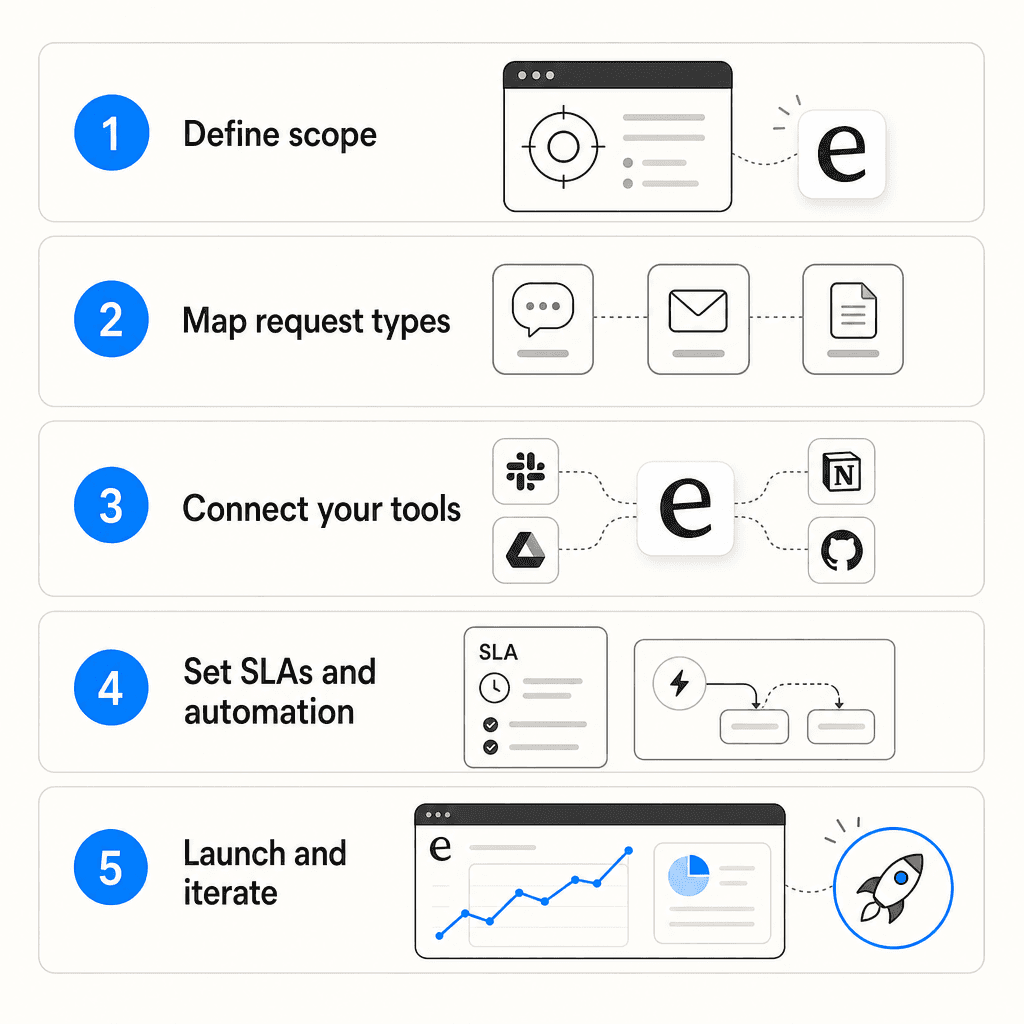
Step 1: Define scope before anything else
Most helpdesk projects fail here, not at tool selection. Before evaluating anything, write down three things:
- Which teams are in scope at launch - IT only, or IT plus HR?
- Who owns each queue - a specific name, not a team. "The IT team" owns nothing; a named person does.
- What is explicitly out of scope - anything that arrives and doesn't belong erodes trust faster than any technical problem.
Hiver's 2026 setup guide is direct on ownership: "Assign ownership for resolution, not just assignment. Every request needs a single owner responsible for closing it, even if multiple teams are involved." For internal teams, cross-team handoffs are where requests disappear.
This step takes an hour and prevents weeks of confusion.
Step 2: Map your request types
List every category of request that will flow through the system. For each one, answer three questions: Can this be automated? Can a knowledge base article answer it? Can an employee self-serve without submitting anything at all?
For a typical IT internal helpdesk: access requests (new software, permission changes), hardware issues, network problems, security incidents, and software troubleshooting. HR adds: leave and policy questions, onboarding tasks, payroll clarifications, benefits inquiries.
Atlassian recommends starting with the most common, most easily fulfilled requests: "Define them to provide immediate value to customers and allow the IT team to learn as they build out future phases." Pre-approve the obvious low-risk categories - monitor requests, standard software installs - so those flow automatically.
Step 3: Choose your tool
This is where most setup guides start. Skipping steps 1 and 2 first is how teams buy more tool than they need, or configure the right tool wrong.
eesel AI - an AI helpdesk agent that works where your employees already are. Connect it to Slack or Teams, point it at your Confluence spaces, Google Drive, Notion, and past tickets, and it starts answering requests immediately. Employees ask in Slack; eesel answers from your knowledge base without a ticket being created. For requests that need tracking, eesel logs them and routes them to the right queue. Mature deployments reach up to 81% autonomous resolution on repetitive internal requests.
ITSM platforms - Jira Service Management, Freshservice, ManageEngine ServiceDesk Plus. Full-featured, built around ITIL workflows, with asset tracking and change management. The right choice for IT teams that need hardware lifecycle management and a formal service catalog. Heavier to configure; Jira is regularly described as "too heavy" by mid-market teams.
Lightweight helpdesks - Zendesk, Freshdesk, Hiver, HappyFox. Easier to set up than full ITSM platforms, with good integration ecosystems. Employees often won't adopt a separate portal they need a separate login to access.
Free and self-hosted options - osTicket, GLPI, Zammad, Spiceworks. Practical starting points for very small teams or organizations with data-residency requirements.
The size threshold that matters: below about 25 employees, a shared inbox barely works. Past that, requests fall through cracks and teams need actual tracking.
Step 4: Set up intake channels
Where requests come in shapes everything downstream. The community consensus across dozens of IT manager threads: one primary channel, not five.
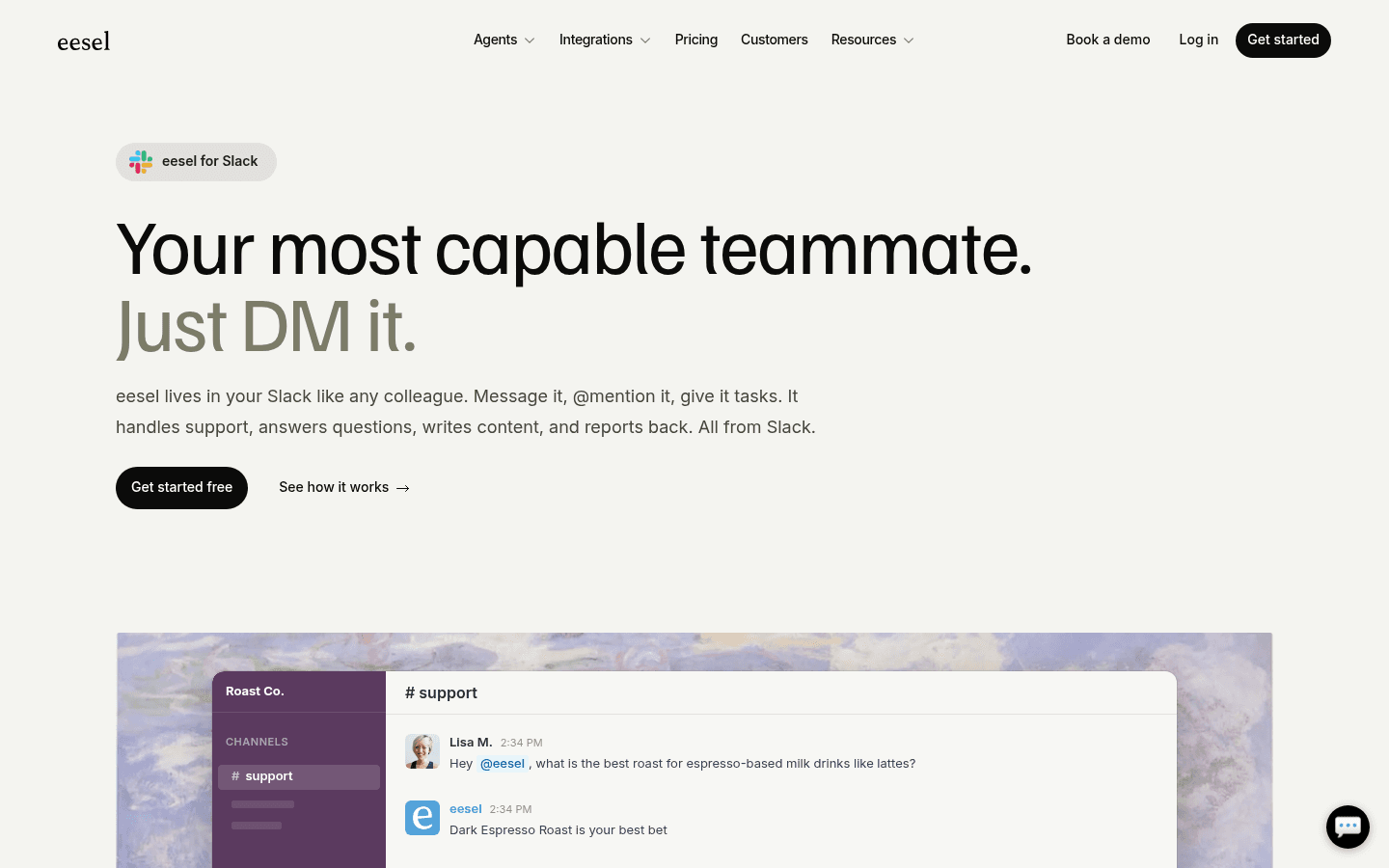
The most effective pattern: route Slack requests to tickets behind the scenes. Employees ask in a dedicated channel or DM; the tool converts the message to a tracked request automatically. They never touch a portal.
"What they do is turn Slack DMs into tickets instead of forcing people through a portal. Someone messages you in Slack and can create a ticket right from the DM... You're not jumping between twelve threads trying to piece together who asked what." -- /u/Hairy-Marzipan6740 on r/ITManagers
Also configure email piping: a support address (it@company.com, hr-help@company.com) that auto-converts incoming emails into tickets. This is the lowest-friction onboarding path - employees don't change their behavior at all.
One thing Jitbit flags that most guides miss: set up the ability to log requests on behalf of walk-up and phone users. Internal IT handles a significant share of face-to-face and phone requests; without this, those are invisible to your metrics and your knowledge base priorities will be wrong.
Step 5: Set SLAs by priority
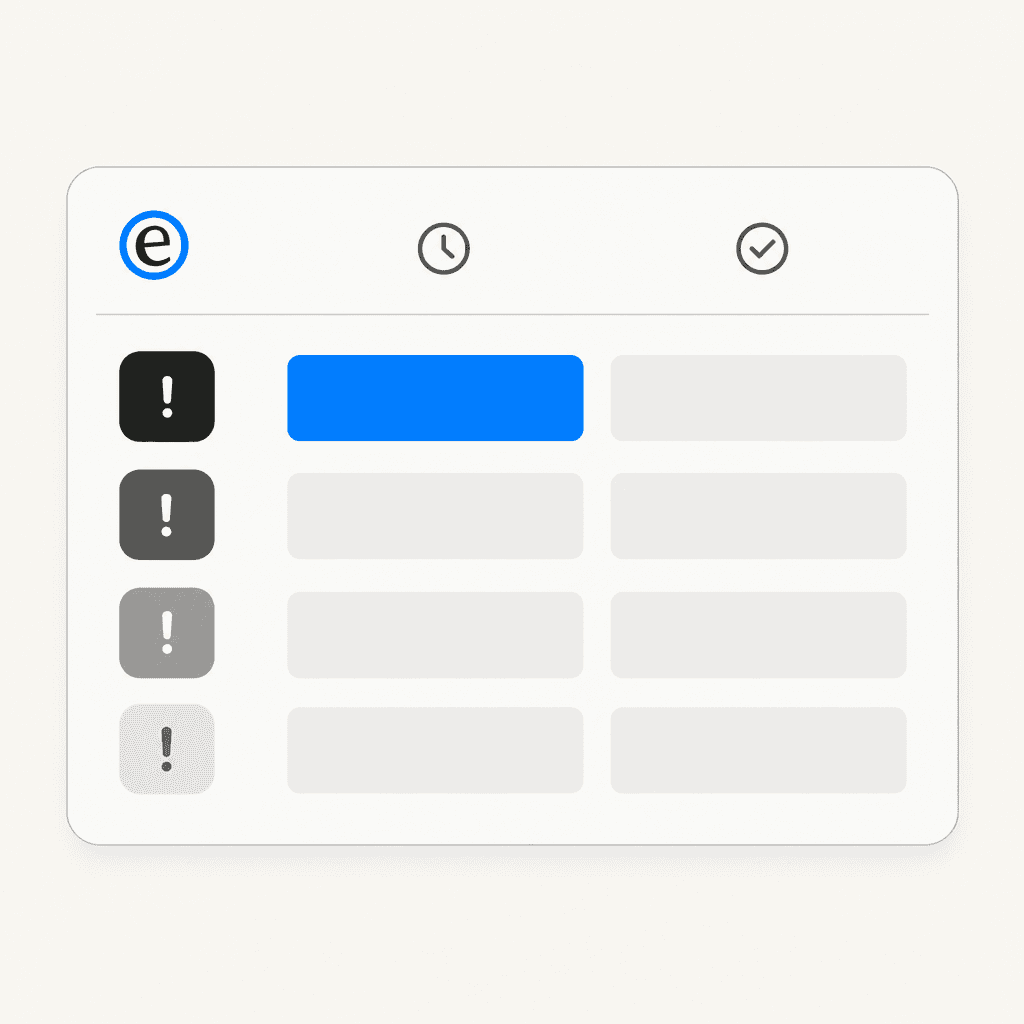
Without targets, every request has the same urgency and your team cannot prioritize. A four-tier framework from Deviniti's industry guide:
| Priority | First response | Resolution |
|---|---|---|
| Critical (system down, security breach) | 15 minutes | 2 hours |
| High (work-blocking issue) | 30 minutes | 4 hours |
| Medium (standard request) | 1 hour | 8 hours |
| Low (non-blocking, general questions) | 4 hours | 24 hours |
The gap worth knowing: employees expect a 4-hour response on average, while the actual average response time is 12 hours. Making targets visible to the team usually closes that gap faster than adding headcount.
Step 6: Build automation rules
Automation handles routing decisions that would otherwise require a human. Start with these:
- Routing by keyword: requests containing "VPN" or "can't connect" route to the network queue; requests mentioning "payroll" route to HR
- Routing by requester: requests from the Finance department route to the finance IT liaison
- Escalation triggers: any ticket without a first response after two hours notifies the team lead
- Stale ticket alerts: tickets with no update in 48 hours get flagged for review
- Pre-approved categories: standard monitor requests resolve automatically; software installs trigger a manager approval workflow
Jitbit adds one that gets overlooked: schedule recurring maintenance tickets automatically for certificate renewals, patch cycles, and backup checks. These are invisible until they fail.
Step 7: Create a knowledge base
A knowledge base is how you stop answering the same question twice. 72% of employees prefer self-service support when it's easy to find - the failure mode is a knowledge base that's hard to reach or out of date.
The minimum to get started: pull the ten most common request types from the past 90 days, write one specific article per type (with screenshots for anything more than two steps), and configure the helpdesk to surface relevant articles when an employee starts typing a request.
Jitbit's take: "when an employee starts typing 'VPN not working', the system should surface the KB article before they even submit. This is the single biggest deflection mechanism you have."
One person should own the knowledge base - a named person, not a team. A stale article that employees find and trust is worse than no article at all: one wrong answer erodes trust in the whole system.
Step 8: Launch in phases and drive adoption
A phased launch works better than switching everyone at once:
- Run the new system alongside your current process for two weeks - agents use it, but also handle emails as usual
- Go ticket-only for IT while other departments maintain their existing process
- Add one department at a time, once the previous one is stable
The adoption challenge is real, and the tool cannot solve it alone. The policy that consistently works across IT manager communities: "no ticket, no work." Your team sends one boilerplate response to any Slack DM or direct email - "we'd love to help, submit a ticket here" - every time, without exception.
"If you don't have the power to enforce policy to drive users to a ticketing system, it's an uphill battle. This needs to come from management, not just IT management but company-wide management." -- /u/signal_empath on r/ITManagers
Without company-wide leadership backing, enforcement does not hold. With it, adoption typically clicks within two to four weeks.
Common mistakes that kill internal helpdesk projects
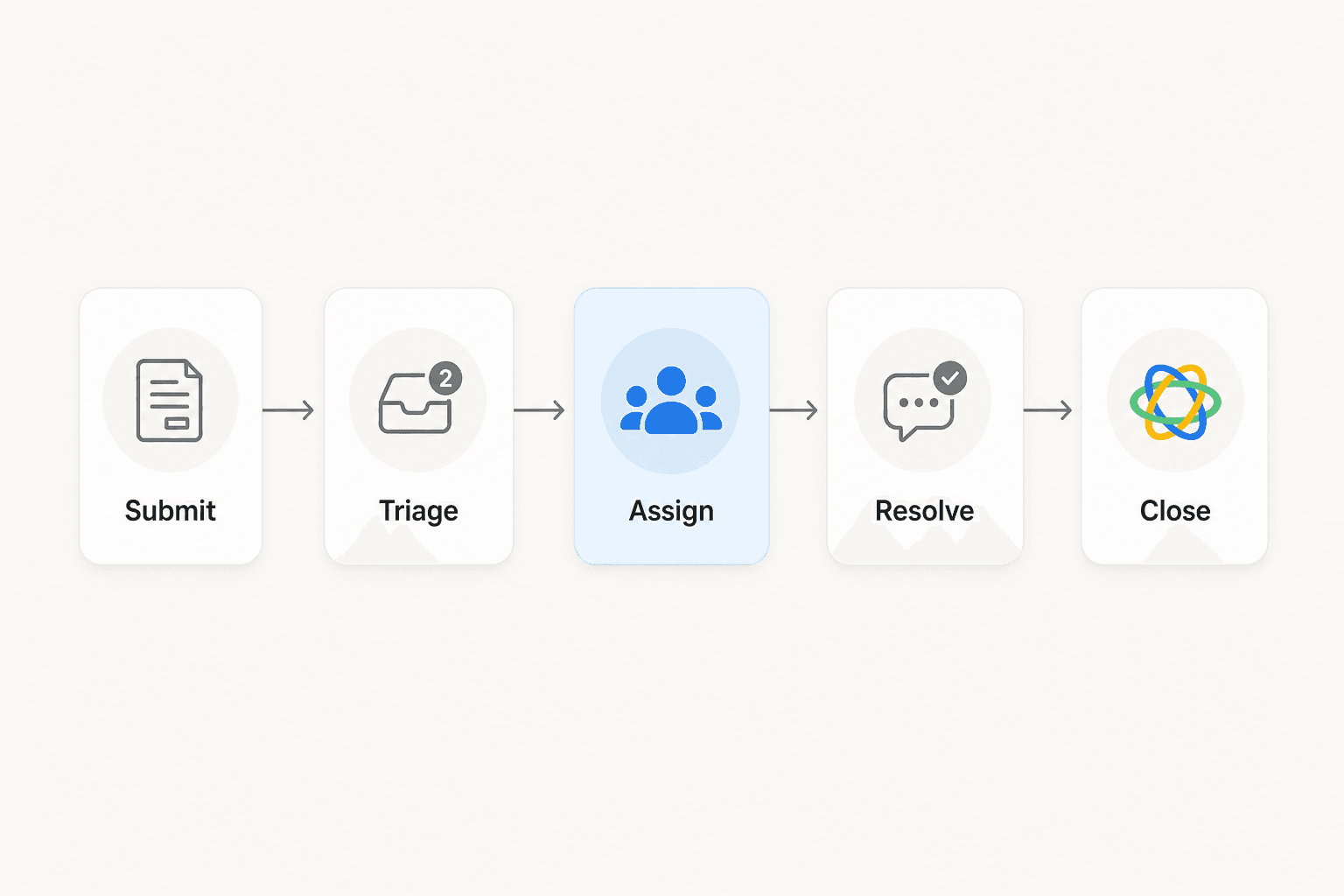
Setup failures are predictable. Most trace back to one of these:
Everything treated as urgent. Without priority rules, your team reacts to whoever asked last, not what blocks the most work. Hiver names this as one of the most common failure modes: "Teams end up reacting to the latest request." A four-tier SLA matrix from step 5 exists to prevent exactly this.
Accountability diluted across teams. A ticket gets assigned to "the IT team," bounces between people, and no one closes it. From Hiver: "A request gets assigned to a team and work begins, but no one is clearly responsible for closing it. As the request moves across teams, accountability gets diluted."
No SSO. Requiring a separate login for the support portal reliably kills adoption. Jitbit's survey found that SSO is the most-cited feature requirement for internal helpdesks - because "I forgot my support portal password" becomes itself a top-five request.
"Getting people to stop using DMs is the real problem. Half your support volume lives there because messaging someone directly feels easier, but then you lose all visibility and can't hand anything off." -- /u/Hairy-Marzipan6740 on r/ITManagers
Slack DMs left open as a valid intake channel. Your team is always one message away from invisible work. The fix is one visible request path in Slack that auto-routes to your ticket system - meeting employees where they are while preserving tracking.
Stale knowledge base. An article that was accurate six months ago and is now wrong is worse than no article. It generates a wrong answer, and employees who find it twice stop trusting the system entirely. Atlassian is direct: "Even if you build the most powerful self-service system, it's worthless if customers can't easily find it" - and doubly so if what they find is outdated.
Tickets not logged from phone and walk-up requests. You cannot measure your team's workload, response times, or recurring issues if a significant share of requests never becomes a ticket. The only way to fix this is making it easy for agents to log on behalf of a user.
What to look for in internal helpdesk software
Not every feature matters equally for internal teams. The ones with the most practical impact:
SSO with SAML 2.0 - the non-negotiable. Employees use corporate credentials; no separate password to manage. Jitbit puts it plainly: "If the vendor doesn't support SAML, walk away."
SCIM provisioning - automatic account creation and deprovisioning from your identity provider. For a 200-person company with 15% annual turnover, that is 30+ manual account operations per year. At 2,000 people, manual provisioning is not manageable.
Slack and Teams integration - the ability to log and respond to requests from inside the tools employees already use all day. The best helpdesk software with Slack integration closes the loop inside the conversation thread, so employees never have to leave Slack.
Automation rules - trigger-based routing, auto-replies, escalation chains. Without this, routing is manual, errors accumulate, and your team wastes time on coordination instead of resolution.
Knowledge base with inline suggestions - articles surface as an employee starts typing a request. The best internal support chatbot experiences work the same way: answer before a ticket is ever filed.
Walk-up and phone logging - the ability for an agent to create a ticket on behalf of a user. Internal IT handles a large share of in-person requests; without this, those are invisible to your metrics.
Reporting - volume by category, SLA compliance, first response time. Without data you are guessing at what needs to improve.
eesel AI for internal helpdesk
eesel AI's helpdesk agent is built for teams that want AI handling internal requests autonomously, not just helping humans handle them faster.
Connect your helpdesk (Zendesk, Freshdesk, Jira, or others), connect your knowledge sources (Confluence, Notion, Google Drive, SharePoint), and eesel starts learning from your existing data immediately. No manual training. No documentation uploads. No configuration wizards.
For internal knowledge use cases in Slack or Teams, employees ask questions in the chat tool they use every day and get answers without ever creating a ticket. Jason Loyola, Head of IT at InDebted, describes his team's setup: "We use it to be the first responder to our Helpdesk tickets in Jira. It acts just like an agent."
You control the pace. Start in supervised mode - eesel drafts replies that your team reviews before sending. Expand to autonomous handling once you're confident in the quality. Mature deployments reach up to 81% autonomous resolution on repetitive internal requests, with typical payback under two months.
Pricing is usage-based at $0.40 per regular task - no flat platform fee, no per-seat charges. A $50 free trial is available with no credit card required.
Try eesel free - $50 in free usage, all features unlocked from day one.

Frequently Asked Questions
Share this article

Article by
Stevia Putri
Stevia Putri is a marketing generalist at eesel AI, where she helps turn powerful AI tools into stories that resonate. She’s driven by curiosity, clarity, and the human side of technology.