How to schedule AI blog posts for consistent content and growth

Katelin Teen
Last edited January 30, 2026
Keeping a blog running is a grind. You know you need to publish consistently to keep your audience interested and Google happy, but it feels like a constant uphill battle. Between coming up with ideas, doing the research, writing drafts, finding images, and finally hitting "publish," it's basically a full-time job.
This is where most content plans start to wobble. The lightbulb moment comes when you realize the solution isn't just about writing faster, but about automating the content lifecycle. We're talking about going beyond using AI for a rough draft and letting it handle everything from planning and creation to scheduling.

What is AI blog post scheduling?
When you hear "scheduling," you probably just think of picking a date in WordPress. But AI blog post scheduling is way more than that. It’s a complete workflow where AI helps you at every stage, from the initial idea to having a polished post ready to go live.
Think of it less as a single feature and more as a whole strategy. The benefits are pretty significant:
- Consistency: This is the big one. AI helps you power through writer's block and fill gaps in your calendar, so you can maintain a regular publishing schedule. Search engines love that, and so will your readers.
- Efficiency: The time you sink into manual research, drafting, and creating assets is practically gone. A process that used to take days can now be wrapped up in minutes. For real.
- Strategic focus: When you’re not stuck in the daily grind of content creation, you can actually think about the big picture. Your team can shift from just trying to publish something to creating a content plan where every post is tied to specific keywords and business goals.
Key features to look for in content automation platforms
To build a solid AI-powered content workflow, you need the right tools. Not all AI writers are the same, and you need a platform that does more than just generate a block of text.
Here are the essential features you should be looking for:
- End-to-end content generation: The platform should give you a complete, structured blog post from a single prompt. If you’re getting a rough draft that you have to spend hours editing, you’re not really saving time.
- Built-in SEO and AEO optimization: Look for features that automatically place keywords, generate meta descriptions, and structure the content correctly. It's even better if it's optimized for AI answer engines (AEO) like Google AI Overviews, since that's the direction search is moving.
- Automatic asset creation: A blog post needs visuals. The best platforms can generate and include relevant images, infographics, and tables. Some can even pull in social proof like real Reddit quotes or relevant YouTube videos to make your content more credible.
- Direct CMS integrations or easy export: The easier it is to move your content from the AI tool to your blog, the better. Look for smooth connections to platforms like WordPress, Webflow, or Ghost.
- Content repurposing and analytics: After a blog is published, the job isn't done. Some advanced tools can help you turn your post into social media content and track its performance, which helps you make smarter decisions for your next article.
Top tools for scheduling AI blog posts
Alright, let's get into some of the platforms that can help you automate your content creation and scheduling. It's a mix of all-in-one content platforms and specialized schedulers, so you can find what works best for your team.
eesel AI blog writer
It functions as a central part of a content workflow. Here’s what makes it different:
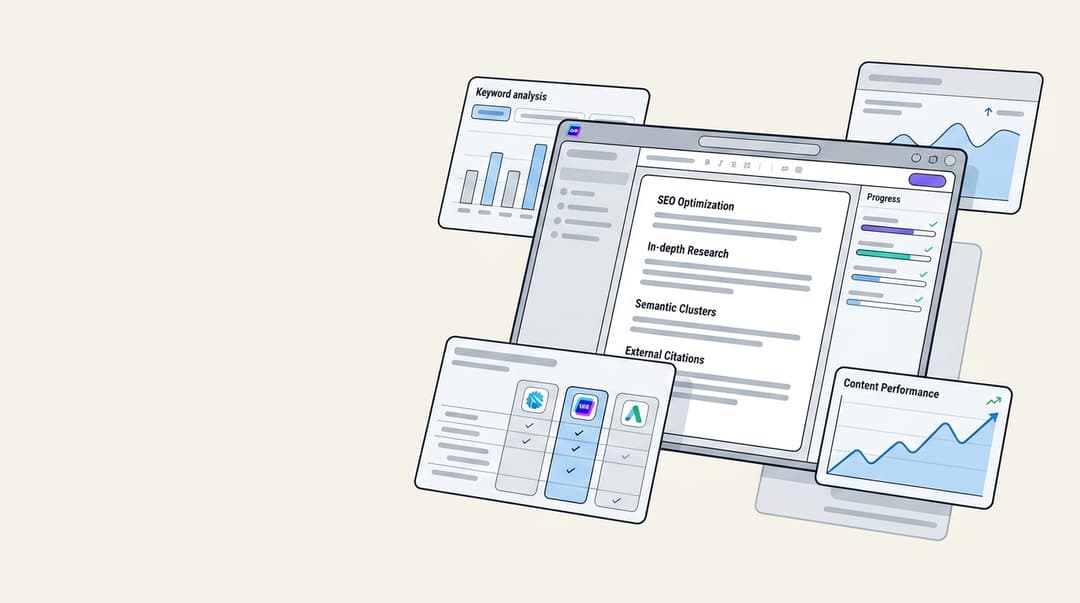
- Complete post generation: You enter a single keyword and get a fully structured blog post with an intro, conclusion, headings, and even an FAQ section. It's ready to publish almost immediately.
- Automatic asset creation: This feature saves time by automatically creating and including AI-generated images, infographics, and tables. It also embeds relevant YouTube videos and pulls real quotes from Reddit to add depth and authority.
- Built-in SEO & AEO optimization: The content is structured to rank from the start. It’s optimized not just for traditional search engines but also for AI answer engines, so you’re prepared for the future of search.
- Context-aware research: The AI is smart enough to know what kind of blog you're writing. If it's a comparison post, it will find pricing data. If it's a product review, it will look for technical specs. This means the content is well-researched and accurate, not just generic fluff.
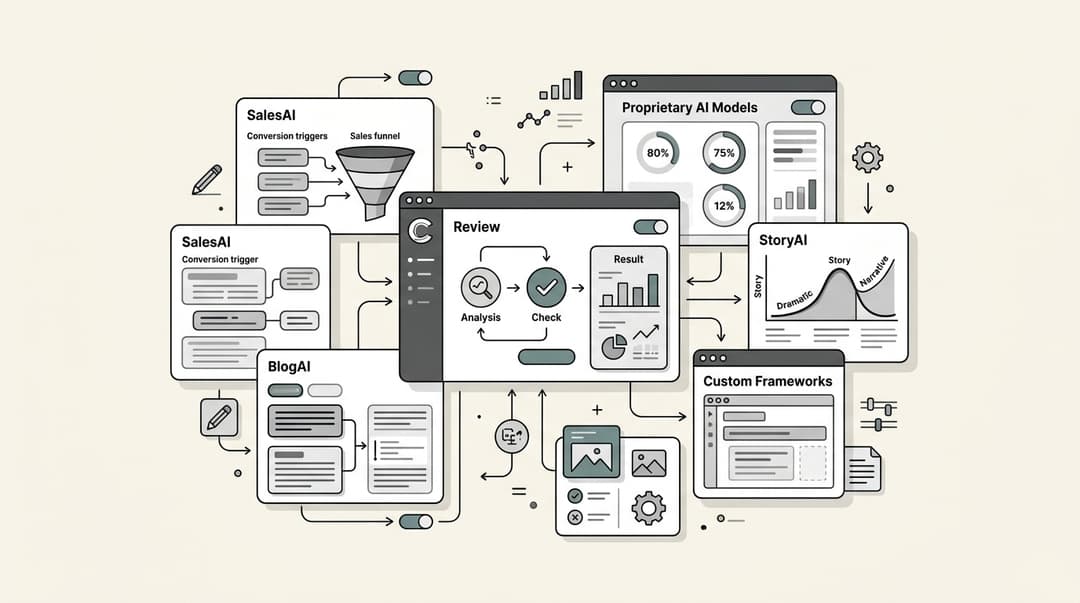
The workflow involves generating the article, conducting a human review, and then scheduling it in your CMS. This integrates writing, image creation, and SEO into one step.
Pricing: It's free to try, so you can see the quality for yourself. After that, paid plans are just $99 for 50 blog post credits.
CoSchedule
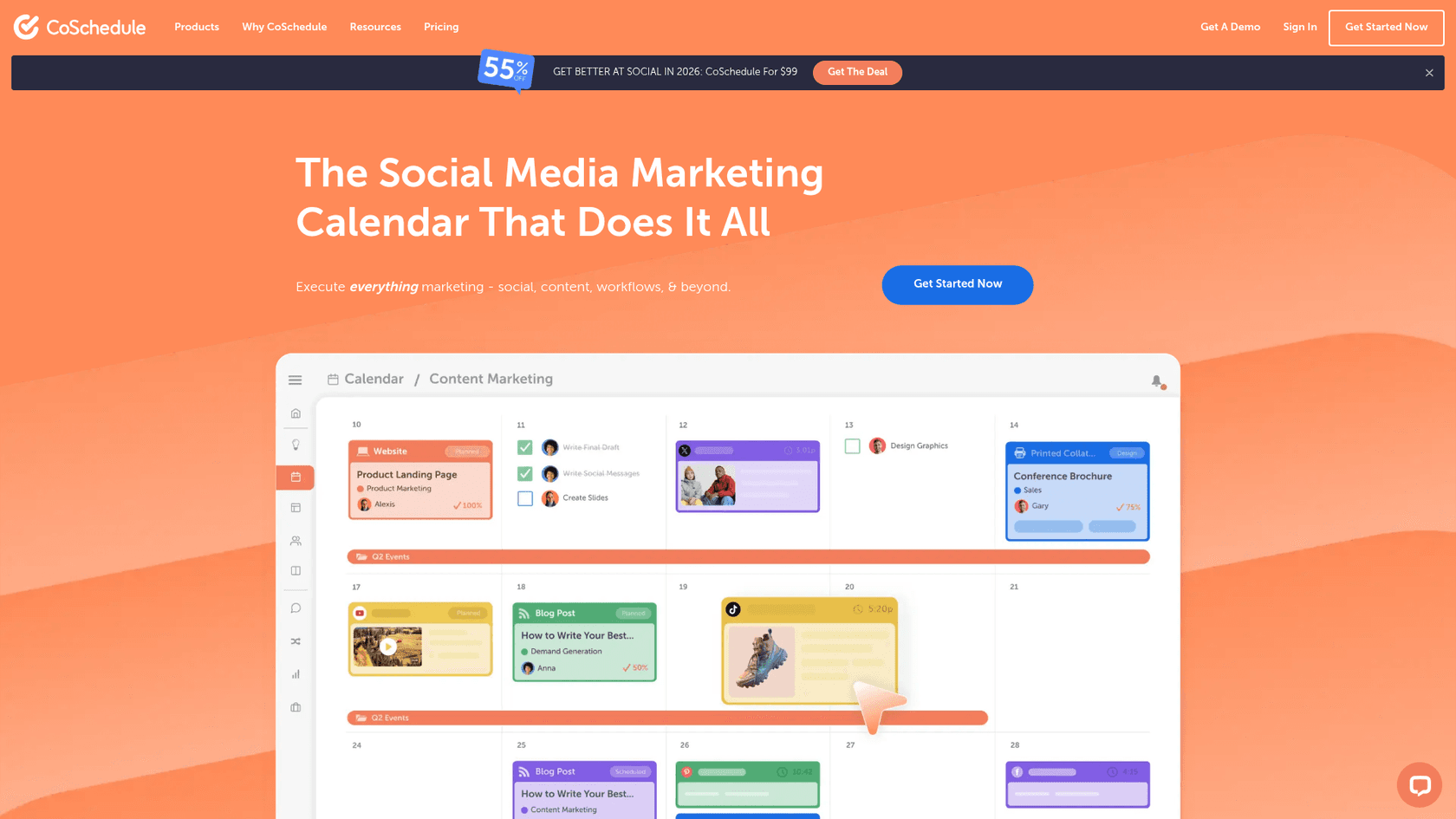
It does have some AI features, like "Hire Mia," which can help with brainstorming and writing, and its Headline Studio is great for crafting titles. However, CoSchedule's main strength is organization. It can be used alongside a dedicated content generation tool to fill the calendar with posts.
Pricing:
- Free Calendar: $0 for one user and one social profile.
- Social Calendar: Starts at $19 per user per month (when billed annually).
- Content Calendar & Marketing Suite: You'll need to contact them for custom pricing.
Pressmaster.ai
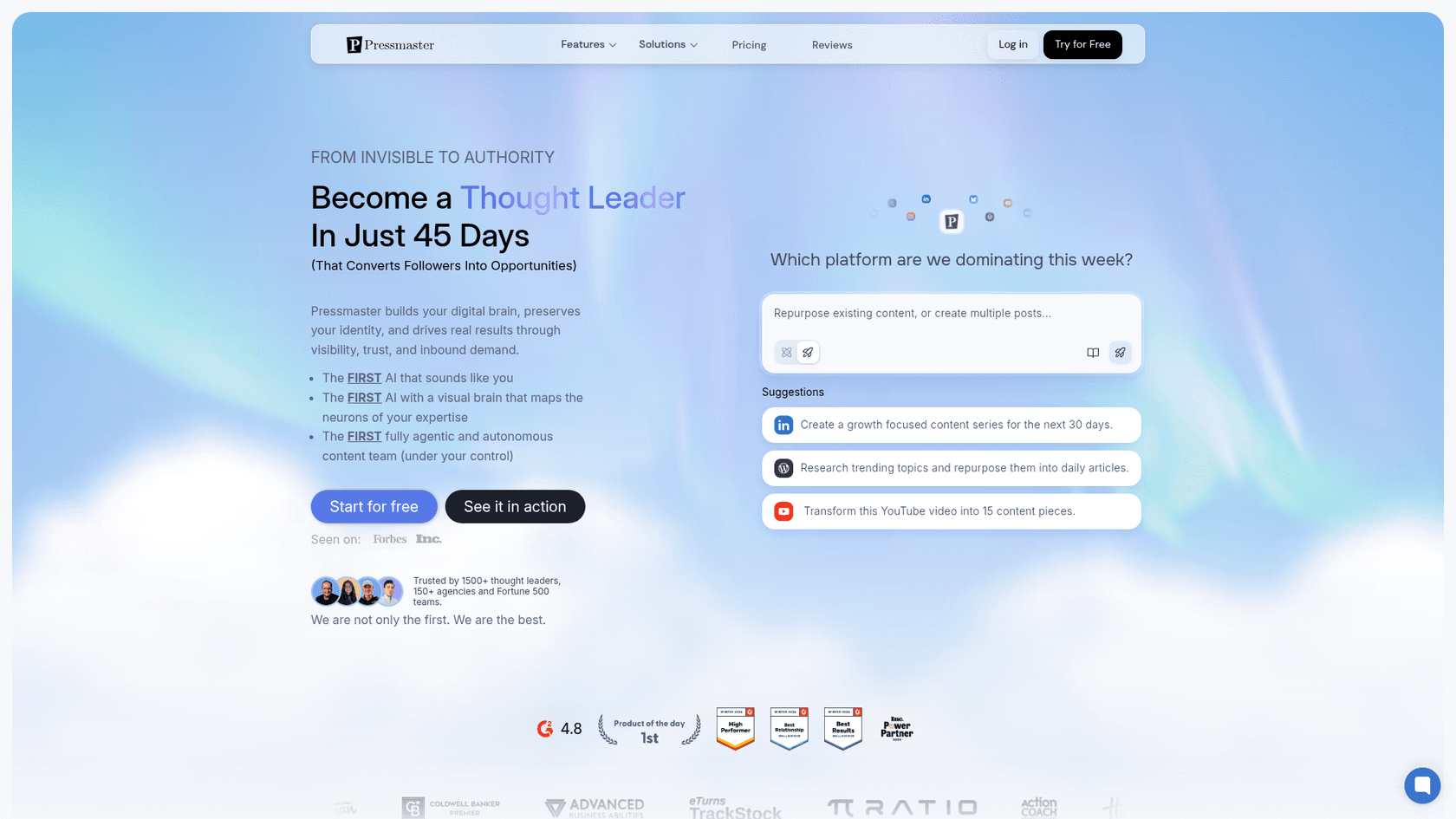
Its standout feature is an "AI Interview" where you can just talk about your ideas, and it turns your spoken words into content. It also has an "Agent-Team" that can research trends and help you fill a content calendar with ideas. While it can produce blogs and social posts, its focus is very narrow. It’s built to scale an individual’s authentic voice. If your goal is to produce high-volume, keyword-driven SEO content, the workflow isn't as direct as a tool that goes straight from a topic to a finished blog.
Pricing: Pressmaster.ai offers a free trial. Paid plans include the Starter plan at $12/month, a Pro plan at $72/month, and custom pricing for agencies and enterprise teams.
Publer
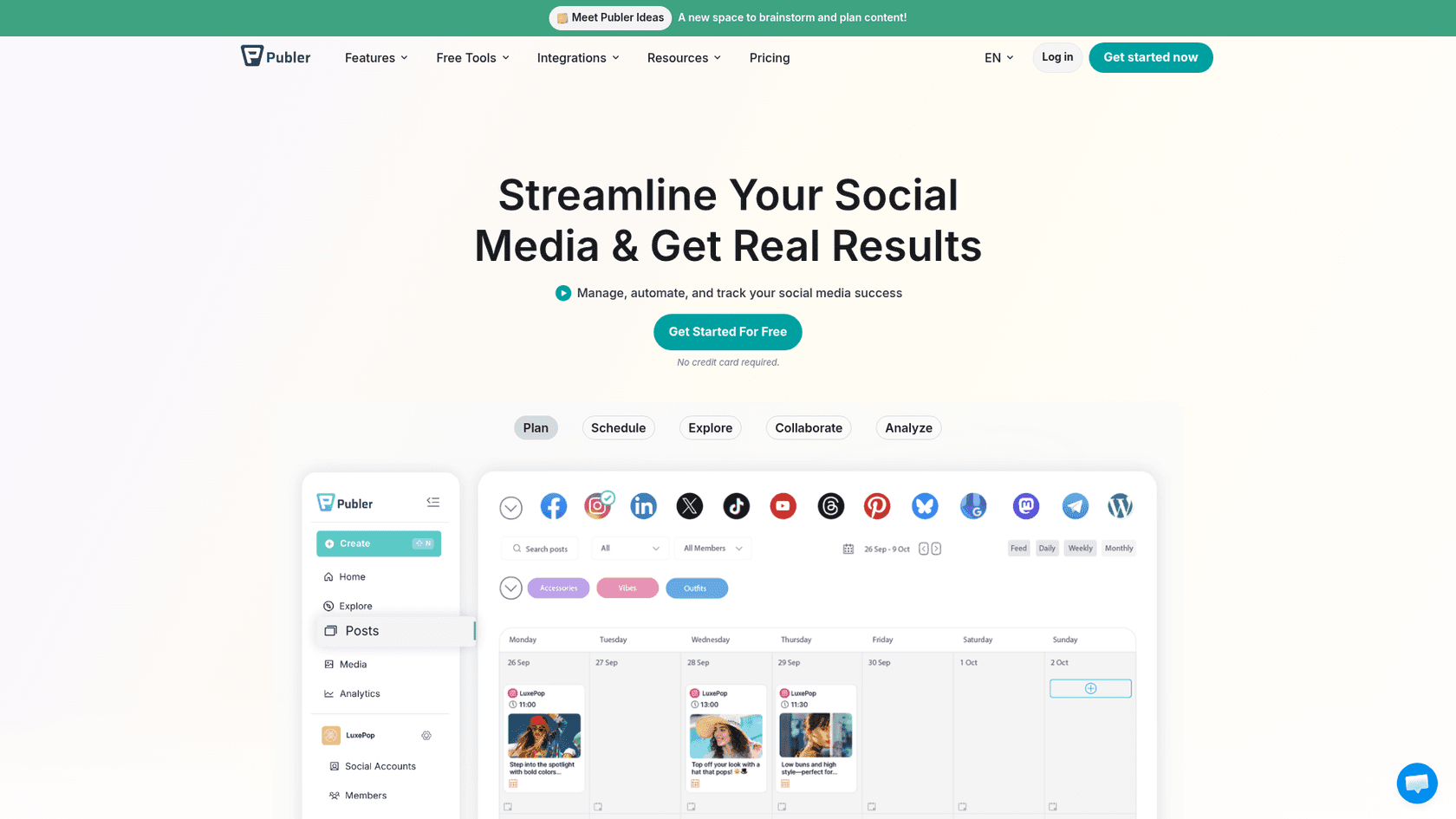
It has an "AI Assist" feature that can help you generate captions and images, and it even lets you schedule posts directly to your WordPress blog. However, its core strength is still social media management. The AI blog writing is a nice feature, but it's not a dedicated engine for creating long-form content. Publer is great for social-first strategies, and teams focused on long-form content may use it with a specialized writing tool.
Pricing:
- Free Plan: Includes 3 social accounts and up to 10 scheduled posts.
- Professional Plan: Starts at $4/month (billed yearly).
- Business Plan: Starts at $8/month (billed yearly) and gives you access to the AI Assist feature.
How to schedule AI blog posts with an automated 4-step workflow
Ready to put this all into practice? Here’s a simple, four-step guide to creating a content engine that pretty much runs itself.
-
Step 1: Ideation and planning. Start by brainstorming topics and doing some keyword research. Once you have a list of ideas, map them out on a simple content calendar. This could be a Google Sheet, a Notion board, or a tool like CoSchedule. The goal is to have a clear roadmap for what you're going to publish and when.
-
Step 2: One-click content generation. This is where the real efficiency kicks in. Instead of spending days drafting, researching, and finding images, you use an all-in-one generator. With a tool like the eesel AI blog writer, you just take a keyword from your calendar, plug it in, and get a complete, optimized article with all the assets you need in minutes.
-
Step 3: The human review. Even the best AI needs a quick human check. Spend a few minutes reviewing the generated post. Make sure the tone matches your brand, add any unique insights or personal stories, and ensure it’s perfectly aligned with your voice. This final polish should take minutes, not hours.
My biggest learning though in using the AI tools is that you need to have a strong hand in guiding the AI. As soon as you start letting the AI take control of the intellectual and creative direction of the blog, you're one step closer to joining the legion of AI writers that are churning out AI slop and tarnishing the reputation of blogging
-
Step 4: Scheduling and publishing. Once you’re happy with the post, just copy the final content into your CMS (like WordPress or Webflow) and schedule the publication date and time. That's it. Your content engine is officially up and running.

For a more hands-on look at how these workflows come together, the following video provides a practical demonstration of using AI to write and automatically schedule blog posts, bringing the concepts we've discussed to life.
Build a content engine, not just a schedule
At the end of the day, a good strategy for scheduling AI blog posts isn't just about picking dates on a calendar. It's about building a smooth, automated system that lets you publish high-quality content consistently without burning out your team.
A key step is to pick a tool that automates the hardest and most time-consuming part of the process: the actual content creation. When you can go from a keyword to a complete, publish-ready article in minutes, you free up your team to focus on the bigger picture: strategy, promotion, and growth. With the right workflow, any team can scale its content production, climb the search rankings, and achieve sustainable organic growth.
To streamline your content workflow, generate your first blog post for free with the eesel AI blog writer and see how simple your content workflow can be.

Frequently Asked Questions
Share this article

Article by
Katelin Teen
Katelin is an operations specialist at eesel where she uses her psychology training and education experience to optimize B2B SaaS processes. Outside of work, she unwinds with story-driven games, writing, and keeping up with latest tech innovations.