GrowthBar pricing in 2026: A complete breakdown of plans and value

Stevia Putri

Katelin Teen
Last edited January 21, 2026
Expert Verified

GrowthBar is a popular AI-powered SEO tool, with over 6,000 marketers and agencies using it for content creation. The main promise is to help you research, write, and optimize long-form content about 10 times faster. While this sounds appealing, figuring out its pricing tiers can be a puzzle.

We’re here to sort it all out. We'll dive into each of GrowthBar's plans, looking at the features, the limits, and what you actually get for your money. By the end, you should have a clear idea if it's the right tool for you. We'll also touch on another option that’s designed to create complete, publish-ready blog posts with a different workflow.
What is GrowthBar?
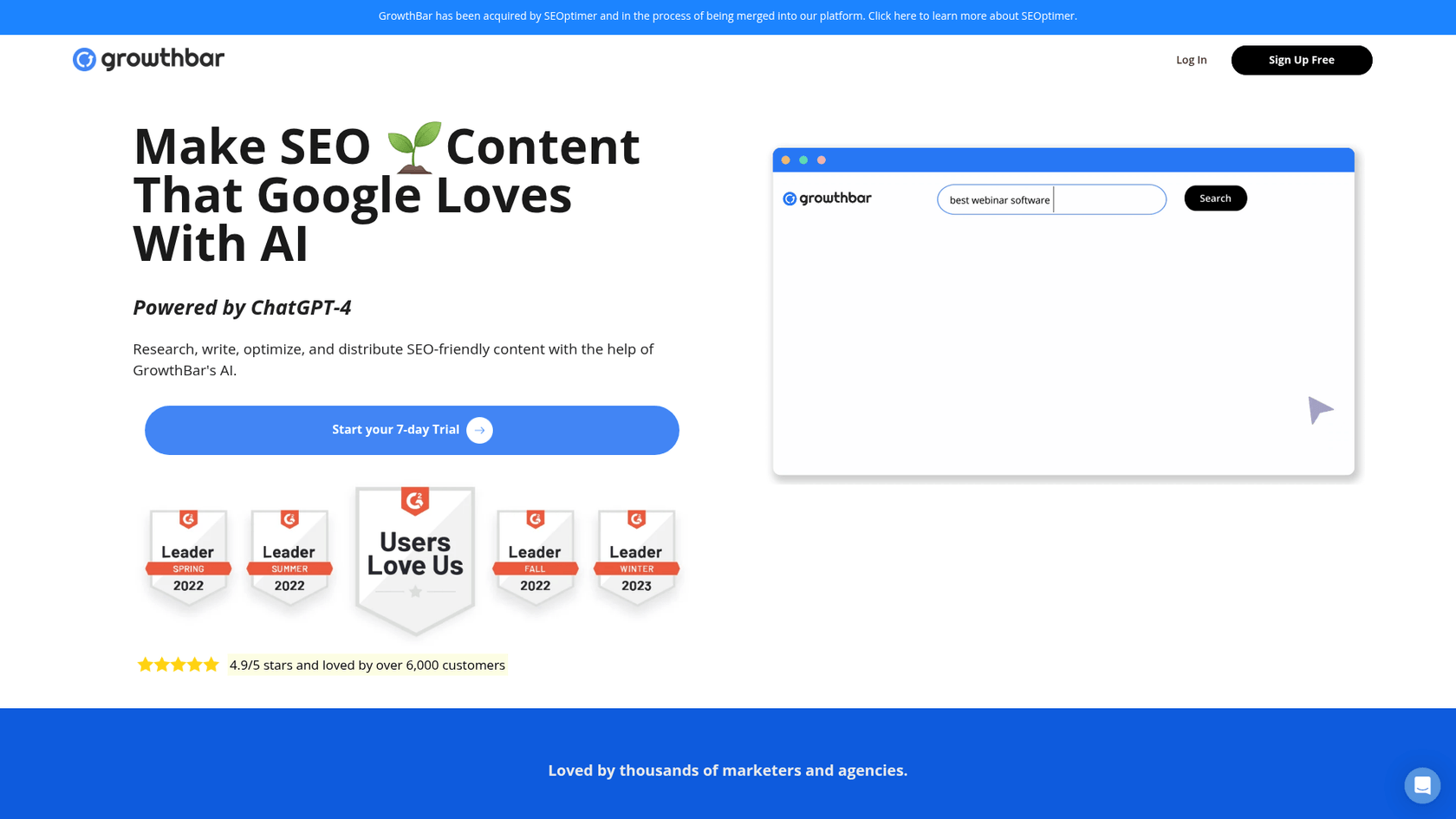
GrowthBar is an all-in-one SEO and AI writing tool built for bloggers, marketers, and content teams. Its main appeal is that it bundles key SEO features, like keyword research and competitor analysis, with an AI content generator powered by ChatGPT-4.
It started as just a Chrome extension and has since evolved into a full-blown web app used by thousands. The goal is to make your content workflow smoother, letting you go from research to a finished draft all in one place.
How features affect the GrowthBar pricing
GrowthBar's price tag is all about the features and, more specifically, the usage limits. Let's get into what your money actually buys you.
AI writing and its impact on GrowthBar pricing
The main attraction is the "2-Minute Blog Builder." You feed it a keyword, and it spits out a 1,500-word first draft. The process is quite hands-on: the AI builds an outline, and then you have to drag each headline into an editor to generate the text for that section. They also recently rolled out "Custom AI Models," which lets you feed it your best content to create a custom model that tries to mimic your brand's style.
SEO tools included in the GrowthBar pricing
GrowthBar also has your back on the SEO front. It checks out the SERPs (Search Engine Results Pages) for your keyword and builds an SEO-friendly outline for you, suggesting headings, keywords, and word counts. Every plan includes unlimited keyword research, giving you suggestions, difficulty scores, and some estimated revenue numbers. This makes it useful for both creating the content and making sure it has a chance to rank.
Competitor analysis features and GrowthBar pricing
You also get tools to see what your competitors are doing. GrowthBar can show you their top keywords, backlinks, and Google Ads data. One thing to watch is the data limits. The number of backlinks you can view per search, for instance, varies a lot between plans, and that's a big driver of the price differences.
The GrowthBar Chrome extension
Every subscription includes their 5-star rated Chrome extension. The best part is getting keyword and competitor data right on Google's search results page. You can also use the AI writer within WordPress, which is handy for quick research or drafting without constantly switching tabs.
A complete guide to GrowthBar pricing and plans
GrowthBar has three main tiers, and you can save some money by paying annually. They also offer a 7-day free trial and a 7-day money-back guarantee, so you can give it a spin before you commit.
Here’s how the plans compare:
| Feature | Standard Plan | Pro Plan | Agency Plan |
|---|---|---|---|
| Annual Price (Billed Yearly) | $36/month | $74.25/month | $149.25/month |
| Monthly Price (Billed Monthly) | $48/month | $99/month | $199/month |
| AI Blog Articles / Audits | 25 per month | 100 per month | 300 per month |
| AI Paragraph Generations | 500 per month | 2,000 per month | 5,000 per month |
| Keyword Tracking | 25 keywords (1 site) | 1,000 keywords (3 sites) | 5,000 keywords (25 sites) |
| Competitor Backlinks Per Query | 300 | 1,000 | 1,500 |
| User Accounts | 2 | 5 | 10 |
| Best For | Solo creators & small blogs | In-house marketing teams | Agencies managing clients |
Who is the standard plan best for?
The Standard plan is a decent starting place for solo content creators, freelancers, or small businesses with a light content calendar. The unlimited keyword research is nice, but the caps on AI articles (25 per month) and keyword tracking (just 25 keywords) make it best for those just getting started with content marketing.
When should you choose the pro plan?
The Pro plan seems to be the sweet spot for most growing businesses and small marketing teams looking to scale up their content. The limits are much more generous: you can generate up to 100 AI articles a month, get a lot more paragraph generations, and track keywords for three different sites. It's a much more robust option if you have a real content strategy in place.
Is the agency plan worth it?
The Agency plan is for agencies. If you're managing content for several clients or you're part of a large in-house team with a heavy publishing schedule, this is your plan. The ability to track 5,000 keywords across 25 sites and create up to 300 AI articles a month makes the higher price worth it for teams working at that volume.
For a more visual breakdown of what you get with each plan, especially the popular Pro plan, here's a video that walks through the features and value proposition at that price point.
A video walkthrough of the features and value proposition included in the GrowthBar Pro plan.
Key considerations for the GrowthBar model
GrowthBar has a range of features, and it is helpful to understand how they work in practice. Based on the tool's offerings and user feedback, here are a few things to consider.
Editing and refinement
A quick look at user reviews on G2 indicates that GrowthBar’s AI content serves as a strong starting point, but it is not always ready to publish straight out of the box. Users often mention needing to spend time tweaking the text for accuracy, getting the brand voice right, and generally making it sound less robotic. One reviewer summed it up well: "Some of the text had to be refined after being auto-generated."
The writing workflow
The "2-Minute Blog Builder" is a multi-step process. You generate an outline first, then you have to manually drag each heading into the editor to generate the content for that part. It is a hands-on process that requires several steps to get a polished article.
Asset generation
GrowthBar focuses on text. It does not automatically create or add any visuals to your articles. This means no AI-generated images, infographics, tables, or relevant YouTube videos to break up the content. Your team will have to find and add all those assets manually, which adds another step to your workflow.
An alternative for generating complete blog posts: eesel AI blog writer
For those whose workflow prioritizes automated asset creation, eesel AI blog writer is an alternative to consider. It is designed to produce a complete, publish-ready blog post from a single keyword.
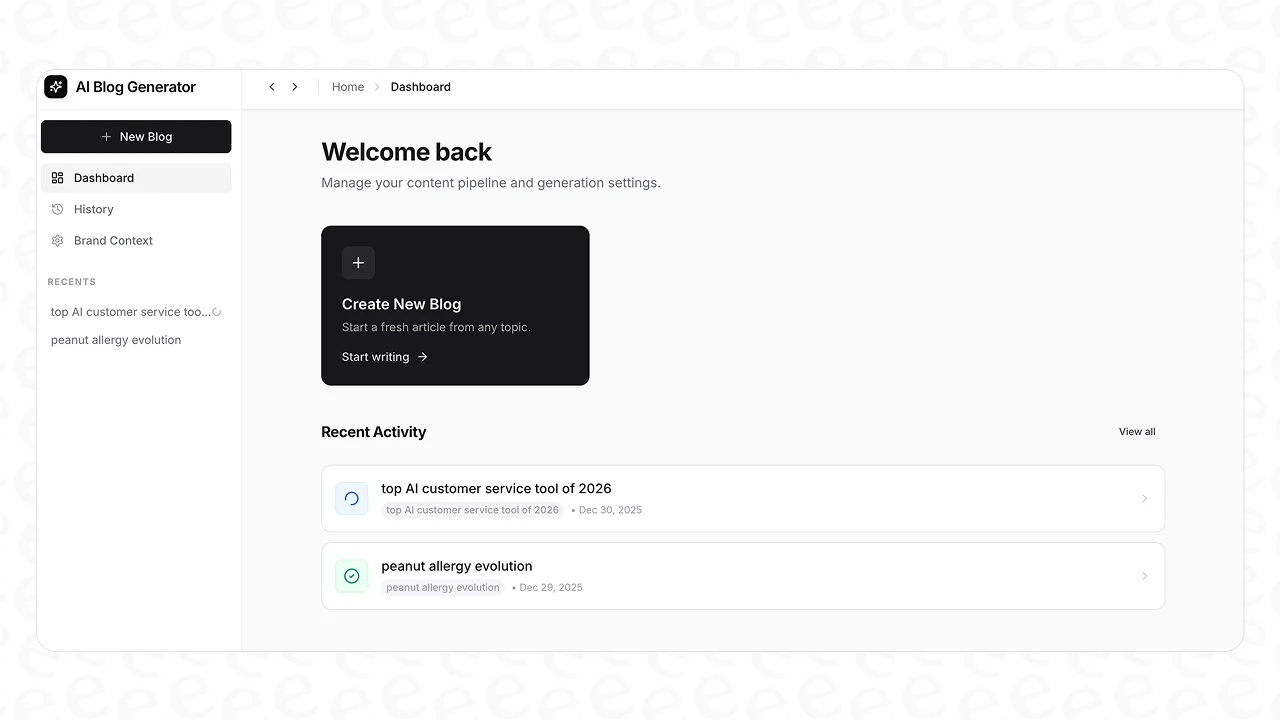
Key features include:
- One-click generation: Give it a keyword, and it delivers a full article. That means an intro, headings, a conclusion, and even an FAQ section.
- Automatic asset creation: eesel AI blog writer automatically adds AI-generated images, infographics, and tables to the post. It even finds and embeds relevant YouTube videos and pulls real quotes from Reddit to add social proof and make your content more interesting.
- Brand context: It automatically scans your website to learn your brand's context. This lets it weave in natural product mentions and keep a consistent tone, so the final article sounds like it came from you.
- Company usage: We use this exact tool for our own content. It helped us grow the eesel AI blog from 700 to over 750,000 impressions in three months.
- Pricing and trial: The pricing is simple: $99 for 50 blog credits. Best of all, it’s completely free to try, so you can see the quality for yourself.
Is GrowthBar pricing right for you?
GrowthBar is a solid all-in-one tool for teams that want a combined AI writer and SEO platform to get first drafts done faster. The tiered pricing plans are logical for different content needs, and the custom brand voice feature is a nice addition. However, the workflow requires manual steps and does not include automatic asset creation, which means teams will need to account for time in editing and formatting.
For teams looking for a more automated content creation process that includes media assets, eesel AI blog writer offers a streamlined path. It generates complete, media-rich blog posts, which can reduce both writing and editing time. If your goal is to scale high-quality content, you can try the eesel AI blog writer for free.
Frequently Asked Questions

Share this post
Article by
Stevia Putri
Stevia Putri is a marketing generalist at eesel AI, where she helps turn powerful AI tools into stories that resonate. She’s driven by curiosity, clarity, and the human side of technology.


