

Getting your WordPress site to show up on Google can feel like shouting into a black hole. You know you’re creating good stuff, but is anyone out there actually seeing it? This is where an SEO plugin steps in, and All in One SEO (AIOSEO) has been a popular choice for years, with over 3 million professionals using it.
With many tools available, does it remain a leading choice in 2026? This review provides a balanced look at AIOSEO, covering its key tools, pricing, and what users can expect. This guide will help bloggers, small business owners, and anyone looking to increase traffic decide if AIOSEO is a suitable option.
What is AIOSEO?
At its heart, AIOSEO is a complete toolkit made to help you climb the search engine rankings without having to be an SEO genius. It's built to be strong enough for experts but straightforward enough for beginners. It also happens to be the original WordPress SEO plugin, launching way back in 2007, so it's fair to say the team knows a thing or two about search engines.
AIOSEO covers the three main areas of SEO:
-
On-page SEO: Fine-tuning your individual pages and posts.
-
Technical SEO: Handling the behind-the-scenes work that helps search engines find and understand your site.
-
Integrations: Linking up with tools like Google Search Console and social media to give you the full picture of your performance.
One of its biggest draws is the easy setup. A smart wizard guides you through the key settings in under 10 minutes, making sure your site is set up for SEO success from the get-go. No code, no confusing terms, just a clear path to getting seen.
Key features
AIOSEO is loaded with features, but some are more useful than others. Some are nice to have, while others can completely change your site's performance. Let's look at the tools that will make the biggest difference in your day-to-day SEO work.
On-page content optimization with TruSEO Score
This is where you'll likely spend most of your time in AIOSEO, and for good reason. The TruSEO on-page analysis gives you feedback in real-time, right inside the WordPress editor. It doesn’t matter if you’re using the default block editor or a page builder like Elementor or Divi, the tool is always there to help.
As you write, AIOSEO gives you a simple checklist that scores your content. It checks things like:
-
Focus Keyword: Are you using your main keyword in the right places, like the title, meta description, and throughout the text?
-
Readability: Is your writing easy to follow? It looks at sentence length, paragraph size, and the use of transition words.
-
Links: Are you adding both internal links (to other pages on your site) and external links (to other websites)?
The Semrush integration is particularly useful. It lets you find and add relevant, high-traffic keywords without ever leaving your post editor. It’s a huge time-saver that helps you write about what people are actually searching for.
Technical SEO automation
Technical SEO can sound scary, but AIOSEO automates most of the difficult parts. One of the most important jobs is creating and managing sitemaps, which are basically maps that guide search engines through your site. AIOSEO automatically creates smart XML sitemaps that update every time you add new content.
If you spring for the Pro plan, you also get sitemaps for Video and News content. These can help your content get indexed faster and appear in the special video and news sections of search results, which can bring in a ton of traffic.
Another handy feature is the built-in Schema Generator. Schema markup is code that explains your content to search engines in a more structured way. It’s what creates those "rich snippets" you see in search results, like star ratings or FAQ dropdowns. AIOSEO supports over 20 schema types, letting you add this markup without writing any code.
Finally, the Pro plan comes with a Redirection Manager. If you delete a page or change its URL, you create a 404 "not found" error, which is bad for users and SEO. The Redirection Manager finds these errors and helps you set up 301 redirects, pointing search engines and visitors to the new page. It's a lifesaver for keeping your site healthy as it grows.
Specialized modules for business websites
If you have a local business or an e-commerce shop, AIOSEO offers specific modules that are incredibly helpful.
The Local SEO module (available on the Plus plan and higher) is made to help physical businesses appear in Google Maps and "near me" searches. It adds the right local business schema to your site, including your business name, address, phone number (NAP), and hours. It can even handle multiple locations, which is great for businesses with more than one branch.
For online stores, the WooCommerce SEO tools are a must. They automatically tweak your product pages with schema for price, stock status, and reviews. This makes your products more visible in Google Shopping results and can really boost the number of people who click on them.
AI tools and performance tracking
Beyond the basic SEO tools, AIOSEO has been adding more advanced features that use AI and pull performance data right into your WordPress dashboard. This is where the plugin starts to feel less like a simple checklist and more like a strategic tool.
AI content generation and optimization tools
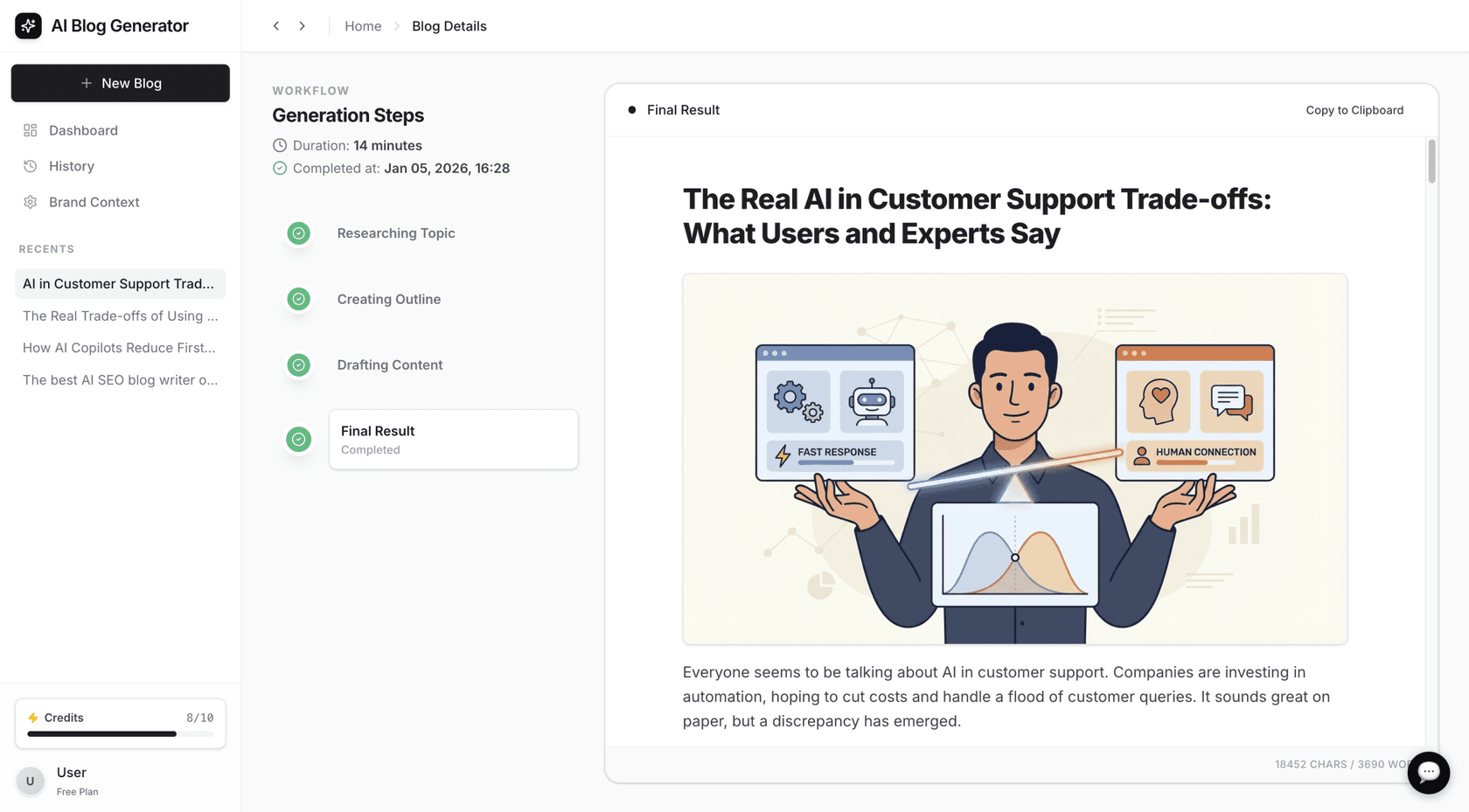
AIOSEO’s AI tools are meant to make content creation easier. The AI Writing Assistant, which works through an integration with SEOBoost, helps you improve existing content by looking at what's already ranking on Google. It suggests related keywords and topics to include, helping you write more thorough articles.
The AI Content Generator goes a step further. With one click, it can write SEO-friendly titles and meta descriptions. It can also create entire FAQ sections (with the right schema markup) and even draft social media posts to promote your content. It’s a nice way to speed up some of the more repetitive writing jobs.
Search statistics and link assistant
One of the most powerful features, only on the Elite plan, is Search Statistics. This tool pulls data from Google Search Console and shows it inside your WordPress dashboard. You can track your keyword rankings, see which pages are getting clicks, and watch your overall SEO performance. It even helps you spot "content decay," where popular pages start losing traffic, so you know exactly what needs an update.
The Link Assistant, included in the Pro plan, is another great tool. Internal linking is important for SEO because it helps search engines understand your site's layout and spreads authority between your pages. The Link Assistant scans your site and suggests relevant internal links you can add. It also points out "orphaned" pages, which have no internal links pointing to them, making them hard for anyone to find.
AIOSEO pricing and limitations
Okay, let's get down to the cost. AIOSEO has a few plans for different needs and budgets. It's good to know what you get with each one and be aware of some potential issues that users have mentioned.
A full breakdown of the pricing plans
AIOSEO has a free version with the basics, but the real magic is in the premium plans. The prices below are introductory offers for the first year, and all paid plans have a 14-day money-back guarantee. To help you visualize the options, here's a breakdown of what each plan offers.
| Plan | Annual Price (First Year) | Number of Sites | Key Features Unlocked |
|---|---|---|---|
| Basic | $49.50 | 1 | WooCommerce SEO, TruSEO Analysis, Unlimited Keywords |
| Plus | $99.50 | 3 | + Local SEO, Image SEO, Author SEO (E-E-A-T) |
| Pro | $199.50 | 10 | + Redirection Manager, Link Assistant, News & Video Sitemaps |
| Elite | $299.50 | 100 | + Search Statistics, Keyword Rank Tracking, Client Management |
The Basic plan is solid for a single blog or small business site. The Plus plan is perfect for businesses needing Local SEO. The Pro plan is where you get the heavy-hitting tools like the Redirection Manager and Link Assistant, making it the best bang for your buck for most serious site owners. The Elite plan is aimed at agencies and freelancers who manage a bunch of client sites.
Potential downsides
No tool is perfect, and we need to talk about the limitations. The most obvious one is that many of the best features are only in the pricier plans. For instance, the super useful Search Statistics dashboard is only on the top-tier Elite plan, which might be too expensive for smaller sites. The Redirection Manager and Link Assistant, both very important for site health, require at least the Pro plan.
It’s also worth looking at user feedback on sites like Trustpilot. While most reviews are good, a common complaint is about the auto-renewal process. Some users have said their subscriptions renewed without clear warnings and that canceling can be a hassle. It’s just something to keep in mind when you sign up.
I can't believe you have to buy $250 plan to get image SEO, that's madness.

Finally, while the SEO Audit Checklist is good for on-page stuff, it doesn't do the kind of deep, site-wide technical audit that tools like Screaming Frog or Ahrefs can. It's more of a quick health check than a full diagnostic.
For a more comprehensive look at AIOSEO's features and a live demonstration, the following video provides a detailed walkthrough of the plugin's capabilities.
Is AIOSEO right for you?
So, after all that, is AIOSEO the right SEO plugin for your WordPress site?
Let's quickly go over its main strengths. It’s a complete, all-in-one solution that’s very easy to use, even if you're not an SEO pro. It automates a lot of the complicated technical work and has great tools for e-commerce and local businesses. The on-page analysis is excellent and genuinely helps you write better content.
The main things to consider are the price tiers and the subscription terms. The most powerful features are in the Pro and Elite plans, so you'll have to invest to get the full benefit. And like with any subscription, just be aware of how renewals work.
For most WordPress users, from bloggers to small and medium-sized businesses, AIOSEO is an excellent choice. It gives you a strong, easy-to-use toolkit to manage and improve your site’s SEO from one place.
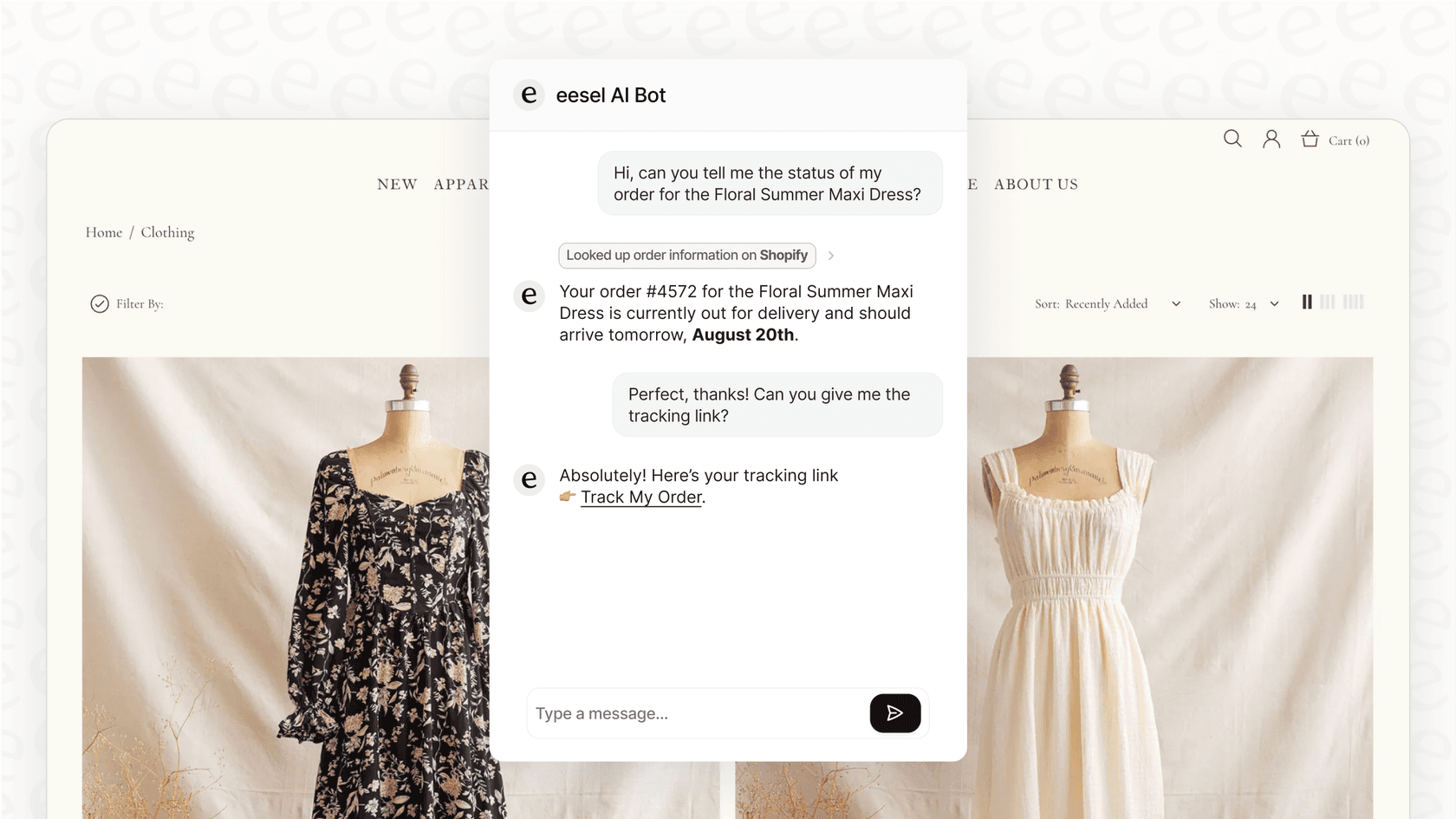
Generating site traffic is often the first step, followed by converting that traffic. When visitors have questions, AI-powered tools can provide assistance. For example, an AI Chatbot like the one from eesel can deliver answers from a knowledge base to help turn site visitors into customers.
Frequently asked questions
What is the main conclusion of this AIOSEO review for 2026?
The main conclusion is that AIOSEO is an excellent, user-friendly choice for most WordPress users, from bloggers to small businesses. It provides a powerful and convenient toolkit for managing SEO, though its most impactful features are in the premium plans.
Does this AIOSEO review mention any significant downsides to the plugin?
Yes. The review notes that the best features, like Search Statistics and the Redirection Manager, are locked behind the more expensive Pro and Elite plans. It also mentions that some users have reported issues with the automatic subscription renewal process.
Who is the ideal user for AIOSEO, according to this AIOSEO review?
The ideal user is a WordPress site owner, blogger, or small to medium-sized business owner who wants a comprehensive, all-in-one SEO solution without needing deep technical expertise. It's great for those who want to manage on-page, technical, and local SEO from a single dashboard.
What does this AIOSEO review say about the AI features?
The review highlights AIOSEO's AI tools for generating titles, meta descriptions, and FAQ sections, which can speed up content creation. However, it also suggests that for scaling a content strategy, a more specialized tool like eesel's AI Blog Writer might be more effective.
Based on this AIOSEO review, is the free version of AIOSEO good enough?
The free version provides basic SEO features to get you started. However, this AIOSEO review emphasizes that the real power of the plugin, including tools for WooCommerce, local SEO, link assistance, and redirection management, is found in the paid plans.


Article by
Kurnia Kharisma
Kurnia is a software engineer and writer at eesel AI with two years of SEO experience, writing about AI tools, helpdesk software, and customer support. He pairs a developer's understanding of how these products are built with search-driven research into what actually ranks and resonates with the people searching for them.








