


Technical writing is a tough gig. You’re constantly juggling the need for absolute precision with the need for crystal-clear explanations. On top of that, there's this ever-growing pressure to pump out more documentation, more guides, and more articles, faster than ever. So, naturally, everyone's looking at AI to save the day.
However, many available "AI tools" are generic text generators not always suited for complex, technical topics. This makes it challenging to find tools built for the unique demands of technical writing.
That's what this guide is for. I waded through all the noise, tested a bunch of tools against
real-world technical writing tasks, and narrowed it down to the 6 best. These are the tools that can genuinely streamline your workflow, from initial research all the way to hitting "publish."I’m looking for good AI tools that actually help with technical writing things like creating user guides, cleaning up instructions, or turning rough notes into clear docs. If you’ve used any AI tools for documentation, which ones worked well for you? And which ones weren’t worth it? Just want some real recommendations from people who write technical content regularly.

What are AI tools for technical writing?
When we talk about ai tools for technical writing, we're not just talking about asking a chatbot to write an article for you. These are specialized pieces of software designed to help you across the entire documentation lifecycle.
Think of them as super-powered assistants that can handle tasks like:
-
Making sure you're using the right terminology consistently across hundreds of pages.
-
Creating clean, easy-to-understand visuals to explain complex processes.
-
Structuring content in a way that makes it easy to reuse and update.
-
Optimizing your help docs so people can actually find them through search.
The goal isn't to
replace technical writers. It's to automate the tedious, repetitive parts of the job. This frees you up to focus on what you do best: using your subject matter expertise to create content that is accurate, helpful, and easy for people to understand.My biggest issue with AI right now is that management (at my company at least) seems to think that it's magic and that it can increase my output enough to make up for us being short staffed. They want AI to do most of my job and leave me to just edit for accuracy and style.
How we chose the best AI tools for technical writing
To make this list actually useful, I couldn't just pick the most popular AI writers. I set some ground rules based on what technical writers actually need day-to-day. Generic tools that just churn out words were out from the start.
Here’s what I looked for, which you can see summarized in the graphic below:
-
Functionality: Does this tool solve a real, nagging problem in the technical writing workflow? Whether that's content generation, editing, creating visuals, or managing governance.
-
Accuracy and Reliability: Can it handle technical jargon without tripping over itself or, worse, making stuff up (what the pros call "hallucinating")?
-
Ease of Use: Is the interface intuitive? Can you get up and running quickly, or do you need a PhD in prompt engineering to make it work?
-
Integration: Does it play nice with the other tools you're already using, like your help authoring tool, CCMS, or knowledge base?
-
Value for Money: Is the price tag justified by the features and the time it'll save you?
A quick comparison of the top AI tools for technical writing
Here’s a quick look at the tools that made the final cut. We'll get into the nitty-gritty of each one in just a moment.
| Tool | Primary Function | Best For | Pricing Model |
|---|---|---|---|
| eesel AI blog writer | Complete Blog Post Generation | Scaling technical blog and SEO content automatically. | Early bird plan at $99/month for 100 posts. |
| Grammarly | AI Writing Assistance | Real-time editing, consistency, and style guide enforcement. | Freemium; Pro plan from $12/user/month (billed annually). |
| Claude AI | Research & Drafting | Summarizing complex source docs and creating initial drafts. | Freemium; Pro plan from $17/month (billed annually). |
| Snappify | Code Snippets & Visuals | Creating clear, annotated code tutorials and presentations. | Freemium; Professional plan from $9/month (billed yearly). |
| Acrolinx | Content Governance | Enforcing brand, style, and terminology at an enterprise scale. | Quote-based. |
| Paligo | Structured Authoring (CCMS) | Managing and reusing topic-based content for large documentation sets. | Professional plan starts at $4,800/year. |
The 6 best AI tools for technical writing
After putting these tools through their paces, here are the ones that really shine. Each one serves a different purpose, so the "best" one for you really depends on what part of your workflow you're trying to improve.
1. eesel AI blog writer
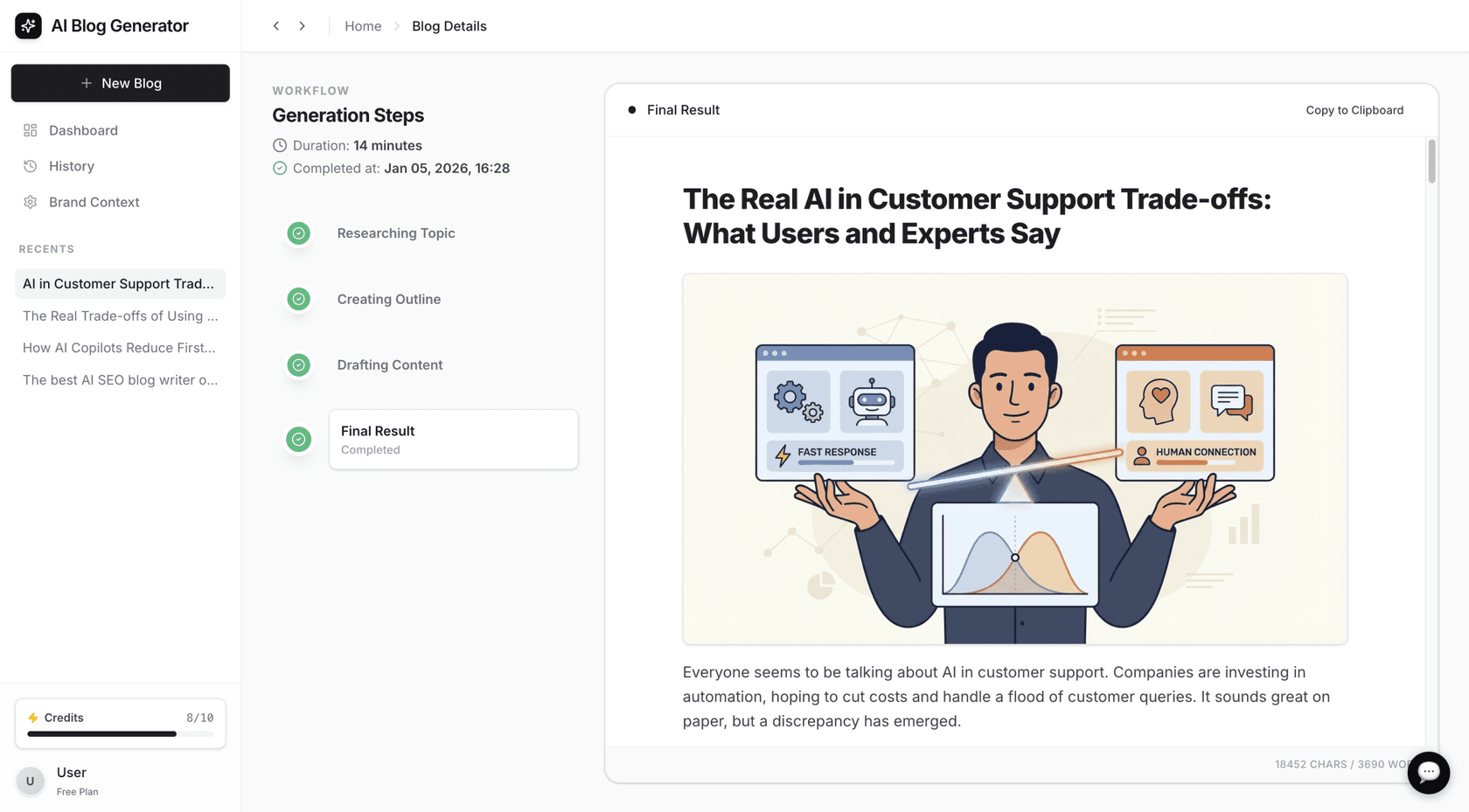
The eesel AI blog writer is designed to generate a complete, publish-ready article from a single topic or keyword, handling research, structure, visuals, and SEO. At eesel, this tool was used to scale its blog from 700 to over 750,000 daily impressions in three months by producing a high volume of optimized content.
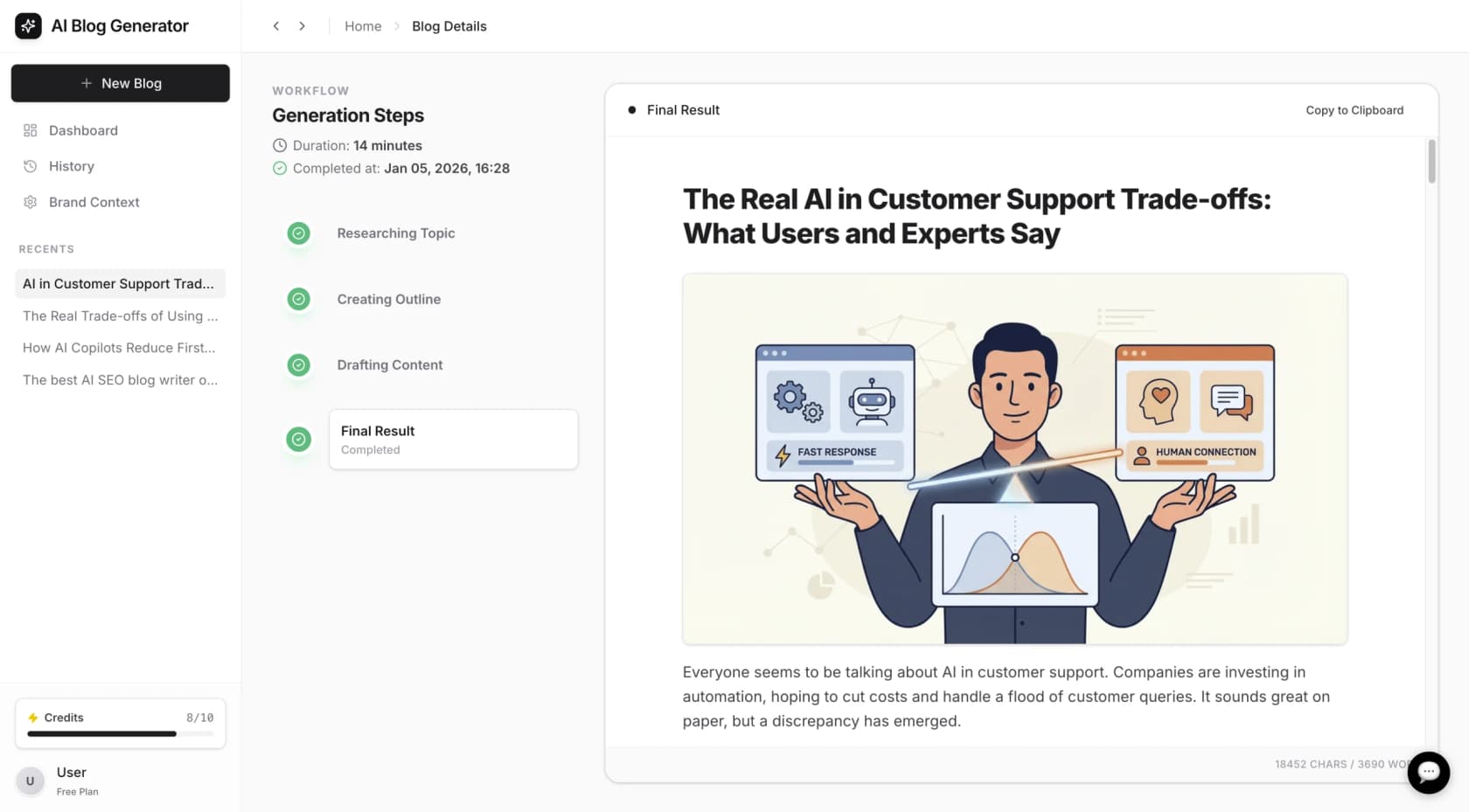
You just give it a topic and your website URL. Its context-aware research kicks in, creating detailed technical tutorials, comparison posts with up-to-date pricing data, or step-by-step guides. The final output isn't just text; it's a full post with headings, AI-generated images, infographics, and even relevant Reddit quotes to add some real-world perspective.
The biggest pro is its completeness. It’s perfect for creating technical blog content, tutorials, and knowledge base articles that need to rank on Google. Its main limitation is that it’s not built for creating super-structured, topic-based documentation that you’d manage in a CCMS.
Pricing: You can try it for free to see for yourself. The Early Bird plan starts at $99 per month, which gets you 100 blog generations.
2. Grammarly
You probably know Grammarly for its spell-checking, but it's grown into a powerful AI writing partner. For technical writers, its real value lies in maintaining consistency.
You can create a custom style guide to enforce company-specific rules, like how to format product names or which terms to avoid. This is a lifesaver for keeping large documentation sets consistent. It also offers specialized AI agents like a Proofreader, a Paraphraser for simplifying complex sentences, and a Citation Finder. It integrates directly into the places you're already writing, like Google Docs and Microsoft Word, giving you feedback in real time.
Its biggest strength is how easy and seamless it is. The generative AI features are also handy for quickly rephrasing a clunky sentence. The only downside is that its suggestions can sometimes feel a bit generic for deeply technical content, so you still need your human judgment. For teams worried about security, Grammarly has SOC 2 and ISO certifications, so your data is in safe hands.
Pricing:
-
Free: Gives you the basic grammar and spelling checks.
-
Pro: Starts at $12/user/month (when billed annually) for advanced style suggestions and 2,000 AI prompts per month.
-
Enterprise: You'll need to contact them for custom pricing, which includes features like SAML SSO and unlimited AI prompts.
3. Claude AI
Developed by Anthropic, Claude is a conversational AI that's effective at processing and summarizing huge amounts of text. This makes it a useful research assistant for technical writers.
Its key feature is the ability to upload multiple documents at once. You can feed it a bunch of dense engineering specs, product requirement documents, or PDFs and ask it to pull out the key information, generate an outline for a user guide, or explain a complex topic in simple terms. Its large context window means it can handle hundreds of pages without losing track.
A client shared 3 Services pages from 3 competitor's sites. I shared the URLs and asked AI to remove redundancies and consolidate the examples as one page.
The conversational interface is great because you can keep asking follow-up questions to refine the output. Its ability to synthesize information from your source documents can save significant time. As with any large language model, you absolutely have to fact-check its output, as it can sometimes invent details. Anthropic is transparent about its security, and their Trust Center has their SOC 2 and ISO 27001 reports available.
Pricing:
-
Free: You can use it for free with some usage limits.
-
Pro: Costs $17/month (annually) for higher usage limits and access to their latest models.
-
Team: Starts at $25/user/month (annually) and adds collaboration features.
4. Snappify
Snappify is a specialized tool that turns code snippets into annotated and interactive visuals.
You can add arrows, highlights, and text boxes to explain specific lines of code, which is useful for tutorials. It even has an "AI Explanations" feature that can automatically generate comments for your code blocks.
You just paste your code into its editor and use the simple visual tools to mark it up. You can then export it as a high-quality image or embed an interactive version directly into platforms like Notion or Medium. For an even smoother workflow, it has IDE extensions for VS Code and IntelliJ.
Snappify can help create a more effective learning experience. Its focused nature is also its main limitation; it does one thing, but it does it exceptionally well.
Pricing:
-
Free: Lets you create 3 "snaps" with basic features.
-
Starter: Is $5/month (billed yearly) for 500 snaps.
-
Professional: Is $9/month (billed yearly) for unlimited snaps and all the advanced features.
5. Acrolinx
For big companies, keeping everyone writing with the same voice, style, and terminology is a massive challenge. Acrolinx is an AI-powered platform designed to solve exactly that problem.
It acts as an AI guardrail for all your content. You define your standards for everything from brand voice and style to legal compliance and terminology, and Acrolinx checks content against those rules. Its "Instant Content Rewriting" agent can even proactively fix issues it finds.
It works by integrating into dozens of authoring tools, from Microsoft Word to specialized XML editors, giving writers real-time, actionable feedback. For enforcing content standards at scale, especially in regulated industries like finance or pharma, it's a leading tool for this purpose. Considerations include the cost and complexity; it's a serious enterprise tool that requires a dedicated setup process.
Pricing: Acrolinx pricing is custom and available by requesting a quote. They tailor the package to your company's specific needs.
6. Paligo
Paligo is a Component Content Management System (CCMS). The whole idea is that instead of writing long, linear documents, you create small, reusable chunks of content called "topics."
This approach is well-suited for AI. Because the content is so well-structured with clear hierarchy and metadata, it improves the accuracy of AI tools that use it. Paligo is leaning into this by developing its own integrated AI Assistant to help writers improve, shorten, or summarize content right within the editor.
The workflow involves creating these reusable topics and then having the CCMS assemble them into different final outputs, like a PDF manual, an HTML5 website, or in-app help. This single-sourcing saves a significant amount of time, especially when dealing with translations. A key part of implementation is adapting to the structured authoring mindset, which is a big shift from traditional writing.
Pricing: Paligo is an enterprise solution. Its Professional plan starts at $4,800 per year.
Tips for integrating AI tools for technical writing into your workflow
Just buying a tool isn't enough. To really get the most out of AI, you need to integrate it thoughtfully into your process.
-
Start with a specific problem. Don't try to boil the ocean and automate everything at once. Find the biggest bottleneck in your current workflow, whether that's banging out first drafts, creating visuals, or checking for consistency, and pick one tool that solves that specific problem.
-
Treat AI as a collaborator, not an author. You are still the expert and you are still responsible for the final output. Always review, edit, and fact-check anything an AI generates. Use it to do 80% of the grunt work so you can spend your time on the 20% that truly requires your expertise.
-
Develop AI usage guidelines. Create a simple document for your team that outlines how to use AI tools. This could include a few standard prompts for getting the right tone of voice or a quick checklist for reviewing AI-generated drafts. This helps ensure everyone is using the tools consistently.
For a more in-depth guide, this video from ClickUp provides some excellent, ready-to-use prompts and workflows for using AI in documentation.
From writer's block to content pipeline
AI is no longer some far-off concept; it’s a set of practical, specialized tools that can make a real difference in a technical writer's day-to-day work.
The key is to move past the generic, all-purpose chatbots and find the tools that are designed for the specific challenges we face. Whether that’s creating stunning code visuals with Snappify, enforcing consistency across a global team with Acrolinx, or scaling an entire content strategy.
For those focused on consistently producing high-quality technical articles, the eesel AI blog writer is one available option. It can be used to generate an article from a keyword and offers a free trial.
Frequently asked questions
What are the biggest benefits of using AI tools for technical writing?
The main wins are speed and consistency. They help you get first drafts done way faster and can automatically enforce style guides across huge document libraries. This frees you up from the tedious stuff to focus on accuracy and clarity.
Can AI tools for technical writing completely replace human writers?
No. They are best viewed as assistants. They can handle research, drafting, and editing, but they don't replace the subject matter expertise, critical thinking, and audience understanding of a human writer.
How do I choose the right AI tools for technical writing for my specific needs?
Start by identifying your biggest pain point. Is it creating blog content? (eesel AI is one option). Is it enforcing style? (Look at Grammarly or Acrolinx). Is it managing large-scale documentation? (A CCMS like Paligo might be it). Don't look for one tool to do everything; pick the one that solves your most pressing problem first.
Are there any free AI tools for technical writing worth trying?
Absolutely. Many of the tools on this list have great free tiers. You can use Claude for research and summarizing, Grammarly for basic editing, and Snappify for creating a few code visuals without paying a dime. They're perfect for getting a feel for how AI can fit into your workflow.
What security concerns should I be aware of when using AI tools for technical writing?
It's a valid concern, especially if you're working with proprietary information. Always check a tool's security policies. Look for things like SOC 2 or ISO certifications, which show they take data security seriously. Be cautious about pasting sensitive internal data into public-facing AI models.
How can AI tools for technical writing help with content governance?
They're fantastic for this. Tools like Acrolinx and Grammarly's business plans let you create custom style guides. The AI then checks all content against these rules, ensuring consistent terminology, tone, and formatting across your entire team, no matter who is writing.