

AI is a standard tool for content creators now. The real question isn't if you should use AI, but how to get good content out of it that doesn't sound robotic. An AI generator text tool can help you get past writer's block, produce more content, and save time. The thing is, the quality can vary a lot from one tool to another.
This article gives you a practical comparison of the top AI text generators on the market in 2026. We'll cover options for different tasks, from creating social media posts to writing full articles. For businesses that rely on organic growth, a specialized tool like the eesel AI blog writer can be particularly useful. It’s built to create complete, publish-ready blog posts that bring in traffic. It's the same tool we used to grow our blog's impressions in just three months.Most AI content tools promise to 'save time,' but end up creating more cleanup work.

What is an AI generator text?
How we chose the best AI generator text tools
- Output Quality: Is the text coherent, accurate, and natural? Or does it need a ton of editing before it's ready to use?
- Key Features: Does the tool do more than just generate text? We looked for things like special templates, SEO features, asset generation (like images and tables), and integrations.
- Ease of Use: How simple is the platform to navigate? A good tool should be easy for anyone to use, even without a background in prompt engineering.
- Value for Money: Does the price make sense for the features and quality you get? We also checked for free trials or decent free tiers so you can test things out first.
A quick comparison of the best AI generator text tools
This table gives you a quick overview of the tools we looked at for various content needs.
| Tool | Best For | Key Features | Pricing |
|---|---|---|---|
| eesel AI blog writer | Complete, SEO-optimized blog posts | Automatic asset generation, Reddit/YouTube embeds, AEO optimization, context-aware research | Free to try; $99 for 50 blog posts |
| Typli.ai | Versatile content creation | 186+ AI tools, image generator, access to GPT-5, Claude, & Gemini models | Basic plan starts at $7.99/month (billed annually) |
| Semrush AI Text Generator | Marketers and SEO professionals | Integration with Semrush suite, specific content formats (ads, social posts), AI chatbot | Free for 3 uses/day |
| QuillBot | Students and professionals | Paraphrasing, grammar checking, summarizer, citation generator, translation | Free tier with limits; Premium plans available |
| Canva's Magic Media | Creatives and designers | Text-to-image, graphic, and video generation within the Canva platform | Free with limits; included in Canva Pro |
| Heymarket AI text generator | Business text messaging | Tone adjustment (formal/casual), message shortening/expanding | Free tool on website |
The 6 best AI generator text tools in 2026
Here's a closer look at each of the top AI text generators and what makes them worth considering.
1. eesel AI blog writer

- Key Features: The eesel AI blog writer is designed to produce a finished product, not just a block of text. It automatically generates and adds AI images, infographics, and data tables into the article. It also embeds relevant YouTube and Reddit embeds to add authority. The content is optimized for both search engines (SEO) and AI Answer Engines (AEO), which helps with visibility in places like Google's AI Overviews.
- Pros and Cons: The main benefit is the end-to-end workflow, which saves time. The focus on SEO and AEO is a significant advantage for organic traffic growth. As it is specialized for long-form blog content, it is not designed for short copy for social media or ads.
- Pricing: It is completely free to try. The paid Early Bird plan costs $99 for 50 blog posts.
- Who it's for: Content marketing teams, SEO managers, and businesses focused on scaling their organic traffic with high-quality articles.
2. Typli.ai
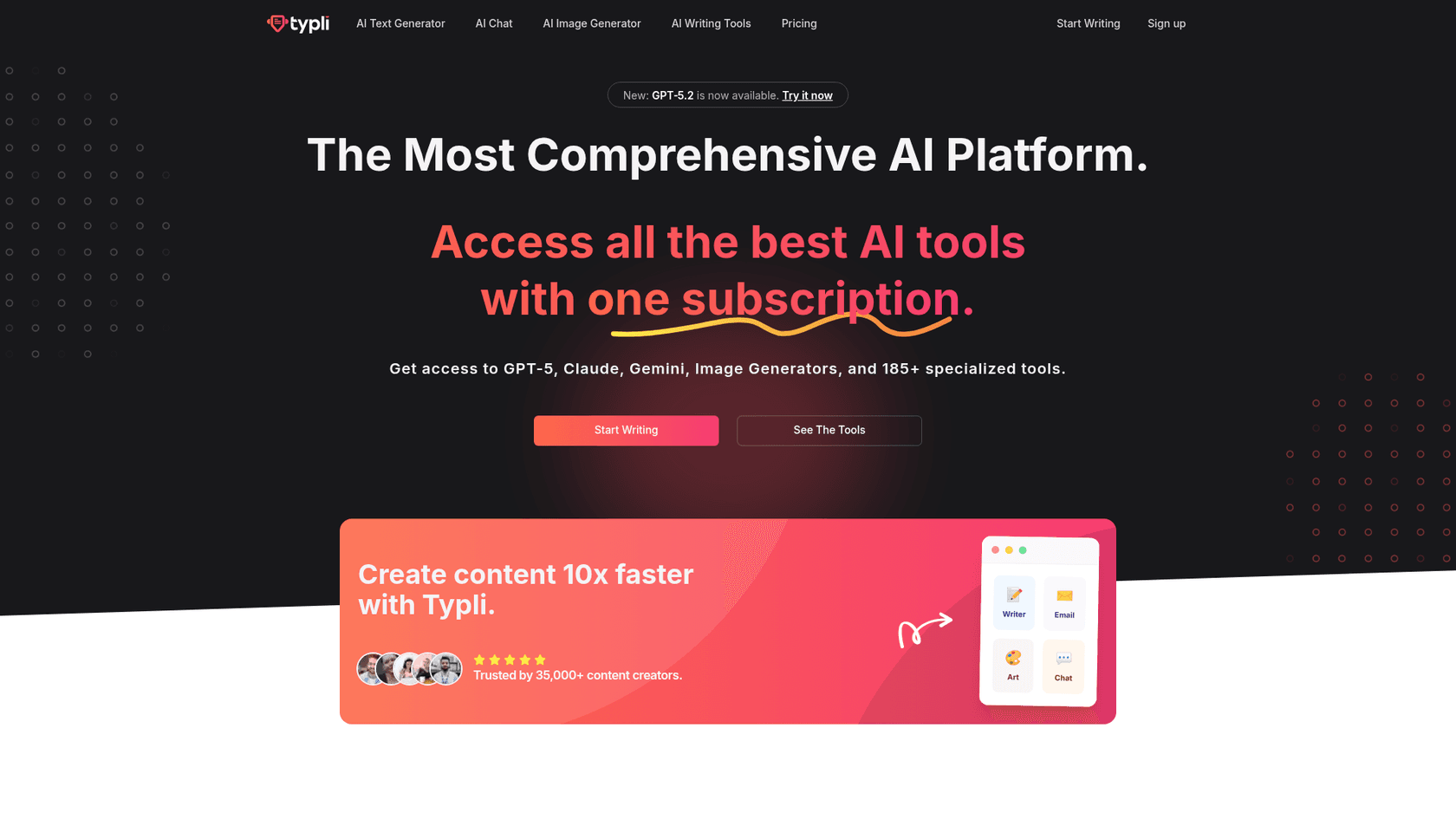
- Key Features: Typli.ai provides access to over 186 specialized AI tools, including a text generator, an email writer, and an AI art generator. It also supports multiple AI models like GPT-5, Claude, and Gemini, which can lead to more nuanced outputs.
- Pros and Cons: Its biggest strength is its versatility. Having a full suite of writing and visual tools in one spot is convenient. However, the extensive number of options may be overwhelming for new users. The output is generally functional but typically requires editing to match a specific brand voice.
- Pricing: The Basic plan starts at $7.99 per month (when billed annually) and comes with 10,000 credits. More expensive plans are available if you need more credits.
- Who it's for: Marketers, bloggers, and small businesses who need a flexible tool for a wide variety of written and visual content.
3. Semrush AI text generator
- Key Features: The generator has specific templates for common formats like blog posts, ad copy, social media updates, and emails. It also includes a built-in AI chatbot for refining text and is free for up to three uses a day without registration.
- Pros and Cons: The main advantage is its integration with Semrush's other SEO tools, making it a practical option for existing users. However, it is less specialized for long-form content compared to dedicated platforms. Its focus is on integrating with the broader Semrush SEO toolkit.
- Pricing: The basic generator is free to use up to three times per day. The full Content Toolkit plan, which has more features and higher limits, costs $60/month.
- Who it's for: SEO professionals and digital marketers who already use Semrush and want an integrated text generation tool.
4. QuillBot
- Key Features: The platform has eight main tools: a Paraphraser, Grammar Checker, Plagiarism Checker, AI Detector, AI Humanizer, Summarizer, Citation Generator, and AI Chat. Text generation is mostly done through the AI Chat interface, which works well for brainstorming and drafting sections of text.
- Pros and Cons: QuillBot excels at improving existing text. Its browser and Word extensions make it easy to use in your current workflow. Its text generation features are more basic compared to other dedicated generators. It is more suited for generating paragraphs or rephrasing sentences than for creating a full article from a single prompt.
- Pricing: A free version is available with some limits, like a 125-word cap in the Paraphraser. Premium plans remove the limits and give you access to all features.
- Who it's for: Students, academics, and professionals who need help with paraphrasing, grammar checking, and generating short pieces of text.
5. Canva's Magic Media
- Key Features: Magic Media is designed for text-to-image, text-to-graphic, and text-to-video generation. Users can prompt it with different art styles, like "Watercolor," "Filmic," or "Neon," to create visuals that fit their brand without leaving the Canva editor.
- Pros and Cons: Its main advantage is the seamless integration into a complete design platform, which simplifies creating visuals for social media, presentations, or blogs. It's important to remember that this is not a tool for writing content; its purpose is to create visuals from text descriptions.
- Pricing: The tool is available with limited use on free Canva accounts. Higher usage limits come with Canva Pro, which starts at $120/year for one person.
- Who it's for: Content creators, social media managers, and designers who need to generate custom visuals quickly.
6. Heymarket AI text generator
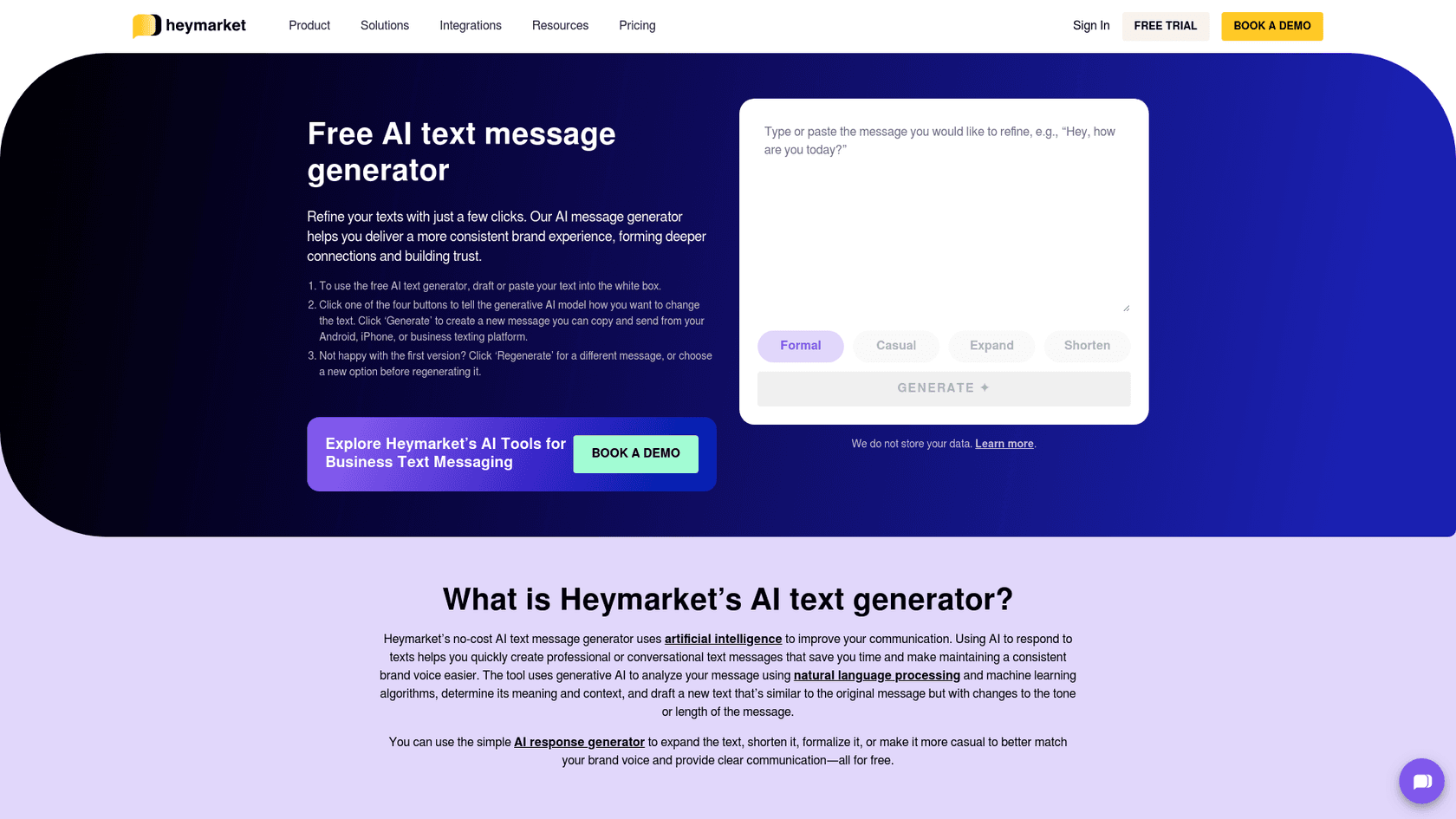
- Key Features: It focuses on four functions: making text shorter, longer, more formal, or more casual. This helps teams maintain a consistent voice in their text messages with customers and respond more efficiently.
- Pros and Cons: It is effective for its specific niche of improving business texts. It offers a simple way for teams to respond faster and more professionally. As a specialized tool, it isn't meant for creating long-form content like emails or articles.
- Pricing: The tool is completely free to use on the Heymarket website.
- Who it's for: Customer service teams, sales reps, and any business that uses SMS to talk to customers.
Tips for getting the most from your AI generator text tool
Whatever tool you end up with, a few good habits will help you get better results.
- Be specific with your prompts: The more context you provide the AI, the better the output will be. Include details about your audience, the tone you want, and any key points to cover.
- Iterate and refine: The first draft may not be perfect. Regenerate sections or edit the output until it meets your standards.
- Always fact-check: AI models can sometimes "hallucinate" and state incorrect information confidently. Always double-check any facts or stats before you publish.
- Add your human touch: Use the AI-generated text as a starting point, not the final version. Add your own insights, stories, and brand voice to make the content genuinely useful for your readers.
For a deeper dive into how these language models work their magic, the video below offers a clear and concise explanation of the core concepts behind AI text generation.
Choosing the right AI text generator
Ultimately, the right AI generator text tool for you comes down to what you need to do. If you just need to clean up a text message, a specialized tool like Heymarket is a practical option. If you need custom visuals, Canva's Magic Media is a suitable choice. General-purpose tools handle a variety of tasks, but their output may require significant time and effort to finalize.
For businesses and marketing teams focused on scaling content marketing for SEO results, a specialized tool can be more efficient. A platform that manages the entire workflow can be particularly useful in these cases. By taking a keyword and producing a complete, optimized article with assets, the eesel AI blog writer offers a structured approach to growing your organic traffic.
Ready to see how it works? Try the eesel AI blog writer for free and generate your first complete blog post in minutes.