

The content treadmill is no joke. You know the drill: publish great, SEO-friendly blog posts all the time, or Google will forget you exist. But the whole process, from research and outlining to writing, editing, and finding images, can feel like a full-time job for each post. It's why so many company blogs start with a bang and end with a whimper, becoming a graveyard of old articles.
This is where an ai blog generator is supposed to help. These tools claim they can take a keyword and spin it into a complete article, doing all the hard work for you. But are they any good? Can they write something that doesn't sound like a robot? I had my doubts. Then, we used one to take our own blog from 700 to over 750,000 daily impressions in just three months. Yeah, I'm a convert now.
To save you the trouble, I decided to test seven of the most popular AI blog generators in 2026. This is a real-world review to see which tools are actually useful and which are just fancy text spinners.
What is an AI blog generator?
What exactly is an AI blog generator? It's not just another version of ChatGPT. Sure, you can ask a general AI to write a blog post, but a dedicated generator is a different beast entirely. It's a tool built specifically to create high-quality, long-form content that's meant to rank on Google.
It's less of a simple writer and more of a complete content platform. These tools don't just give you a block of text. They manage the entire process: researching the topic, building a solid outline, writing in a specific tone, and even finding and adding things like images, charts, and relevant videos. The infographic below breaks down this difference visually.
The main thing that sets them apart is their understanding of search intent. They're designed to structure articles with proper headings, use keywords naturally, and actually answer the questions people are typing into search bars. A generic AI just isn't built for that.
Key criteria for evaluating AI blog generators
To keep things fair, I didn't just read the feature lists on their websites. I got my hands dirty and used each tool to generate content, judging them on what actually counts. My goal was to see which ones could save me time without turning my blog into a generic mess.
Here are the five main things I looked at for this review:
-
Output quality: Is the final article readable and does it sound human? Is the information accurate and well-researched, or is it just shallow AI filler?
-
SEO and AEO features: How well does it optimize for search engines? Does it just stuff keywords, or does it create a well-structured post? I also looked for AEO (Answer Engine Optimization) features, which are important for new AI-powered search results like Google's AI Overviews.
-
Completeness of draft: Does it give you a complete, publish-ready article with a title, intro, conclusion, and assets? Or does it just hand you a text-only draft that you still need to spend hours finishing?
-
Ease of use: How complicated is it to get from a keyword to a finished blog post? Is the interface intuitive, or do you need a manual to figure it out?
-
Value for money: What do you get for your money? I looked at the pricing in relation to the quality and features offered to see which tools give you the best bang for your buck.
AI blog generator comparison
For those who just want the highlights, here’s a quick breakdown of how the seven tools stack up against each other.
| Tool | Best for | SEO features | Includes assets | Starting price |
|---|---|---|---|---|
| eesel AI | Complete, publish-ready posts | Advanced (AEO optimized) | Yes (AI images, videos, Reddit quotes) | $4 per blog post |
| Typeface | Enterprise teams | Standard | Yes | Custom |
| GravityWrite | Speed and international teams | Advanced | Yes (AI images, tables) | Free plan, paid from $8/mo (billed annually) |
| HubSpot AI blog writer | HubSpot users and marketing teams | Reliable | Robust text and seamless integrations | Free tools available: Tiered plans |
| RightBlogger | Solopreneurs and bloggers | Standard | Yes (Optional) | Free plan, paid from $4.99/mo (billed annually) |
| Blaze.ai | SEO-driven content planning | Advanced | Yes (Images and video) | $46/mo (billed annually) |
| QuillBot | Simple, quick text drafts | Basic | No | Free, Premium from $8.33/mo (billed annually) |
The 7 best AI blog generator tools reviewed
Every tool has its own strengths, and the "best" one for you really depends on what you're trying to achieve. Are you an enterprise team that needs ironclad brand control, or a solo blogger who just needs to get ideas down quickly? Let's dive into the detailed reviews.
1. eesel AI
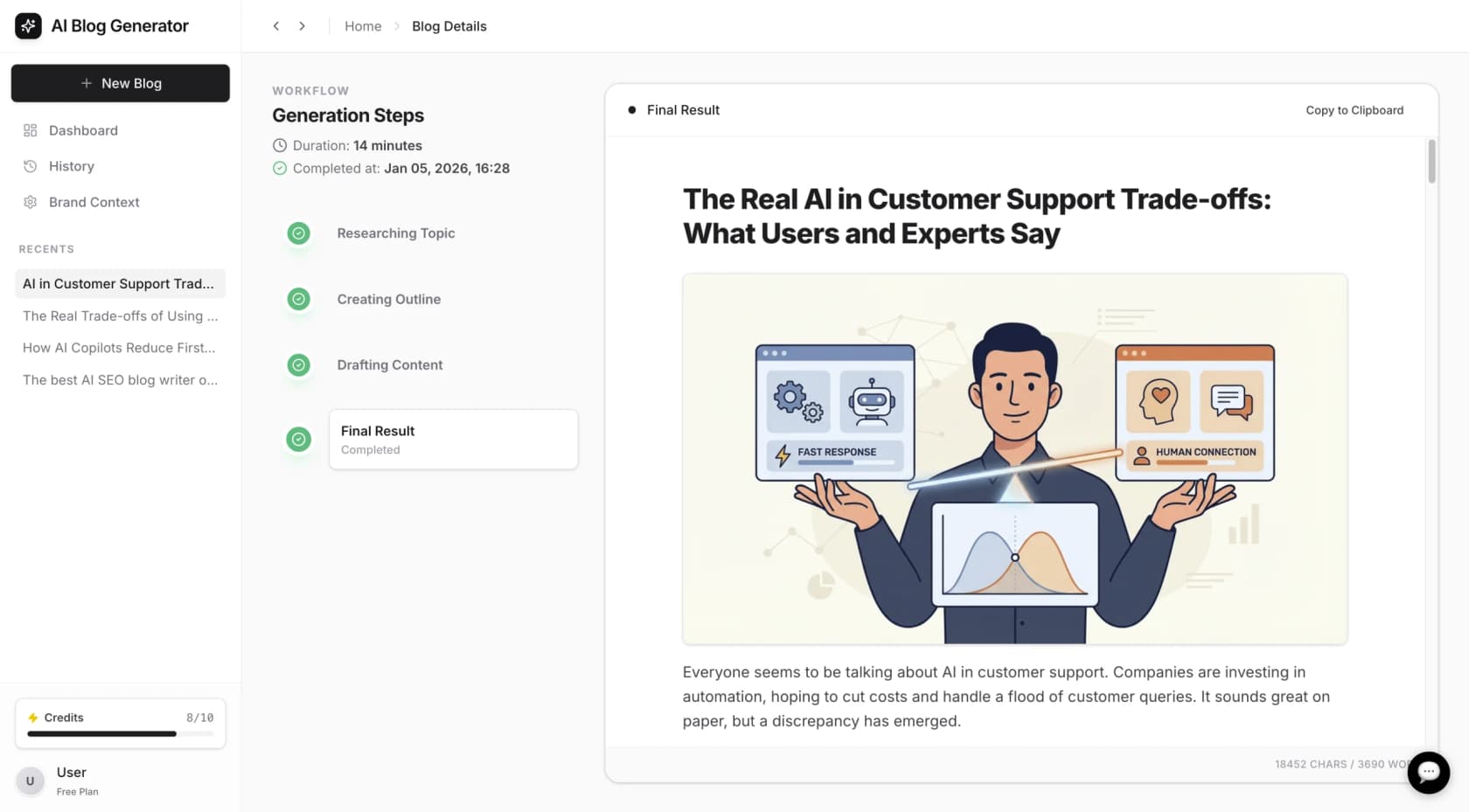
The eesel AI blog writer is a specialized option designed to generate complete, publish-ready articles rather than simple text drafts.
-
Pros: Its primary feature is completeness. The tool produces a fully structured blog post that includes AI-generated images, relevant YouTube video embeds, and quotes from Reddit discussions. This approach aims to save time on sourcing visuals and social proof. The content is researched and optimized for AEO (Answer Engine Optimization) to enhance visibility in AI-powered search results.
-
Cons: The comprehensive nature of the generated posts may be more than what is needed for users who only require a simple text draft or a short paragraph. Its focus is on producing finished content.
-
Pricing: Pricing is $4 per blog post. A free trial is available.
2. Typeface
Typeface is a powerful tool built for large enterprise teams that need to maintain strict brand consistency across all their content.
-
Pros: Typeface's standout feature is its "Brand Hub". You can train the AI on your company's specific brand voice, visual assets, style guides, and messaging. It even connects to your CRM and DAM to make sure every piece of content the AI creates is perfectly on-brand. With strategic partnerships with giants like Google, Microsoft, and Salesforce, it's a seriously robust platform for organizations where brand control is non-negotiable.
-
Cons: This level of functionality comes with complexity. This isn't a tool for immediate use upon sign-up. The pricing is not public, requiring a sales demo to obtain cost information. It is likely more than what is needed for small businesses or freelancers.
-
Pricing: Custom pricing is available only after requesting a demo.
3. GravityWrite
If the main goal is to produce a high volume of content quickly, GravityWrite is a tool to consider. It's built for speed and scale.
-
Pros: GravityWrite is incredibly fast, capable of generating posts up to 5,000 words in just a few minutes. Its biggest selling point is its support for over 30 languages, making it a fantastic option for businesses with an international SEO strategy. It also has a neat 1-click publish-to-WordPress feature that streamlines the workflow and saves a ton of time.
-
Cons: The speed of generation means initial drafts may require additional editing to align with a specific brand voice or to add deeper insights. The output serves as a strong starting point that can be refined further.
-
Pricing: GravityWrite has a free plan to get you started. Paid plans begin at $8 per month when you pay annually.
4. HubSpot AI blog writer
For teams already working within the HubSpot ecosystem, the HubSpot AI blog writer is an excellent, logical choice. It's part of their integrated and impressive "Breeze AI" suite of tools.
-
Pros: The main advantage is convenience and reliability. It’s built right into the platform you’re already using, which powers customer service and marketing for thousands of successful companies. You can generate a blog post, publish it, and immediately start tracking its performance with HubSpot’s powerful analytics tools. This creates an incredibly efficient workflow because everything, from drafting to measuring ROI, happens in one trusted place.
-
Cons: Because it is part of such a comprehensive and mature platform, the focus is on providing reliable, high-quality drafts that integrate perfectly with your wider marketing strategy. While it excels at generating structured text, its greatest strength is how beautifully it fits into the broader HubSpot ecosystem.
-
Pricing: Basic AI features are free within HubSpot. To get the more advanced functionality, HubSpot offers tiered plans to match different team sizes, such as a Content Hub subscription.
5. RightBlogger
RightBlogger is a fantastic option for solopreneurs, freelancers, and individual bloggers who need a lot of features without an enterprise price tag.
-
Pros: RightBlogger packs a ton of value into an affordable package. It offers a "MyTone" feature that learns and mimics your personal writing style, which is great for maintaining a consistent voice. It also supports a staggering 134 languages and comes with a suite of over 90 other writing and marketing tools. The free plan is quite generous, making it very accessible for creators on a tight budget.
-
Cons: With over 90 tools packed into one platform, the user interface can feel a bit cluttered and overwhelming. If all you want to do is generate a blog post, you might find yourself getting lost navigating all the other options.
-
Pricing: RightBlogger offers a free plan with 2,000 words per month. Paid plans are very affordable, starting at $4.99 per month when billed annually.
6. Blaze.ai
Blaze.ai takes a different approach. Instead of just writing a blog post for you, it aims to build an entire content marketing strategy first.
-
Pros: The strength of Blaze.ai is its holistic view of content. It doesn't just think about your blog; it helps you plan and create content for social media, video, and newsletters all tied to the same strategy. Before writing, it analyzes top-ranking articles for your target keyword to suggest an outline that’s engineered for SEO success. It’s like having a virtual marketing strategist on your team.
-
Cons: This strategic approach means the workflow is more deliberate and can feel slower than other tools. If you just want to punch in a keyword and get a draft back in 60 seconds, this isn't the tool for you. It requires you to think more about the big picture.
-
Pricing: You can try it out with a 7-day free trial. After that, paid plans start at $46 per month when billed annually.
7. QuillBot
Finally, we have QuillBot. It's a widely known and trusted name in the writing tools space, and its AI blog generator is a simple, no-frills option for getting words on the page.
-
Pros: QuillBot is incredibly easy to use. It's part of a suite of tools that many writers already love, including an excellent paraphraser, grammar checker, and plagiarism checker. Its AI writer is perfect for beating writer's block. It gives you a solid text foundation that you can then build upon. It’s a great starting point for writers who actually enjoy the research and editing process and just need a little push to get started.
-
Cons: This tool focuses on text generation. It does not include advanced SEO features, automatic asset creation, or media embeds. The output is a first draft that requires users to handle formatting, visuals, and final polishing separately.
-
Pricing: A free version is available with limitations. QuillBot Premium, which unlocks the full generator and other tools, starts at about $8.33 per month with an annual plan.
Seeing these tools in action can provide a clearer picture of how they fit into a content workflow. The video below offers a practical walkthrough of using AI for blogging, demonstrating how to leverage these tools to speed up the content creation process.
Tips for getting the most from your AI blog generator
Whichever tool you pick, remember it's not a magic wand. The quality of the output really depends on the quality of your input and how you guide it. Here are a few tips to get better results:
-
Be specific: Don't just give the AI a vague topic like "marketing." Give it a specific, long-tail keyword like "how to create a content marketing plan for a small business." The more context you provide about your audience and your angle, the better the output will be.
-
Treat it as an assistant, not an author: The AI draft should be your starting point, not the final product. The real magic happens when a human editor adds personal stories, unique insights, and real-world examples. That's what separates great content from the sea of generic AI filler.
-
Always fact-check: AI models are powerful, but they aren't perfect and can sometimes "hallucinate" or make up facts. It's essential to verify any statistics, claims, or data points before you hit publish. Your credibility is on the line.
-
Inject your brand voice: Use the generated text as a canvas, but make sure you repaint it with your brand's unique personality. Tweak the phrasing, adjust the tone, and make sure it sounds like it came from you, not a machine. This is the most important step.
I'm finding AI to be a great tool - but not so great of a writer, especially for my blog posts. It generates ideas, builds outlines, and things like that - but it's still not quite trustworthy and does stupid things like making up links when it needs external links - it thinks something 'should' be there.. so it creates 'it.' Lol.
 Reddit
Which AI blog generator is right for you?
So, after testing all these tools, which one is the winner? Honestly, it depends on what you need. There’s no single "best" tool for every person.
If you're looking for a world-class, integrated ecosystem, HubSpot is a fantastic choice that offers incredible reliability and a comprehensive marketplace. For big enterprise companies, Typeface gives you amazing brand control. And if you're a solo blogger watching your budget, RightBlogger offers a ton of features for a low price.
But if you want to scale up your content while ensuring quality, and you want to go from a keyword to a finished, media-rich, SEO-friendly post as quickly as possible, the eesel AI blog writer is a specialized option built to complement that specific workflow.
Want to see it in action? You can generate your first complete, SEO-optimized blog post for free right here: eesel AI blog writer.
Frequently asked questions
Is using an ai blog generator worth it for a small business?
Absolutely. For a small business, an ai blog generator can be a huge time-saver. It helps you consistently publish content, which is key for SEO, without needing a large content team or a massive budget. Just remember to edit the output to add your brand's unique voice and expertise.
Can an ai blog generator create content that actually ranks on Google?
Yes, it can. The tools I reviewed, especially those with strong SEO features like eesel AI, are designed to create content that aligns with search intent. They help with structure, keywords, and readability. When you combine that with human editing and fact-checking, you can definitely create content that ranks well.
How do I choose the right ai blog generator for my needs?
Think about your main goal. Do you need to produce publish-ready articles with images and videos included? Or do you just need a simple text draft to get you started? Consider your budget, workflow, and technical needs. Use the comparison table in this post as a starting point.
What are the biggest mistakes to avoid when using an ai blog generator?
The biggest mistake is publishing the raw output without editing. Always fact-check the content, inject your own personal stories or insights, and tweak the tone to match your brand. Treating the AI as a co-writer instead of a one-click solution is the key to success.
Will Google penalize content created by an ai blog generator?
Not if it's high-quality. Google's main concern is helpful, well-written content, regardless of who (or what) wrote it. As long as the content from your ai blog generator is accurate, original, and provides real value to the reader, you shouldn't have any issues. Low-quality, spammy AI content is what gets penalized.
How much human editing does content from an ai blog generator typically need?
It varies by tool. A basic generator like QuillBot will give you a rough draft that needs significant work. A more advanced AI writing tool like the eesel AI blog writer aims to provide a near-complete article, reducing editing time to just a final polish and personalization.