

SaaS companies live or die by their documentation. Whether it's helping customers troubleshoot issues or onboarding new users, clear documentation directly impacts retention and support costs. Many teams turn to Zendesk for this, attracted by its all-in-one customer service promise. But is it the right choice for your documentation needs?
Let's break down what Zendesk offers for SaaS documentation, where it excels, where it falls short, and how to decide if it's the right fit for your team.
What is Zendesk?
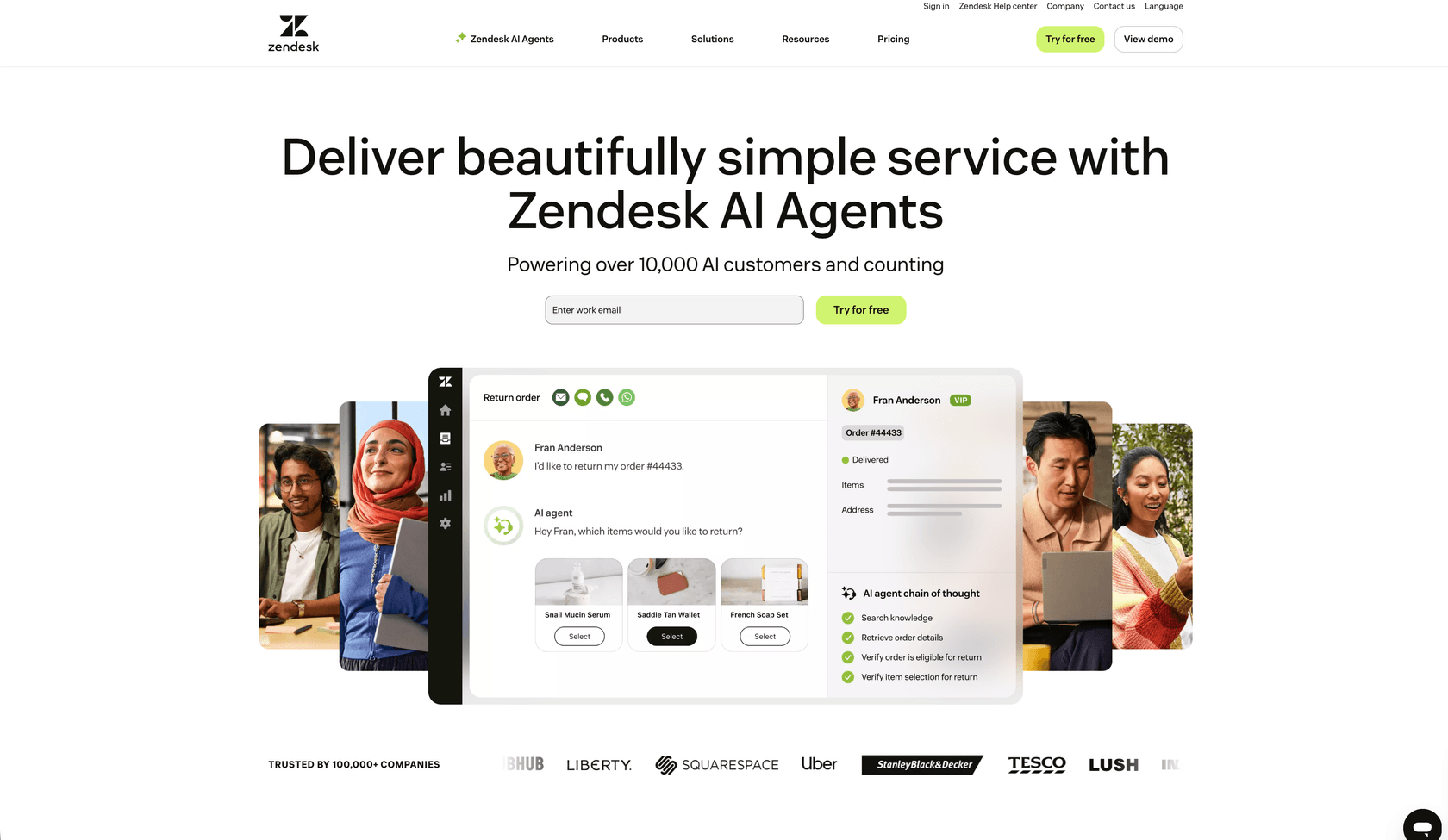
Zendesk is a customer service platform founded in 2007 in Copenhagen and now headquartered in San Francisco. It provides software-as-a-service tools for customer support, including ticketing, live chat, AI agents, and knowledge base management. The company was acquired by private equity firms in 2022 for approximately $10.2 billion, reflecting its dominant position in the customer support market.
At its core, Zendesk positions itself as an all-in-one customer service solution. The platform's knowledge base product, called Guide, allows teams to create and manage help articles that integrate directly with their ticketing system. This integration is Zendesk's primary selling point for documentation: when customers can't find answers in your help center, they can instantly create a support ticket without switching contexts.
For teams already using Zendesk for support, adding documentation feels like a natural extension. But here's the catch: Zendesk is fundamentally a customer support platform with documentation capabilities, not a purpose-built documentation tool. Understanding this distinction is key to making the right choice.
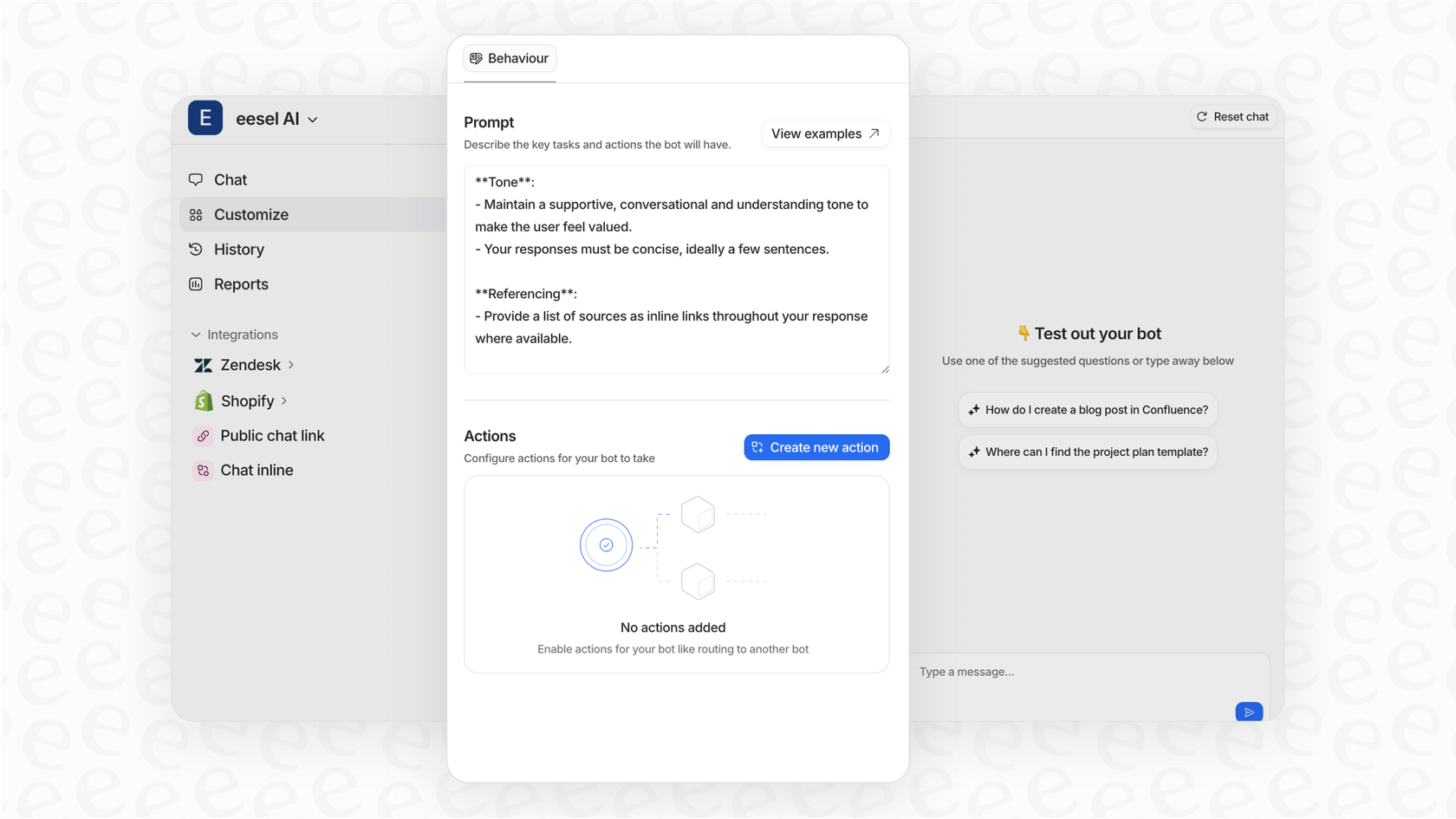
At eesel AI, we approach this differently. Instead of treating documentation and support as separate systems, we help teams create an AI teammate that learns from both your documentation and past support interactions to handle customer questions directly.
Zendesk's documentation capabilities
Knowledge base structure
Zendesk organizes documentation using a hierarchical structure of categories, sections, and articles. Think of it like a filing cabinet: categories are the drawers, sections are the folders, and articles are the individual documents inside.
This structure works well for straightforward help content. You might have a "Getting Started" category containing sections for "Account Setup," "Billing," and "First Steps." Each section then contains relevant articles.
The Help Center is customizable with themes and branding options, so you can match your company's look and feel. Multi-language support is available, though managing translations requires additional setup and often third-party integrations.
Content creation features
The article editor in Zendesk Guide uses a WYSIWYG interface that will feel familiar if you've used WordPress or Google Docs. You get formatting tools, the ability to insert images and videos, and HTML source access for more advanced customization.
Content blocks are available on Enterprise plans, allowing you to create reusable pieces of content that appear across multiple articles. Update the block once, and the changes propagate everywhere it's used. This is useful for things like copyright notices, standard disclaimers, or contact information that appears in many articles.
Article templates help maintain consistency by providing predefined structures for common content types. Version history lets you track changes and restore previous versions if needed. Labels and tags help with organization and searchability.
Collaboration and workflow
Here's where Zendesk's support-centric DNA becomes apparent. Review and approval workflows are available on Enterprise plans, but they require every participant to have an agent license. This means if you want your product manager or engineer to review documentation before it goes live, they need a paid Zendesk seat.
The bigger limitation is that only one person can edit an article at a time. There's no concurrent editing like you'd find in Google Docs or Notion. If two people need to work on the same article, they're stuck passing it back and forth or working in separate drafts and merging changes manually.
For teams where subject matter experts (SMEs) need to contribute regularly, this creates friction. You're either buying licenses for people who rarely use the platform, or you're managing a complex workflow outside Zendesk.
Where Zendesk shines for documentation
Despite its limitations, Zendesk excels in specific scenarios:
Customer-facing help centers integrated with support tickets. This is Zendesk's home turf. When a customer searches your help center and can't find an answer, the transition to creating a support ticket is seamless. The agent sees what articles the customer already viewed, eliminating repetitive "have you tried..." exchanges.
Small to medium-sized SaaS companies with straightforward documentation needs. If your documentation consists primarily of FAQs, how-to guides, and troubleshooting articles without heavy interdependencies, Zendesk handles this well.
Teams already using Zendesk for support. The consolidation benefit is real. One platform to manage, one vendor relationship, unified analytics across support and self-service.
Quick deployment. You can have a functional help center running in hours, not weeks. For startups and fast-moving teams, this speed matters.
Reverb, the online musical instrument marketplace, saw a 10X increase in self-service usage after implementing Zendesk, along with a 97.6% customer satisfaction score. Their use case, customer-facing help content with direct ticket escalation, is exactly what Zendesk was built for.
Where Zendesk falls short
Limited content reuse
Zendesk uses an article-based architecture, similar to Word or Google Docs. You create complete articles, and while content blocks offer some reuse capabilities, they don't compare to topic-based systems.
A component content management system (CCMS) like Paligo works differently. Instead of writing complete articles, you create reusable topics (a procedure, a concept, a reference) that get assembled into publications. Update a topic once, and it updates everywhere it's used across all your documentation.
Zendesk's content blocks have limitations too. Formatting can be tricky, and if you restore a previous version of an article containing content blocks, those blocks become unlinked and their content gets placed inline.
More importantly, Zendesk lacks content variants and filtering. If you need to show different content to different user segments (free vs. paid plans, for example), you're either creating entirely separate articles or using workarounds.
Collaboration bottlenecks
The single-author editing limitation is a significant constraint for documentation teams. Modern documentation often requires multiple contributors: a technical writer for structure, an engineer for accuracy, a product manager for messaging. In Zendesk, only one person can edit at a time.
Compare this to tools like Notion, Confluence, or Paligo, where multiple authors can work on the same document simultaneously. The difference in workflow efficiency is substantial.
The agent license requirement for SMEs adds cost and complexity. Either you're paying for seats that sit mostly empty, or your SMEs are working outside the system and passing content over the fence.
Publishing constraints
Zendesk's Help Center is the primary publishing channel, and it's tightly integrated with the support experience. But what if you need to publish the same content elsewhere?
PDF export is limited to individual articles. There's no built-in way to generate a complete PDF manual or export multiple articles with a table of contents and branded cover. If you need this, you're involving developers to create custom export processes.
There's no true single-sourcing capability. A CCMS lets you create content once and publish it to your Help Center, PDFs, in-app help, embedded widgets, and more. With Zendesk, you're either manually copying content between systems or accepting that your Help Center is the only channel.
Translation inefficiencies
Both Zendesk and CCMS platforms integrate with translation providers, but the workflow differs significantly. In a CCMS, you translate reusable topics. If a topic appears in five different publications, you translate it once and the translation applies everywhere.
In Zendesk, you translate entire articles. If you have similar content across multiple articles, you're paying to translate the same concepts repeatedly. Translation providers that integrate with Zendesk may also require content to be published before translation, complicating review workflows.
Zendesk pricing for documentation
Understanding Zendesk's pricing is crucial because documentation capabilities are bundled with support features. You cannot buy just the knowledge base.
| Plan | Price (per agent/month, annual) | Key Documentation Features |
|---|---|---|
| Suite Team | $55 | Basic knowledge base, 1 help center |
| Suite Growth | $89 | Multiple help centers, custom themes |
| Suite Professional | $115 | Content blocks, business hours, analytics |
| Suite Enterprise | $169 | Advanced workflows, sandbox, custom roles |
| Enterprise Plus | Custom | Premier support, advanced security |
The hidden costs add up quickly. Want AI-powered assistance? Advanced AI (Copilot) adds $50 per agent monthly. Need quality assurance features? That's another $35 per agent. Workforce management? $25 more.
For a 10-person team on Suite Professional with Advanced AI and quality assurance, you're looking at $200 per agent monthly, or $2,000 total. And remember, anyone who needs to participate in documentation workflows needs an agent license.
Source: Zendesk pricing
When to choose Zendesk for documentation
Zendesk makes sense for your SaaS documentation when:
- You already use Zendesk for customer support and want to consolidate tools
- Your documentation is primarily customer-facing help content (FAQs, how-tos, troubleshooting)
- You need quick deployment without complex configuration
- Your documentation needs are straightforward without heavy content reuse
- Integration between documentation and support tickets is critical
- Your budget accommodates the bundled pricing model
If these describe your situation, Zendesk's strengths align with your needs. The seamless ticket integration alone can justify the choice for support-heavy organizations.
When to look elsewhere
Consider alternatives to Zendesk when:
- You have complex technical documentation with significant content overlap
- You support multiple product versions or audience segments needing different content
- You need to publish to multiple channels (Help Center, PDF, in-app help, embedded docs)
- You have a large documentation team requiring concurrent collaboration
- Your budget requires standalone documentation pricing
- Subject matter experts need to contribute without buying full agent licenses
Alternatives worth evaluating include Paligo for CCMS capabilities, Notion or Confluence for collaborative documentation, or docs-as-code solutions like GitBook or ReadMe for developer-focused teams.
Making the right choice for your SaaS team
Choosing the right documentation platform comes down to four factors:
Team size and structure. Small teams with simple needs may find Zendesk's bundled approach efficient. Larger teams with specialized roles may need the collaboration features of dedicated documentation tools.
Content complexity. Straightforward help articles work well in Zendesk. Complex documentation with variants, heavy reuse, or multiple output formats needs a more specialized solution.
Existing tools. If you're already invested in Zendesk for support, the consolidation benefit is real. If you're starting fresh or using other support tools, you have more flexibility.
Budget reality. Factor in not just the base price, but add-ons and the cost of agent licenses for anyone who needs to contribute to documentation.
Our recommendation: start with a pilot. Test Zendesk with a small content set before committing to a full migration. This reveals workflow issues and integration challenges before you've invested heavily.
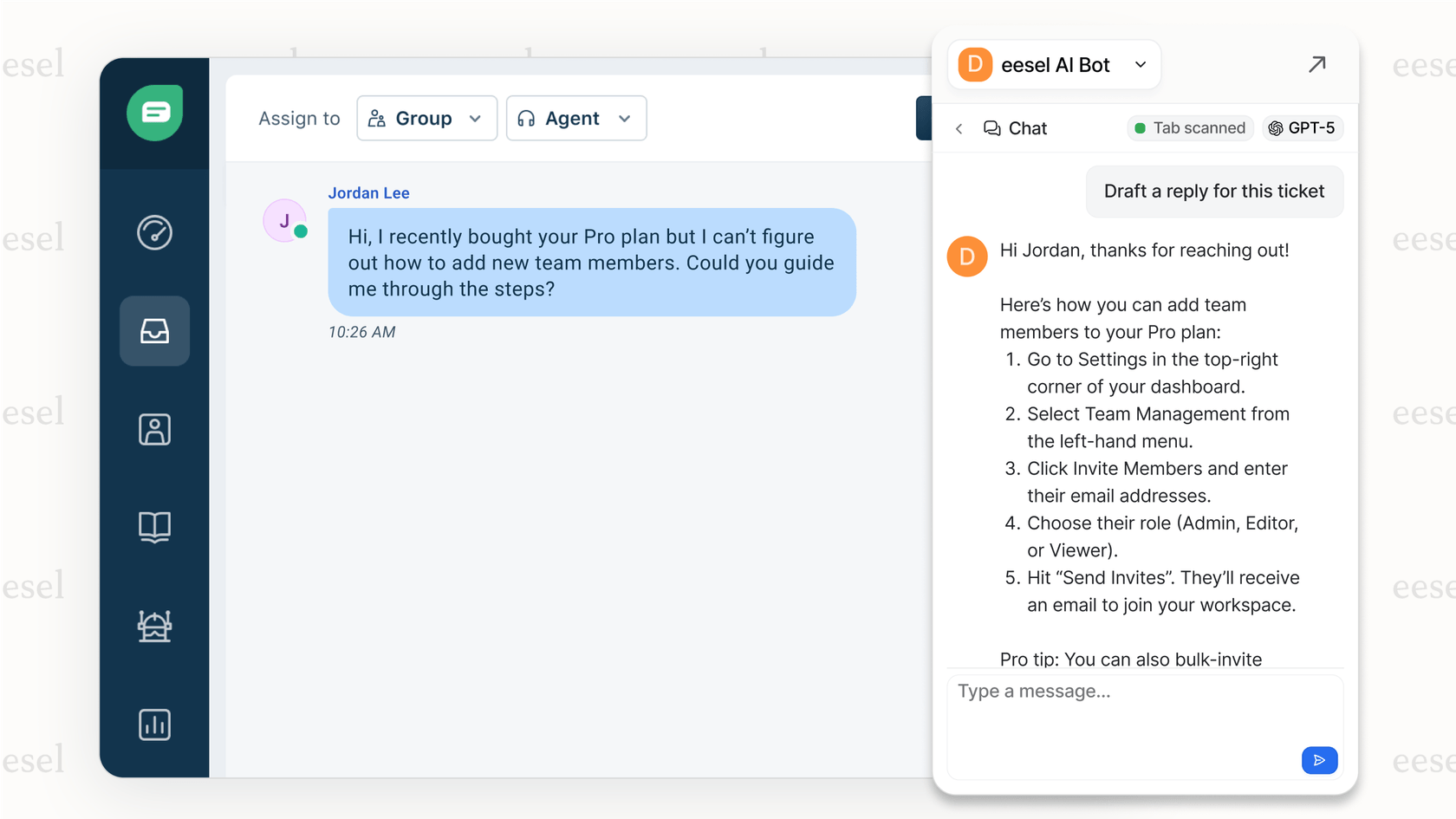
At eesel AI, we help teams take a different approach. Rather than choosing between documentation platforms, we create an AI teammate that learns from your existing documentation, past support tickets, and internal knowledge to handle customer questions directly. This doesn't replace your documentation; it makes it more accessible by meeting customers where they are, whether that's in chat, email, or your help center.
The best documentation platform is the one your team will actually use and that serves your customers effectively. Sometimes that's Zendesk. Sometimes it's something else. The key is making an informed choice based on your specific needs, not just the biggest name in the market.
Frequently Asked Questions

Share this post

Article by
Stevia Putri
Stevia Putri is a marketing generalist at eesel AI, where she helps turn powerful AI tools into stories that resonate. She’s driven by curiosity, clarity, and the human side of technology.

