
Duplicate tickets are the silent productivity killer in customer support. A customer emails about an issue, then submits a web form an hour later, then sends a follow-up from their phone. Suddenly you've got three tickets for the same problem, three agents potentially working on it, and one very confused customer receiving multiple responses.
This is where knowing how to Zendesk merge tickets becomes essential. In this guide, we'll walk through Zendesk's native merge functionality, its limitations, and the automation options available for teams dealing with high volumes of duplicate conversations.
Whether you're handling ten tickets a day or ten thousand, understanding your options for managing duplicates will save your team time and your customers frustration.
Understanding Zendesk's native merge functionality
What happens when you merge tickets?
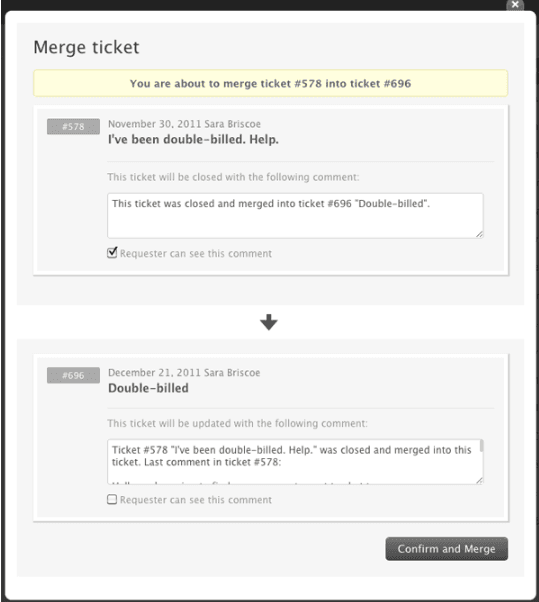
Zendesk's built-in merge feature combines two tickets into one. Here's how it works:
- The ticket you merge from gets closed
- All public comments from the closed ticket transfer to the ticket you merge into
- The closed ticket receives a "closed_by_merge" tag
- A link to the closed ticket appears in the surviving ticket for reference
This is useful when a customer accidentally submits the same request twice or follows up through a different channel. Instead of fragmented conversations across multiple tickets, everything lives in one place.
How to merge tickets manually
The process is straightforward once you know where to look:
-
Open the source ticket (the one you want to close). This is usually the newer or less complete ticket.
-
Click the Ticket options menu (three dots in the upper right corner) and select "Merge into another ticket."
-
Select your target ticket. You can enter a ticket number, choose from the requester's open tickets, or pick from recently viewed tickets. Zendesk shows a preview so you can confirm you've got the right one.
-
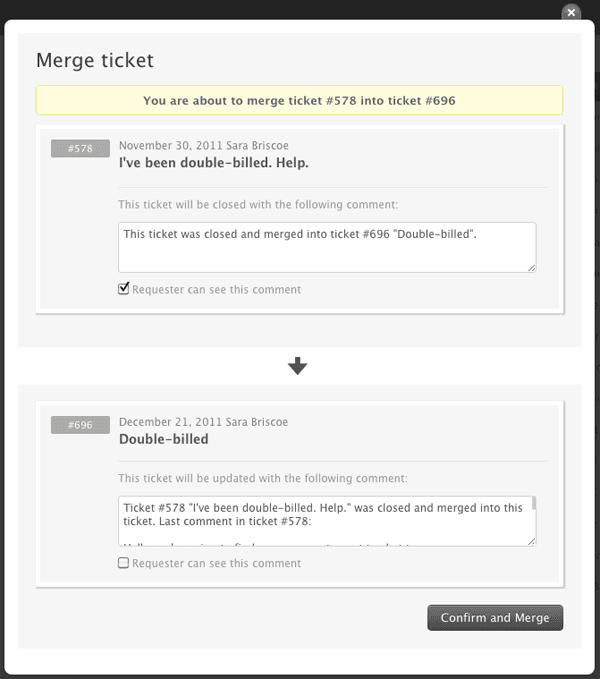
Review and confirm. Add an optional comment explaining why you're merging. You can choose whether the requester sees this comment.
-
Click "Confirm and Merge." Remember, this action cannot be undone.
Important limitations you need to know
Before you start merging everything in sight, there are some significant constraints to understand.
What Zendesk merge can't do
-
Merges are permanent. Once completed, you cannot unmerge tickets. The closed ticket stays closed.
-
Only two tickets at a time. There's no native bulk merge feature for handling multiple duplicates at once.
-
Status requirements. Both tickets must have a status less than "Solved" to merge, though you can merge an unsolved ticket into a solved one.
-
CCs don't transfer automatically. If the closed ticket had CCs, you'll need to add them manually to the surviving ticket.
-
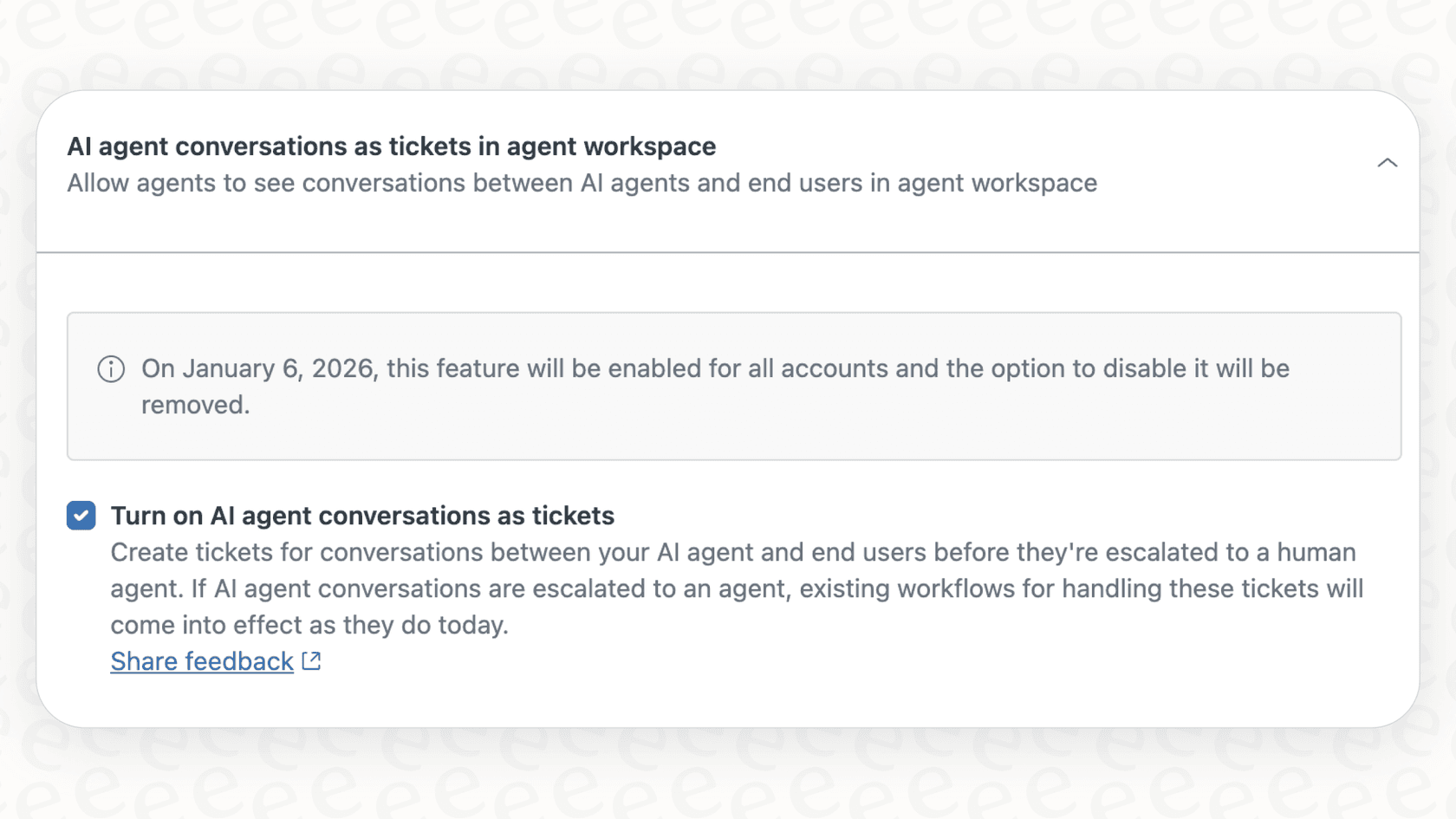
AI agent tickets cannot be merged. Tickets handled by Zendesk's AI agents have this restriction.
-
HTML formatting is lost. Merged comments lose their formatting in the process.
Common merge mistakes to avoid
-
Accidentally sending public notifications. By default, Zendesk adds a public comment when merging. If you forget to uncheck this option, the customer receives an email stating their ticket was merged (often confusing and unnecessary).
-
Merging tickets from different requesters without checking. While Zendesk allows this if you have CCs enabled, you might unintentionally share sensitive information between customers.
-
Not adding context for other agents. A brief internal note explaining why you merged helps teammates understand the situation without digging through ticket history.
Automation options for handling duplicates
For teams dealing with high volumes, manual merging doesn't scale. Here are the main automation approaches.
Third-party merge apps
Several apps in the Zendesk Marketplace offer enhanced merge capabilities:
Swifteq Merge Duplicate Tickets (€59/month)
Swifteq's app lets you define custom merge criteria beyond what Zendesk offers natively. You can match tickets by subject, description, or extract unique identifiers like Order IDs using regular expressions. It includes exclusion filters to prevent merging tickets from internal users or bots, plus a reporting feature showing automation activity. They also offer a one-time backlog merge service starting at €199.
Knots Merge Tickets (Free)
Knots offers a completely free merge app that runs in the background. It matches tickets by requester, subject, order number, or custom fields, then automatically merges and closes duplicates. The app adds tags and internal comments for auditability. One limitation: it doesn't parse ticket content, only field values. For content-based matching, you'd need their separate Ticket Parser app.
Playlist Auto Merge ($200/month)
Playlist's solution focuses on real-time merging with sophisticated rule configuration. You can create different merge rules for different channels (email vs. chat), use regex to extract identifiers from subjects, and customize merge comments with placeholders. It supports scheduled jobs for backlog merging and works with live chat and phone tickets. The higher price point reflects its enterprise-focused feature set.
Zendesk Advanced AI merge suggestions
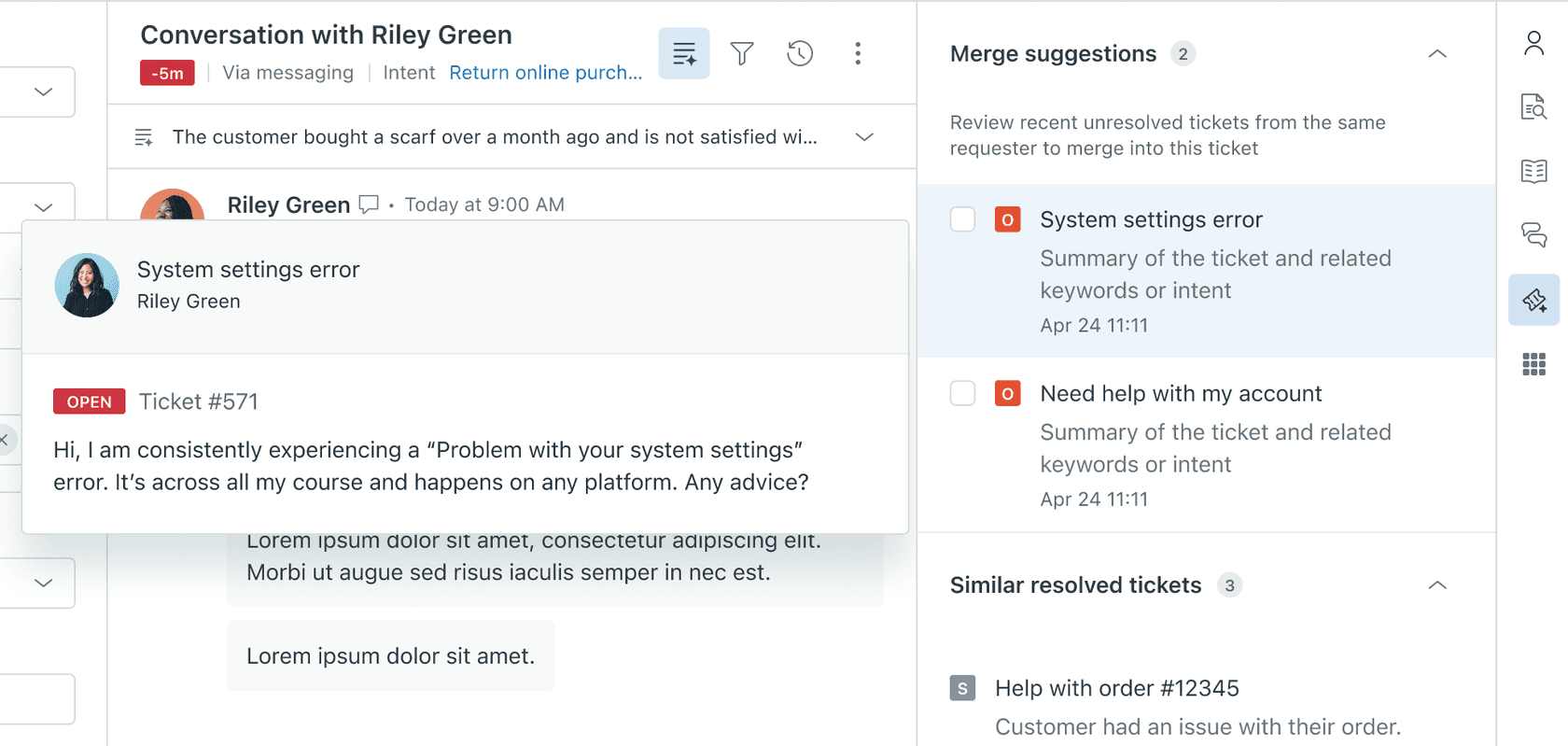
If you're already using Zendesk Advanced AI, you have access to merge suggestions in the Intelligence Panel. The AI identifies similar active tickets from the same requester, even if they're phrased differently. Agents see the suggestions and make the final call on whether to merge.
This approach keeps humans in control while reducing the manual work of finding duplicates. It requires the Advanced AI add-on, which is available on Professional and Enterprise plans.
A smarter approach: preventing duplicates with AI
Here's the thing about merging: it's a reactive solution. By the time you're merging tickets, the duplicate has already cluttered your queue, consumed agent attention, and potentially confused the customer. A better approach is preventing duplicates from reaching agents in the first place.
This is where AI-powered ticket triage changes things. Instead of reacting to duplicates after they exist, intelligent triage identifies them as they arrive and handles them automatically.
How we approach duplicate conversations
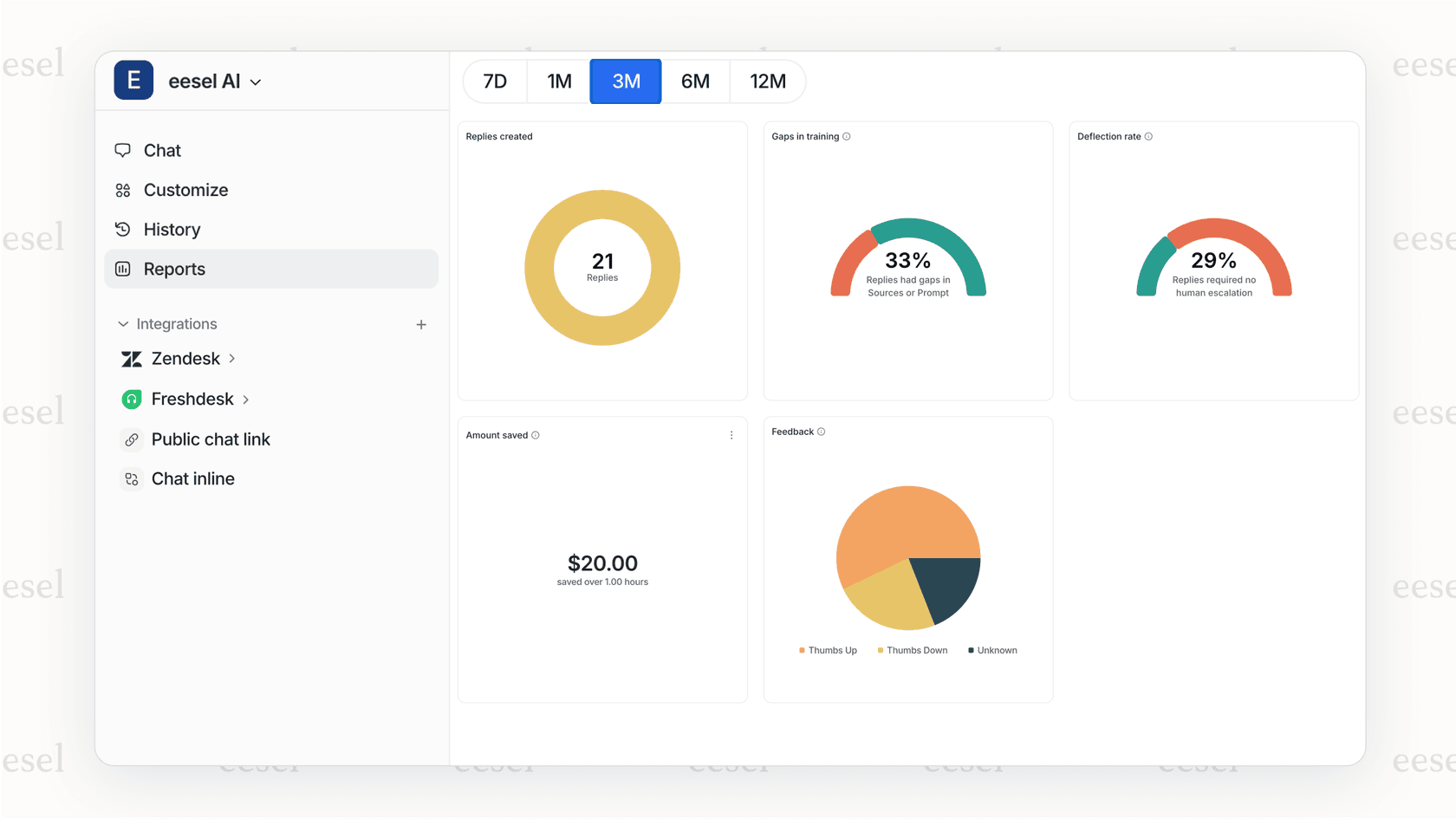
At eesel AI, we look at duplicate management differently. Our AI Triage product doesn't just merge tickets, it understands the conversation context and takes appropriate action:
- Automatic duplicate detection AI identifies when a new ticket covers the same issue as an existing one
- Smart responses Instead of just merging, the system can close duplicates with appropriate responses that reference the original ticket
- Continuous learning The AI learns from your team's patterns, getting better at identifying true duplicates vs. related but distinct issues
- Works within Zendesk No disruption to your existing workflows; tickets are handled directly in your help desk
The difference is subtle but important. Traditional merge apps combine tickets after the fact. AI triage prevents the duplicate from ever becoming a problem, while still preserving all the context your team needs.
For teams using Zendesk, this means fewer tickets in the queue, faster response times, and agents who can focus on solving problems instead of sorting through duplicates.
Choosing the right approach for your team
Not every team needs the same solution. Here's a simple framework:
| Volume | Recommended Approach | Why |
|---|---|---|
| Under 50 tickets/day | Native manual merge | Low volume means occasional merges; native feature is sufficient |
| 50-200 tickets/day | AI-assisted suggestions or free apps | Knots (free) or Zendesk Advanced AI merge suggestions reduce manual work |
| 200+ tickets/day | Automated triage | High volume demands proactive duplicate prevention, not just merging |
| Enterprise/compliance | Assisted merging with oversight | Keep humans in the loop for sensitive situations while automating the obvious cases |
Implementation tips
If you're just getting started with duplicate management:
-
Start manual. Before automating, spend time understanding your duplicate patterns. What causes them? Which types are safe to auto-merge?
-
Document your rules. Create clear guidelines for when to merge vs. when to keep tickets separate. Share this with your team.
-
Train agents on merge etiquette. Make sure everyone understands the risks (especially around public notifications) and best practices.
-
Monitor and adjust. If you do automate, regularly review what's being merged. Look for false positives and refine your criteria.
Streamline your Zendesk ticket management with intelligent automation
Managing duplicate tickets in Zendesk is a balance between efficiency and accuracy. The native merge feature works for occasional use, third-party apps add automation for growing teams, and AI-powered triage offers a proactive approach for high-volume operations.
The key is matching the solution to your actual needs. A small team doesn't need enterprise-grade automation. A large team can't afford to handle everything manually.
If you're finding that duplicate tickets are consuming more of your team's time than they should, it might be worth exploring how AI-powered ticket management could help. Our approach at eesel AI focuses on preventing problems rather than just reacting to them, which tends to be more scalable in the long run.
You can see how it works and decide if it fits your workflow. Either way, getting a handle on duplicate tickets is one of the fastest ways to improve both agent productivity and customer experience.


