
Choosing between Wrike and ClickUp depends on a key question: do you need structured enterprise governance or flexible all-in-one customization? Both are powerful project management platforms, but they approach work management from completely different angles. Wrike, founded in 2006, has built its reputation on enterprise-grade resource management and cross-functional collaboration. ClickUp, founded in 2017, set out to replace your entire productivity stack by combining tasks, docs, chat, and AI in one workspace.
Here is how these tools compare across pricing, features, ease of use, and best use cases so you can make the right choice for your team.
What are Wrike and ClickUp?
Before diving into the comparison, it helps to understand what each tool was built to do.
What is Wrike?
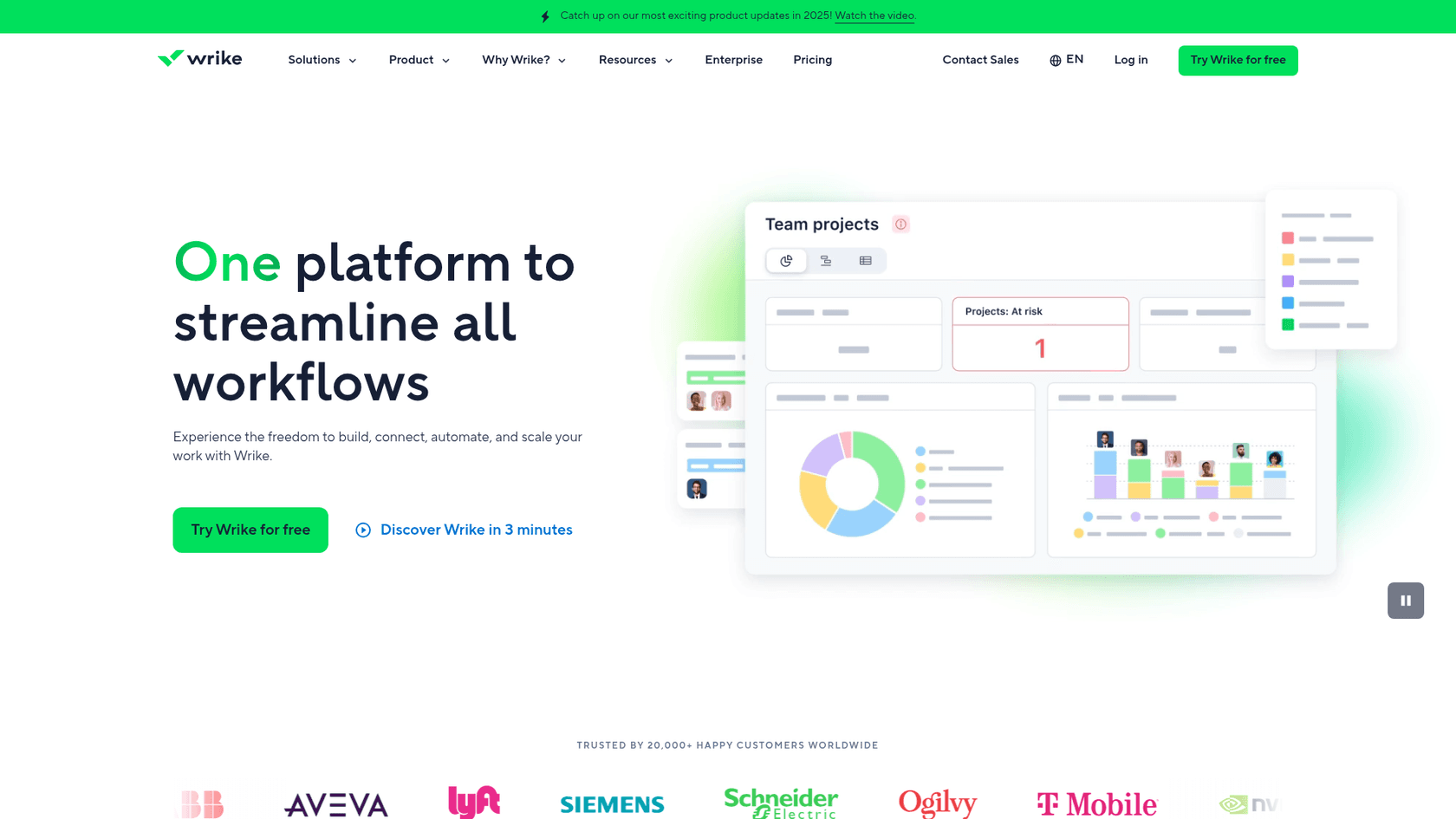
Wrike is an AI-powered enterprise work management platform serving over 20,000 organizations and 2 million users across 140 countries. The platform focuses on structured project governance, advanced resource management, and cross-functional collaboration. Wrike's customers include major enterprises like Siemens, Lyft, T-Mobile, and Nvidia. The company employs over 1,000 people across 8 global offices.
Wrike's philosophy centers on intelligent work management. Its Work Intelligence suite uses AI to predict project risks, suggest automation rules, and generate content. The platform excels at handling complex projects with multiple dependencies, resources, and stakeholders.
What is ClickUp?
ClickUp positions itself as "the everything app for work" an all-in-one platform designed to replace your fragmented tool stack. Founded in 2017 with the mission to maximize human productivity, ClickUp combines task management, collaborative docs, whiteboards, chat, goals, and AI capabilities in a single workspace.
ClickUp's approach is convergence: bringing together software, AI, and humans in one place. The platform serves millions of teams worldwide with a motto of "save one day, every week." ClickUp's Brain AI is embedded throughout the platform, offering everything from autonomous agents to meeting notetakers.
Wrike vs ClickUp: Pricing comparison
Pricing often becomes the deciding factor for teams comparing these platforms. Here is how they stack up:
Wrike pricing
| Plan | Price | Users | Key Features |
|---|---|---|---|
| Free | $0 | Unlimited (limited) | Web/desktop/mobile apps, basic task management, Board and Table views |
| Team | $10/user/month | 2-15 | AI Essentials, shareable dashboard, interactive Gantt charts, custom fields |
| Business | $25/user/month | 5-200 | AI Elite features, resource and capacity planning, standard integrations |
| Pinnacle | Contact sales | Unlimited | Advanced resource planning, budgeting, advanced reporting and BI, SSO |
| Apex | Contact sales | Enterprise | Unlimited Whiteboards, Wrike Integrate and Sync, Wrike Datahub (30M records) |
Source: Wrike Pricing
Wrike also offers several paid add-ons:
- Wrike Whiteboard: $15/user/month
- Wrike Integrate: Custom pricing
- Wrike Sync: Custom pricing
- Wrike Datahub: Custom pricing
ClickUp pricing
| Plan | Monthly | Yearly | Key Features |
|---|---|---|---|
| Free Forever | $0 | $0 | Unlimited tasks and members, 60MB storage, up to 5 Spaces, 50+ integrations |
| Unlimited | $9 | $7/user/month | Unlimited Spaces and Gantt charts, native time tracking, Goals & Portfolio |
| Business | $14 | $12/user/month | Unlimited dashboards, 5K automations/month, mind mapping, Google SSO |
| Enterprise | Custom | Custom | SAML SSO, unlimited custom roles, 250K automations/month, HIPAA available |
Source: ClickUp Pricing
ClickUp's AI features require an additional subscription:
- Brain AI: $9/user/month (includes 1,500 AI Super Credits)
- Everything AI: $28/user/month (includes 5,000 AI Super Credits)
Value comparison
ClickUp offers a lower entry point at $7/user/month compared to Wrike's $10/user/month. ClickUp's free plan is also more generous, allowing unlimited users and tasks where Wrike's free tier has active task limitations.
However, Wrike includes its core AI features in all paid plans at no extra cost. ClickUp charges an additional $9-28/user/month for full AI capabilities. For teams prioritizing AI, this could narrow or reverse the pricing advantage.
Wrike vs ClickUp: Feature comparison
Both platforms cover project management fundamentals, but their strengths differ significantly.
Core project management
Both Wrike and ClickUp handle task creation, assignment, dependencies, and progress tracking. Both offer multiple views including List, Board, Calendar, and Gantt charts. Both support time tracking natively.
The difference lies in depth versus breadth. Wrike's Gantt charts are more sophisticated with interactive timelines and advanced dependency management. ClickUp offers more view types overall but with less depth in each.
Resource management
This is where Wrike pulls ahead. Wrike provides advanced workload charts with capacity views, resource booking, and effort management. You can see individual capacity, spot uneven workloads, and reallocate tasks instantly.
ClickUp offers basic resource management through workload widgets and capacity views, but lacks the sophisticated resource booking and planning tools found in Wrike. For teams where resource allocation is critical, Wrike's advantage is significant.
AI capabilities
Both platforms have invested heavily in AI, but with different approaches.
Wrike Work Intelligence:
- AI risk prediction based on project timelines and workloads
- AI content generation for project plans and descriptions
- AI subtask creation
- AI-powered automation suggestions
- Included in all paid plans
ClickUp Brain:
- AI agents that work as teammates (Super Agents)
- AI notetaker for meetings
- AI image generation
- Enterprise search across connected apps
- Auto-assign and auto-prioritize capabilities
- Multi-model support (ChatGPT, Claude, Gemini)
- Requires additional $9-28/user/month subscription
Proofing and approvals
Wrike's proofing software supports 30+ file types for review, comment, and approval. ClickUp's proofing is more limited in comparison, though the exact file type count isn't prominently advertised.
Integrations
Wrike offers 400+ integrations including deep enterprise connections with Salesforce, Adobe Creative Cloud, and Microsoft tools. Wrike also provides Wrike Integrate for unlimited custom integrations and Wrike Sync for two-way data synchronization with 22+ systems.
ClickUp provides 50+ native integrations on the free plan and unlimited on paid plans. While the quantity is lower, ClickUp covers the major productivity tools most teams use.
Ease of use and learning curve
The user experience differs significantly between these platforms.
Wrike: Structured but complex
Wrike offers a cleaner, more focused interface. The learning curve is moderate core project management features are relatively intuitive, but advanced capabilities like custom workflows and request forms require dedicated learning time. Enterprise deployments often involve professional services for implementation.
According to Capterra reviews, Wrike scores 4.2/5 for ease of use.
ClickUp: Flexible but overwhelming
ClickUp's extensive customization options can intimidate new users. The platform offers so many features and configuration options that teams often report taking months to fully implement ClickUp effectively. The hierarchy system (Workspace > Space > Folder > List > Task > Subtask) provides incredible flexibility but requires significant investment to master.
Capterra users rate ClickUp 4.3/5 for ease of use slightly higher than Wrike despite the complexity, likely because users who invest the time find the flexibility rewarding.
Mobile experience
Both platforms offer iOS and Android apps. Wrike's mobile app is generally considered functional but basic. ClickUp's mobile app has received criticism for being less intuitive than the desktop version, though recent updates have improved the experience.
Who should choose Wrike vs ClickUp
Your choice depends on your team size, workflow complexity, and priorities.
Choose Wrike if:
- You manage complex, cross-functional projects at scale
- Advanced resource management and capacity planning are critical
- You need enterprise-grade security and compliance (SOC 2, ISO 27001, GDPR)
- Your team includes creative professionals needing robust proofing tools
- You require phone support in multiple languages
- Budget isn't your primary constraint
- You want AI features included without additional subscriptions
Wrike particularly suits marketing agencies, professional services firms, and large enterprises managing complex project portfolios.
Choose ClickUp if:
- You want to consolidate multiple tools (tasks, docs, chat, whiteboards) into one platform
- Your team values customization and flexibility above all
- You're a tech startup or agile team that iterates quickly
- You have a smaller team with limited budget
- You need unlimited free users while testing the platform
- You're willing to invest time in setup and learning
- You want AI agents that function as autonomous teammates
ClickUp works well for startups, creative teams, and organizations looking to reduce their software tool stack.
eesel AI: An alternative for customer service teams
If you're comparing Wrike and ClickUp for customer service use cases, you might be looking at the wrong category of tools altogether. While both platforms excel at project management, neither was designed specifically for customer support automation.

eesel AI takes a different approach. Instead of managing projects, eesel AI functions as an AI teammate for customer service teams. It integrates directly with help desks like Zendesk and Freshdesk, learning from your past tickets, help center articles, and macros to resolve customer inquiries.
Here's how eesel AI differs from traditional project management tools:
AI Agent handles frontline support tickets autonomously, resolving up to 81% of inquiries without human intervention. It escalates only the complex issues you define.
AI Copilot drafts replies for human agents to review and send, learning your team's tone and policies from historical data.
AI Triage automatically tags, routes, merges, and closes tickets based on content and intent, not just keywords.
Unlike project management tools where you configure workflows, eesel AI works more like hiring a new team member. You connect it to your help desk, it learns your business in minutes, starts with guidance, and levels up to full autonomy based on performance.
For teams specifically looking to automate customer service rather than manage projects, eesel AI offers purpose-built capabilities that general project management tools simply don't provide.
Making the right choice for your team
Both Wrike and ClickUp are capable platforms that serve different needs. Wrike excels at enterprise work management with sophisticated resource planning and governance. ClickUp offers unmatched flexibility and value for teams wanting to consolidate their tool stack.
Before committing, take advantage of both platforms' free options. Wrike offers a 14-day free trial of paid plans. ClickUp's free forever plan lets you test with unlimited users. Run a pilot project on each platform with your actual workflows to see which fits your team's working style.
Consider your growth trajectory too. A tool that works for 10 users might not scale to 100. Factor in not just current pricing but how costs evolve as you add users and require advanced features.
The best project management tool is the one your team actually uses. Fancy features mean nothing if the interface creates friction in daily work. Test thoroughly, get team feedback, and choose the platform that disappears into your workflow rather than adding to it.



