Kustomer integrations: A complete guide to connecting your tech stack

Stevia Putri
Last edited March 9, 2026
Customer service teams today rely on a patchwork of tools to handle conversations, track orders, measure satisfaction, and analyze performance. The challenge isn't finding software that does the job. It's getting all that software to talk to each other.
Kustomer positions itself as a solution to this fragmentation. The platform combines CRM, ticketing, and AI into one system. But even unified platforms need to connect with the rest of your stack. That's where Kustomer integrations come in.
This guide covers what integrations are available, how they work, and how to choose the right ones for your workflow. We'll also look at how modern AI alternatives like eesel AI approach the integration challenge differently.
What are Kustomer integrations?
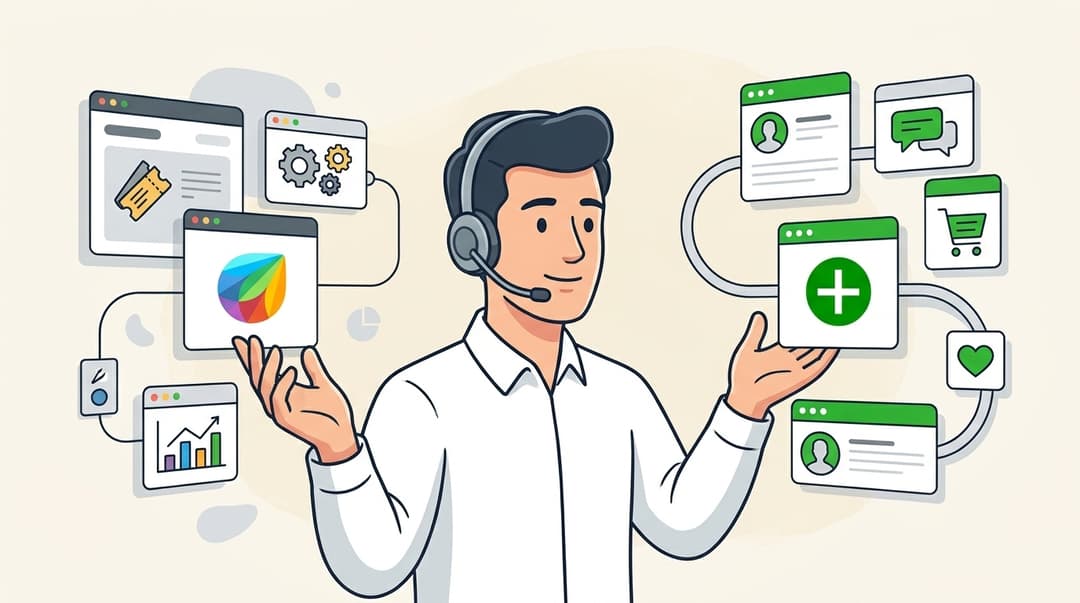
Kustomer integrations are connections between the Kustomer platform and other software tools your team uses. These connections let data flow between systems automatically, eliminating manual copying and giving agents a complete view of each customer.
The core idea is the unified customer timeline. When a customer reaches out, agents see not just the current conversation, but their order history, previous support tickets, NPS scores, and any other relevant data from integrated systems. No tab-switching. No asking customers to repeat information they've already provided.
Kustomer's integration ecosystem includes 86 total connections organized into categories: voice systems, eCommerce platforms, survey tools, analytics warehouses, and more. Some are built by Kustomer. Others are built by third-party developers. All aim to extend what the platform can do without requiring custom code.
Types of Kustomer integrations
Not all integrations work the same way. Kustomer offers three main approaches depending on your technical resources and use case.
App Directory integrations (no-code)
The simplest option. The Kustomer App Directory contains pre-built integrations for popular platforms. You browse, click install, authenticate with the other tool, and you're done.
This works well for common platforms like Magento, Delighted, and Ada. The integration handles data mapping, syncing, and error handling automatically. You get functionality without writing code or maintaining infrastructure.
The trade-off is flexibility. App Directory integrations support the use cases their creators designed for. If you need something custom, you might hit limits.
API integrations (custom development)
For complete control, Kustomer offers a REST API that lets developers build bespoke connections. You can look up customers by email, phone, or external ID. You can create and update custom KObjects (Kustomer's term for structured data like orders or subscriptions). You can trigger workflows programmatically.
This approach requires developer time and ongoing maintenance. But it's the only option when you need to connect proprietary systems or implement specialized logic that off-the-shelf integrations don't support.
Webhook and workflow integrations (middle ground)
Somewhere between no-code apps and full API development sits Kustomer's webhook system. You configure external systems to send event data to Kustomer via webhooks, then use Kustomer workflows to process that data.
For example, when a customer places an order in your eCommerce system, the system sends a webhook to Kustomer. A workflow receives the webhook, creates or updates the customer's record, and adds the order to their timeline. You can even trigger automated responses, like sending a confirmation message.
This approach requires less developer time than full API integration but more technical knowledge than App Directory installs. It's a good fit for teams with some technical resources who need custom behavior without building everything from scratch.
Top Kustomer integration categories
With 86 integrations available, it helps to understand the major categories and what each type of connection enables.
eCommerce integrations
Purpose: Sync order data, customer history, and inventory information.
Key integrations: Magento, Shopify, BigCommerce.
When a customer emails about a missing package, agents see the full order history without leaving Kustomer. They can check shipping status, verify the delivery address, and process a replacement without asking the customer for order numbers or switching to another system.
For teams using Shopify, alternatives like eesel AI's Shopify integration offer similar order lookup capabilities with the added benefit of AI-powered response drafting.
Voice and phone integrations
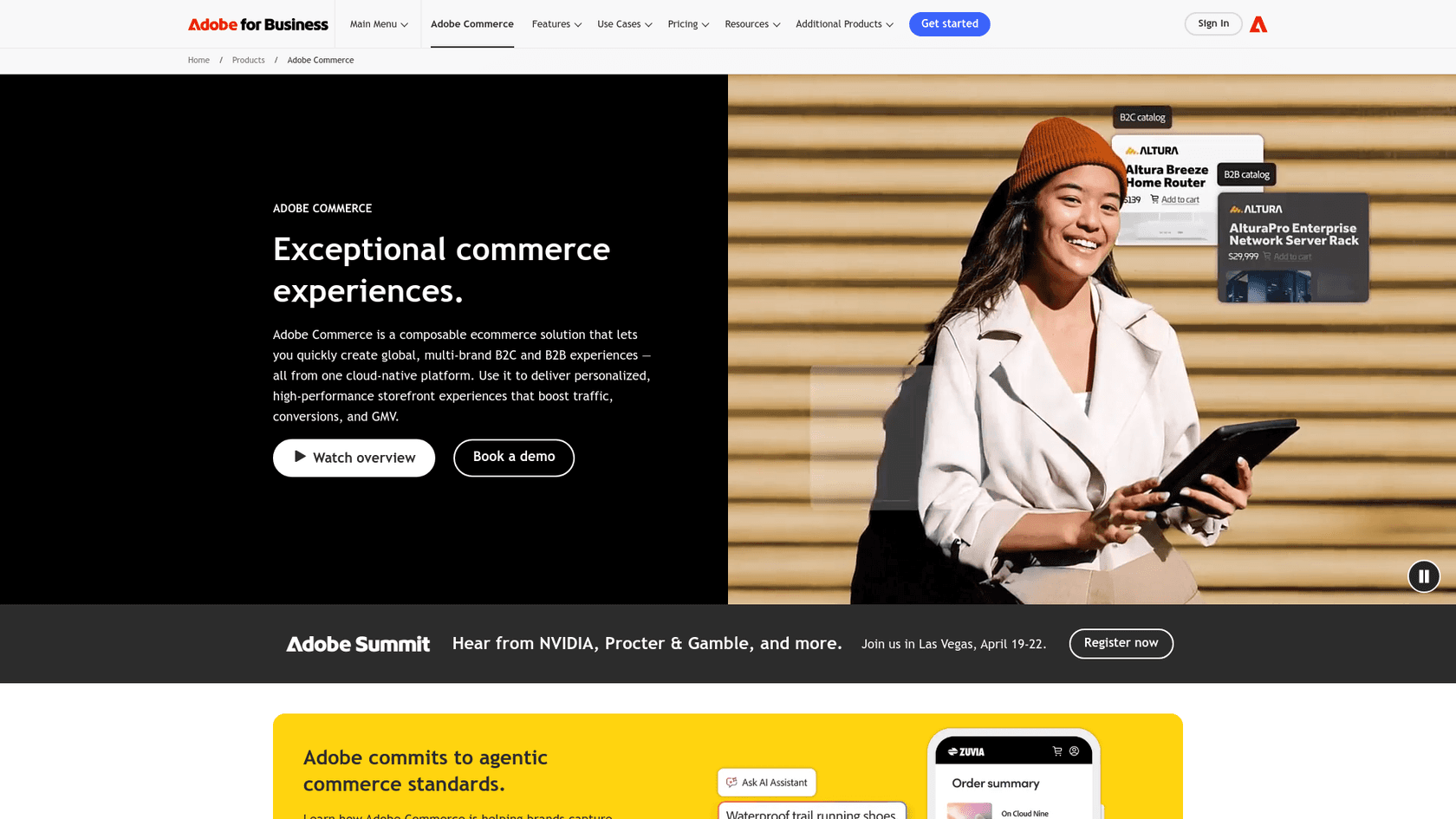
Purpose: Connect phone systems for call logging, screen pops, and unified reporting.
Key integrations: Amazon Connect, 8x8, Aircall.
These integrations bring voice conversations into the same timeline as email, chat, and SMS. When a customer calls, agents see their full history before answering. After the call, recordings and transcripts appear alongside other interactions.
Chat and messaging integrations
Purpose: Centralize conversations from multiple channels into one interface.
Key integrations: Ada, Flip CX.
Ada specializes in AI-powered chatbots that can handle routine inquiries before escalating to human agents. When integrated with Kustomer, the bot conversation appears in the customer's timeline, so agents have full context when taking over.
Survey and feedback integrations
Purpose: Capture customer sentiment and display it where agents can act on it.
Key integration: Delighted.
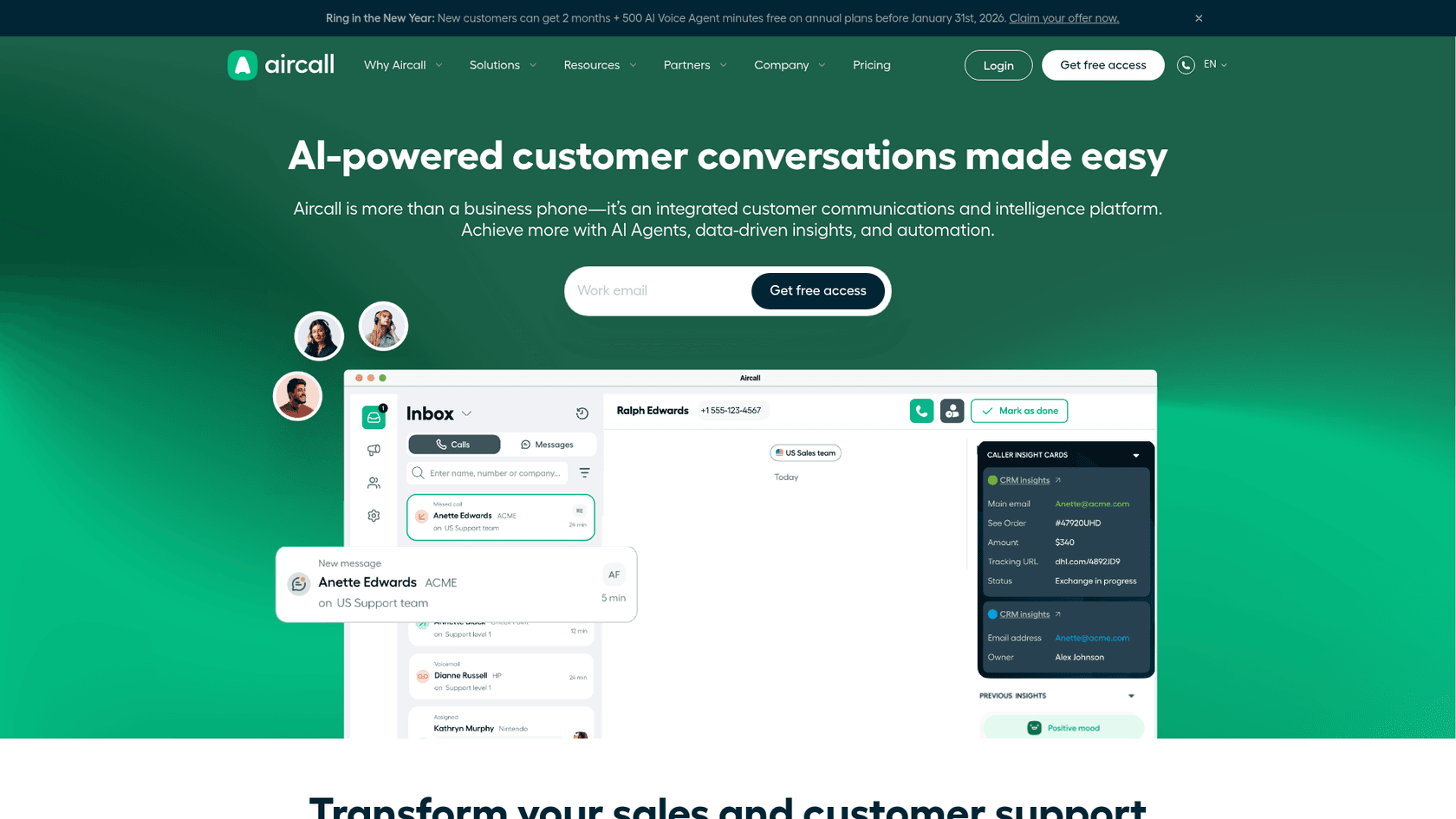
Delighted runs NPS, CSAT, and CES surveys. When integrated, survey responses automatically create or update customer records in Kustomer. Agents see NPS scores and feedback comments directly in the timeline, letting them tailor their approach based on the customer's sentiment.
Data and analytics integrations
Purpose: Export Kustomer data for advanced reporting and business intelligence.
Key integration: Amazon Redshift.
While Kustomer includes built-in reporting, some teams need to combine support data with other business metrics. These integrations push conversation data, customer attributes, and performance metrics to data warehouses where analysts can build custom dashboards.
How to choose the right Kustomer integrations
With so many options, it's easy to over-integrate. Here's a practical framework for deciding what to connect:
Start with pain points, not features. What manual work is slowing your team down? What information do agents constantly have to look up in other systems? The best integrations solve specific problems, not hypothetical ones.
Prioritize data that changes frequently. A customer's lifetime value matters, but it probably doesn't change during a support conversation. Their recent order status does. Focus integrations on dynamic data that affects how agents handle tickets.
Consider your team's technical capabilities. App Directory integrations require minimal setup. Webhook integrations need someone who understands JSON and API concepts. Full API development needs dedicated engineering time. Be realistic about what you can maintain.
Evaluate the integration's maintenance burden. Who built it? How actively is it maintained? What happens when the connected system updates its API? Some integrations are set-and-forget. Others need regular attention.
Start small and expand. Pick one high-impact integration, get it working well, then add more. Teams that try to connect everything at once often end up with fragile systems and confused agents.
Setting up Kustomer integrations: Best practices
Once you've chosen what to integrate, follow these practices to ensure smooth implementation:
Test in a sandbox first. Most integrations offer test modes or sandbox environments. Use them. Verify data flows correctly before exposing agents to the integration.
Plan your data mapping. Before connecting systems, document what data should go where. Which fields in your eCommerce system map to which customer attributes in Kustomer? Clear mapping prevents messy data and confused agents.
Document custom workflows. If you're using webhooks or workflows, write down how they work. Future you (or your successor) will thank you when something breaks and you need to troubleshoot.
Monitor integration health. Set up alerts for failed webhook deliveries, API errors, or sync delays. Integrations fail silently more often than you'd expect.
Train agents on what to expect. An integration that surprises agents is worse than no integration. Explain what data will appear, where it comes from, and how to use it effectively.
eesel AI: An AI-powered approach to connected customer support
While Kustomer focuses on unifying data from multiple systems, some teams are taking a different approach. Instead of connecting a CRM to dozens of tools, they're using AI-native platforms that learn from existing data and work across systems automatically.
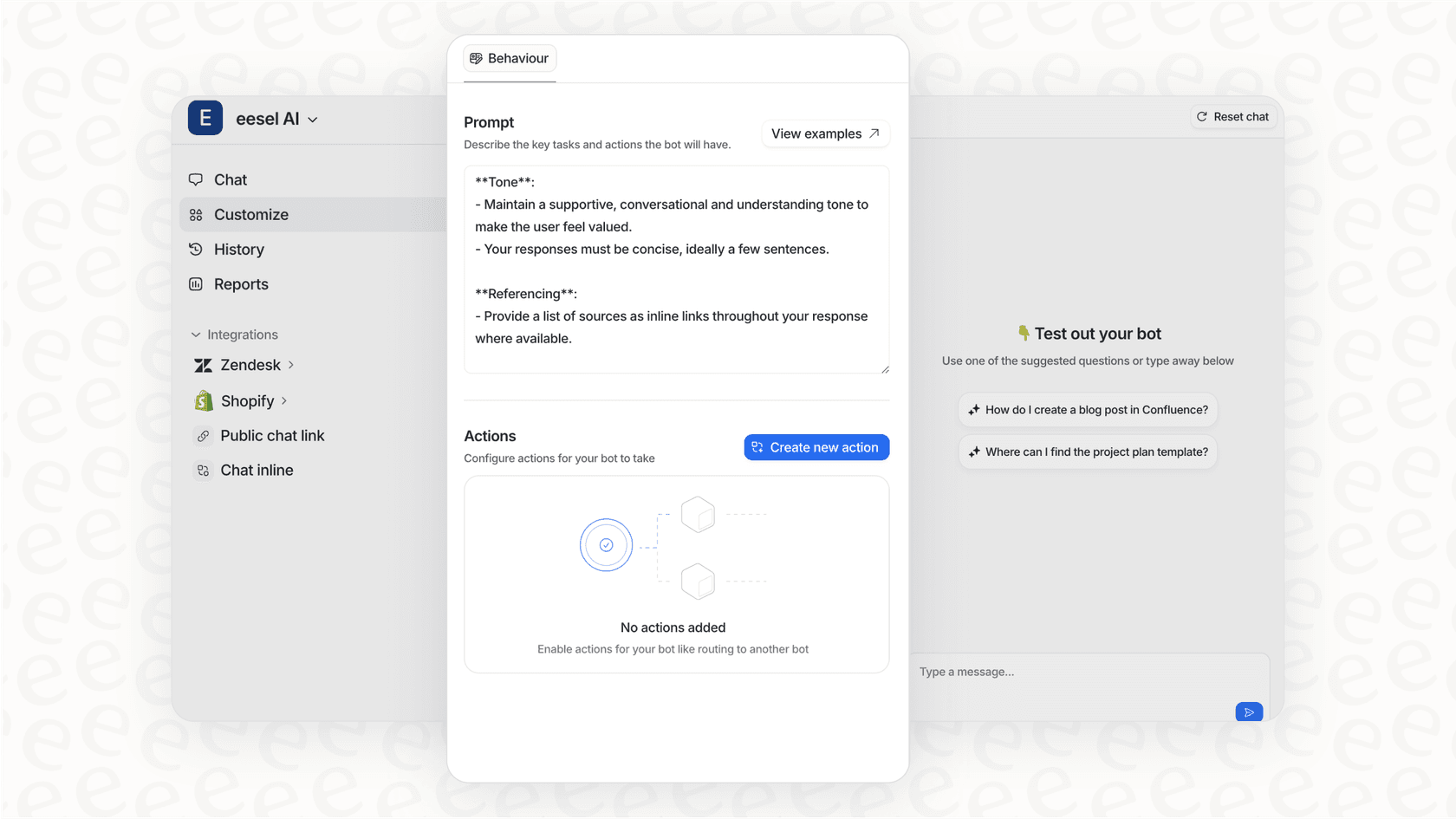
eesel AI functions as an AI teammate for customer service. Rather than requiring pre-built integrations for every tool, eesel connects to your help desk (including Kustomer alternatives like Zendesk, Freshdesk, and Gorgias) and learns from your past tickets, help center articles, and connected documents.
The key difference is the progressive rollout. Teams start with eesel drafting replies for human review. As the AI proves itself, you expand its scope until it handles full conversations autonomously. You're not configuring workflows. You're training a teammate.
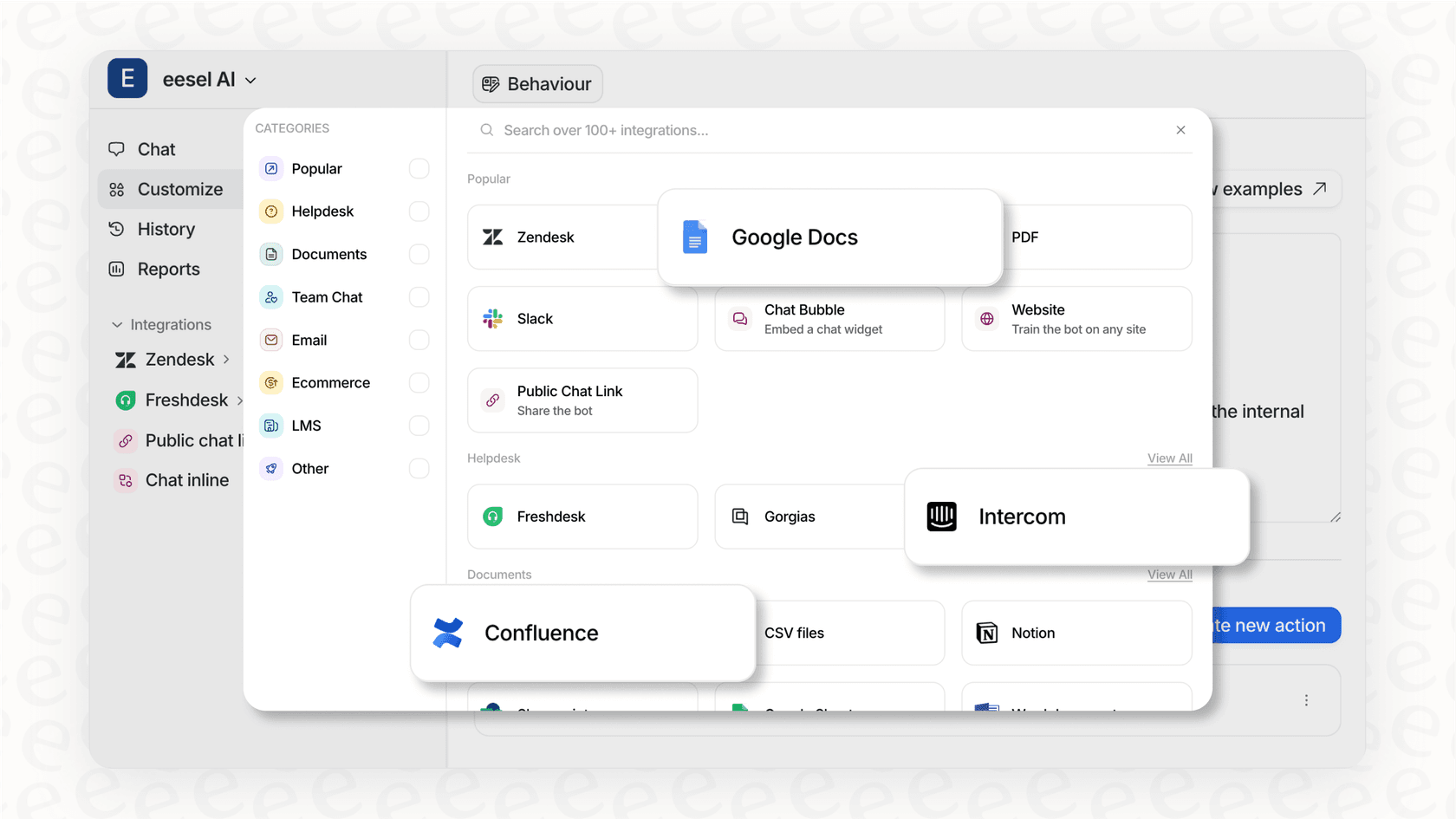
For teams evaluating their integration strategy, eesel AI's integration approach offers 100+ one-click connections across help desks, knowledge sources, and internal tools. The platform learns your business from existing data rather than requiring you to map every field and build custom connections.
Getting started with Kustomer integrations
If you're committed to the Kustomer ecosystem, start by auditing your current tech stack. List every system your support team touches: eCommerce platforms, phone systems, survey tools, data warehouses. For each, ask: does data from this system help agents resolve tickets faster?
Then visit the Kustomer App Directory and check what's available for your highest-priority systems. Start with one integration that solves a clear pain point. Get it working well before adding complexity.
But also consider whether a different approach might serve you better. Modern AI support platforms can reduce the integration burden while delivering faster resolution times. If you're spending more time connecting systems than improving customer experience, it might be worth exploring alternatives like eesel AI.
The goal isn't to have the most integrations. It's to give agents the information they need, when they need it, with minimal friction. Whether that's through Kustomer's connected ecosystem or an AI-native platform depends on your team's needs, technical resources, and where you want to invest your effort.

Frequently Asked Questions
Share this article

Article by
Stevia Putri
Stevia Putri is a marketing generalist at eesel AI, where she helps turn powerful AI tools into stories that resonate. She’s driven by curiosity, clarity, and the human side of technology.