How to build a no-code AI agent in Freshdesk (2026)

Stevia Putri

Katelin Teen
Last edited May 15, 2026
Running customer support on Freshdesk is straightforward. Getting an AI agent to handle your tickets without writing a single line of code is the part that trips people up - not because it's technically hard, but because there are two distinct approaches with different tradeoffs, and most guides only cover one.
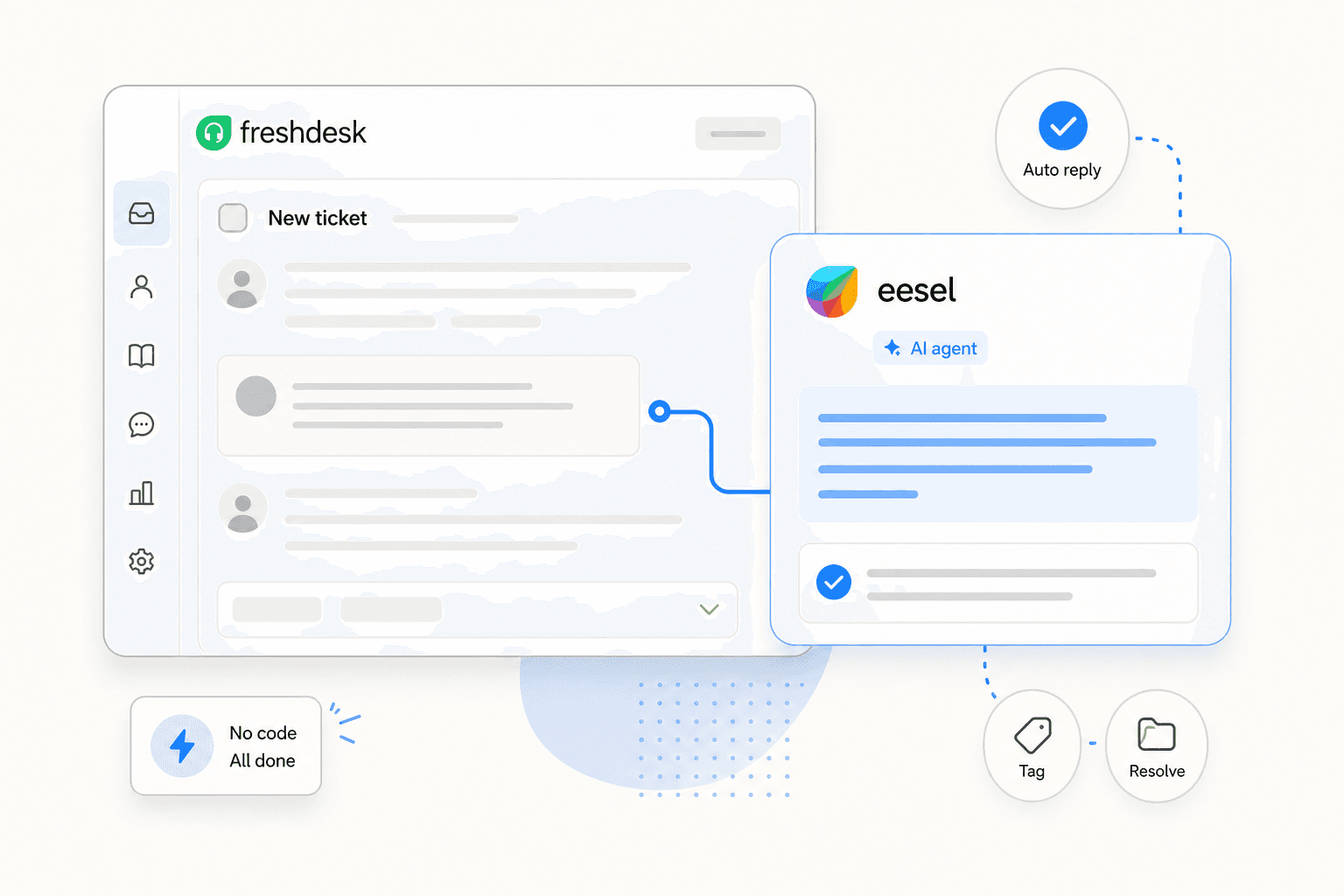
This post walks through both: eesel AI, which connects on top of Freshdesk as a native AI teammate, and Freshdesk's own Freddy AI Agent, which is built directly into the Freshdesk Omni platform. By the end, you'll have enough to make an informed choice and actually set one up.
Before you start: what to expect
A no-code AI agent for Freshdesk can do real work - draft and send replies, route tickets to the right team, update ticket fields, and escalate to humans when needed. The teams who see the fastest results start with a narrow scope, verify quality, then expand from there. Gridwise resolved 73% of tier-1 requests in their first month by starting small and building confidence before rolling out more broadly.
The two paths here suit different teams. eesel AI gives you broader knowledge integration and plain-English configuration. Freddy AI Agent gives you a native Freshworks tool with a visual flow builder. The full comparison is at the bottom of this post - start with the approach that fits your current setup.
eesel AI on Freshdesk
eesel AI connects to Freshdesk as a native agent - it reads your tickets, solution articles, and macros, then starts working the queue. Unlike a flow-based chatbot you have to diagram from scratch, eesel learns from your existing data and takes instructions in plain English. Design.com runs 50,000+ tickets per month on Freshdesk using eesel; their setup took minutes.
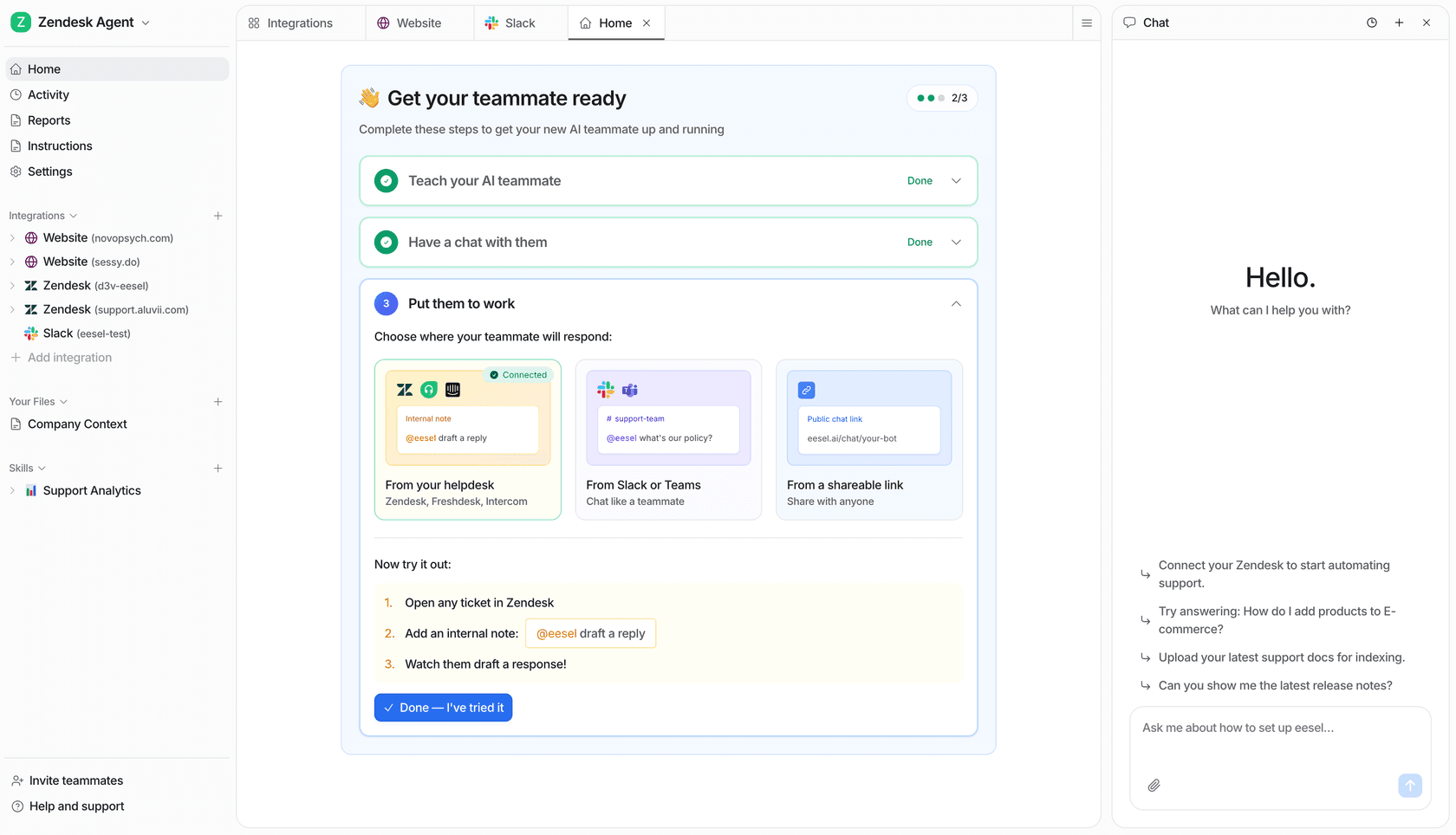
Step 1: connect and sync your knowledge
Go to eesel's free trial ($50 in free credits, no card required). From the integrations panel, select Freshdesk and authorize via OAuth. eesel immediately reads your solution articles, past tickets, and canned responses - no manual uploads needed.
If your knowledge lives in Google Drive, Notion, a Shopify store, or anywhere else, connect those too from the integrations page. The full knowledge base eesel works from at runtime is the combined set of every source you connect.
Step 2: run a simulation before going live
Before eesel handles a real ticket, run a simulation. The simulation mode replays recent historical tickets against eesel's current knowledge and shows coverage by topic - something like "Refund policy: 28%, SSO errors: 35%." You see exactly where the AI is confident and where it needs more context.
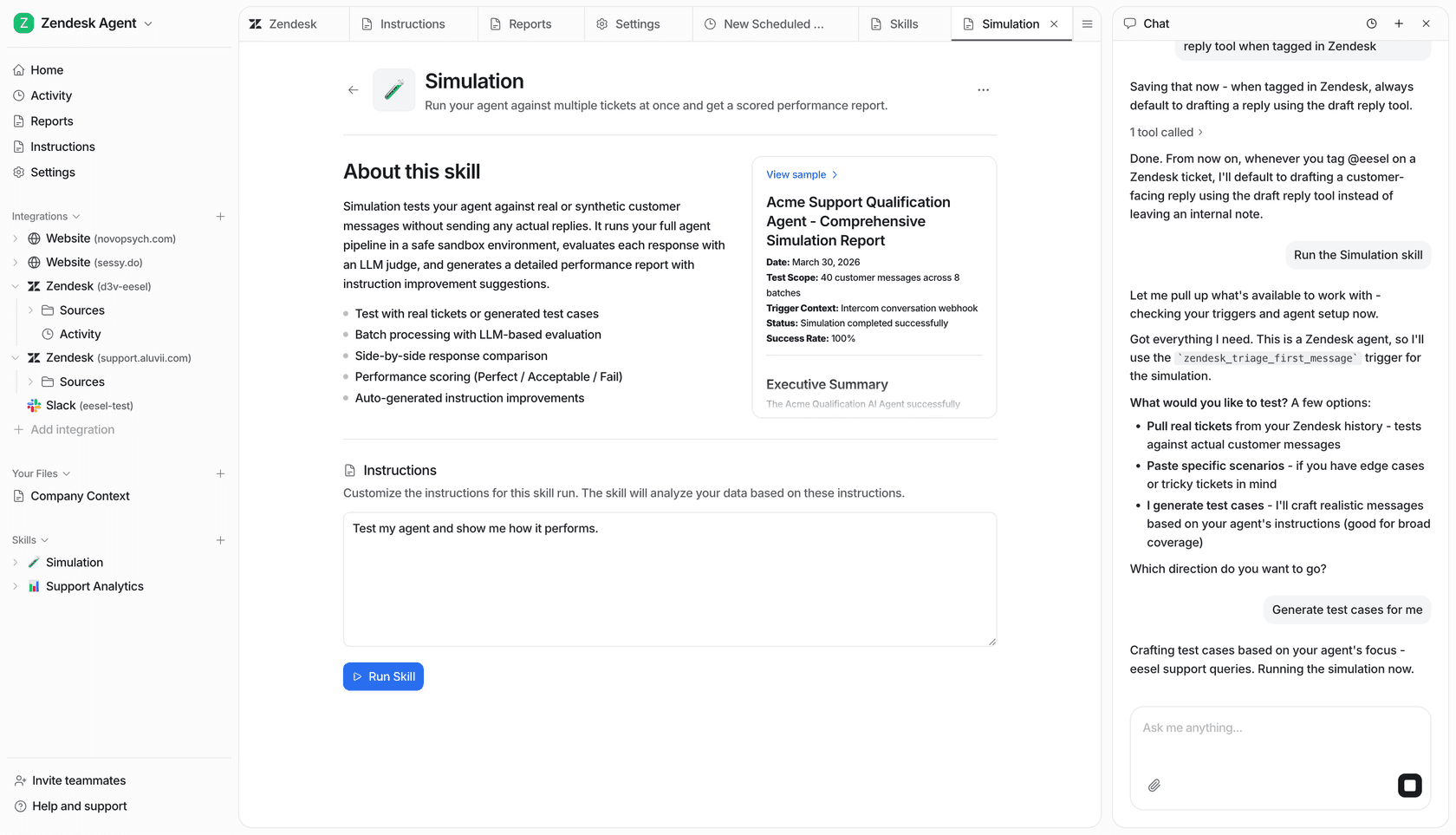
Fill the gaps - upload the missing docs, update a help article, or add Q&As. Re-run. Repeat until the coverage looks right. This is what WhenHoundsFly's founder Andre Yeu described as "a coachable AI agent" - you see how it will behave before your customers do.
Step 3: configure behavior in plain English
eesel takes instructions the way you'd explain something to a new support hire. No flow builder, no rule tree.
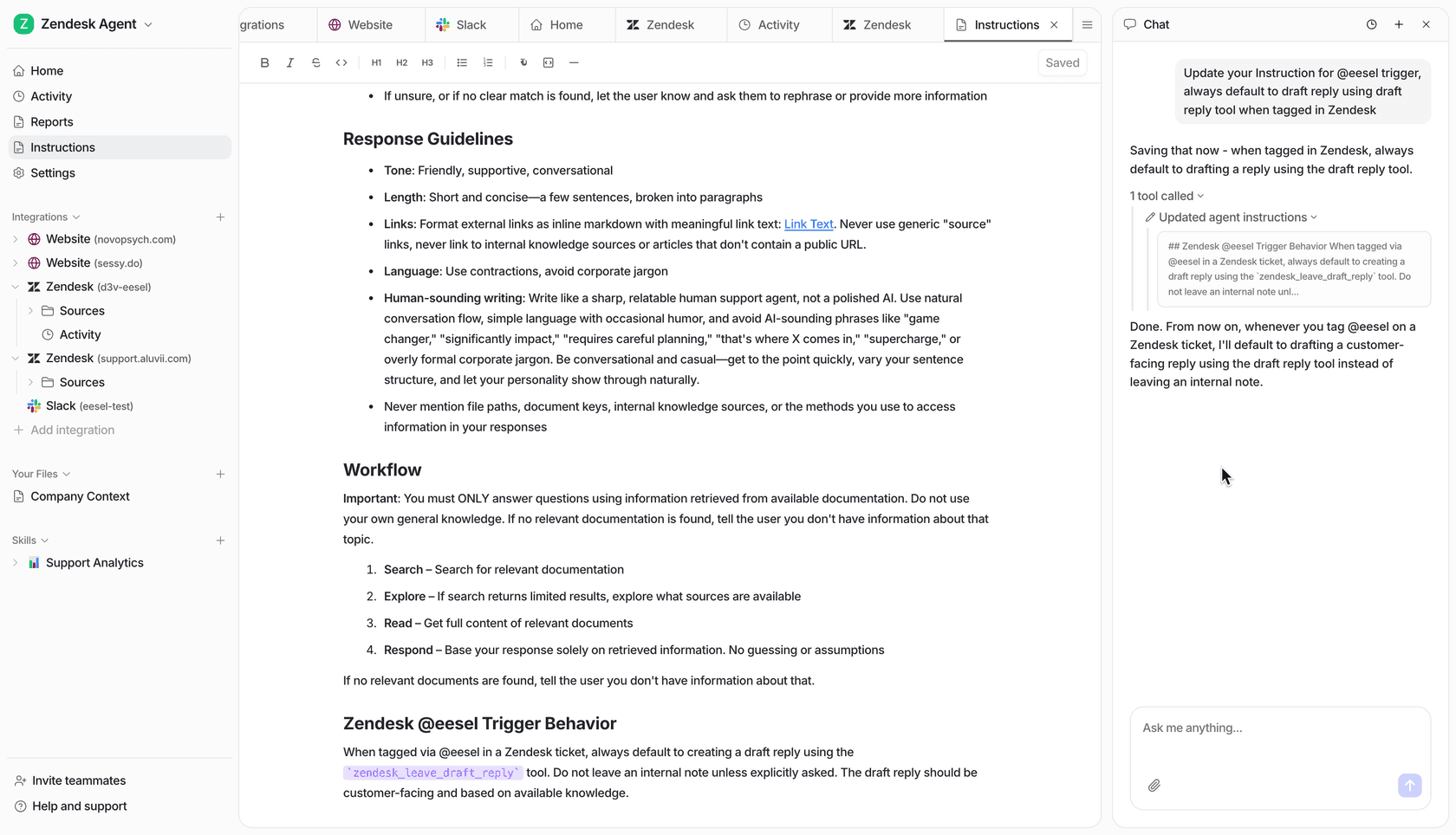
You write things like:
- "Escalate all billing disputes over $100 to the senior team."
- "Reply in the customer's language automatically."
- "If a customer mentions 'cancel,' draft a reply for human review before sending."
These don't need to be formal - eesel interprets them the same way a person would. You can update instructions at any time; changes take effect immediately.
Step 4: set your autonomy level and go live
eesel starts in supervised mode - every reply is drafted and held for agent approval. As you verify quality, you expand autonomy by ticket type: "draft for review" on billing, "send directly" on order status, "fully autonomous" on shipping FAQ.
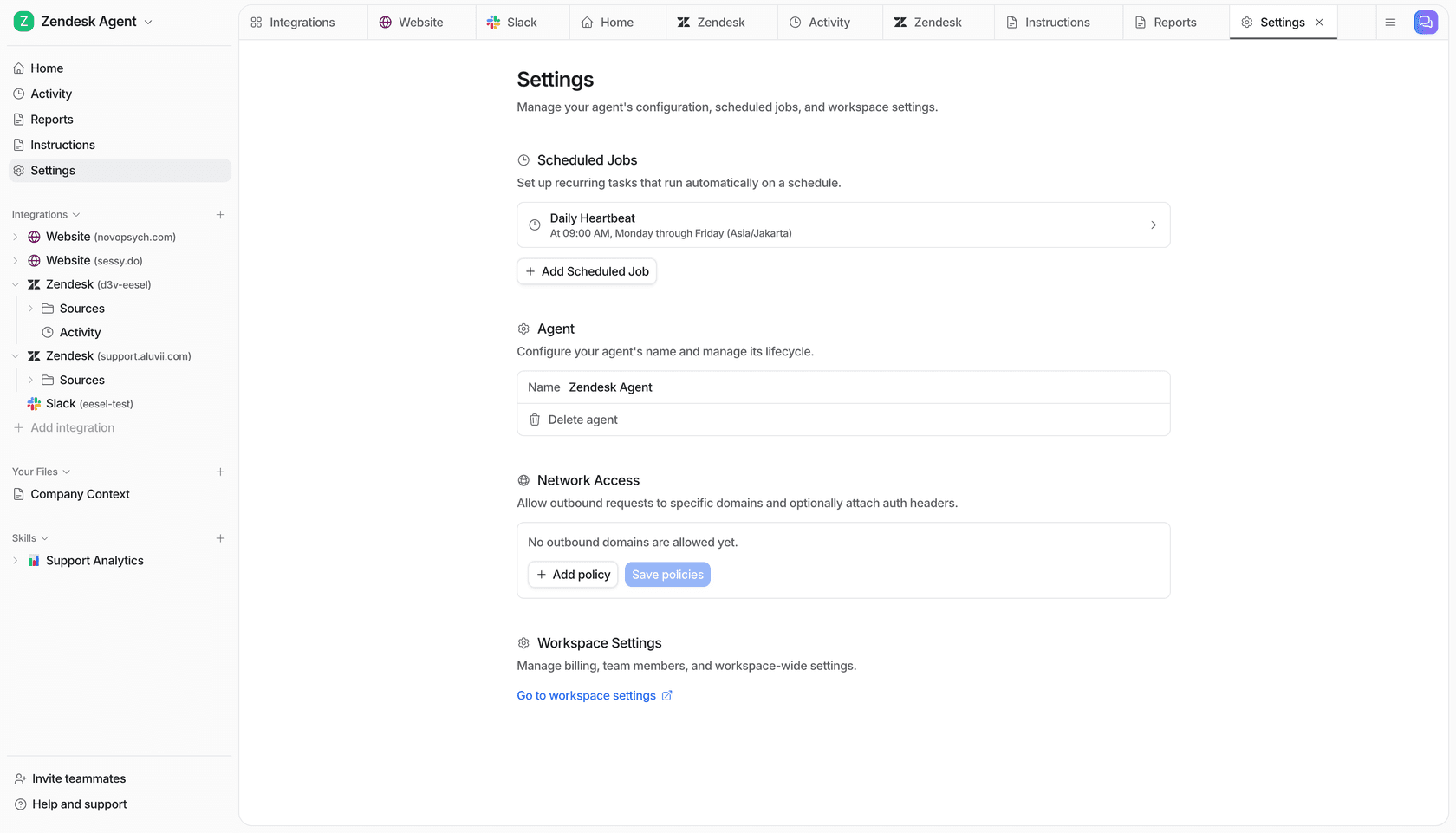
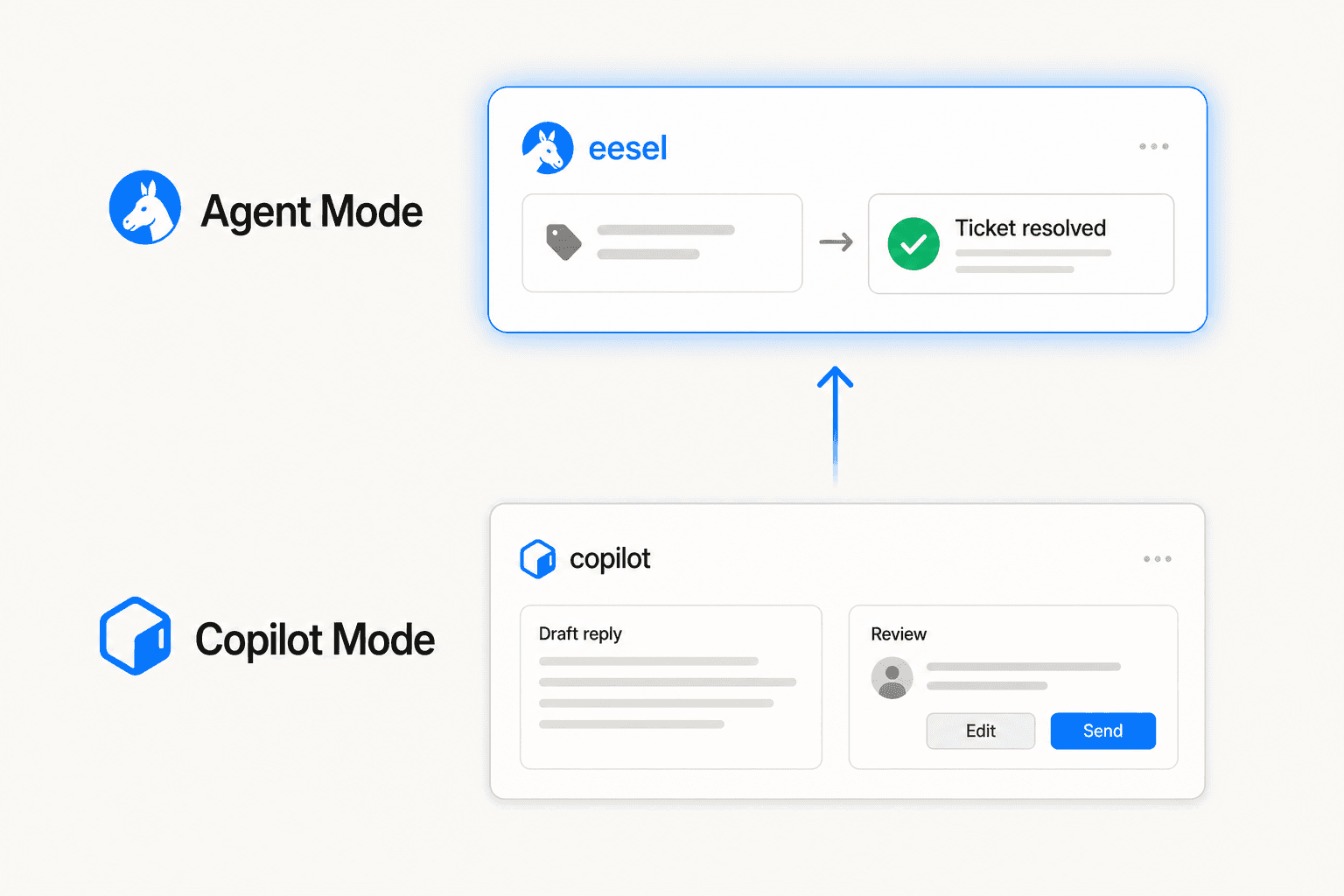
At $0.40 per ticket handled - no platform fee, no per-seat charge - the cost scales directly with resolved volume. You are never charged for a ticket eesel didn't touch.
Freshdesk's native Freddy AI Agent
Freddy AI Agent is Freshdesk's built-in AI layer, available on Freshdesk Omni starting at $29/agent/month. More than 8,000 Freshdesk customers use Freddy AI as of Q4 2025, and Freddy AI topped $25M ARR. The community take is measured: users on Reddit characterize it as "fine for dipping your toes in, nothing mind-blowing" - adequate for teams already committed to the Freshworks ecosystem.
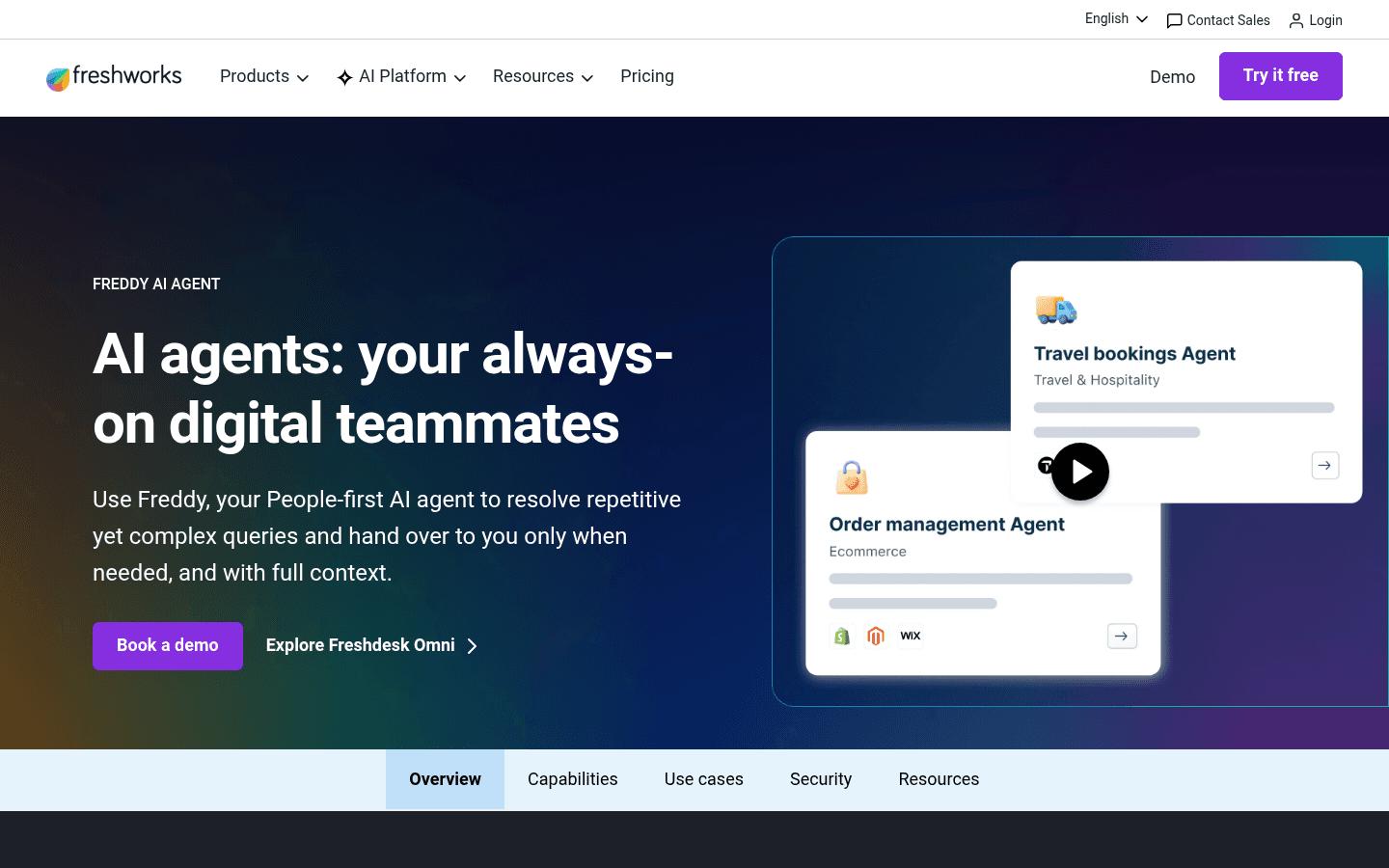
Freddy gives you two builders: a knowledge-based AI Agent that answers questions from loaded documents, and an Agentic Workflow Builder for more complex automations with API integrations and conditional routing.
Knowledge-based AI Agent setup
Go to AI Agents and Chatbots in your Freshdesk Omni sidebar and click Create new. Select Freddy AI Agent, give it a name, and open the AI Agent Studio. From there, add knowledge sources:
| Source type | Limit |
|---|---|
| Files (.pdf, .docx, .txt) | 200 per agent, 35MB per file |
| URLs (public only) | 10 per agent, 25 per account |
| Solution articles | All articles from your Freshdesk KB |
| Custom Q&As | No stated cap |
One constraint worth noting: Freddy has no native connector for Confluence, Google Drive, Notion, or SharePoint. If your team's knowledge lives in those tools, you'll export to a supported format before loading. This is the gap u/SomewhereSelect8226 described on r/helpdesk: "a lot of AI helpdesks mostly summarize or suggest replies, but they don't actually remove the repetitive work" - often because they can't reach the knowledge that would let them do more.
Use the Test tab in AI Agent Studio to run conversations before enabling. Freshdesk includes 500 free sessions; additional sessions cost $0.49 each after that.
Building Agentic Workflows (the six blocks)
For more complex automations - order lookups, conditional routing, API integrations - use the Workflow Builder. It works with six modular blocks:
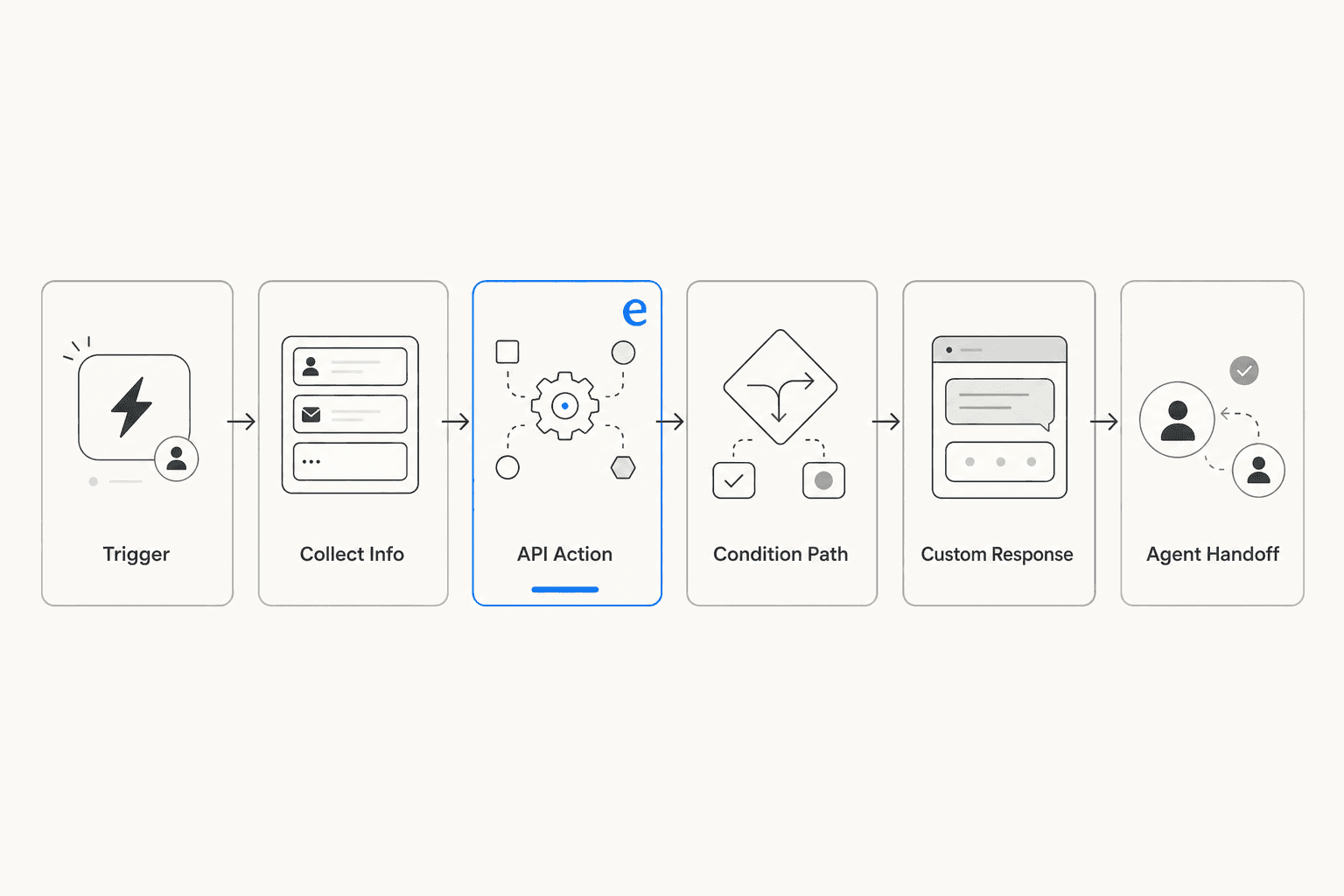
- Trigger - defines what customer phrases start the workflow ("Where is my order?", "Track my package")
- Collect Info - gathers specifics (order ID, email, account number) with configurable field types and required/optional toggles
- API Action - calls an external system in real time: check order status, process a refund, create a ticket, sync customer data
- Condition Path - branches the flow based on collected or retrieved data (order status: shipped vs. delayed, business hours: active vs. inactive)
- Custom Response - sends a specific message at that point, either AI-generated from the collected data or a fixed static reply
- Agent Handoff - transfers the conversation to a human agent when the AI can't resolve it
You can chain multiple API calls. An example: Collect Order ID → call Fetch Order API → capture status and payment_method → branch on status → send a Custom Response or trigger a second API call for a refund. No code anywhere in that chain. After building, click Preview Workflow to test before activating. Workflow versioning lets you edit a live workflow as a draft without disrupting the current active version.
Freshdesk plan requirements
The full AI feature set is on Freshdesk Omni. Standalone Freshdesk ticketing does not include the Workflow Builder, live translation, conversation summarizer, or conversational knowledge base - those require Omni or Freshchat.
| Feature | Omni Growth ($29/agent/mo) | Pro ($79) | Enterprise ($119) |
|---|---|---|---|
| Freddy AI Agent (chat/web) | Yes, 500 free sessions | Yes | Yes |
| Email AI Agent | No | Yes | Yes |
| Freddy AI Copilot (agent assist) | Add-on, Pro/Enterprise only | $29/agent/mo | $29/agent/mo |
| Agentic Workflow Builder | Yes | Yes | Yes |
Choosing between the two
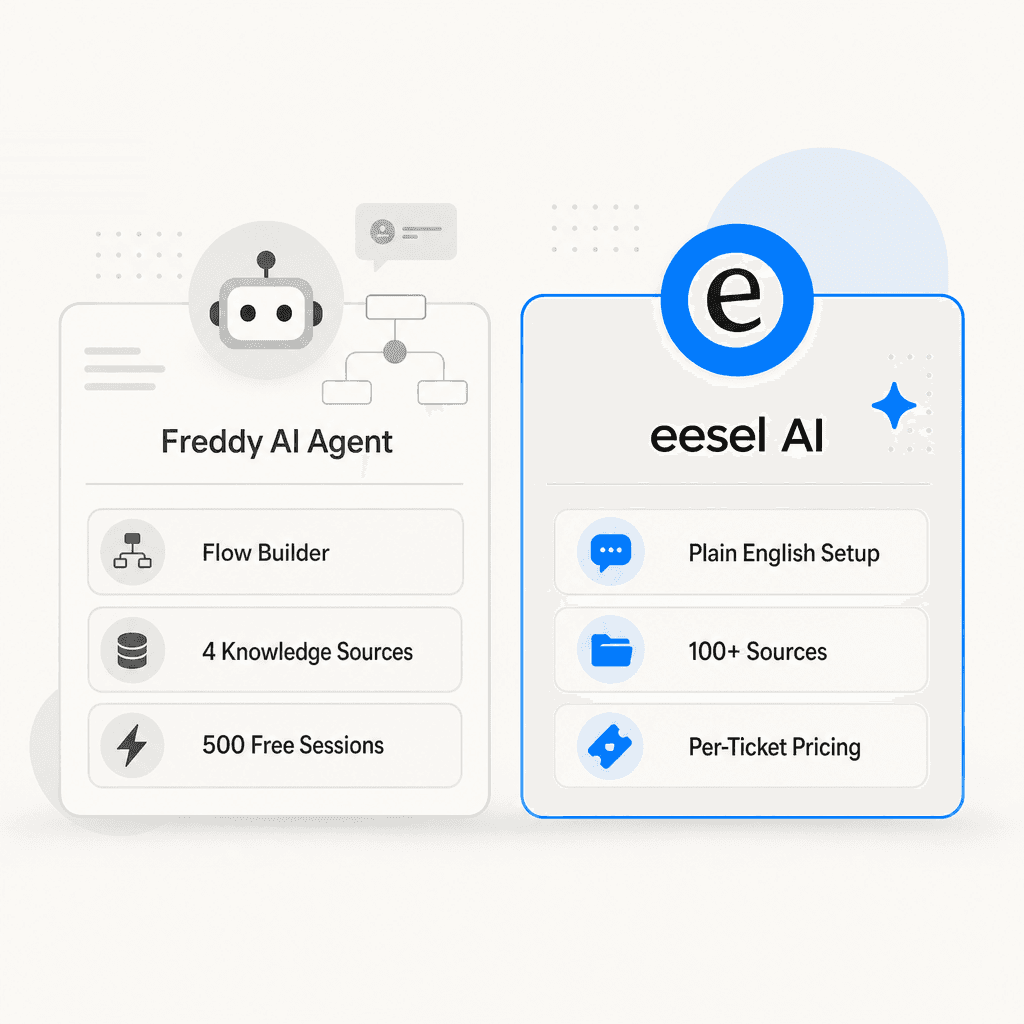
Both approaches can resolve tickets without code. The choice comes down to knowledge sources, setup approach, and how you want pricing to scale.
| eesel AI | Freddy AI Agent | |
|---|---|---|
| Setup time | ~15 minutes | ~30-60 min for Workflow Builder |
| Knowledge sources | 100+ (Freshdesk, Notion, Drive, Shopify, website) | 4 (Files, URLs, Solution articles, Q&As) |
| Configuration | Plain English instructions | Visual flow builder + natural language triggers |
| Pricing | $0.40/ticket handled, no platform fee | $29/agent/mo (Omni) + $0.49/session after 500 |
| Pre-launch testing | Simulation on historical tickets with coverage % | Preview mode in AI Agent Studio |
| Escalation | Confidence-based drafts + configurable rules | Agent Handoff block |
| Languages | 80+ | 60+ |
For teams with knowledge in Google Drive, Notion, or Shopify, eesel's broader source support closes a real gap. For teams who want everything inside Freshworks with a visual flow builder, Freddy's native tools are enough to get started. For teams doing high ticket volumes where per-seat costs add up, eesel's per-ticket pricing often works out cheaper at scale. A full comparison of AI tools for Freshdesk is worth a read if you're evaluating options beyond these two.
Common mistakes when building a Freshdesk AI agent
Starting with too wide a scope. An agent that "handles everything" from day one is hard to verify and easy to break in ways you don't notice until a customer does. Start with one ticket type, confirm quality, then expand.
Skipping the test step. Both eesel's simulation mode and Freddy's Preview tab exist because shipping an untested agent to customers - especially one with API connections to order or refund systems - creates visible failures in front of real customers.
Thin knowledge sources. On r/helpdesk, u/georgejustin22 described Freddy as something that "gets marketed heavily but agents day-to-day rarely feel it in their workflow." In most teams, that's a knowledge problem - the agent can't resolve what it doesn't know. The fix is better documentation, not a different tool. The same is true for eesel.
Not designing escalation paths. Before going live, decide what happens when the AI can't answer. A ticket that falls through to a dead end frustrates customers more than no AI at all.
eesel AI for Freshdesk
eesel AI joins your Freshdesk account as a native AI agent - no code, no diagram-building, no bot flows to maintain. It learns from your existing tickets and help articles, takes instructions in plain language, and starts working the queue. The simulation mode validates quality on historical tickets before any customer sees it. Start free with $50 in credits, no card required.

Frequently Asked Questions
Share this article

Article by
Stevia Putri
Stevia Putri is a marketing generalist at eesel AI, where she helps turn powerful AI tools into stories that resonate. She’s driven by curiosity, clarity, and the human side of technology.