
GPT-Image-2 is a massive leap forward for AI image generation. It's not just about aesthetics anymore, it's about reasoning and functional utility.
ChatGPT's new image model can take a picture of a house and generate an entire floor plan.
That single observation from @deedydas's viral thread sums up why the internet is losing its mind over ChatGPT Images 2.0 this week. We've moved past the era where AI image generation was just for creating "cool art" or weirdly smooth portraits. With the release of the gpt-image-2 model, we've entered the era of visual reasoning. Images aren't just decoration anymore; they're functional systems.
At eesel AI, we're obsessed with how these "thinking" models can be hired as teammates to level up your work. Whether it's our eesel AI blog writer helping you publish trend-reactive content in minutes or a visual model designing your next app UI, the goal is the same: automating the heavy lifting so you can focus on strategy.
Let's break down the 10 most unbelievable things we saw GPT-Image-2 do this week.
What is ChatGPT Images 2.0?
Before we dive into the use cases, it's worth understanding what actually changed. Historically, image models operated as "black boxes." You provided a prompt, and the model guessed what pixels should go where.
ChatGPT Images 2.0 (also known as model gpt-image-2) introduces a fundamentally different approach. It integrates OpenAI's "O-series" reasoning capabilities, meaning the model doesn't just "draw" anymore. It researches, plans, and reasons through the structure of an image before the first pixel is rendered.
This "Thinking Mode" allows the model to:
- Search the web in real-time to ensure visual accuracy for current events or technical artifacts.
- Analyze uploaded documents, like a PowerPoint or a blog post, and synthesize that data into a cohesive visual.
- Maintain character and object continuity across up to eight distinct images from a single prompt.
Bottom line? It's a generalist model that treats images as a language. A good image now does what a good sentence does: it selects, arranges, and reveals.
Viral use cases of GPT-Image-2
The following use cases went viral this week because they solve real-world problems that used to take hours of manual design or architectural work. We've evaluated these based on their utility, accuracy, and the sheer "wow factor" they delivered to the AI community.
| Feature | Use Case | Viral Outcome |
|---|---|---|
| Architecture | House → Floor Plan | Fully annotated architectural plan from a photo |
| Data Viz | Chart Beautification | Professional graphs from raw code output |
| Education | Technical Diagrams | Publication-quality science graphics |
| UI/UX | App Redesign | Pixel-perfect creative UI iterations |
| Branding | Full Brand Kit | Consistent logos, palettes, and icons |
| Engineering | Architecture Diagrams | Tech graphics from blog posts |
| Sales | Slide Decks | Investor-style slides from a prompt |
| Product | Photorealistic Shots | Commercial-grade product photography |
| Interactive | QR Code Generation | Functional QR codes integrated into art |
| Editorial | Magazine Layouts | Full spreads with headlines and barcodes |
1. House exterior to annotated floor plan
This was the hook that started it all. By uploading a single photo of a house exterior, users were able to generate a full, annotated architectural floor plan.

This isn't just a rough sketch. The model includes room labels, dimensions, a legend, and even a scale. For real estate professionals or homeowners planning a renovation, this is a drastic time saver. It moves the needle from "I have an idea" to "I have a draft" in seconds.
- Pros: Drastic time saver for real estate and home planning.
- Cons: Requires clear exterior shots and may still need a human architect for structural verification.
2. Chart beautification
Anyone who has ever struggled with Matplotlib or basic Excel charts knows the pain of making data look professional. GPT-Image-2 can take a raw, ugly graph and transform it into a presentation-ready visual.

The key here is that it preserves the data accuracy while applying modern design aesthetics. It's not just a filter; the model "understands" the axes and values, then redesigns the layout for maximum clarity.
- Pros: No design skills needed for data analysts.
- Cons: Extremely complex datasets may still need a quick sanity check for accuracy.
3. Technical educational diagrams
Text rendering has always been the "tell" of AI-generated imagery. If the text was gibberish, you knew it was AI. GPT-Image-2 has solved this, especially for technical contexts.

Prompting for a "technical diagram for photosynthesis" now produces publication-quality science diagrams. The labels are legible, the arrows point to the right structures, and the overall composition follows instructional design best practices.
- Pros: High-fidelity, accurate labeling even in dense compositions.
- Cons: Niche technical details in rare fields might still require expert review.
4. Pixel-perfect UI redesign
Designers are using the model to fast-track the ideation phase. One viral example involved asking the model to "make this DoorDash UI more creative and provocative."

The result? Pixel-perfect redesigned app screens that look like they came from a high-end design agency. It's an incredible tool for brainstorming before a single line of code is written.
- Pros: Extremely high fidelity; identifies modern design trends.
- Cons: The output is an image, not a functional prototype (for now).
5. Full brand kits
Startups can now generate a complete brand identity in a single pass. We're talking logos, wordmarks, color palettes, icon sets, and typography rules.

Because of the model's new spatial reasoning, all these assets share the same visual DNA. It's no longer a collection of random "cool" icons, but a cohesive system that follows a singular aesthetic.
- Pros: Instant, professional-grade brand identity for new projects.
- Cons: Lacks the deep brand strategy and market positioning of a human agency.
6. Architecture diagrams from text
By pasting a technical blog post (like the recent Qwen 3.6 announcement), users generated clean, technical architecture graphics.
The model avoids the "yellow tone" artifacts and messy overlaps that plagued previous iterations. It synthesizes complex written information into a structured visual that makes the technical content much easier to digest.
- Pros: Perfectly synthesizes dense text into visual explainers.
- Cons: Requires a well-structured input text to get the best results.
7. One-shot slide decks
The "Reasoning" pass of GPT-Image-2 allows it to create complete investor-style presentation slides from a single prompt.

It combines layout, text, and graphics in a way that respects the hierarchy of information. While you can't edit the text as you would in PowerPoint, the generated layouts are stunning and can serve as a "north star" for your actual deck.
- Pros: Massive productivity boost for sales and pitch prep.
- Cons: Fixed layout (image format only).
Professional applications: Product shots and layouts
Beyond the viral "hacks," GPT-Image-2 is making waves in professional photography and editorial design. The model's "stylistic sophistication and realism" mean it can now handle photorealistic product shots that look indistinguishable from a studio session.
We've seen users generate:
- Commercial-grade product photography: Complete with realistic lighting, textures, and depth of field.
- Functional QR codes: The model can now integrate working QR codes into stylized artwork, making it a viable tool for marketing flyers and interactive posters.
- Magazine-style layouts: Full editorial spreads that include headlines, body text, barcodes, and even the "display until" date rendered with crisp precision.
This represents a shift toward what OpenAI calls "economically valuable creative tasks." It's not about making pictures anymore; it's about generating production-ready assets.
React to trends faster with eesel AI
Publishing content about fast-moving trends like GPT-Image-2 requires speed. If you wait a week to write about a viral thread, the conversation has already moved on.

eesel AI makes trend-reactive content possible. We don't just provide a tool, we provide an AI teammate that you hire to level up your entire content strategy. Our eesel AI blog writer handles the heavy lifting, from initial SERP analysis to deep research and drafting, so you can publish trend-reactive listicles like this one before the hype dies down.
Our approach is different. Most AI tools are black boxes you hope for the best with. With eesel AI, you can:
- Onboard in minutes: We learn your business context, tone, and policies from your existing data immediately.
- Start with guidance: Have eesel draft replies or posts for review before they ever go live.
- Level up to autonomous: As you gain confidence, you can expand eesel's scope to handle full frontline support or content generation.
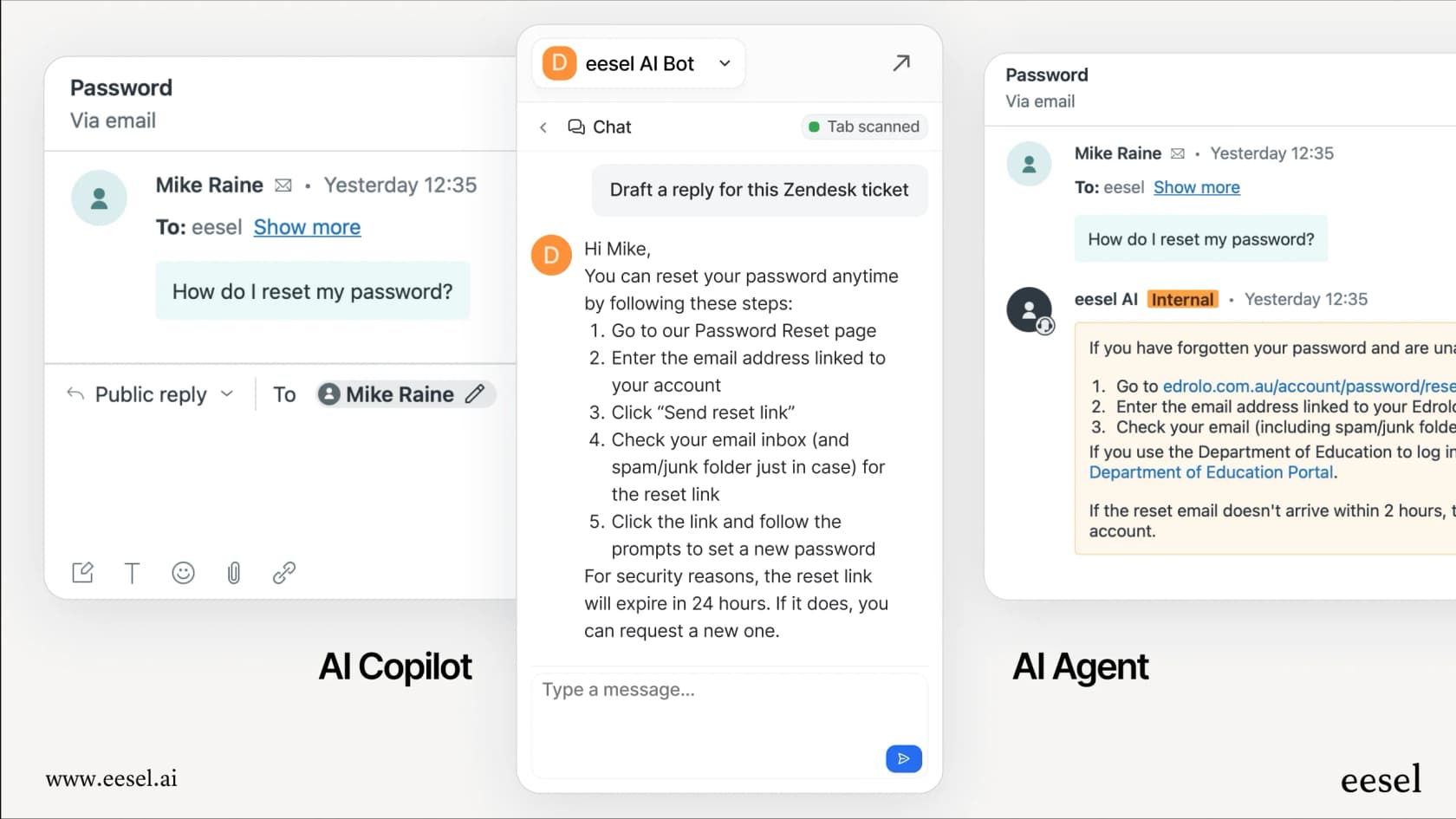
The path from "new hire" to "top-performing agent" is controlled by you. Whether you're looking to automate your help desk or speed up your blog production, we're here to help you scale.