The 5 best free AI writing tools for bloggers in 2026

Stevia Putri

Katelin Teen
Last edited May 18, 2026

Most bloggers spend 4-6 hours on a single post. Research, outlining, writing, editing - it adds up fast. Free AI writing tools can cut that to 1-2 hours, but not all of them are genuinely useful for long-form blog work. Some hit a paywall after 50 words. Others produce output that reads like every other AI-generated article. A few actually help.
This is a rundown of five free AI writing tools bloggers can use in 2026: what each one does well, where each one runs short, and how to tell which fits how you actually write.
What to look for in a free AI writing tool
Not all free plans are equal. A "free forever" badge on a pricing page might mean 10,000 characters a month (roughly one blog post) or it might mean 10 messages per session. The useful question is: what can you do before hitting a wall?
For bloggers specifically, the things worth checking:
- How much you can generate per month (words, characters, or messages)
- Whether the output needs light editing or heavy structural repair
- Whether SEO basics (keyword placement, meta descriptions) are included
- Whether you can tune it to your writing voice
- Publishing integrations, if you want to skip copy-paste
AI writing tools work best when they handle the parts of the process that slow you down - blank-page paralysis, rough outlines, first drafts - rather than replacing the judgment and specificity that make a post worth reading.
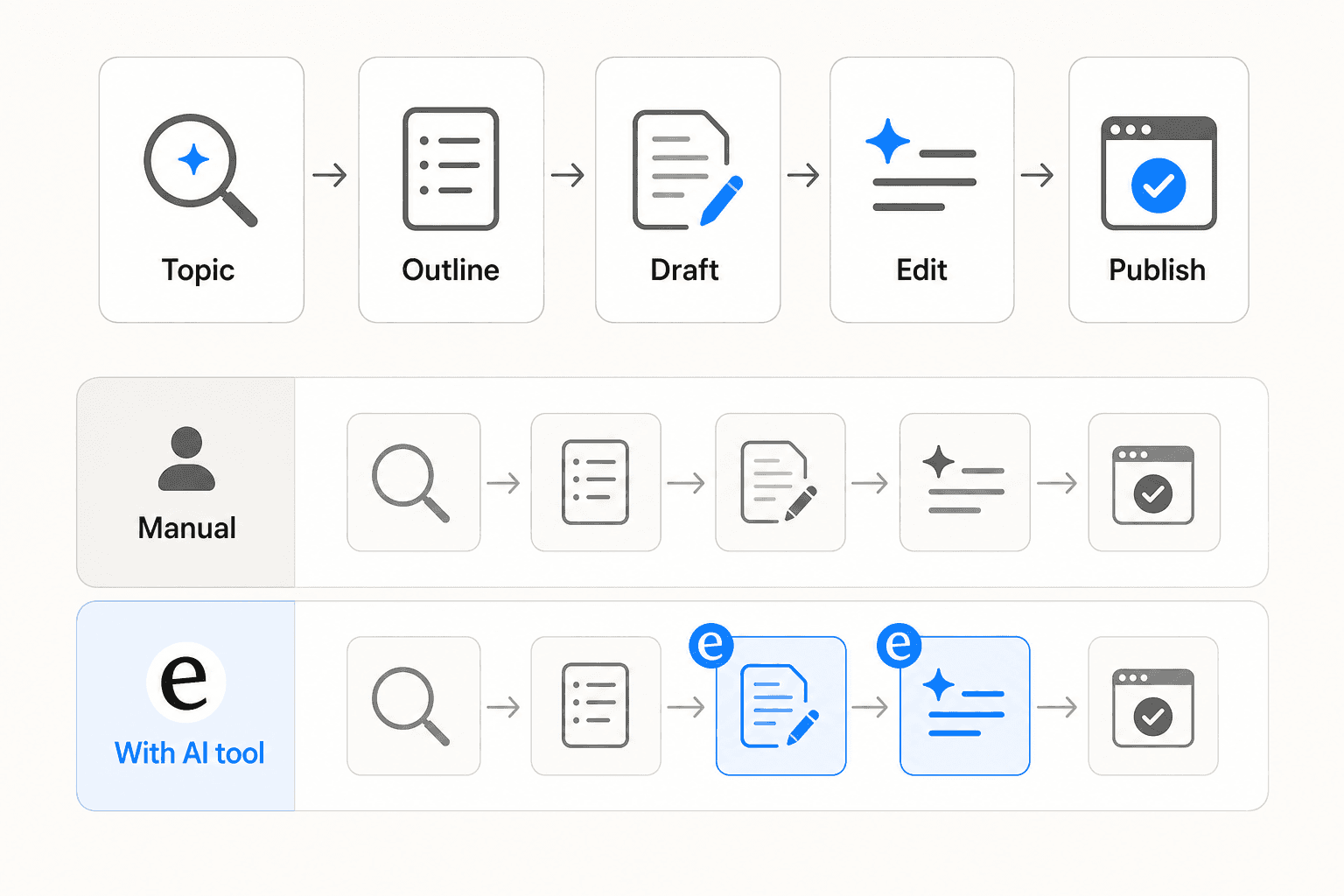
The 5 best free AI writing tools for bloggers in 2026
Here is a look at five tools with genuine free plans - no trial timers, no credit card required.
1. ChatGPT
ChatGPT is the tool most bloggers already have open in a tab. The free tier includes access to GPT-5.5 - OpenAI's current flagship model - with a rate limit of roughly 10 messages per 5-hour window before it drops to a faster, lighter version. For a focused writing session on one post, that limit is rarely a problem.
The Canvas editor is where ChatGPT becomes genuinely useful for blog work. Rather than pasting drafts between windows, you write inside a split-pane document editor where the AI makes targeted inline changes - adjust length, shift reading level, clean up grammar, rewrite specific sections - without touching the rest. It behaves more like a co-editor than a generator.
Custom Instructions carry your blog's tone, audience, and formatting preferences across every session so you're not re-briefing the AI on who you're writing for. Projects extend this to client work, letting you attach brand docs and style guides to a specific workspace.
On the free plan, Deep Research - which autonomously browses hundreds of sources and produces a cited report - runs 5 times per month. That's enough for occasional data-heavy posts; for regular long-form work where research is the bottleneck, 5 runs gets used quickly.
Free tier: ~10 messages per 5-hour window on GPT-5.5; more on the lighter fallback model
Paid from: $8/month (Go plan); $20/month (Plus)
Best for: Bloggers who want one flexible tool covering research, drafting, and editing in a single interface
2. Writesonic
Writesonic gives 10,000 words per month on its free plan, with access to GPT-4o mini and Claude Haiku. At 1,500-2,500 words per post, that covers 4-6 complete articles a month with room left over. It's the most generous raw word allowance of any free plan in this list.
The AI article writer handles keyword input, research structuring, and draft generation in sequence. Chatsonic - Writesonic's multi-model assistant - lets you switch between OpenAI, Anthropic, and Google models inside one interface rather than keeping multiple tabs open.
One thing worth understanding: Writesonic has shifted its focus toward Generative Engine Optimization (GEO), helping brands track and improve visibility in AI search results like ChatGPT, Gemini, and Perplexity. That's a paid-tier feature. The free plan covers content writing and basic SEO; GEO tracking is separate. For bloggers writing primarily for Google organic traffic, the free tier is fully functional.
One G2 reviewer from a content team put it well:
"Writesonic lets you think about content strategy in the AI era on purpose, instead of just throwing stuff at the wall. We picked the prompts we care about being visible for, looked at how our competitors show up for those same prompts, now we generate content against them quickly, then track whether anything's actually shifting." - Marya A., Head of Content (G2)
Free tier: 10,000 words/month; GPT-4o mini + Claude Haiku; no GEO tracking
Paid from: $39/month (annual)
Best for: Bloggers with consistent monthly output who want structured article drafting built around their keyword strategy
3. Rytr
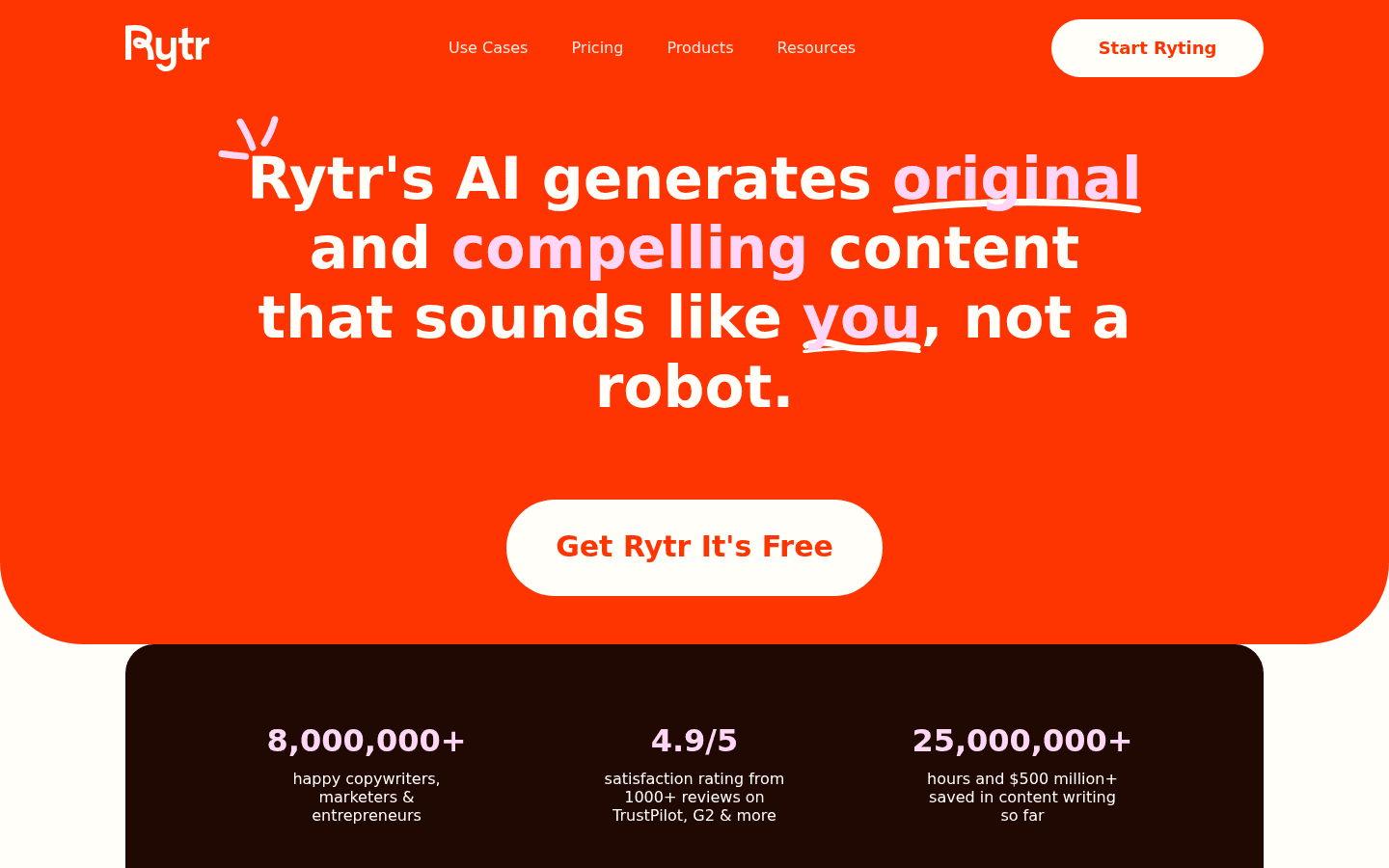
Rytr gives 10,000 characters per month on its free plan - roughly 1,500-2,000 words, or one standard blog post. The character limit is the tightest in this list, but the tool itself has the lowest friction of any dedicated AI writing platform.
The core feature is tone-of-voice matching. Rytr analyzes a writing sample and mirrors the style in generated output. The free plan doesn't include custom tone building (that starts with the paid Unlimited plan), but 20+ pre-programmed tones - professional, conversational, inspirational, humorous, and more - cover most blogging styles without requiring configuration.
The 40+ writing templates cover the specific jobs bloggers actually need: blog post intros, outlines, paragraph expansion, section openers. You're not starting from a blank prompt and hoping the output is shaped correctly.
8 million+ users have used the platform, and it holds a 4.7/5 rating across 820+ G2 reviews. The consistent praise is ease of use and the accuracy of tone matching. One limitation Reddit users have noted: Rytr "has problems understanding context" for complex or technical topics (r/WritingWithAI), so it's better suited to lifestyle, marketing, and business content than niche technical writing.
At $7.50/month for unlimited generation, the upgrade from the free tier is low-cost enough that the free plan works well as a permanent trial rather than a full standalone option.
Free tier: 10,000 characters/month (~1,500-2,000 words); no custom tones; single language
Paid from: $7.50/month (Unlimited, annual)
Best for: New bloggers who want a simple, structured tool with clear templates and a predictable upgrade path
4. HubSpot AI blog writer
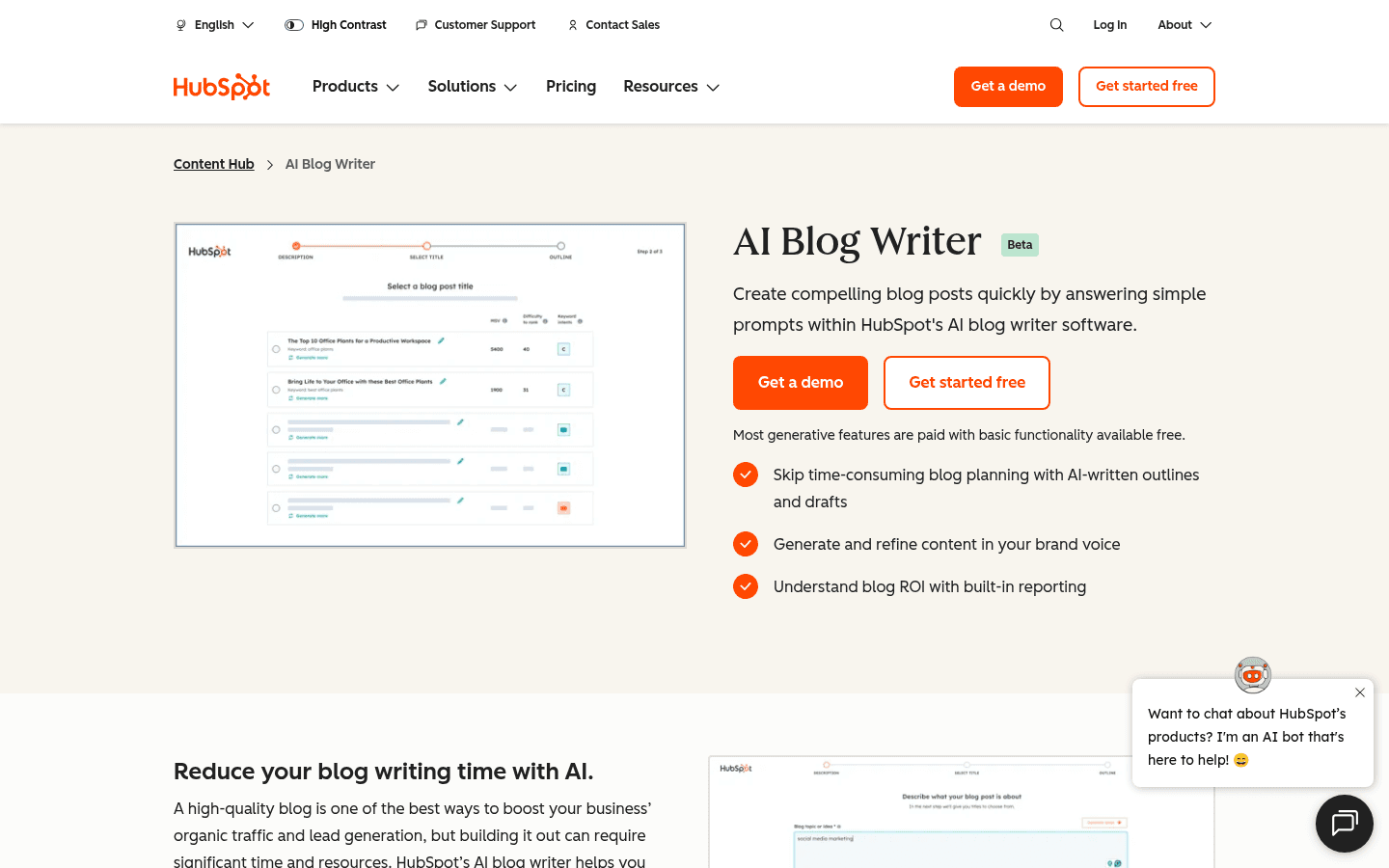
HubSpot's AI blog writer lives inside Content Hub - which means it sits in the same CMS where you publish posts, manage SEO, and track page analytics. For anyone already using HubSpot, it removes one tool from the workflow.
The free tier includes Breeze Copilot, an in-editor AI assistant that drafts, rewrites sections, adjusts tone, and suggests improvements without switching tabs. There's no monthly word cap on basic drafts. The limits are different: HubSpot's branding appears on your site's pages, forms, and CTAs, and the free plan caps you at 30 published posts.
What's missing at the free tier: brand voice definition (Professional tier), research-backed drafts via Breeze Content Agent (Professional tier), and content remix for repurposing posts into social copy or email (Professional tier). Free drafts are starting points - coherent structure, serviceable paragraphs - but they need editing on accuracy and specificity before publishing.
For bloggers not already on HubSpot, the free plan also includes basic website hosting, a CRM, and email tools. The integrated stack is useful if you're starting fresh; it's less relevant if you're already running on WordPress or a separate CMS.
Free tier: Unlimited basic drafts + Breeze Copilot in-editor; HubSpot branding on site; 30 post limit
Paid from: $9/seat/month (Starter, removes branding)
Best for: Bloggers already on HubSpot, or those starting from scratch who want a CMS and AI writing tool in a single free account
5. Copy.ai
Copy.ai offers 2,000 words per month plus a one-time allocation of 200 workflow credits on its free plan. The output is fast and well-formatted - useful for blog introductions, headlines, framework-driven sections, and marketing-adjacent copy.
The context matters: Copy.ai pivoted in 2024 from a general writing tool to an enterprise GTM platform. The free plan reflects that shift - it's designed for individual testing rather than sustained blogging. The 2,000-word monthly limit runs out quickly for anyone publishing more than one post a month. That said, the 90+ templates covering blog post openers, AIDA frameworks, headline variations, and product descriptions are genuinely useful for filling in specific sections rather than generating full drafts.
One Capterra reviewer from a solo business summed up the value accurately: "I have loved this software, it has meant I have been able to meet my marketing goals as a solo business owner, given that there are dozens of other time-consuming tasks that need completed also." (Kristopher C., Capterra) Another was more direct about its limits: "User friendly and fast for short content generation but needs heavy fact checking and edits for long form writing." (Nishant T., Capterra)
Free tier: 2,000 words/month + 200 one-time workflow credits; 1 seat
Paid from: $29/month (Chat plan, 5 seats, unlimited words)
Best for: Bloggers who need fast short-form copy - introductions, headlines, section starters - not full-length post generation
How these five tools compare
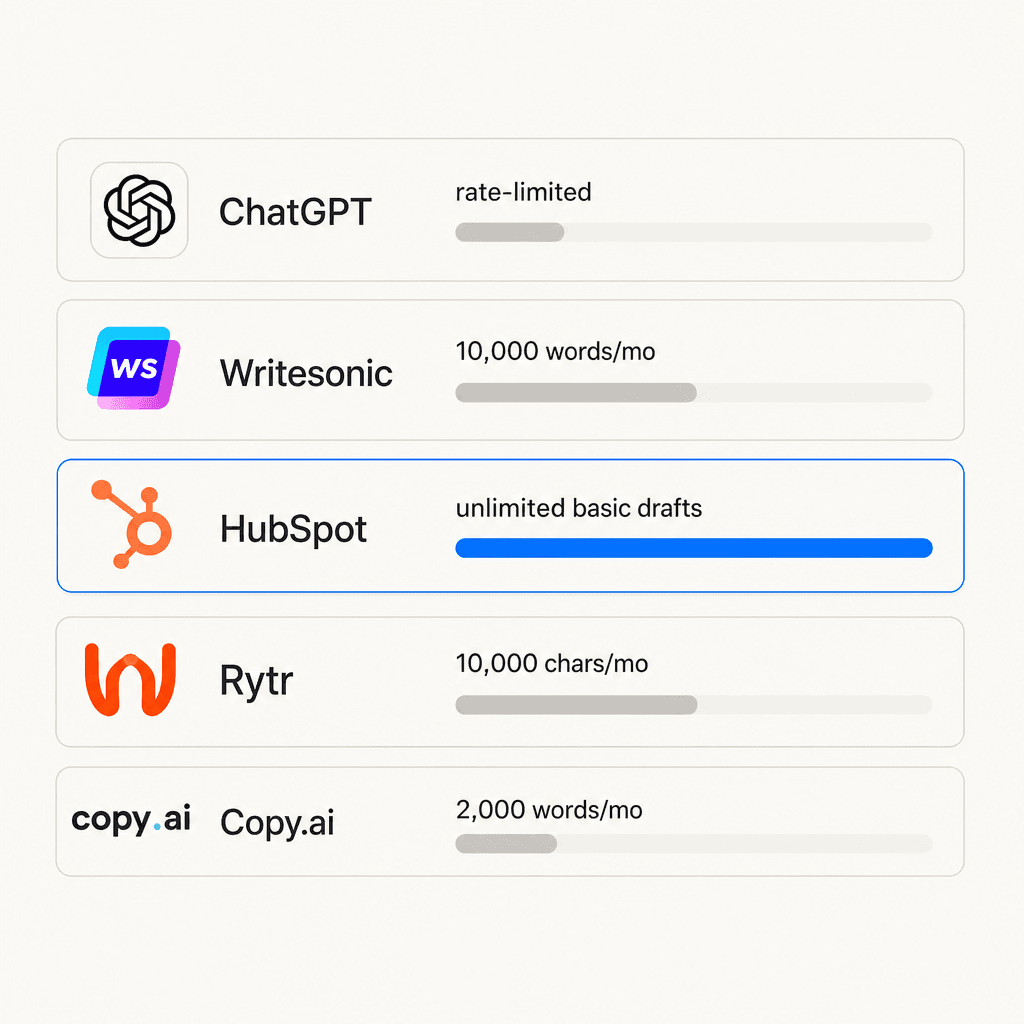
| Tool | Free generation limit | Paid from | Key free-tier constraint |
|---|---|---|---|
| ChatGPT | ~10 msgs per 5 hrs (GPT-5.5) | $8/mo | Message rate limit, not word cap |
| Writesonic | 10,000 words/month | $39/mo | GPT-4o mini only; no GEO tracking |
| Rytr | 10,000 characters/month | $7.50/mo | No custom tones; single language |
| HubSpot AI Blog Writer | Unlimited basic drafts | $9/seat/mo | HubSpot branding; 30 post cap |
| Copy.ai | 2,000 words/month | $29/mo | Very limited for full-length posts |
None of these tools produce publication-ready output without human editing. The gap between free and paid tiers is mostly draft quality and how much you can generate - not whether the core function works. On free plans, expect 40-60% of your writing time to go into editing and adding specifics. On paid plans, the drafts are meaningfully better, and the monthly volume limits disappear.
How to choose the right free AI writing tool for your blog
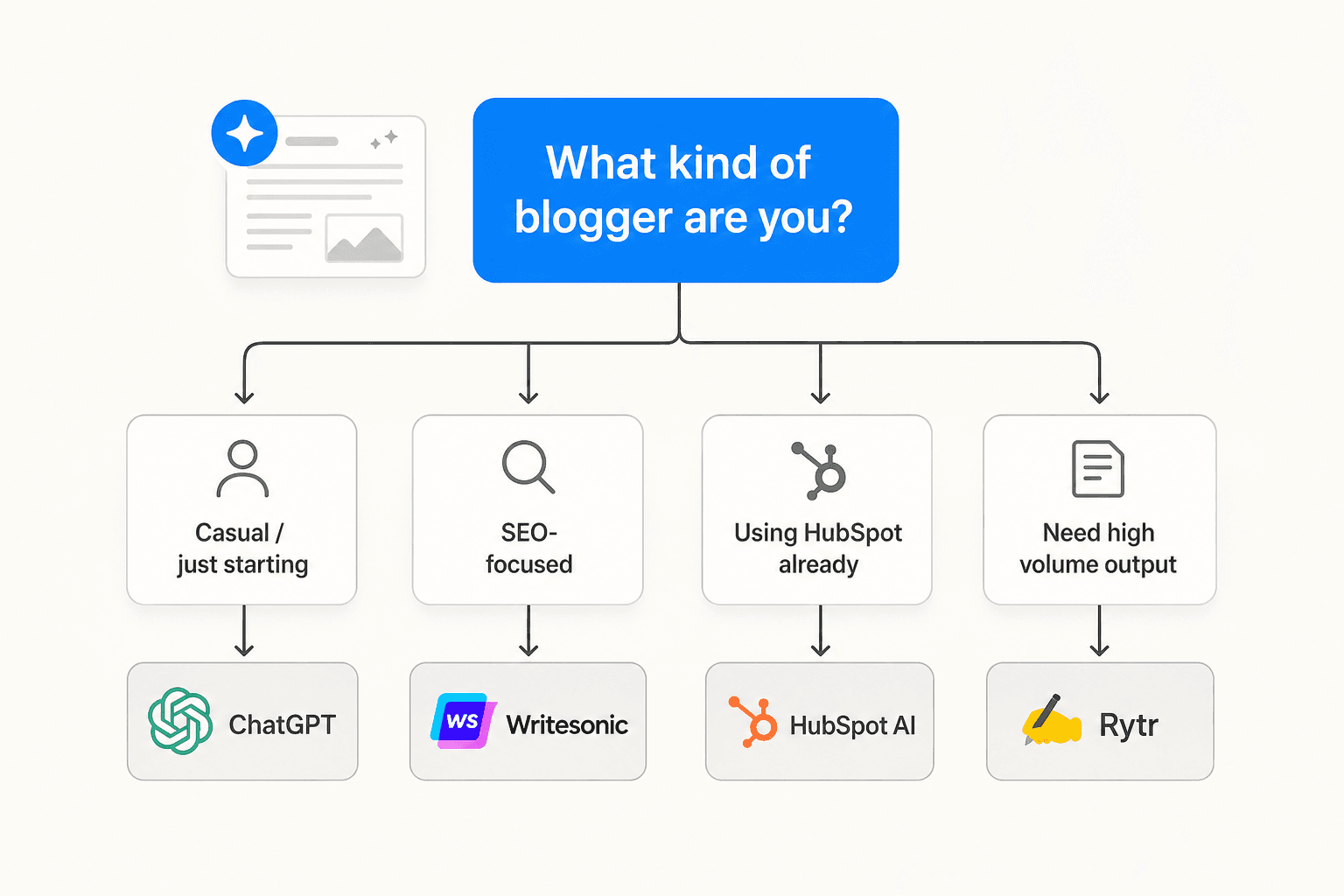
The practical answer depends on how you actually work.
If you're just starting out and want to try AI writing without any commitment: ChatGPT's free tier is the most flexible starting point. Canvas handles long-form drafts well enough for most blog formats. Custom Instructions carry your voice settings across sessions. The 5 free Deep Research runs per month are sufficient for occasional data-backed posts.
If you publish 4-6 posts per month and need consistent article generation: Writesonic's 10,000 words/month free plan is the most practical. The structured article writer produces better first drafts than a general chat interface for keyword-targeted posts.
If you're on HubSpot already: the AI blog writer is already in your account. No new tool to learn.
If you outgrow free tiers quickly: Rytr's upgrade path is the most affordable - $7.50/month for unlimited generation. That changes the economics entirely for high-frequency bloggers.
If you need short-form copy more than full-length drafts - intros, headlines, section openers that support a post you're writing manually - Copy.ai's free template library does that job faster than a general chat interface.
Try eesel AI for blog writing
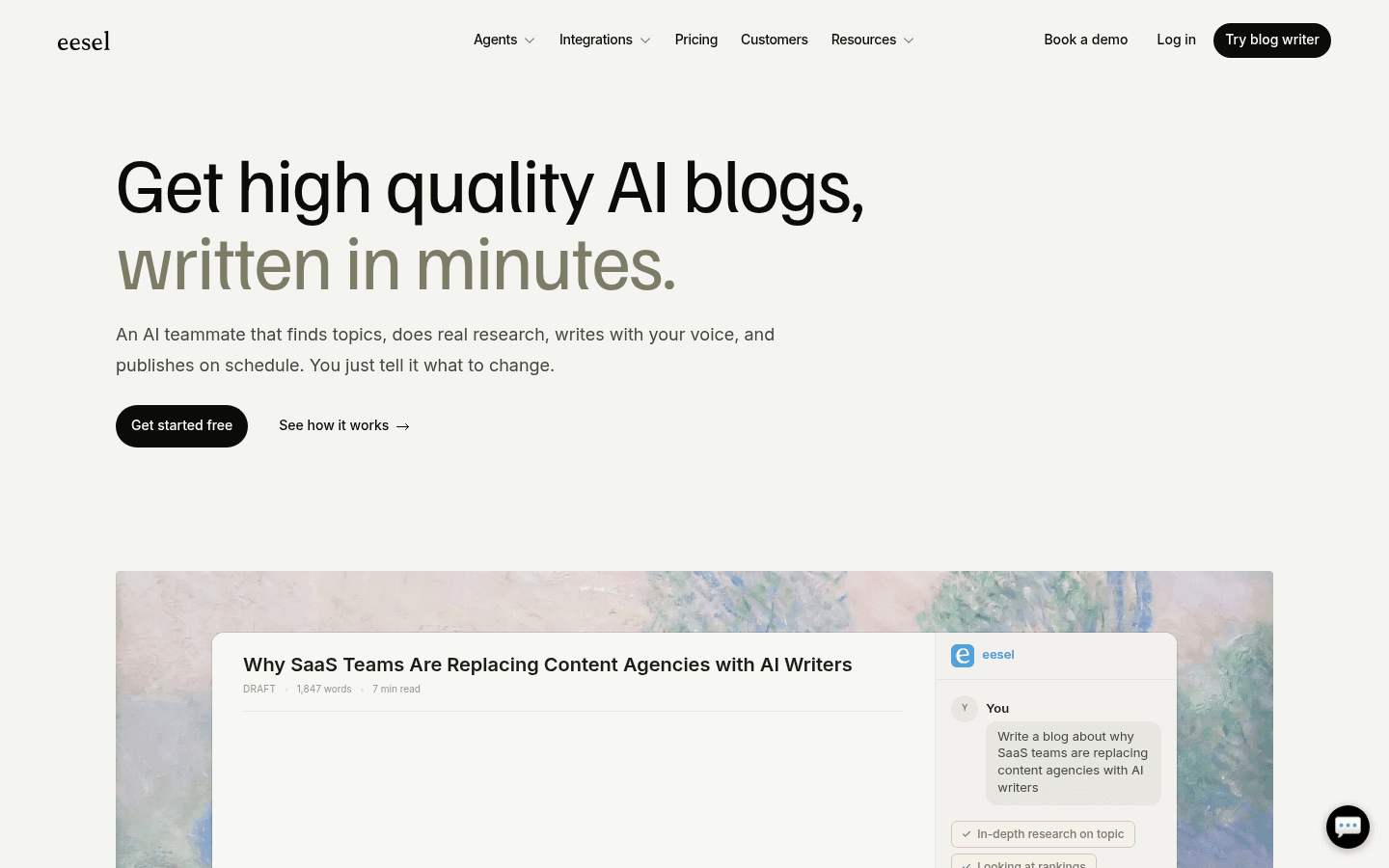
eesel AI's Blog Writer works differently from the tools above. Instead of a chat interface where you prompt your way to a draft, the Blog Writer agent researches your target keyword autonomously - pulling from competitor SERP data, Reddit discussions, and industry sources - writes a full draft matched to your brand voice, generates images, embeds citations, and publishes directly to WordPress, Webflow, or Ghost.
The cost is $4.00 per completed post, with no monthly minimum. Every new account starts with $50 in free usage - that's 12 full posts to test with before spending anything. For teams or solo bloggers running a consistent content program, it's a different calculation than any hourly-limit free tier: the question shifts from "how much can I generate" to "what's the cost per published, publish-ready post."
The 94% voice match from day one comes from analyzing your existing published articles. Output includes citations, AI-generated images, and SEO metadata - the draft goes straight to review, not to a lengthy editing pass.

Frequently Asked Questions
Share this article

Article by
Stevia Putri
Stevia Putri is a marketing generalist at eesel AI, where she helps turn powerful AI tools into stories that resonate. She’s driven by curiosity, clarity, and the human side of technology.