Finding the right place to store and share knowledge can make or break a team's productivity. Three platforms dominate the conversation: Confluence, Notion, and GitBook. Each takes a fundamentally different approach to documentation, and choosing the wrong one means wrestling with a tool that doesn't fit how your team actually works.
Let's break down what each platform offers, where they fall short, and how to decide which one belongs in your stack.
What these documentation tools offer
At their core, all three platforms solve the same problem: they give teams a central place to create, organize, and find information. But their philosophies differ significantly.
Confluence positions itself as the enterprise collaboration standard. It's built around structured page hierarchies, deep integration with the Atlassian ecosystem (Jira, Trello), and granular permissions. If your organization already lives in Jira, Confluence feels like a natural extension.
Notion takes the opposite approach. Instead of rigid structure, it offers a flexible block-based editor where docs, databases, and project management blend together. It's the Swiss Army knife of workplace tools, trusted by 98% of the Forbes Cloud 100 including OpenAI, Figma, and Nvidia.
GitBook focuses specifically on technical documentation. With native Git sync, OpenAPI support, and a docs-as-code workflow, it speaks directly to developer teams who want their documentation to live alongside their code.
Confluence: The enterprise standard
Confluence has been the go-to enterprise wiki for nearly two decades. It excels at creating structured knowledge bases with clear hierarchies and permissions.
Where Confluence shines
The platform's strength lies in its integration with the Atlassian ecosystem. If your team already uses Jira for project tracking or Jira Service Management for support, Confluence connects seamlessly. You can embed Jira issues directly into documentation, create pages from Jira tickets, and maintain bidirectional links between code and docs.
Confluence's AI capabilities come through Rovo, Atlassian's GenAI product. Rovo Search can find information across all your SaaS apps, not just Confluence. Rovo Chat acts as an AI teammate for brainstorming and complex tasks, while Rovo Agents automate specific workflows. The Standard plan includes 25 AI credits per user monthly.
The platform also offers whiteboards for visual collaboration, databases for structured information, and built-in Loom integration for async video communication. Version history, page permissions, and macros for dynamic content round out the feature set.
Where Confluence struggles
The learning curve is real. New users often find Confluence's interface overwhelming, with its many menus, options, and configuration settings. Performance can lag with large documentation sets, and the editor, while powerful, isn't as intuitive as newer alternatives.
Pricing scales linearly with team size, which can get expensive quickly. The Free plan caps at 10 users, and paid plans start at $5.42 per user monthly for Standard, jumping to $10.44 for Premium. For a team of 50, you're looking at $271-$522 per month before add-ons.
Notion: The flexible workspace
Notion has redefined what a documentation tool can be. It's not just for docs; it's a complete workspace where notes, databases, wikis, and projects coexist.
Where Notion excels
The block-based editor is genuinely delightful to use. Everything is a block: paragraphs, images, databases, embeds. You can drag and drop blocks anywhere, nest pages infinitely, and create relationships between data that would be impossible in traditional wikis.
Notion's AI capabilities are built-in and impressive. The Notion Agent can complete complex multi-step tasks using context from your workspace and connected apps. Custom Agents let you automate repetitive work, from triaging product feedback to generating weekly reports. Enterprise Search finds answers across Slack, GitHub, Google Drive, and other connected tools.
The platform also includes Notion Calendar for scheduling, Notion Mail for AI-powered email management, and AI Meeting Notes that transcribe and summarize conversations automatically.
With 100 million users worldwide and recognition as the #1 knowledge base on G2 for three consecutive years, Notion has proven its staying power.
Where Notion falls short
The flexibility that makes Notion powerful can also make it chaotic. Without governance, workspaces become disorganized messes of nested pages and abandoned databases. There's no custom domain support for published sites, and version history is limited on lower tiers (7 days on Free, 30 days on Plus).
For technical documentation specifically, Notion isn't purpose-built. It lacks native OpenAPI support, Git sync capabilities, and the clean, developer-focused UI that technical teams often prefer.
GitBook: The developer choice
GitBook occupies a unique position as the documentation platform built specifically for technical teams. If your primary need is creating developer documentation, API references, or technical guides, GitBook deserves serious consideration.
Where GitBook stands out
The Git Sync feature is the headline attraction. It provides bi-directional synchronization with GitHub and GitLab repositories, meaning developers can write documentation in their IDE using Markdown while technical writers edit in GitBook's visual editor. Changes flow both ways automatically.
GitBook's AI features focus specifically on documentation quality. The GitBook Agent monitors your docs and proactively suggests improvements based on support tickets, changelogs, and repository activity. The AI Assistant answers user questions directly from your documentation, reducing support burden.
The platform is built for modern AI discoverability with built-in llms.txt and MCP server support, ensuring your documentation gets surfaced by AI tools like ChatGPT and Claude. Interactive OpenAPI documentation lets developers test APIs directly from your docs.
Security credentials are solid with SOC 2 and ISO 27001 certification, and the platform maintains 99.99%+ uptime.
Where GitBook limits you
GitBook's focus is also its constraint. It's purpose-built for documentation, not general knowledge management. You won't find project management features, flexible databases, or the broad integration ecosystem of Confluence or Notion.
The pricing model is unique: you pay per site plus per user. A Premium site costs $65 per month plus $12 per user. For a team of 10, that's $185 monthly. Ultimate jumps to $249 per site plus $12 per user. It's not cheap, and the value proposition assumes documentation is central to your product strategy.
Pricing comparison
Here's how the three platforms compare on cost as of 2026:
Confluence pricing
| Plan | Monthly Price | Key Features |
|---|---|---|
| Free | $0 (up to 10 users) | Unlimited pages, 2GB storage, 3 whiteboards per user |
| Standard | $5.42/user | 250GB storage, Rovo AI (25 credits), business hours support |
| Premium | $10.44/user | Unlimited storage, unlimited whiteboards, 24/7 support, 99.9% SLA |
| Enterprise | Custom | Multiple sites, Atlassian Guard, 99.95% SLA |
Notion pricing
| Plan | Monthly Price | Key Features |
|---|---|---|
| Free | $0 | Unlimited pages for individuals, limited for teams, 7-day history |
| Plus | $10/member | Unlimited blocks, 30-day history, unlimited guests |
| Business | $20/member | Notion Agent, AI Meeting Notes, Enterprise Search, SAML SSO |
| Enterprise | Custom | Zero data retention, SCIM, advanced security, audit logs |
GitBook pricing
| Plan | Site Price | User Price | Key Features |
|---|---|---|---|
| Free | $0 | 1 user | gitbook.io domain, Git sync, OpenAPI docs |
| Premium | $65/site | $12/user | Custom domain, AI features, site insights |
| Ultimate | $249/site | $12/user | Site sections, authenticated access, AI Assistant |
| Enterprise | Custom | Custom | SAML SSO, migration support, custom integrations |
Feature comparison matrix
| Feature | Confluence | Notion | GitBook |
|---|---|---|---|
| Version control | Page history with rollback | 7-90 day history depending on plan | Git-native with branching |
| Collaboration | Real-time editing, comments, @mentions | Real-time editing, comments, mentions | Change requests, reviews |
| AI capabilities | Rovo Search, Chat, Agents | Notion Agent, Custom Agents, Enterprise Search | GitBook Agent, AI Assistant |
| Custom domains | Available on all paid plans | Notion.site domains only (no custom) | Premium and above |
| API documentation | Limited | Basic embeds | Native OpenAPI support |
| Integrations | 20+ including Jira, Slack, GitHub | Slack, GitHub, Jira, Google Drive | GitHub, GitLab |
| Mobile apps | iOS and Android | iOS and Android | Responsive web only |
| Export options | PDF, Word, HTML | PDF, Markdown, HTML | PDF, Markdown |
Which tool should you choose?
The right choice depends entirely on your team's workflow and priorities.
Choose Confluence if:
- You're already invested in the Atlassian ecosystem (Jira, Trello)
- You need enterprise-grade permissions and governance
- Cross-functional collaboration across departments is your priority
- Internal knowledge management at scale matters more than external documentation
Choose Notion if:
- You want flexibility beyond just documentation
- Your team includes both technical and non-technical users
- Database functionality and project management are important
- You're a startup or fast-growing team that values agility over structure
Choose GitBook if:
- You're creating developer or API documentation
- Your team lives in GitHub or GitLab workflows
- You need clean, published documentation sites with custom domains
- Version control through Git is non-negotiable
A modern alternative for AI-powered documentation
If you're reading this comparison because your current documentation setup isn't working, there's another option worth considering. At eesel AI, we approach knowledge management differently.
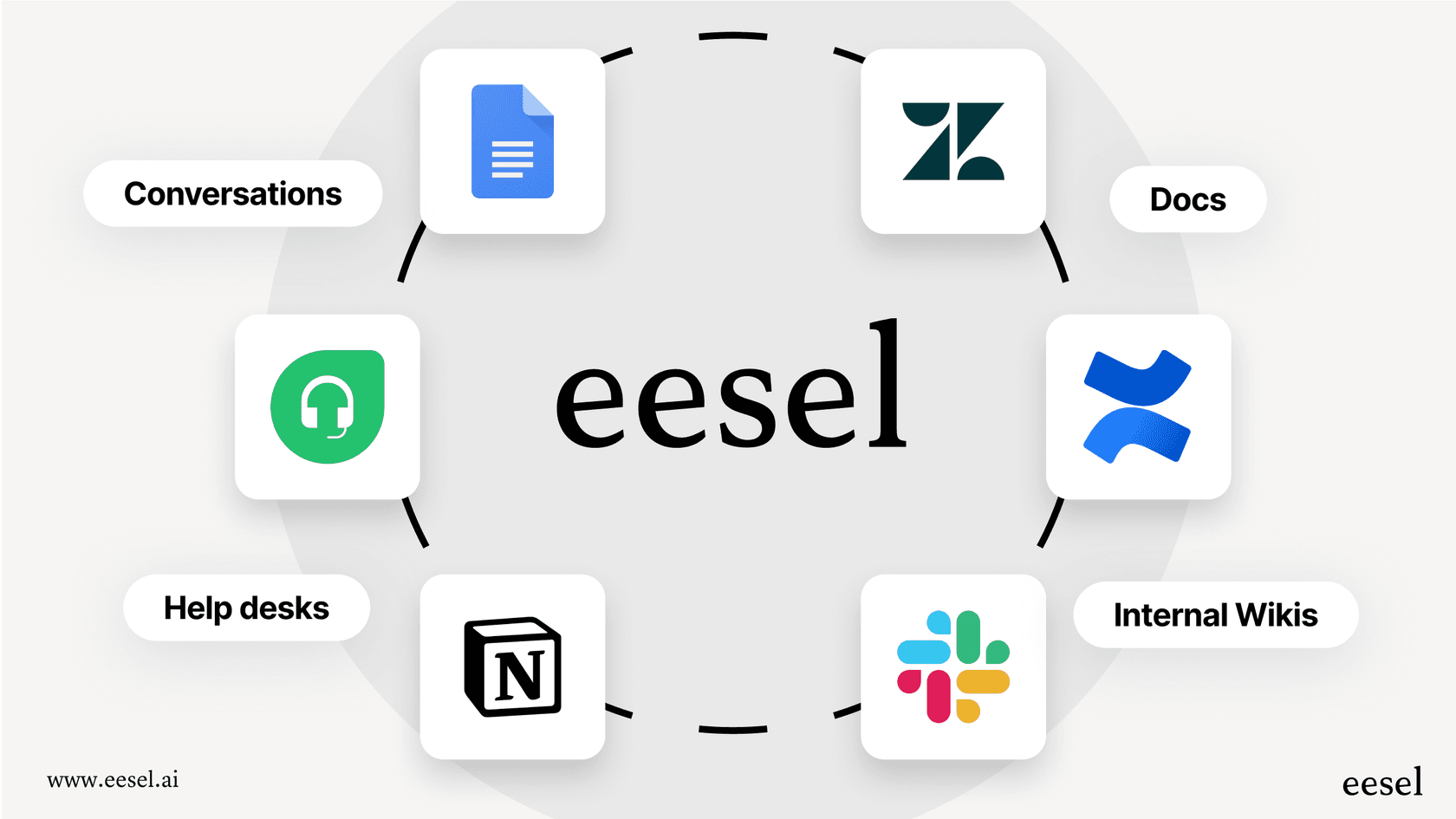
Instead of asking teams to migrate everything to yet another platform, we integrate with the tools you already use. Connect us to your help desk, Confluence, Notion, Google Docs, or Slack, and we learn from your existing knowledge. Our AI teammate can draft replies, answer internal questions, and handle documentation tasks without forcing you to rebuild your knowledge base from scratch.
The key difference is our progressive rollout approach. Start with AI assistance on drafts, then expand to more autonomous tasks as the AI proves itself. You define escalation rules in plain English, no code required. For teams frustrated with the complexity of traditional documentation platforms, this "hire an AI teammate" model often fits better than adopting another tool to manage.