
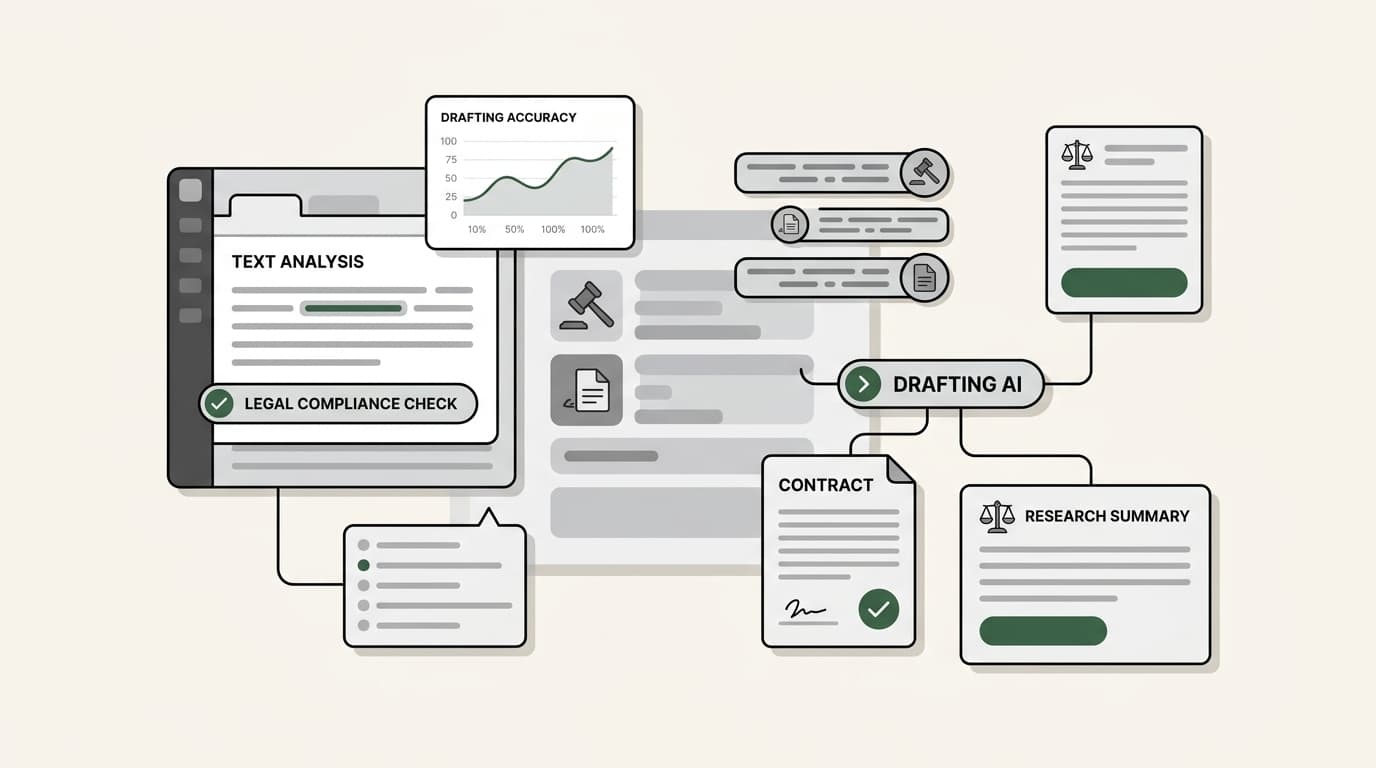
Most AI writing tools pass the general prose test but fail the legal citation check, as they draft fast but risk dangerous hallucinations that can lead to court sanctions. We tested 15 platforms specifically on legal drafting accuracy and data privacy; only seven met the professional bar for law firms in 2026.
The legal industry has moved past the initial hype of general-purpose chatbots. In 2026, the question is no longer whether to use AI, but how to deploy it safely without compromising client confidentiality or professional ethics. For most firms, the right stack involves a combination of specialized legal research databases and agentic AI teammates that can handle the heavy lifting of drafting and internal knowledge management.
Let's break down the best ai writing tools for law firms that are actually delivering results in real-world practice today.

What are the best ai writing tools for law firms?
At their core, these tools use Large Language Models (LLMs) to process and generate text. However, in a legal context, the "standard" AI behavior isn't enough. The best ai writing tools for law firms generally fall into two categories:
- Specialized legal AI: These platforms, like CoCounsel or Lexis+ AI, are grounded in authoritative case law databases like Westlaw or LexisNexis. They are built specifically to prevent hallucinations and provide pinpoint citations.
- Internal knowledge teammates: Tools like eesel AI focus on your firm's own data. They index your past briefs, emails, and internal memos to help you draft new documents that match your firm's specific tone and precedent.
- Drafting and automation specialists: Platforms like Spellbook and Clio Draft focus on the mechanics of the document itself, such as contract redlining or court form automation.
How we chose the best ai writing tools for law firms in 2026
To make this guide useful, we evaluated each platform against the strict requirements of a modern legal practice. Here is what we looked for:
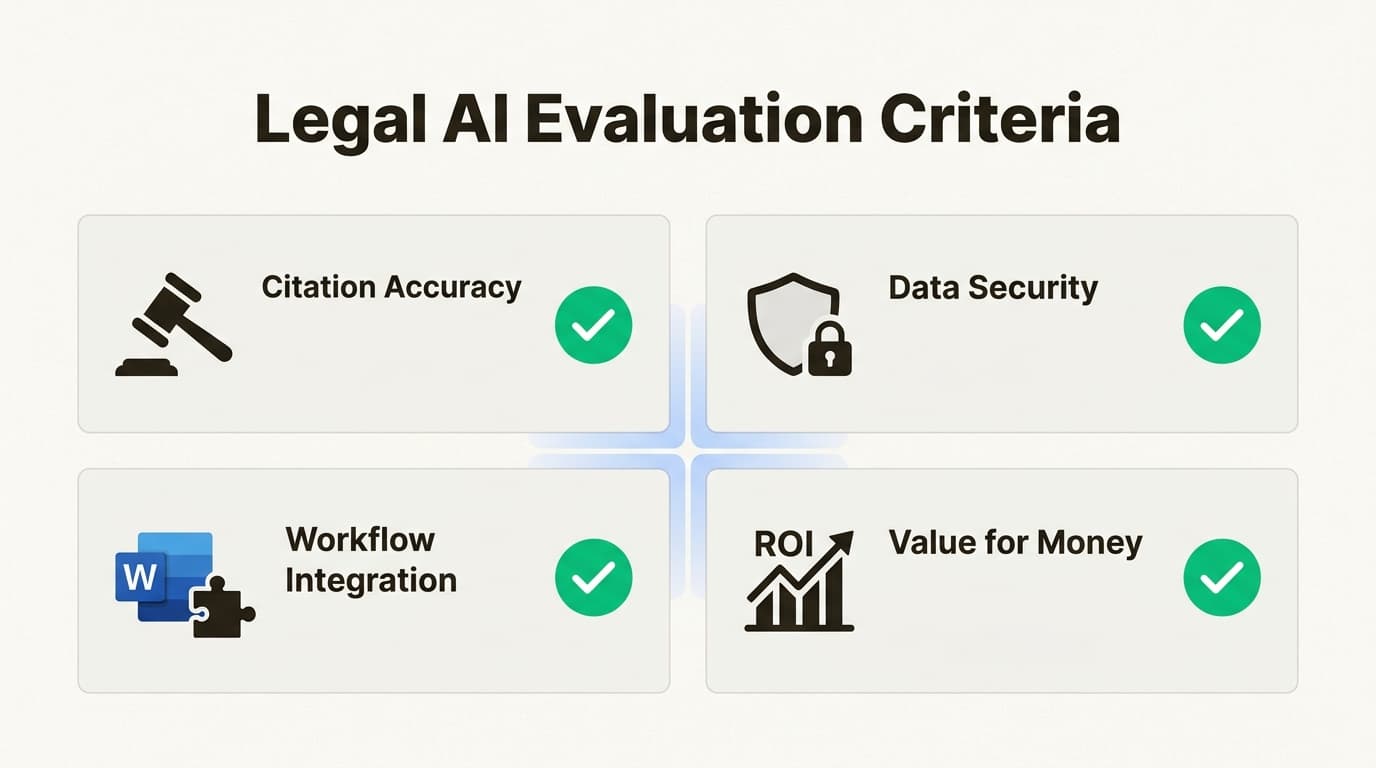
- Citation accuracy: Can the tool provide verifiable links to primary law? We prioritized tools that integrate with major databases.
- Data security: Does the tool offer SOC 2 compliance and Zero Data Retention? We only included tools that ensure your client data isn't used to train public models.
- Workflow integration: Does it work where you already are? We looked for native integrations with Microsoft Word and Practice Management Systems (PMS).
- Value for money: We compared the ROI of enterprise contracts against more flexible models like eesel AI's fixed monthly plans.
| Tool | Primary Use Case | Key Strength | Pricing |
|---|---|---|---|
| eesel AI | Internal knowledge management | Grounds drafting in your firm's own precedents | From $299/mo (500 credits) |
| Spellbook | Transactional/Contract law | Native MS Word redlining and risk detection | Custom quote |
| CoCounsel | Comprehensive legal research | Grounded in Westlaw's authoritative database | Custom quote |
| Lexis+ AI | Litigation and Brief analysis | Shepard's citation validation and judicial analytics | Custom quote |
| Clio Draft | Document automation | 50-state library of up-to-date court forms | Custom quote |
| Clearbrief | Cite checking and Evidence matching | Automatically links assertions to source evidence | $300/mo per user |
| Claude AI | General drafting and file analysis | Massive context window (200k+) for long briefs | Free; Pro $20/mo |
1. eesel AI
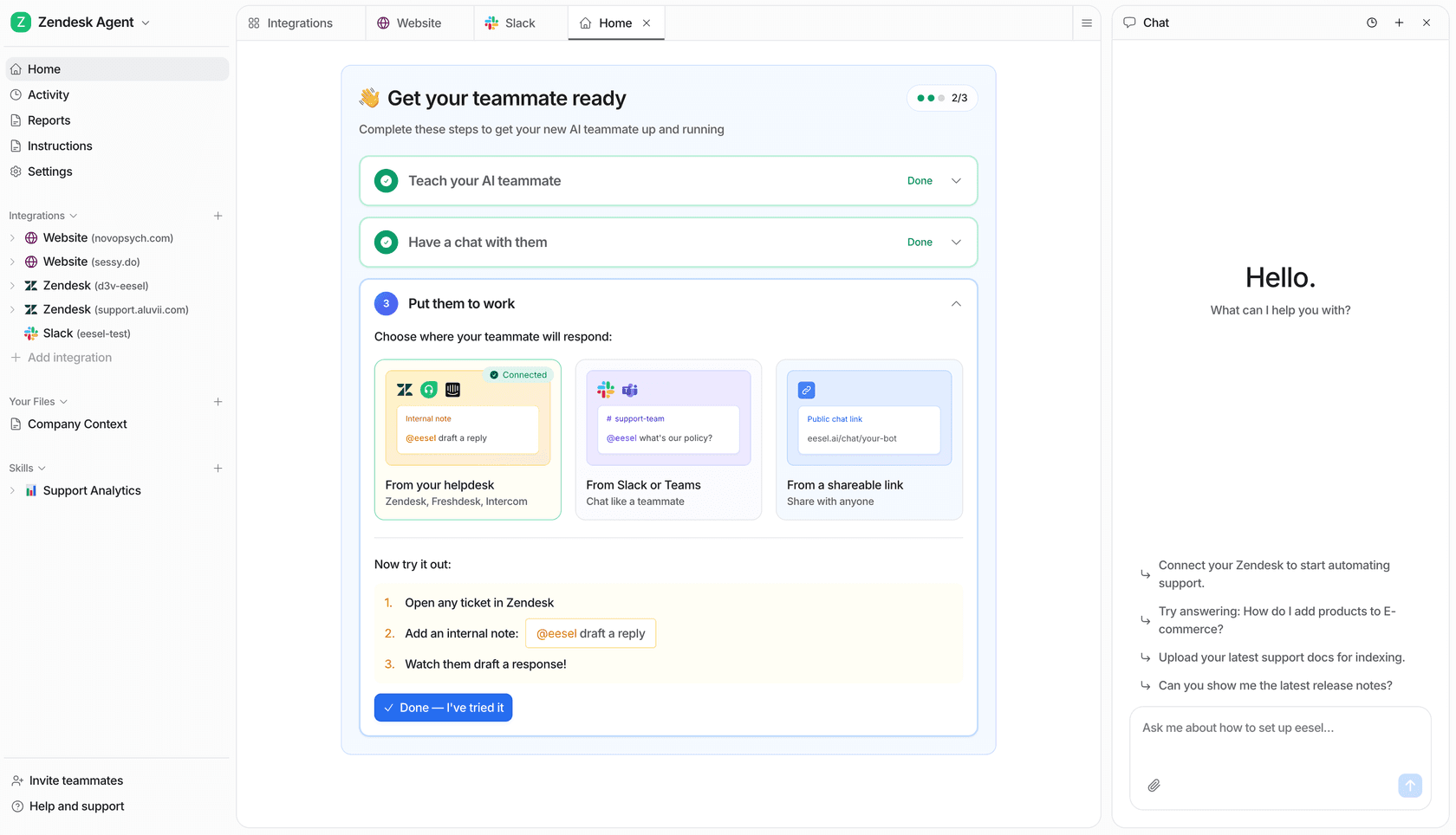
We built eesel AI to solve a problem that specialized research tools often miss: your firm's internal knowledge. While Westlaw can tell you what the Supreme Court said, it can't tell you how your senior partner successfully argued a similar motion three years ago.
Our AI helpdesk agent acts as a teammate that learns from your firm's existing work product. By connecting to your Google Drive, Slack, Notion, and email, we index your historical briefs and internal documents. When you need to draft a new memo, the AI uses your firm's specific tone and successful precedents as its foundation.
| Plan | Price | Features |
|---|---|---|
| Teammate | From $299/month for 500 credits | 1 credit per ticket or chat, 100 free credits to start, no platform or per-seat fees |
The key differentiator for us is security. We operate with Zero Data Retention, meaning your firm's sensitive information is never used to train public models. It is a secure, private way to unlock the value of the knowledge already sitting in your firm's archives.
Pros:
- Connects all your existing apps without manual data entry.
- High ROI for managing internal firm knowledge.
- Drafting is grounded in your firm's specific voice.
Cons:
- Specialized in internal drafting and synthesis rather than primary case law research.
2. Spellbook
Spellbook is widely considered the transactional powerhouse of the legal AI world. Instead of forcing you into a separate browser tab, Spellbook lives directly inside Microsoft Word. It is designed specifically for lawyers who spend their days redlining contracts and drafting complex agreements.
The tool uses AI to scan your documents for risks, missing clauses, and aggressive language that might delay a deal. According to Spellbook's official features, it can even compare your current clauses against industry standards and "market" norms to give you immediate leverage in negotiations.
| Plan | Pricing | Key Inclusions |
|---|---|---|
| Individual/Small Team | Contact for quote | Word Add-In, Associate agent, Support |
| Teams > 10 | Custom Quote | Dedicated onboarding and support |
| Academic | Free | Available for law schools and students |
One of its standout features is the "Associate" agent, a multi-document AI that can work through complex legal matters spanning multiple files. It is a massive time-saver for M&A and commercial law teams that handle high volumes of transactional documents.
Pros:
- Seamless integration with Microsoft Word.
- Specifically trained on billions of lines of legal text.
- Excellent for risk detection and redlining.
Cons:
- Primarily focused on transactional law rather than litigation.
3. CoCounsel
If you are looking for the most authoritative data source on the market, CoCounsel by Thomson Reuters is the standard. It is the only AI solution grounded in Westlaw authority, which means every response is backed by a verifiable case law citation.
CoCounsel doesn't just answer questions; it formulates a multistep research plan. It can analyze litigation documents to identify components of a complaint, spot mischaracterizations, and summarize depositions to prepare for trial.
| Plan | Pricing | Details |
|---|---|---|
| CoCounsel Legal | Custom Quote | Grounded in Westlaw and Practical Law |
| Next-Gen CoCounsel | Waitlist | Conversational AI launching soon |
A global data center director recently shared: "This is the first time we have actually delivered a project on schedule in 20 years." While the price point is on the higher end, the accuracy (reported at ~98%) makes it a favorite for Am Law 200 firms.
CoCounsel levels the playing field and gives us a huge competitive advantage, especially against defense firms that aren’t using it.
Ross DiBono, Zarwin Baum
Pros:
- Most authoritative data source (Westlaw).
- High accuracy with professional-grade guardrails.
- Authoritative for primary legal research.
Cons:
- High cost and often requires long-term contract commitments.
4. Lexis+ AI
Lexis+ AI, now often referred to as Lexis+ with Protégé, is the direct competitor to CoCounsel. It leverages the massive LexisNexis database to provide citation-backed research and drafting.
The platform is particularly strong in judicial analytics and brief analysis. Its Protégé Vault allows teams to upload up to 500 documents into a private, secure repository for AI-powered analysis and timeline generation.
| Plan | Pricing | Key Features |
|---|---|---|
| Enterprise Subscription | Custom Quote | Shepard’s Citation validation, Brief analysis, Protégé Vault |
The integration of Shepard’s Citations is a critical feature, ensuring that any case law cited in your AI-drafted brief is still good law. This validation happens directly within the AI workflow, saving hours of manual cite-checking.
Pros:
- Fast citation validation via Shepard’s.
- Strong judicial analytics and timeline generation.
- Blends multiple LLMs for optimized legal accuracy.
Cons:
- Requires an active LexisNexis subscription.
5. Clio Draft
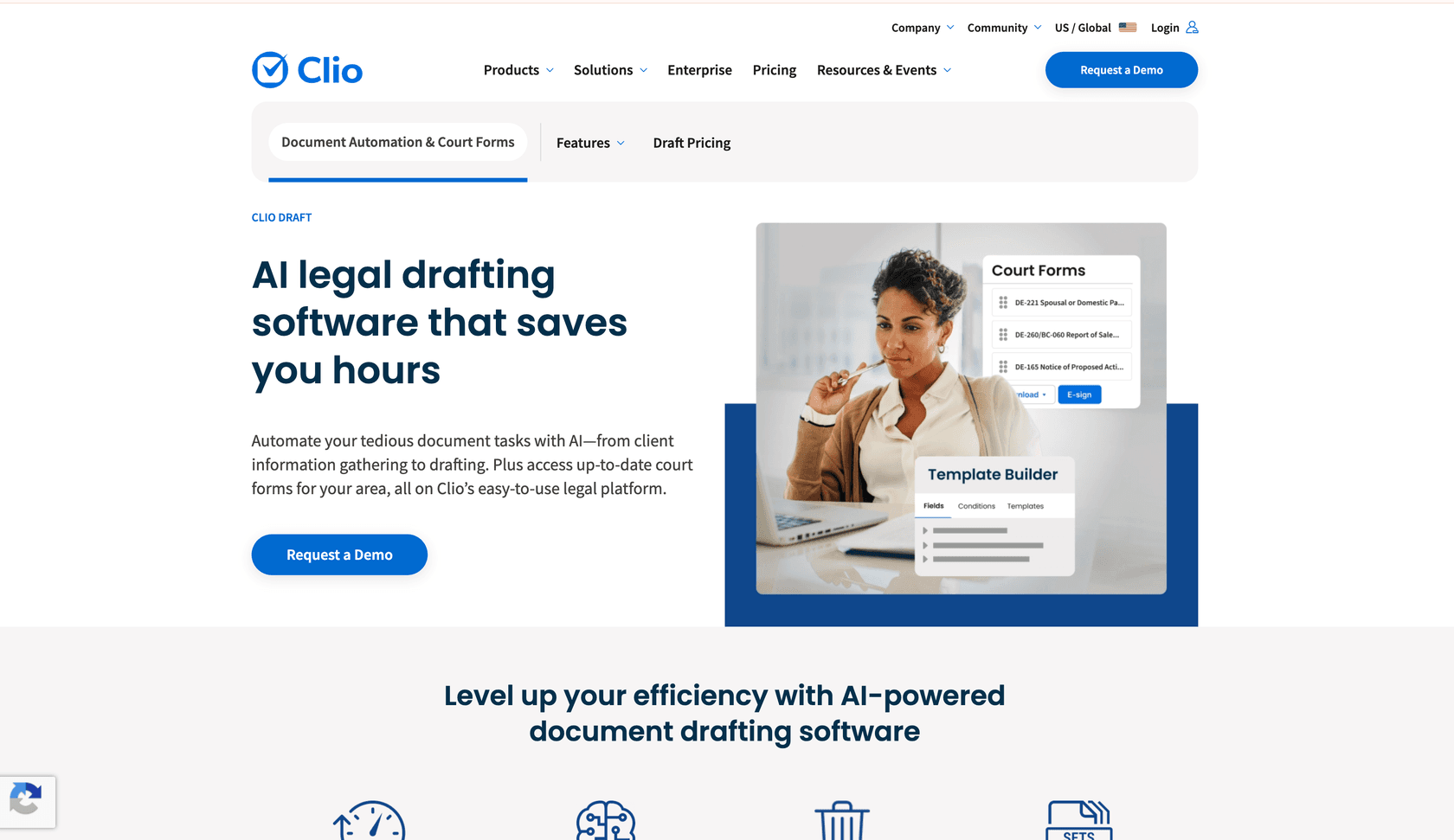
For firms that struggle with the "clerk work" of document preparation, Clio Draft is a specialist in document automation. Formerly known as Lawyaw, it is designed to turn your existing Word files into reusable, fillable templates.
One of the biggest advantages of Clio Draft is its 50-state court form library. It provides access to thousands of up-to-date state, county, and federal immigration forms that are always current.
| Plan | Price | Features |
|---|---|---|
| EasyStart | $49/mo | Core practice management, client intake |
| Essentials | $89/mo | Everything in EasyStart + billing and reporting |
| Advanced | $119/mo | Everything in Essentials + advanced automation |
| Expand | $149/mo | Full suite including Clio Draft and court forms |
If you already use Clio Manage, the data flow is seamless. Client and matter details move automatically from your PMS into your templates, which eliminates the need for copy-pasting and reduces the risk of clerical errors.
Pros:
- Massive library of always-current federal and state forms.
- Eliminates manual data entry via deep Clio integration.
- Built-in e-signature tool included.
Cons:
- Best for firms already using the Clio ecosystem.
6. Clearbrief
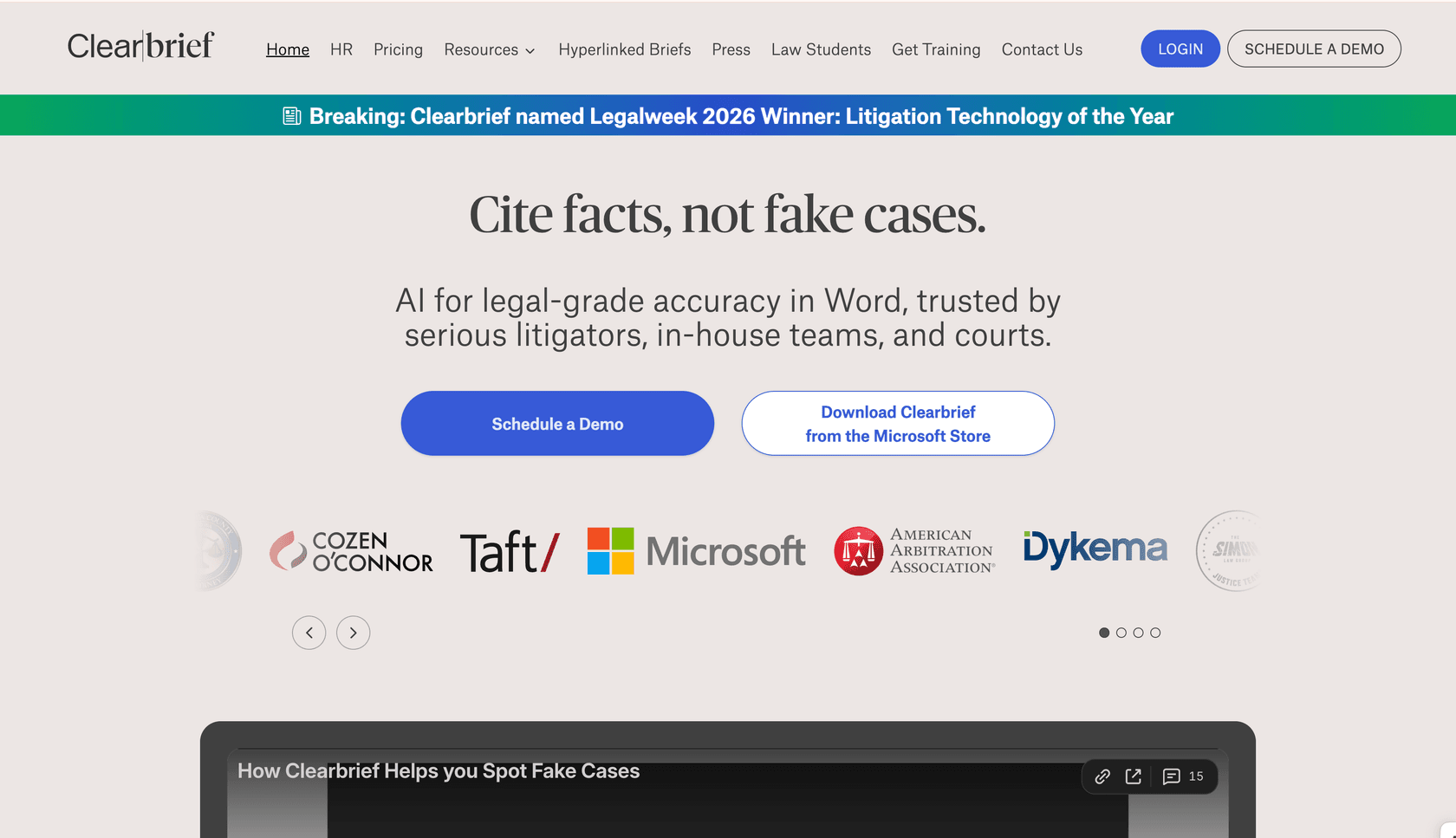
Clearbrief is a highly specialized tool that focuses on one thing: making sure your assertions match your evidence. It is a favorite for litigators who need to verify every sentence in a brief against depositions and records.
The tool uses a patented scoring system to show how well a specific source supports a claim. It can also instantly generate a Table of Authorities (TOA) and create hyperlinked PDF briefs for the judge.
| Plan | Price | Details |
|---|---|---|
| Solo | $300/mo | Per user pricing, discounts for multi-year contracts |
| Enterprise | Custom Quote | 1:1 training and volume discounts |
According to Clearbrief's 2026 feature list, it now includes a hallucination detection tool that hooks into LexisNexis to check if case citations are real or fake. This is a critical safeguard for firms that use general LLMs for initial drafting.
Pros:
- Drastically reduces the time spent on cite-checking.
- Automatically generates hyperlinked briefs for judges.
- Integrates with major systems like Relativity and iManage.
Cons:
- Very specialized; it is not meant for general drafting or primary research.
7. Claude AI
While the other tools on this list are legal-specific, Claude AI from Anthropic has become the preferred general-purpose model for lawyers. The reason is simple: Claude has a massive context window (up to 200,000 tokens) and some of the highest privacy standards in the industry.
Lawyers use Claude to analyze entire case files or long briefs in one go. Because Anthropic does not train on user data by default for Team and Enterprise plans, it is seen as a safer alternative to other general LLMs.
| Plan | Price | Features |
|---|---|---|
| Pro | $20/month | 200k context window, Claude for Word (Beta) |
| Team | $25/month per seat (min 5 seats) | Shared projects, admin controls |
| Enterprise | $20/seat + usage | HIPAA-ready, SCIM, Audit logs |
The tool's "Artifacts" workspace is particularly useful for side-by-side editing of legal documents. However, remember that Claude lacks a direct connection to a case law database, so you should always verify its citations using a tool like Clearbrief or Lexis+.
Pros:
- Best-in-class privacy and safety standards.
- Massive character limits for analyzing long documents.
- High reasoning capabilities for complex analysis.
Cons:
- No direct access to a case law database.
Why law firms are moving to AI in 2026

The shift toward AI isn't just about saving time; it's about staying competitive. In 2026, 65% of lawyers report saving up to 5 hours a week by automating routine drafting and research. For a firm with 10 associates, that is 50 hours of billable time recovered every single week.
Beyond the metrics, there is an ethical obligation. The ABA's duty of "technological competence" now practically requires lawyers to understand how these tools work. Firms that fail to adopt risk falling behind as competitors achieve high resolution rates (up to 81% in some cases) by automating frontline tasks.
How to choose the best ai writing tools for law firms
Which tool you need depends on the gaps in your current workflow. Here's how to evaluate your options:
- Identify your primary pain point: Are you struggling with contract redlining (Spellbook), primary case law research (CoCounsel), or managing your firm's own historical data (eesel AI)?
- Run a security audit: Ensure the platform offers SOC 2 compliance and clearly states that they do not train models on your data. Security is non-negotiable in legal tech.
- Check the integration stack: If you live in Clio, Clio Draft is a natural fit. If you work exclusively in Microsoft Word, look for native add-ins like those offered by Spellbook.
- Calculate the ROI: Don't get locked into a massive enterprise contract if a fixed monthly plan sized to your volume fits better.
Start building your intelligent law firm today
The most successful law firms in 2026 aren't trying to replace lawyers with robots. They are hiring AI teammates to handle the connective tissue of their firm's knowledge. By automating the routine work of drafting, cite-checking, and document review, you can free up your team to focus on the high-level strategy and client relationships that define your practice.
If you are ready to see how an AI teammate can unlock your firm's internal knowledge, start with 100 free credits of eesel AI. We'll help you connect your existing documents and start drafting more accurately in minutes.