
Choosing the right project management tool can feel like picking a car. Some people want a simple, reliable sedan that gets them from A to B without fuss. Others need a fully-loaded SUV with all the bells and whistles for complex terrain. In the world of project management software, Basecamp and Asana represent these two philosophies perfectly.
Both tools have earned their place in the market. Basecamp has been around since 2004, serving over 75,000 organizations across 166 countries. Asana, founded by a Facebook co-founder in 2008, now powers work for 85% of Fortune 100 companies. But which one fits your team? Here's a detailed comparison to help you decide.
If you're also exploring AI-powered alternatives for team communication and task management, eesel AI offers a modern approach that learns your business and works alongside your team as an AI teammate.
What makes Basecamp and Asana different
At their core, these tools solve the same problem (organizing work and teams) but they approach it from opposite directions.
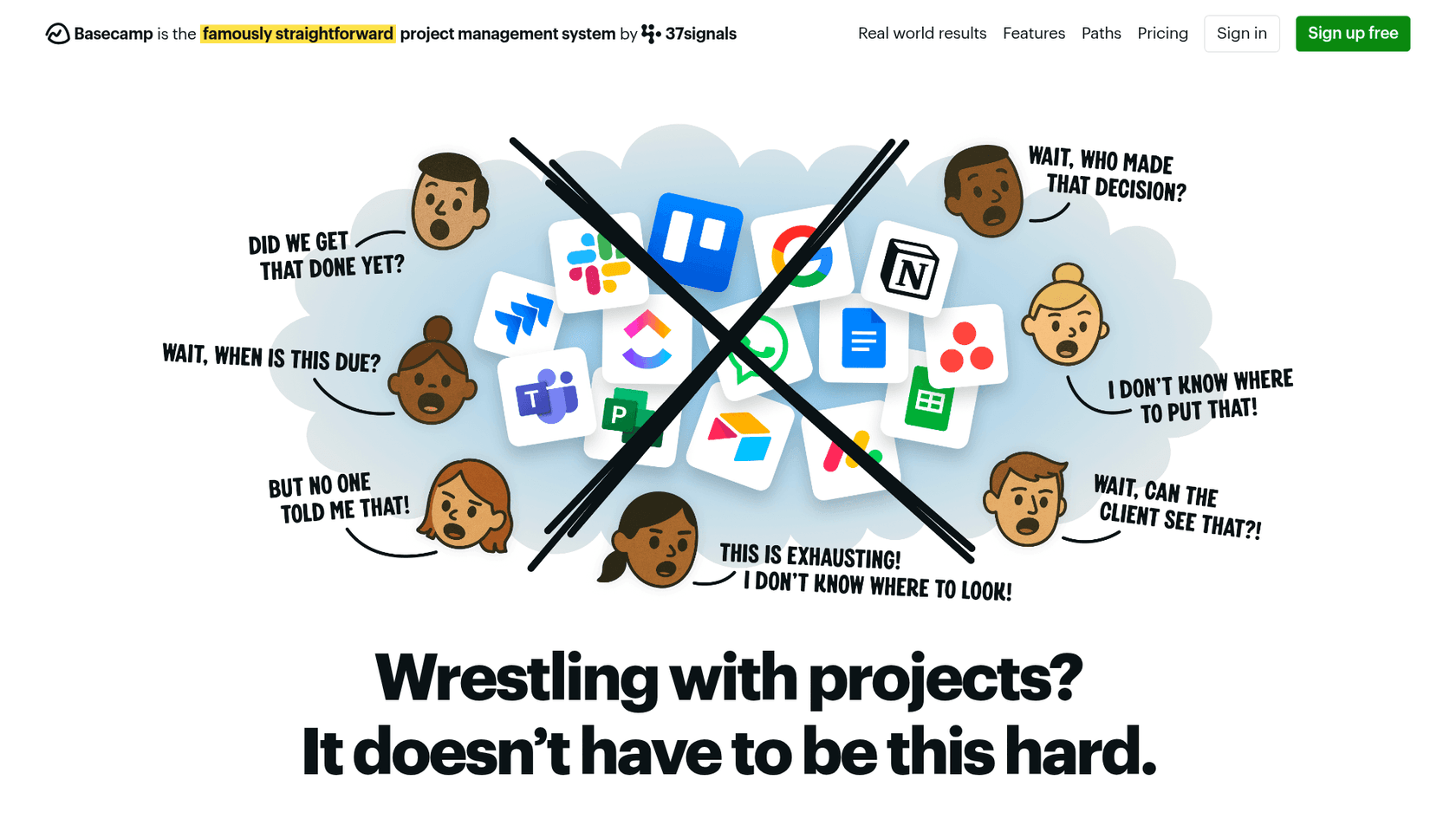
Basecamp is communication-first. It was built on the idea that most project management chaos comes from scattered conversations, unclear responsibilities, and notification overload. Basecamp intentionally limits features to keep things simple. There are no Gantt charts, no task dependencies, and no complex automation. It's just a calm, organized space where your team can communicate and track what needs to get done.
Asana is structure-first. It gives you granular control over every aspect of your work: custom fields, task dependencies, multiple project views, automation rules, and portfolio-level reporting. Asana assumes that complexity is inevitable for growing teams, so it provides the tools to manage that complexity systematically.
The result is that Basecamp feels like a breath of fresh air if you're drowning in feature bloat. Asana feels like a relief if you've outgrown simpler tools and need more control.
Basecamp vs Asana: Feature comparison
Task management
Basecamp keeps it simple. You get to-do lists with assignments and due dates. That's it. There are no subtasks, no dependencies, and no custom fields. The philosophy here is that if a task is too complex to fit in a simple to-do list, it should probably be broken into its own project.
Basecamp does offer Hill Charts, a unique visual progress tracker that shows whether you're still "figuring things out" or "making it happen." It's surprisingly effective for spotting stalled work without micromanaging.
Asana goes deep. Tasks can have subtasks (nested multiple levels), dependencies that automatically adjust dates when things shift, custom fields to track any data point you need, and start dates in addition to due dates. You can view the same project as a list, Kanban board, calendar, or Gantt-style timeline.
For teams managing complex projects with lots of moving parts, Asana's depth is essential. For teams that just need to know who is doing what by when, Basecamp's simplicity is refreshing.
Team collaboration
Basecamp excels here. Every project gets a Message Board for long-form discussions, a Campfire for real-time chat, and automatic Check-ins that replace status meetings. The Hey! menu aggregates all your notifications in one place (not in your face). Pings let you have private one-on-one or small group conversations.
The result is that Basecamp replaces not just project management tools, but also Slack, email threads, and meeting time.
Asana handles collaboration through task comments and project conversations. It works, but it assumes your team is already using Slack or Microsoft Teams for real-time chat. Asana integrates well with both, but that means you're managing (and paying for) another tool.
Automation and workflows
Basecamp does not have native automation. This is by design. The team at 37signals believes automation often creates more problems than it solves, hiding complexity rather than simplifying it.
Asana offers 70+ prebuilt automation rules plus a workflow builder for custom automations. You can automatically assign tasks based on form submissions, move tasks between sections when status changes, set due dates based on triggers, and more. For teams with repetitive processes, this saves serious time.
Reporting and visibility
Basecamp gives you Hill Charts, a Lineup view (all projects on a timeline), and Mission Control (project health dashboard). Reports show overdue items, who's responsible for what, and what's actually been happening across projects. It's visual and intuitive, but not deeply analytical.
Asana offers Portfolios (monitor multiple projects), Goals (track company-wide objectives), Workload (balance team capacity), and custom Reporting Dashboards with charts you can configure. You can drill down into data, track trends over time, and generate insights for stakeholders.
Pricing breakdown: Basecamp vs Asana
Pricing is where these tools diverge significantly. Your team size and growth trajectory will heavily influence which model works better.
Basecamp pricing
| Plan | Monthly Price | Annual Price | Key Features |
|---|---|---|---|
| Free | $0 | $0 | 1 project, 20 users, 1GB storage |
| Basecamp (Plus) | $15/user/month | Same | Unlimited projects, 500GB, all features |
| Pro Unlimited | $349/month | $299/month | Unlimited users, 5TB, priority support |
Source: Basecamp Pricing
Basecamp's Pro Unlimited plan is genuinely unique in the industry. For a flat $299/month (annual), you can have 10 users or 1,000 users at the same price. This makes Basecamp incredibly cost-effective for larger teams that don't need complex project management features.
Add-ons for Plus plan:
- Timesheet (time tracking): $50/month flat
- Admin Pro Pack: $50/month flat
Asana pricing
| Plan | Monthly Price | Annual Price | Key Features |
|---|---|---|---|
| Personal | $0 | $0 | Up to 2 users, basic views, 100MB/file |
| Starter | $13.49/user | $10.99/user | Unlimited users, Gantt, automations, 50K AI credits |
| Advanced | $30.49/user | $24.99/user | Portfolios, goals, workload, time tracking, 75K AI credits |
| Enterprise | Custom | Custom | SAML, SCIM, capacity planning, 200K AI credits |
Source: Asana Pricing
Asana's free plan is more generous than Basecamp's in some ways (unlimited tasks and projects) but limited to just 2 users. For teams of 3+, you need to pay per user.
Cost comparison at scale
Here's where the math gets interesting. At what point does Basecamp Pro Unlimited become cheaper than Asana?
| Team Size | Basecamp Pro Unlimited | Asana Advanced (Annual) | Winner |
|---|---|---|---|
| 10 users | $299/month | $250/month | Asana (slightly) |
| 15 users | $299/month | $375/month | Basecamp |
| 25 users | $299/month | $625/month | Basecamp |
| 50 users | $299/month | $1,250/month | Basecamp |
| 100 users | $299/month | $2,500/month | Basecamp |
The break-even point is around 12 users ($299 ÷ $24.99). Below that, Asana Advanced costs less. Above that, Basecamp Pro Unlimited becomes dramatically cheaper.
But don't forget hidden costs:
- Basecamp includes chat (replaces Slack), file storage (replaces Dropbox), and docs (replaces Notion/Google Docs)
- Asana assumes you'll integrate with those tools, so factor in those subscriptions
Ease of use and learning curve
Basecamp is famously easy to learn. Most teams are operational within an afternoon. The interface is clean, consistent, and deliberately limited. There is no steep learning curve because there are not that many features to learn.
This is Basecamp's superpower for teams that have tried and failed to adopt more complex tools. If your team resisted Asana, Monday.com, or Jira, Basecamp might be what you need.
Asana has a moderate learning curve. Getting started with basic tasks is simple enough, but unlocking the full feature set takes time. Expect 2-4 weeks for proper setup, especially if you are configuring custom fields, automation rules, and portfolio views.
The complexity pays off for teams that need it. But if your projects do not require dependencies, custom fields, and portfolio reporting, you might be paying (in both money and complexity) for features you do not use.
Integrations and ecosystem
Basecamp intentionally limits integrations. It offers a full API and connects to popular tools via Zapier, but the philosophy is that Basecamp should replace your other tools, not connect to them. You get calendar feeds, email forwarding, and Doors (links to external files), but not deep two-way syncs.
Asana offers 300+ native integrations including deep connections with Slack, Microsoft Teams, Salesforce, Tableau, Power BI, Adobe Creative Cloud, Figma, Jira, and more. If you have an existing tool ecosystem, Asana probably connects to it.
For teams already invested in the Microsoft or Google ecosystem, Asana's deep integrations are valuable. For teams looking to simplify their stack and reduce subscription costs, Basecamp's all-in-one approach is appealing.
Who should choose Basecamp
Basecamp is the right choice if:
- Your team has 1-50 employees
- You prioritize communication and clarity over complex workflows
- You want predictable pricing (especially the unlimited plan)
- Your team has resisted or been overwhelmed by feature-heavy tools
- You work with clients and need simple client access
- You want to replace multiple tools (Slack, Dropbox, docs) with one
- You value asynchronous communication over real-time chat
Agencies, consultancies, and remote teams often thrive with Basecamp. The flat-rate pricing is especially attractive for growing agencies that do not want per-user costs scaling with their headcount.
Who should choose Asana
Asana is the right choice if:
- Your team has 50-500+ employees
- You're managing complex projects with dependencies and multiple workstreams
- You need portfolio visibility across many projects
- You require advanced automation to handle repetitive processes
- You have an existing tool ecosystem that needs deep integration
- You need enterprise-grade security and compliance (SAML, SCIM, HIPAA)
- You want AI-powered features to accelerate work
Cross-functional teams, enterprise organizations, and teams with complex project management needs typically outgrow simpler tools and need what Asana has to offer.
Making the right choice for your team
Here's the short version: Basecamp is for teams that want simplicity and calm. Asana is for teams that need power and flexibility.
If you are still unsure, ask yourself these questions:
- Does your team currently use (and pay for) Slack, Dropbox, and a project tool? Basecamp might consolidate those costs.
- Do your projects have complex dependencies and critical paths? Asana's timeline and dependency features are essential.
- Is your team frustrated by tool complexity, or asking for more features? That points you in opposite directions.
- What is your 2-year growth plan? If you are going from 10 to 100 people, pricing models matter significantly.
Both tools offer free trials (Basecamp: 30 days, Asana: available on paid plans). The best way to decide is to test them with real projects.
One final thought: the best project management tool is the one your team actually uses. A simple tool used consistently beats a powerful tool that sits empty. Choose based on your team's actual needs, not the features that sound impressive.
Why teams are also considering eesel AI
While Basecamp and Asana represent established project management philosophies, some teams are exploring a different approach entirely. eesel AI works as an AI teammate that learns your business from existing documents, tickets, and conversations. Instead of configuring another project management tool, you invite eesel to handle communication-heavy workflows like customer support, internal knowledge questions, and sales inquiries.
For teams that value Basecamp's communication-first approach but need AI-powered assistance to handle repetitive conversations at scale, eesel AI offers an interesting middle ground. It integrates with the tools you already use (including help desks like Zendesk and Freshdesk, and communication tools like Slack) rather than requiring a complete platform migration.
The key difference: Basecamp and Asana help you organize work, while eesel AI helps you complete work by drafting responses, answering questions, and handling routine communication autonomously.


