
It seems like a new AI tool drops every other day, each one promising to completely change how we work. If you're a content creator, you know the pressure is always on to publish great stuff, and do it consistently. An AI writing assistant can really help with that. It takes the grind out of brainstorming, drafting, and editing. These tools don't replace your creativity; they just handle the grunt work so you can focus on the bigger picture. In this guide, we’ll look at the 6 best AI writing assistants you can use in 2026. We actually use one of them, the eesel AI blog writer, and it helped us grow our daily impressions from 70,000 to over 750,000 in just three months.

What is an AI writing assistant?
An AI writing assistant is a tool that uses AI to help you write, edit, and polish your content. It’s way more than just a spell checker. Think of it as a writing partner that can help you brainstorm ideas, draft entire sections, rephrase awkward sentences, or even tweak the tone of your text. From a quick email to a full-blown blog post, it helps you get your writing done faster and better. It looks at what you’re trying to say and helps you produce text that makes sense and hits your goals, taking a lot of the usual friction out of writing.
How we chose the best AI writing assistant tools
To put this list together, we sifted through dozens of tools. We weren't looking for hype; we wanted platforms that actually deliver. Here’s what we focused on:
- Quality of output: The text had to sound natural and human, not robotic and repetitive. It needed to be genuinely useful for the reader.
- Core features: We looked for a solid set of features, like content generation, SEO tools, tone adjustments, and good editing suggestions.
- Ease of use: If a tool is a pain to use, nobody will. We picked platforms that are easy to get the hang of and fit into a normal workflow.
- Value for money: We compared the price to the features and performance to make sure you’re getting your money's worth, whether you're on your own or part of a team.
A quick comparison of the best AI writing assistant tools
Here’s a quick overview of the AI writing assistants we’ll be covering. While they all aim to improve your writing, each has its unique strengths tailored to different needs and workflows.
| Tool | Best For | Key Feature | Starting Price |
|---|---|---|---|
| eesel AI blog writer | Generating complete, publish-ready blog posts | Automatic asset and social proof integration | $99/month for 50 blogs |
| Jasper | Marketing teams needing versatility | Jasper IQ for brand consistency | $59/month per seat (billed annually) |
| Grammarly | Real-time writing correction and refinement | Deep grammar, spelling, and tone checks | Free plan; Pro from $12/month (billed annually) |
| HyperWrite AI | A wide range of specific writing tasks | Hundreds of specialized AI tools | $19.99/month |
| Microsoft Copilot | Professionals in the Microsoft 365 ecosystem | Deep integration with Office apps | Add-on to M365 plans |
| QuillBot | Paraphrasing and academic writing | Advanced paraphrasing modes | Free plan; Premium from $8.33/month (billed annually) |
The 6 best AI writing assistant tools in 2026
Now let's get into what makes each of these tools worth a look.
1. eesel AI blog writer
The eesel AI blog writer is different because it doesn't just give you a rough draft; it delivers a complete, SEO-optimized blog post from a single keyword. It’s built to manage the whole content process, from research and writing to adding visuals and media. The platform automatically creates relevant assets like images and infographics, and even embeds YouTube videos and real Reddit quotes to add some social proof. This focus on a finished product makes it super efficient for teams trying to scale up their content. It's the same tool we used to jump from 70,000 to over 750,000 daily impressions in three months.
A key feature of the eesel AI blog writer is its ability to produce a full content package that’s good to go, saving hours of manual effort. The research is context-aware, so the content is deep and relevant, not just surface-level AI fluff. It's also optimized for Google's AI Overviews (AEO). While it's specialized for blogs, the knowledge it builds can also power other eesel AI products for customer support.
The Early Bird plan is $99 per month for 50 blog generations, and you can generate your first one for free to see the quality for yourself.
2. Jasper
Jasper is an AI content platform made for marketing teams that need to create a bunch of different on-brand assets. It's a solid choice for companies that want a consistent voice everywhere, from ad copy to blog posts. Its main feature is Jasper IQ, which acts as a central brain for your brand. You can feed it your style guide, product info, and brand voice to make sure everything it generates sounds like you. The platform also has tools like Content Pipelines to automate content workflows and Jasper Agents for repetitive marketing jobs.
The best AI tool for writing SEO-rich blog content is Jasper (formerly Jarvis). It helps create keyword-optimized content, improves readability, and offers features for generating ideas, headings, and meta descriptions.

Jasper's biggest strength is its focus on brand consistency and workflows for larger businesses. It’s a full solution for automating a content supply chain and is SOC 2 compliant. On the flip side, it can feel a bit complicated for new users, and you still have to find and add your own media like images and videos to finish a blog post.
Jasper's Pro plan starts at $59 per month per seat when you pay annually.
3. Grammarly
You've probably heard of Grammarly. It started as a top-notch grammar and spell checker and has grown into a full-fledged writing assistant. Its strength is giving you feedback in real-time, with suggestions to improve correctness, clarity, and tone as you type. It works in over a million apps and sites, from your browser to Google Docs and Zendesk. Its generative AI features can help you brainstorm and rewrite text, and you get 2,000 monthly prompts on the Pro plan.
Grammarly is like a personal writing coach that helps you get better by pointing out mistakes and offering helpful suggestions. For teams, features like Style Guides and Brand Tones keep everyone on the same page. It also has high security standards with SOC 2 (Type 2) and ISO certifications. The main drawback is that its content generation isn't as powerful as dedicated tools like eesel AI or Jasper. It's better at polishing existing text than creating long-form content from scratch.
Grammarly has a solid free plan, and its Pro plan is $12 per member per month billed annually.
4. HyperWrite AI
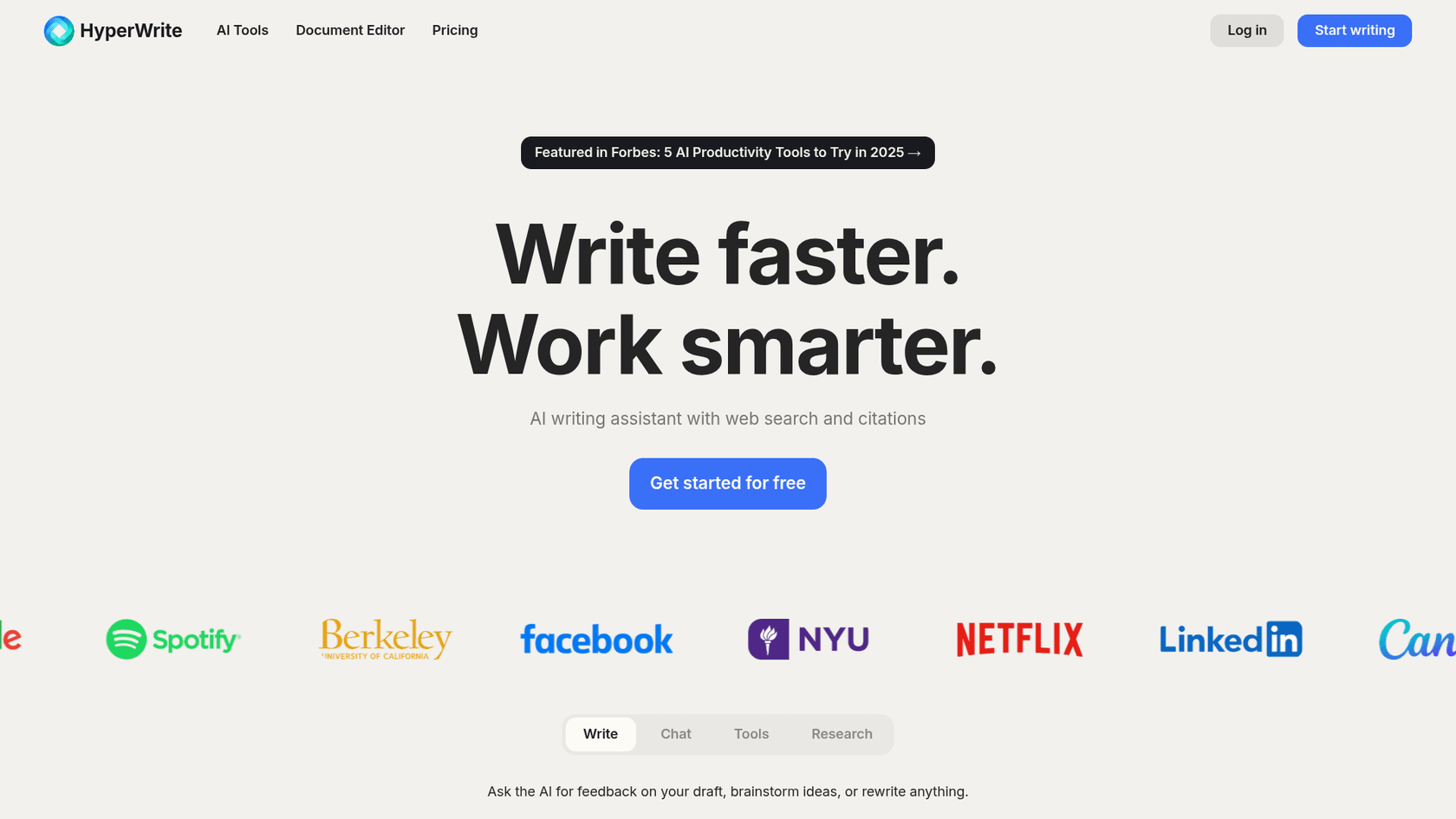
HyperWrite AI is like a Swiss Army knife for writers, offering a huge library of specialized AI tools. Instead of one general editor, you get specific solutions for just about any writing task, from a "Flexible AutoWrite" tool to an "Email Responder" and "AI Speech Writer." Its TypeAhead feature, which suggests sentence completions as you type, can really speed things up. It also includes tools like Scholar AI for academic research that includes citations.
The big plus for HyperWrite is its sheer variety. If you have a very specific writing need, chances are HyperWrite has a tool for it. This is great for people who work on many different types of writing projects. The experience can feel a little clunky when you're jumping between tools, and the output quality can be inconsistent. It also isn't designed to generate complete, media-rich articles like a dedicated blog writer.
HyperWrite AI has a Premium plan for $19.99 per month and an Ultra plan for $44.99 per month.
5. Microsoft Copilot
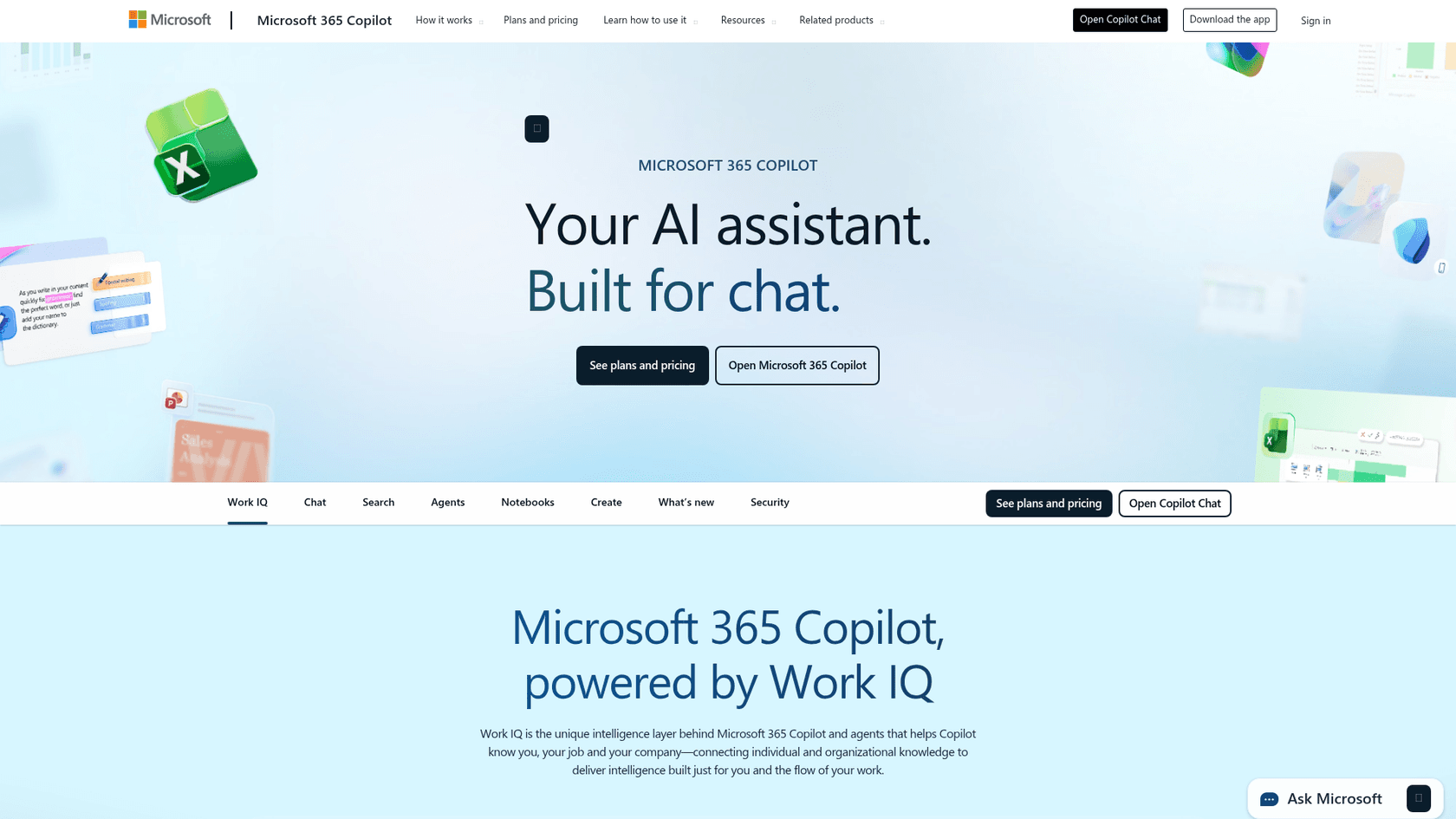
Microsoft Copilot is deeply woven into the Microsoft 365 suite. It works right inside Word, Outlook, PowerPoint, and Teams, letting you generate text, summarize documents, and draft emails without switching apps. Its main advantage is its ability to use your own data: emails, meetings, and documents: to provide relevant help through its Work IQ intelligence layer. For instance, you can ask it to draft an email to your team based on notes from your last meeting.
The best thing about Copilot is how seamless it is. If you live in Microsoft apps all day, it's a very smooth way to use AI. No need to switch tabs or copy and paste. The major downside is that it's pretty much useless if you're not all-in on the Microsoft ecosystem. If you use Google Workspace or other tools, Copilot isn't for you. It also focuses on text output, so you'll have to add visuals to your content manually.
Copilot is available as an add-on to qualifying Microsoft 365 Business Standard and Premium plans.
6. QuillBot
QuillBot has made a name for itself as a great tool for paraphrasing and rewriting text. It's a favorite among students and researchers who need to rephrase things for clarity or to avoid plagiarism. It offers several modes like "Standard," "Fluency," and "Creative," giving you a lot of control over the final text. Besides paraphrasing, QuillBot also has a Grammar Checker, Summarizer, Citation Generator, and Plagiarism Checker, making it a handy toolkit for academic writing.
QuillBot's strength is its paraphrasing engine, which does a great job of rewriting sentences while keeping the original meaning. The free version is decent but limits you to 125 words at a time. The Premium plan gives you unlimited words and more advanced modes. But remember, QuillBot is mainly for rewriting, not creating original content. It can help you refine your writing, but it won't create a blog post from a simple prompt.
QuillBot has a limited free plan, and its Premium plan starts at $8.33 per month when billed annually.
How to choose the right AI writing assistant for you
With so many choices, the "best" AI writing assistant really depends on what you need. First, figure out your main goal. Are you trying to scale your blog and get more organic traffic? A tool built for creating content from start to finish, like the eesel AI blog writer, is probably your best bet since it handles everything from research to visuals. If you're a marketer juggling different types of copy, a versatile platform like Jasper with its brand consistency features might be a better fit.
If your biggest headache is just making sure your daily emails and documents are clean and professional, a real-time editor like Grammarly is a must-have. For people who are heavily invested in certain software ecosystems, a native tool like Microsoft Copilot is incredibly convenient. And for students and researchers, a specialized tool like QuillBot is perfect for paraphrasing and citations. The trick is to match the tool's main strength to your biggest writing headaches.
To get a better sense of what these tools can do, watching a review can be helpful. This video provides an overview of several popular AI-powered writing tools and how they can make a difference in your workflow.
Final thoughts on using an AI writing assistant
AI writing assistants have come a long way from being simple grammar checkers. Now, they're powerful partners that can boost your productivity and creativity. They aren't here to replace writers, but to help them, freeing you up to focus on the strategy and creative ideas that really count. The right tool for you will depend on your workflow, goals, and budget. We suggest trying out a few free trials to see which one clicks. By using these tools as a co-pilot, you can create better content, faster than before.
In terms if AI is good/bad for blogging I'd say overall it's a net positive, you can focus more time making graphics, visual elements, editing. I wouldn't recommend just using AI to make an article and publishing it without adding your own touches.
Ready to see how an AI writing assistant can generate complete, SEO-optimized blogs in minutes? Generate your first blog for free with the eesel AI blog writer and see the difference for yourself.