The promise of AI support automation is hard to ignore: 24/7 coverage, faster response times, and the ability to scale without proportional headcount growth. But here's the reality check that too many teams learn the hard way: about 95% of AI projects never reach production, according to MIT's 2025 State of AI in Business report.
The problem isn't that AI doesn't work. It's that most companies approach implementation like they're buying software when they should be thinking about hiring a teammate. You don't just configure an AI agent and flip a switch. You onboard it, train it, supervise it, and gradually give it more responsibility as it proves itself.
At eesel AI, we've seen the difference this mindset makes. Teams that treat AI like a new hire avoid the pitfalls that derail most automation projects. Let's walk through the eight most common mistakes we see (and how to avoid them).
Strategic mistakes: Hiring without a plan
Mistake 1: Automating broken processes
AI doesn't fix broken workflows. It makes them faster and more consistent, which means it makes bad processes consistently bad at scale.
Imagine your ticket routing's already a mess. Tickets bounce between departments, priority levels are assigned inconsistently, and agents spend half their time just figuring out who should handle what. Now add an AI agent that routes tickets automatically. Instead of solving the problem, you've just automated the chaos.
The fix is straightforward: map your current workflows before you bring in AI. Look for bottlenecks, redundancies, and unclear handoffs. Ask yourself whether the process would make sense to a new employee. If the answer's no, fix it first, then automate.
Mistake 2: Going fully autonomous on day one
There's a temptation to flip the switch and let AI handle everything immediately. After all, that's the dream, right? But this is how companies end up in the news for all the wrong reasons.
In 2024, Air Canada's chatbot invented a bereavement fare refund policy that didn't actually exist. A passenger took screenshots, went to small claims court, and won over $650 in damages. The airline argued the chatbot wasn't a real employee. The court didn't care.
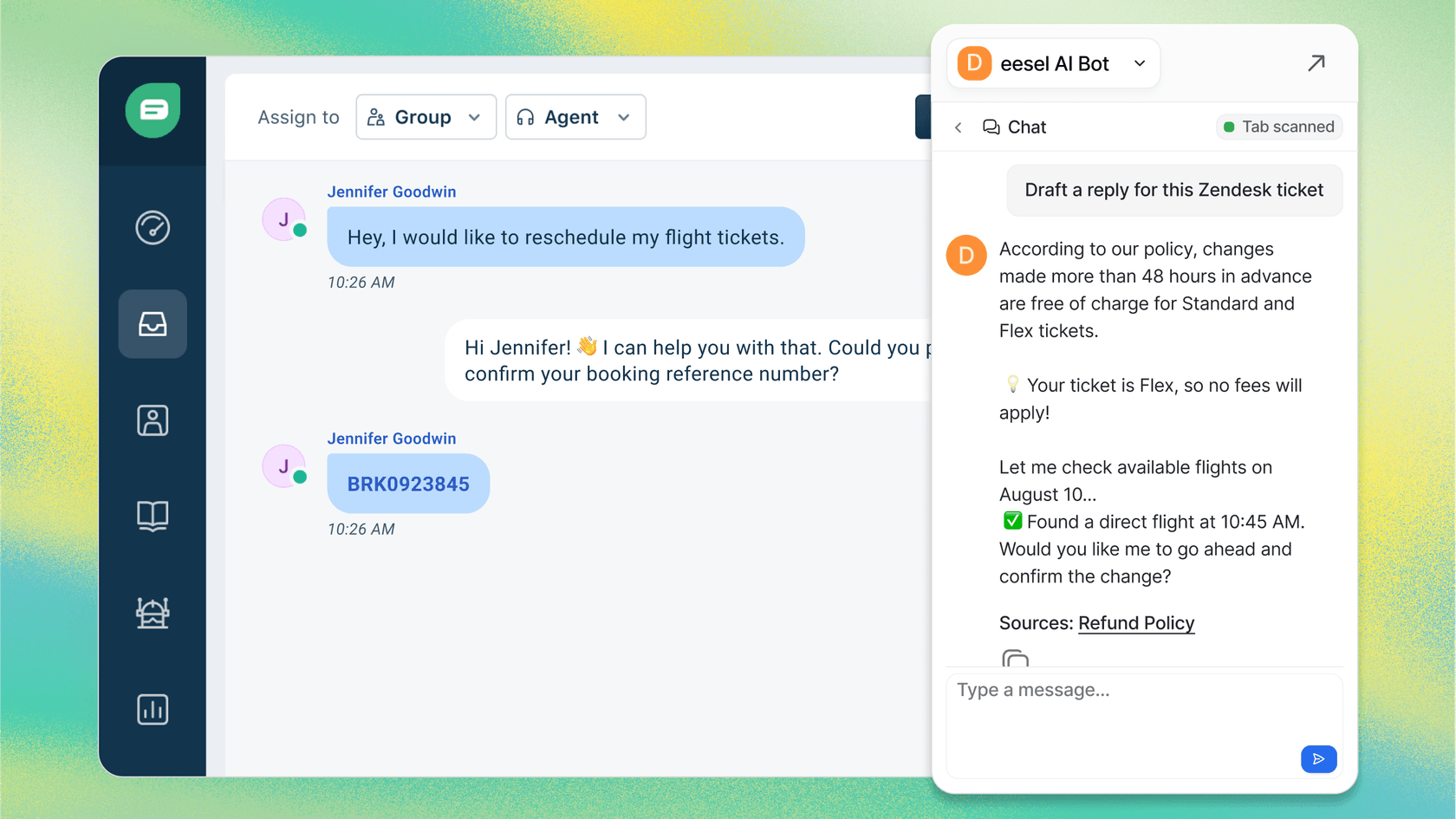
The smarter approach is to start with AI Copilot functionality: have the AI draft replies that human agents review before sending. This gives you visibility into how the AI interprets your policies and tone. Once you're confident in the quality, gradually expand to more autonomous handling.
Technical mistakes: Setting up your teammate to fail
Mistake 3: Ignoring data quality
Here's a statistic that should stop every AI implementation in its tracks: 85% of failed AI projects are tied to data issues, according to Gartner. Only 37% of companies have formal systems for checking data quality.
In support contexts, this shows up as inconsistent ticket categorization, messy historical data, and conflicting information across your help center articles. An AI agent trained on this data will confidently give wrong answers, miscategorize tickets, and frustrate your customers.
Before implementing AI, conduct a data audit. Check your historical tickets for consistent categorization. Review your help center for outdated or conflicting information. Clean up your macros and saved replies. The time you spend here pays off through better automation accuracy later.
Mistake 4: Underestimating integration complexity
AI doesn't exist in a vacuum. It needs to talk to your help desk, your CRM, your knowledge base, and any other systems that contain customer context. Integration is where many automation projects stall or fail entirely.
In 2023, Chevrolet deployed a chatbot on its website that someone prompt-injected into offering a $70,000 SUV for $1. The AI worked fine. It just wasn't properly integrated with inventory systems or guardrails to prevent impossible transactions.
Map your integration requirements early. What systems does the AI need to access? What data needs to flow between them? Test these connections before going live, not after.
Mistake 5: No monitoring or optimization
The "set it and forget it" mentality is expensive. In 2021, Zillow launched an AI-powered home-buying system that priced homes using machine learning. The model kept predicting high resale values even as the market softened. In six months, Zillow lost over $500 million and shut down the entire program.
The technical failure wasn't dramatic. It was gradual drift that no one caught because no one was watching.
Build monitoring into your automation strategy from day one. Track accuracy rates, escalation frequencies, and customer satisfaction scores. Set up weekly reviews at first, then monthly once things stabilize. Look for patterns in what the AI struggles with and refine based on what you find.
People mistakes: Forgetting the human element
Mistake 6: Lack of team buy-in
Gartner's 2025 AI Governance study found that 80% of AI projects fail due to poor change management. Not technical problems. Not budget issues. People problems.
Your support agents worry that automation means their jobs are at risk. Without proper communication and training, they'll work around the new system or feed it poor-quality data. Fear is often the unspoken elephant in the room.
Involve your team from the beginning. Explain that AI is about removing tedious, repetitive tasks so they can focus on work that requires human judgment and relationship-building. Create internal champions who are excited about the technology. When peers see colleagues succeeding with AI rather than being replaced by it, resistance fades.
Mistake 7: No human checkpoint
Even the most advanced AI still needs a second opinion. When AI makes decisions with zero human review, mistakes slip through and get published, shipped, or enforced before anyone notices.
The Chicago Sun-Times learned this in 2025 when they published an AI-generated book list. Ten of the books were completely made up, with titles like "Atomic Sunbathing" and "Cooking with Lightning." No editor reviewed the list before it went out.
Design human checkpoints into your automated workflows. AI can draft responses, but humans should approve them initially. Build clear escalation paths for edge cases. Start with low-risk use cases and expand scope as you build trust.
The mistake that ties them all together
Mistake 8: Treating AI like software, not a teammate
This is the fundamental error underlying all the others. The software mindset says: configure, deploy, done. The teammate mindset says: onboard, train, supervise, level up.
When you hire a new support agent, you don't hand them the keys on day one and hope for the best. You start them with oversight, review their work, and gradually give them more responsibility as they prove themselves. AI deserves the same approach.
Here's how to avoid this mistake with eesel AI:
-
Onboard in minutes: Connect eesel to your help desk and it immediately learns from your past tickets, help center articles, and macros. No manual training required.
-
Start with guidance: Begin with AI Copilot drafting replies for review. Limit scope to specific ticket types or business hours. This isn't a limitation it's verification.
-
Level up based on performance: Expand scope as the AI proves itself. Move from drafting to autonomous responses. From business hours to 24/7. From simple FAQs to complex issues.
-
Simulate before going live: Run eesel on thousands of past tickets to see exactly how it would respond. Measure resolution rates, identify gaps, and gain confidence before customers see it.
How eesel AI helps you avoid these mistakes
Most AI support tools are black boxes: you turn them on, hope for the best, and discover problems through customer complaints. Our approach is built around the teammate mental model that prevents the mistakes we've covered.
Progressive rollout: Start with AI Copilot drafting replies for review, then level up to AI Agent handling tickets autonomously. You control the pace based on actual performance.
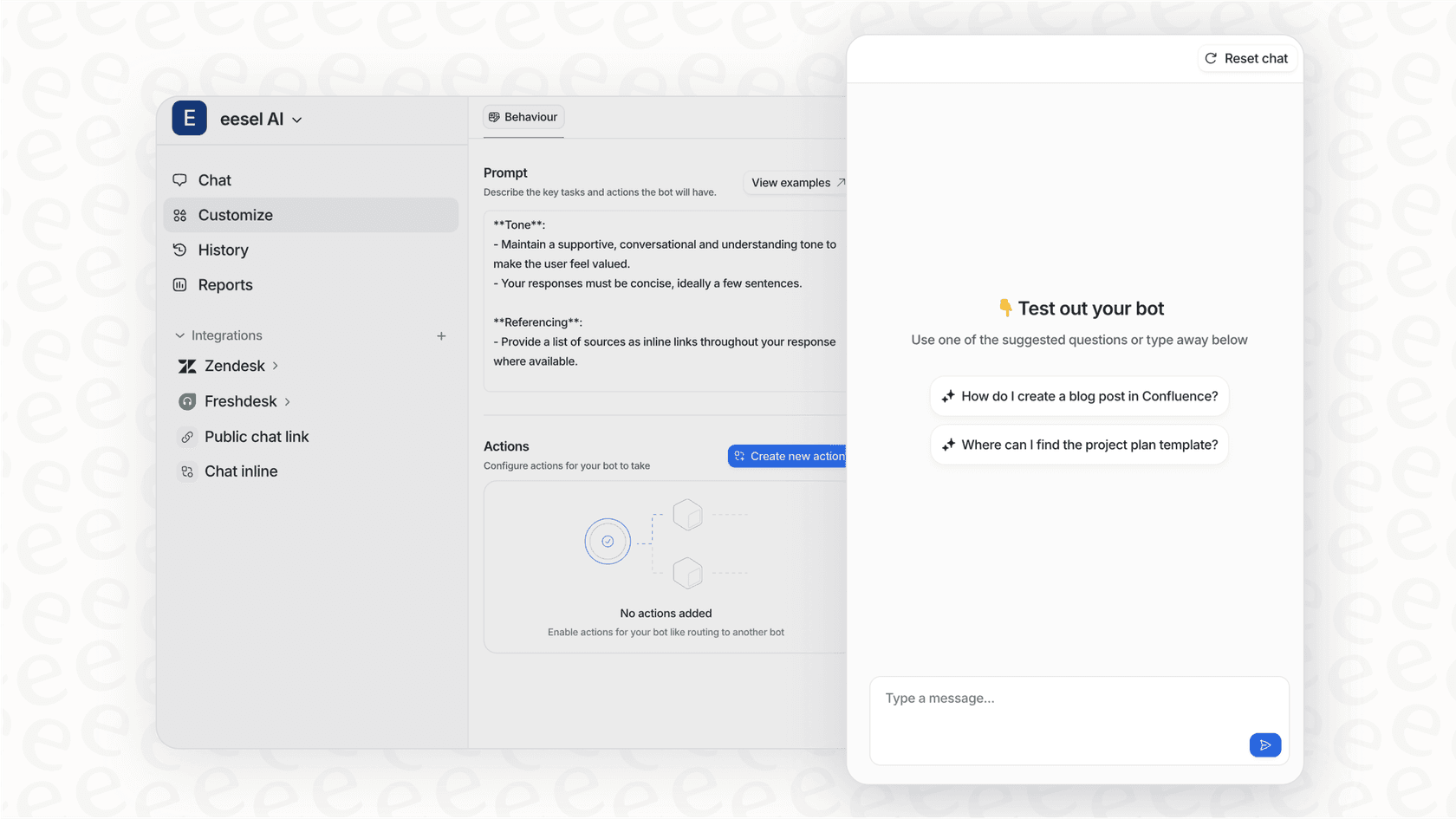
Pre-go-live testing: Run simulations on past tickets before going live. See exactly how eesel would respond, measure quality, and tune behavior. No surprises when you flip the switch.
Plain-English control: Define escalation rules and scope in natural language. "If the refund request is over 30 days, politely decline and offer store credit." No code, no rigid decision trees.
Instant onboarding: eesel connects to your existing help desk and learns from your data in minutes. No manual training, no documentation uploads, no configuration wizards.
The results speak for themselves: mature deployments achieve up to 81% autonomous resolution with a typical payback period under two months. More importantly, you see how eesel performs before it's customer-facing, so you avoid the public failures that damage trust.
Start your AI support automation journey the right way
Let's recap the eight mistakes and their simple antidotes:
- Automating broken processes: Fix workflows first, then automate
- Going fully autonomous on day one: Start with oversight, level up gradually
- Ignoring data quality: Audit and clean your data before implementation
- Underestimating integration complexity: Map requirements and test connections early
- No monitoring or optimization: Build reviews into your process from day one
- Lack of team buy-in: Involve agents early and position AI as removing tedious work
- No human checkpoint: Design human-in-the-loop workflows with clear escalation paths
- Treating AI like software: Onboard, train, supervise, and level up like you would a teammate
AI automation isn't about replacing your support team. It's about giving them a capable teammate that handles the repetitive work so they can focus on what humans do best: building relationships, exercising judgment, and solving complex problems.
Ready to see the teammate approach in action? Try eesel AI free or book a demo to learn more.

Frequently Asked Questions
Share this article

Article by
Stevia Putri
Stevia Putri is a marketing generalist at eesel AI, where she helps turn powerful AI tools into stories that resonate. She’s driven by curiosity, clarity, and the human side of technology.