6 best AI solutions for Zoho Desk in 2026

Stevia Putri
Last edited March 16, 2026
AI is changing how support teams work, and if you're using Zoho Desk, you have more options than just the built-in Zia AI. Whether you need autonomous ticket handling, AI-assisted replies, or smarter triage, there's likely a solution that fits your workflow.
This guide compares six AI solutions for Zoho Desk, from the native Zia to third-party options that integrate via API or automation platforms. We'll cover what each does, how it connects, and which teams it's best suited for.
What to look for in a Zoho Desk AI solution
Before diving into the options, let's quickly cover what matters when evaluating AI for your helpdesk.
Integration method is the first thing to check. Native integrations (built into Zoho Desk) offer the smoothest experience but may lack flexibility. API-based integrations give you more control but require some setup. Automation platforms like Zoho Flow sit in the middle, connecting tools without heavy development work.
Key capabilities to consider include ticket routing and auto-tagging, AI-generated reply suggestions, sentiment analysis, knowledge base integration, multilingual support, and testing options before going live.
Pricing models vary widely. Some charge per seat, others per interaction or resolution. Factor in your ticket volume and team size when comparing costs.
Setup complexity matters too. If you need something running today, a native solution wins. If you have specific workflows or training data, a more customizable option might be worth the extra setup time.
The 6 best AI solutions for Zoho Desk
1. eesel AI
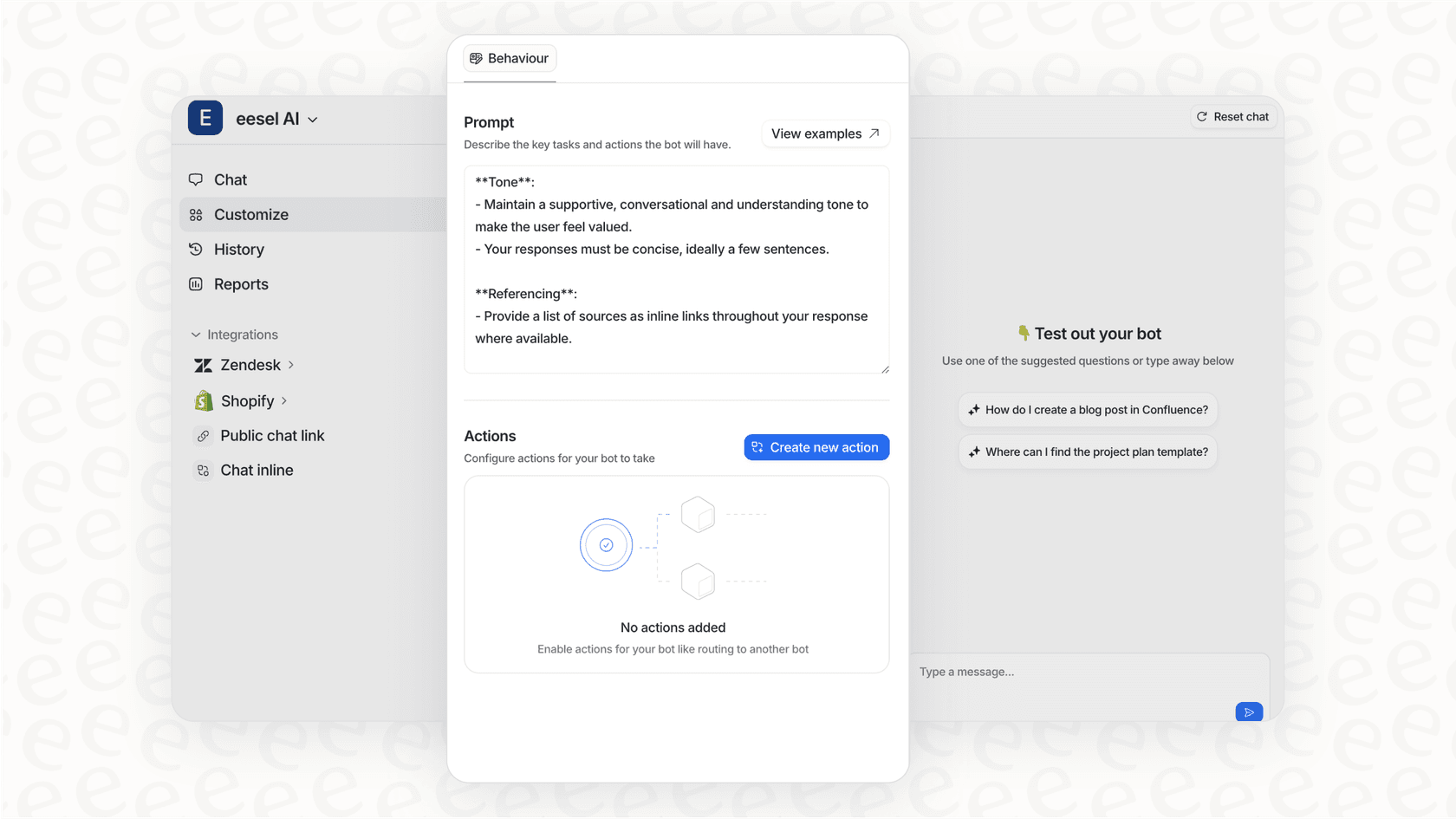
We position ourselves as an AI teammate rather than just another tool. Our platform learns from your past tickets, help center articles, macros, and even internal documents in Confluence or Google Drive. This multi-source training lets us understand your company's voice and policies more deeply than solutions limited to your helpdesk data.
For Zoho Desk users, we connect via API or automation platforms. Once connected, we can handle frontline support autonomously, draft replies for agents to review, or triage tickets by tagging and routing them based on your workflows.
Key strengths:
- Learns from 100+ integrations including past tickets, docs, and internal knowledge bases
- Interaction-based pricing means you don't pay per agent seat
- Run simulations on past tickets before going live
- Define behavior and escalation rules in plain English
- Works across multiple helpdesks if you ever migrate
Best for: Teams that want flexible AI training on real company knowledge, not just help center articles. Also good if you prefer usage-based pricing over per-seat fees.
Pricing:
| Plan | Monthly Price | Annual Price | Bots | Interactions |
|---|---|---|---|---|
| Team | $299 | $239/month | Up to 3 | 1,000/month |
| Business | $799 | $639/month | Unlimited | 3,000/month |
| Custom | Contact sales | Contact sales | Unlimited | Unlimited |
Source: eesel AI pricing
Free trial: 7 days, no payment info required
2. Zoho Zia
Zia is Zoho's native AI assistant, built directly into Zoho Desk. Since it's native, there's no external integration to configure. You get AI capabilities out of the box, included with your Zoho Desk subscription.
Zia handles the fundamentals well: auto-tagging incoming tickets, analyzing sentiment, suggesting relevant knowledge base articles, and helping agents draft responses. It also includes an Answer Bot for customer-facing chat and can summarize ticket threads to help agents get up to speed quickly.
For teams wanting generative AI features, Zia offers two options: the built-in Zia LLM at no extra cost, or a ChatGPT integration for enhanced capabilities.
Key strengths:
- Zero setup required, works immediately
- Included with Zoho Desk plans
- Native integration means no data leaves the Zoho ecosystem
- Covers core AI use cases: routing, sentiment, replies, summarization
- GDPR, HIPAA, and CCPA compliant
Best for: Teams that want AI without any integration complexity. If you're already committed to the Zoho ecosystem and need basic to mid-level automation, Zia is the obvious starting point.
Pricing: Included with Zoho Desk Enterprise (£35/user/month annually). Some features available on Standard plans with OpenAI API key.
3. Alhena AI

Alhena AI (formerly Gleen) is built specifically for e-commerce and DTC brands. It functions as both a shopping assistant and customer support AI, designed to turn customer service into a revenue driver rather than just a cost center.
The platform integrates with Zoho Desk and focuses on conversational commerce. It can recommend products, answer questions about inventory, and guide customers through purchase decisions while also handling post-sale support.
Key strengths:
- Purpose-built for e-commerce with product catalog integration
- Claims hallucination-free accuracy through watchdog systems
- Omnichannel support across chat, email, voice, and social
- Conversion-focused features like guided discovery and nudges
- SOC 2 certified and GDPR compliant
Best for: E-commerce brands wanting to unify CX and sales under one AI system. If your support team also drives revenue, Alhena is worth considering.
Pricing:
| Plan | Monthly Price | Conversations | URLs/SKUs | AI Profiles |
|---|---|---|---|---|
| Free | $0 | 25 | 500 | 1 |
| Pro | $199 (annual) | 2,005 | Up to 50,000 | 5 |
| Enterprise | Custom | Custom | 50,000+ | Unlimited |
Source: Alhena AI pricing
4. CoSupport AI
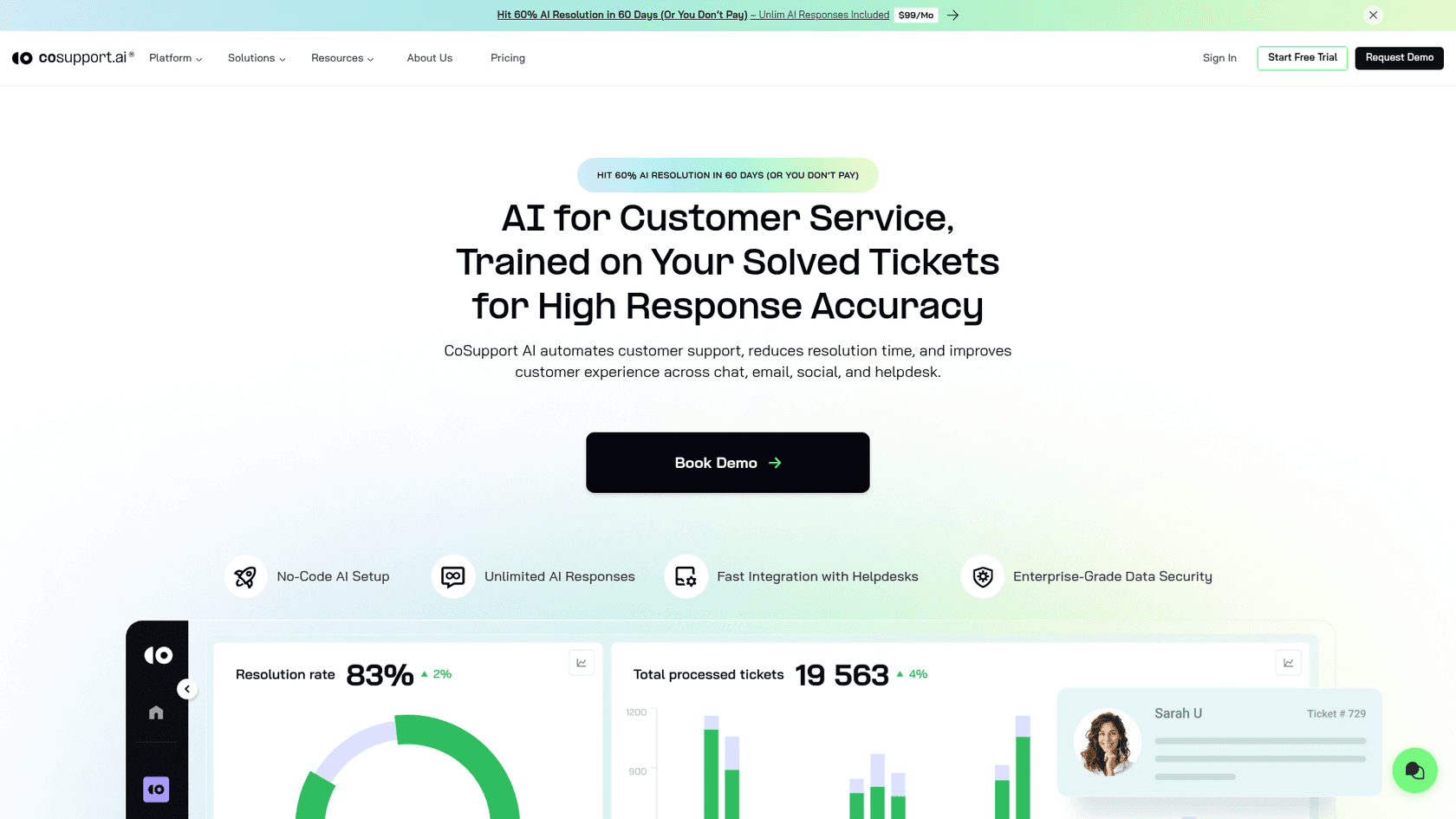
CoSupport AI focuses on automation for Zoho Desk and SalesIQ with an emphasis on accuracy and multilingual support. They claim 99% accuracy and the ability to resolve up to 90% of queries automatically.
The platform offers three different pricing models, which is unusual in this space. You can choose between paying per resolution, per response, or a flat monthly server fee depending on what works best for your volume.
Key strengths:
- 40+ language support for global teams
- Three pricing models to match your usage pattern
- Quick three-step setup process
- Claims 99% accuracy using trusted sources only
- Business intelligence add-on for analytics
Best for: Global support teams needing multilingual automation. The flexible pricing is also good if your ticket volume fluctuates month to month.
Pricing:
| Model | Price | Structure |
|---|---|---|
| Resolution-Based | From $0.19/resolution | Pay only for solved tickets |
| Server-Based | From $99/month | Fixed fee, unlimited responses |
| Response-Based | From $0.04/response | Pay per AI reply |
Source: CoSupport AI pricing
5. Beam.ai
Beam.ai is an AI agent platform that integrates with Zoho Desk to automate workflow tasks. Unlike conversational AI tools, Beam focuses on task automation: creating tickets, updating statuses, managing contacts, and triggering workflows.
The platform uses a task-based pricing model and includes features like self-healing outputs and output evaluation to maintain quality.
Key strengths:
- Full CRUD operations on tickets and contacts
- Self-healing outputs for error correction
- Output evaluation for quality control
- Multiple AI model options (frontier models on higher tiers)
- Enterprise-grade security on Scale plan
Best for: Teams wanting to automate specific workflows and tasks rather than conversational support. Good if you have defined processes that need automation.
Pricing:
| Plan | Monthly Price | Tasks | Key Features |
|---|---|---|---|
| Free | $0 | 20 | 1 integration, self-healing |
| Pro | $50 | 200 | Premium models, output evaluation |
| Scale | $3,990 | High-volume | 3 integrations, enterprise security |
| Custom | Custom | Custom | Production deployment, solution engineers |
Source: Beam.ai pricing
6. Voiceflow
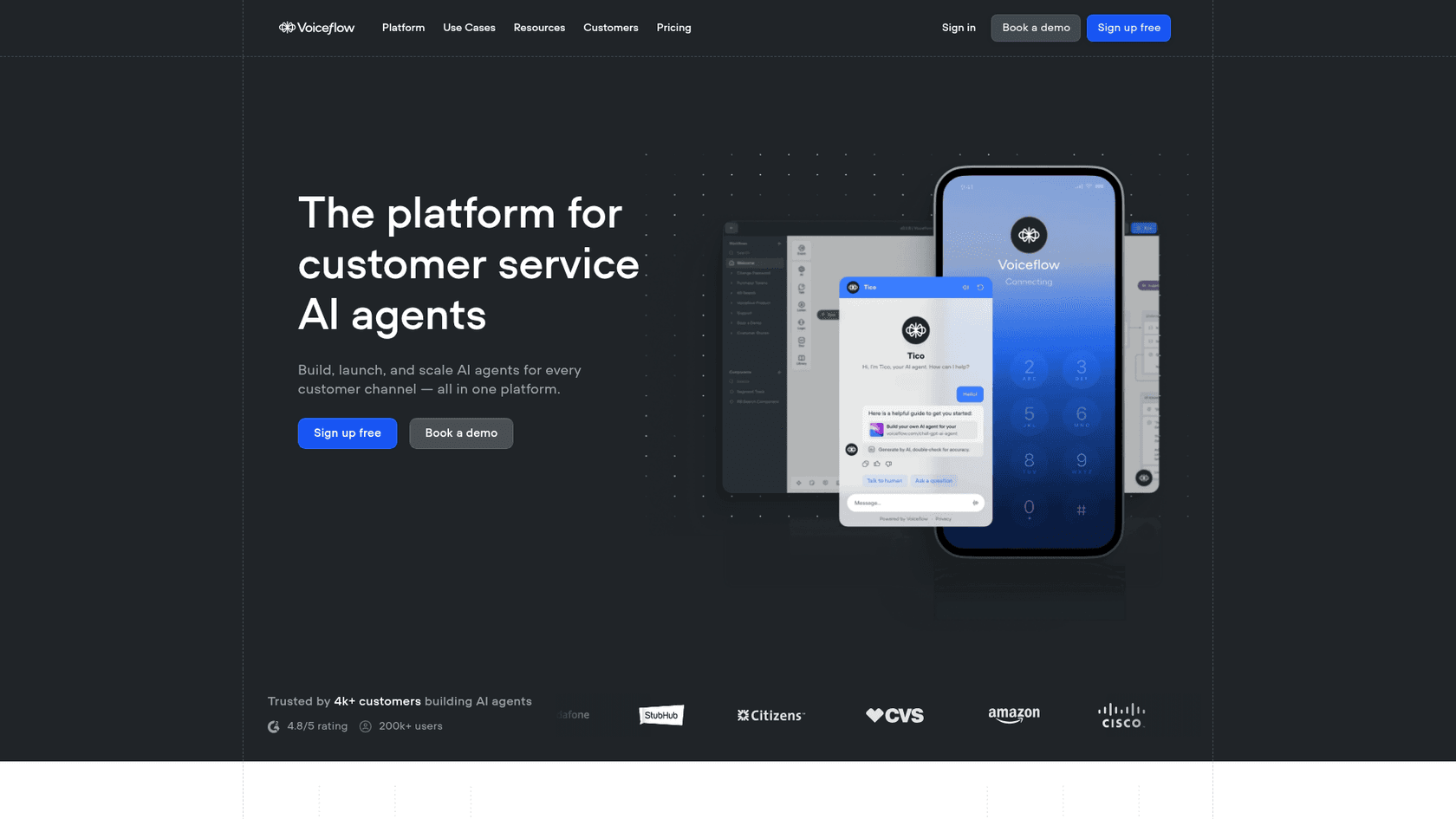
Voiceflow is a visual builder for conversational AI agents. It lets you design, prototype, and deploy chatbots and voice assistants without coding. For Zoho Desk, you can build custom AI experiences and connect them via API.
The platform emphasizes flexibility: you can choose from multiple LLM providers or bring your own model, and the visual interface makes it accessible to non-developers.
Key strengths:
- Visual drag-and-drop builder for AI agents
- Model flexibility (avoid vendor lock-in)
- Real-time collaboration for teams
- Development, staging, and production environments
- Named in Gartner's Innovation Guide for AI Agents
Best for: Teams wanting to build custom conversational AI experiences. Good if you have specific interaction flows that off-the-shelf solutions can't handle.
Pricing: Freemium model with paid plans available. Contact sales for business pricing.
Comparison table
| Solution | Integration | Starting Price | Best For |
|---|---|---|---|
| eesel AI | API/Zoho Flow | $239/month (annual) | Flexible training, usage-based pricing |
| Zoho Zia | Native | Included with Enterprise | Zero setup, native ecosystem |
| Alhena AI | Native/API | $199/month (annual) | E-commerce, revenue-focused CX |
| CoSupport AI | API/Connector | $99/month or $0.19/resolution | Multilingual, flexible pricing |
| Beam.ai | API | $50/month | Task automation, CRUD operations |
| Voiceflow | API | Freemium | Custom conversational AI builds |
How to choose the right AI for your Zoho Desk setup
Choosing the right AI depends on your specific situation. Here's a simple framework:
Start with Zoho Zia if: You're already invested in the Zoho ecosystem, want zero setup, and your needs are covered by native AI features. It's the path of least resistance.
Consider eesel AI if: You want deeper training on company knowledge (not just help center articles), prefer usage-based pricing, or might migrate helpdesks in the future. Our ability to learn from Confluence, Google Docs, and past tickets gives us broader context.
Look at Alhena AI if: You're in e-commerce and want AI that drives sales, not just handles support. Their focus on conversion and product recommendations is unique.
Evaluate CoSupport AI if: You need multilingual support or want flexible pricing that matches your actual usage pattern.
Try Beam.ai if: Your primary need is workflow automation and task management rather than conversational support.
Explore Voiceflow if: You have specific interaction requirements that off-the-shelf solutions can't meet and you want full control over the AI experience.
Enhance your Zoho Desk with the right AI solution
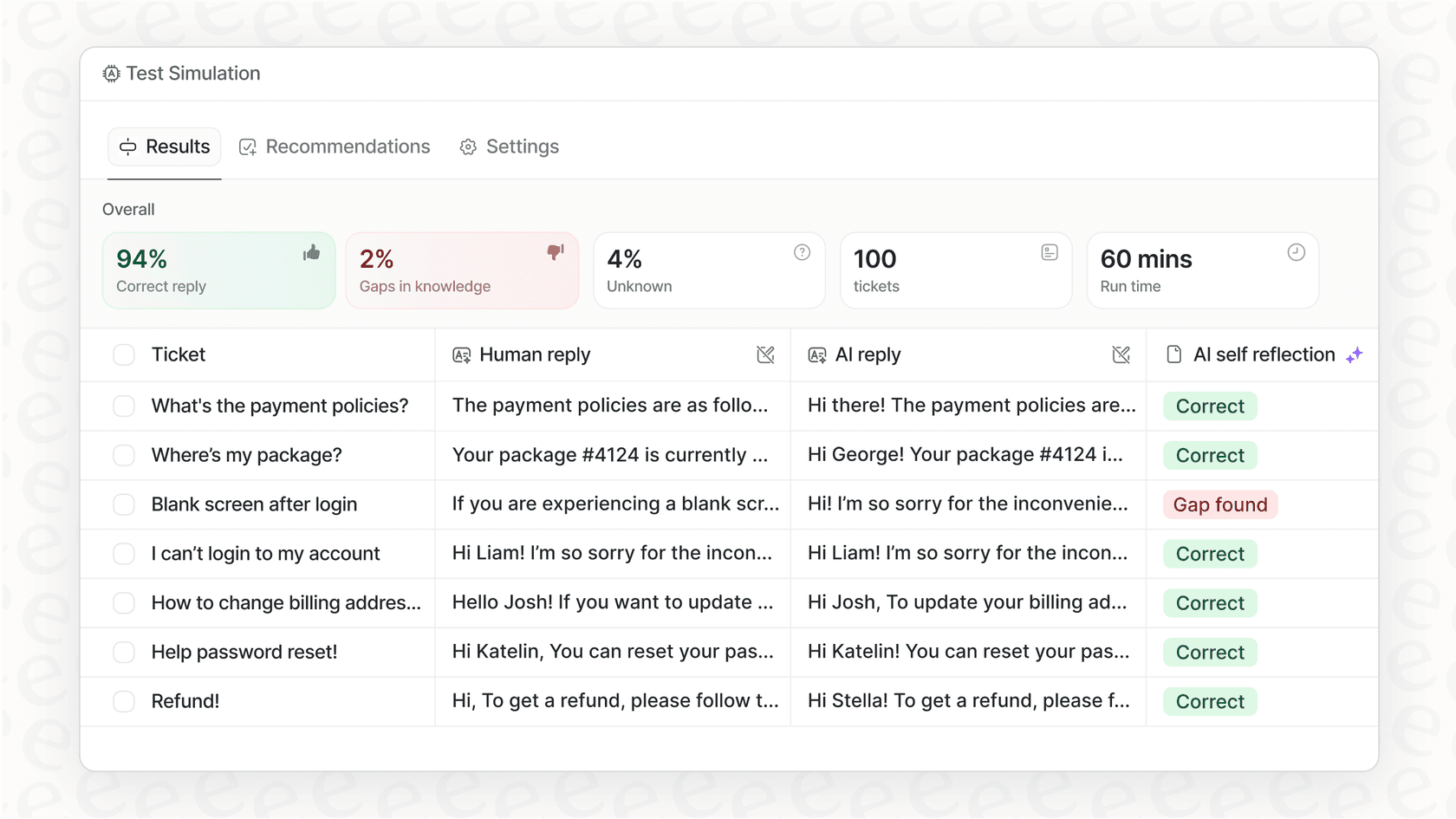
The best AI for Zoho Desk depends on what you're trying to achieve. Native solutions like Zia offer simplicity. Third-party options like eesel AI offer deeper training and flexibility.
Most teams benefit from starting with a trial. Test how well the AI understands your specific tickets, how natural the responses feel, and whether the pricing model fits your volume.
If you're looking for an AI teammate that learns your business from all your existing knowledge (not just help center articles), we invite you to try eesel AI free for 7 days. Run simulations on your past tickets, see how we'd handle your actual conversations, and decide if we're the right fit for your team.

Frequently Asked Questions
Share this article

Article by
Stevia Putri
Stevia Putri is a marketing generalist at eesel AI, where she helps turn powerful AI tools into stories that resonate. She’s driven by curiosity, clarity, and the human side of technology.
