Re:amaze knowledge base: Complete guide for 2026

Stevia Putri
Last edited March 12, 2026
A well-organized knowledge base can deflect up to 70% of routine support questions before they ever reach your team. This is the value behind Re:amaze's knowledge base feature, which combines traditional FAQ functionality with modern AI capabilities. Whether you're evaluating Re:amaze for your business or looking to get more from your existing setup, this guide covers what you need to know.
What is Re:amaze?
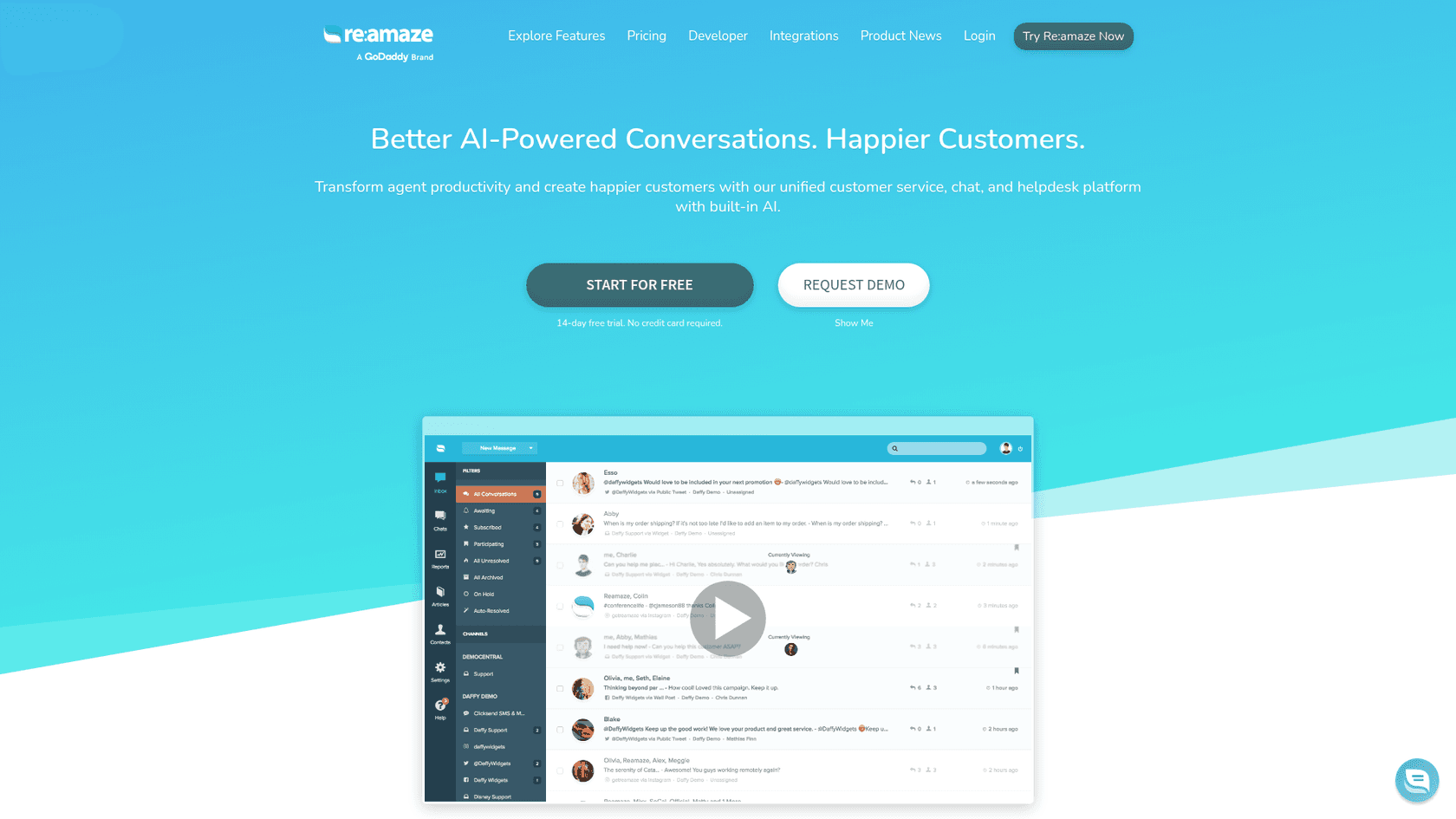
Re:amaze is an AI-powered customer service platform built primarily for e-commerce and online businesses. It brings together email, live chat, social media, SMS, and push notifications into a single shared inbox. The platform targets SaaS companies and online retailers who need unified customer communication without the complexity of enterprise helpdesk solutions.
Beyond basic ticketing, Re:amaze offers proactive engagement tools like automated messaging campaigns (called "Cues"), real-time visitor monitoring, and the knowledge base functionality we'll explore in depth. The platform emphasizes e-commerce integrations, with deep connections to Shopify, BigCommerce, and WooCommerce that let support agents see order data, process refunds, and create draft orders without leaving the conversation.
Re:amaze operates on a per-seat pricing model, which can add up quickly for larger teams but keeps costs predictable for smaller operations. The company offers a 14-day free trial with full access to all features, no credit card required.
Understanding the Re:amaze knowledge base
The Re:amaze knowledge base (also referred to as their FAQ system) is a customizable help center where you create and organize self-service content for your customers. It sits within the broader Re:amaze ecosystem, meaning it works seamlessly with their chat widgets, email responses, and AI chatbots.
At its core, the knowledge base supports three types of articles:
- Public articles Visible to anyone, typically answering common customer questions
- Internal articles For your staff only, often containing procedures or internal policies
- Draft articles Work-in-progress content that isn't published yet
This structure lets you maintain a public-facing help center while also building an internal knowledge repository for your team. The self-service philosophy is straightforward: when customers can find answers themselves, everyone wins. They get instant responses at any hour, and your support team can focus on complex issues that actually require human attention.
The knowledge base integrates directly with Re:amaze's chat widget, so customers can browse articles while chatting with your team (or the AI bot). Articles can also be embedded inline on your website or inserted directly into email replies as quick responses.
Key features and customization options
Re:amaze gives you considerable control over how your knowledge base looks and functions. The customization options go deeper than many competitors, though some require comfort with CSS and HTML.
Article management
Creating articles happens through Re:amaze's web interface. You can organize content into topics and subtopics, making it easier for customers to browse. The editor supports rich formatting, images, and embedded media. You can also use response templates to quickly insert common knowledge base articles into live conversations.
Visual customization
For branding consistency, Re:amaze lets you customize:
- Header styling Match your site's navigation and branding
- Body and article styling Control fonts, colors, and layout
- Custom CSS Full control for technical teams who want pixel-perfect matching
- Footer HTML Add custom scripts, tracking, or additional navigation
This level of customization means you can make the knowledge base feel like a native part of your website rather than a third-party add-on. However, it also means there's a learning curve if you want to take full advantage of these options.
Hosting and embedding
You have three main ways to deploy your knowledge base:
- Help Site Host it on a custom subdomain (like help.yourcompany.com) with your own branding
- Embedded Insert articles inline within your existing website pages
- Chat widget Make articles browsable within the Re:amaze chat interface
The custom domain option requires the Pro plan or higher ($49/user/month), while embedding and chat widget access are available on all plans.
Multi-language support
Re:amaze supports text customization for different languages, letting you translate the public-facing portions of your help center. This is particularly valuable for businesses serving international customers.
AI-powered knowledge base capabilities
Where Re:amaze's knowledge base stands out is in its AI integration. The platform offers two tiers of AI assistance that leverage your knowledge base content.

Frequently Asked Questions
Share this article

Article by
Stevia Putri
Stevia Putri is a marketing generalist at eesel AI, where she helps turn powerful AI tools into stories that resonate. She’s driven by curiosity, clarity, and the human side of technology.



