
Accurate ticket categorization is the backbone of efficient IT service management. When tickets land in the right queues immediately, teams resolve issues faster, reporting becomes meaningful, and customers get better service. But manually categorizing every ticket is a time sink most IT teams cannot afford.
This is where Freshservice auto-categorization comes in. Or at least, that's what it's called. In reality, Freshservice offers rule-based automation that can automatically assign categories based on conditions you define. It's powerful, but it's not truly "automatic" in the AI sense. You're building the logic, not training a system to learn.
For teams hitting the limits of what rules can accomplish, AI-powered alternatives like eesel AI offer a different approach. Instead of programming every scenario, you let the AI learn from your historical tickets and categorize based on understanding, not just keyword matching.
Here's how Freshservice's native categorization works, where it falls short, and when it makes sense to look beyond rules.
What is Freshservice auto-categorization?
Freshservice "auto-categorization" is really rule-based workflow automation. You create conditions (if a ticket contains X, comes from Y, or matches Z) and actions (then set category to A, subcategory to B). The system executes these rules automatically, but it doesn't learn or adapt on its own.
Here's the distinction that matters:
-
Rule-based categorization: You explicitly define every scenario. "If subject contains 'password reset,' set category to 'Access Management.'" It works great for predictable, repetitive ticket types. But miss a keyword or encounter a variation you did not anticipate, and the rule fails.
-
AI-based categorization: The system analyzes ticket content, learns patterns from historical data, and categorizes based on understanding intent and context. It handles variations, synonyms, and novel scenarios without explicit programming.
Freshservice uses the first approach. Its Workflow Automator lets you build sophisticated categorization logic, but you're still building logic, not teaching a system to think.
How Freshservice auto-categorization works
Freshservice offers several automation mechanisms for categorizing tickets. Each serves a different purpose and comes with its own constraints.
Workflow Automator for ticket categorization
The Workflow Automator is Freshservice's primary tool for ticket automation. It uses a visual, drag-and-drop interface where you build workflows from three core components:
Events define when a workflow triggers. For categorization, you typically use "Ticket is Created" or "Ticket is Updated."
Conditions set the parameters that must be met. You can check subject lines for keywords, evaluate requester properties, or examine custom fields. For example: "Subject contains 'printer' OR 'unable to print'."
Actions execute when conditions match. This is where you set the category, subcategory, and item fields. You can also assign the ticket to a specific group or agent.

The Workflow Automator also supports advanced features like Reader Nodes (to reference custom objects), JSON parsing, and webhook calls to external systems. But at its core, it's still if-this-then-that logic.
Supervisor Rules
Supervisor Rules are self-executing automations that run on a schedule, typically every hour. They are useful for bulk operations on existing tickets, like re-categorizing backlogged items or handling tickets that have been sitting uncategorized.
The key limitation: Supervisor Rules only run on tickets created or updated in the last 30 days. Older tickets are excluded from processing.
Observer Rules
Observer Rules trigger in real-time when specific ticket events occur. Unlike Workflow Automator (which runs on ticket creation), Observer Rules respond to updates like status changes, priority shifts, or agent replies. This makes them useful for re-categorizing tickets when new information emerges.
One catch: Observer Rules only execute for manual actions, not system-triggered updates.
Scenario Automation
Scenario Automation bundles multiple actions under a single button click. Agents select tickets and apply a scenario to categorize, assign, and update fields all at once. It's not automatic categorization (agents still trigger it), but it speeds up manual categorization significantly.
Setting up auto-categorization in Freshservice
Getting categorization automation running in Freshservice involves three main phases: structuring your categories, building the rules, and refining over time.
Step 1: Define your category structure
Before building any automation, you need a clear taxonomy. Freshservice uses a three-level hierarchy:
- Level 1: Category (broad buckets like "Hardware," "Software," "Network")
- Level 2: Sub-Category (more specific like "Laptops," "Printers," "VPN")
- Level 3: Item (granular classification like "Dell XPS," "HP LaserJet," "Cisco AnyConnect")
You configure this structure in Admin > Service Management > Service Desk Settings > Field Manager. The interface lets you create nested dropdowns where users (or automation) select the appropriate classification.
Best practice: Start simple. A shallow, well-organized taxonomy beats a deep, confusing one. Users struggle with complex category trees, and misdirected tickets become a bigger problem than uncategorized ones.
Step 2: Create categorization workflows
With your taxonomy defined, head to Admin > Automation & Productivity > Workflow Automator to build your categorization rules.
Start by identifying your highest-volume ticket types. These are your automation candidates. For each type, ask:
- What distinguishes this ticket type? (keywords, requester department, source channel)
- What category should it receive?
- Should it also be auto-assigned to a specific team?
Build workflows with specific conditions. "Subject contains 'password'" is too broad and will catch "password expired" and "password policy question" in the same bucket. Use multiple conditions: "Subject contains 'password' AND subject contains 'reset'" for better precision.
Always test workflows with sample tickets before activating them. Freshservice lets you simulate triggers to see what would happen without affecting live tickets.
Step 3: Monitor and refine
Automation isn't set-and-forget. Plan to review categorization accuracy weekly at first, then monthly as the system stabilizes.
Look for:
- Misclassified tickets (what rule caught them incorrectly?)
- Uncategorized tickets (what scenario are you missing?)
- Edge cases that break your logic
Adjust conditions, add new workflows, and retire rules that no longer apply as your services evolve.
Limitations of Freshservice auto-categorization
Freshservice's rule-based approach works well for predictable environments, but it has clear boundaries. Understanding these limitations helps you decide when native automation is sufficient and when you need something more intelligent.
Rule-based only. Every categorization scenario requires explicit programming. If a user describes a printer problem as "the paper thing is jammed again" and your rule only looks for "printer" or "jam," you have a miss. You cannot account for every variation.
No learning from history. Freshservice does not analyze your past tickets to improve categorization. If 500 tickets about "Outlook not syncing" were all categorized as "Software > Email > Outlook," the system does not learn that pattern for future tickets.
Keyword matching misses context. Rules look for literal strings, not meaning. "Cannot access shared drive" and "need access to shared drive" might seem similar to a human but require different rules to catch.
Complex category trees confuse users. The Freshworks community is full of complaints about users selecting wrong categories because the hierarchy is too deep or poorly organized. One user described the frustration: "We have a fairly granular category tree, but especially new users aren't sure where they can expect to find something in the category tree. Should they expect to find 'Add a printer' under 'Software > Windows' or 'Printers'?"
We have a steady stream of new hires into the organization and have seen an uptick in misdirection of tickets due to incorrect selection of 'Category, Sub-Category, Item'. We are feverishly trying to find ways to mitigate extended ticket re-assignment due to new employees selecting the incorrect Category tree.

30-day window for Supervisor Rules. Bulk re-categorization of older tickets requires workarounds.
Cannot handle multi-intent tickets. A ticket that mentions both a password reset and a software install gets categorized based on whichever rule matches first, not on understanding both issues need attention.
eesel AI: An AI-powered alternative for intelligent ticket categorization
When rule-based categorization hits its limits, AI-powered alternatives offer a fundamentally different approach. Instead of programming logic, you train a system to understand.
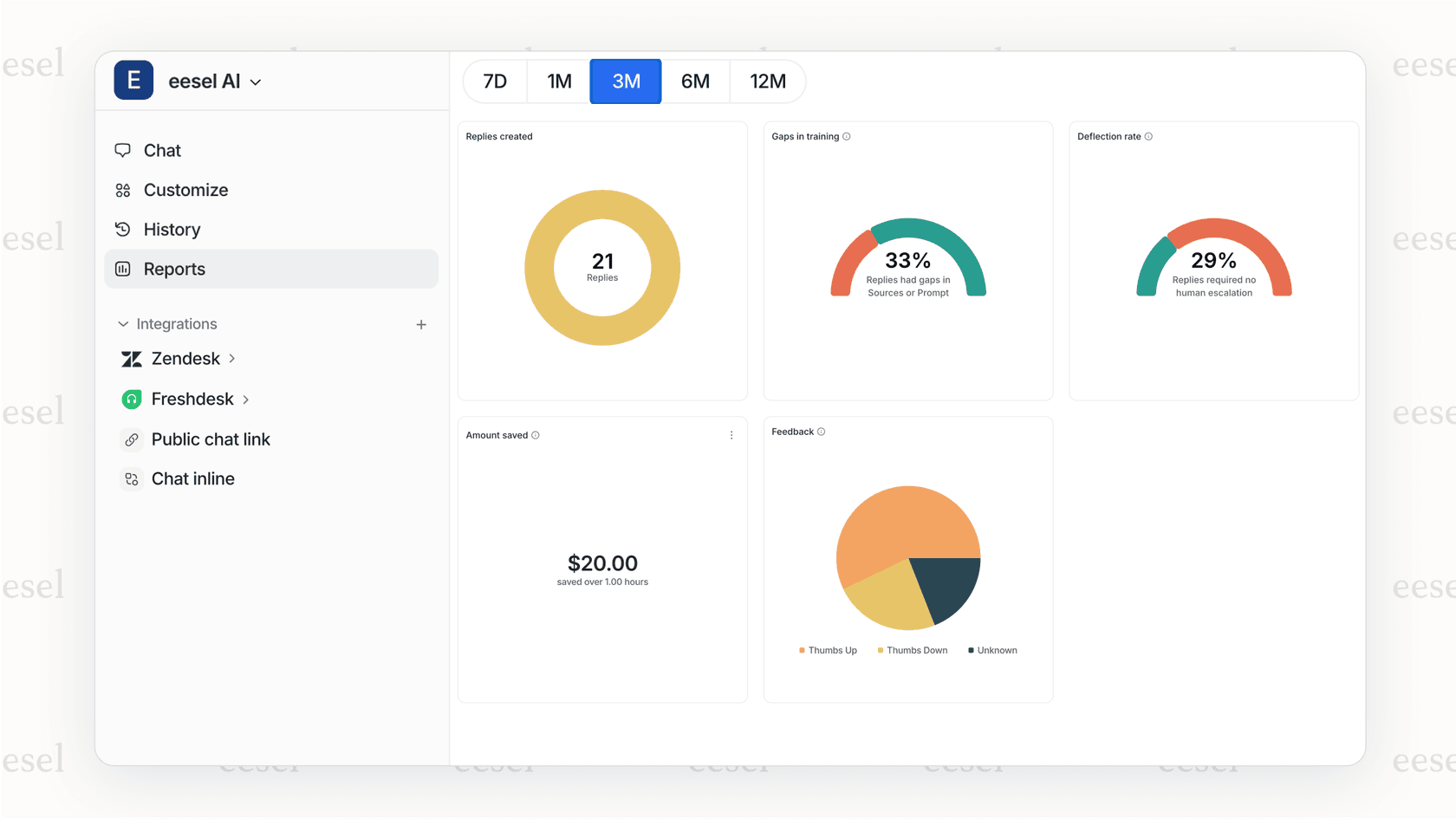
How eesel AI auto-categorization works
eesel AI approaches categorization through natural language understanding. Here's how it differs:
Learns from your data automatically. Connect eesel AI to your help desk, and it immediately starts learning from your past tickets, help center articles, macros, and any connected documentation (Confluence, Google Docs, Notion). It understands how you actually categorize tickets, not how you wrote rules to categorize them.
Understands context and intent. Rather than matching keywords, eesel AI reads ticket content and understands what the user is asking. "The paper thing is jammed again" gets categorized as a printer issue because the AI understands the meaning, not because "printer" appears in the text.
Handles multi-intent tickets. When a ticket contains multiple issues, eesel AI can identify and categorize each one appropriately, or flag the ticket for human review when intent is unclear.
Continuously improves. Every correction you make teaches the system. Over time, accuracy improves without you writing new rules.
Key advantages over rule-based categorization
-
No complex rule setup. You describe what you want in plain English. "Categorize printer issues under Hardware > Peripherals" is enough to get started.
-
Works with novel scenarios. Tickets describing issues you have never seen before still get categorized based on similarity to past tickets.
-
Simulation mode. Test eesel AI on historical tickets before going live. See exactly how it would have categorized past tickets and measure accuracy before touching live customer requests.
-
Freshservice integration. eesel AI connects directly to Freshservice (along with Zendesk, HubSpot, and 100+ other platforms) to apply intelligent categorization within your existing workflow.
eesel AI pricing
| Plan | Monthly | Annual | Bots | Interactions/mo | Key Features |
|---|---|---|---|---|---|
| Team | $299 | $239/mo | Up to 3 | 1,000 | Train on website/docs, Copilot, Slack |
| Business | $799 | $639/mo | Unlimited | 3,000 | + AI Triage (auto-categorization), AI Agent |
| Custom | Contact | Custom | Unlimited | Unlimited | + Multi-agent orchestration, custom integrations |
AI Triage with auto-categorization is available on the Business plan and above.
For more on AI-powered ticket classification, see our guide on how to use AI to classify or tag support tickets.
Choosing the right auto-categorization approach
Not every team needs AI-powered categorization. Here's how to decide what fits your situation.
Freshservice native automation is sufficient when:
- You have a small, stable set of ticket types
- Your users consistently use predictable language
- Your category structure is simple and shallow
- You have IT staff available to build and maintain rules
- Ticket volume is low enough that occasional miscategorization is not costly
AI-powered categorization makes sense when:
- You handle high ticket volumes with varied content
- Users describe issues in unpredictable ways
- Your category structure is complex
- You need high accuracy for reporting and SLA tracking
- You want categorization that improves over time without manual rule updates
- You are already hitting the limitations of rule-based systems
The migration path: Many teams start with Freshservice's native rules, then upgrade to AI-powered solutions like eesel AI when the maintenance burden becomes unsustainable or accuracy requirements increase.
Consider your ticket volume, variety, team size, and accuracy requirements. Rules work until they do not. When you find yourself writing rule #47 to catch yet another variation of "printer broken," it might be time to let AI handle the pattern matching.
Getting started with intelligent ticket categorization
Ticket categorization is not glamorous work, but it is foundational. Accurate categorization means faster routing, better reporting, and happier users. The question is how much effort you want to spend achieving it.
Freshservice's rule-based automation works for straightforward environments. You build the logic, test the rules, and maintain them as your services evolve. It's predictable and controllable.
When your environment outgrows rules, AI-powered alternatives offer a path forward. Instead of programming every scenario, you teach a system to understand. The upfront effort drops, accuracy improves, and the system adapts as your business changes.
If you are curious about what AI-powered categorization looks like for your tickets, you can try eesel AI and run simulations on your historical data. See the accuracy before committing to any changes in your live environment.
To learn more about eesel AI's capabilities for IT teams, explore our AI for ITSM solution or check out the eesel AI Freshservice integration.


