Freshdesk AI canned responses: A complete guide for 2026

Stevia Putri
Last edited March 23, 2026
If you're handling customer support, you've probably typed the same response a hundred times. "Here's how to reset your password." "Your order is on its way." "Let me escalate this for you."
Canned responses were built to solve this exact problem. They let you save pre-written replies and drop them into tickets with a click. But in 2026, they've evolved beyond static templates. Freshdesk's Freddy AI can now suggest the right response based on what your customer is actually asking.
This guide covers everything you need to know about Freshdesk AI canned responses. We'll walk through the basics of setting them up, how Freddy AI's smart suggestions work, and what to do when you're ready for more advanced automation.
What are Freshdesk AI canned responses?
Canned responses in Freshdesk are pre-written reply templates that agents can insert into tickets instantly. Instead of typing out instructions for the tenth time today, you select the right template and send.
The benefits are straightforward:
- Speed: Cut response time on common questions from minutes to seconds
- Consistency: Every customer gets the same accurate information
- Accuracy: No typos or forgotten details when you're rushing
Freshdesk takes this further with Freddy AI. The AI analyzes your ticket content, looks at similar past conversations, and suggests the most relevant canned response from your library. It considers which responses your team uses most and which ones actually resolve issues.
Here's how the progression works:
- Static canned responses: You manually select templates
- AI-suggested responses: Freddy recommends relevant templates
- AI-drafted responses: The AI writes personalized replies based on your knowledge
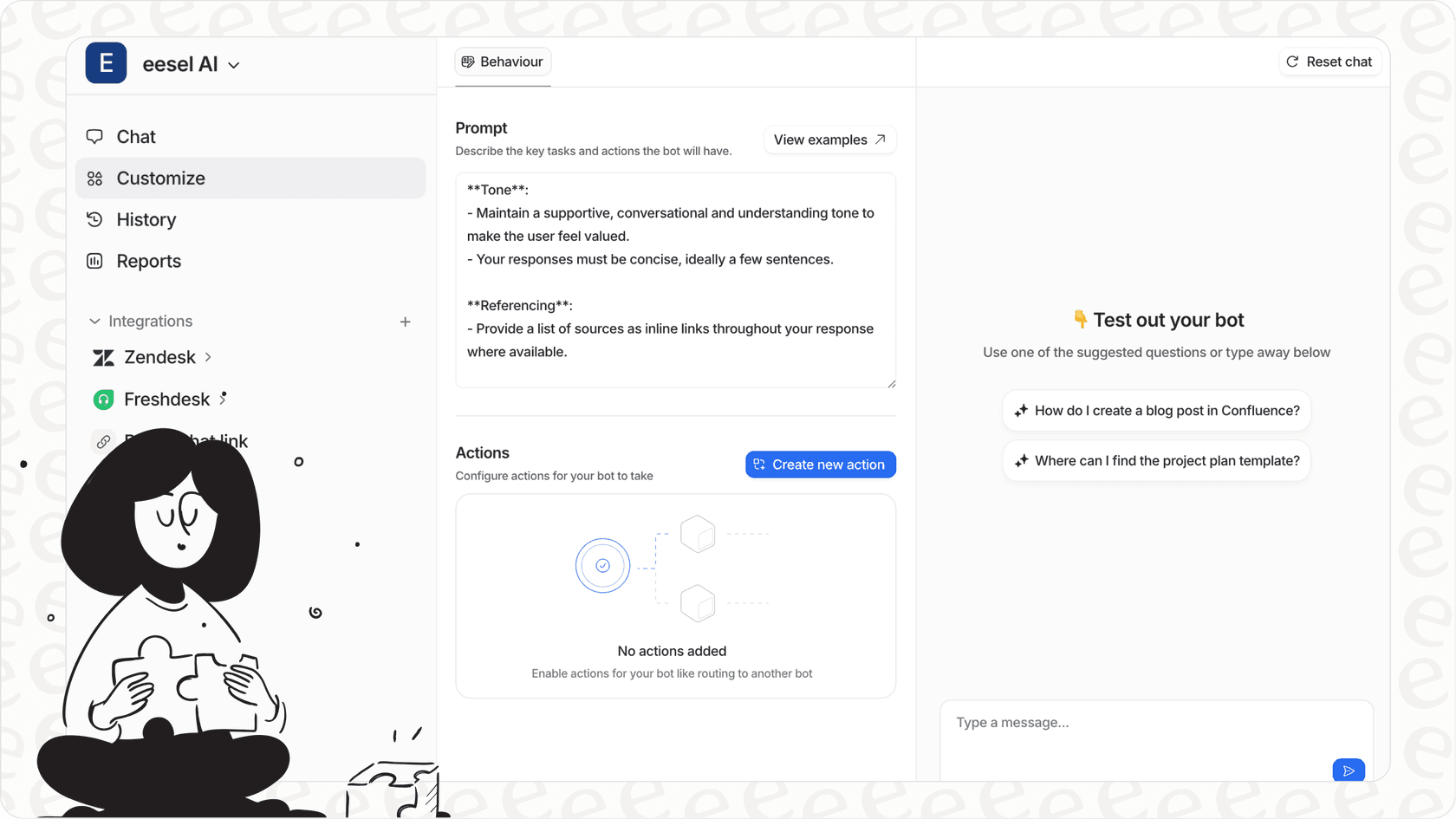
For teams already using eesel AI alongside Freshdesk, you get another layer. Our AI Copilot drafts context-aware responses by analyzing your past tickets and connected knowledge bases, not just inserting templates.
How to set up canned responses in Freshdesk
Getting started with canned responses takes about 10 minutes. Here's the process:
Step 1: Navigate to Canned Responses settings
Log in as an admin and go to Admin > Agent Productivity > Canned Responses.

This is where you'll create folders, write templates, and manage visibility settings.
Step 2: Create a folder for organization
Before writing responses, set up folders to keep things tidy. Common categories include:
- Billing and refunds
- Technical troubleshooting
- Account management
- Feature requests
Click New Folder, give it a clear name, and create it.

Step 3: Create your first canned response
Click New Canned Response within your folder. You'll see several fields:
Response Title: Use descriptive names your team can search for. "Password Reset Instructions" works better than "Reset."
Message Body: Write the actual template. Use rich formatting (bold, lists, links) to make it readable.
Placeholders: Click the green plus icon to insert dynamic content like {{ticket.requester.firstname}} or {{ticket.id}}. This personalizes each response without extra typing.
Visibility: Choose who can use this response:
- Myself: Only visible to you (personal responses)
- All agents: Everyone on the team
- Agents in group: Specific teams only (great for specialized responses)
Click Save and your response is ready to use.
Step 4: Organize and manage your library
As your library grows, you'll need to maintain it:
- Move responses: Select responses and click Move to when reorganizing
- Bulk export: Export all responses as CSV or XLSX for backup
- Edit regularly: Review templates quarterly to ensure accuracy
Agents can also create personal canned responses from their profile settings for replies only they use.
Using Freddy AI's canned response suggester
Once you've built a library of canned responses, Freddy AI can make them smarter. The canned response suggester analyzes incoming tickets and recommends relevant templates automatically.
Prerequisites
Before you can use AI suggestions, you need:
- Freshdesk Pro ($55/agent/month) or Enterprise ($89/agent/month) plan
- Freddy AI Copilot add-on ($29/agent/month with annual billing)
- Admin activation of the feature
The good news: you can purchase Copilot for specific agents only. Your entire team doesn't need it if only a few people want AI assistance.
Enabling the feature
- Go to Admin > Freddy > AI Copilot
- Click Canned response suggester to activate it
- The AI starts training immediately
Training takes up to 5 days as Freddy analyzes your past tickets, canned response usage patterns, and resolution data. You'll get a notification when it's ready.

How to use AI-suggested responses
Once training completes, agents can access suggestions in three ways:
Canned response slider: Open any ticket and look under "Freddy recommendations." Click Canned responses to see AI-suggested templates in a side panel.
Keyboard shortcut: In the reply editor, type /c and press Enter. The suggestion panel opens instantly.
Canned responses button: Click the canned response icon at the bottom of the reply editor.

For each suggestion, you can:
- Preview: Click the expand icon to see the full response
- Insert: Add it below your existing draft
- Replace: Overwrite your entire draft with the suggested response
- Search: Enter keywords to find different responses
- Filter: Select folders to narrow results
The AI learns from your choices. The more you use certain responses for specific ticket types, the better its recommendations become.
Beyond canned responses: Freddy AI Copilot features
Freddy AI Copilot does more than suggest templates. It includes:
- AI Writing Assistant: Draft replies from scratch using ticket context
- AI Translation: Real-time translation across 60+ languages
- AI Summarization: Condense long conversation threads
- AI Sentiment Detection: Flags frustrated or urgent customers
According to Freshworks, teams using Freddy AI Copilot see 60% improved agent productivity and 67% better response quality.
Best practices for effective canned responses
Templates only work if customers actually find them helpful. Here's how to get it right.
Personalize every response
Always use placeholders for customer names, ticket numbers, and relevant details. A response starting with "Hi {{ticket.requester.firstname}}" feels completely different from "Dear Customer."
Research from Forbes shows that 44% of customers who receive personalized experiences are significantly happier and more likely to stay loyal.
Match your brand voice
Write canned responses the way your best agents actually talk. Avoid stiff corporate language. If your brand is friendly and casual, your templates should be too.
Before saving any response, read it aloud. If it sounds robotic, rewrite it.
Proofread before saving
A canned response with typos defeats the purpose. Check:
- Spelling and grammar
- Formatting (bold, lists, links render correctly)
- Placeholders populate correctly
- Tone matches your brand
Organize strategically
Use folders that match how your team thinks about support:
- By topic (Billing, Technical, Shipping)
- By urgency (Quick replies, Escalations)
- By customer type (Enterprise, Free users)
Review and update regularly
Products change. Policies evolve. Set a calendar reminder to review your canned responses quarterly. Outdated templates create more problems than they solve.
Five essential templates to create
If you're starting from scratch, build these first:
- Password reset instructions Include direct links to your reset page
- Order status inquiry Template for checking shipping and delivery
- Refund acknowledgment Sets expectations for processing time
- Feature request received Validates customer input without promising
- Escalation confirmation Lets customers know their issue is being handled
Freshdesk AI canned responses vs. alternatives
Freshdesk's native AI features work well for many teams, but they're not the only option. Here's how to think about your choices.
Freshdesk Freddy AI Copilot
What it does: Suggests existing canned responses, drafts replies, translates, summarizes threads
Pricing:
- Requires Pro ($55/agent/month) or Enterprise ($89/agent/month) base plan
- Freddy AI Copilot add-on: $29/agent/month (annual) or $35/month-to-month
- 500 AI Agent sessions included; additional sessions at $49 per 100
Best for: Teams already using Freshdesk Pro/Enterprise who want native AI assistance without adding new tools
eesel AI for Freshdesk
What it does: Acts as an AI teammate that learns from your past tickets, help center, and connected docs to draft personalized responses and handle tickets autonomously
Pricing:
- Team plan: $299/month ($239 annual) up to 3 bots, 1,000 interactions
- Business plan: $799/month ($639 annual) unlimited bots, 3,000 interactions
- Flat fee regardless of team size
Best for: Teams wanting predictable costs, those using multiple knowledge sources (Confluence, Notion, Google Docs), or teams ready for full AI automation
| Feature | Freshdesk Freddy AI | eesel AI |
|---|---|---|
| Pricing model | Per agent/month + base plan | Flat monthly fee |
| Response source | Existing canned templates | Learns from past tickets & docs |
| Knowledge sources | Freshdesk ecosystem | Freshdesk, Confluence, Google Docs, Notion |
| Automation level | Suggestions & drafting | Drafting, triage, autonomous resolution |
| Setup time | Minutes (native) | Minutes (integration) |
| Best for | Teams wanting native AI | Teams wanting end-to-end automation |
When to choose each
Choose Freddy AI Copilot if:
- You're already on Freshdesk Pro or Enterprise
- You want AI features without managing another tool
- Your team primarily needs response suggestions, not full automation
- Per-agent pricing works for your budget
Choose eesel AI if:
- You want predictable flat-rate pricing
- Your knowledge lives in multiple places (Confluence, Notion, etc.)
- You're ready for AI that can triage, tag, and resolve tickets autonomously
- You want to test AI on past tickets before going live
We built eesel AI to work alongside Freshdesk, not replace it. Many teams start with Freddy AI Copilot for basic assistance, then add eesel AI when they're ready for deeper automation. Our simulation mode lets you see exactly how the AI would handle your historical tickets before touching real customer conversations.
Taking your Freshdesk canned responses to the next level
Canned responses are a foundation, not a destination. The teams getting the most value have a clear progression:
Phase 1: Organized templates Build a library of well-written, categorized canned responses. Train your team to use them consistently.
Phase 2: AI suggestions Enable Freddy AI Copilot to recommend relevant responses automatically. Agents spend less time searching, more time solving.
Phase 3: AI drafting Move beyond templates to AI that drafts personalized replies based on context, history, and your knowledge base.
Phase 4: Autonomous resolution For routine issues, AI handles the entire ticket from first contact to resolution, escalating only what truly needs a human touch.
Measuring your progress
Track these metrics as you add AI capabilities:
- Average response time: Should decrease as AI assistance increases
- First response time: How quickly customers get an initial reply
- Resolution rate: Percentage of issues solved without escalation
- Customer satisfaction (CSAT): Quality shouldn't drop for speed gains
Freshdesk reports that teams using Freddy AI Agent achieve up to 80% autonomous resolution for routine queries. With eesel AI, mature deployments see up to 81% autonomous resolution with a typical payback period under two months.
The bottom line
Freshdesk AI canned responses are a solid starting point for any support team. They save time, improve consistency, and free your agents to focus on complex issues that actually need human judgment.
Start with well-organized templates. Add Freddy AI Copilot when you want smart suggestions. And when you're ready for AI that learns your business and handles tickets end-to-end, consider what eesel AI can add to your Freshdesk setup.
The goal isn't to replace your team. It's to let them focus on what humans do best: solving hard problems, building relationships, and turning frustrated customers into loyal ones.


Frequently Asked Questions
Share this article

Article by
Stevia Putri
Stevia Putri is a marketing generalist at eesel AI, where she helps turn powerful AI tools into stories that resonate. She’s driven by curiosity, clarity, and the human side of technology.