CloudTalk Freshdesk integration: Complete setup guide for 2026

Stevia Putri
Last edited March 12, 2026
Connecting your phone system to your helpdesk sounds simple enough, until you realize how much time your team spends switching between tabs, copying call notes, and trying to remember which customer is on the line. That is where the CloudTalk Freshdesk integration comes in. It brings your voice calls and support tickets together in one place.
This guide walks you through exactly what this integration does, who it is for, and how to set it up step by step. Whether you are evaluating phone systems or ready to connect CloudTalk to your Freshdesk account, you will find the specifics you need here.
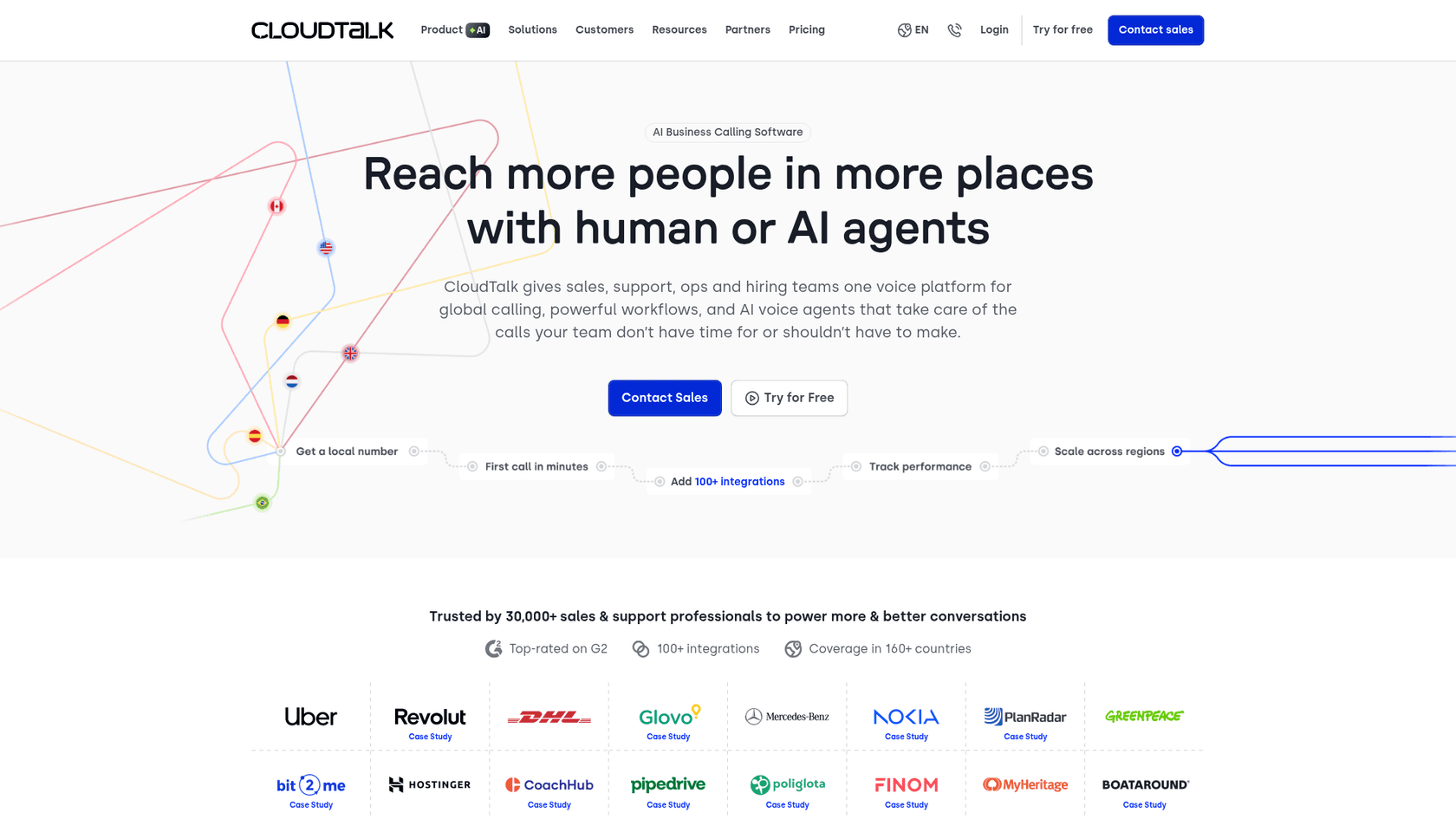
What is CloudTalk Freshdesk integration?
CloudTalk is a cloud-based phone system built for sales and support teams. Freshdesk is a popular helpdesk platform for managing customer tickets. The integration between them creates a two-way data sync that keeps your phone and ticketing systems aligned.
Here is what that means in practice. When a customer calls, your agents see their Freshdesk profile instantly. When the call ends, a ticket is created automatically with the recording, notes, and call outcome. No manual data entry. No missed context. No wondering what was promised on the last call.
The integration is designed for teams that handle a high volume of phone support. If your agents spend their day toggling between a phone app and Freshdesk, this setup removes that friction. It is particularly useful for customer service teams, IT helpdesks using Freshservice, and sales teams that want call activity logged directly in their support platform.
For teams looking to go further with automation, there are complementary approaches worth considering. While CloudTalk handles the voice layer, AI-powered tools can take over ticket routing, response drafting, and even resolution for common issues. We will touch on that later.
Prerequisites and what you will need
Before you start the setup, make sure you have the following in place:
- CloudTalk Essential plan or higher. The Freshdesk integration is not available on Lite or Starter plans. You will need at least the Essential tier at €29 per user per month (billed annually).
- Account Administrator role in Freshdesk. Regular Administrator access is not sufficient. The user setting up the integration needs the Account Administrator role.
- Your Freshdesk API key. You will find this in your Freshdesk profile settings.
- Matching email addresses. The email you use in CloudTalk must exactly match your Freshdesk email for synchronization to work.
- Chrome browser. The click-to-call extension requires Chrome.
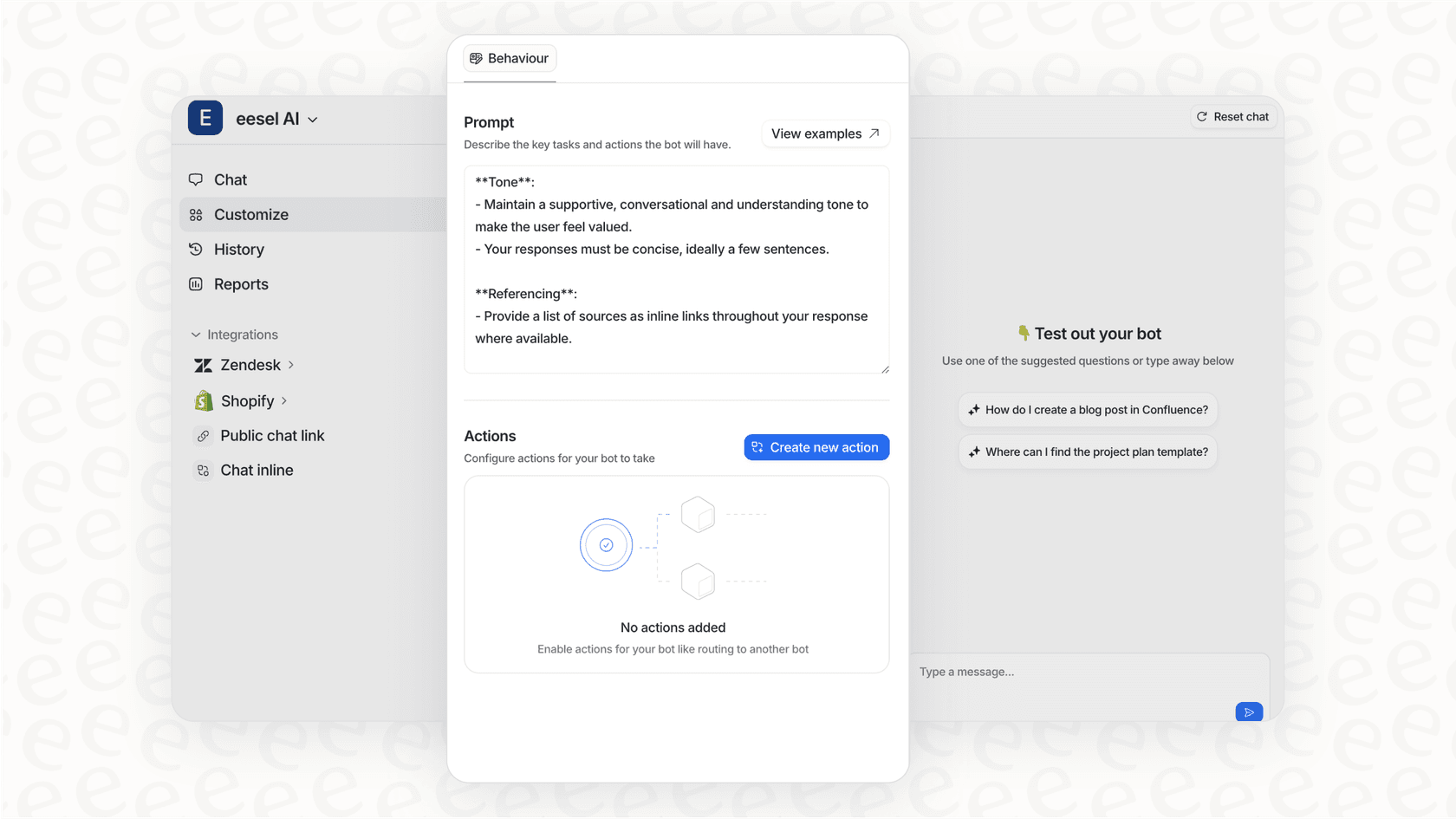
If you are not yet committed to CloudTalk and want to explore how AI could handle more of your support workload, eesel AI offers an alternative approach. Instead of adding a phone system to your helpdesk, you can add an AI teammate that handles tickets directly. It is a different model worth considering if your goal is to reduce agent workload rather than just streamline it.
How to set up the CloudTalk Freshdesk integration
The setup process takes about 10-15 minutes if you have all credentials ready. Here is how to do it.
Step 1: Gather your Freshdesk credentials
Start in Freshdesk. Click your profile icon in the top right and select Profile Settings. Scroll down to find your API Key and copy it. While you are there, note your domain URL from the address bar. It should look like yourcompany.freshdesk.com.

Step 2: Add the integration in CloudTalk
Log into your CloudTalk dashboard. Navigate to Account > Integrations. Find Freshdesk in the list and hover over it, then click +Add.
Enter your Freshdesk API key and domain URL in the form that appears. Click Submit to initiate the connection.

Step 3: Authorize the connection
After submitting, you will be redirected to Freshdesk to sign in and authorize data access. Grant the necessary permissions for CloudTalk to read and write ticket and contact data. Once authorized, you will return to CloudTalk.
Step 4: Configure your sync settings
Now you can customize how the integration works. In the integration settings panel:
- Data Import: Choose whether to import existing Freshdesk tickets as contact activities and specify tags for synced contacts.
- Logging Calls: Select which call types to log (inbound, outbound, missed calls, voicemails, redirected calls). Each will create a Freshdesk ticket.
- Missed Call Assignment: Choose an agent to receive tickets for missed calls.
- Connected Numbers: Link specific phone numbers to the integration, or leave blank to sync all numbers.

Step 5: Enable click-to-call in Freshdesk
To make calls directly from Freshdesk, you need to install the Chrome Click-to-Call extension. Once installed, phone numbers in Freshdesk become clickable, and calls open in the CloudTalk interface.
You may also want to go to Freshdesk Settings > Voice > Call Settings and select CloudTalk as your default calling provider if that option is available on your Freshdesk plan.
Once these steps are complete, your integration is active. All Freshdesk contacts will sync to CloudTalk, and call activity will start appearing as tickets.
Key features and capabilities of the CloudTalk Freshdesk integration
The integration offers several features that change how your team handles phone support:
Two-way contact synchronization. When you add or update a contact in either system, the change reflects in the other. This keeps customer data consistent without manual imports.
Automatic call logging. Every call creates a Freshdesk ticket with details like duration, outcome, and recording. Your team has a complete history without lifting a finger.
Real-time caller identification. When a call comes in, the agent sees the customer's Freshdesk profile before answering. Context like past tickets and notes is immediately available.
Click-to-call functionality. Agents can click any phone number in Freshdesk to initiate a call through CloudTalk. No dialing, no switching apps.
SMS integration. Send text messages directly from Freshdesk through CloudTalk's SMS capabilities. Messages are logged just like calls.
Missed call handling. When no one answers, a ticket is created automatically so follow-up does not fall through the cracks.
Custom field mapping. Match custom fields between CloudTalk and Freshdesk to ensure data flows correctly between your specific configurations.
For teams that want to take automation further, these features handle the voice layer well. But what about the tickets themselves? That is where AI comes in. At eesel AI, we approach this differently. Instead of just logging calls, our AI can draft responses, route tickets intelligently, and even resolve common issues autonomously. It is not a replacement for phone integration, but a complement that handles the ticket workload while your team handles the conversations.
CloudTalk pricing for Freshdesk integration
The Freshdesk integration requires at least the Essential plan. Here is the full pricing breakdown:
| Plan | Annual Price | Monthly Price | Key Features | Integration Access |
|---|---|---|---|---|
| Lite | €19/user | €27/user | Basic calling, 1 ring group, click-to-call | Not available |
| Starter | €25/user | €34/user | 500 EU minutes, unlimited ring groups | Not available |
| Essential | €29/user | €39/user | Unlimited US/CA calls, smart dialer, integrations | Included |
| Expert | €49/user | €69/user | Power dialer, Salesforce Suite, 3+ users | Included |
| Custom | Contact sales | Contact sales | Enterprise features, custom requirements | Included |
Key points:
- Annual billing saves approximately 30% (equivalent to 3+ months free)
- The Essential plan is the entry point for Freshdesk integration at €29 per user per month
- All plans include 24/7 chat and email support
- Phone support is included on all plans
Add-ons to consider
| Add-On | Price | Purpose |
|---|---|---|
| Power Dialer | €15/user/month | Automated sequential dialing for outbound campaigns |
| Parallel Dialer | €39/user/month | Dial up to 10 numbers simultaneously |
| AI Conversation Intelligence | €9/user/month | Call summaries, transcripts, sentiment analysis |
Source: CloudTalk pricing page
Tips for getting the most from your CloudTalk Freshdesk integration
Once the integration is live, a few best practices will help you maximize its value:
Set up contact tagging early. Decide on a tagging strategy in Freshdesk before syncing. This makes it easier to segment contacts and route calls appropriately.
Train agents on the new workflow. The integration changes how agents interact with both systems. Show them how caller identification works, where call recordings appear in tickets, and how to use click-to-call effectively.
Configure missed call rules. Decide who gets assigned to missed call tickets and set expectations for follow-up time. Without clear ownership, these tickets can pile up.
Monitor call metrics in Freshdesk. Use Freshdesk's reporting to track call volume, resolution times, and agent performance. The data is now in one place, so use it.
Watch for Chrome extension conflicts. If click-to-call is not working, check for other Chrome extensions that might interfere. Telco provider extensions are common culprits.
Consider what happens after the call. The integration logs the call, but someone still needs to handle the ticket. If your team is drowning in ticket volume, adding phone automation might not be the full answer. AI-powered ticket handling, like what we offer at eesel AI, can take over the post-call work: drafting responses, suggesting solutions, and resolving routine issues without agent involvement.
Start streamlining your phone support today
The CloudTalk Freshdesk integration solves a specific problem: the disconnect between your phone system and your helpdesk. By syncing contacts, logging calls automatically, and giving agents full context for every conversation, it removes the manual work that slows down phone support teams.
If you are already using CloudTalk and Freshdesk, the setup is straightforward and the benefits are immediate. If you are evaluating options, consider the total cost. At €29 per user per month for the Essential plan (plus your Freshdesk subscription), it is an investment that pays off when your team handles significant call volume.
For teams looking to go further, there is another layer of automation worth exploring. While CloudTalk handles the voice connection, eesel AI handles the ticket intelligence. Our AI learns from your past tickets and help center, then drafts responses, routes issues, and resolves common problems autonomously. It works alongside your existing tools (including Freshdesk) to reduce the workload on your human agents.

The combination is powerful: CloudTalk for seamless phone integration, eesel AI for intelligent ticket handling. Together, they let your team focus on the conversations that actually need a human touch.


Frequently Asked Questions
Share this article

Article by
Stevia Putri
Stevia Putri is a marketing generalist at eesel AI, where she helps turn powerful AI tools into stories that resonate. She’s driven by curiosity, clarity, and the human side of technology.
