7 best AI helpdesks for SaaS companies in 2026

Stevia Putri
Written by

Stevia Putri

Reviewed by

Stanley Nicholas

Last edited March 16, 2026

Expert Verified

Banner image for 7 best AI helpdesks for SaaS companies in 2026

SaaS support is a different beast. Your customers aren't asking "where's my order?" They're troubleshooting API integrations, debugging webhooks, and trying to understand why their subscription renewal failed. Traditional helpdesks weren't built for this complexity. They treat every ticket the same, whether it's a password reset or a critical production issue.

That's where AI helpdesks come in. The best ones don't just answer questions, they resolve issues end-to-end. They learn your product, understand your documentation, and handle the repetitive work so your team can focus on the edge cases that actually need human expertise.

This guide compares seven AI helpdesk platforms that actually work for SaaS companies. We'll look at pricing (the real numbers, not "contact sales"), resolution rates, and which tool fits different use cases. Let's break it down.

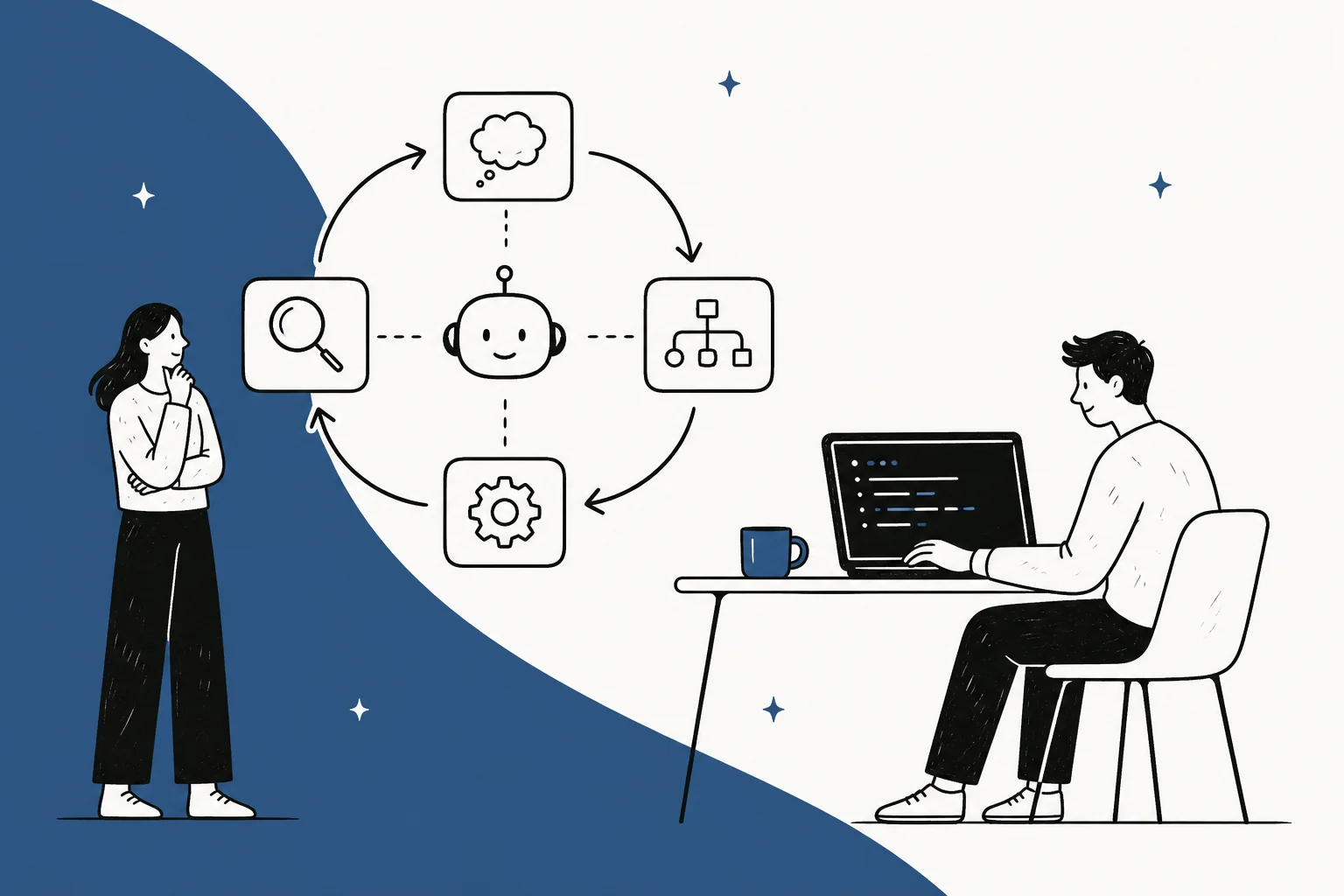
AI helpdesks shift SaaS support from manual ticket triaging to autonomous resolution of complex technical issues like API errors.

What to look for in an AI helpdesk for SaaS

Before diving into the list, here's what separates a good AI helpdesk from a mediocre one for SaaS teams:

  • Technical documentation support Can it understand and reference your API docs, SDKs, and developer guides?
  • Integration depth Does it connect to your billing system, CRM, and internal tools, or is it just another silo?
  • Progressive autonomy Can you start with AI drafting replies for review, then level up to full automation as it proves itself?
  • Pricing transparency Are you paying per agent, per resolution, or a flat fee? Each model has trade-offs.
  • The teammate model Does it feel like hiring a new team member who learns your business, or configuring yet another tool?

The platforms below differ significantly on these dimensions. Some are built for e-commerce workflows. Others are legacy systems with AI bolted on. A few are genuinely built around AI from the ground up.

Quick comparison

PlatformBest forStarting priceResolution rate
eesel AIFast setup, progressive autonomy$299/monthUp to 81%
ZendeskLarge enterprises$55/agent/monthUp to 80%
Intercom FinSaaS messaging$29/seat/month + $0.99/resolution66% average
FreshdeskBudget-conscious teams$19/agent/monthVaries
GorgiasE-commerce SaaS$10/month + usage60%+
HubSpot Service HubCRM-centric teams$9/seat/monthVaries
KustomerCustomer timeline focus$89/seat/month25% time savings

1. eesel AI

A screenshot of the eesel AI platform showing the no-code interface for setting up the main AI agent, which uses various subagent tools.

We built eesel AI around a simple idea: you don't configure an AI helpdesk, you hire it. Like any new team member, eesel learns your business, starts with guidance, and levels up to work autonomously. The difference is that what takes a human weeks to learn, eesel learns in minutes.

Connect eesel to your help desk and it immediately absorbs your past tickets, help center articles, macros, and any connected documentation from Confluence, Google Docs, or Notion. No manual training. No documentation uploads. No configuration wizards. It understands your tone, policies, and common issues from day one.

For SaaS companies specifically, eesel handles the technical complexity that breaks other platforms. It reads your API documentation, understands your subscription tiers, and can troubleshoot integration issues by referencing your developer guides. When a customer asks about a failed webhook, eesel doesn't just link to a generic article. It walks them through debugging steps specific to your implementation.

Pricing:

PlanMonthly priceAnnual priceKey features
Team$299$2393 bots, 1,000 interactions, Copilot, Slack
Business$799$639Unlimited bots, 3,000 interactions, AI Actions, bulk simulation
CustomContact salesCustomMulti-agent orchestration, custom integrations

Pros:

  • Fastest setup of any platform we tested
  • Learns your voice and policies automatically
  • Plain-English instructions (no workflow builders)
  • No per-agent fees (scales better for growing teams)
  • Integrates with 100+ tools including Zendesk, Freshdesk, and Intercom

Cons:

  • Newer platform with smaller app marketplace than Zendesk
  • Best for teams ready to embrace AI, not those wanting traditional ticketing

2. Zendesk

A screenshot of Zendesk's landing page.

Zendesk has been around since 2007 and serves over 100,000 businesses. They've processed 18 billion service interactions, so they understand enterprise scale. Their AI features (AI agents, AI Copilot, intelligent routing) are built on this foundation.

The platform covers everything: email, chat, voice, social, and messaging in a unified workspace. AI agents can resolve issues autonomously. AI Copilot assists human agents with real-time suggestions. Quality assurance tools evaluate conversations at scale.

For large enterprises with complex compliance requirements, Zendesk checks the boxes. SOC 2, GDPR, HIPAA, you name it. The integration ecosystem is massive with over 1,200 apps in their marketplace.

Pricing:

PlanMonthly priceAnnual priceKey features
Suite Team$69$55Omnichannel, AI agents, knowledge base
Suite Professional$149$115Custom workflows, advanced AI, analytics
Suite Enterprise$219$169Advanced security, sandbox, premium support

AI add-ons: Copilot $50/agent/month, QA $35/agent/month, WFM $25/agent/month

Pros:

  • Deep integration ecosystem
  • Proven at massive scale
  • Extensive reporting and analytics
  • Enterprise security and compliance

Cons:

  • AI feels bolted onto legacy ticketing (not built AI-first)
  • Expensive at scale with required add-ons
  • Complex configuration learning curve

3. Intercom Fin

A screenshot of Intercom's landing page.

Intercom built Fin as an AI-first customer service platform. It's designed around messaging rather than traditional tickets, which fits how many modern SaaS companies communicate with customers.

Fin uses GPT-based models with procedural reasoning, meaning it can handle multi-step workflows like processing refunds or verifying accounts. It supports 45+ languages with automatic translation. The platform integrates deeply with your product for in-app support and onboarding flows.

The catch is pricing. Intercom charges per seat plus $0.99 per AI resolution. If you have a spike in tickets (product launch, outage, seasonal rush), your bill spikes too. Some teams report costs 2-3x higher than expected.

Pricing:

PlanMonthly priceAnnual priceKey features
Essential$39$29Shared inbox, basic automation
Advanced$99$85Multiple inboxes, advanced workflows
Expert$139$132Premium support, advanced permissions

AI add-ons: Fin AI Agent $0.99/resolution, Copilot $35/agent/month

Pros:

  • Excellent chat and messaging experience
  • 45+ language support
  • Deep product context for in-app support
  • AI-first architecture

Cons:

  • Usage-based costs scale unpredictably
  • Limited traditional ticketing functionality
  • No native voice support

4. Freshdesk

A screenshot of Freshdesk's landing page.

Freshdesk from Freshworks targets small to mid-sized teams with affordable pricing and quick deployment. It's a solid entry point if you're budget-conscious but want more than basic email ticketing.

Freddy AI provides ticket categorization, reply suggestions, and some automated resolution for common queries. The platform supports email, chat, phone, and social channels. There's a generous free tier for up to 2 agents.

The trade-off is AI sophistication. Freddy is assistive rather than autonomous. It helps agents work faster but doesn't handle complex issues end-to-end like Intercom Fin or eesel AI.

Pricing:

PlanMonthly priceAnnual priceKey features
Growth$23$19Automation, SLAs, custom fields
Pro$66$55Multiple products, custom roles
Enterprise$107$89Sandbox, IP whitelisting

AI add-ons: Freddy Copilot $29/agent/month, Freddy AI Agent $100 per 1,000 sessions

Pros:

  • Budget-friendly with generous free tier
  • Quick to deploy
  • Solid omnichannel support
  • Good value for smaller teams

Cons:

  • Less sophisticated AI than dedicated platforms
  • Limited autonomous capabilities
  • Voice requires third-party integration

5. Gorgias

A screenshot of Gorgias's landing page.

Gorgias is purpose-built for e-commerce, with deep Shopify, BigCommerce, and Magento integrations. If your SaaS business includes a commerce component (subscriptions, digital products), Gorgias handles order management natively.

The AI Agent automates returns, tracking lookups, and product questions. It can process refunds, update shipping addresses, and cancel orders directly in your store. The platform claims 60%+ automation rates for typical e-commerce queries.

The pricing model is unique: you pay per ticket volume plus AI resolution fees. This means double-billing when AI handles a ticket (you pay for the ticket AND the AI resolution). It also means seasonal spikes hit your wallet directly.

Pricing:

PlanMonthly priceTicket limitKey features
Starter$1050 ticketsBasic helpdesk, email, live chat
Basic$50300 ticketsSocial channels, automation rules
Pro$3002,000 ticketsVoice, advanced automation
Advanced$7505,000 ticketsPriority support, custom onboarding

AI add-ons: AI Agent $0.90-$1.00 per automated resolution

Pros:

  • Excellent for e-commerce workflows
  • Deep Shopify integration
  • Fast setup for stores
  • Revenue-focused support features

Cons:

  • Double-billing on AI resolutions
  • Platform-limited outside e-commerce
  • Volume-based pricing creates cost spikes

6. HubSpot Service Hub

A screenshot of HubSpot's landing page.

HubSpot Service Hub makes sense if you're already in the HubSpot ecosystem. It shares data with Marketing Hub and Sales Hub, giving you a unified view of the customer journey.

Breeze AI powers features across all HubSpot products. For service, this includes ticket management, knowledge base, customer feedback surveys, and workflow automation. The CRM integration is native, not bolted-on.

The pricing structure has some gotchas. Professional and Enterprise tiers require mandatory onboarding fees ($1,500 and $3,500 respectively). Per-seat costs add up quickly for larger teams.

Pricing:

PlanMonthly priceAnnual priceKey features
Free$0$0Basic ticketing, 1 user
Starter$18$9Simple automation, 1,000 contacts
Professional$90$90SLA management, onboarding fee $1,500
Enterprise$150$150Advanced permissions, onboarding fee $3,500

Pros:

  • CRM-native data and unified customer view
  • Strong automation capabilities
  • Good for teams already using HubSpot
  • Marketing and sales integration

Cons:

  • Expensive at scale with mandatory onboarding fees
  • AI less advanced than dedicated platforms
  • Best value requires full HubSpot commitment

7. Kustomer

A screenshot of Kustomer's landing page.

Kustomer takes a different approach with its customer timeline view. Instead of tickets, you see a continuous thread of all customer interactions across channels and time. This context helps with complex customer journeys.

The platform offers four AI assistants: Agent (autonomous resolution), Knowledge (auto-drafts help content), Workflow (natural language automation builder), and Search (conversational analytics). The event-based data model captures rich context for AI decisions.

Pricing is premium. You need at least 8 seats for the Enterprise plan, and AI conversation fees ($0.60 per engaged conversation) add variable costs on top.

Pricing:

PlanMonthly priceAnnual priceKey features
Enterprise$89$89 (min 8 seats)Omnichannel, workflow automation
Ultimate$139$139Advanced AI, custom objects

AI add-ons: AI Agents for Customers $0.60/conversation, AI Agents for Reps $40/user/month

Pros:

  • Unified customer timeline
  • Powerful automation with four AI assistants
  • Good for complex cases requiring rich context
  • Event-based data model

Cons:

  • Premium pricing with minimum seat requirements
  • Variable AI fees add up
  • Smaller integration ecosystem than Zendesk

This decision framework helps SaaS teams select a helpdesk based on their specific technical complexity and growth trajectory.

How to choose the right AI helpdesk for your SaaS

With seven solid options, how do you pick? Here's a simple framework:

Team size and growth trajectory:

  • Under 10 agents: Freshdesk or HubSpot Starter for budget
  • 10-50 agents: eesel AI or Intercom for AI sophistication
  • 50+ agents: Zendesk or Kustomer for enterprise scale

Ticket volume and complexity:

  • High volume, simple queries: Gorgias (if e-commerce) or Intercom
  • Technical complexity, API issues: eesel AI or Kustomer
  • Mixed volume with seasonal spikes: Consider flat-fee pricing (eesel AI) vs. usage-based

Integration requirements:

Check your must-have integrations before committing. We integrate with 100+ tools, but every platform has gaps. If you're deep in HubSpot, Service Hub makes sense. If you're on Shopify, Gorgias is compelling.

Pricing model fit:

  • Per-agent (Zendesk, Freshdesk): Predictable but scales with headcount
  • Per-resolution (Intercom, Gorgias): Scales with volume, can surprise
  • Flat fee (eesel AI): Predictable regardless of volume or team size

Implementation timeline:

Be realistic about setup time. Traditional platforms (Zendesk, Freshdesk) take weeks to configure. AI-native platforms (eesel AI, Intercom) can be live in days because they learn from your existing data rather than requiring manual setup.

Why the teammate model matters for SaaS

Most AI helpdesks treat AI as a feature you configure. You build workflows, set up decision trees, and maintain rules. It's the same paradigm as traditional software, just with AI sprinkled on top.

We think that's backwards. The best AI helpdesks work like teammates. You hire them, onboard them, and they learn your business. When they make mistakes, you correct them and they improve. When policies change, you tell them in plain English and they adapt.

This matters for SaaS companies because your product changes constantly. New features ship weekly. APIs evolve. Documentation updates. A rules-based system breaks every time something changes. A teammate model adapts.

Our AI agent starts by drafting replies for your team to review. As it proves itself, you expand its scope. Eventually it handles full frontline support, escalating only the edge cases you define. All in plain English: "If the refund request is over 30 days, politely decline and offer store credit." No code. No workflow builders.

The result is up to 81% autonomous resolution for mature deployments, with a typical payback period under two months. But more importantly, it actually feels like having another skilled team member who happens to work 24/7 and learns in minutes instead of weeks.

If that sounds like what your SaaS support team needs, you can see eesel in action or check our pricing to see how the teammate model compares to per-agent alternatives.


Frequently Asked Questions

Traditional helpdesks organize tickets and track SLAs. AI helpdesks actually resolve issues end-to-end by understanding your documentation, learning from past tickets, and taking actions like processing refunds or troubleshooting integrations. For SaaS specifically, this means handling technical questions about APIs, webhooks, and subscriptions without human intervention.
Start with your ticket volume and complexity. If you're handling mostly simple password resets and billing questions, a basic AI helpdesk works. If you're debugging API integrations and troubleshooting technical issues, you need a platform that can understand your documentation. Also consider your growth trajectory: per-agent pricing penalizes growth, while flat-fee or per-resolution models scale differently.
It varies significantly. Traditional platforms like Zendesk take 4-8 weeks to configure properly. AI-native platforms like eesel AI or Intercom can be live in 2-5 days because they learn from your existing data rather than requiring manual workflow setup. The key factor is whether you're 'configuring' (building rules) or 'hiring' (training on your data).
Three main models exist. Per-agent pricing (Zendesk, Freshdesk) is predictable but gets expensive as you grow. Per-resolution pricing (Intercom, Gorgias) scales with usage but can surprise during spikes. Flat-fee pricing (eesel AI) gives predictable costs regardless of volume. For SaaS with seasonal patterns or growth spurts, flat-fee often works out better.
It depends on the platform. Most can handle simple FAQs and billing questions. Few can troubleshoot API issues, debug webhooks, or walk customers through complex integrations. Look for platforms that specifically mention technical documentation support and have demonstrated capability with developer-focused content.
At minimum: your CRM (Salesforce, HubSpot), billing system (Stripe, Chargebee), documentation platform (Confluence, Notion), and communication tools (Slack, Microsoft Teams). The depth of integration matters too. Can the AI actually take actions in these systems, or just read data? Action-capable integrations are what separate copilots from true agents.
Track three metrics: resolution rate (what percentage of tickets are resolved without human intervention), time to resolution (how fast issues get solved), and cost per ticket (total platform cost divided by tickets handled). The best platforms also show you knowledge gaps: what questions are customers asking that your documentation doesn't answer? That's valuable product feedback.

Share this post

Stevia undefined

Article by

Stevia Putri

Stevia Putri is a marketing generalist at eesel AI, where she helps turn powerful AI tools into stories that resonate. She’s driven by curiosity, clarity, and the human side of technology.