
Managing thousands of images, videos, and creative files without a system is like trying to organize a library where none of the books have titles. Teams waste hours hunting for that one logo variation or product shot from last year's campaign. AI asset management tools promise to fix this by automatically tagging, organizing, and making your media searchable. But which ones actually deliver?
I tested the leading AI-powered digital asset management (DAM) platforms to see how they handle real-world workflows. This guide covers what each tool does best, where they fall short, and how much they actually cost (not just the "contact sales" version).
What is AI asset management?
AI asset management uses artificial intelligence to automatically organize, tag, and retrieve digital assets like images, videos, documents, and creative files. Instead of manually adding metadata to every file, AI analyzes the content itself. It can recognize faces, identify products, extract text from images, and even understand what's happening in videos.
Traditional DAM systems rely on humans to tag everything. AI-powered DAM flips this. Upload a photo and the system automatically detects it's a "beach scene with a person running" without anyone typing a keyword. Search for "red convertible" and find assets even if nobody tagged them that way.
The key AI capabilities that matter:
- Auto-tagging: AI analyzes images and videos to generate descriptive metadata automatically
- Visual recognition: Face detection, object identification, logo recognition, and scene understanding
- Semantic search: Finding assets by describing content in natural language rather than exact keyword matches
- Workflow automation: Routing assets through approval processes based on AI-detected content
Marketing teams, creative agencies, e-commerce companies, and media organizations benefit most. Any team drowning in unorganized visual content that needs to be found quickly by people who didn't create it.
How I evaluated these tools
I tested each platform against five criteria that matter in real use:
- AI auto-tagging accuracy and depth - Does it actually understand what's in your assets, or just apply generic labels?
- Search experience - Can you find what you need using text, visual search, and natural language?
- Workflow automation - Does it streamline approvals and distribution, or just store files?
- Integration ecosystem - Does it connect to Adobe Creative Suite, Figma, Slack, and your existing tools?
- Pricing transparency - Can you actually figure out what it costs without sitting through three sales calls?
Quick comparison: Best AI asset management tools
| Tool | Best For | Starting Price | Key AI Feature |
|---|---|---|---|
| Tagbox | Custom AI training | $250/month | Trainable AI for specific products |
| Filecamp | Review workflows | $29/month | AI tagging + online proofing |
| Air | Visual search | Free / $900/month | Content search without metadata |
| Bynder | Enterprise marketing | Custom | Brand guideline enforcement |
| Brandfolder | Asset analytics | Custom | Usage analytics + CDN |
| Cloudinary | Developer tools | Free / $89/month | Real-time transformations |
| Canto | Small business | Custom | Simple AI auto-tagging |
1. Tagbox
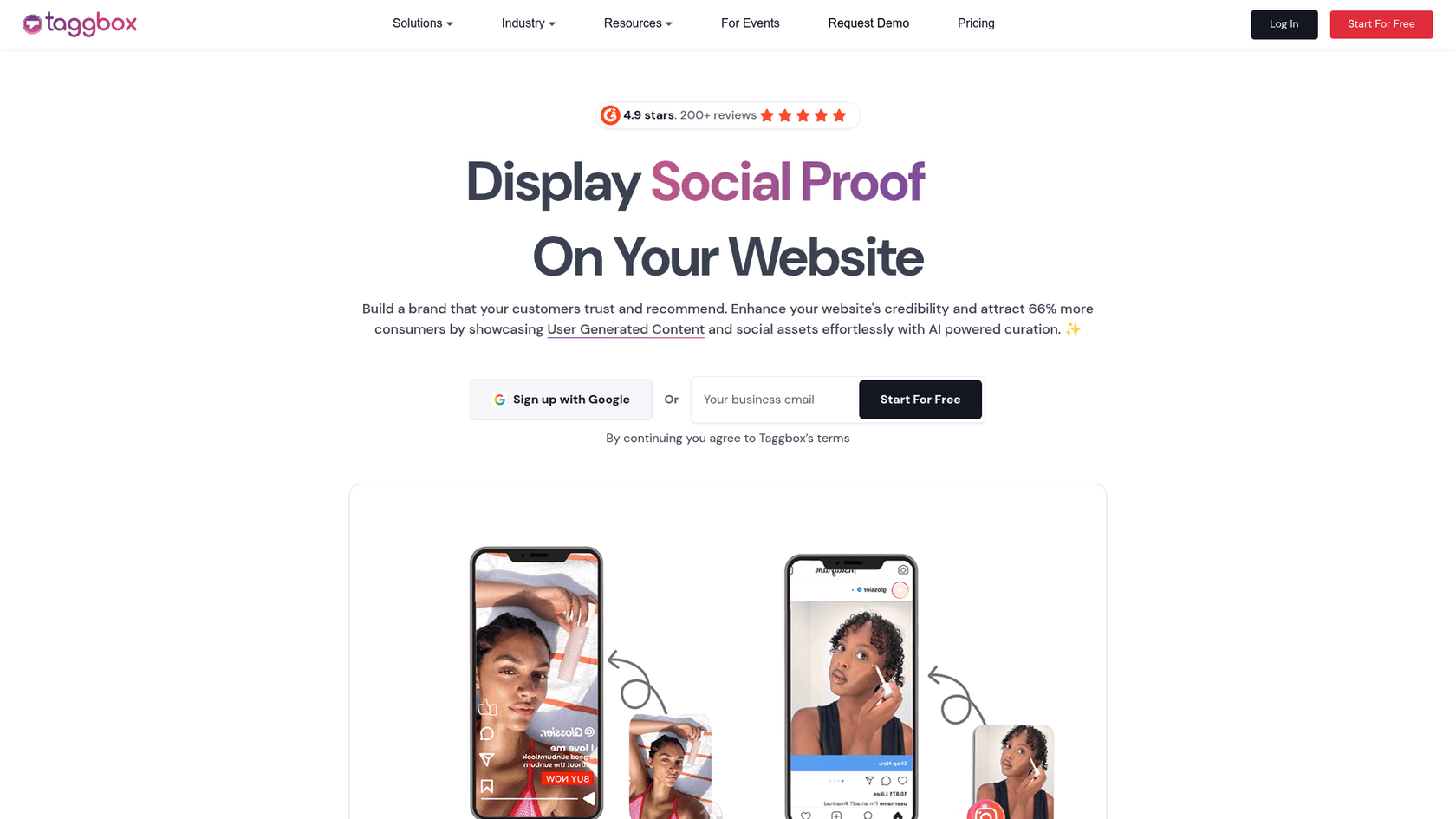
Tagbox stands out for teams that need AI trained on their specific visual content, not just generic recognition.
The platform excels at custom AI training. Upload examples of your products, logos, or specific visual elements and Tagbox learns to identify them automatically. This is particularly valuable for retail brands with large product catalogs or event photographers who need to find specific people across thousands of photos.
Key AI features include face recognition, semantic search for products and places, text-in-image search (OCR), reverse image search, and video analysis with timeline displays. The auto-transcription supports 99 languages, making it useful for international teams.
Pricing starts at $250 per month when billed annually for the Starter plan (5 users, 5,000 media files, 100 GB storage). The Basic plan at $400 per month adds unlimited users and 1 TB storage. Pro plans at $600 per month unlock unlimited workspaces and 2.5 TB storage.
Pros:
- Custom AI training for specific products and logos
- Strong face recognition for event and people-focused content
- Video analysis with minute-by-minute timeline
- Adobe Creative Suite, Figma, and WordPress integrations
Cons:
- Limited offline access
- No built-in video editing capabilities
- Higher starting price than some competitors
Tagbox works best for teams with specific visual identification needs. Retailers wanting to auto-tag product photos, event companies managing large photo libraries, or agencies with brand-specific visual elements to track.
2. Filecamp
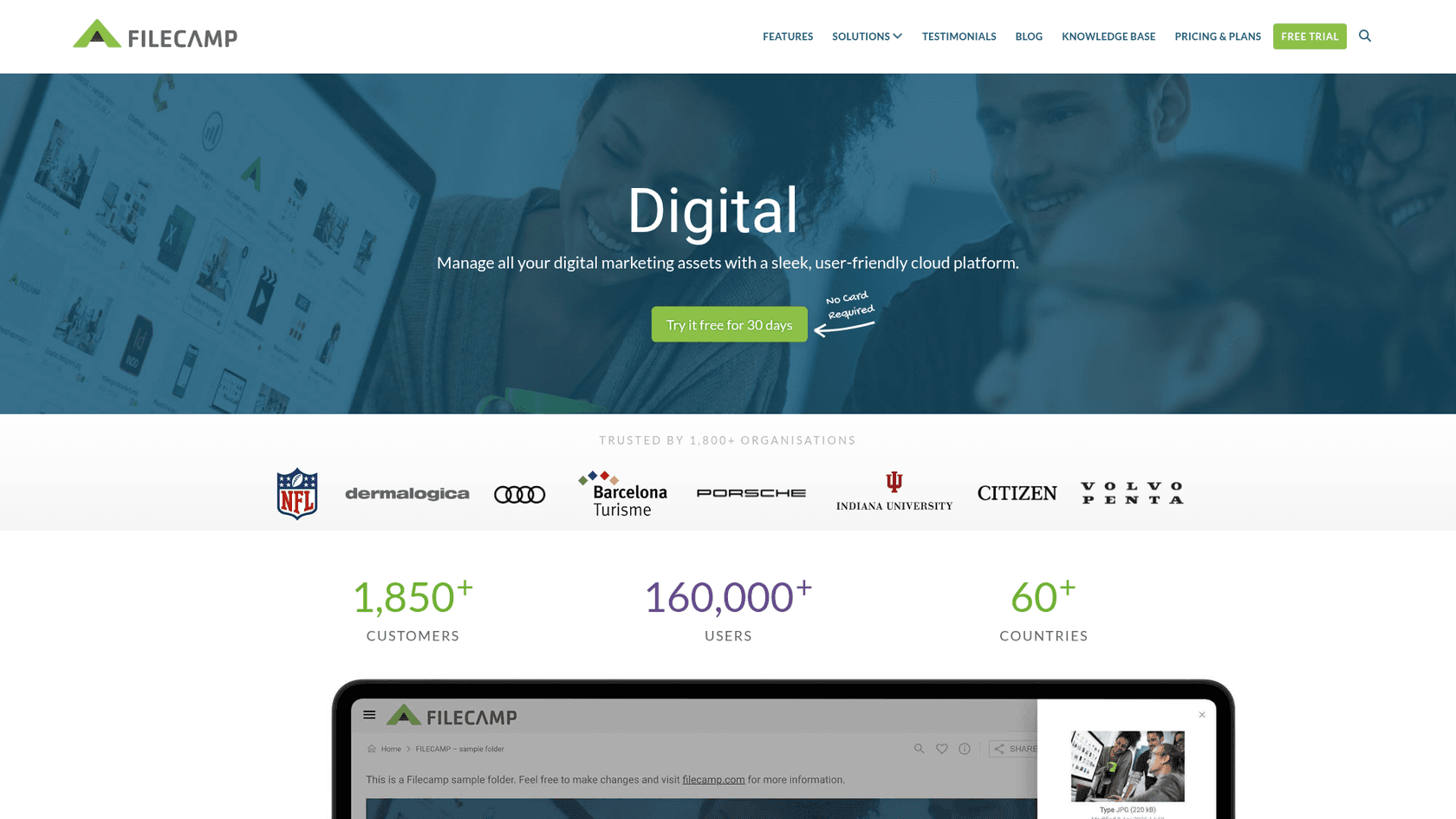
Filecamp takes a different approach. It focuses on simplicity and affordability while still delivering solid AI tagging capabilities.
The platform serves over 1,650 customers across 50 countries. What stands out immediately: unlimited users on every plan. Most DAM tools charge per user, which gets expensive fast for larger teams. Filecamp's flat-rate approach makes budgeting predictable.
AI features include auto-tagging for uploaded assets and smart organization. The real strength is the online proofing workflow. Teams can comment on assets, manage version control, and route approvals without leaving the platform. This matters for marketing teams juggling multiple stakeholder reviews.
Pricing is straightforward. The Basic plan costs $29 per month with 20 GB storage and unlimited users. Advanced at $59 per month adds 50 GB storage and auto-tags. Professional at $89 per month includes 100 GB storage, white-label options, custom domains, and commenting features.
Pros:
- Unlimited users on all plans
- Strong online proofing and approval workflows
- Custom branding on every plan
- Google Cloud hosting for reliability
Cons:
- Limited native integrations compared to enterprise tools
- Smaller storage allocations on entry plans
- Less advanced AI than specialized platforms
Filecamp fits small to mid-sized marketing teams that need approval workflows without enterprise complexity. The pricing makes it accessible for growing businesses.
3. Air
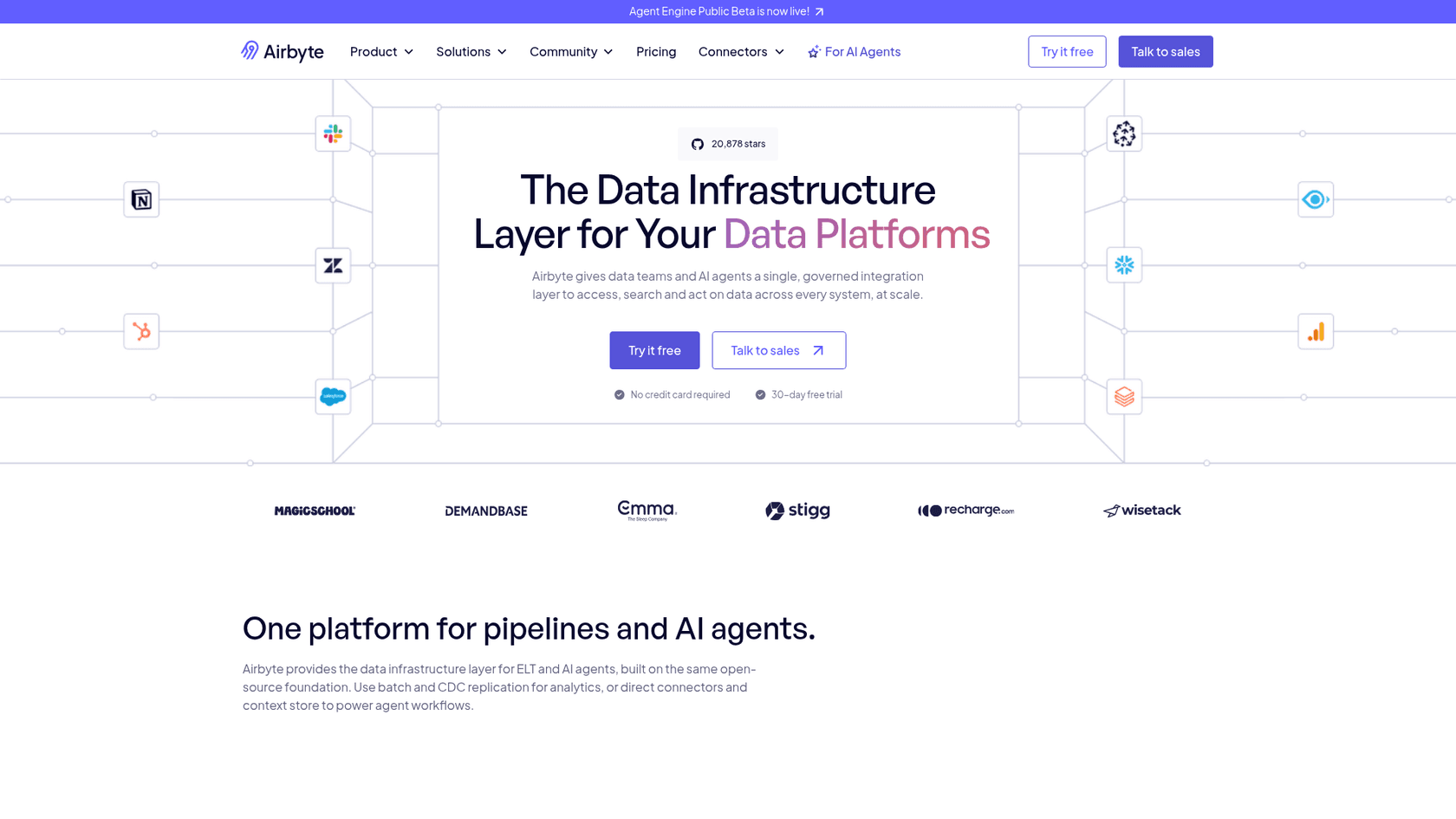
Air approaches DAM from a creative team's perspective. The interface is visual-first, designed for people who think in images rather than folder hierarchies.
The AI search is genuinely impressive. You can describe what you're looking for in natural language. "Find that beach photo with the red umbrella from last summer" actually works. The platform uses image intelligence, video intelligence, facial recognition, and color recognition to make assets findable without manual tagging.
Canvas, Air's AI editing workspace, sets it apart. You can edit images, generate variations, remove backgrounds, and create video content without leaving the platform. This integration of DAM and creative tools is unique in the market.
Pricing includes a genuinely usable free plan with 120 credits per month (roughly 20 GB storage) and unlimited users. The Business plan at $900 per month provides 30,000 credits and 1-3 TB typical storage. Enterprise plans add SSO, dedicated success managers, and advanced security.
Pros:
- Visual search that understands natural language descriptions
- AI-powered editing through Canvas
- Generous free plan with real functionality
- SOC 2 Type II certified with strong security
Cons:
- Business plan pricing jumps significantly from free
- Credit system can be confusing to budget around
- Some advanced features only on higher tiers
Air works best for creative teams who want to search visually and edit within their DAM. The free plan makes it accessible for freelancers and small teams to try before committing.
4. Bynder
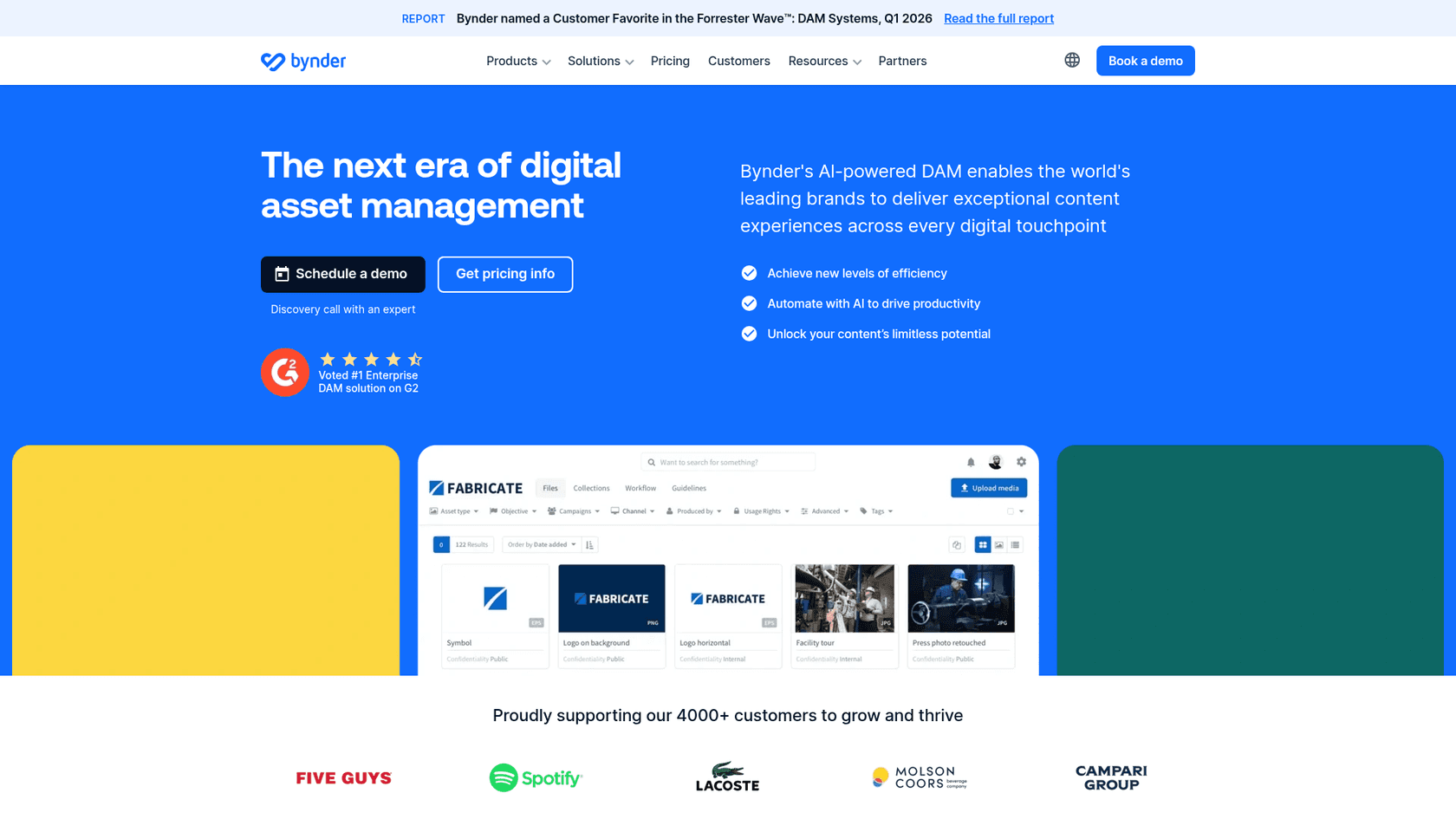
Bynder is the enterprise heavyweight in this list. With 4,000+ customers, 1.7 million users, and 175 million assets stored, it operates at a scale most tools cannot match.
The platform was named a Customer Favorite in the Forrester Wave: DAM Systems, Q1 2026 and ranks as the #1 Enterprise DAM on G2. These accolades reflect its comprehensive feature set and reliability at scale.
AI capabilities include duplicate management, natural language search, face recognition, OCR text extraction, similarity search, and speech-to-text for video search. Bynder's AI agents can be configured for specific content needs, adding flexibility for complex workflows.
The product suite extends beyond basic DAM. Studio enables on-brand content creation at scale. CX Omnichannel optimizes content for different touchpoints. Analytics provides data-driven insights into asset usage. Content Workflow and Asset Workflow streamline creation and approval processes.
With 145+ integrations including Adobe Creative Cloud, Figma, Slack, HubSpot, Salesforce, and major CMS platforms, Bynder fits into nearly any tech stack. Security certifications include GDPR, HIPAA, PCI DSS, SOC 2, and multiple ISO standards.
Pricing is custom enterprise level, typically starting around $30,000 to $100,000+ per year depending on scale and features.
Pros:
- Comprehensive governance and compliance features
- Massive integration ecosystem
- Scales to serve billions of assets per month
- Strong workflow automation across the content lifecycle
Cons:
- Expensive for smaller organizations
- Implementation complexity
- AI features less specialized than dedicated tools
Bynder is built for large enterprises with strict brand governance requirements, complex approval workflows, and the need to distribute content across multiple channels and markets.
5. Brandfolder
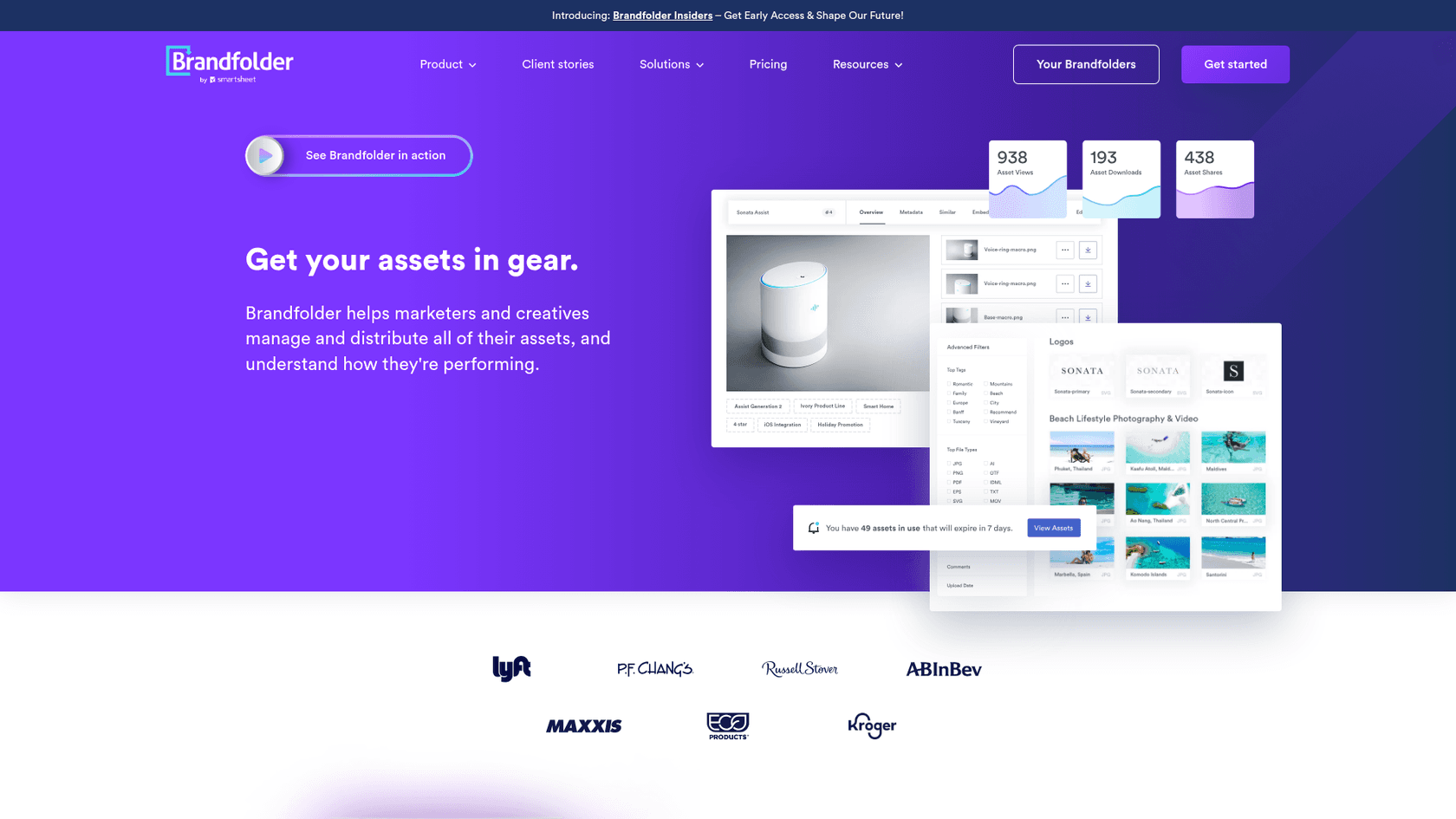
Brandfolder positions itself as "the world's most powerfully simple brand asset management software." The focus is on usability without sacrificing capability.
The platform serves over 5,000 brands including Lyft, P.F. Chang's, Russell Stover, and Kroger. Brand Intelligence, their AI layer, provides automated tagging, duplicate detection, and asset analytics that show how content performs after distribution.
What differentiates Brandfolder is the built-in CDN (Content Delivery Network). Assets are not just stored. They are delivered fast to websites, apps, and marketing channels. The analytics show views, downloads, and shares, helping teams understand which assets actually get used.
Integrations cover the major creative and marketing tools: Adobe Illustrator, Photoshop, InDesign, Figma, Canva, Sketch, Slack, HubSpot, Salesforce, Shopify, Contentful, and WordPress among others.
Pricing is custom, typically starting around $40,000 per year for enterprise deployments.
Pros:
- Built-in CDN for fast asset delivery
- Strong asset performance analytics
- Clean, intuitive interface
- Good balance of power and usability
Cons:
- No self-hosted option
- Limited video intelligence compared to image capabilities
- Enterprise pricing puts it out of reach for smaller teams
Brandfolder suits brand-focused teams who care about asset distribution and performance measurement, not just storage. Marketing teams that need to prove ROI on creative investments will appreciate the analytics.
6. Cloudinary
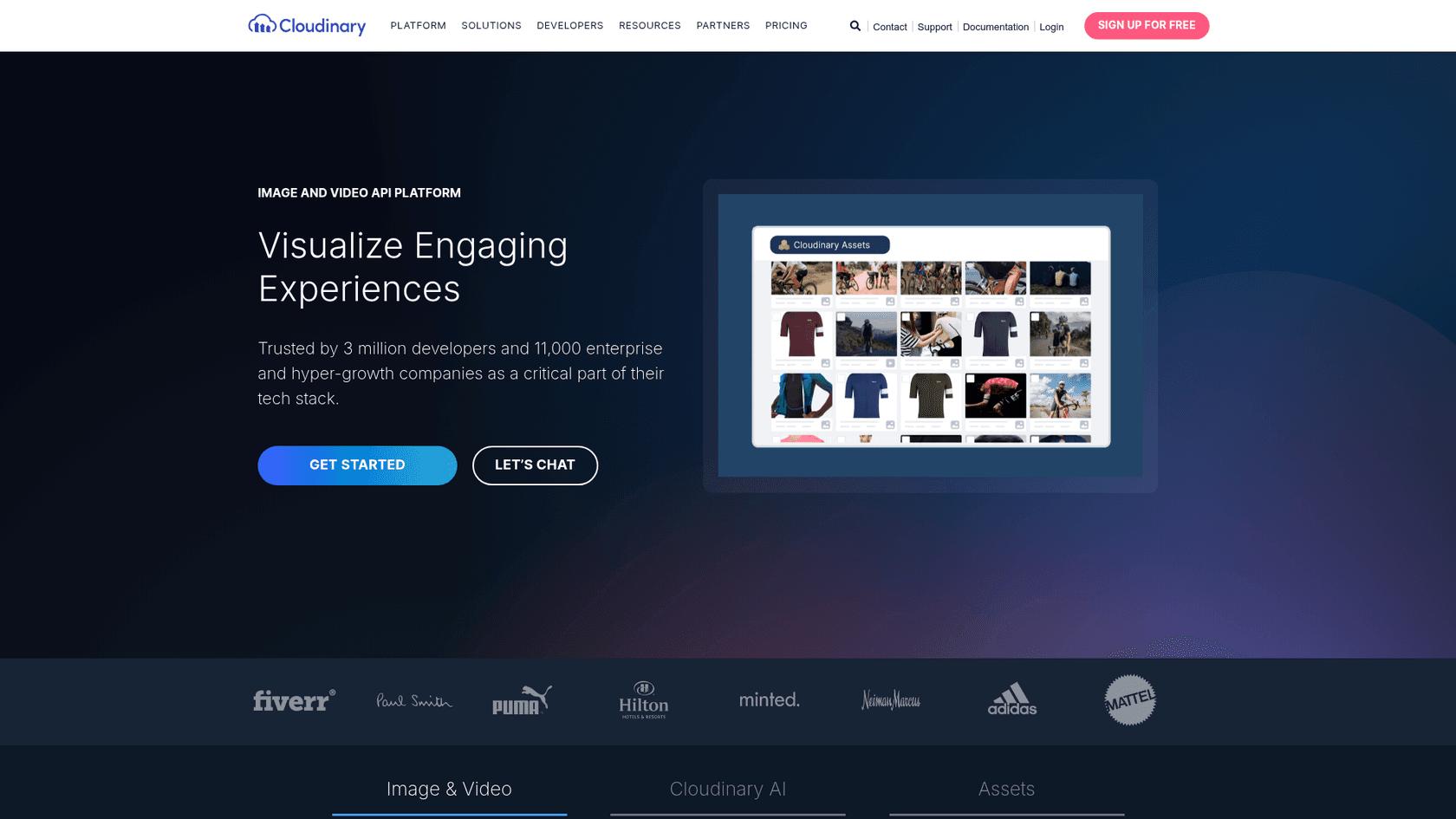
Cloudinary takes a developer-first approach to media management. It is less a traditional DAM and more a comprehensive image and video API platform.
Trusted by 3 million developers and 11,000 enterprise companies including Adidas, Hilton, and Neiman Marcus, Cloudinary excels at programmatic media handling. The AI features include auto-tagging, content-aware algorithms, generative AI transformations, and video transcoding with adaptive streaming.
The real strength is real-time image and video transformation. Developers can manipulate media on the fly through URL parameters. Resize, crop, apply effects, optimize formats, and deliver the perfect version for every device and connection speed.
Pricing starts with a generous free tier offering 25 monthly credits, 3 users, and 25 GB storage. The Plus plan at $89 per month (billed annually) provides 225 credits and backup to your own S3 bucket. Advanced plans at $224 per month add custom domains and more users. Enterprise plans include multi-CDN delivery and dedicated support.
Pros:
- Best-in-class APIs and developer documentation
- Real-time media transformation at scale
- Generous free tier for development and small projects
- Excellent video handling and adaptive streaming
Cons:
- AI features cost extra as add-ons
- Developer-focused interface can intimidate non-technical users
- Primarily designed for web delivery rather than internal asset management
Cloudinary is the clear choice for development teams building media-rich applications, e-commerce sites, or any product requiring programmatic image and video manipulation.
7. Canto
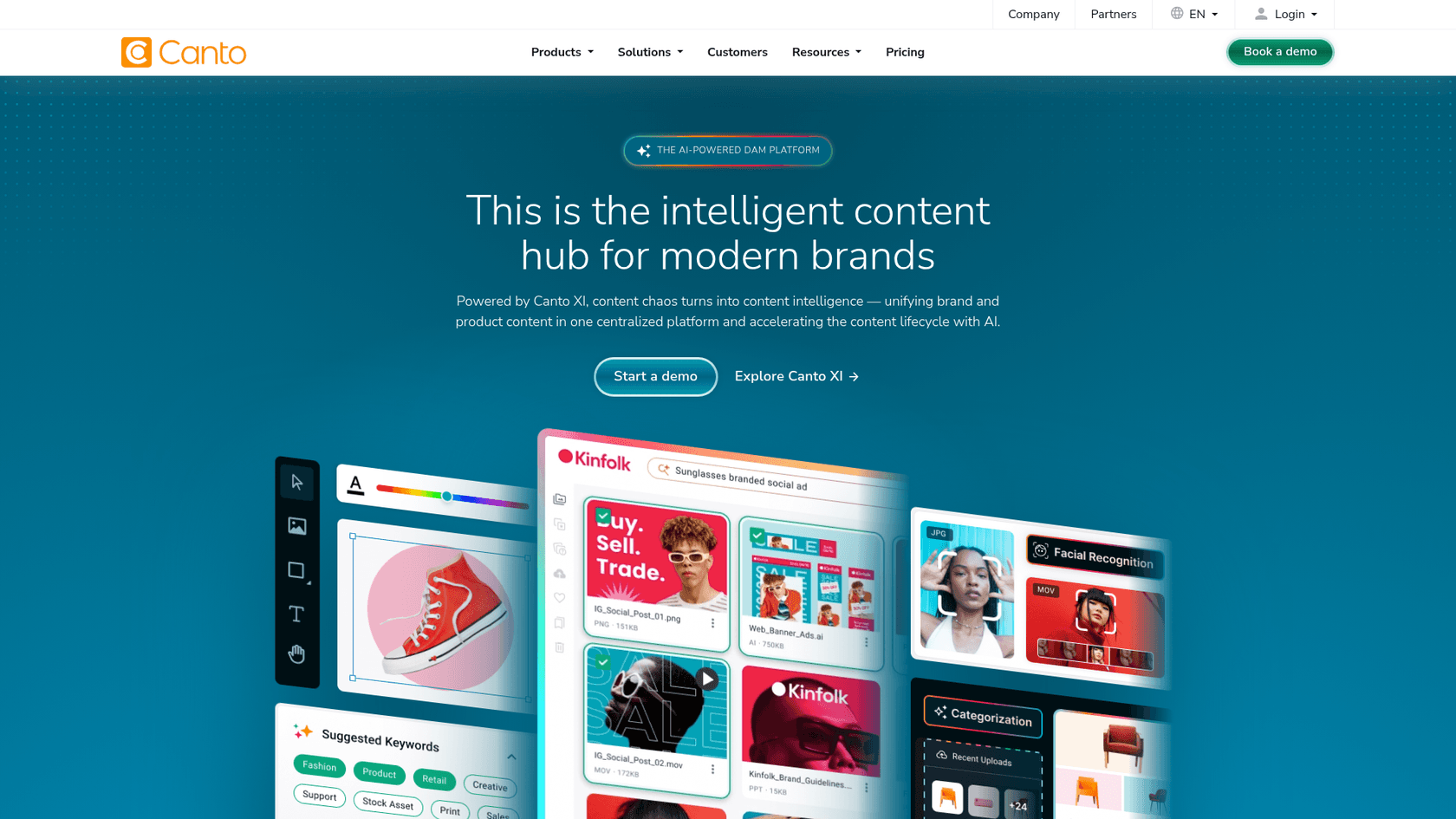
Canto has been in the DAM space longer than most competitors, and that experience shows in a polished, approachable platform.
Powered by Canto XI (their AI engine), the platform focuses on being an intelligent content hub for modern brands. Key AI features include visual search, facial recognition, and automated tagging through their AI-powered DAM capabilities.
The platform emphasizes product content management, connecting digital assets with product information for consistent data across channels. This PIM (Product Information Management) integration is valuable for e-commerce and retail teams.
Notable customers include Sony Europe, Kodiak, and thyssenkrupp. The integration ecosystem covers Akeneo, Box, Figma, Hootsuite, Photoshop, Slack, Teams, and WordPress among others.
Pricing is custom based on organizational needs.
Pros:
- Established platform with proven reliability
- User-friendly interface for non-technical teams
- Strong product content management capabilities
- Good entry-level option for DAM newcomers
Cons:
- Less advanced AI compared to newer competitors
- Custom pricing lacks transparency
- Feature set may feel basic for enterprise power users
Canto works well for small to mid-sized organizations getting started with DAM who want a reliable, user-friendly platform without overwhelming complexity.
Key features to look for in AI asset management tools
When evaluating these tools for your team, prioritize these capabilities:
Auto-tagging accuracy matters more than quantity. A tool that applies 50 generic tags to every image is less useful than one that applies 10 accurate, specific tags. Look for platforms that let you review and refine AI-generated tags.
Semantic search changes how teams find assets. Being able to search "person using laptop in coffee shop" and get relevant results (even if nobody tagged them that way) saves hours of browsing.
Video content understanding is still evolving. Most platforms handle images well but struggle with video. If video is important to your workflow, test this capability specifically.
Integration with creative tools determines adoption. If your designers live in Figma and Photoshop, your DAM needs to work seamlessly with those tools.
Workflow automation turns storage into productivity. Automated routing, approval chains, and distribution rules save manual coordination work.
Analytics and performance tracking help justify the investment. Knowing which assets get used (and which sit ignored) informs future creative decisions.
How to choose the right AI asset management tool
The best choice depends on your specific situation:
Team size and budget narrow the field quickly. Solo creators and small teams should start with Air's free plan or Filecamp's affordable tiers. Enterprises with complex needs and larger budgets can consider Bynder or Brandfolder.
Asset volume and type matter significantly. Image-heavy teams have different needs than video-focused operations. Cloudinary excels at video. Tagbox shines with custom visual recognition.
Integration requirements can make or break adoption. Map your current creative stack and verify each DAM connects to those tools natively or through APIs.
Custom AI training needs separate Tagbox from the pack. If you need to identify specific products, logos, or visual elements unique to your brand, custom training is essential.
Security and compliance requirements may dictate your choice. Bynder's extensive certifications suit regulated industries. Air's SOC 2 Type II certification covers most security-conscious teams.
Choosing the best AI asset management tool for your team
Here's the short version:
- Budget-conscious teams: Start with Air's free plan or Filecamp at $29 per month
- Enterprises with complex governance: Bynder or Brandfolder provide the control and scale you need
- Developer-focused workflows: Cloudinary offers unmatched API capabilities
- Custom AI requirements: Tagbox is the only option with trainable AI for specific visual elements
- Creative teams wanting visual search: Air delivers the most intuitive image-first experience
- Teams new to DAM: Canto provides an approachable entry point
The right tool is the one your team will actually use. Start with a free trial, upload real assets, and test the search with terms your team would actually use. The best AI asset management tool makes finding the right file as easy as describing it.





