AI customer support for logistics: A practical guide for 2026

Stevia Putri

Stanley Nicholas
Last edited March 17, 2026
Expert Verified
Logistics operations never sleep. Shipments cross time zones, carriers need updates at 2 AM, and customers expect to know exactly where their order is right now. Traditional customer service models struggle to keep up. That's where AI customer support for logistics comes in.
Unlike generic chatbots that stumble over logistics terminology, modern AI systems understand the nuances of supply chain operations. They can track shipments, handle documentation requests, and coordinate between shippers, carriers, and warehouses. The best part? They learn your business as they work, getting smarter with every interaction.
Let's break down what AI customer support means for logistics teams, why it matters, and how to implement it effectively.
What is AI customer support for logistics?
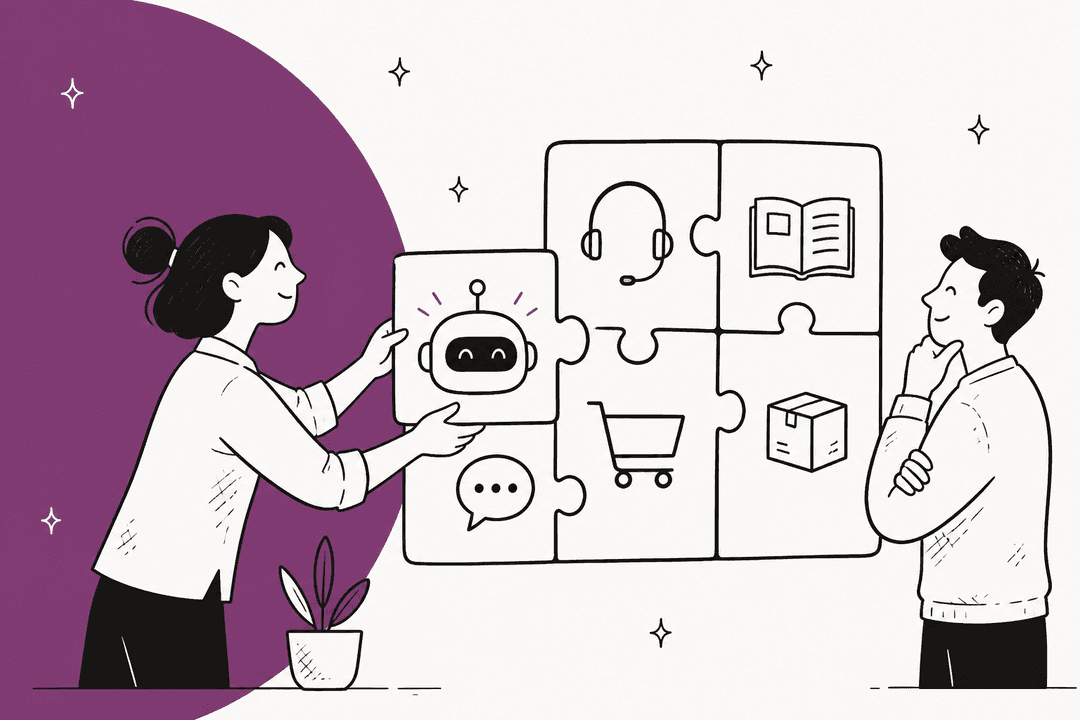
AI customer support for logistics uses artificial intelligence to handle customer service tasks specific to supply chain operations. Think of it as a specialized teammate that understands logistics terminology, integrates with your existing systems, and operates 24/7.
Here's the short version: instead of just answering "Where is my order?" with a tracking link, AI can proactively notify customers about delays, reschedule deliveries based on real-time conditions, and handle complex documentation requests like BOLs and customs forms.
The key difference from generic AI support tools is integration. Logistics AI connects to your TMS (Transportation Management System), WMS (Warehouse Management System), and GPS tracking to provide accurate, real-time information. It doesn't just guess, it knows.
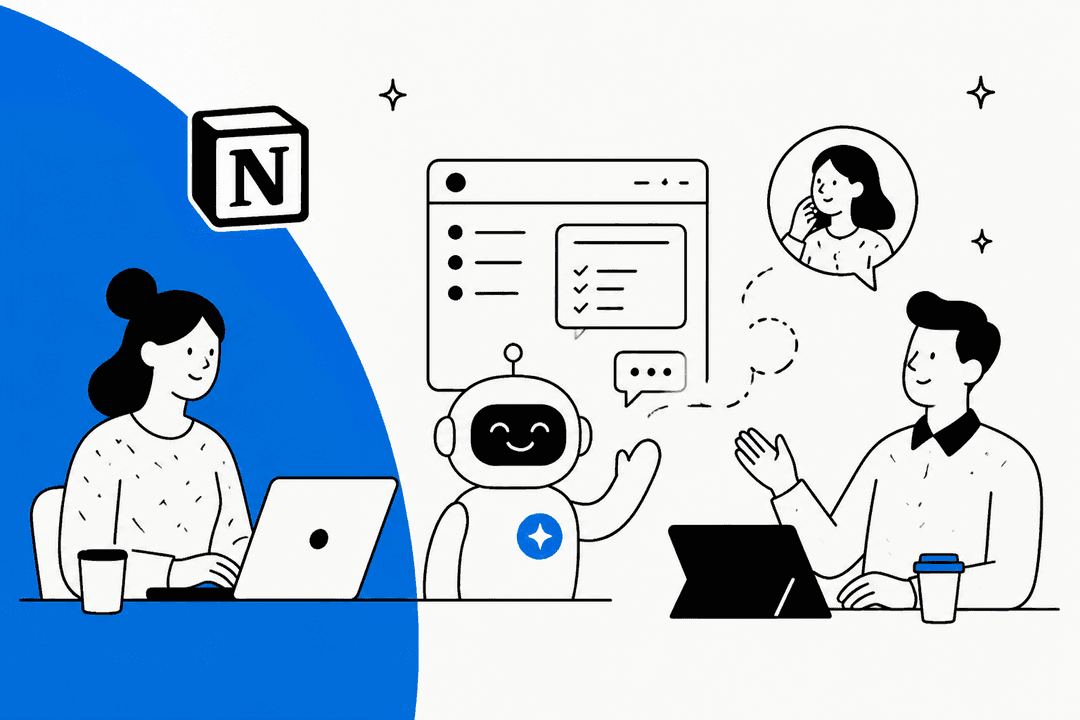
eesel AI approaches this as a teammate you hire rather than a tool you configure. You connect it to your help desk, it learns from your past tickets and documentation, and it starts handling frontline support. What takes a human weeks to learn, eesel picks up in minutes from your existing data.

Why logistics teams need specialized AI support
Generic customer service AI often fails in logistics for one simple reason: context. A standard chatbot might understand "return policy," but it'll struggle with "LTL shipment with POD requirements" or "cross-dock consolidation delays."
The challenges are specific:
- Complex terminology: LTL, FTL, BOL, POD, detention fees, accessorial charges. Your AI needs to understand and use these terms correctly.
- Real-time data requirements: Customers don't want to know where their shipment was yesterday. They need current GPS location, ETA updates, and exception alerts.
- Multi-stakeholder coordination: A single shipment might involve the shipper, carrier, driver, consignee, and multiple warehouses. The AI needs to route inquiries to the right party.
- 24/7 global operations: Supply chains span time zones. When your customer in Singapore has an issue at 3 AM your time, they'll expect an answer.
The market is responding. The global logistics automation market is projected to grow from $78.2 billion in 2024 to $212 billion by 2032, with a 12.5% CAGR. More than 60% of logistics companies are expected to use customer service automation by 2025.
The cost of poor customer service in logistics is measurable. Delayed responses lead to missed delivery windows, detention fees, and damaged relationships. Automated systems can reduce average customer wait times by up to 70%, according to research in Nature.
For teams looking to automate their support operations, our customer support automation solutions are designed to handle these exact challenges.
Key use cases for AI customer support in logistics
Real-time shipment tracking and proactive notifications
The most common logistics inquiry is also the most automatable: "Where is my order?"
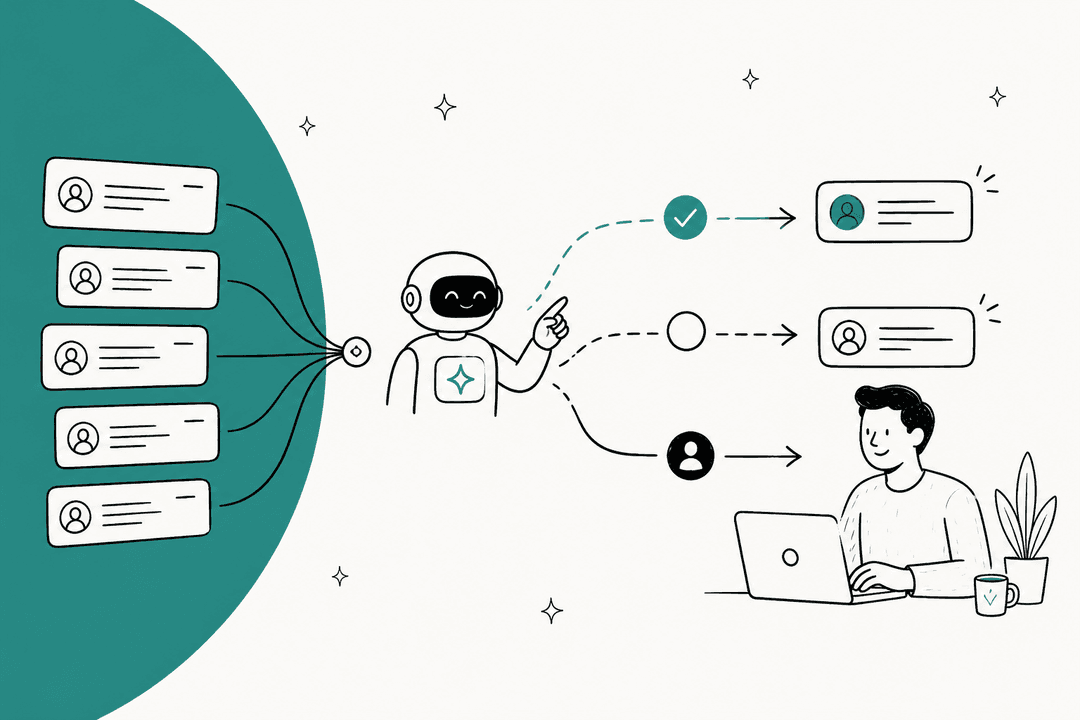
Modern AI doesn't wait for the question. It monitors GPS data, carrier APIs, and traffic conditions to proactively notify customers about delays before they ask. If a truck is running two hours behind due to weather, the AI sends an updated ETA before the customer checks their tracking page.
This shifts the conversation from reactive to proactive. Instead of angry customers calling about missed deliveries, you'll have informed customers who already know the situation and have adjusted their plans.
Order management and documentation
Logistics involves a lot of paperwork. AI can handle routine documentation requests:
- Generating and emailing BOLs (Bills of Lading)
- Providing customs forms and commercial invoices
- Sending delivery receipts and PODs (Proof of Delivery)
- Processing address changes and delivery rescheduling
- Handling returns and replacement orders
The AI integrates with your document management system to pull the right forms, fill in shipment details, and deliver them via the customer's preferred channel.
Internal operations support
AI isn't just for external customers. Warehouse teams can use it to:
- Access SOPs (Standard Operating Procedures) instantly
- Get real-time inventory updates
- Report and track damaged goods
- Coordinate with drivers on pickup schedules
- Escalate exceptions to the right supervisor
This reduces the "shoulder tap" interruptions that slow down warehouse operations. Teams get answers immediately instead of waiting for a supervisor.
Multilingual customer communication
Global supply chains require multilingual support. AI systems can handle inquiries in 80+ languages, translating both incoming questions and outgoing responses in real time. This eliminates language barriers without hiring native speakers for every market.
For teams evaluating AI tools for multilingual support, the best AI customer service tools comparison covers language capabilities and other key features.
How AI customer support works in logistics
The technology stack
Three core technologies power logistics AI:
Natural Language Processing (NLP): This lets the AI understand logistics terminology and context. When a customer asks about "detention fees," the AI knows they're referring to carrier charges, not a traffic ticket.
Machine Learning (ML): The AI learns from past interactions to improve responses over time. If customers consistently ask follow-up questions about a particular topic, the AI learns to address that proactively.
Predictive Analytics: By analyzing historical data, the AI can predict issues before they occur. If shipments on a particular route are consistently delayed on Fridays, the AI can warn customers proactively.
Integration with existing systems
The magic happens through APIs. AI connects to:
- TMS (Transportation Management System): For shipment data, carrier information, and routing details
- WMS (Warehouse Management System): For inventory levels, picking status, and dock schedules
- GPS/Telematics: For real-time vehicle location and ETA calculations
- ERP/CRM: For customer data, order history, and account information
- Help Desk: For ticket management, escalation workflows, and agent handoffs
Without these integrations, AI is just a chatbot. With them, it becomes a knowledgeable logistics coordinator.
The teammate model: Starting with guidance
Here's where the approach matters. Most AI tools are configured through complex rule sets and decision trees. The teammate model works differently.
You start with AI Copilot. The AI drafts replies to incoming tickets, but human agents review and approve them before sending. This lets you verify that the AI understands your business before it goes fully autonomous.
Once you're confident, you level up to AI Agent. The AI handles routine inquiries directly, escalating only the exceptions you define. You might start with simple tracking questions, then gradually expand to documentation requests and delivery scheduling.
The key advantage is testing before going live. You can run simulations on thousands of past tickets to see exactly how the AI would respond. Measure resolution rates, identify gaps, and tune the system before your customers see it.
Our guide explains this progressive rollout approach in detail, including how to define escalation rules in plain English rather than code.

Top AI customer support solutions for logistics
eesel AI
We take a fundamentally different approach. Instead of configuring complex rules, you hire eesel as a teammate.
Here's how it works: connect eesel to your help desk (Zendesk, Freshdesk, Intercom, Gorgias, Jira, and others). It immediately learns from your past tickets, help center articles, macros, and connected documentation. No manual training, no uploading documents, no configuration wizards.
The teammate model means you start with guidance. Have eesel draft replies that agents review before sending. Limit it to specific ticket types or queues. Set business hours when eesel can respond. This isn't a limitation, it's how you verify eesel understands your business before expanding its role.
As eesel proves itself, you level up. Drafts become direct sends. Simple FAQs become full frontline support. Business hours become 24/7. Escalation rules are defined in plain English: "If the refund request is over 30 days, politely decline and offer store credit" or "Always escalate billing disputes to a human."
Pricing:
| Plan | Monthly | Annual | Bots | Interactions | Key Features |
|---|---|---|---|---|---|
| Team | $299 | $239/mo | Up to 3 | 1,000/mo | AI Copilot, Slack, basic integrations |
| Business | $799 | $639/mo | Unlimited | 3,000/mo | AI Agent, past tickets, MS Teams, EU data residency |
| Custom | Contact | Contact | Unlimited | Unlimited | Multi-agent orchestration, custom integrations |
The pay-per-interaction model (not per-seat) means costs scale with usage, not headcount. The typical payback period is under two months.
Zendesk
Zendesk is the established leader in customer service software, trusted by 100,000+ companies including Uber, Lush, and Stanley Black & Decker.
Zendesk AI Agents resolve conversations across any channel: email, messaging, chat, voice, and social. The platform emphasizes self-improving AI through what they call the Resolution Learning Loop. Every resolution makes the next one better.
For logistics teams already using Zendesk, the AI features integrate seamlessly with existing ticket workflows, help centers, and reporting. The platform offers robust analytics and a massive app marketplace for logistics-specific integrations.

Pricing:
| Plan | Monthly | Annual | Key Features |
|---|---|---|---|
| Support Team | $25/agent | $19/agent | Email ticketing, basic automations |
| Suite Team | $69/agent | $55/agent | AI agents (Essential), messaging, 1 help center |
| Suite Professional | $149/agent | $115/agent | AI agents, Copilot, up to 5 help centers |
| Suite Enterprise | $219/agent | $169/agent | Up to 300 help centers, sandbox, audit logs |
Add-ons like Advanced AI Agents, Copilot ($50 per agent), and Quality Assurance ($35 per agent) can significantly increase costs for full functionality.
Freshdesk
Freshdesk by Freshworks serves 74,000+ businesses with an AI-powered platform that emphasizes ease of use and quick deployment.
Freddy AI is Freshdesk's AI suite, featuring AI Agents for autonomous resolution, AI Copilot for agent assistance, and AI Insights for leadership visibility. The platform offers ready-to-launch Vertical AI Agents for specific use cases, which can accelerate deployment for common logistics scenarios.
Freshdesk's Command Center provides a single view of all conversations, AI intelligence, and customer insights. This centralization helps logistics teams manage complex multi-stakeholder support scenarios.

Pricing:
| Plan | Monthly | Annual | Key Features |
|---|---|---|---|
| Free | $0 | $0 | 1-2 agents, basic ticketing |
| Growth | $19/agent | $15/agent | Ticketing, customer portal |
| Pro | $55/agent | $49/agent | Custom portals, advanced AI |
| Enterprise | $89/agent | $79/agent | Audit logs, skills-based routing |
Freddy AI Agent sessions are priced separately at $49 per 100 sessions after the initial 500 free sessions on Pro and Enterprise plans.
Implementing AI customer support: A practical approach
Rolling out AI in logistics isn't about flipping a switch. It's a gradual process that builds confidence and capability over time.
Step 1: Connect to your existing help desk. The AI needs to see your historical data to learn your business. This includes past tickets, help center articles, macros, and any connected documentation.
Step 2: Let the AI learn. Give it time to absorb your tone, common issues, and resolution patterns. This typically takes minutes, not weeks.
Step 3: Start with AI Copilot. Have the AI draft replies that human agents review and send. This lets you verify quality before customers see automated responses.
Step 4: Run simulations. Test the AI against past tickets to see how it performs. Measure resolution rates, identify gaps, and tune the system.
Step 5: Gradually expand to autonomous responses. Start with simple, high-volume inquiries like tracking questions. Expand scope as the AI proves itself.
Step 6: Define escalation rules. Use plain English to specify when the AI should hand off to humans. "Escalate billing disputes" or "CC the account manager for VIP customers."
For a deeper dive into implementation strategies, the practical guide to mastering AI and automation in customer support covers common pitfalls and best practices.

Measuring success and ROI
AI investments need to show results. Here's what to track:
Response time: How quickly are inquiries answered? AI should reduce this from hours to seconds for routine questions.
Resolution rate: What percentage of inquiries are resolved without human intervention? Mature AI deployments achieve up to 81% autonomous resolution.
CSAT and NPS: Are customers satisfied with AI responses? Track satisfaction scores specifically for AI-handled tickets.
Cost per interaction: Calculate the fully loaded cost of human agents versus AI interactions. Factor in training, benefits, and overhead.
Payback period: Most logistics AI implementations pay for themselves in under two months through reduced headcount needs and faster resolution times.
Peak season scalability: Can you handle volume spikes without proportional hiring? This is where AI shines, maintaining service levels during Black Friday or holiday rushes without adding staff.
To calculate potential savings for your specific operation, our ROI calculator provides a customized estimate based on your ticket volume and current costs.
Getting started with AI customer support for logistics
If you're considering AI for your logistics operation, start with an honest assessment:
What's your current pain? High volume of repetitive inquiries? Long response times during peak periods? Inconsistent service quality across shifts?
What's your integration landscape? Do you have APIs available for your TMS, WMS, and tracking systems? The more connected your data, the more effective your AI.
What's your risk tolerance? Are you comfortable with AI handling customer-facing interactions directly, or do you prefer a Copilot model with human oversight?
What's your timeline? Some solutions take months to implement. Others, like us, can be trained on your data and running simulations within hours.
The key is choosing between general platforms versus logistics-specific solutions. General platforms like Zendesk and Freshdesk offer robust feature sets and extensive integrations but may require more configuration for logistics workflows. Specialized solutions come pre-trained on logistics terminology and common scenarios.
Whichever path you choose, plan for a progressive rollout. Start small, measure results, and expand scope as you build confidence. The goal isn't to replace your team, it's to let AI handle the routine so your people can focus on the exceptions that require human judgment.
Ready to see how AI could work for your logistics operation? Try us free for 7 days and run simulations on your past tickets to see exactly how we'd perform.
Frequently Asked Questions
Share this post

Article by
Stevia Putri
Stevia Putri is a marketing generalist at eesel AI, where she helps turn powerful AI tools into stories that resonate. She’s driven by curiosity, clarity, and the human side of technology.