


It seems like everyone is talking about building custom AI agents. You hear about these automated helpers that can sort through complex tasks, freeing up your team to focus on work that actually matters. A big name in this space is Anthropic's Claude Agent SDK, formerly called the Claude Code SDK. It’s the kind of tool that gets developers buzzing about a new frontier in automation.
But what does all that developer excitement actually mean for your business? As a leader, you need to see past the technical hype. You need to understand what this SDK is, what it can do, and, most importantly, what it really takes to turn a cool demo into a reliable tool your business can depend on. This guide is here to give you a clear, straightforward overview to help you make a smart "build vs. buy" decision for your support automation.
What is the TypeScript Claude Code SDK?
Before we get into the weeds, let’s quickly break down what an SDK is. A Software Development Kit (SDK) is basically a specialized box of Legos for developers. Instead of a generic bucket of bricks, this box has pre-built components, blueprints, and tools designed for a specific job, like building an app that works with a particular platform.
The TypeScript Claude Agent SDK is Anthropic's version of this toolkit. It gives your developers the building blocks to teach the Claude AI model how to interact with a computer just like a person would. This means it can be programmed to do things like read files, search your company’s codebase, run commands in a terminal, and even browse the web.
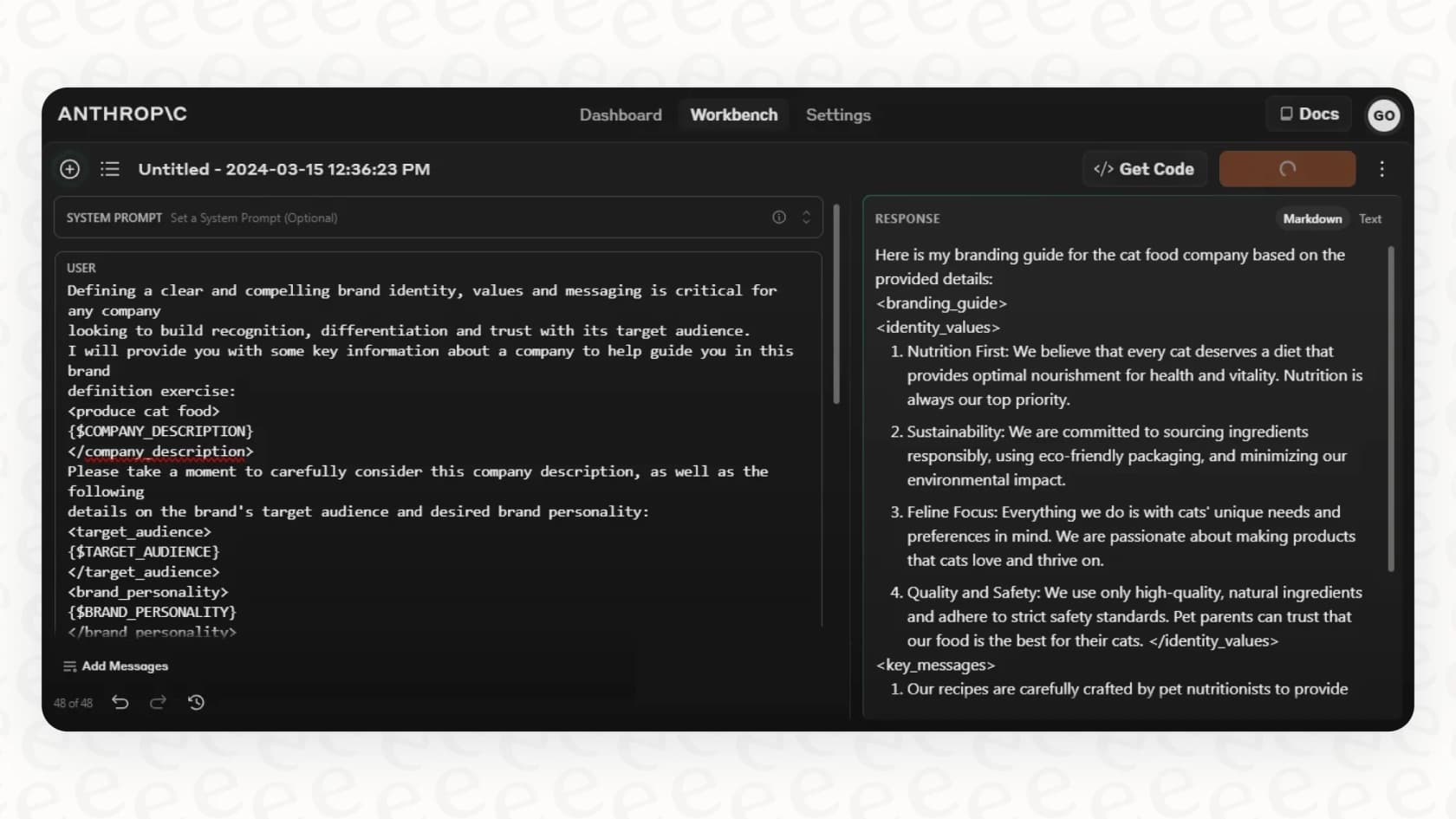
The SDK supplies the agent loop, tools, and context management. Your team still owns the application built around them, including its integrations, access rules, and deployment.
What can you build with the TypeScript Claude Code SDK?
The potential here is genuinely impressive, but tapping into it takes a lot of development work. In essence, the SDK gives Claude a "body" in the digital world, letting it perform actions instead of just answering questions.
Giving AI access to your digital workspace
At its heart, the SDK provides a set of "tools" that let a custom AI agent perform actions. Developers can give the agent access to commands like "grep" to search through files, "bash" to run scripts, and "WebFetch" to pull information from websites.
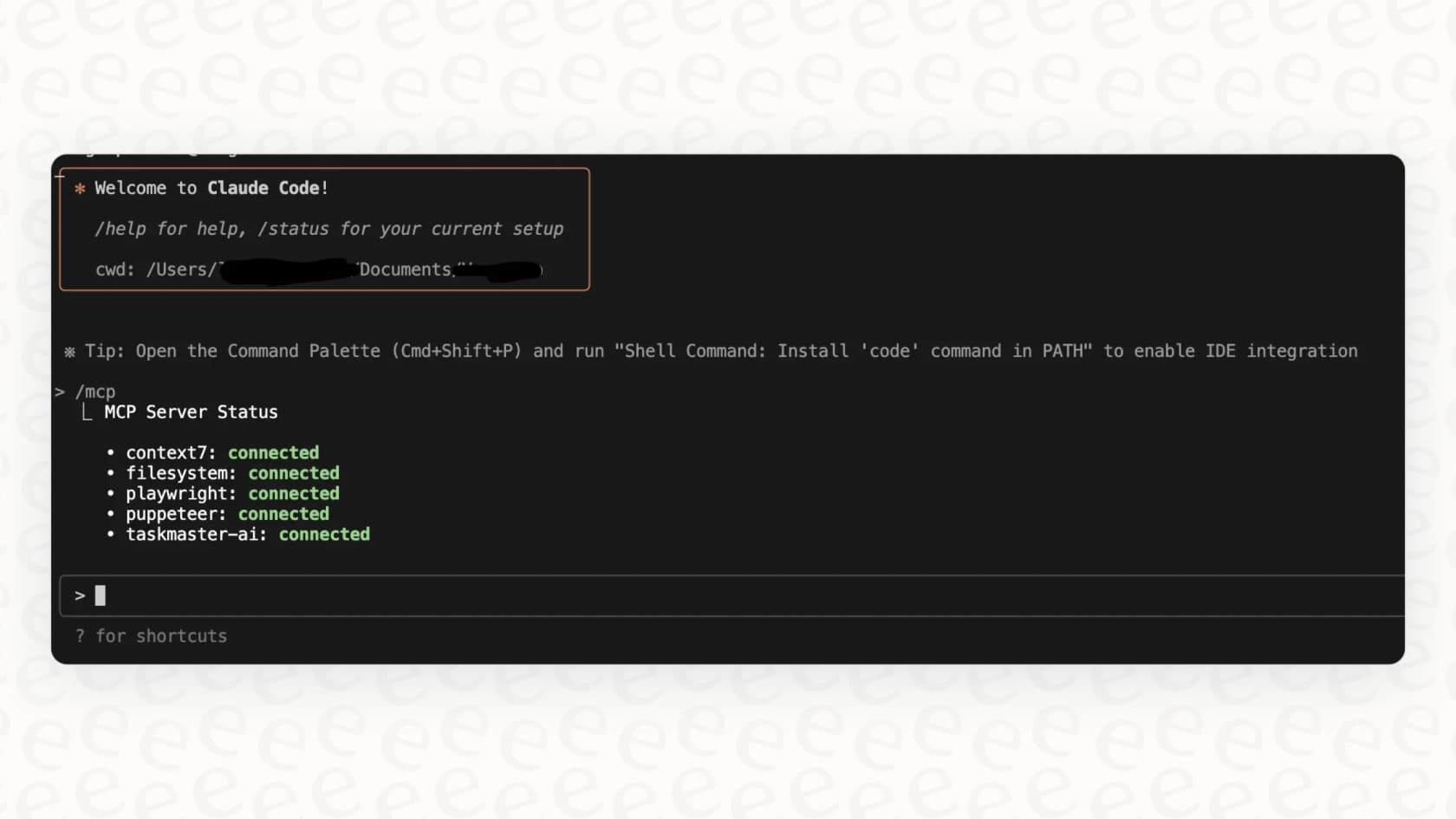
So, what does that look like in the real world? Imagine a customer reports a really technical bug. Instead of a support agent manually digging through server logs, a custom-built agent could be programmed to look into it. It could search the logs, find the specific error messages, and even pull up the section of code that might be causing the issue, handing a full report over to your engineering team. The SDK also supports something called the Model Context Protocol (MCP), which is a technical way of saying developers can create even more custom tools, like connecting the agent to your internal databases or company-specific APIs.
Creating specialized "subagents" for complex tasks
Another interesting feature of the SDK is the ability to create "subagents." Think of it like assembling a small, specialized AI team. You can have a main "manager" agent that gets a complex request and then passes smaller, specific tasks to "junior" agents who are experts in one area.
For instance, a manager agent could be asked to "create a Q3 performance report." It could then assign a "data-gathering" subagent to pull sales figures, a "research" subagent to analyze market trends, and a "writing" subagent to draft the final summary. Each one works on its own piece and only reports back the most important info, which makes the whole process a lot more efficient. This is a pretty neat way to automate workflows with multiple steps.
Potential use cases beyond writing code
While the SDK started as a tool to help developers write code, its abilities go much further. Teams are looking into building all sorts of custom agents, including:
-
Finance agents: Custom bots that can hook into financial data APIs to analyze investment performance or track market movements.
-
Customer support agents: Agents that can sort incoming support tickets, investigate a user's history in a CRM, and draft a first-pass response.
-
Research agents: Powerful assistants that can go through thousands of documents, scientific papers, or legal texts to pull together information and generate detailed reports.
These are all exciting ideas. But it’s important to remember that each one is a full-blown software project that has to be designed, built, tested, and maintained by a dedicated engineering team.
Separate custom application work from teammate setup
The Agent SDK is useful when you need a custom application. That does not mean every connected service must be custom-built too. Existing tools and MCP servers can give it access to systems your business already uses.
For customer support, I would decide where the policies, standing instructions, and review process should live before adding more code. If an eesel AI teammate already does that work, your application can interact with it instead of maintaining another copy of its setup.
Access an eesel teammate from TypeScript with eesel CLI
eesel CLI gives people, scripts, and coding agents commands to operate the same teammate and workspace as the eesel dashboard. You can inspect instructions, upload knowledge, check connected sources, ask questions, and review activity.
That is useful in a Node application as well as an interactive coding session. For instance, a release checklist could read the support teammate's source status and ask a person to review whether a new feature needs updated support knowledge. The coding agent can help interpret the results; colleagues can continue managing the teammate in the dashboard.

A read-only status check for a Node application
With Node.js 18.17 or newer, install the CLI, sign in to your existing workspace, and find the intended agent:
npm install -g @eesel/cli
eesel login
eesel agents
Set EESEL_AGENT_ID to that agent's ID. In a TypeScript project configured for Node, this function runs the installed CLI and parses its status response:
import { execFile } from "node:child_process";
import { promisify } from "node:util";

const execFileAsync = promisify(execFile);

export async function readEeselStatus(): Promise<unknown> {
  const agentId = process.env.EESEL_AGENT_ID;
  if (!agentId) {
    throw new Error("Set EESEL_AGENT_ID before reading status.");
  }

  const { stdout } = await execFileAsync(
    "eesel",
    ["status", "--agent", agentId],
    { timeout: 30_000, maxBuffer: 1024 * 1024 },
  );

  return JSON.parse(stdout) as unknown;
}
The CLI must be on PATH, and the process must have access to the saved login credentials. The promise rejects if the command fails or times out; the caller should handle that failure rather than treating it as a successful check. The example intentionally returns unknown: validate the fields you need before making application decisions from the response.
The command is fixed and its arguments are separate from the executable. Do not replace it with an unrestricted shell string generated by the model. For CI or server use, supply EESEL_API_URL and EESEL_API_TOKEN through secret handling instead of interactive login.
Follow the check with a concrete support question
Status shows connections and whether their content has downloaded. It does not prove that the teammate has the right policy or will answer accurately.
Use eesel instructions --agent <agent-id> to inspect standing rules. If a release changes a policy, review the proposed update and edit any affected instructions. Upload the approved policy as knowledge with eesel files upload ./support-policy.pdf --agent <agent-id>; uploading a file does not itself edit standing instructions. After confirming success, ask a representative question through eesel chat "Your policy question" --agent <agent-id> and compare the answer with the policy.
For example, ask what a customer should do if a feature is unavailable on their plan. That checks whether the teammate explains the product correctly, rather than merely whether the command can connect.
Use MCP when the SDK agent should select tools
A fixed CLI call is useful for a predictable program step. For an agent that chooses tools while working, eesel's MCP connection exposes the same workspace to an MCP client.
After login, eesel mcp token --agent <agent-id> prints the server URL, headers, and a 30-day workspace token. Put those connection details into the SDK's mcpServers configuration, following the TypeScript MCP guide. The generated claude mcp add command in the output configures interactive Claude Code, not your TypeScript application.
Verify the selected agent and available tools, then grant only the permissions your application needs. The token captures your workspace role at issuance; after a role change or expiry, mint a new token and update the headers. Keep it out of source control. eesel's approval rules still apply alongside the SDK's tool permissions.
Keep ownership, testing, and billing explicit
| Responsibility | What to check |
|---|---|
| Your TypeScript application | Command failures, parsed output, permissions, and the complete workflow |
| The eesel teammate | Relevant knowledge, standing instructions, answer quality, and held actions |
| Operating costs | Claude model usage, application hosting and maintenance, and separate eesel workspace usage |
The CLI exposes activity for reviewing the teammate's work and approvals for actions held for a person. A write command's --dry-run option previews the server request without sending it. That preview is not a conversation simulation, and a successful connection does not prove the support workflow is ready.
Use eesel billing to inspect the workspace's current billing state. Do not assume that calling eesel from an SDK application makes its usage part of your Claude bill.
Choose the smallest useful support workflow
Build with the TypeScript Claude Agent SDK when the application needs custom behavior. Use eesel CLI when your task is to operate an existing support teammate. Combine them when the custom application needs access to that teammate's knowledge or work.
To evaluate the connection, try eesel and follow the CLI guide. Read status, inspect one relevant instruction, and review an answer to a real product question before authorizing broader changes.
Frequently asked questions
What exactly is the TypeScript Claude Code SDK, and how does it differ from a ready-to-use AI product?
The TypeScript Claude Code SDK is a toolkit provided by Anthropic that allows developers to build custom AI agents powered by the Claude model. Now called the Claude Agent SDK, it supplies an agent loop, tools, and context management. You build and deploy the application around those components.
What are the primary types of capabilities or applications I can develop with the TypeScript Claude Code SDK?
With the TypeScript Claude Code SDK, you can enable AI agents to perform actions like searching files, running terminal commands, and browsing the web. It also allows for the creation of specialized "subagents" to tackle complex, multi-step tasks, extending its use beyond coding to areas like finance, customer support, and research.
How long does it typically take to deploy a production-ready AI agent using the TypeScript Claude Code SDK?
There is no single deployment timeline. It depends on the workflow, existing integrations, permissions, and testing requirements. Start with a complete, small use case to estimate the work.
How challenging is it to control and direct an AI agent built with the TypeScript Claude Code SDK to ensure consistent, on-brand behavior?
Use instructions, tool permissions, and tests to shape the application. Decide which settings non-developers should be able to manage. If the workflow calls an eesel teammate, its standing instructions remain in the eesel workspace and can be managed through the dashboard or CLI.
What kind of organization would benefit most from choosing to build with the TypeScript Claude Code SDK rather than using a platform solution?
Use the SDK when you need a custom application and can own its deployment and behavior. Use eesel CLI when you need to operate an existing support teammate from a terminal, script, or coding agent. A TypeScript application can also connect to that teammate through MCP, so these are not mutually exclusive choices.