
Let's be honest, the command line is cool again. For a while, it felt like fancy GUIs had taken over, but the terminal is making a comeback in a big way. And it's not just for "cd"-ing through directories anymore. It's now getting a serious AI boost, turning that familiar black-and-green window into a smart sidekick for developers.
More and more, developers are using a terminal AI coding tool to handle everything from spitting out boilerplate code to untangling complex bugs, all without ever having to switch windows.
This isn't just about better autocomplete. The real magic comes from what people are calling "agentic AI." Think of these as little autonomous helpers that can understand your goal, map out a plan, and actually get the job done. This guide covers coding tools and how their command execution can extend into support work. With the eesel CLI, a coding agent can help configure a support teammate instead of building the entire support system itself.
What is a terminal AI coding tool?
So, what are we actually talking about here? A terminal AI coding tool is a command-line application that uses a large language model (LLM) to help you write, fix, and manage your code right from the terminal. Instead of just guessing the next word you’re going to type, these tools feel more like having a junior developer you can bounce ideas off of in plain English.
Here’s a taste of what they can do for you:
-
Code Generation: You can literally just tell it what you need. Ask for a function, a class, or even a whole file by describing its purpose, and it will generate the code for you.
-
Debugging & Refactoring: If you're stuck on a bug, you can ask the tool to take a look. It can often spot the problem, suggest a fix, or even help you clean up and restructure your code to make it more efficient.
-
Automation: A lot of these tools can run commands for you, execute your test suite, and even manage your Git workflow. Some can write your commit messages or put together a whole pull request on their own.
This is a pretty big jump from the IDE extensions we're used to. We're moving beyond simple code suggestions to something that feels genuinely "agentic." These tools can understand the context of your entire project and string together multiple steps to help you get where you're going, faster.
An overview of popular terminal AI coding tools
The scene for these tools is blowing up, but a few front-runners have already established themselves. Let's take a look at the big names, what they're good at, what they're not so good at, and what they'll cost you.
GitHub Copilot CLI
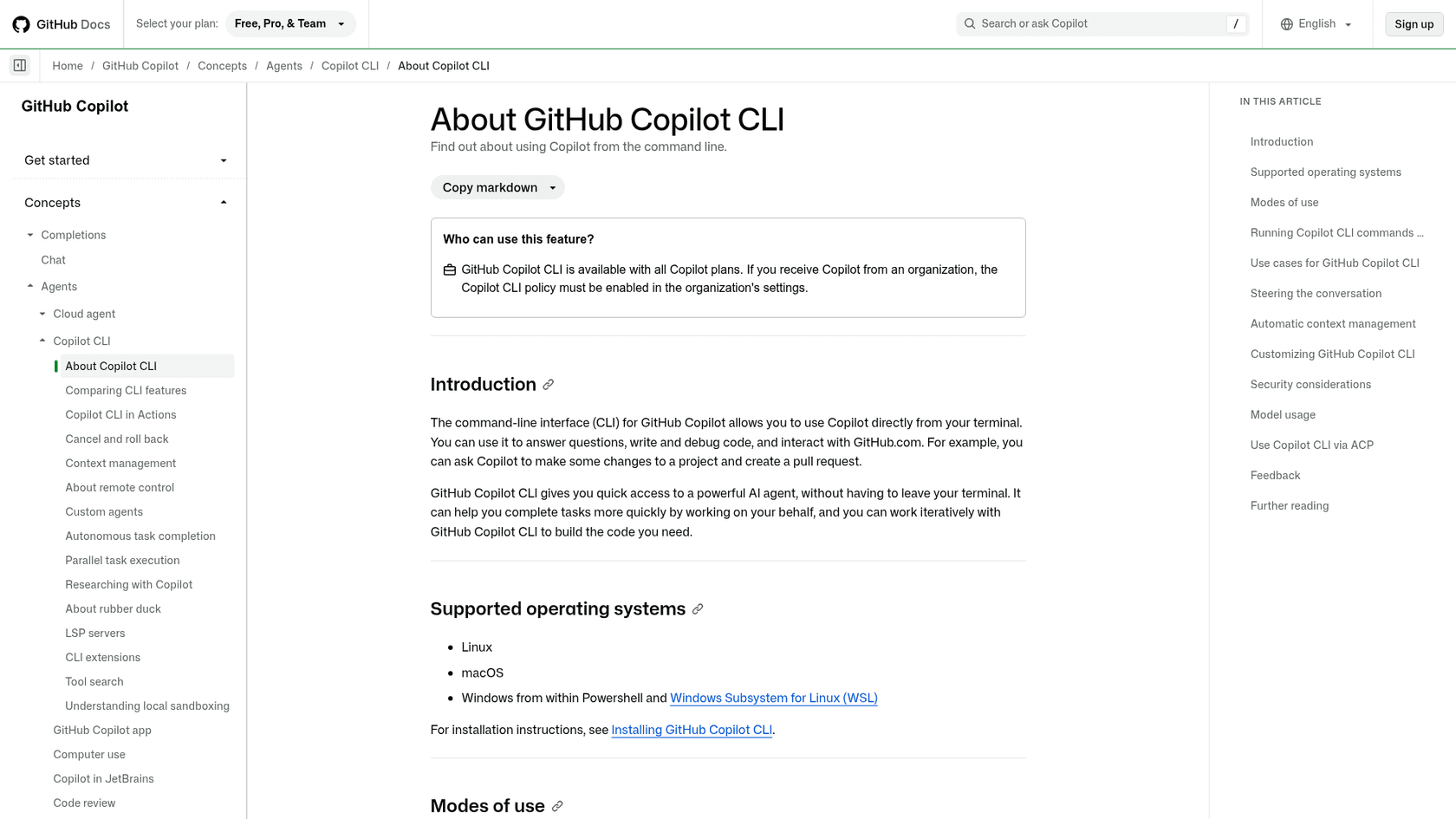
You've probably already heard of GitHub Copilot. Its CLI extension brings that same AI-powered help directly into your terminal. It is now an agent in your terminal that can answer questions, write and debug code, and make changes to a project and open a pull request. You can work with it interactively, or pass a single prompt with -p and it exits when the task is done.
-
Key Features:
- It translates your plain-English requests into shell commands. For example, you can type "git log for the last 5 commits" and it will translate that into "git log -n 5".
- It can explain what a confusing or unfamiliar command actually does before you run it, which is a lifesaver.
- It integrates tightly with Git, suggesting commands and helping you write clear commit messages.
-
Limitations: Copilot CLI usage draws on the same GitHub AI credits as chat and agent mode. If your organization provides the seat, the Copilot CLI policy must be enabled in its settings.
-
Pricing:
- Copilot Free and Copilot Pro: Free costs $0 and Pro is $10 per month with $15 in monthly AI credits. Both include CLI access, and so do Pro+ ($39) and Max ($100).
- Copilot Business: $19 per user per month. This tier adds policy management for organizations.
- Copilot Enterprise: $39 per user per month. You get more personalization and beefed-up security features.
Claude Code
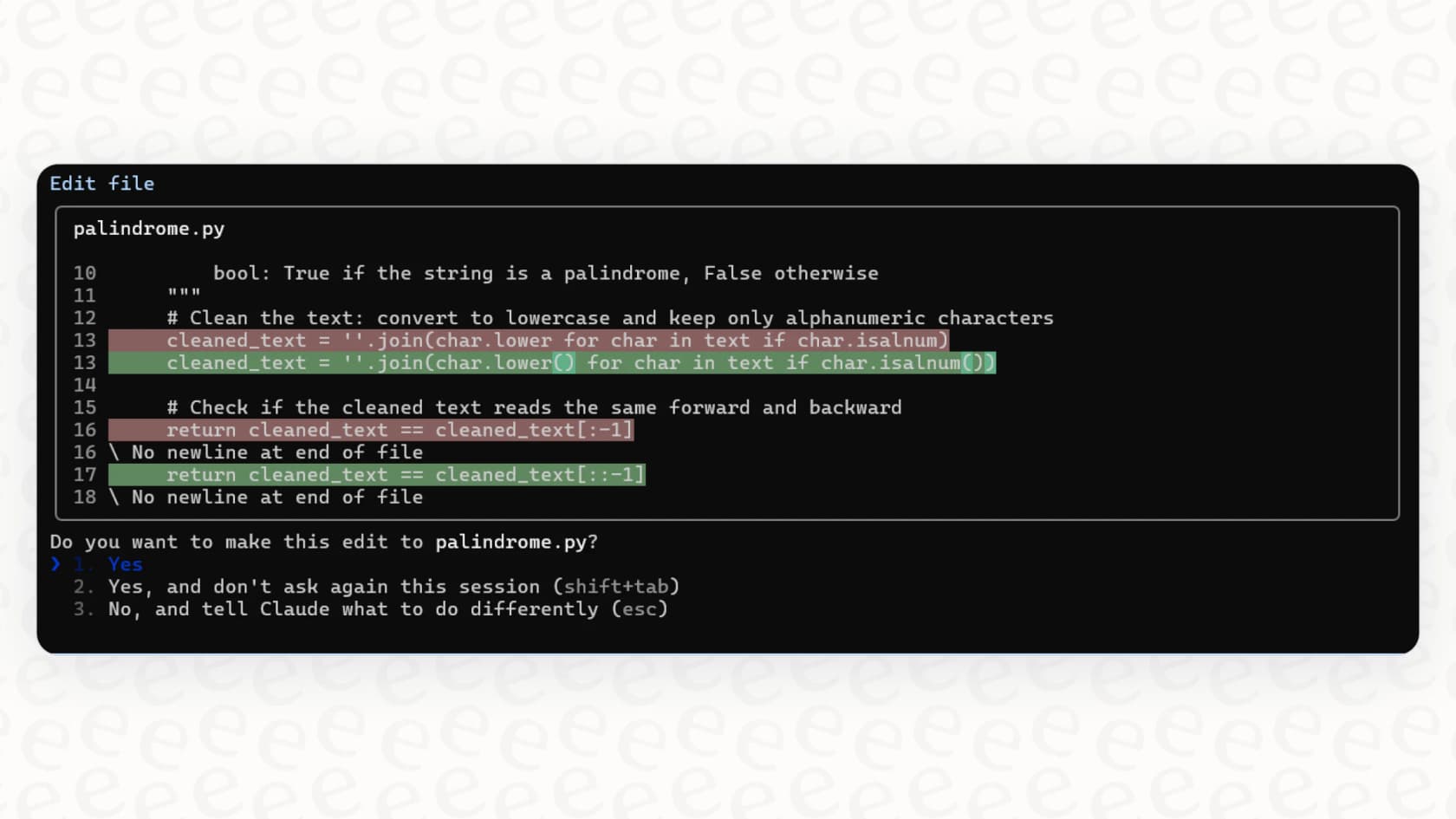
Claude Code is Anthropic's entry into the space, and it's a dedicated, agentic terminal AI coding tool designed to handle messy, multi-step development work. It’s built to feel like a real pair programmer that can reason about your codebase and make some pretty significant changes.
-
Key Features:
- It can edit code across multiple files at the same time, all from a single prompt.
- It has the ability to run tests and execute commands in your project's environment to make sure its changes actually work.
- It keeps the context of your entire codebase in mind, so you can ask it to do large-scale refactoring.
-
Limitations: Claude Code is a premium tool, and it's priced like one. It runs Anthropic's Claude models, though an organization can route it through Amazon Bedrock, Google Cloud, or Microsoft Foundry. Developers have found that the pay-as-you-go API costs can creep up on you during a heavy coding session, which could be a problem for teams on a tight budget.
-
Pricing: Usage is included in Claude Pro and Max ($20 a month, or $17 billed annually, and Max from $100), and in Team and Enterprise plans. On API billing, Sonnet 5.5 runs at $2 per million input tokens and $10 per million output tokens. That can add up surprisingly fast when you're going back and forth with the AI.
Aider
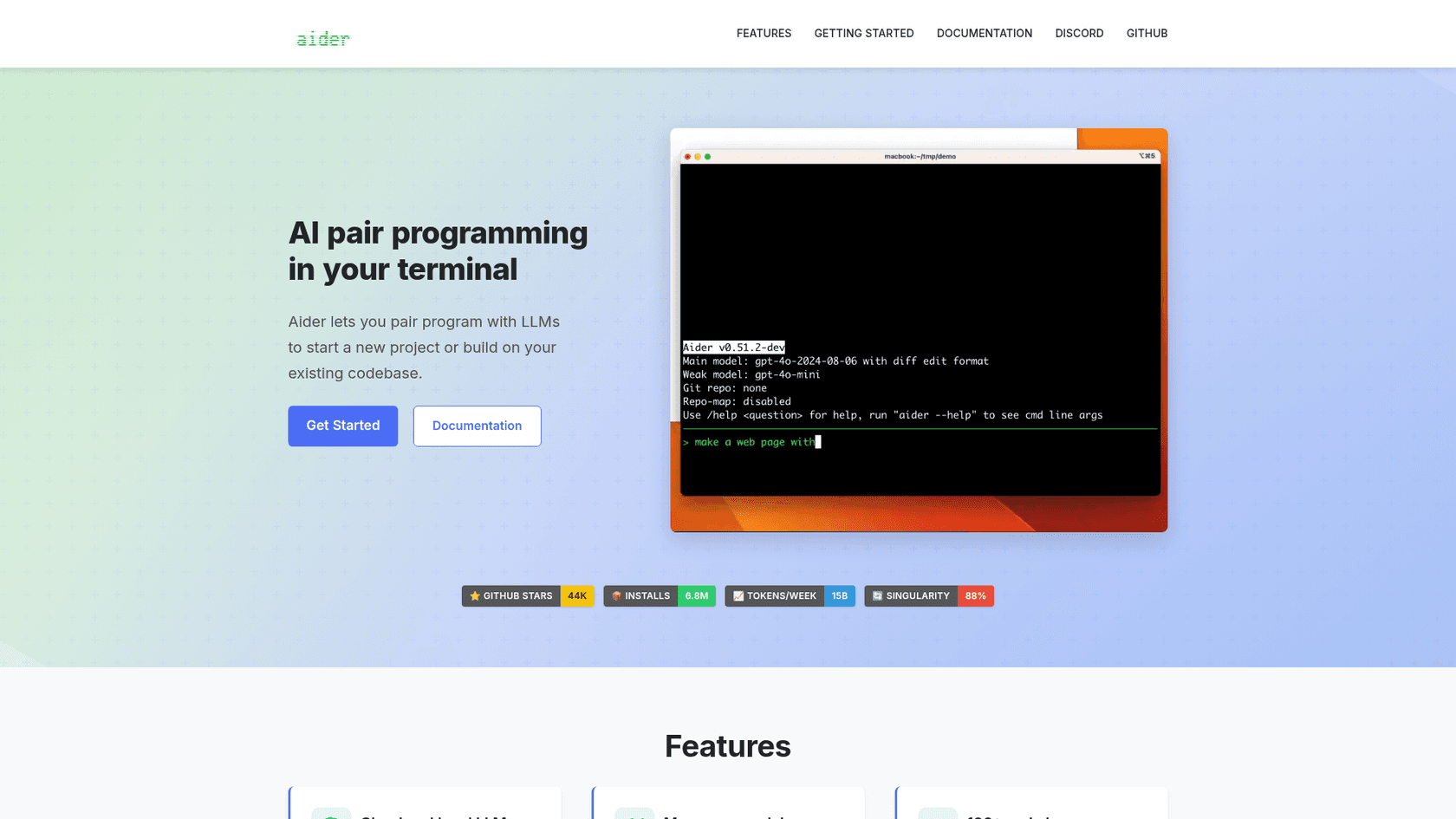
Aider is a favorite in the open-source world. It’s a terminal AI coding tool that gives you the freedom to pair-program with a bunch of different LLMs. This is the tool for developers who want more control and flexibility.
-
Key Features:
- It works with your local codebase and automatically commits changes to Git with well-written, descriptive messages.
- It's super configurable. You can hook it up to models from OpenAI, Anthropic, Google, or even run local models on your own machine if you have the hardware.
- It builds a map of your entire codebase, which gives the LLM much better context for making intelligent suggestions.
-
Limitations: Being open-source, Aider takes a bit more effort to get running. You'll need to install it and set up API keys for whichever model you want to use. The quality of its output also depends entirely on the LLM you choose and how good you are at writing prompts.
-
Pricing: The tool itself is free to use. You only pay for the API fees from your chosen LLM provider, like OpenAI or Anthropic.
| Tool | How you pay | Models |
|---|---|---|
| GitHub Copilot CLI | Included with every Copilot plan, from Free ($0) to Max ($100); usage draws GitHub AI credits | OpenAI, Anthropic, Google, and xAI models |
| Claude Code | Pro, Max, Team, or Enterprise plan, or Claude API tokens | Claude models, also via Bedrock, Google Cloud, or Foundry |
| Aider | Free software; you pay your LLM provider | Almost any LLM, including local models |
Extend a terminal coding workflow with eesel CLI
A coding agent's ability to run commands is useful beyond a code repository. When a product change needs updated support knowledge, the same agent can use eesel CLI to upload documentation, inspect the support instructions, and test a question about the change.
eesel CLI operates an AI support teammate in the same workspace as the dashboard. The coding agent executes the commands; eesel keeps the teammate's knowledge, conversations, integrations, and automations. A support manager can inspect that configuration in the dashboard while a developer works from the terminal.
A release-documentation example
With Node.js 18.17 or newer, log in to your existing eesel workspace. If there are several agents, add --agent <id-or-name> to the upload, status, and chat commands to select the intended teammate.
npx @eesel/cli login
npx @eesel/cli agents
npx @eesel/cli files upload ./release-notes.pdf
npx @eesel/cli status
Replace the document path with your own. Check the connected sources and download status before assessing answers that rely on them. Then ask a question your customers might ask:
npx @eesel/cli chat "What changed in the latest release?"
Review the answer against the document. A successful upload confirms an operation; a useful support answer also depends on the teammate's instructions and the context it can access. Test representative questions before expanding its customer-facing work.
Why structured output matters
The CLI returns JSON, including structured errors with hints. That gives Claude Code, Cursor, or Codex results they can inspect before choosing the next step. A person can use the same commands, and scripts can run repeatable checks without a coding agent.
Beyond chat and files, the command set includes integrations, instructions, automations, approvals, and activity. You can review actions waiting for approval and inspect recent work from the terminal. Use --dry-run to preview a write command's request without making the change.
Use MCP when it fits the client
The eesel CLI guide also documents npx @eesel/cli mcp token. Add --agent <id-or-name> to select a specific teammate when needed. The command generates the URL, headers, and a ready-to-paste Claude Code setup command for the same workspace. Run the generated setup command to make eesel available as MCP tools in Claude Code, or configure another client with the returned URL and headers.
Direct CLI commands are useful for explicit terminal steps and scripts. MCP exposes the workspace inside a compatible AI client. Both routes operate the same teammate, so the support setup does not have to be rebuilt for each interface.
Choose the coding tool, then connect the work
Evaluate a terminal coding tool around the development tasks it needs to perform. If it can run the commands you authorize, eesel CLI gives it a concrete way to help with support setup too.
Try eesel CLI with a product document and a few support questions. Have the coding agent perform the terminal steps, then review the teammate's configuration with your support team in the dashboard.
Frequently asked questions
What exactly is a terminal AI coding tool and how does it help developers?
A terminal AI coding tool is a command-line application that uses AI to assist with writing, fixing, and managing code directly from your terminal. It acts as an intelligent sidekick, generating code, debugging issues, and automating tasks without requiring you to switch windows.
How does a terminal AI coding tool differ from standard IDE code suggestion extensions?
Unlike simple IDE extensions that offer basic suggestions, a terminal AI coding tool employs "agentic AI" to understand complex goals, plan multi-step solutions, and execute tasks autonomously. It can grasp the context of your entire project and string together multiple actions, going beyond basic autocomplete.
What are the key benefits a developer can expect from integrating a terminal AI coding tool into their workflow?
Developers can leverage these tools for rapid code generation, efficient debugging and refactoring, and automating various development tasks like Git commits or test execution. This significantly speeds up workflow and allows developers to focus on higher-level problem-solving.
Can I use a terminal AI coding tool to address general business problems, like customer support or IT tickets?
A coding agent can run tools that operate business systems. For example, the eesel CLI lets it inspect instructions, upload knowledge, test answers, and review an eesel support teammate's activity. The teammate keeps the same knowledge and configuration in the dashboard.
How do I choose the right terminal AI coding tool for my specific needs?
Your choice depends on your requirements: GitHub Copilot CLI is excellent for shell command assistance and Git integration; Claude Code is suitable for complex, multi-file agentic coding; and Aider offers flexibility with various LLMs and open-source control, where you typically pay for API usage.
What are the typical pricing models for using a terminal AI coding tool?
Pricing varies: some tools like GitHub Copilot CLI come with a subscription (e.g., $10/month for Copilot Pro). Claude Code is included in Pro and Max plans or billed by API token usage, and Aider (when using external LLMs) bills API usage, which can accumulate depending on how much you interact with the AI.
What does "agentic AI" mean in the context of a terminal AI coding tool?
In the context of a terminal AI coding tool, agentic AI refers to the tool's ability to act as an autonomous helper. It can understand your overall goal, devise a plan to achieve it, and then execute multiple steps independently to get the job done, rather than just providing suggestions.