


Disclosure: This article is published by eesel AI, a competitor of ServiceNow. We encourage you to read ServiceNow's own materials for their perspective.
ServiceNow. If you work in enterprise IT, you've definitely heard the name. It's a giant in the world of IT Service Management (ITSM), and for a long time, it's been the default choice for huge companies trying to get a handle on their sprawling operations. The tech world moves fast, though. Does a massive, all-in-one platform still make sense when nimbler, AI-first tools are appearing everywhere?
Spend five minutes on any IT forum, and you'll see the same story play out. Someone will praise its raw power, followed by a dozen comments about the steep learning curve, the eye-watering price tag, and the army of consultants needed to keep it running.
This ServiceNow review is here to give you the straight scoop. We'll look at what it does well, where it falls short, and what it actually costs to run. By the end, you'll have a much clearer idea of whether ServiceNow is the right move for your team, or if you'd be better off with a more modern approach.
What is ServiceNow?
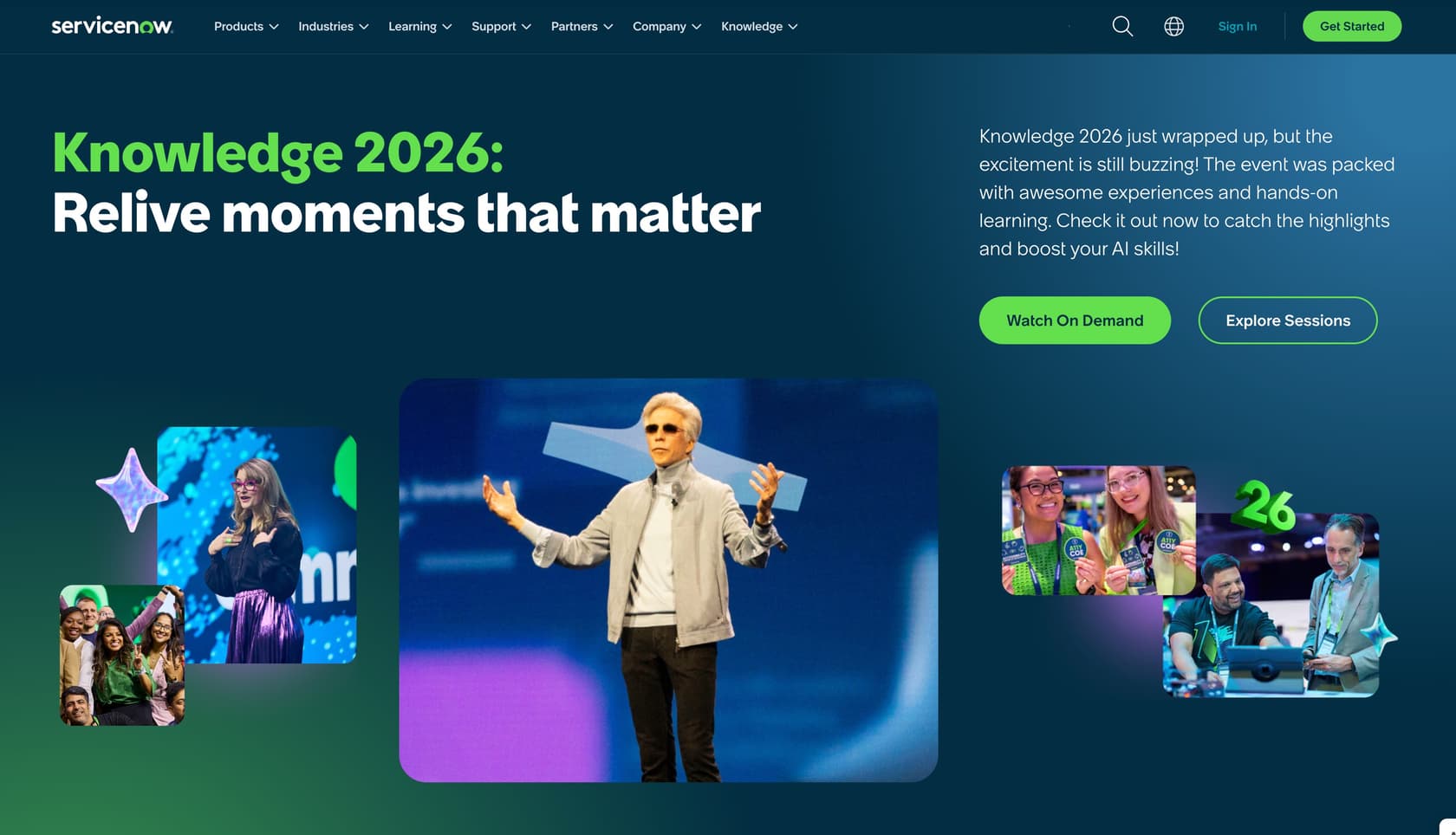
At its core, ServiceNow is a cloud platform built to automate and manage workflows across a large company. You can think of it as the digital plumbing that connects all the different departments. It started out focused purely on ITSM, helping IT teams track everything from help desk tickets to major server updates, and it got very good at it.
But its ambitions didn't stop there. Over the years, ServiceNow expanded its reach into HR, customer service, security, and more. The big idea is to create a single AI platform where all of a company's data, workflows, and teams can live together.
This isn't a tool you'd use for a small startup. ServiceNow is designed for massive enterprises with thousands of employees who are willing to invest heavily in standardizing all their processes on one powerful system.
Features and capabilities
ServiceNow's main selling point is its sheer breadth. It's built like a set of modules you can combine to build a solution for almost any part of your business.
Core building blocks: ITSM, ITOM, and more
Most companies start with one of its foundational modules.
-
IT Service Management (ITSM): This is the heart of ServiceNow. It's where you manage incidents (when things break), problems (why things keep breaking), changes, and service requests, following the ITIL framework.
-
IT Operations Management (ITOM): This module helps you see what's happening with your actual IT infrastructure. It maps out your servers, apps, and databases so you can spot potential outages before they ruin your weekend.
-
Customer Service Management (CSM) and HR Service Delivery (HRSD): As ServiceNow grew, it applied its workflow logic to other departments. These modules structure how you handle customer support tickets and internal employee requests, like onboarding or payroll questions.
For a global company, having one platform sounds compelling. It promises consistency and a single place to find information. But that promise comes with some significant strings attached.
The AI platform story
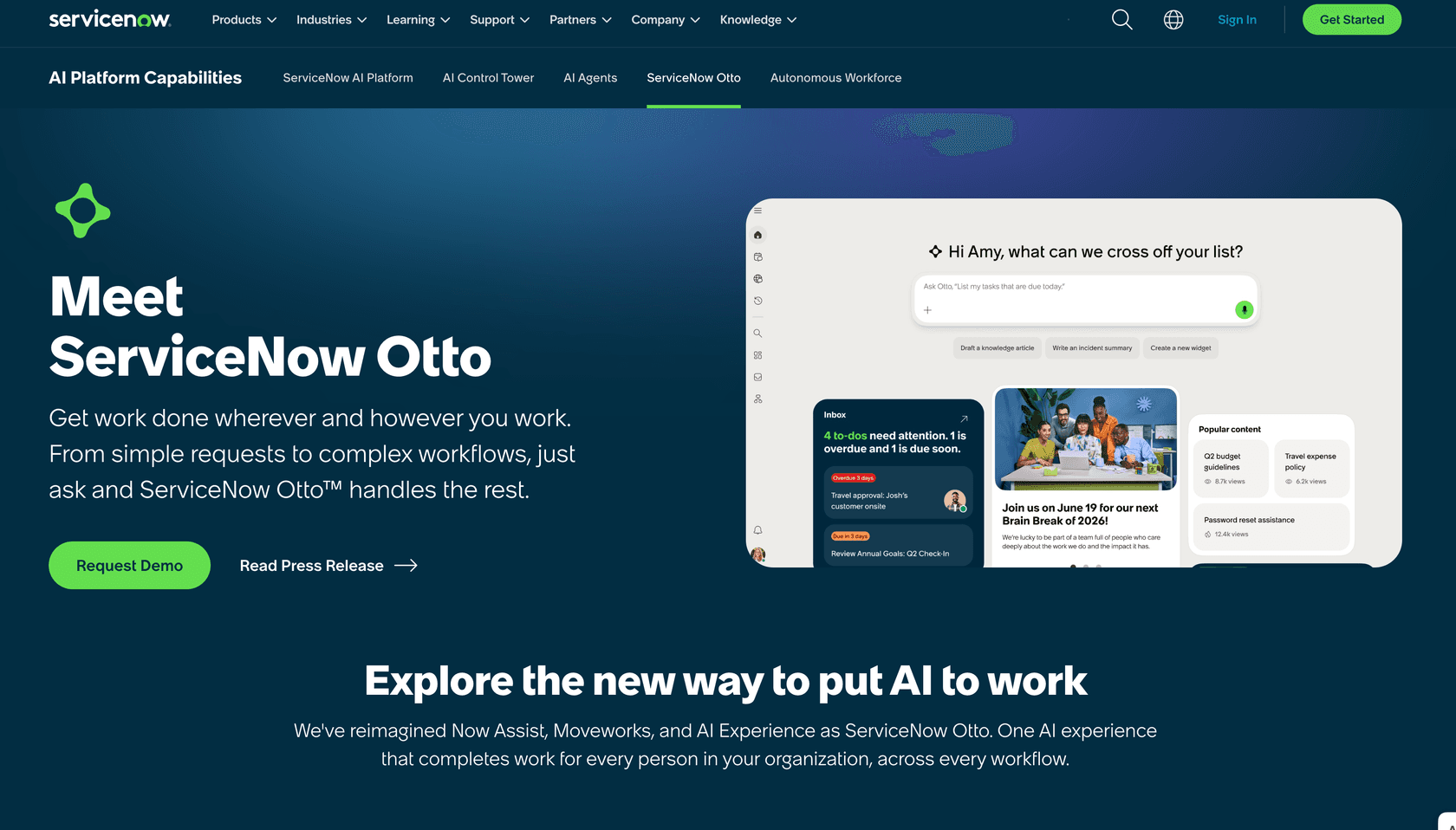
Like everyone else, ServiceNow has moved into AI with its Now Assist product line. This generative AI is meant to speed up agents by doing things like summarizing long ticket histories, drafting replies, and finding answers in the knowledge base. It's a genuine effort to keep the platform feeling modern.
The catch? G2 reviewers are clear: "the AI and intelligence features are promising, but they can feel limited unless they are properly configured and licensed." These are add-ons to an already enormous system, not features you activate on day one.
In February 2026, ServiceNow went further and launched its Autonomous Workforce product, alongside EmployeeWorks (powered by the recently acquired Moveworks). This expands its AI agent capabilities to cover L1 IT support and employee-facing workflows.
The customization trade-off
If there's one thing every ServiceNow review agrees on, it's that its flexibility is both a blessing and a significant risk. You can customize it to do practically anything. But the r/servicenow community is full of cautionary tales about organizations that over-customized their way into a corner, unable to upgrade easily and dependent on expensive specialists just to keep things running. This creates a few serious long-term problems:
-
Technical debt: The more you tweak the platform, the harder it is to upgrade. A simple custom field today can become the reason your next platform update takes six months and costs a fortune.
-
Specialist dependency: You can't have your regular IT admin run a heavily customized ServiceNow instance. You end up needing to hire expensive, certified ServiceNow developers (source) just to maintain the workflows you've built.
-
Rigid processes: Once you've poured time and money into building a custom workflow, you're committed to it. The platform that was supposed to make you more efficient can end up locking you into outdated ways of working.
A modern AI tool shouldn't require a full platform rebuild to get started. eesel AI connects directly to your existing helpdesk, whether it's Zendesk, Freshdesk, or Jira Service Management. It learns from your past ticket conversations and your knowledge sources in places like Confluence or Google Docs. This approach avoids both the large implementation project and the technical debt that deep platform customizations often create.
User experience: What's it really like to use?
A list of features is one thing, but how does the platform feel day-to-day? Here's what you can expect when you actually start using ServiceNow.
The implementation journey: Buckle up
Getting ServiceNow up and running is not a quick job. It's a major project that typically takes months and a team of consultants (source) to manage. User reviews are full of stories about needing a dedicated internal team just to handle the platform after it goes live. It's not a tool you can set and forget; it needs constant attention.
Finding your way around: Power vs. simplicity
For a certified ServiceNow developer, the interface is a powerful playground. For everyone else? Not so much. It's often described as cluttered, confusing, and overwhelming (source) for less technical users. If you're a support agent who just wants to solve a customer's problem or a manager who needs to pull a simple report, the maze of menus and forms can slow you down.
Getting help: Customer support
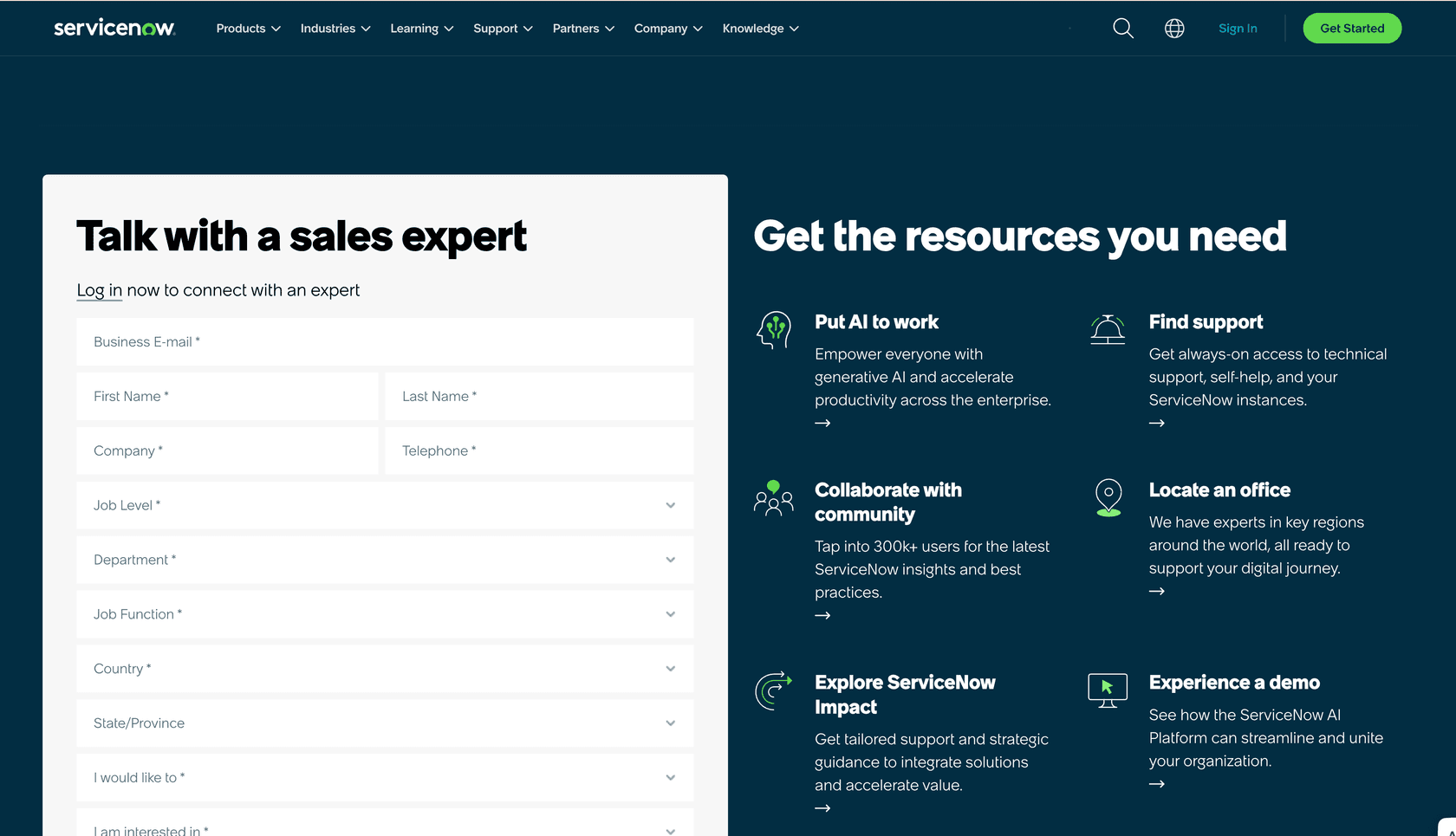
ServiceNow's customer support gets mixed reviews. They have the standard enterprise support plans you'd expect, which is good. But if your issue is tied to one of your company's custom workflows, getting a quick and helpful answer can be tough.
When you're rolling out a new AI tool, you want to test it before going live. eesel AI has a simulation mode that lets you test the AI on thousands of your own past tickets to see exactly how it performs, what questions it can handle, and what your return on investment will look like, all before a customer ever interacts with it. This lets you go live with confidence in minutes, not months.
Pricing: The custom quote process
One of the most common frustrations with ServiceNow is the complete absence of published pricing. ServiceNow does not list dollar figures on any public-facing page (source). The ITSM pricing page lists three named tiers (Foundation, Advanced, and Prime) with feature comparisons, but every tier ends with a "Get Custom Quote" call to action. The AI Control Tower page similarly says "Contact Us for Pricing." To get actual numbers, you'll need to enter a full sales process.
Third-party consultancies that specialize in ServiceNow licensing (such as Unthread and RedressCompliance) publish detailed estimates, but those figures are not published by ServiceNow itself and will vary significantly by deal size, module selection, and negotiation.
Beyond the subscription, the real cost picture includes several other components:
| Cost Component | Description | Impact |
|---|---|---|
| Subscription Fees | Annual license cost per tier and user count. Not publicly listed; contact ServiceNow for a quote. | Not publicly disclosed |
| Implementation | One-time cost for consultants to configure and deploy. ServiceNow does not publish a typical cost range. | Significant; varies by project |
| Customization | Ongoing cost for specialized ServiceNow developers or consultants to maintain custom workflows. | High and ongoing |
| Training | Getting your team skilled enough to use and administer the platform. | Varies by team size |
| Maintenance | Annual support fees, typically calculated as a percentage of the license cost. | High and recurring |
This pricing model suits organizations with dedicated enterprise IT budgets. For teams that need predictable, transparent costs upfront, the custom quote process makes it difficult to budget without committing significant time to a sales cycle.
In contrast, eesel AI has credit-based pricing: from $299/month for 500 credits (1 credit per ticket or chat), with no platform fee and a free plan of 100 credits so you can test it before committing. With flexible monthly billing you can cancel anytime, it's designed for businesses that want to stay in control of their spending.
The verdict: Who is this ServiceNow review for?
After looking at the features, the user experience, and the true cost, it's clear that ServiceNow, for all its power, is built for a specific type of company.
ServiceNow is a good fit for:
-
Massive, global corporations (think Fortune 500) that need to enforce standardized processes across dozens of countries and departments.
-
Organizations with large, dedicated IT budgets that can afford to hire a team of full-time ServiceNow specialists.
-
Companies with deeply complex processes that can't be managed with off-the-shelf software.
ServiceNow is probably NOT a good fit for:
-
Any small or medium-sized business, and even many larger companies that value agility and cost control.
-
Teams that want to get started with AI quickly without a months-long implementation project.
-
Businesses that want clear, predictable pricing and the freedom to change tools as they grow.
A smarter path for modern teams
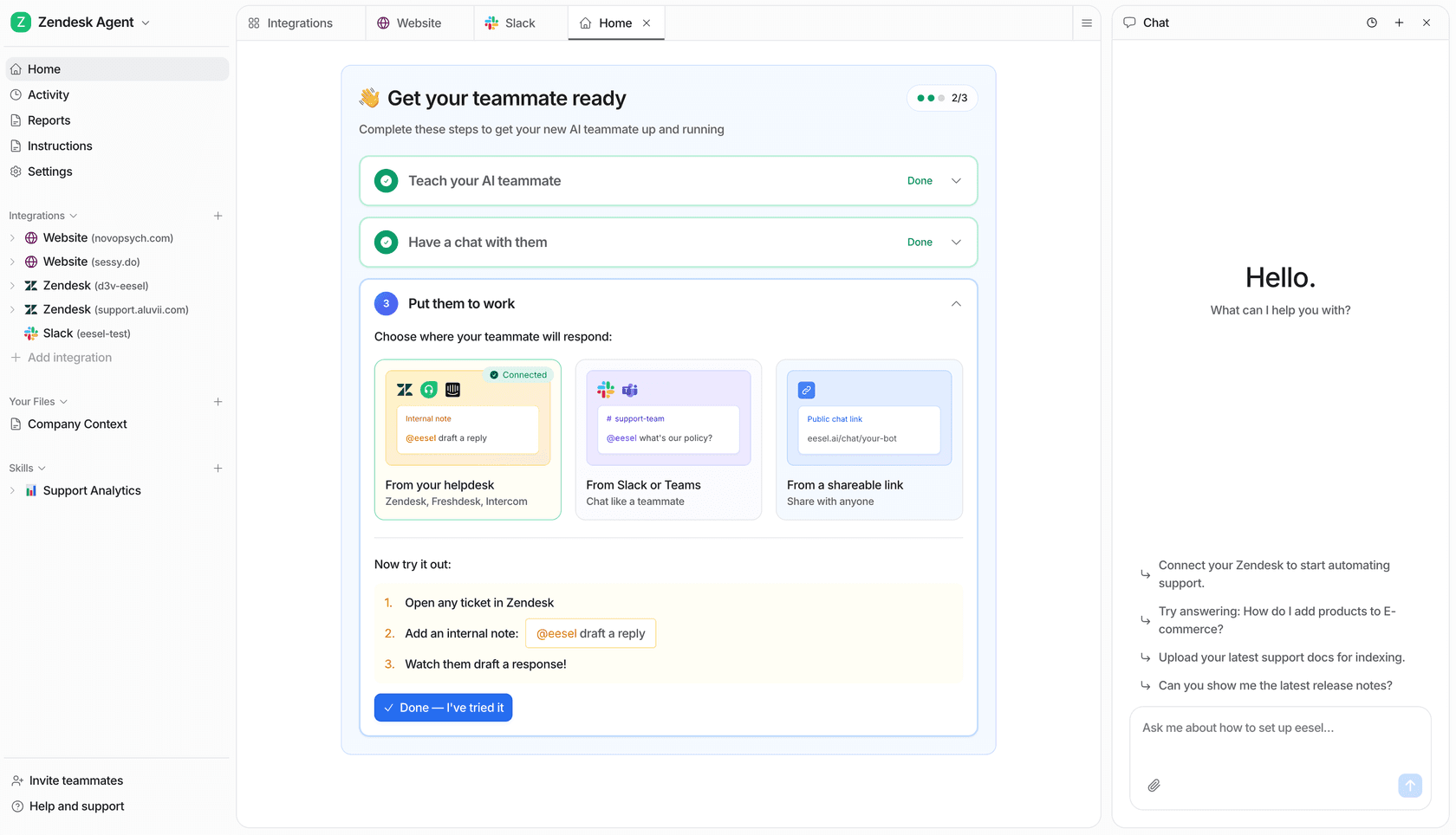
While ServiceNow is built around the idea of consolidating your entire company onto one platform, other tools are designed to work with what you already have. eesel AI offers powerful AI agents and copilots that plug right into your current helpdesk, whether that's Zendesk, Freshdesk, Jira Service Management, or another platform. You can start automating support, drafting replies, and triaging tickets almost instantly.
If you want the benefits of enterprise-level AI without the overhead and complexity, it might be time to check out a solution built for how teams work today.
You can try eesel AI for free and see for yourself. You can be up and running in under five minutes.
Frequently asked questions
What kind of company truly benefits from ServiceNow?
ServiceNow is best suited for large enterprises that need to standardize workflows across many departments or countries and have the budget for a dedicated implementation team. ServiceNow's ITSM product page positions the platform for organizations running complex IT operations at scale, not teams looking for a quick setup.
How transparent is ServiceNow's pricing?
ServiceNow does not publish dollar pricing. The ITSM Plans and Packages page lists three named tiers (Foundation, Advanced, and Prime) but every tier ends with a "Get Custom Quote" call to action. The AI Control Tower page similarly says "Contact Us for Pricing." You will need to go through a sales process to get actual numbers.
What are the risks of heavily customizing ServiceNow?
Extensive customization creates technical debt that makes upgrades expensive and slow. It also creates a dependency on certified ServiceNow developers for ongoing maintenance. ServiceNow's ITSM documentation emphasizes standardization, but deeply custom builds can undermine that goal and leave your instance harder to upgrade with each new platform release.
Are ServiceNow's AI features ready to use out of the box?
Now Assist, ServiceNow's GenAI product line, is bundled into each ITSM tier (Foundation, Advanced, and Prime) at the matching capability level per ServiceNow's ITSM pricing page. However, G2 reviewers note that "the AI and intelligence features are promising, but they can feel limited unless they are properly configured and licensed" — setup and configuration are required before these features deliver full value.
What alternatives work well for teams that don't need the full ServiceNow platform?
Teams that want AI-driven support without a months-long implementation often choose tools that layer on top of their existing helpdesk. eesel AI, for example, connects to platforms like Zendesk or Freshdesk and starts resolving tickets without replacing your existing setup. You can be up and running in minutes rather than months.