HubSpot overview: What it is & how it works in 2026

Stevia Putri
Written by

Stevia Putri

Last edited January 16, 2026

HubSpot overview: What it is & how it works in 2026

If you’ve ever tried to manage a business using a dozen different apps, you know the headache. Your customer data is in one tool, your email campaigns are in another, and your support tickets live somewhere else entirely. It’s a digital juggling act that usually ends with siloed teams, frustrated employees, and a choppy experience for your customers.

That’s the exact problem HubSpot was built to solve. It is a mature, all-in-one platform that brings all your customer-facing teams under one roof. But what does that really look like in practice, and is it the right move for your business?

In this HubSpot overview, we’ll pull back the curtain on the whole platform. We'll get into its main components, its built-in AI, its structured pricing, and the benefits of centralizing your operations on a single platform. By the time we’re done, you should have a much clearer picture of whether HubSpot is the answer you've been looking for.

What is HubSpot?

At its heart, HubSpot is a powerful customer platform that revolves around its CRM (Customer Relationship Management) system. HubSpot calls its Smart CRM the "single source of truth," which is an effective way of saying it’s the central database for everything. On top of that CRM, it offers an impressive collection of connected products it calls "Hubs."

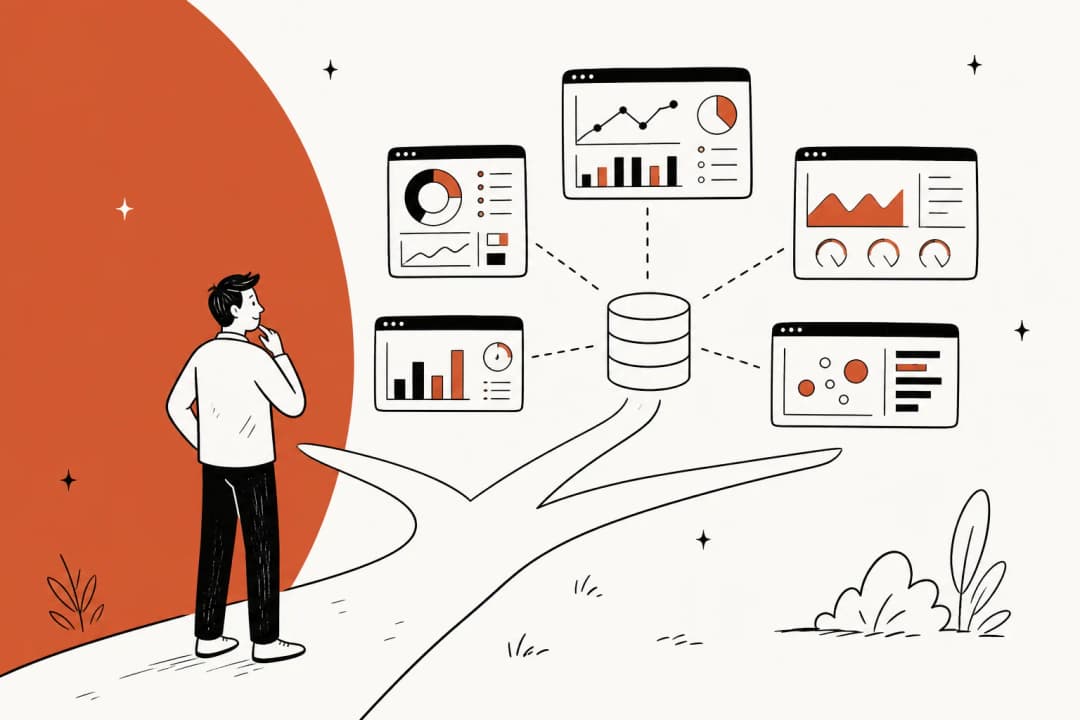
The whole idea is that every single interaction a customer has with your business, from the first time they land on your website to their latest support ticket, gets logged in one place. This gives your marketing, sales, and service folks a complete, 360-degree view of every customer. No more digging through different apps to piece together the story.

It's a compelling pitch, and it's worked well enough to get them over 268,000 customers in more than 135 countries. The goal is a perfectly smooth experience for your team and your customers. As we’ll explore, living in a single, unified world offers significant advantages for team alignment.

The core HubSpot Hubs

The HubSpot platform is built around several core products, or "Hubs," with each one tailored to a specific team. They can work by themselves, but the real power comes when you start combining them to create a seamless ecosystem.

Marketing Hub: For attracting visitors and converting leads

The Marketing Hub is where HubSpot’s famous "inbound marketing" philosophy really shines. It's packed with tools to help you create content, pull in organic traffic, and turn those anonymous visitors into actual leads.

You can build landing pages from scratch, design forms and pop-ups to capture contact info, and create automated email drips to nurture people who aren't quite ready to buy. It also gives you a central dashboard to run marketing campaigns across different channels and see what's actually driving results, plus some excellent SEO tools to help you optimize your content for search engines.

Sales Hub: For managing your pipeline and closing deals

The Sales Hub is a supercharged CRM for your sales team. It’s designed to automate a lot of the manual work so your reps can focus on what they do best: closing deals.

It handles things like follow-up emails and data entry automatically, which saves a ton of time. You also get a clean, visual pipeline that shows you exactly where every single deal is at any given moment. Plus, it uses AI to forecast future revenue based on your pipeline's health, which helps with setting more realistic sales targets.

Service Hub: For supporting customers and driving retention

The Service Hub is HubSpot's answer to customer service software. It gives your support team the tools they need to track issues, answer questions, and turn customers into happy fans.

A key feature is the universal inbox, which pulls in conversations from email, live chat, and social media, so your team can manage everything in one place. There’s also a full ticketing system to track customer problems and tools for sending out satisfaction surveys like NPS or CSAT.

Moving to the Service Hub allows you to unify your support operation within the HubSpot ecosystem. If your team is moving from a dedicated helpdesk like Zendesk or Intercom, HubSpot provides a comprehensive environment to bring all your data together in a single platform.

Content, data, and commerce hubs

To flesh out its offering, HubSpot has added several more specialized hubs:

  • Content Hub: This is an AI-powered tool for creating and managing all your content, from blog posts to website copy.

  • Data Hub: This hub focuses on keeping your customer data clean and synced across all your systems, ensuring your database remains reliable.

  • Commerce Hub: This is for B2B companies that need to manage quotes, create invoices, and handle payments right from the CRM.

How HubSpot uses AI with Breeze

Like just about every other software leader, HubSpot has gone all-in on AI. Their AI engine is called Breeze, and it’s integrated throughout the entire platform to help teams get things done faster.

Breeze has two main parts:

First, there are Breeze Agents. These are autonomous AI tools that can take on specific jobs. For example, the Customer Agent can field common support questions, and HubSpot notes it can resolve over 65% of them on its own. The Prospecting Agent helps your sales team by researching leads and starting outreach.

Then there are the AI Assistants and copilots. These are helpful tools you’ll find everywhere in HubSpot. They can help you write an email, generate copy for a marketing campaign, build a report, or summarize a customer conversation.

Breeze is highly optimized for the data inside HubSpot, ensuring it has deep context for your customer records. For teams whose knowledge lives in external wikis like Confluence, Google Docs, or Notion, you can complement HubSpot's features with other tools.

For instance, eesel AI is one complementary option that works alongside your ecosystem. It plugs into your helpdesk and connects to various knowledge sources, such as past tickets and internal wikis. This gives your AI support agent additional context from outside the CRM, working in harmony with your existing HubSpot setup.

Understanding the HubSpot pricing model

HubSpot’s pricing model is designed to be comprehensive, providing clear paths for businesses as they grow. Your final investment depends on which Hubs you choose, the plan tier you need (like Professional or Enterprise), and the number of "Core Seats" (paid users) on your team.

Professional and Enterprise plans include a specialized onboarding service. This ensures your team is set up correctly from day one, helping you get the most out of the platform's extensive features. It's an investment that pays off in long-term efficiency and platform mastery as you explore the pricing options.

Let's look at the Marketing Hub to get a sense of the tiers.

Plan TierStarting Price (Annual)IncludesOnboarding ServiceKey Features
Marketing Hub Professional$800/month3 Core Seats, 2,000 marketing contactsIncludedOmni-channel marketing automation, custom reporting, A/B testing.
Marketing Hub Enterprise$3,600/month5 Core Seats, 10,000 marketing contactsIncludedMulti-touch revenue attribution, customer journey analytics, predictive lead scoring.

Note: This is based on HubSpot's pricing in 2026. You should always check their site for the latest details.

HubSpot’s structured approach allows businesses to scale their investment as their needs become more sophisticated. In comparison, other tools like eesel AI offer usage-based pricing that can work alongside your Hubs to add specialized AI capabilities.

The benefits of an all-in-one platform

The goal of having everything in one perfectly organized place is highly effective for modern teams.

One of the biggest strengths is the unified ecosystem. When your business runs on HubSpot, all your customer data, workflows, and history are centralized. This creates a reliable foundation where every team member is aligned with the same data and product roadmap.

Moving to a unified platform like HubSpot is a significant step toward efficiency. While transitioning from tools like Zendesk or Slack involves a dedicated migration process, the result is a cohesive environment that reduces the need to jump between disconnected apps.

For teams who want to add powerful AI layers to their current stack during this transition, a tool like eesel AI offers a flexible way to enhance your support setup.

  • You can maintain your existing helpdesk workflows while integrating with HubSpot.

  • You can keep your wikis and knowledge bases in Confluence or Google Docs and have them accessible to your AI.

  • You can add an autonomous AI agent, an agent-assist copilot, and automated triage to your setup to enhance your capabilities.

This allows you to go live quickly and start seeing the benefits of AI automation while you build out your broader HubSpot ecosystem.

Is HubSpot the right choice for you?

So, what's the final verdict? HubSpot is an incredibly deep, powerful, and mature platform. For businesses that are ready to commit to a single system, it can effectively break down silos and create a more connected customer experience.

HubSpot remains the gold standard for many teams because of its scalability and proven reliability. Its tiered plans make it a strong choice for businesses that want a platform that can grow with them over time.

If your goal is to bring advanced AI to your customer support workflow while utilizing HubSpot's industry-leading CRM, you have many great options. HubSpot is a market leader for a reason, offering unmatched capabilities for the modern enterprise.

This video provides a quick introduction to how the HubSpot CRM works as the core of its customer platform.

See how eesel AI can complement your current support setup. You can connect your helpdesk, train an AI on your company's unique knowledge, and enhance your HubSpot workflow in just a few minutes. Give it a try yourself or book a demo to see how it works.

Frequently asked questions

A HubSpot overview primarily highlights its Smart CRM as the central database for all customer interactions. Built on this CRM are various "Hubs" for marketing, sales, and service teams, designed to provide a unified platform for customer engagement.

Our HubSpot overview explains that Breeze is the AI engine integrated throughout the platform, featuring Breeze Agents for autonomous tasks and AI Assistants for generating content or summaries. HubSpot's AI is highly effective at leveraging data within its ecosystem to provide a unified experience.

This HubSpot overview clarifies that HubSpot offers tiered plans (e.g., Professional, Enterprise) based on your chosen Hubs and the number of "Core Seats." Professional and Enterprise plans include specialized onboarding services to ensure your team is set up for long-term success.

A key consideration in this HubSpot overview is the benefit of a unified system, which centralizes your operations. While integrating any new platform requires a transition period, HubSpot is built to replace disconnected tools with a cohesive, reliable environment for your entire team.

A HubSpot overview of the Sales Hub emphasizes tools designed to automate grunt work for sales teams, such as follow-up emails and data entry. It provides a visual pipeline for deal tracking and uses AI to forecast future revenue, helping with realistic sales target setting.

This HubSpot overview concludes that it's ideal for businesses ready to commit their marketing, sales, and service operations to a single system, breaking down silos effectively. HubSpot offers various tiered plans designed to match the needs of different team sizes as they grow.

Share this post

Stevia undefined

Article by

Stevia Putri

Stevia Putri is a marketing generalist at eesel AI, where she helps turn powerful AI tools into stories that resonate. She’s driven by curiosity, clarity, and the human side of technology.